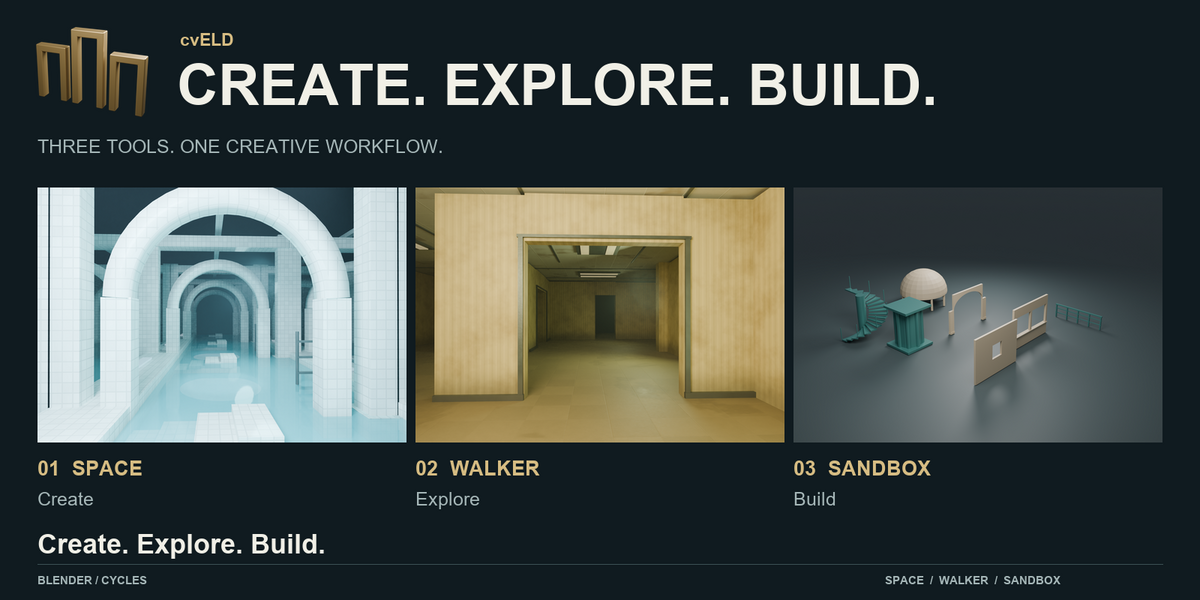
cvELD Liminal Forge — Space, Walker & Sandbox (3-in-1)
 Color Variations of Eldorado - cvELD -

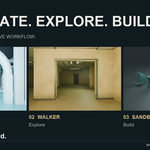
Installation
Extract the downloaded collection ZIP. It contains Liminal Forge, Liminal Walker and Liminal Sandbox as separate product ZIPs. In Blender, open Edit → Preferences → Add-ons → Install from Disk. Install each product ZIP without extracting it and enable it. The outer collection ZIP cannot be installed directly.
All three included add-ons support Blender 4.5 or later. Screenshots and films were captured on Windows in Blender 5.2.2 LTS.
Make and explore your first world
- In Object Mode, open the 3D Viewport sidebar with N.
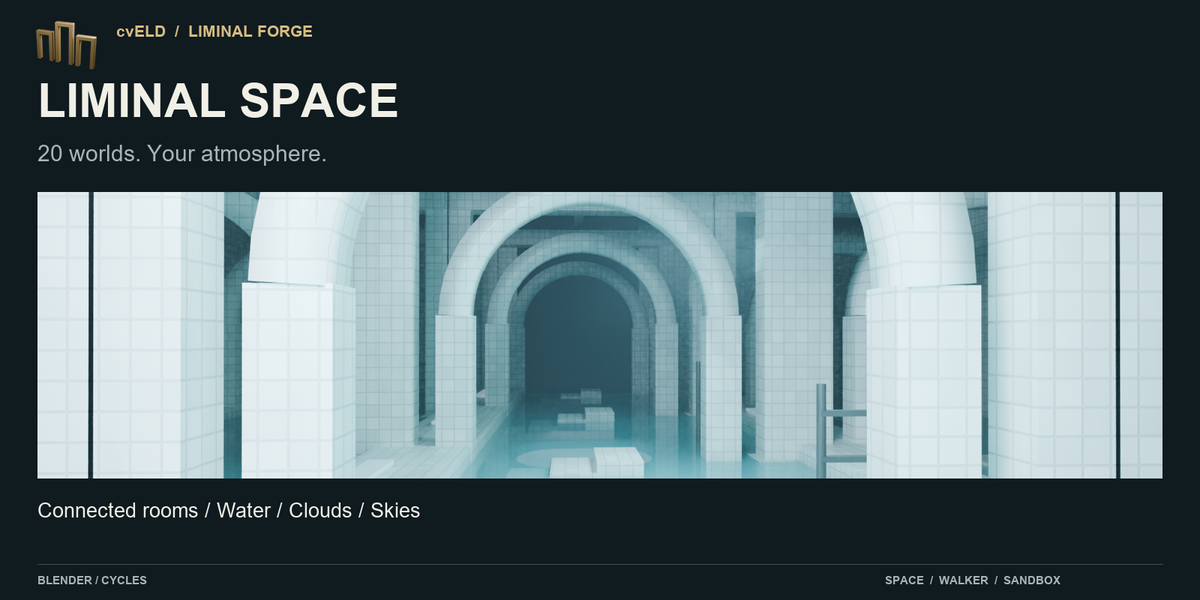
- Under cvELD Liminal Forge → Liminal Space, select an environment and press Create a World.
- Adjust the connected layout, water, clouds, sky, lighting and materials.
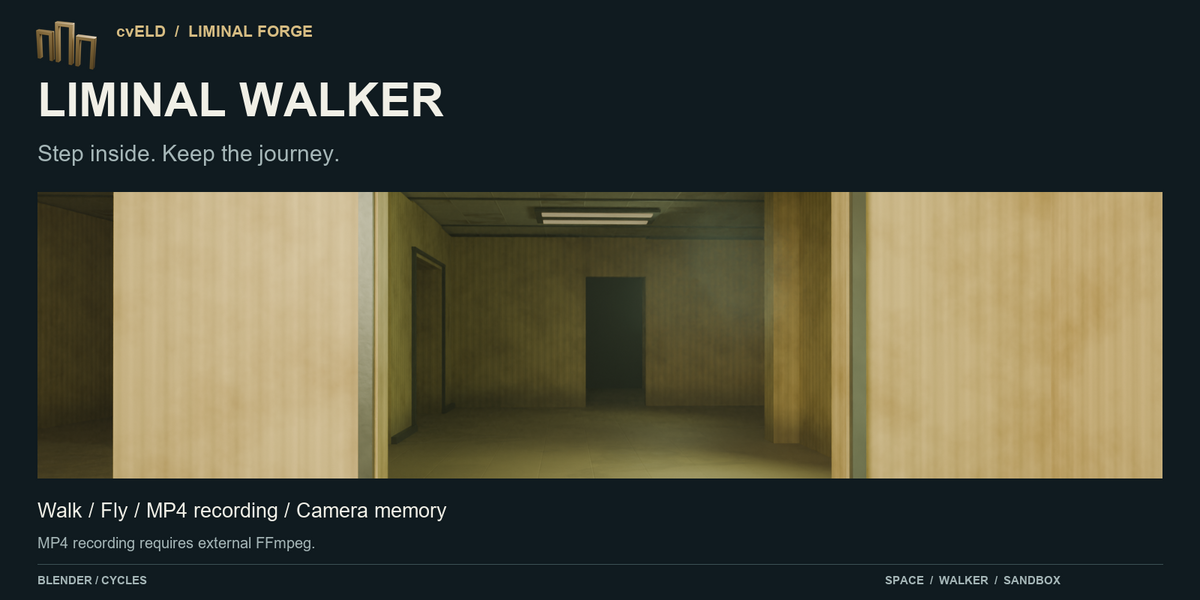
- Open the Liminal Walker panel in the same sidebar tab and press Walk mode. Look with the mouse and move with WASD. Space jumps, Shift sprints and Ctrl crouches. H toggles flying. Esc exits exploration.
Record and customize
Walker 0.6.7 fixes the grid pattern in Blender 4.5 recordings. Exit exploration before updating. The current collection includes Forge 1.6.1, Walker 0.6.7 and Sandbox 0.3.0.
Use the Walker Recording panel to capture MP4; an external FFmpeg executable is required. Camera memory records editable camera animation for later rendering. Set a start flag to return to a specific entrance. Shortcuts can be customized in Preferences and the sidebar.
Troubleshooting
If exploration cannot start, check the Exploration panel for its specific message, use a 3D Viewport in Object Mode and verify the start point is above a solid floor. Exit with Esc before editing the scene. Re-entering exploration rebuilds collision for changed geometry. Water is not a walking floor.
If MP4 encoding fails, verify the FFmpeg executable and a writable output folder. Large scenes, water and volume clouds can slow previews; reduce complexity or use the final rendering workflow.
Build with Sandbox
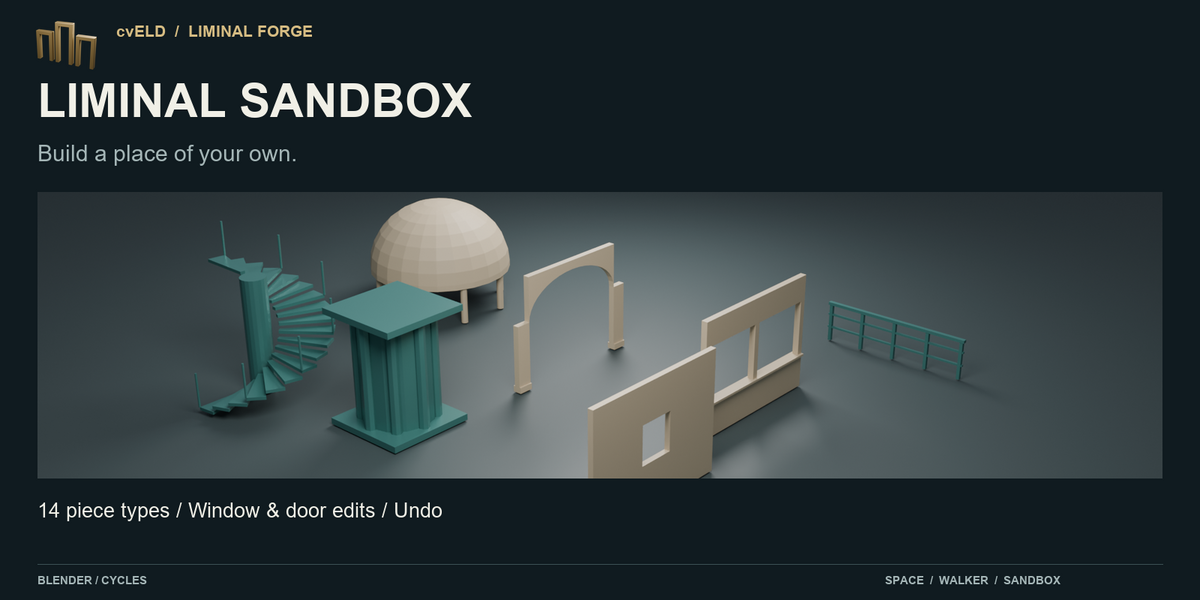
Start play in Liminal Sandbox, choose a piece from Building library and click to place. G edits built pieces. Esc exits; switch to Walker to explore or record.
Liminal Sandbox English manual
Illustrated guides
Liminal Forge full English manual
Liminal Walker full English manual
Code: GPL-3.0-or-later. External assets retain their own terms. Building and destruction are included through Liminal Sandbox. Exit exploration before switching add-ons.
Have questions about this product?
Login to message
| Published | 1 day ago |
| Blender Version | 4.5 - 5.2 |
| Extension Type | Add-on |
| Render Engine Used | Eevee |
| License | GPL |
Discover more products like this
geometry nodes environment clouds Generator liminal backrooms recording exploration walkthrough Water