Cyber City Generator
 Blender Procedural

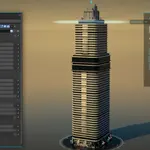

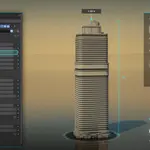
Quick start: one tower
- Unzip the download and keep the folder structure. The .blend files find their textures through relative paths.
- Open
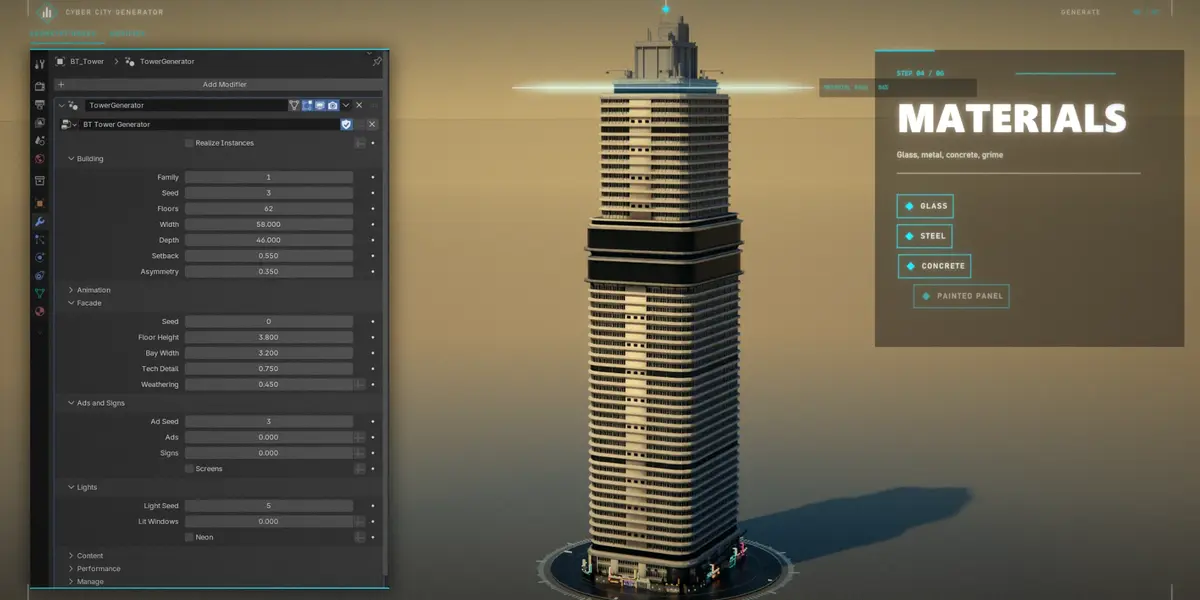
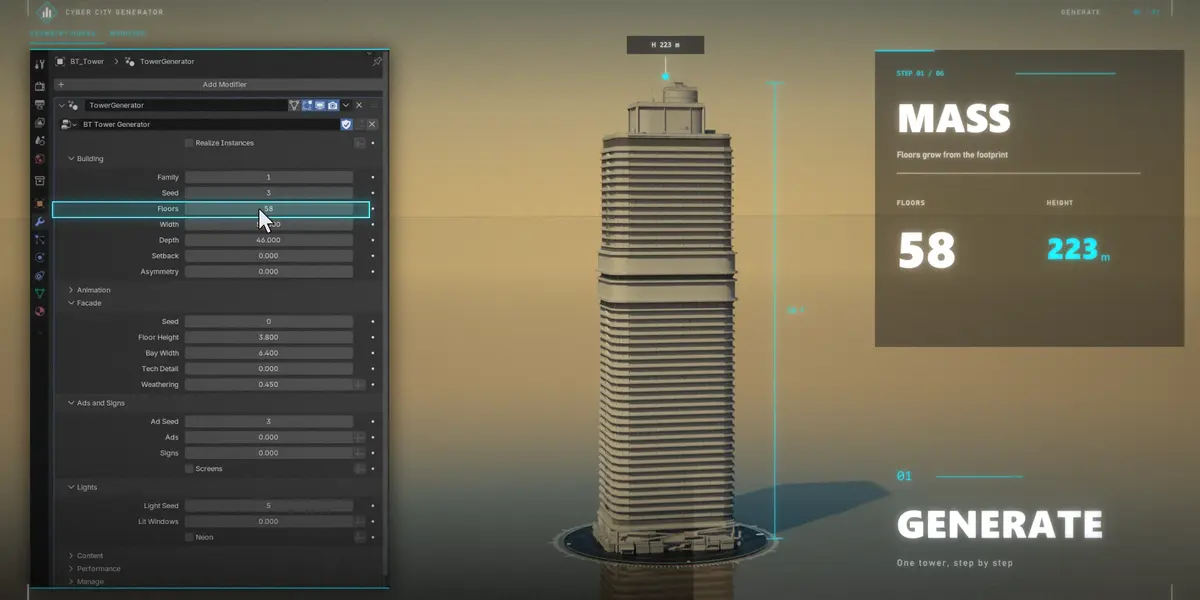
CyberCityGenerator.blend, select Cyber Tower and open Properties > Modifiers > TowerGenerator. - Change the inputs. The tower rebuilds live.
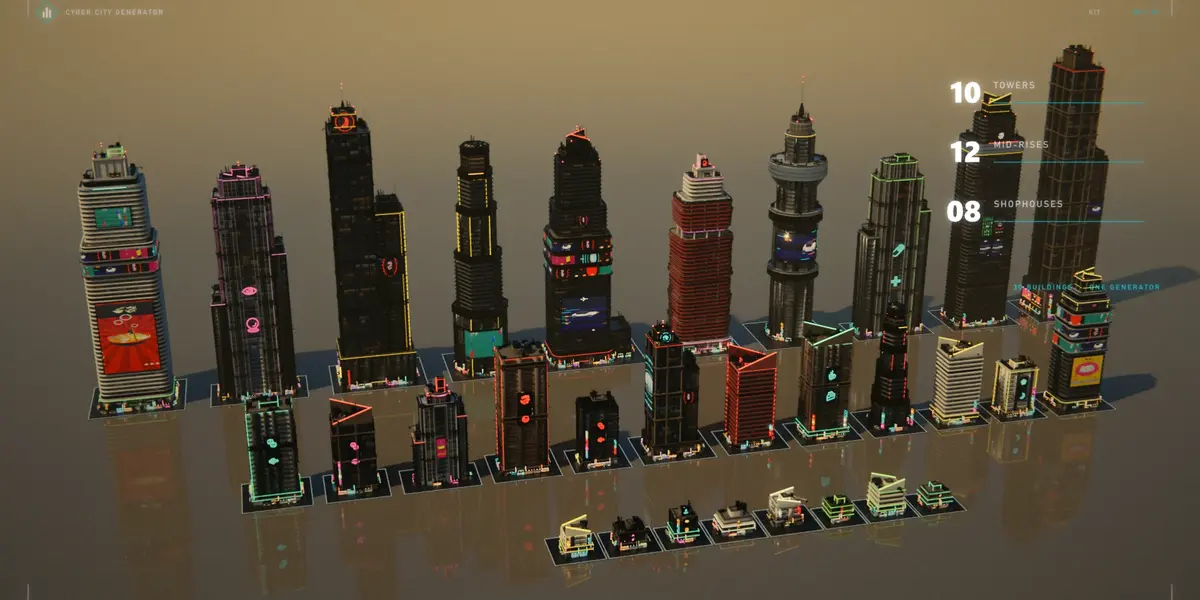
To add a tower to any scene, add a mesh and choose Add Modifier > Cyber City > BT Tower Generator. The tower grows from the object's origin.
To use the modifier in other files, add the folder as an asset library (Preferences > File Paths > Asset Libraries) or append the node group BT Tower Generator.
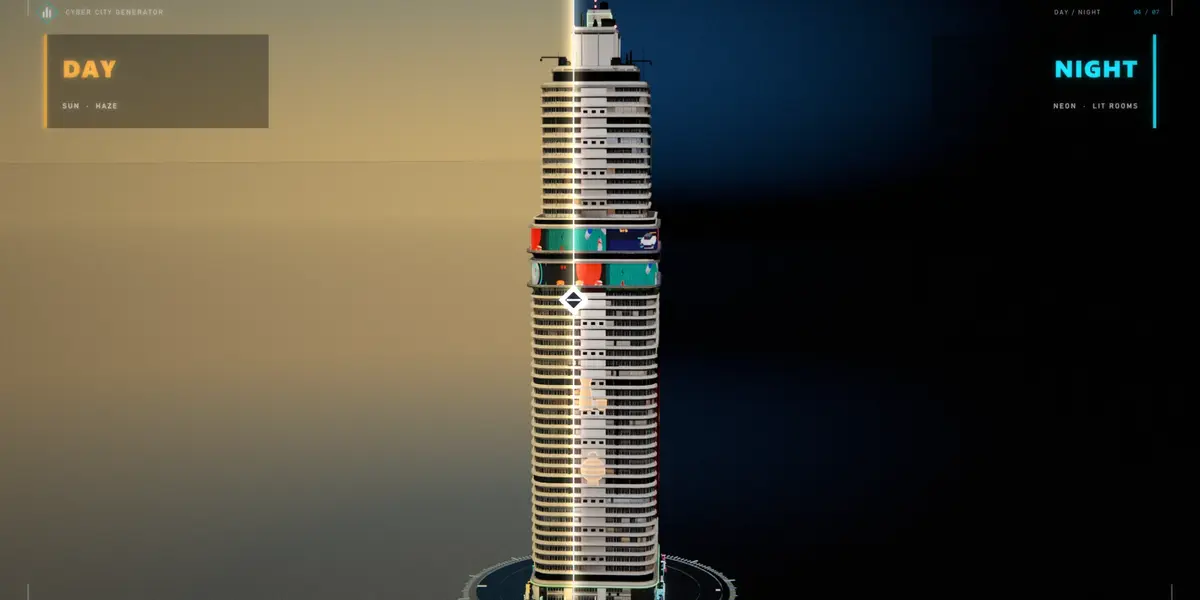
When Blender asks about Python scripts, click Allow Execution to get the Night Towers sidebar tab. It has day/night preview, presets and the ad image loader. The generator itself works without it.
Inputs
-
Building:
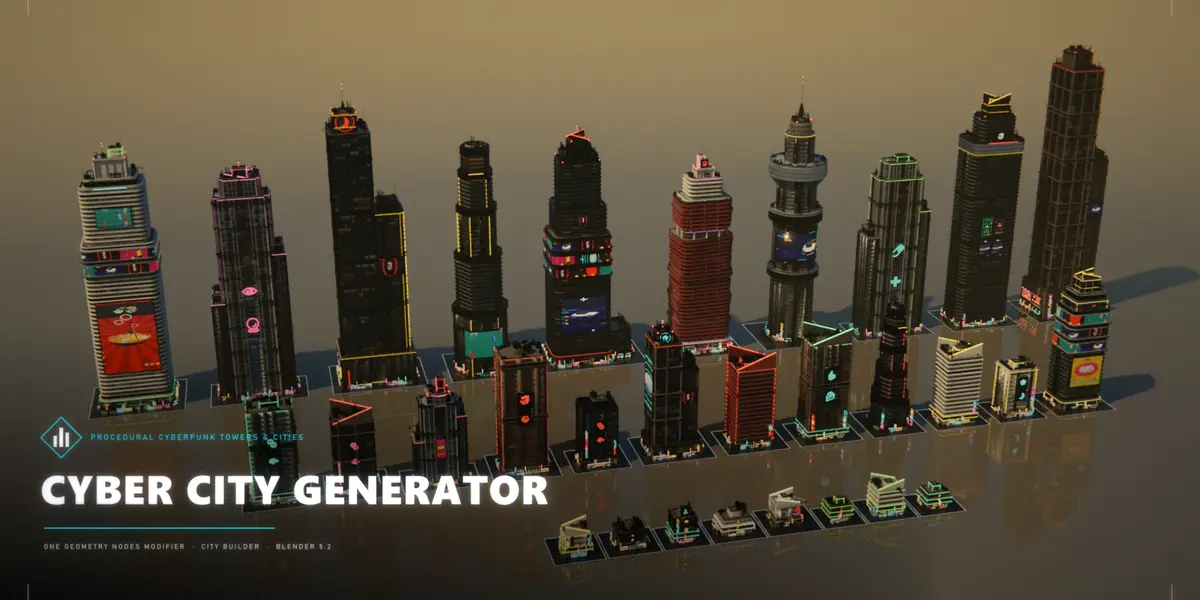
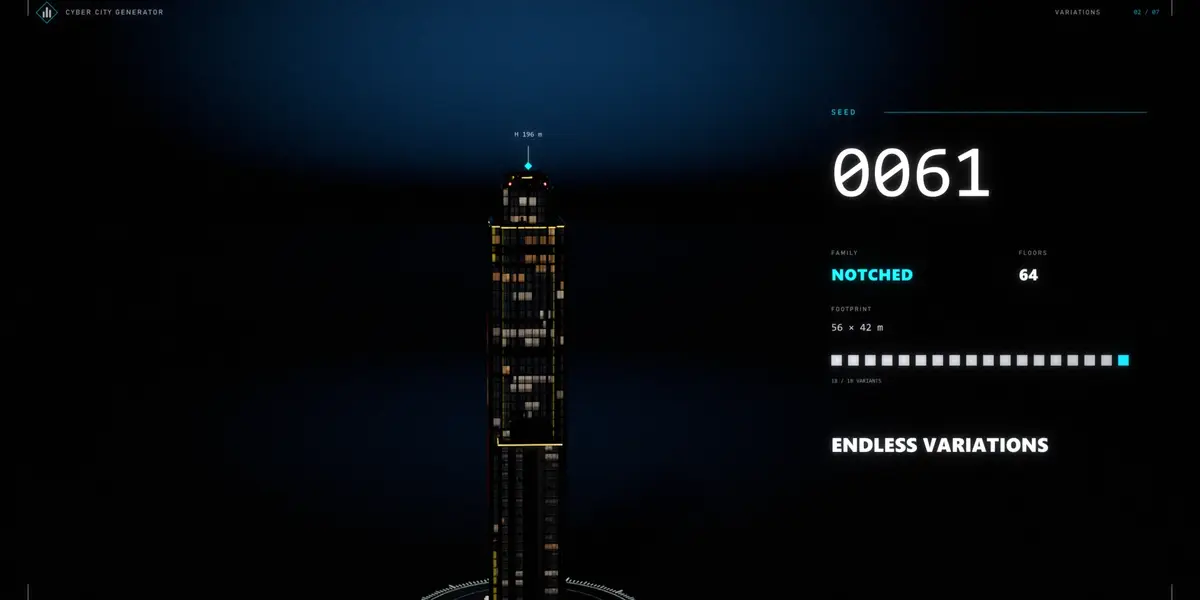
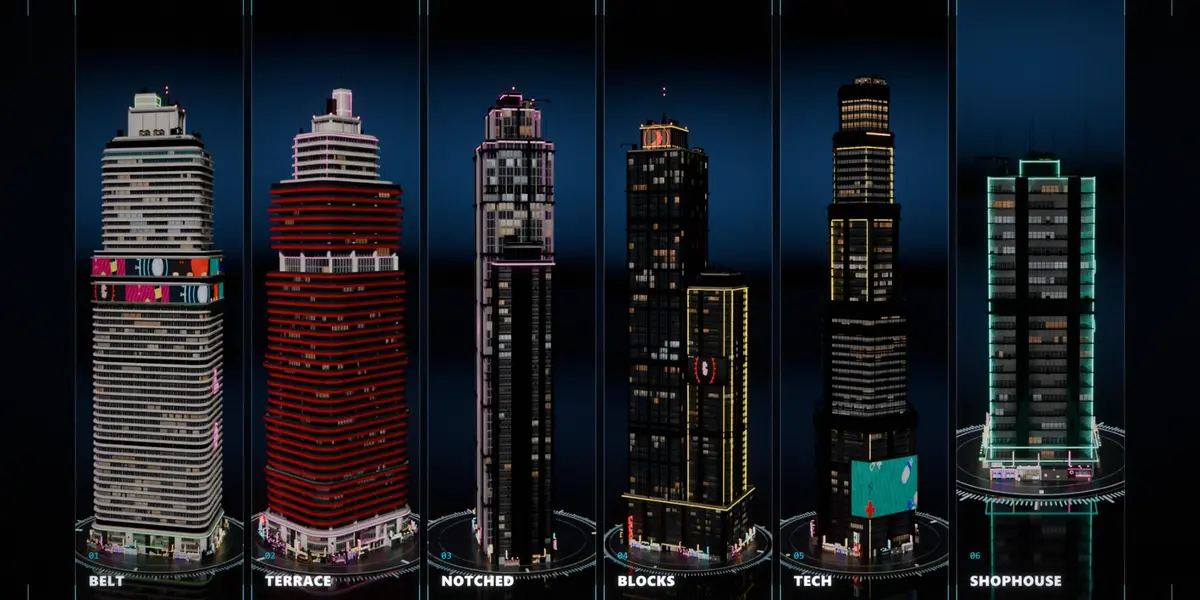
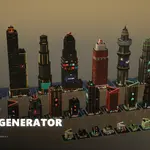
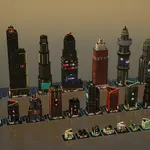
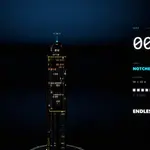
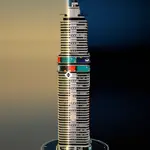
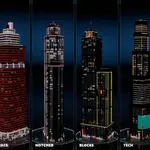
- Family: 1 Belt, 2 Terrace, 3 Notched, 4 Blocks, 5 Tech, 6 Shophouse, or 0 to pick one from the seed.
- Seed, Floors, Width, Depth, Setback, Asymmetry.
- Facade: Facade Seed (re-rolls zoning, materials and modules only), Floor Height, Bay Width, Tech Detail and Weathering.
-
Ads and Signs:
- Ad Seed: re-rolls screen images and sign pictograms only.
- Ads and Signs: densities.
- Screens: on or off.
- Lights: Light Seed (re-rolls lit rooms and neon colours only), Lit Windows and Neon.
- Animation: Animate, Speed, Elevators, Drones, Sky Traffic, Ad Tower and Crown Ticker.
-
Content:
- Ads Portrait and Ads Landscape: your own screen images.
- HVAC, Service and Antenna kits: your own roof parts.
- Leave them empty to use the built-in kit.
- Performance: LOD Camera and LOD Distance (small parts drop beyond this distance), and Realize Instances.
Building a city
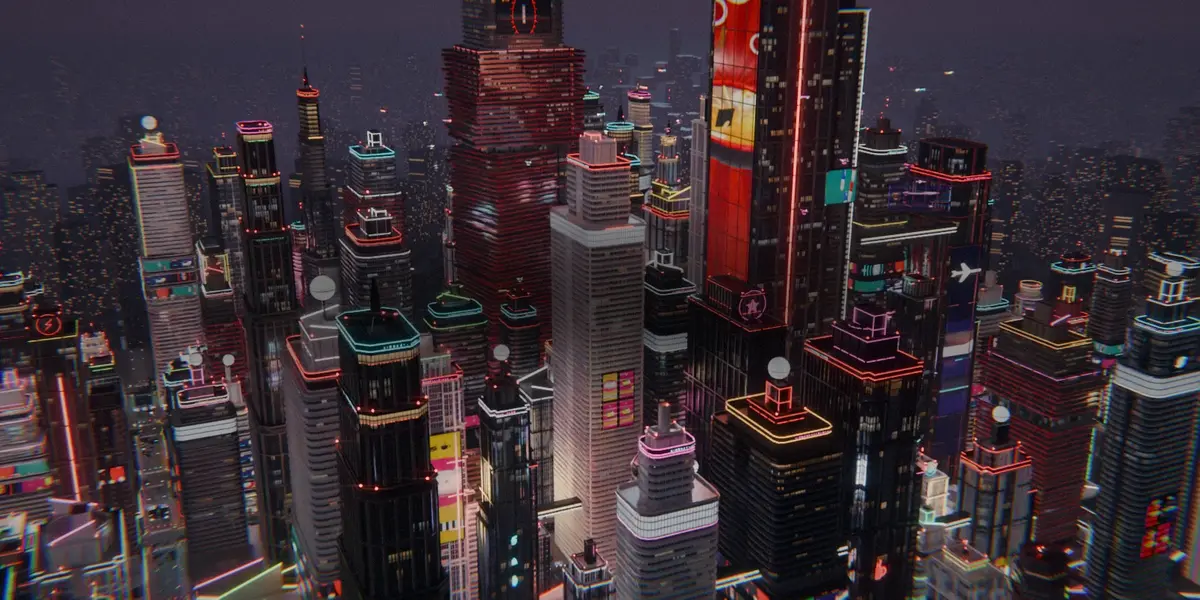
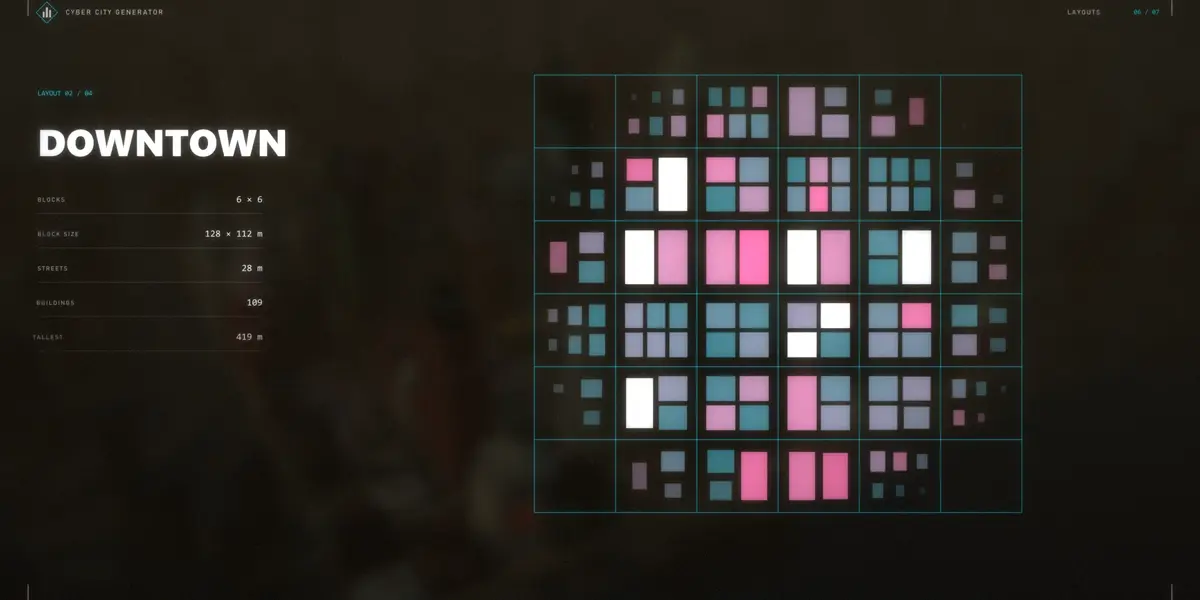
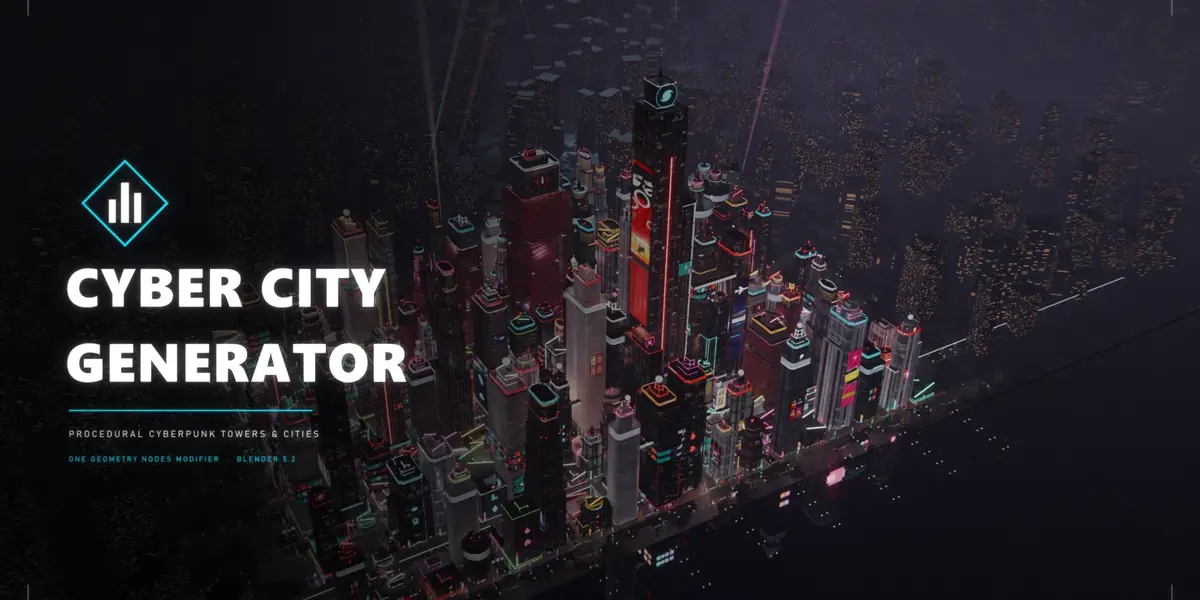
Open CyberCity_Demo.blend for a ready-made city. To build a new one, run this in a terminal in the product folder:
blender -b --python build_city.py -- --layout grid --save MyCity.blend
-
Layouts:
-
grid: 9 x 7 blocks -
downtown: 6 x 6 big blocks -
strip: 13 x 3 boulevard -
megablock: 5 x 4 huge blocks
-
-
Custom grid:
--nx --ny --bx --by --street. Add--seedfor a different city. - A city builds in about a minute. Every building stays a live modifier.
Rendering tips
- Night: Cycles, 32 to 128 samples with the denoiser, AgX Medium High Contrast. Bloom comes from the compositor.
- Full-city aerials: set LOD Distance to about 400 m and LOD Camera on the towers. The scene then fits in 8 GB of GPU memory.
- Your own ads: use 9:16 images for portrait screens and 16:9 or 3:2 for landscape screens.
 Included
Includes 12 months of
- Support from Blender Procedural
- Product updates
Extend this product’s Support Period +12 months: 50% of product price
Have questions before purchasing?
Login to message
Includes an Asset Library
23 drag-and-drop assets for Blender’s Asset Browser.
Browse included assets| Published | about 9 hours ago |
| Blender Version | 5.2 |
| Render Engine Used | Cycles, Eevee |
| License | GPL |
Discover more products like this
sci fi modifier cyberpunk buildings city generator neon geometry nodes building generator procedural city urban skyscraper