Cyber City Generator
 Blender Procedural
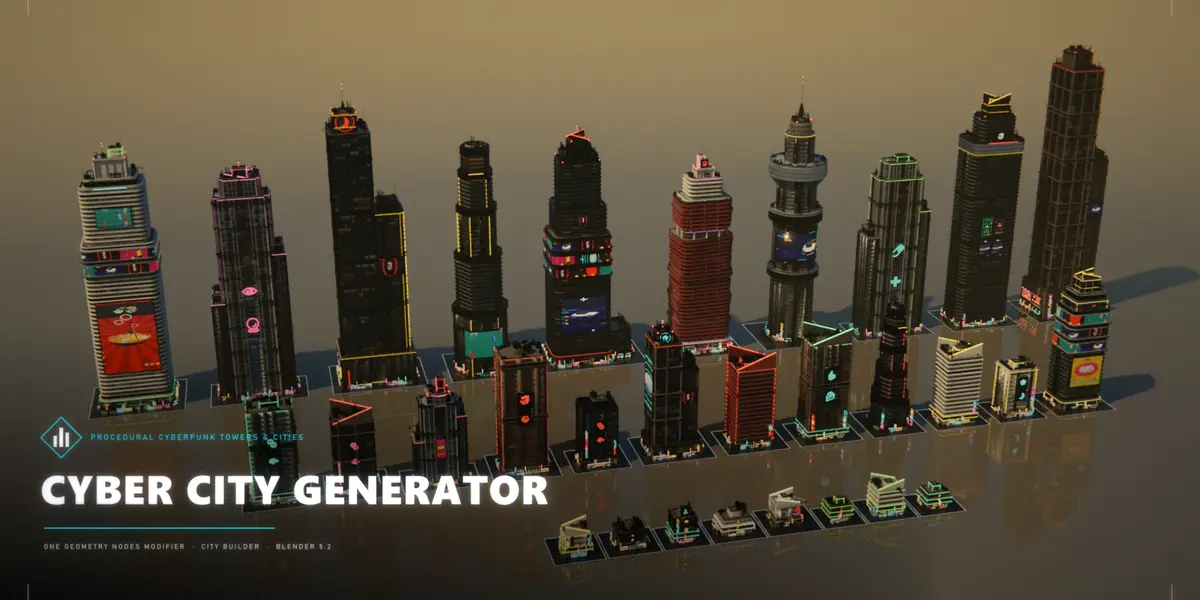
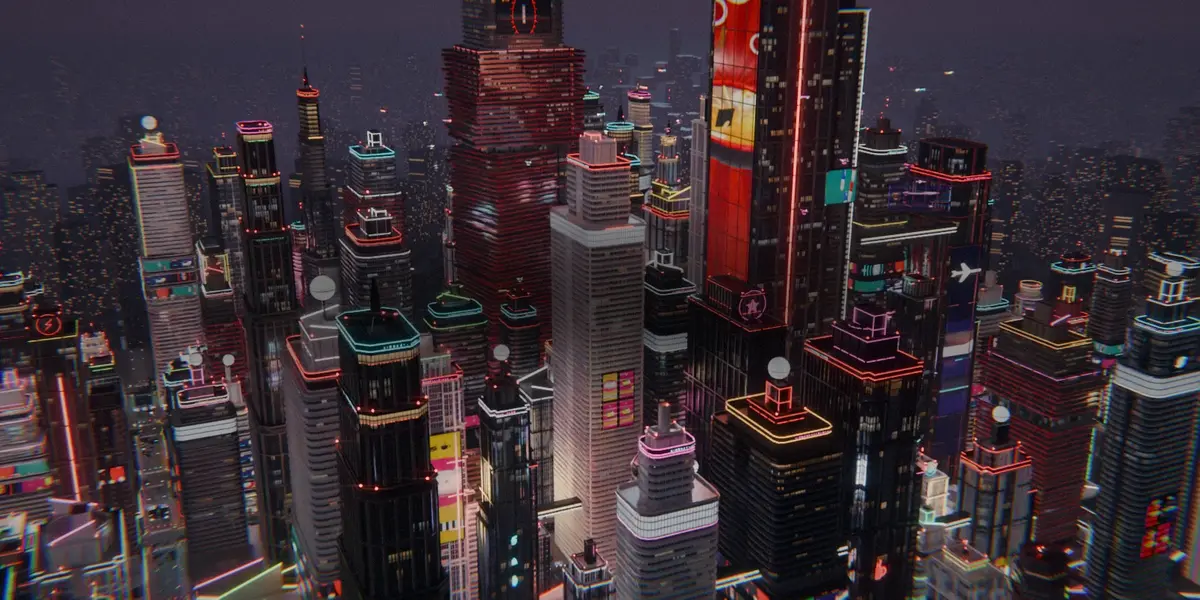
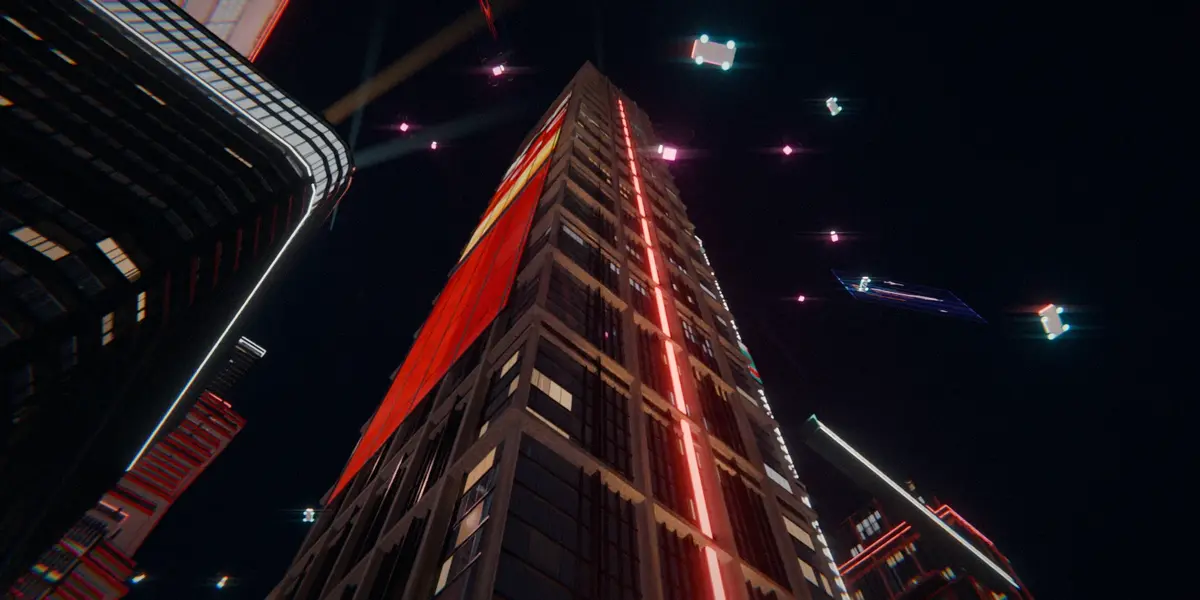
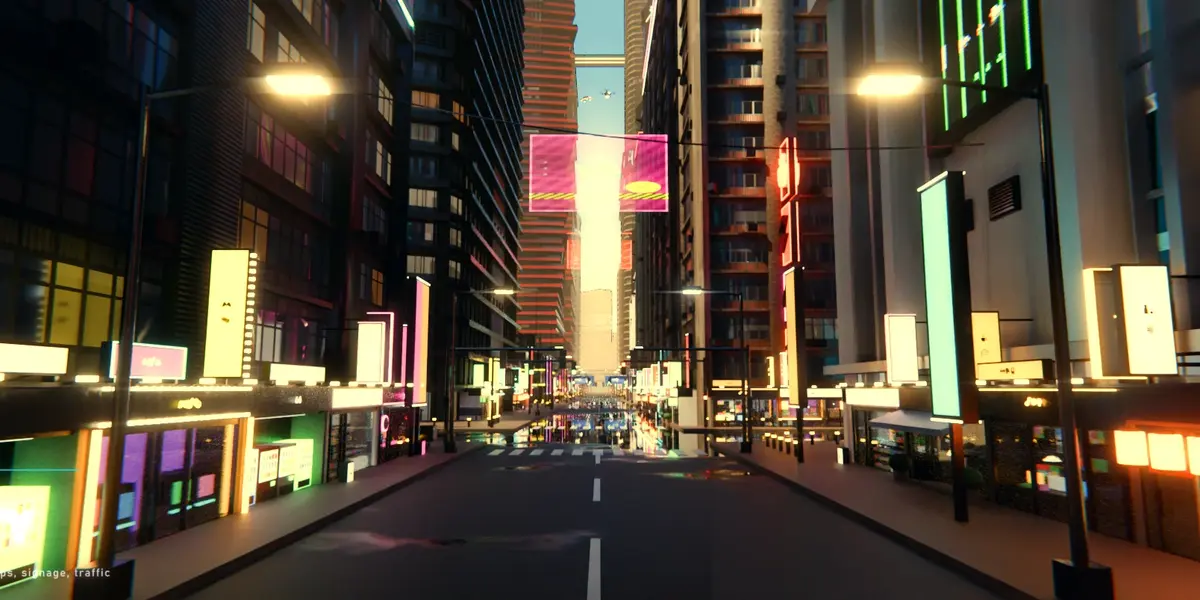
Does it work on macOS and Linux?
The generator is Geometry Nodes plus Python, with nothing platform-specific, but it was built and tested on Windows. The sign pictograms use the system symbol font, Segoe UI Symbol on Windows. On macOS or Linux, point the font in the .blend to Apple Symbols or Noto Sans Symbols 2 once, using File > External Data > Find Missing Files, or put a .ttf in a 'fonts' folder next to the scripts.
Can I use my own ad images and roof parts?
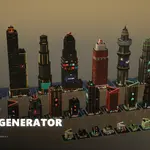
Yes. In the 3D View sidebar, open Night Towers > Load ad images. Use 9:16 images for portrait screens and 16:9 or 3:2 for landscape screens; they keep their proportions and never stretch. You can also plug your own collections into the modifier's Content inputs: Ads Portrait, Ads Landscape, and the HVAC, Service and Antenna kits.
My full-city render runs out of GPU memory. What can I do?
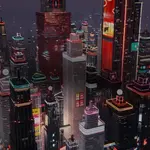
On the towers, set LOD Distance to about 400 m and set LOD Camera to your camera. Distant buildings then drop their small parts. With these settings a full aerial of the demo city renders at 1080p on an 8 GB GPU. You can also lower the samples or render on the CPU.
Is there any text or branding on the signs? Can I use the renders commercially?
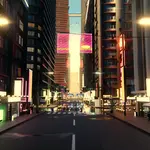
There is no lettering anywhere: signs, neon, shops and screens use pictograms only, and no real brands appear. Your renders are yours to use, including commercially. The textures are CC0 and the scripts are GPL.
Which Blender version do I need?
Blender 5.2 or newer. The generator was built and tested on Blender 5.2 LTS, and older versions are not supported.
 Included
Includes 12 months of
- Support from Blender Procedural
- Product updates
Extend this product’s Support Period +12 months: 50% of product price
Have questions before purchasing?
Login to message
Includes an Asset Library
23 drag-and-drop assets for Blender’s Asset Browser.
Browse included assets| Published | about 9 hours ago |
| Blender Version | 5.2 |
| Render Engine Used | Cycles, Eevee |
| License | GPL |
Discover more products like this
procedural geometry nodes modifier building generator skyscraper cyberpunk city generator urban neon buildings sci fi city