 Andrew_D
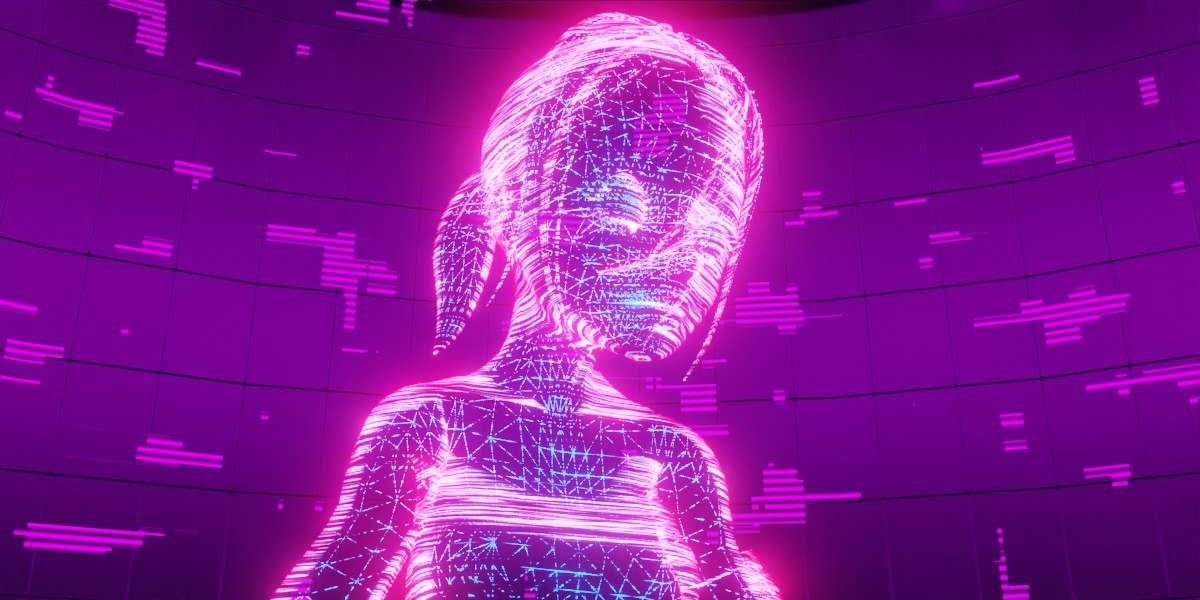
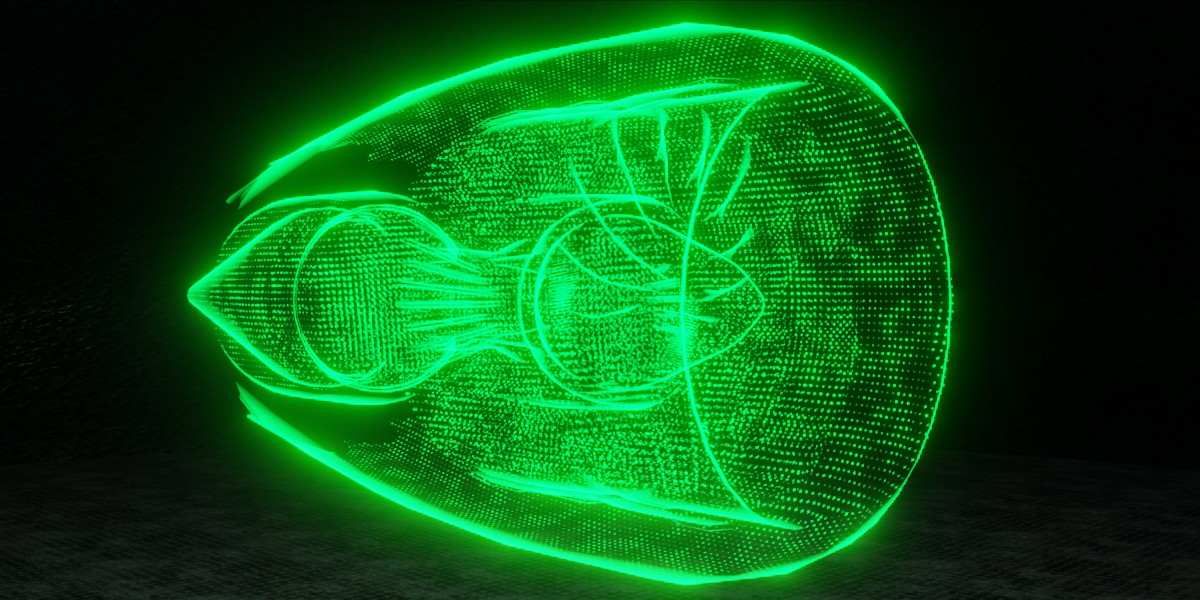

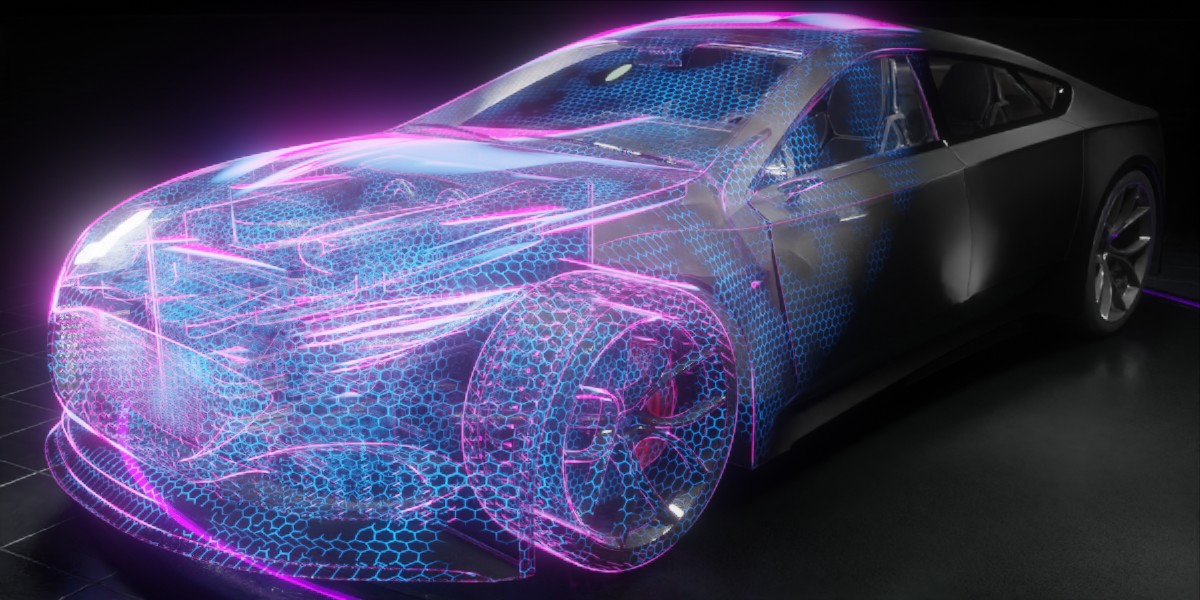

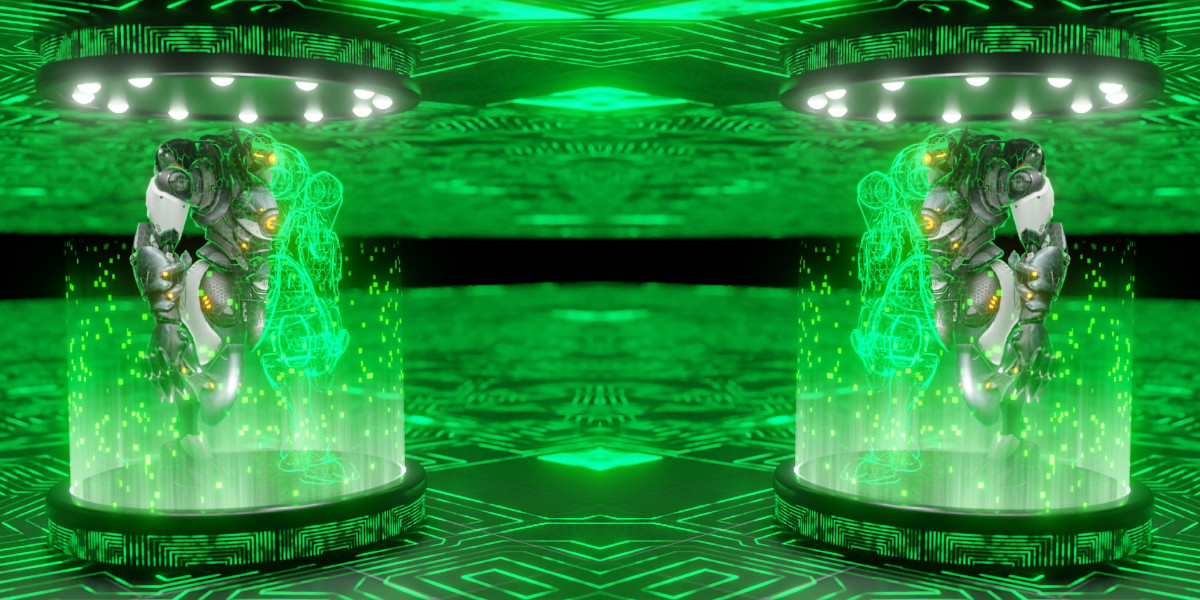

What is Cyber Holograms
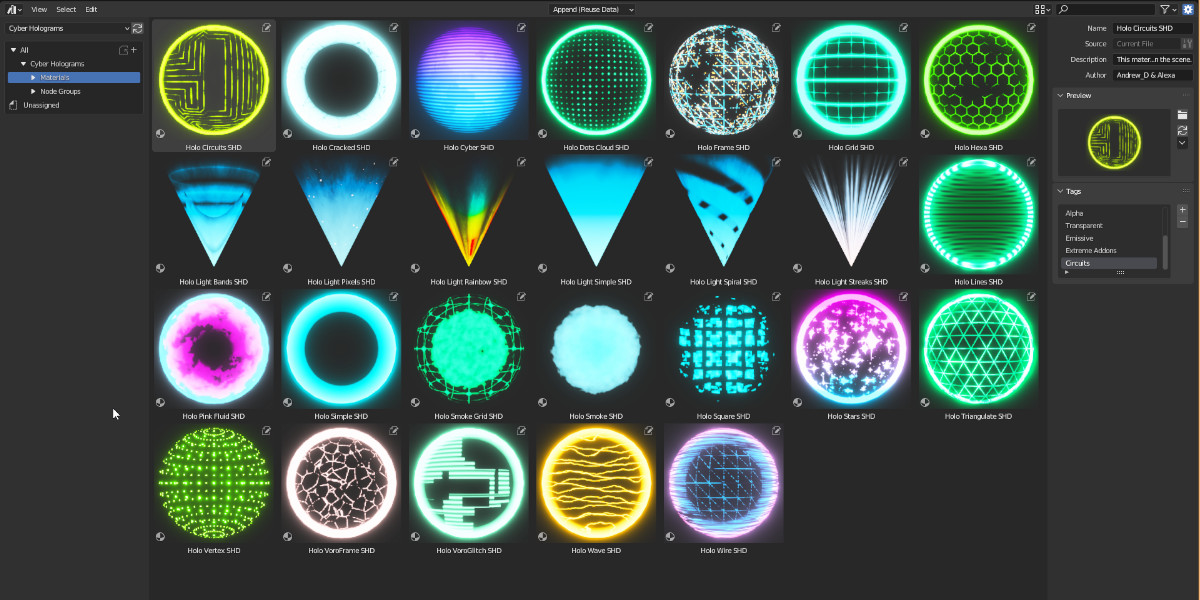
Cyber Holograms is a pack of Holographic materials available in 2 versions, One version for Extreme PBR Nexus, and one version for Asset Browser included in the same package
All materials are procedural, animatable, and work perfectly on Eevee and Cycles
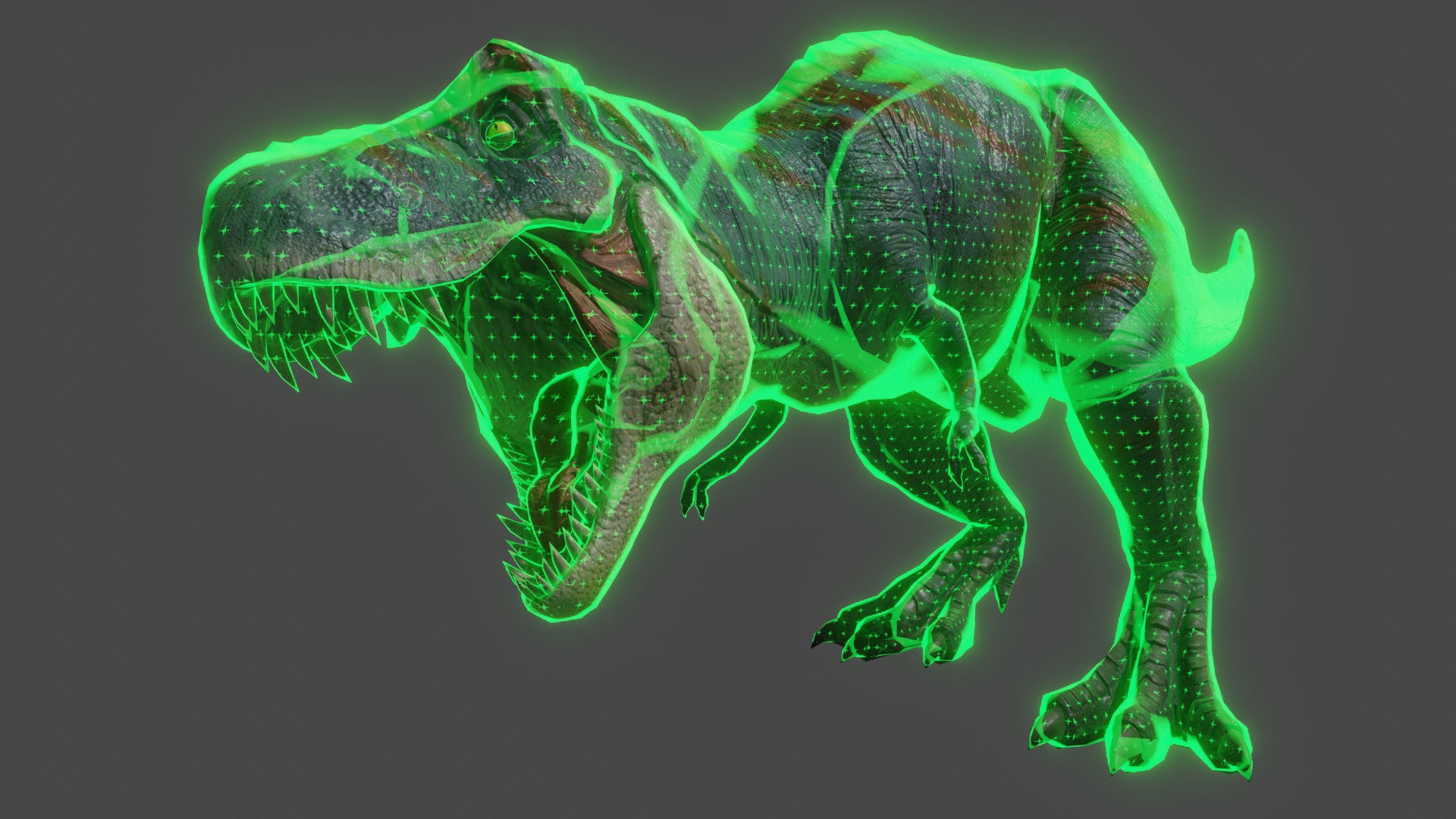
Turn your models into holograms
The dinosaur model shown in the video already has a material applied: Cyber Holograms can be applied to any object that already contains a material, overlaying or blending with the existing material to produce the visual effect you see in this video — procedural, animatable and compatible with Eevee and Cycles.
Randalierender T- Rex (Modified) — From: https://sketchfab.com/3d-models/randalierender-t-rex-38dcdd25024c41fb9f33cd1d5b9e623b — License: CC BY 4.0
Cyber Holograms Materials
All materials are procedurally animable and editable, They have been made to work well in both Eevee and Cycles!

Gradient animations
All materials in the Asset Browser version are also supplied with a gradient to perform an animation of sliding mixed material
If you use Cyber Holograms in Extreme PBR Nexus, this will be much easier:
Asset Browser Ready
All the materials are ready also in the version for Blender Asset Browser. Complete with tags and categories

Extreme PBR Nexus Expansion pack included
This is very convenient for Extreme PBR Nexus owners (Version 4.0.200 and up). All materials are well organized in the Extreme PBR panel, they are easily editable thanks to a special handmade design of each layout.
Extreme PBR Nexus (Addon), is not included, but you can find it here: Extreme PBR Nexus (Link)

Main difference between "Asset Browser" Version and "Extreme PBR Nexus" Expansion version
In Extreme PBR Nexus, you will not need to enter the Node Shader Editor to edit Holograms, Here is an example of the difference of a Material handled by Extreme PBR Nexus and Blender's Normal Shader editor:

Apply Cyber Holograms With Blender Asset Browser
This clip demonstrates applying Cyber Holograms via Blender's Asset Browser
Apply Hologram With Extreme PRB Nexus
Extreme PBR Nexus is sold separately. You can find it here: Extreme PBR Nexus
Example with Shader Overlay into Extreme PBR Nexus Addon
In this example, I apply the Holographic material, via the Extreme PBR Nexus addon (Not included in Cyber Holograms)
Then you can mix the Base material, with the hologram you applied
Six hologram projector lights
Included in the package are 6 different types of hologram light beams to simulate a projector. You can easily apply them to Cones or Cylinders objects to have the "Cone of Light" effect

Check out my top products
 |  |
 |  |