 JRB
JRB
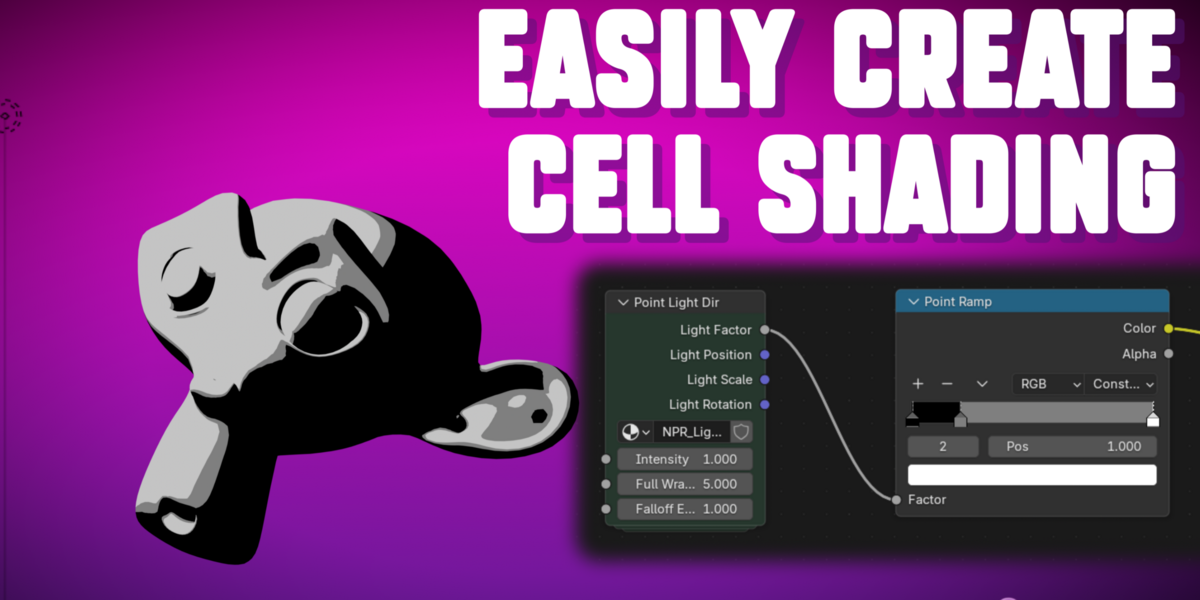
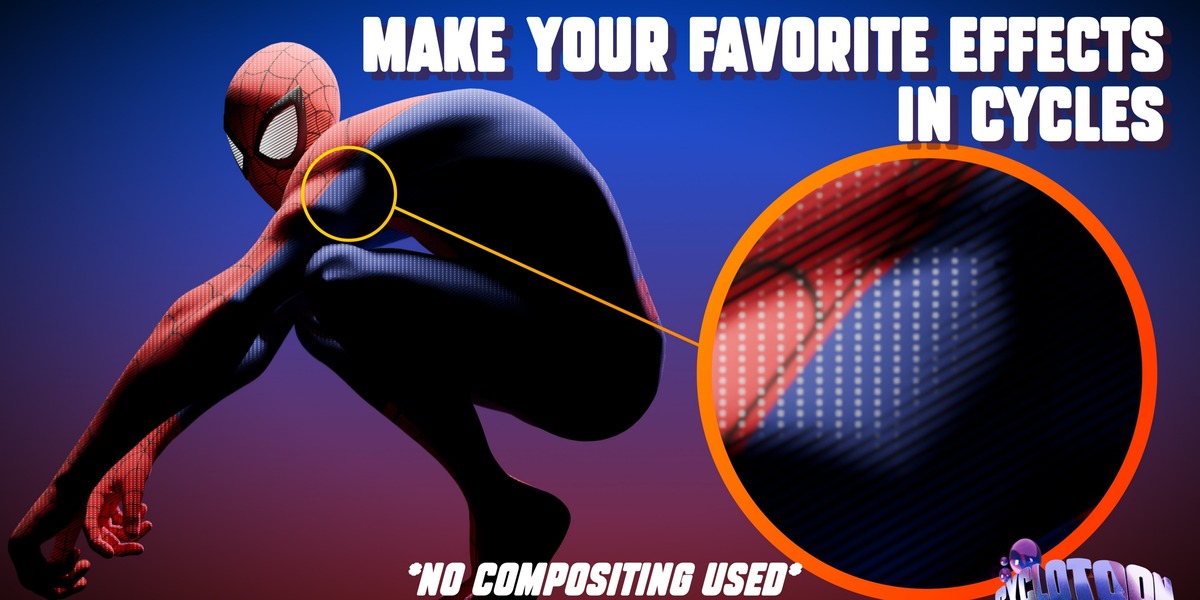
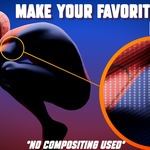
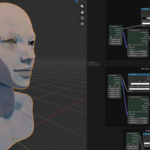
Shader To RGB .. Now for Cycles
Why I made CycloToon?
If you've ever tried to build NPR Toon Shading in Cycles, you've hit this wall: there's no clean way to turn incoming lights into a usable 0–1 mask the way Eevee's Shader to RGB node lets you inside the shader editor. So you either try to fake it, or give up on the render engine you actually wanted to use. CycloToon exists because I ran into that wall myself and got tired of working around it.
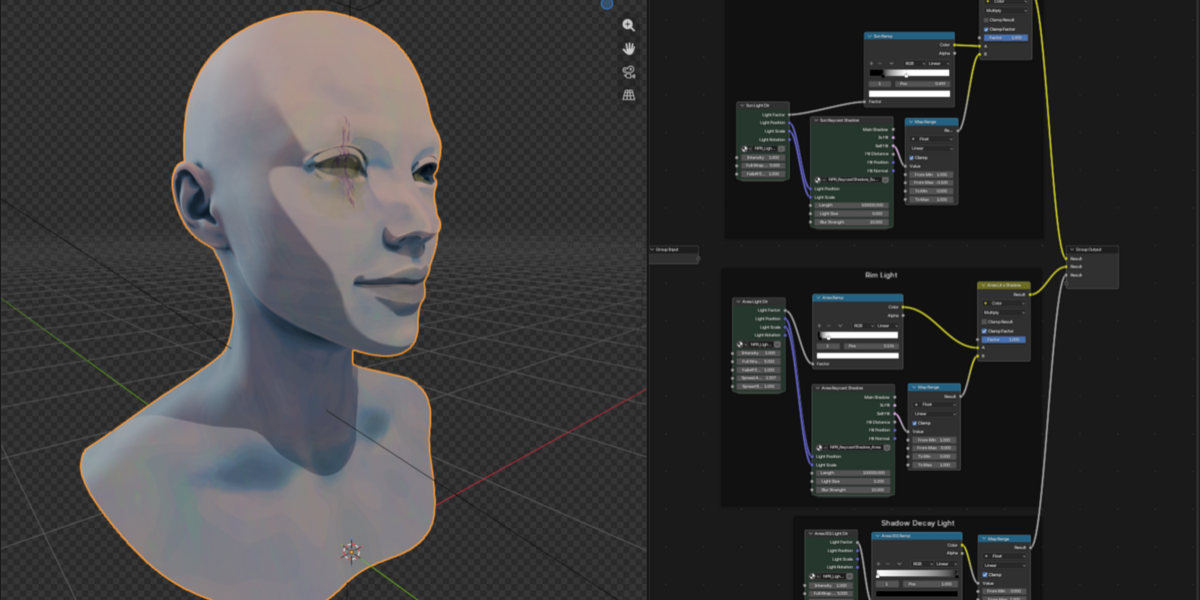
CycloToon builds that missing piece directly in the Shader Editor — a light mask driven by real light data, and real shadow rays, not an approximation layered on top. Point, Spot, Sun, and Area lights are all handled with dedicated logic built for how that specific light type actually behaves, so you're not fighting a one-size-fits-all formula.
How it Works
(for the non technical nerds)
1. In the Shader Editor, pick the light you want to build — or a whole collection of lights at once.
- Each light gets built out individually, to be used however you want.
- This is even a step up from Shader To RGB in one way: you decide what each light is doing, rather than Shader To RGB combining all your lights together by default.
2. Choose whether you want Raycast Shadows and automatic AOV outputs.
- Raycast Shadows are what give you Cast Shadows and Self Shadows.
- Underneath the hood, this uses the new Raycast node introduced in Blender 5.1+, with math that determines the direction light is arriving from to build accurate Cast shadows and Self Shadows come along for free.
- There's also a fix built in to reduce terminator-line artifacts on curved geometry, using the same approach Cycles itself uses internally to handle this. And yes, soft shadows are a thing too.
- tunable shadow edge softness, built from the same real light data driving everything else.
Its really that simple
I don't want to overcomplicate this addon. For most setups, that's the whole workflow, and you're right back to creating.
Not every light will match your expected result exactly out of the box, which is why a few tuning values are there for you to adjust.
The biggest one: Point and Spot lights don't use an adjustable Radius the way you might expect. Radius caused enough real-world inconsistency that instead, you adjust the light's physical Scale to get the same effect, something you can dial in by eye directly in the viewport, rather than hunting through sliders all day trying to get close however those sliders still exist for you to play with. This isn't a factor for Sun or Area lights.
I need your help..
Im a Solo Developer and I cant figure everything out on my own. I did a pretty good job getting it this far but there is still more to figure out.
If you've got access to this addon, come join my Discord. A lot of what's under the hood here is pure math, and there's still more I'd like to solve to get this matching 1:1 with any light (Sun light's already there). If you want to help push this closer to that, I'd genuinely love the company on that journey.
Link to the Discord is in the documentation. A more detailed breakdown of everything in the addon is there too.
