 SARASURRANO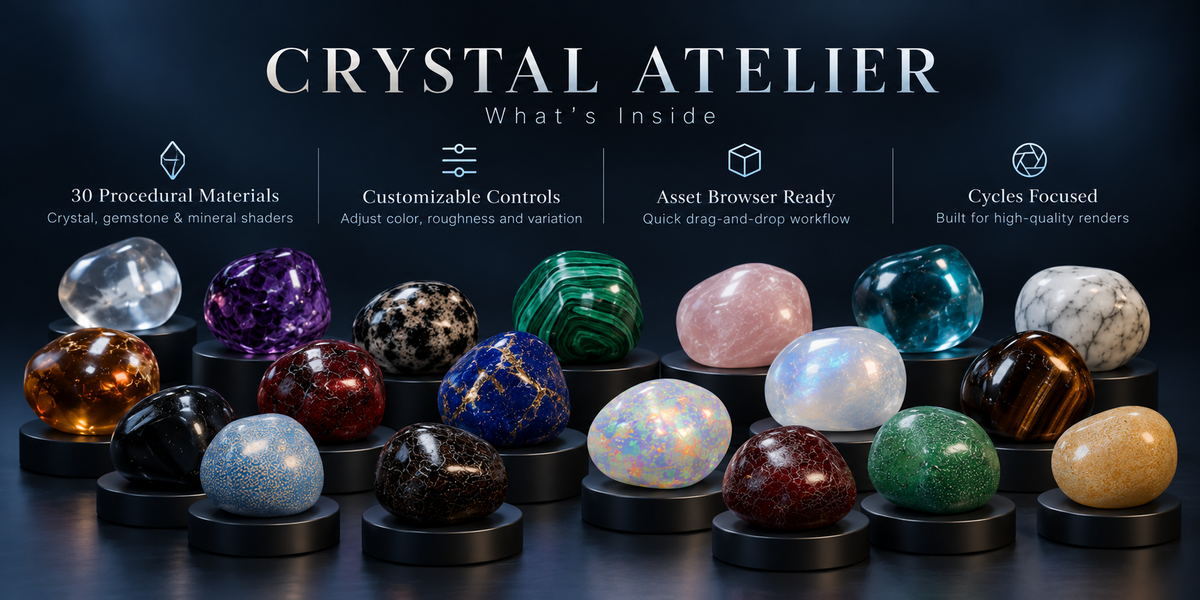
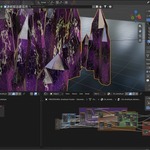
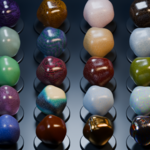
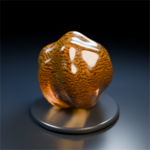
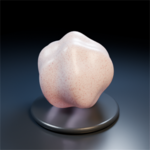
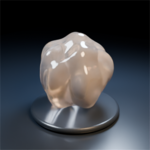
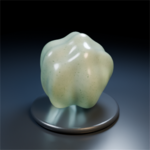
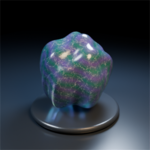
Crystal Atelier - 30 Procedural Crystal & Mineral Materials
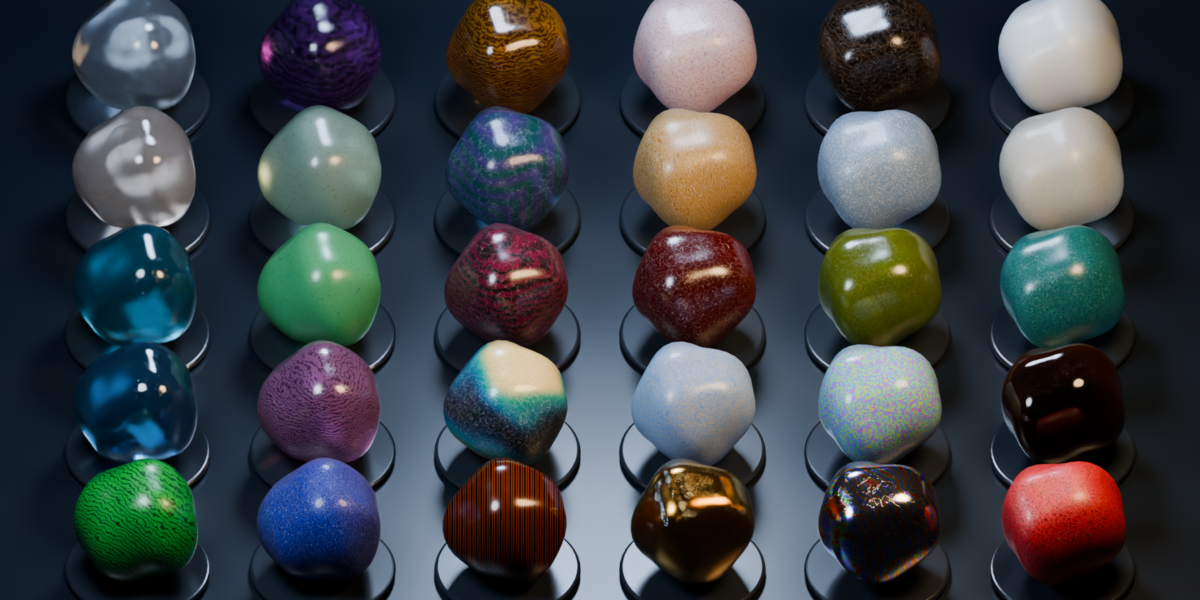
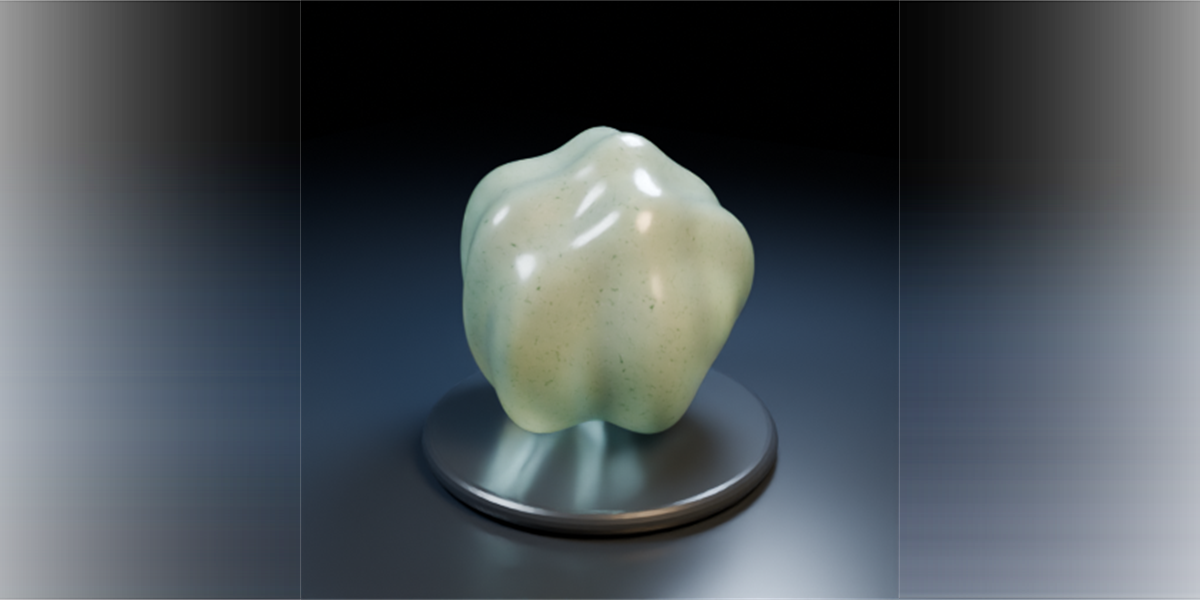
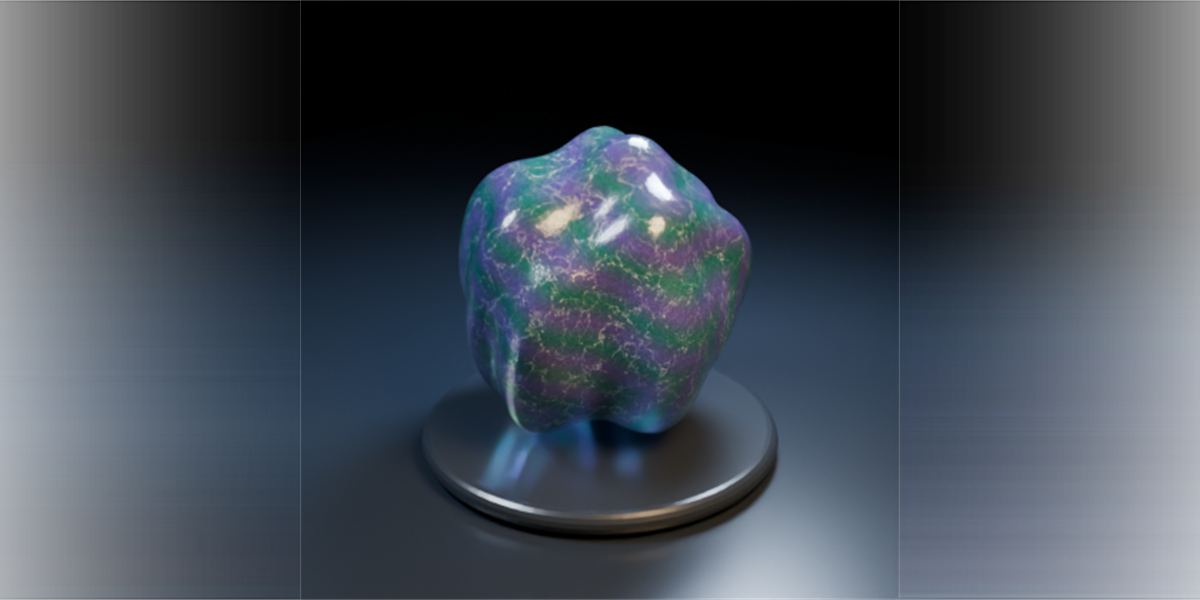
Bring the beauty and complexity of natural minerals into your Blender projects with Crystal Atelier — a premium collection of 30 customizable procedural materials crafted for detailed, high-quality Cycles rendering.
From translucent quartz and richly colored gemstones to iridescent minerals and polished stone surfaces, each material is designed to capture the distinctive visual characteristics of its real-world counterpart.
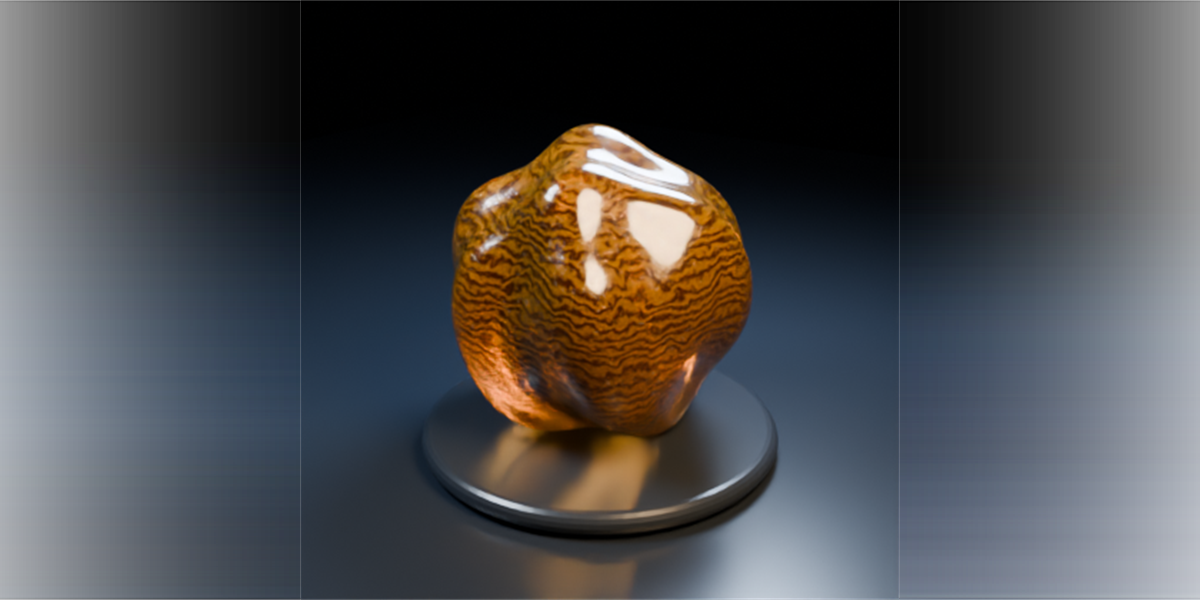
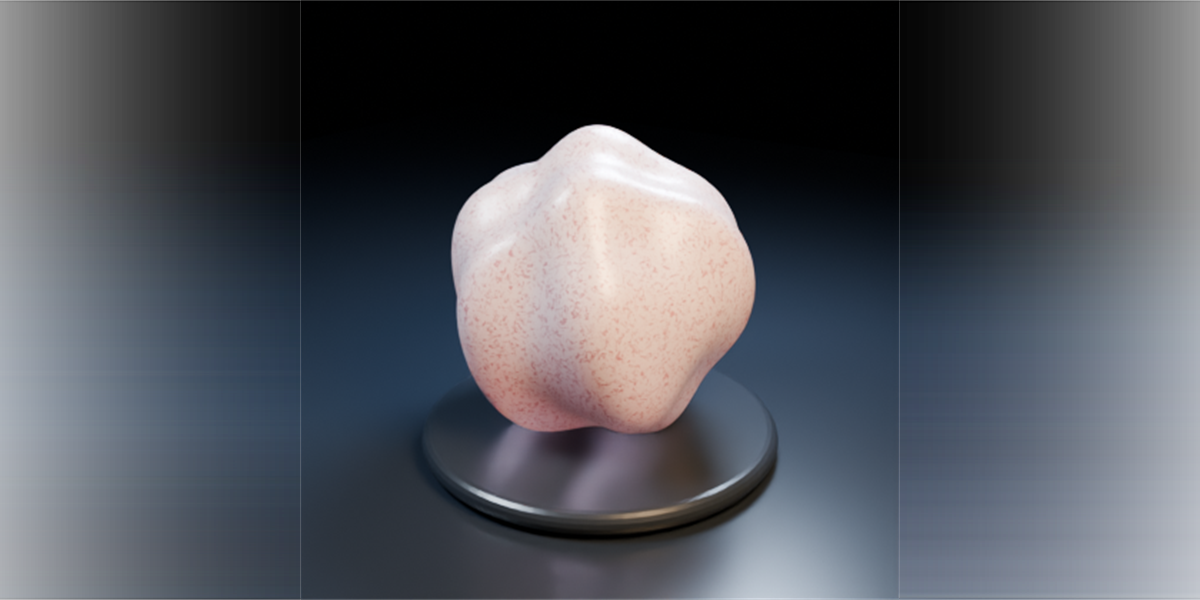
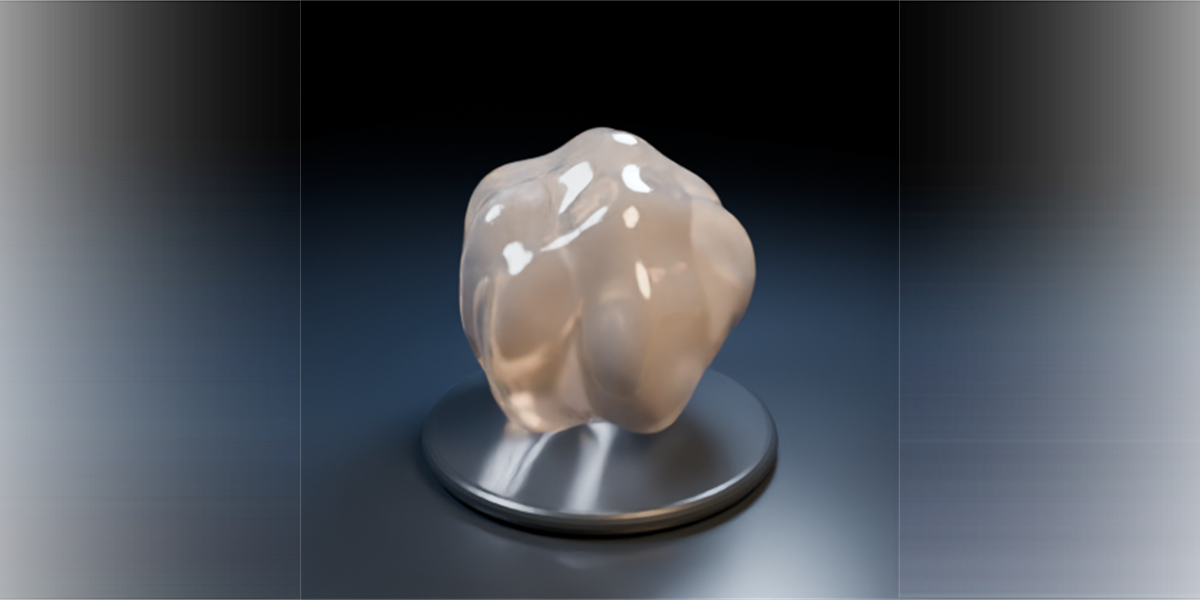
The collection includes amethyst, clear quartz, citrine, rose quartz, fluorite, emerald, aquamarine, opal, obsidian, malachite, lapis lazuli, tiger’s eye, pyrite, bismuth, ruby, and many more.
Explore mineral-inspired details such as internal color variations, crystalline inclusions, natural fractures, layered patterns, subtle surface imperfections, transparency, roughness variation, metallic finishes, and optical effects where appropriate.
KEY FEATURES
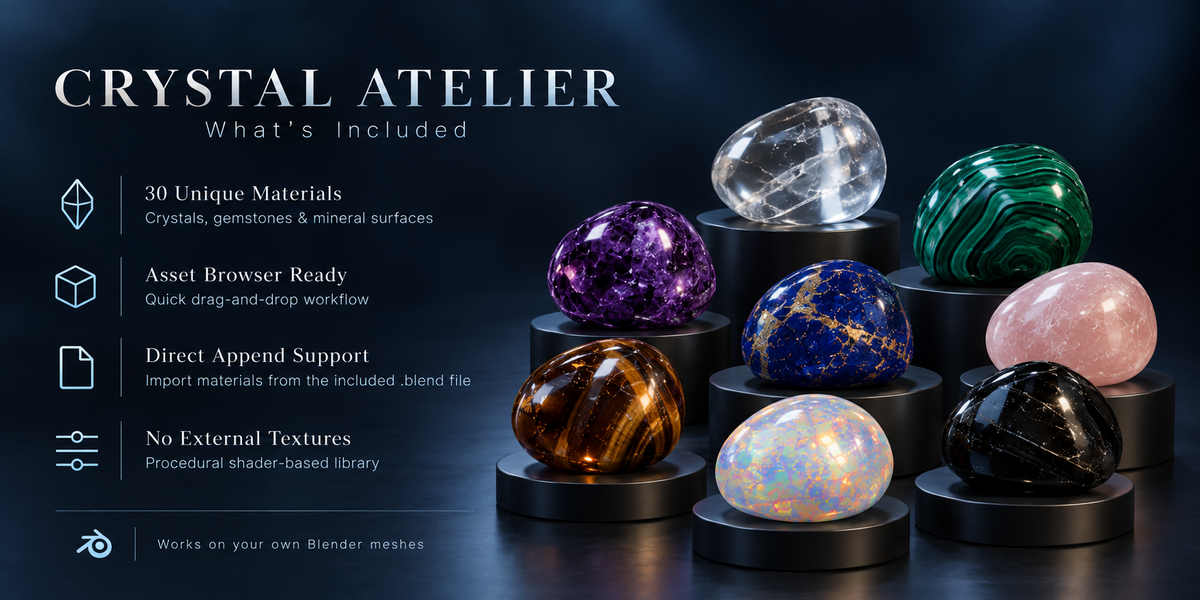
30 Unique Mineral Materials — A diverse collection of procedural crystal, gemstone, and mineral shaders.
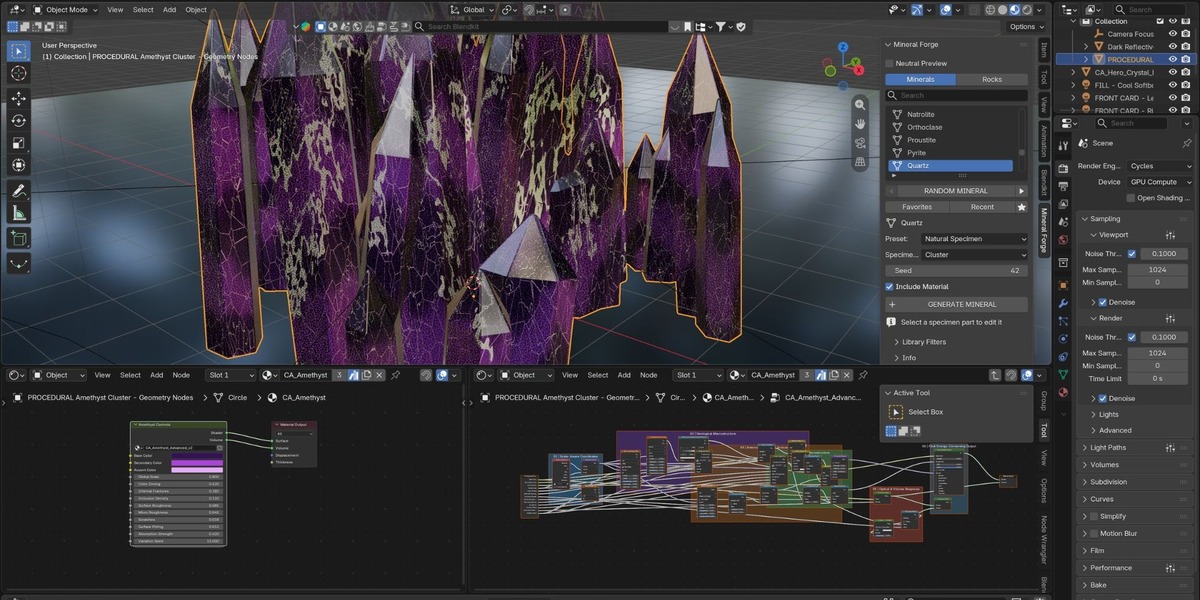
Procedural & Customizable — Adjust material properties using organized shader controls.
Mineral-Inspired Details — Natural color zoning, inclusions, fractures, surface variations, and optical effects.
Asset Browser Ready — Browse and apply materials directly within Blender.
Direct Append Support — Import materials into any compatible Blender project.
Designed for Cycles — Developed with high-quality rendering in mind.
No External Image Textures Required — Procedural shader-based materials.
Organized & Easy to Use — Clearly named assets and a straightforward workflow.
MADE FOR YOUR CREATIVE WORKFLOW
Whether you're creating jewelry concepts, fantasy environments, product visualizations, motion graphics, abstract compositions, or detailed close-up renders, Crystal Atelier gives you a versatile starting point for mineral-inspired surfaces.
Apply the materials to your own Blender meshes, customize their appearance, and experiment with different lighting setups to achieve the look you need.
INSTALLATION
Download and extract the ZIP file.
Open Blender and go to Edit → Preferences → File Paths.
Under Asset Libraries, click the + button.
Select the extracted
CRYSTAL_ATELIERfolder.Open the Asset Browser and select CRYSTAL ATELIER.
Set the import method to Append, then drag any material onto your object.
The library only needs to be installed once and will remain available in future Blender projects.
Alternatively, use File → Append → CRYSTAL_ATELIER.blend → Material.
