Dae Importer/Exporter Revival!
 DHA
DHA

Are future updates included with my purchase?
Yes, absolutely! All future updates, bug fixes, and compatibility patches for newer Blender releases are 100% free for all existing buyers. You will be able to download any future version directly from your store account at no extra charge.
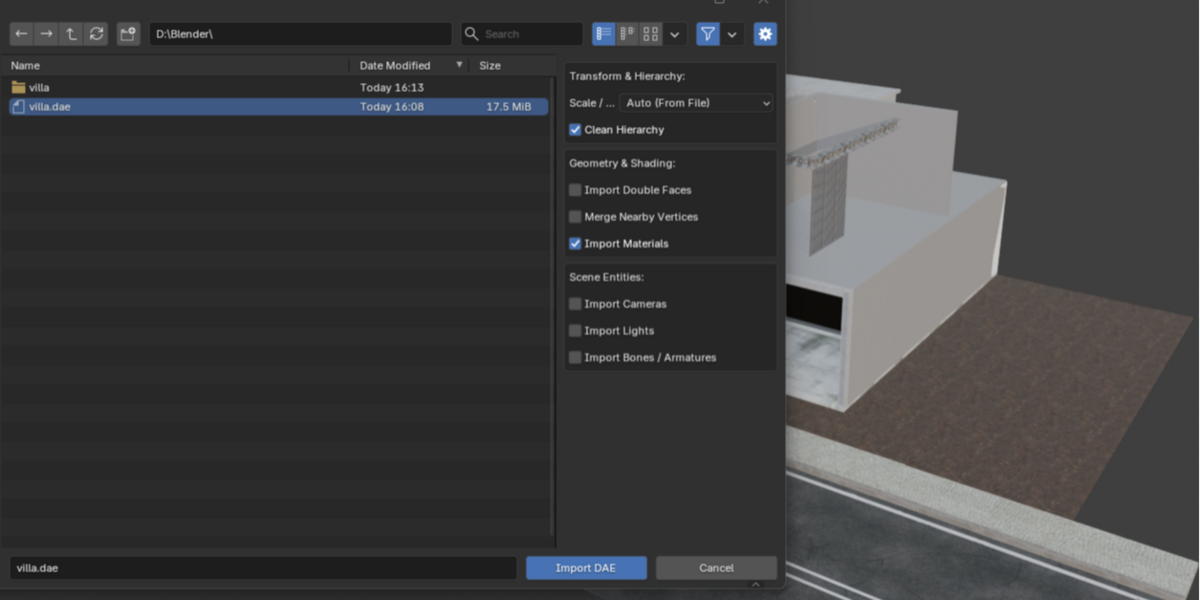
Do I need to manually convert my measurements before importing?
No. Leaving the Scale / Units setting on Auto allows the add-on to read the scale metadata directly from the COLLADA file XML. You can also override it using standard unit presets.
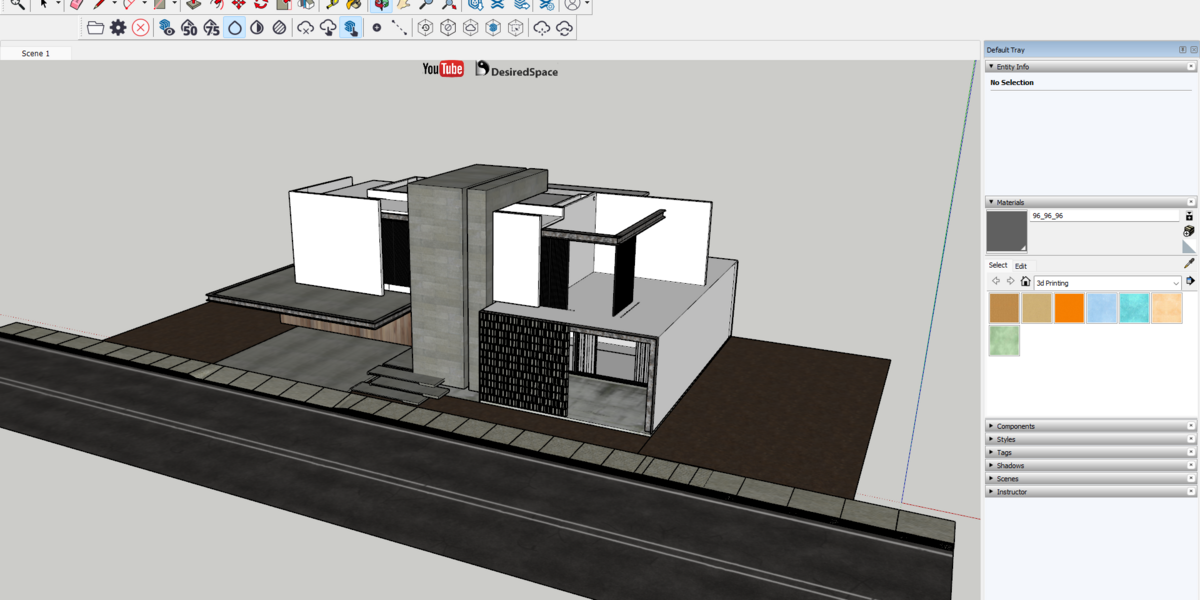
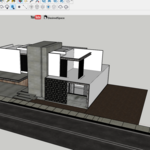
Will this clean up messy "Empty" object hierarchies from software like SketchUp?
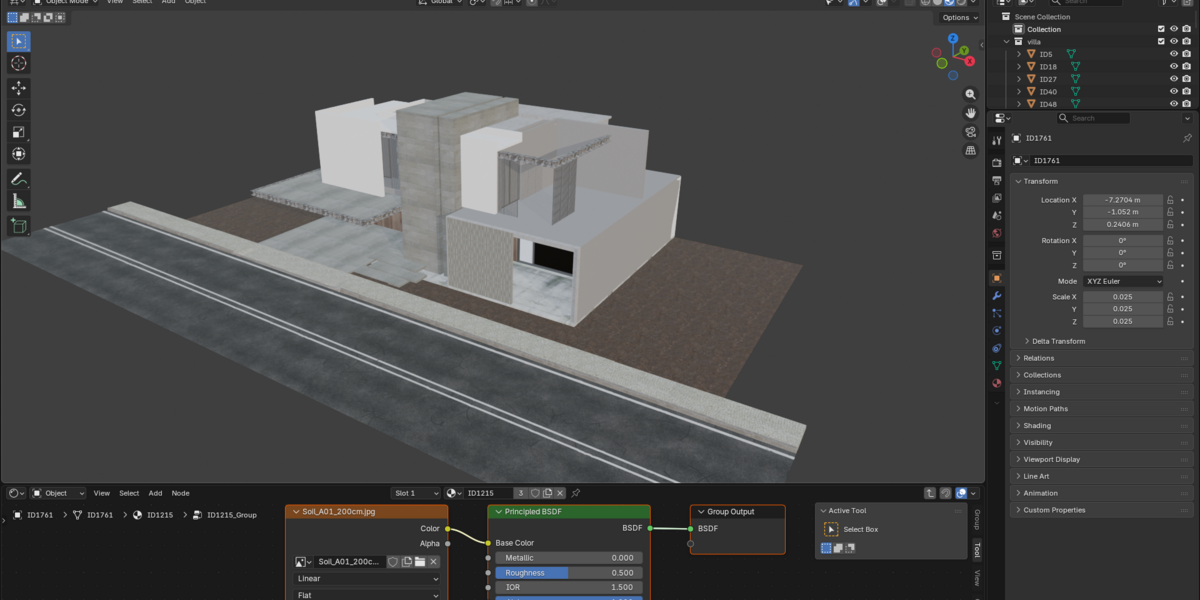
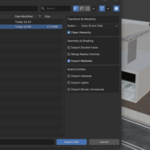
Yes. Simply check the Clean Hierarchy option on import, and the add-on will strip unnecessary parent empty nodes, placing your meshes neatly in a dedicated Blender collection.
Can I export models directly to game engines like Godot or Unreal Engine?
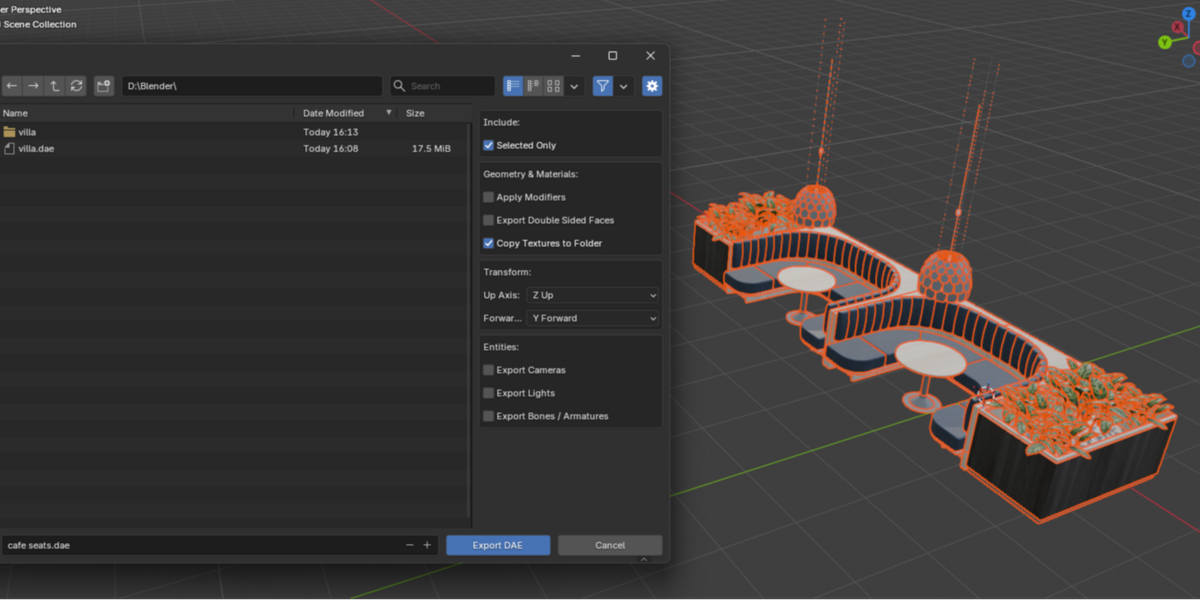
Absolutely. You can customize the Up Axis and Forward Axis settings in the export menu to ensure your models import into target game engines with correct rotations.
How does the add-on handle double-sided materials?
On export, enabling Export Double Sided Faces duplicates geometry using Backfacing material logic. On import, it automatically constructs a Blender Mix Shader driven by a New Geometry (Backfacing) node, preserving both front and back material colors/textures.
-
$0 $1
Enjoy all import/export features
-
$5 $6
Help the developer to continue with your support ❤️
Have questions about this product?
Login to message
| Blender Extension Compatible | Yes |
| Published | about 2 months ago |
| Blender Version | 5.0 - 5.2 |
| Extension Type | Add-on |
| Render Engine Used | Cycles, Eevee |
| License | GPL |
Discover more products like this
Dae 3D export 3D importer blender collada SketchUp lumion collada