Dae Importer/Exporter Revival!
 DHA
DHA

1. Overview & Installation
DAE Importer/Exporter Revival restores native-like COLLADA (.dae) support to Blender 5.0 and newer. Designed to fix broken legacy pipelines, it handles complex UV maps, materials, hierarchy structures, and armatures with speed and reliability.
Installation Steps:
Download the
custom_dae_io.zippackage.Open Blender 5.0+, navigate to Edit > Preferences > Add-ons.
Click Install... (or Get Add-ons > Install from Disk in Blender 5.0+) and select the
.zipfile.Enable DAE COLLADA Importer/Exporter from the list.
Access the add-on via File > Import > COLLADA Custom (.dae) and File > Export > COLLADA Custom (.dae).
2. Import Workflow & Options
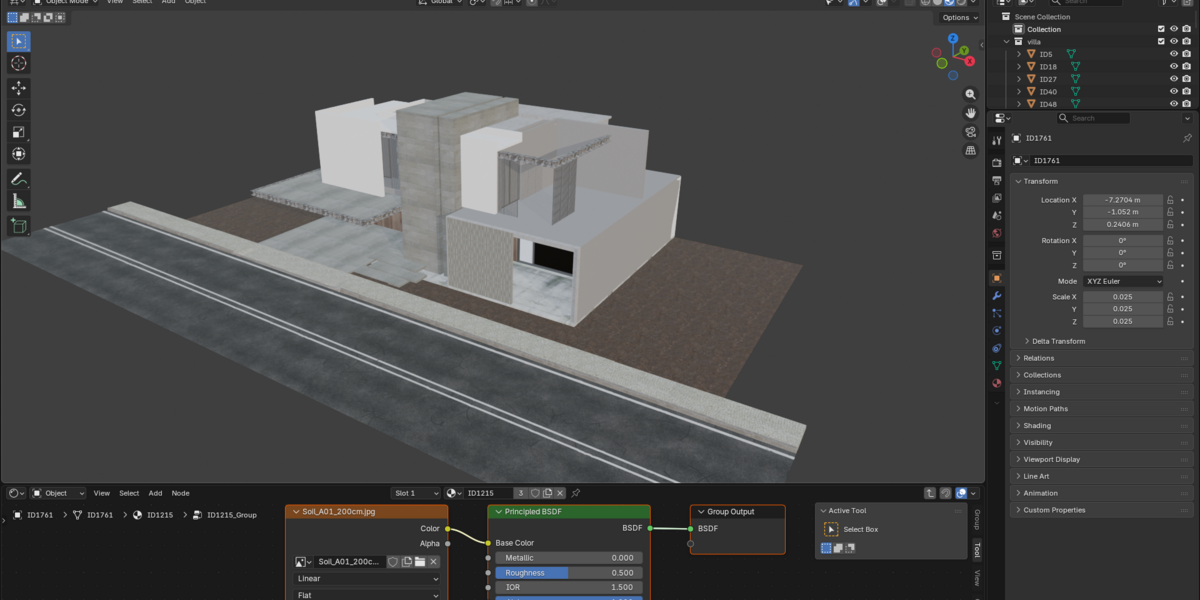
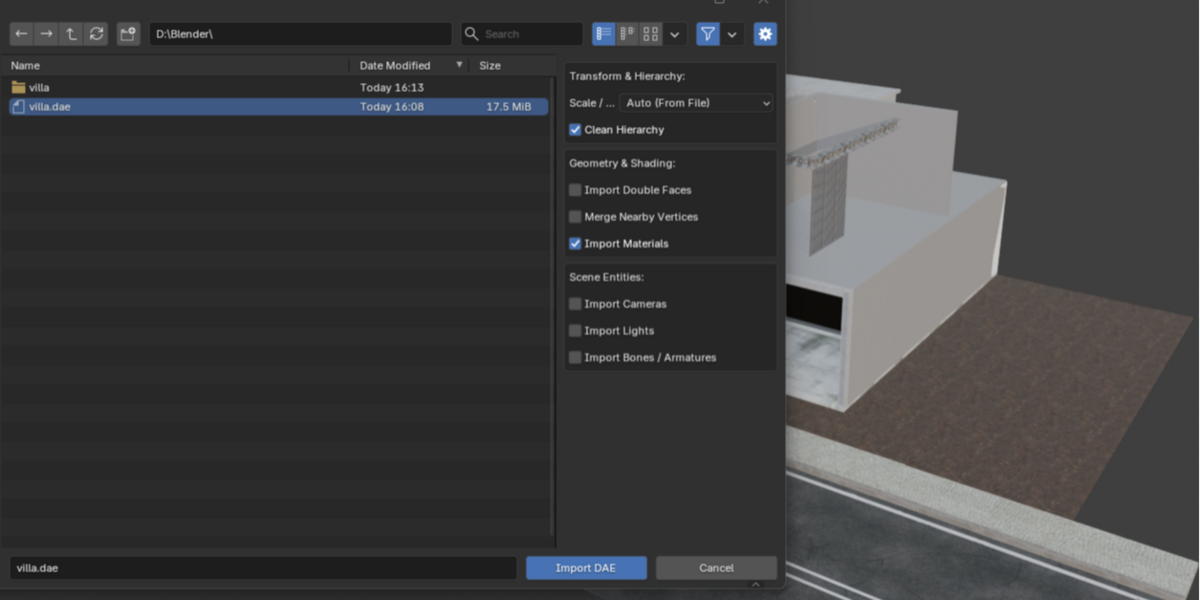
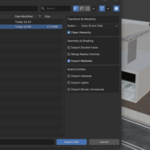
To import a COLLADA file, go to File > Import > COLLADA Custom (.dae). The operator sidebar includes the following configurable settings:
Transform & Hierarchy
Scale / Units: Set to
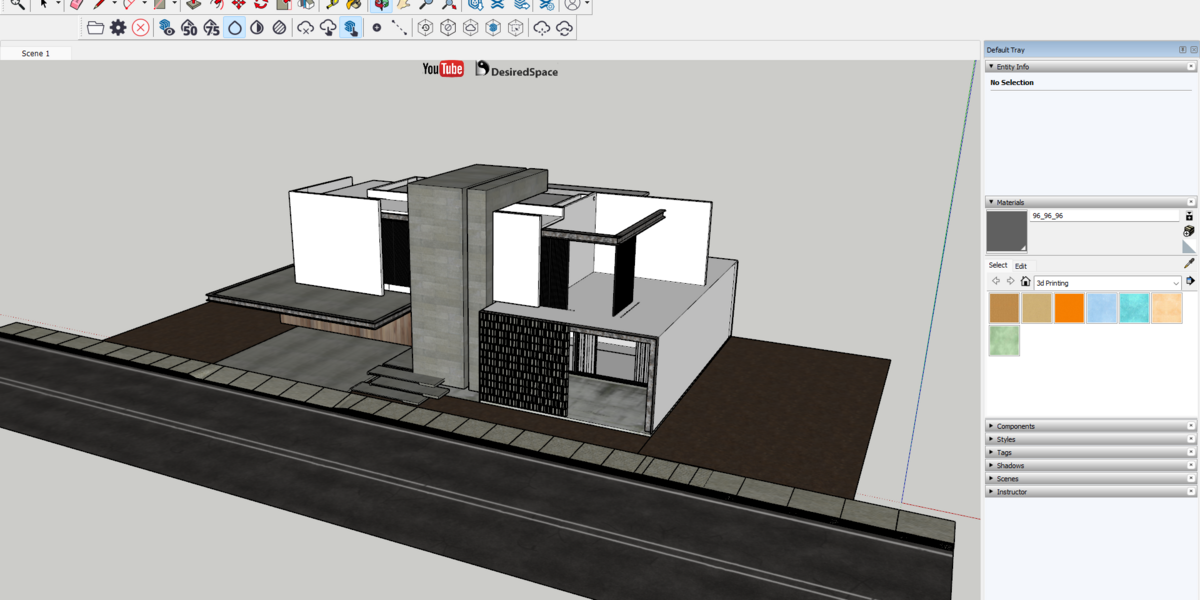
Autoto automatically read the length scale from the DAE file XML header. Alternatively, override it using predefined unit presets (Millimeters, Centimeters, Meters, Inches, Feet).Clean Hierarchy: When enabled, the add-on strips away empty helper parent objects generated by third-party software (e.g., SketchUp, 3ds Max), linking active meshes directly into a clean collection scene graph.
Geometry & Shading
Import Materials: Toggles automatic shader node tree creation and texture loading.
Import Double Faces: Automatically parses backfacing face data and sets up two-sided shader nodes.
Merge Nearby Vertices: Performs a distance-based vertex cleanup to weld broken geometry seams.
Scene Entities
Import Cameras / Lights: Reads perspective cameras and point/spot/sun light parameters directly into Blender objects.
Import Bones / Armatures: Reconstructs joint objects into standard, editable Blender Armatures.
3. Export Workflow & Options
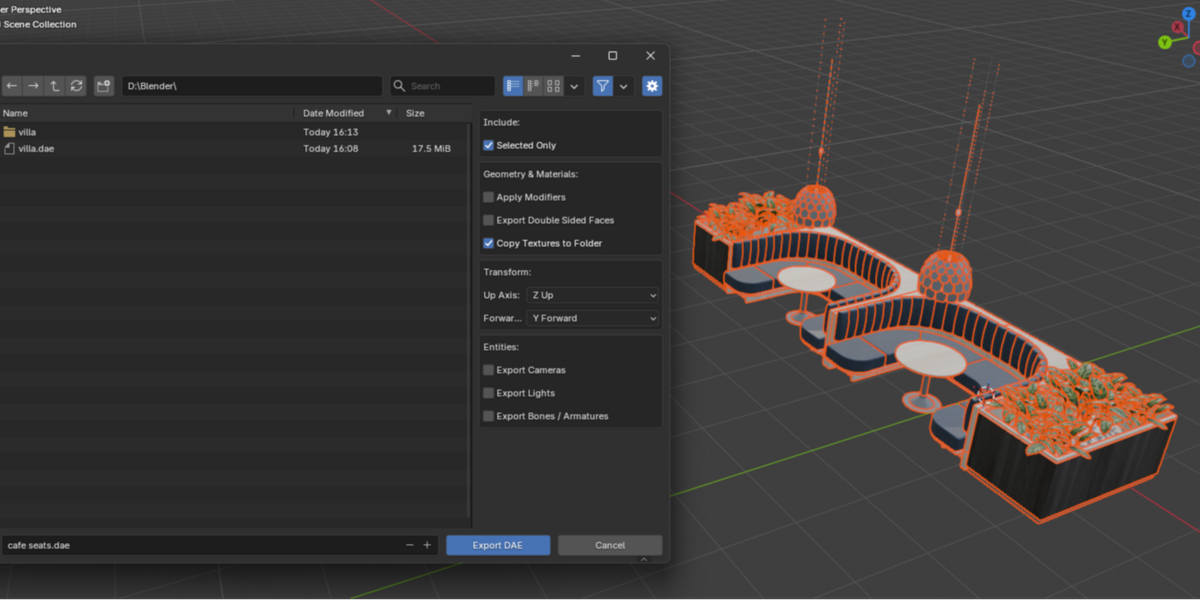
To export your scene, go to File > Export > COLLADA Custom (.dae).
Export Settings
Include: Choose between exporting all scene objects or Selected Only.
Apply Modifiers: Applies all active modifiers (e.g., Subdivision Surface, Solidify) to the exported mesh data.
Copy Textures to Folder: Copies all embedded image textures into a dedicated sub-folder next to the generated
.daefile to prevent broken texture references.Export Double Sided Faces: Duplicates face geometry using
Backfacingmix shaders to preserve two-sided material assignments in external game engines.Axis Conversion: Customize the Up Axis and Forward Axis settings to match target engines (e.g., Z-Up, Y-Forward).
Entity Toggles: Individually toggle export support for Cameras, Lights, and Armature Bones.
-
$0 $1
Enjoy all import/export features
-
$5 $6
Help the developer to continue with your support ❤️
Have questions about this product?
Login to message
| Blender Extension Compatible | Yes |
| Published | about 2 months ago |
| Blender Version | 5.0 - 5.2 |
| Extension Type | Add-on |
| Render Engine Used | Cycles, Eevee |
| License | GPL |
Discover more products like this
blender collada 3D export SketchUp lumion collada 3D importer Dae