 Pilot Studio

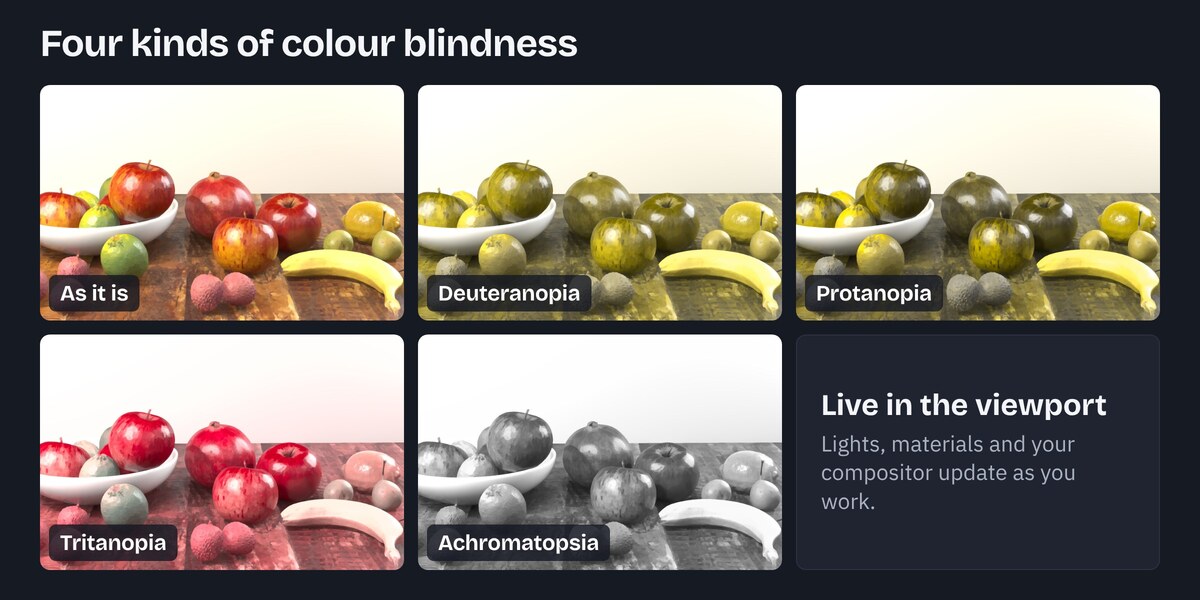
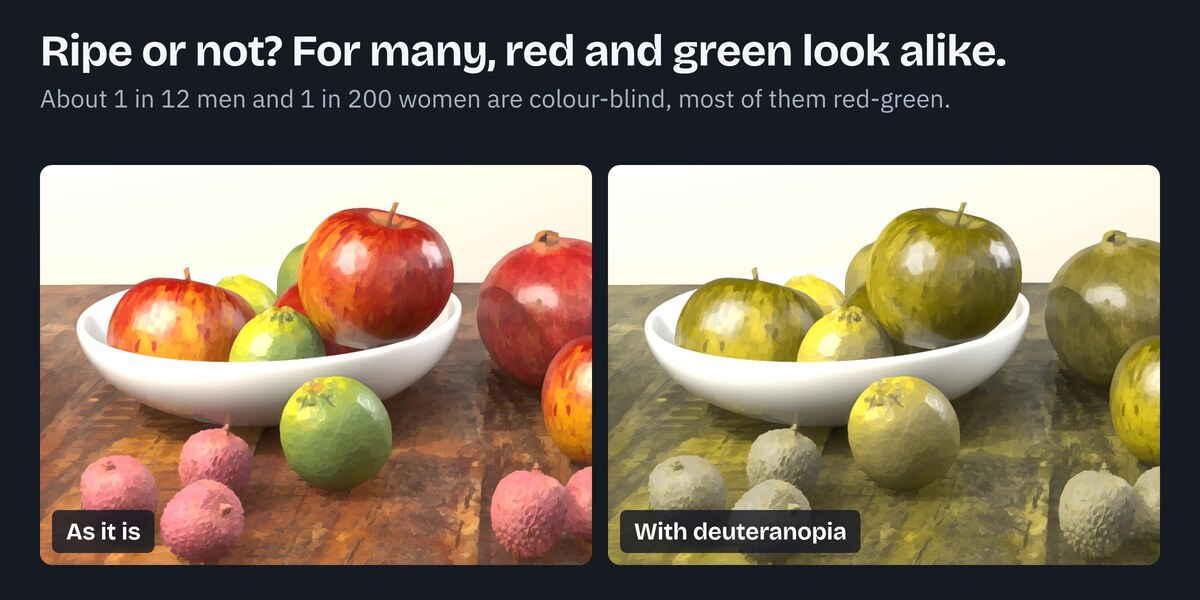
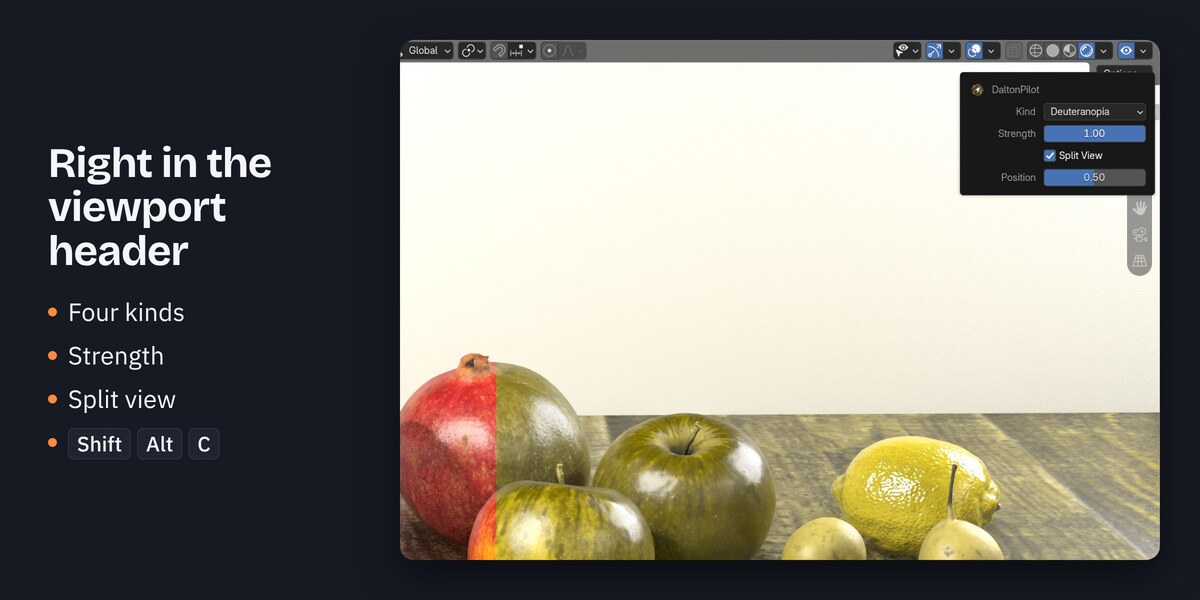

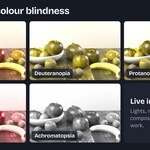
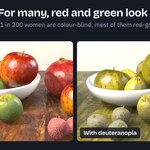
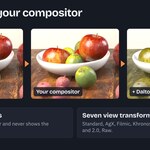
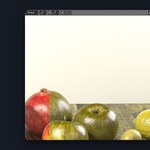
DaltonPilot is for artists who want to know whether their colours still work for colour-blind viewers. You click one button in the viewport header and the viewport shows your scene in the colours a colour-blind viewer sees. It works with your own compositor setup, and your renders never show the simulation.
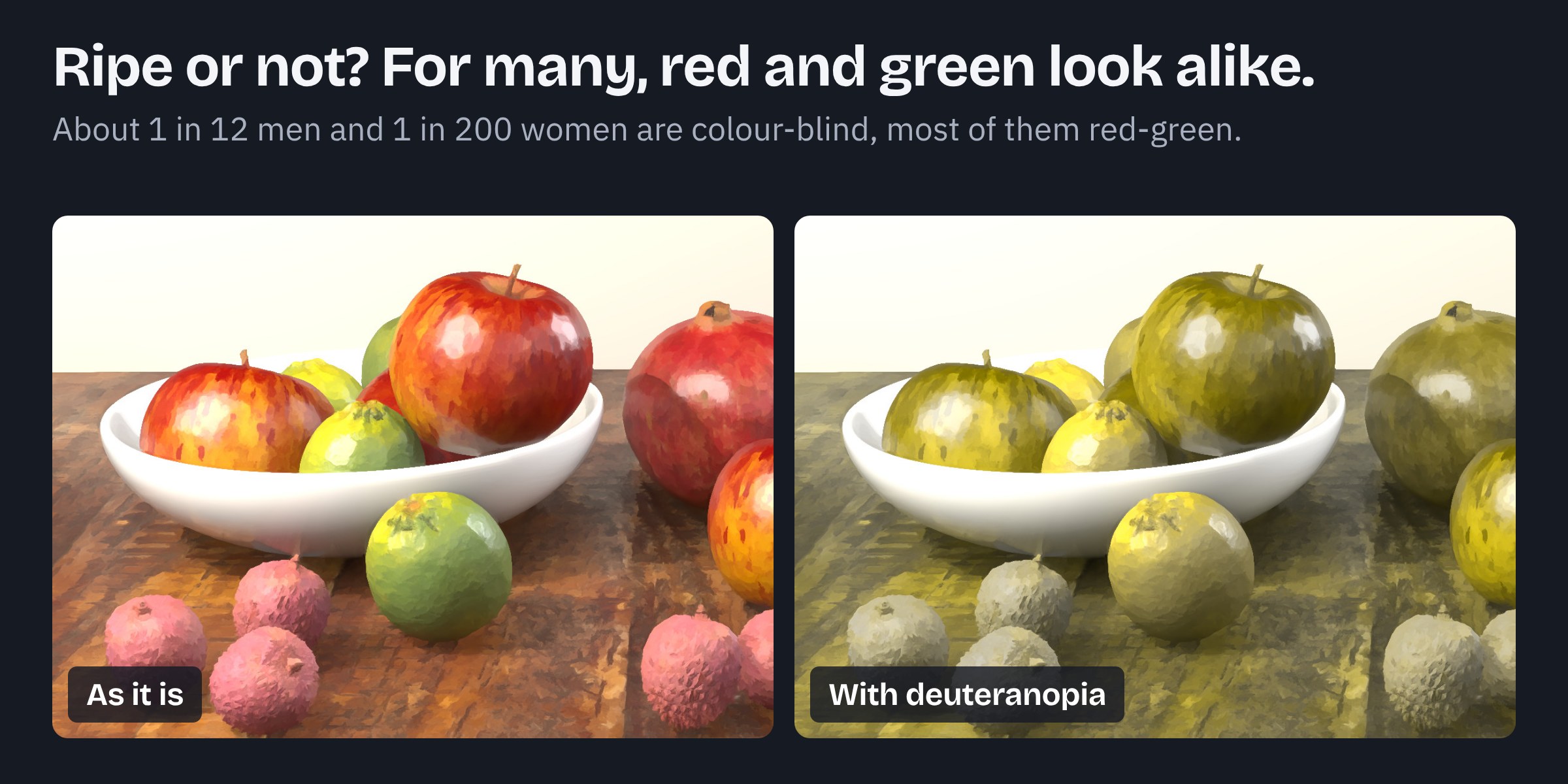
Drag the line over the store scene, pick a kind and set the strength: the slider runs DaltonPilot's own simulation on the plain render, right in your browser. Open it full size.
What you get
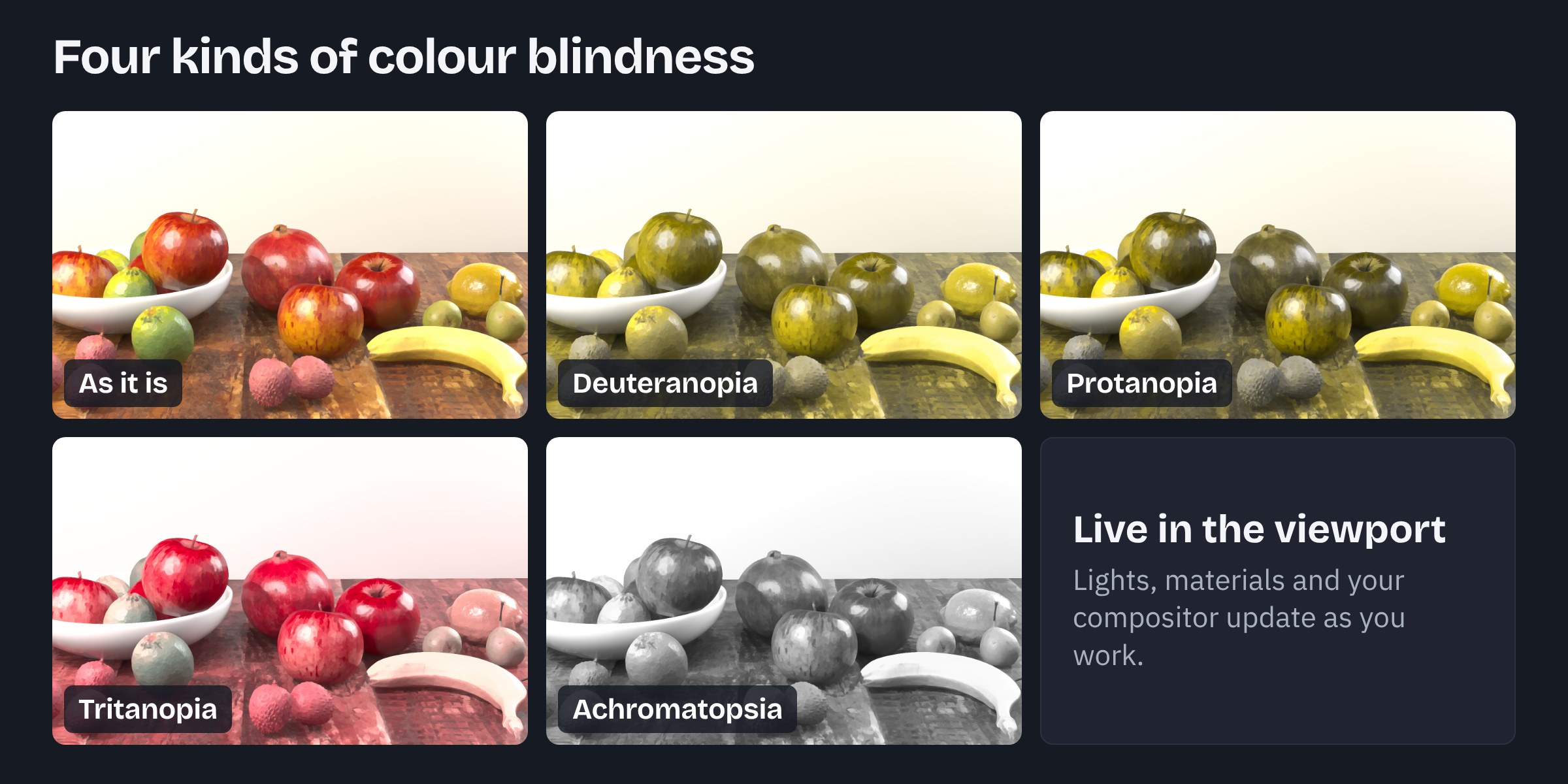
- Four kinds of colour blindness. You pick deuteranopia, protanopia, tritanopia or achromatopsia from one menu.
- A strength slider. Full strength at 1, a milder form below it.
- Split view. The picture as it is on the left of a line, the simulation on the right. You move the line with a slider.
- One shortcut. Shift+Alt+C turns the simulation on and off.
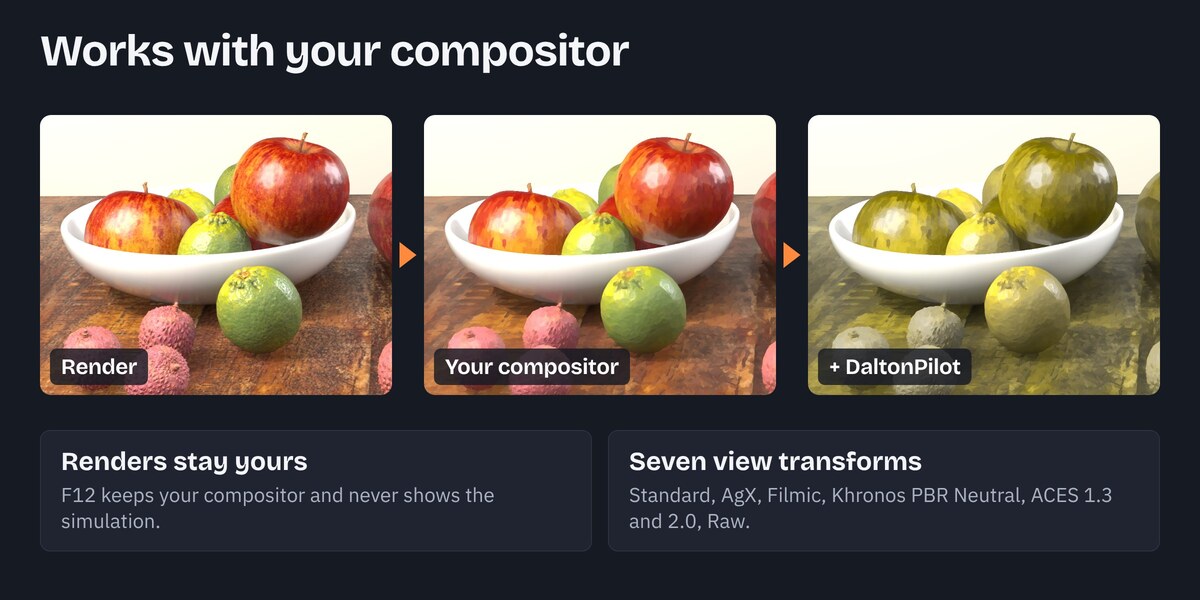
- Works with your compositor. The simulation runs after your own compositor nodes, so you judge the finished picture. F12 renders keep your compositor and never show the simulation.
- Nothing left behind. Turning it off puts everything back as it was.
Requirements
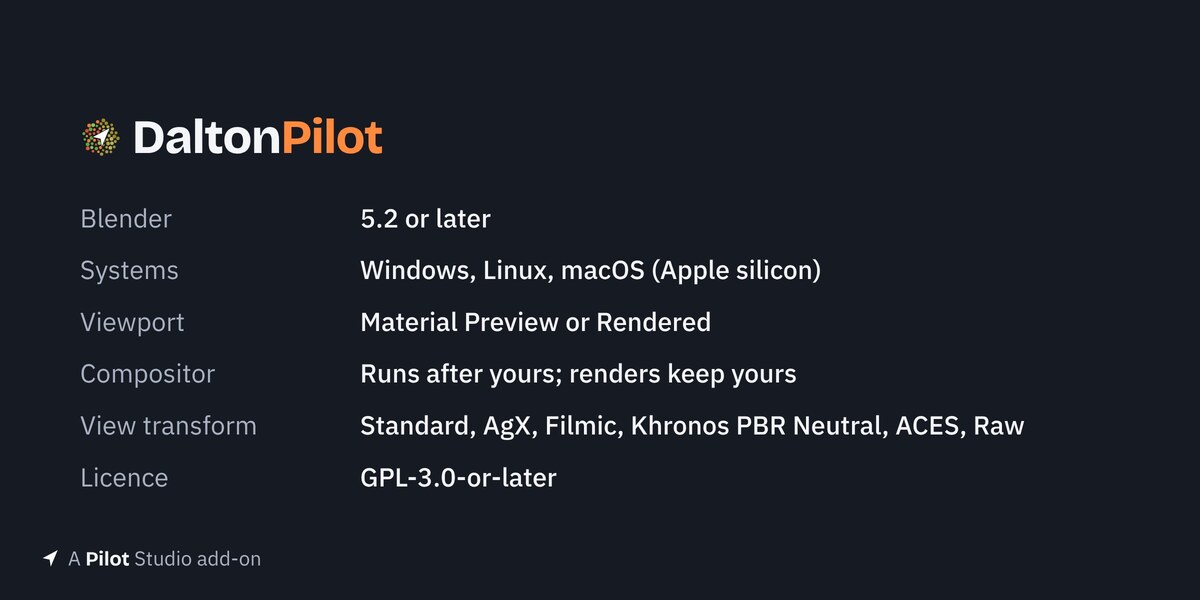
- Blender 5.2 or later
- Windows, macOS and Linux
- Material Preview or Rendered shading (in Solid and Wireframe the eye turns red while the simulation is on, and the panel offers a button to switch to Material Preview)
- View transform Standard, AgX, Filmic, Khronos PBR Neutral, ACES 1.3, ACES 2.0 or Raw. Filmic Log and False Color show a notice
Install
- Download the DaltonPilot zip.
- In Blender, open Edit > Preferences > Get Extensions.
- Click the arrow at the top right and pick Install from Disk.
- Pick the zip and make sure the add-on is switched on.
First use
- Switch the viewport to Material Preview or Rendered.
- Click the eye button at the right end of the 3D viewport header.
- Open the arrow next to the eye and pick a kind.
Credits
The fruit and banana models, the wood texture and the studio light in the images are from Poly Haven (polyhaven.com, CC0). The painterly look is Blender's Kuwahara compositor node, with DaltonPilot running after it. The fonts in the images are Bricolage Grotesque and IBM Plex Sans (SIL Open Font License).