DaltonPilot
 Pilot Studio



Getting started
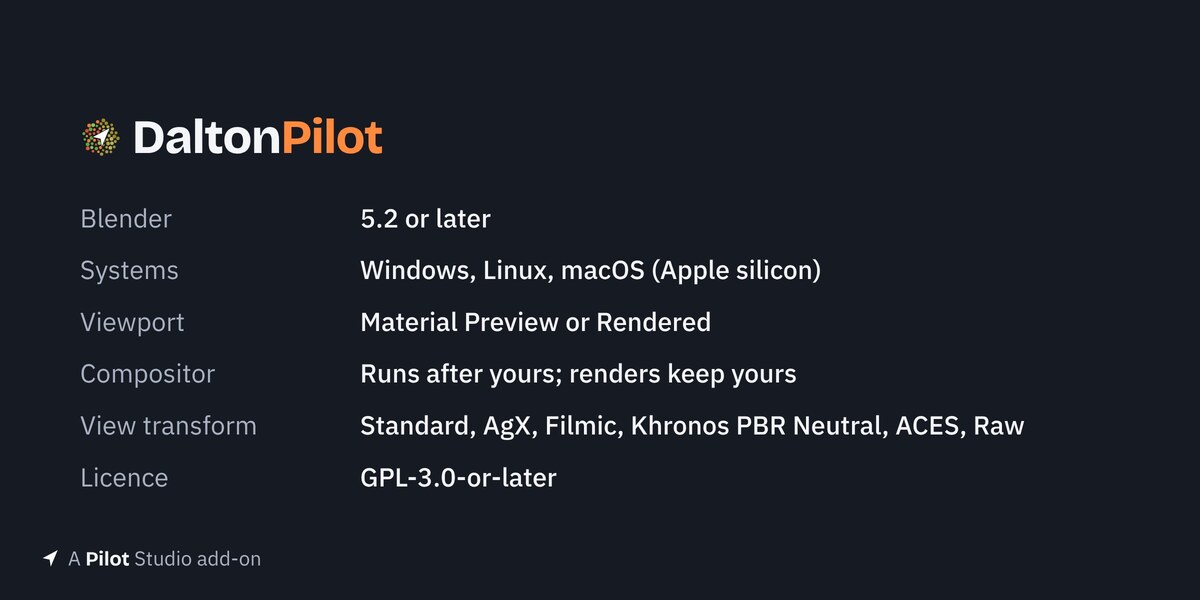
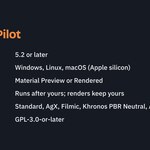
DaltonPilot shows your 3D viewport as a colour-blind viewer sees it. It needs Blender 5.2 or newer.
Install
- Download the DaltonPilot zip.
- In Blender, open Edit > Preferences > Get Extensions.
- Click the arrow at the top right and pick Install from Disk.
- Pick the zip and make sure the add-on is switched on.
See your scene in three steps
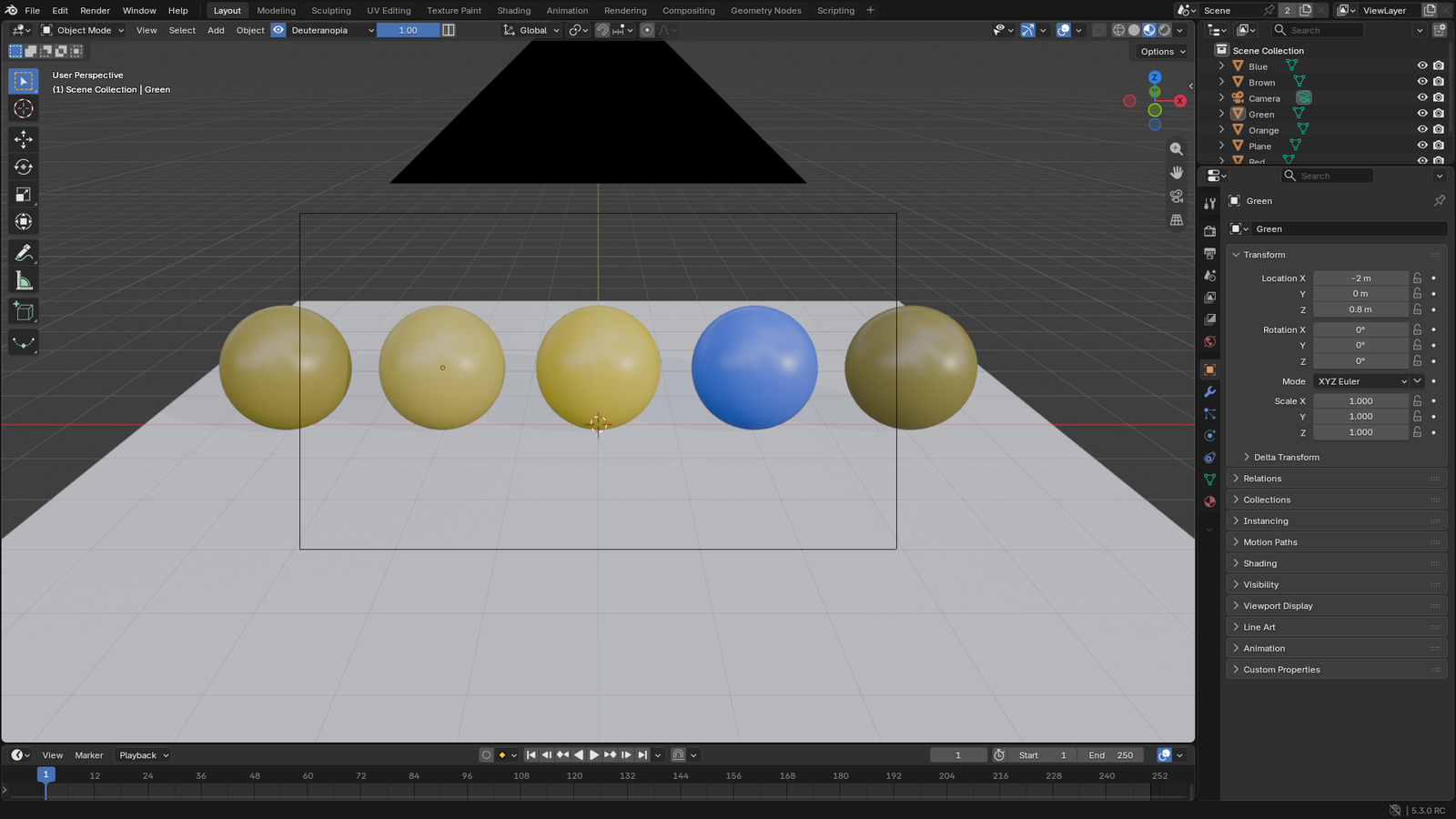
- Switch the viewport to Material Preview or Rendered.
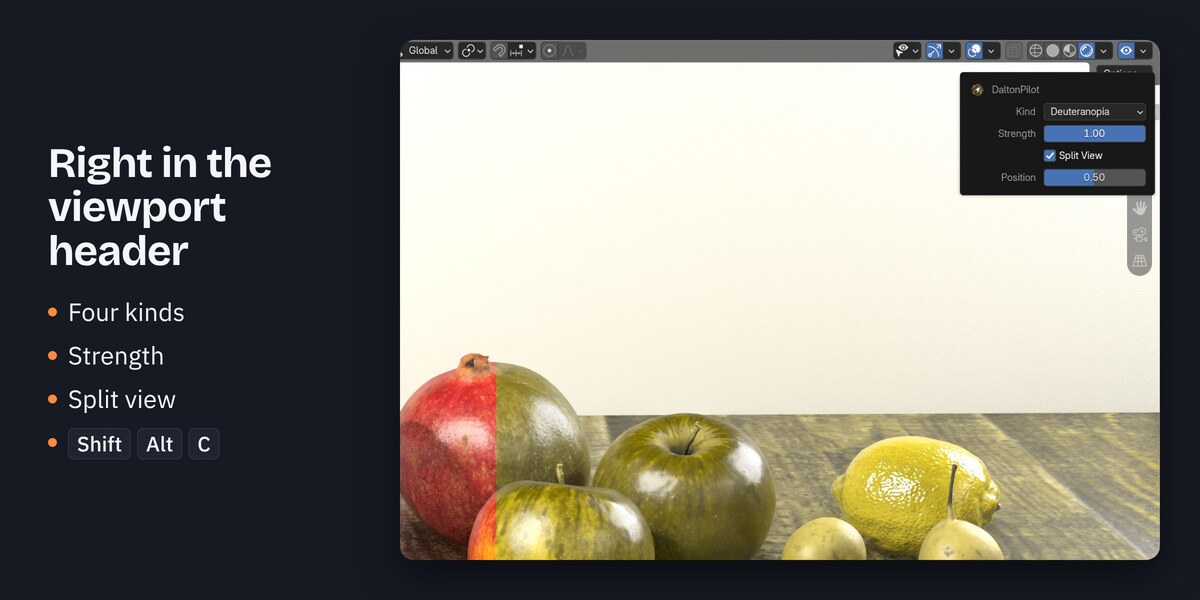
- Click the eye button at the right end of the 3D viewport header. Press Shift+Alt+C to do the same from the keyboard.
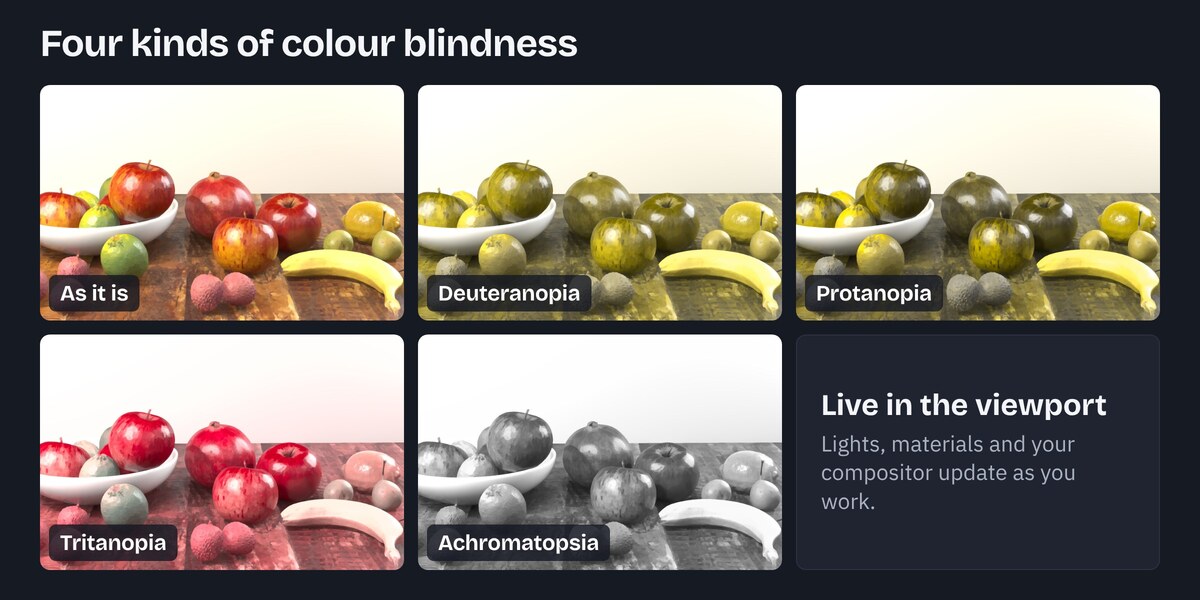
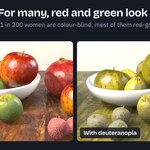
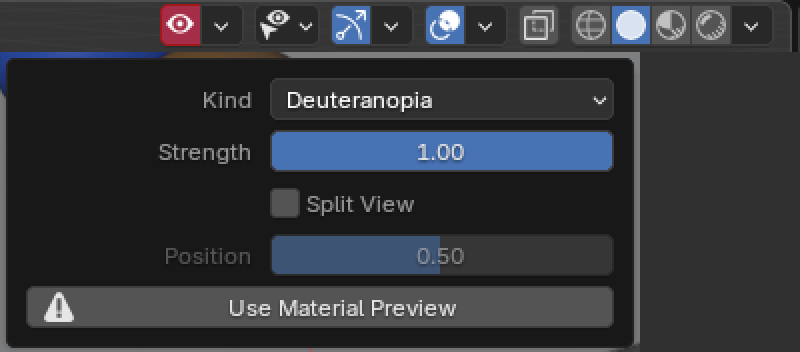
- Open the arrow next to the eye and pick a kind. The viewport now shows the simulated colours.
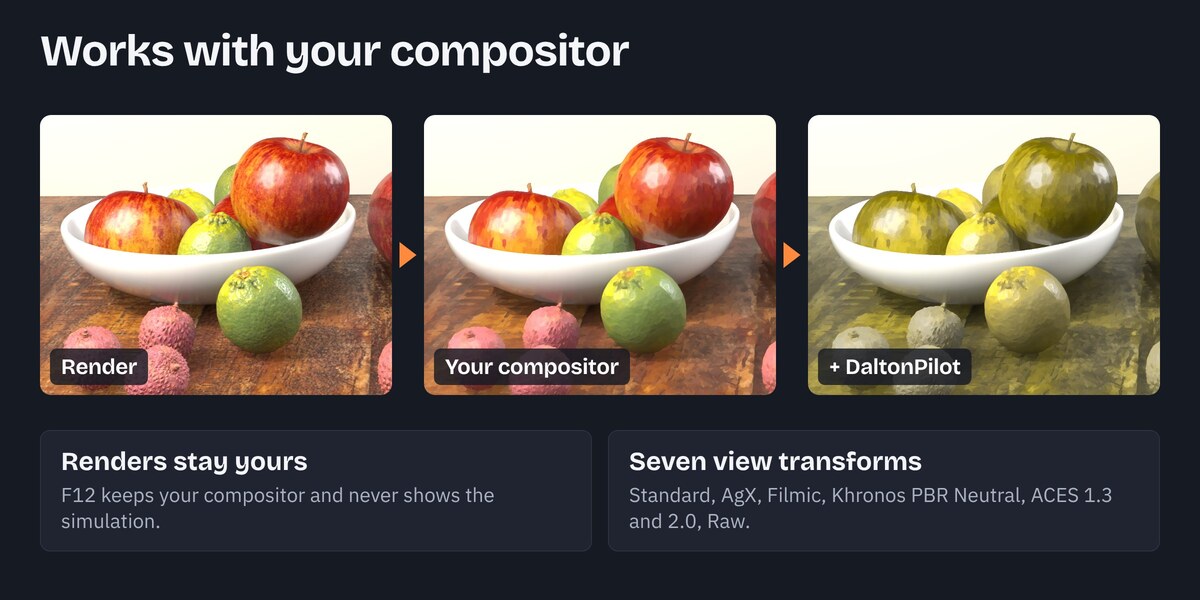
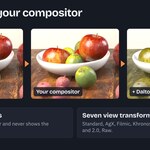
Click the eye again to turn it off. Your own compositor setup comes back and nothing is left behind. F12 renders never show the simulation and keep your own compositor, also while it is on.
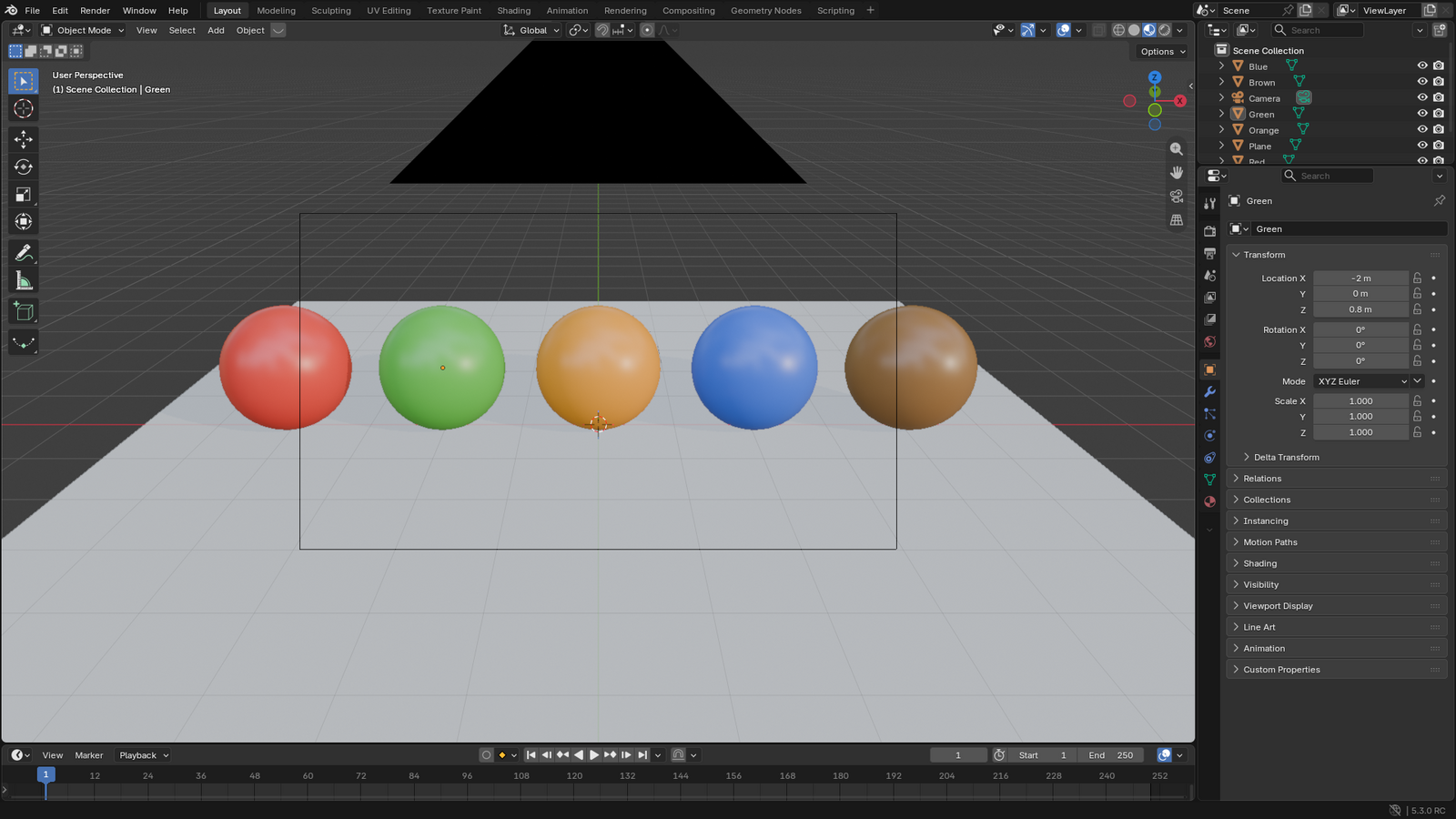
The same scene with the simulation off:
The header controls
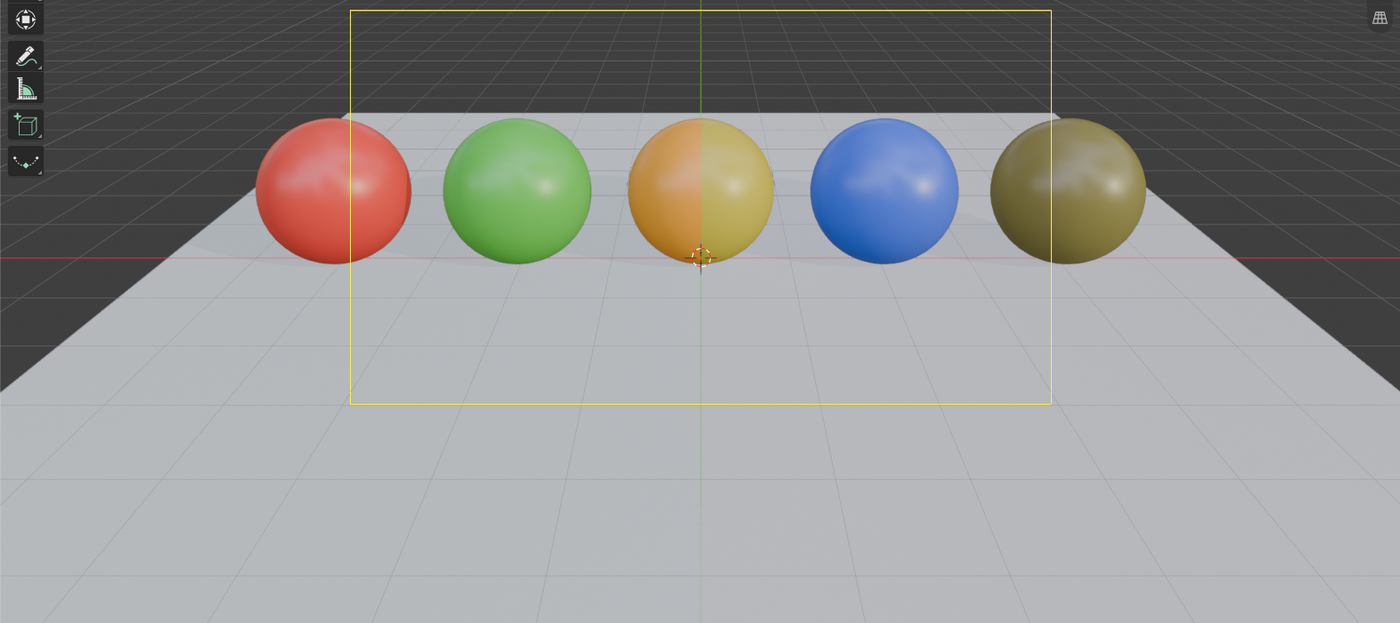
The eye button and a small arrow beside it sit at the right end of the 3D Viewport header, after the shading buttons. The eye turns the simulation on and off. The arrow opens a panel with the settings.

| Control | What it does |
|---|---|
| Eye button | Turns the simulation on and off. Shortcut: Shift+Alt+C. It turns red when the simulation is on but this viewport cannot show it. |
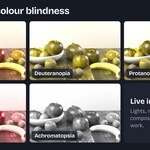
| Kind | Deuteranopia (red-green, the most common kind), Protanopia (red-green), Tritanopia (blue-yellow), Achromatopsia (no colour, only brightness). |
| Strength | How much of the colour vision is gone. 1 is full, lower values show a milder form. |
| Split View | The picture as it is on the left, the simulation on the right. |
| Position | Sets where the line between the two halves sits. It applies while Split View is on. |
Good to know
- The simulation shows only in Material Preview and Rendered. In Solid and Wireframe the eye turns red, and the panel has a button, Use Material Preview. DaltonPilot never changes your shading mode unless you click it.
- Undo and Redo step through your changes to the simulation like any other change.
Help
The viewport looks unchanged. Check the shading mode. Use Material Preview or Rendered.
"View transform not supported". The simulation works under Standard, AgX, Filmic, Khronos PBR Neutral, ACES 1.3, ACES 2.0 and Raw. Filmic Log and False Color have no picture to simulate. Switch the scene's view transform to one of the others.
F12 renders. They never show the simulation, and they keep your own compositor nodes (glare, blur and so on), also while the simulation is on. In the viewport the simulation runs after your compositor, so you see the finished picture. This needs a colour output on your compositor's node tree, as Blender's default has; without one, the simulation uses the plain render.
Getting help. Write to [email protected] with your Blender version, your system and what you did. A screenshot helps.
Licence: GPL-3.0-or-later.
The full documentation: daltonpilot.pilotstudio.dev
Have questions about this product?
Login to message
| Blender Extension Compatible | Yes |
| Dev Fund Contributor | |
| Published | about 23 hours ago |
| Blender Version | 5.2 - 5.3 |
| Extension Type | Add-on |
| Render Engine Used | Cycles, Eevee |
| License | GPL |
Discover more products like this
accessibility preview deuteranopia protanopia compositor tritanopia achromatopsia viewport color blind look development colour blindness color