Dark Matter — Blender Theme
 cat_tivi production


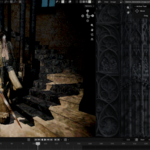
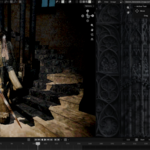
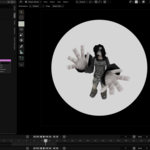
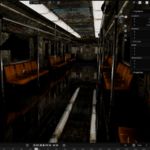
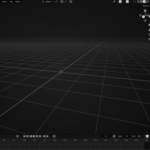
Dark Matter — Documentation
Thank you for purchasing Dark Matter, a deep-black Blender theme designed for a clean, minimal and immersive workspace.
Installation
Download the Dark Matter theme file included with your purchase.
Open Blender.
Go to Edit → Preferences → Themes.
Click Install Theme.
Select the Dark Matter theme file.
Confirm the installation and apply the theme.
Your Blender interface should now use the Dark Matter theme.
Compatibility
Dark Matter is designed for modern versions of Blender.
If you experience any visual differences between Blender versions, some interface elements may vary due to changes made by Blender itself.
Support
If you encounter any issues installing or using the theme, please contact me through Superhive and I'll be happy to help.
Enjoy Dark Matter.
Have questions about this product?
Login to message
| Published | about 2 months ago |
| Blender Version | 4.4 - 5.2 |
| Extension Type | N/A |
| Render Engine Used | Cycles, Eevee |
| License | Mit |
Discover more products like this
blender themes Black UI 3d Black Theme theme 3D artist Dark Theme Custom Theme dark blender blender-theme interface