 Stefano Bianchini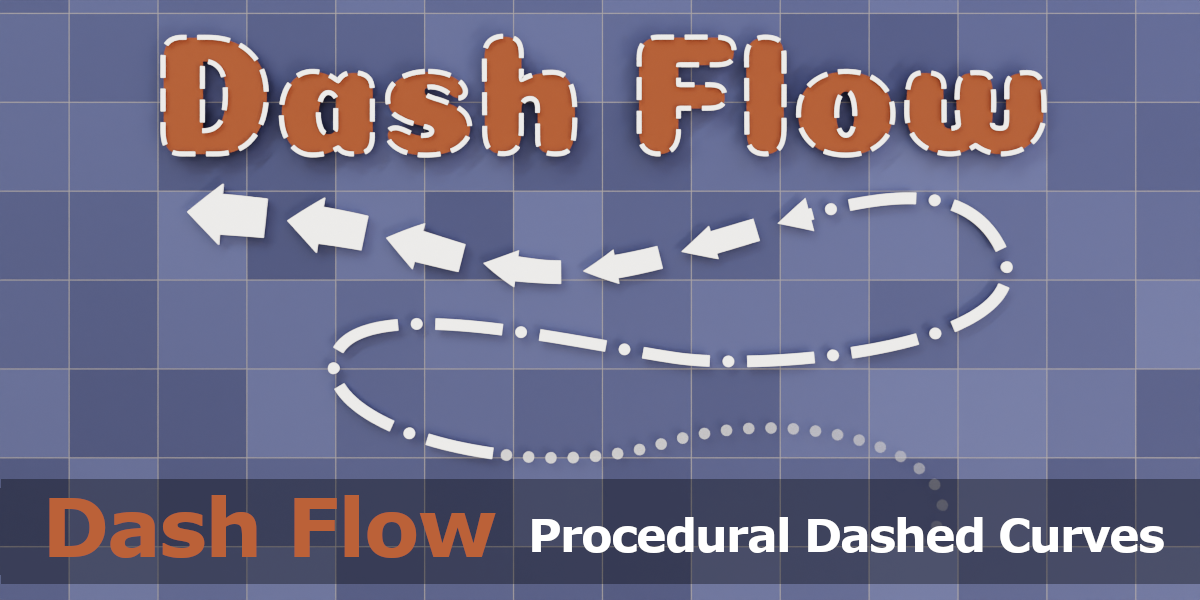
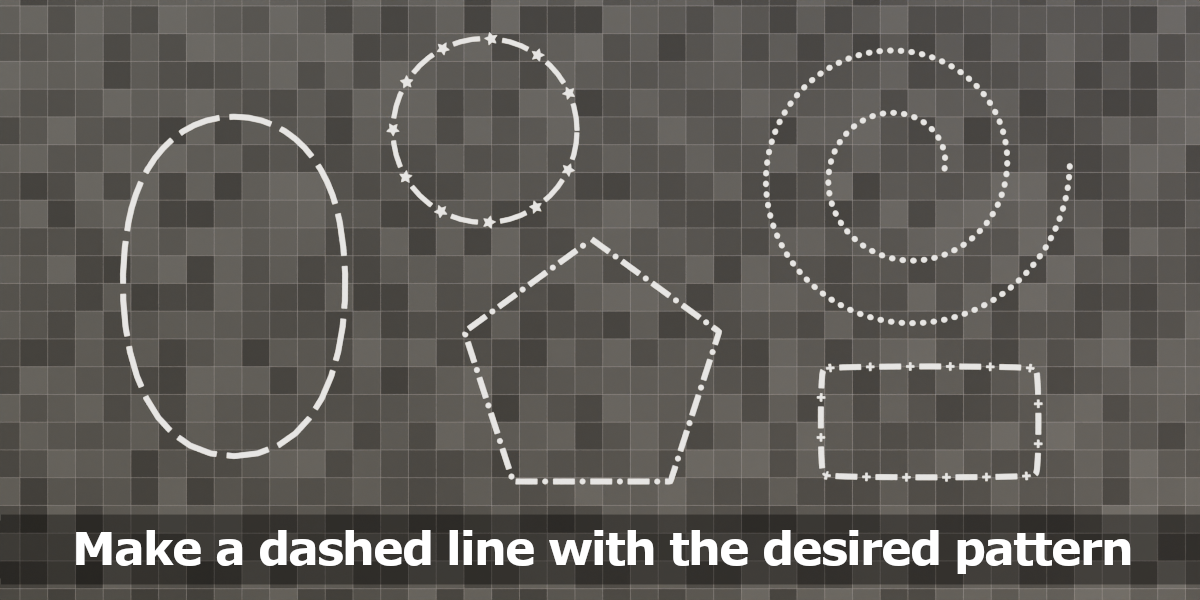
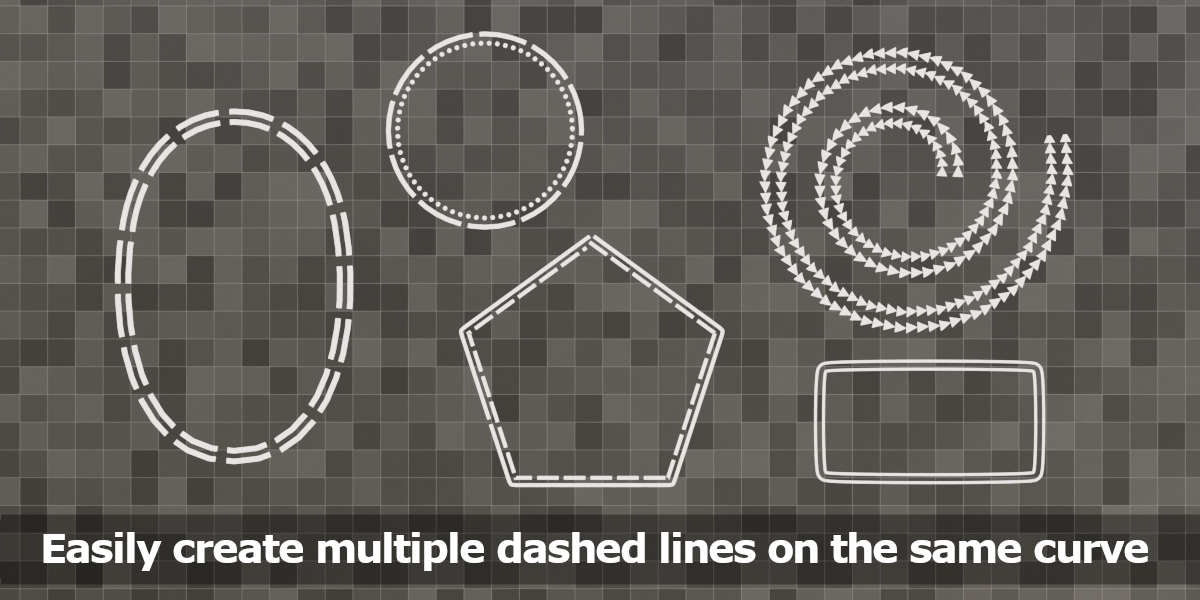
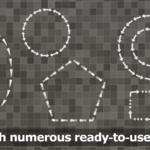
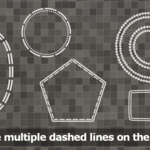
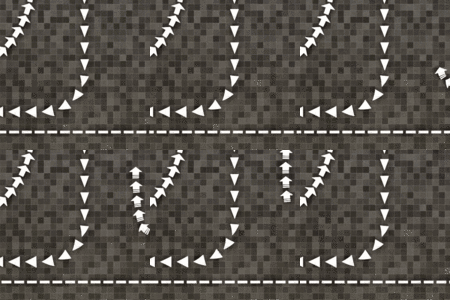
Dash Flow is a nodes group that you can apply to a curve to generate dashed lines in arbitrarily complex patterns, with precise control over shape, size, and spacing. It lets you apply a pattern of lines and shapes (such as rectangles, circles, triangles, stars, and crosses) to any curve.
You can define your pattern using a string of letters (A, B, C, D, E) that correspond to different shapes and spacing, giving you complete control over the final look.
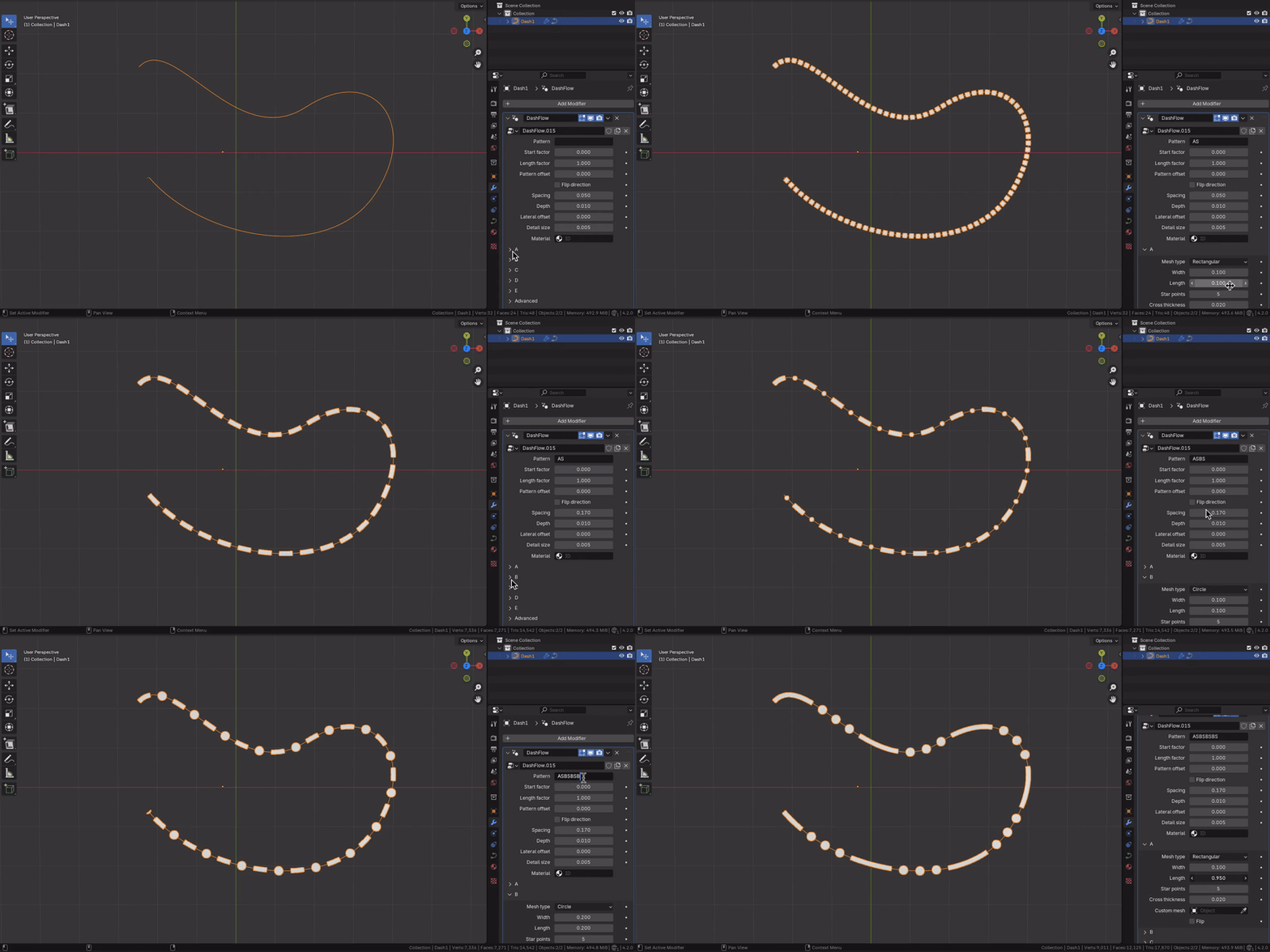
For example imagine you want to draw a curve with an alternating pattern of lines and dots. Simply apply the Dash Flow group node to the curve and specify the pattern ASBS, where the letter A represents a rectangle, B represents a circle, and S represents a space.

You can define your pattern using a string of letters (A, B, C, D, E) that correspond to different shapes and spacing, giving you complete control over the final look.
For example imagine you want to draw a curve with an alternating pattern of lines and dots. Simply apply the Dash Flow group node to the curve and specify the pattern ASBS, where the letter A represents a rectangle, B represents a circle, and S represents a space.
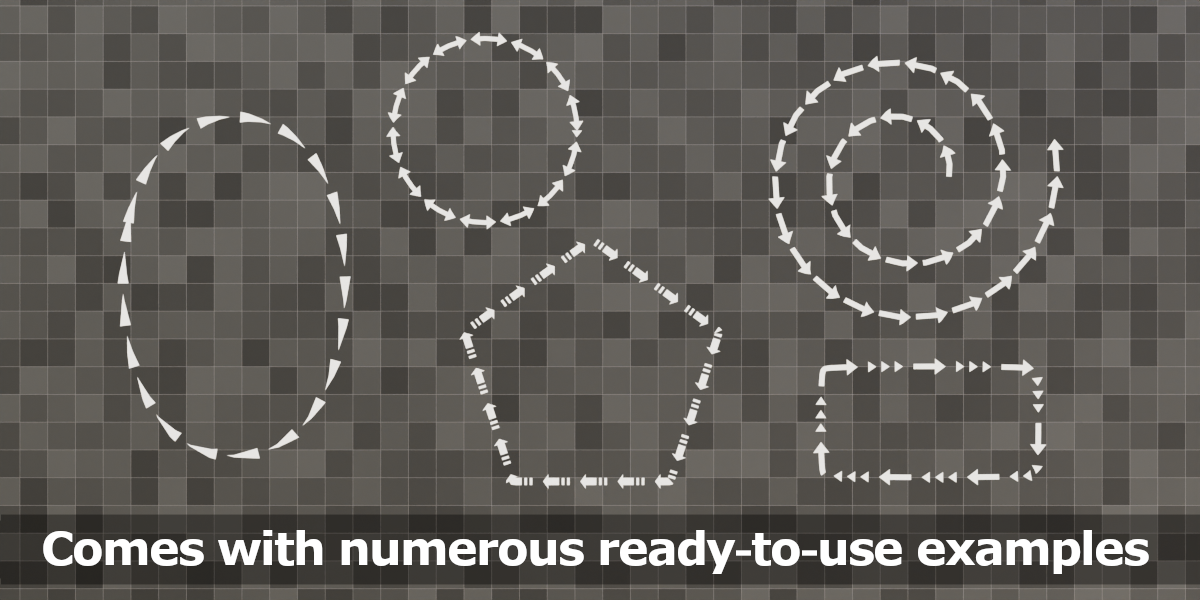
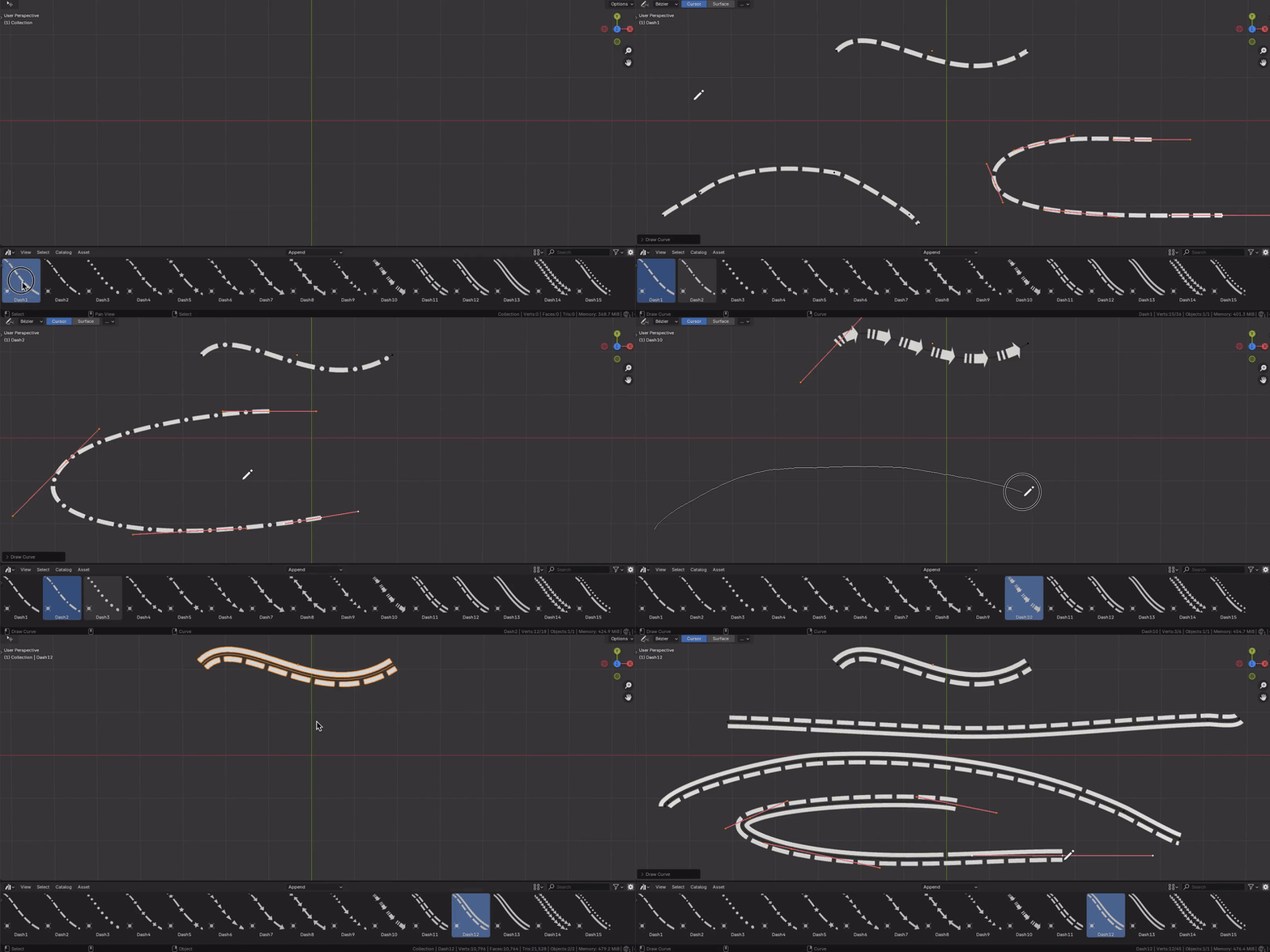
Dash Flow comes with various examples each showcasing different dash patterns.
You can drag these examples into your scene and modify both the curve and the appearance of the dash pattern by adjusting the modifier parameters.

You can drag these examples into your scene and modify both the curve and the appearance of the dash pattern by adjusting the modifier parameters.
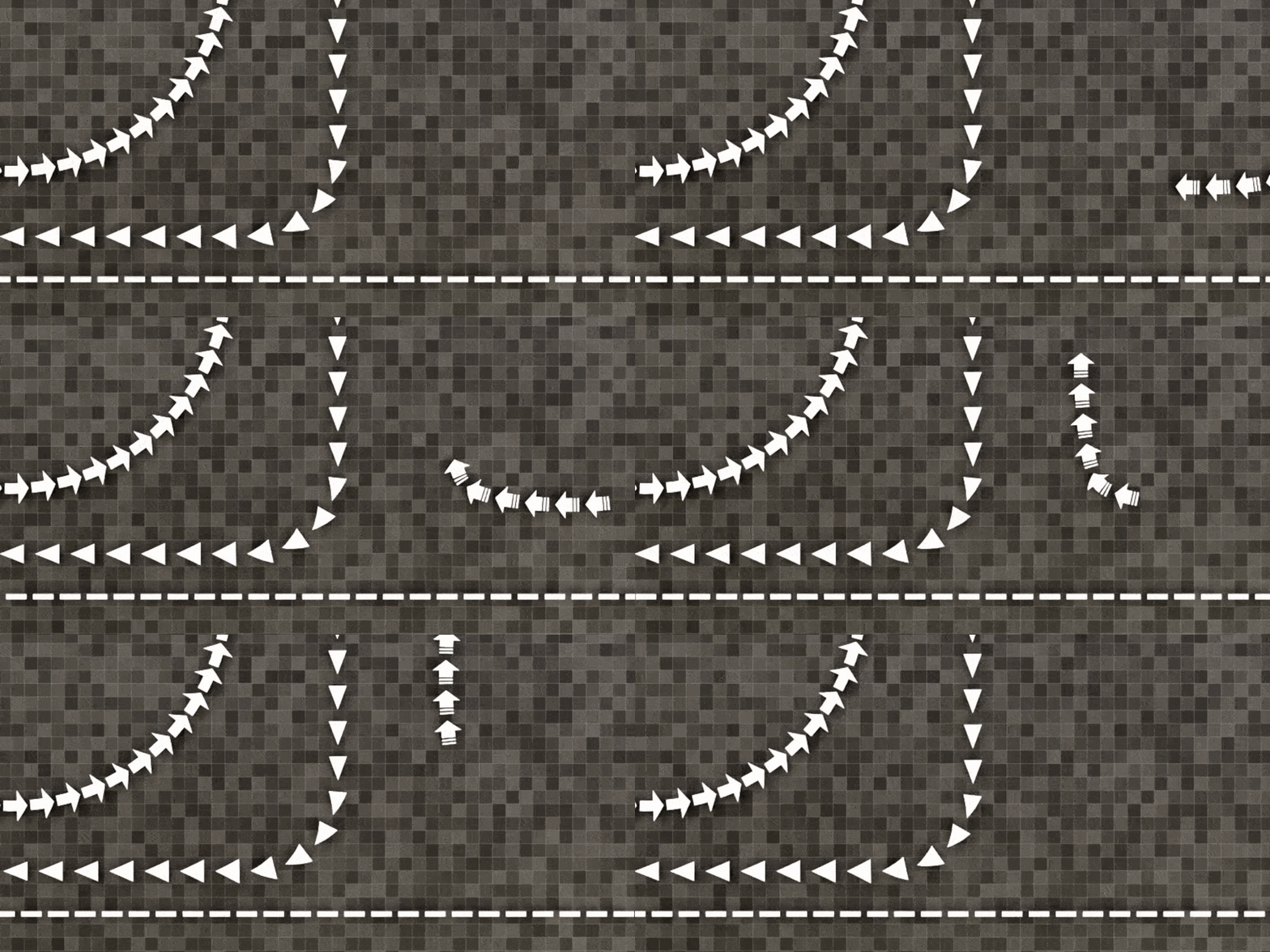
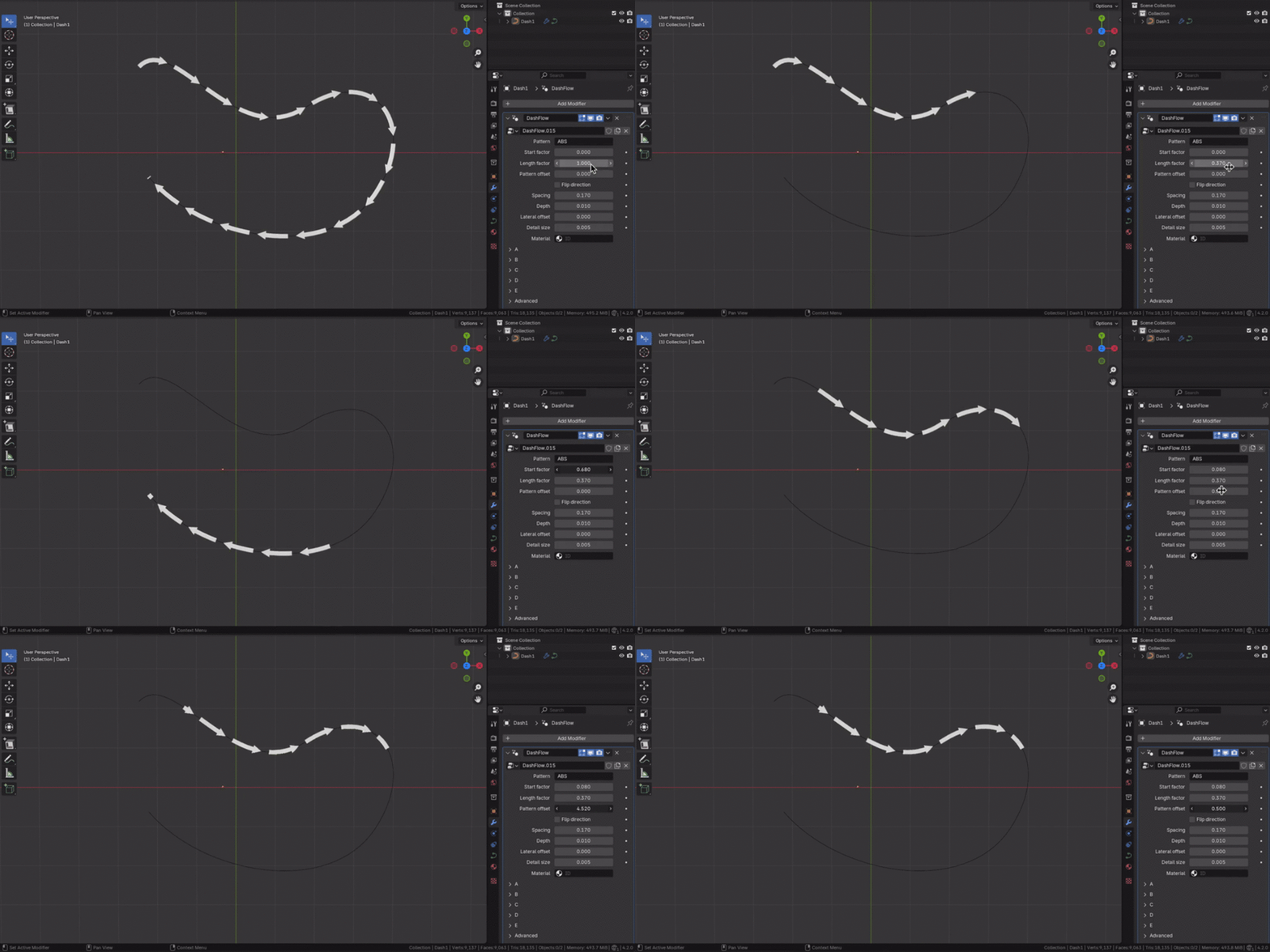
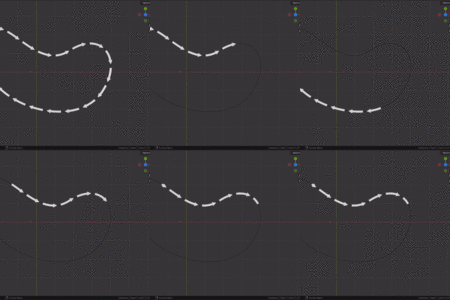
You can create interesting animation effects by acting on the parameters that indicate the position, length and offset of the pattern along the curve. You can find further details here in the manual

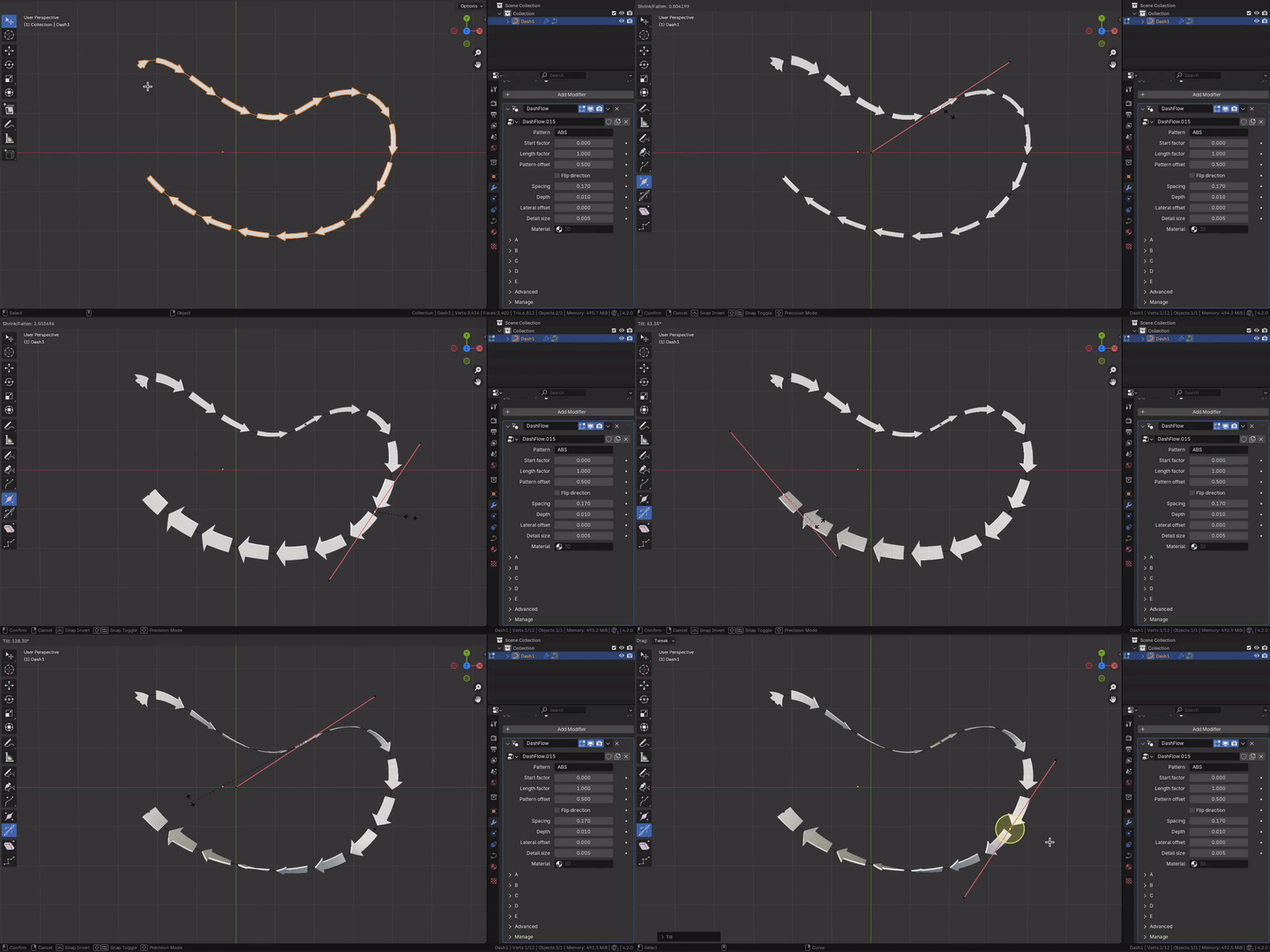
Dash Flow takes into account the radius and tilt angles applied to the curve control points, adapting the generated mesh accordingly.


