 Stefano Bianchini


Viewport Recall
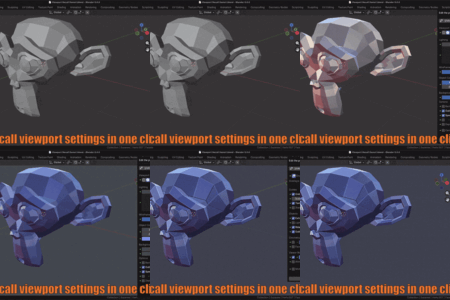
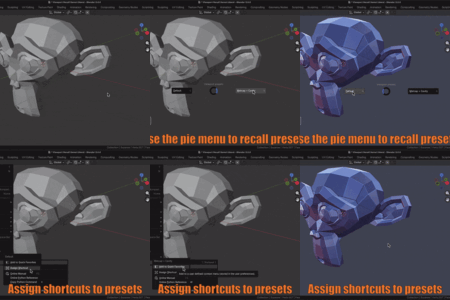
Save and instantly recall any combination of 3D Viewport settings.
Viewport Recall stores visibility options, gizmo configurations, overlay settings (including mode-specific ones like Sculpt or Paint), and shading parameters—such as Solid, Material Preview, Rendered mode, background color, and more.
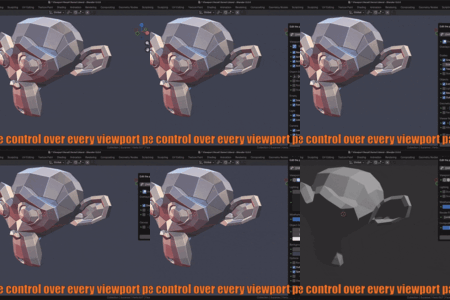
Unlike switching workspaces—which changes your layout, camera, and active tool—Viewport Recall affects only the viewport display, leaving everything else untouched. This makes it ideal for quickly adapting your view to different tasks without disrupting your workflow.
Save and instantly recall any combination of 3D Viewport settings.
Viewport Recall stores visibility options, gizmo configurations, overlay settings (including mode-specific ones like Sculpt or Paint), and shading parameters—such as Solid, Material Preview, Rendered mode, background color, and more.
Unlike switching workspaces—which changes your layout, camera, and active tool—Viewport Recall affects only the viewport display, leaving everything else untouched. This makes it ideal for quickly adapting your view to different tasks without disrupting your workflow.

Quick viewport recall
Recall any saved preset instantly:
Recall any saved preset instantly:
- From the side panel (N)
- From the View → Viewport Presets menu
- Via the pie menu (Ctrl+Alt+Z by default)
- With a custom keyboard shortcut

Selective loading
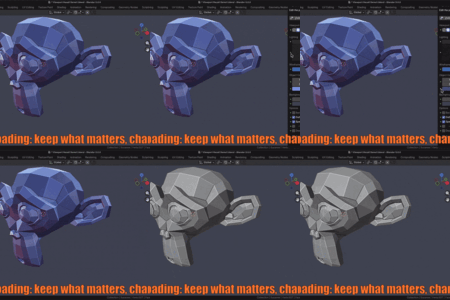
You don’t have to restore everything.
Each preset lets you choose parameter by parameter what should be applied and what should remain unchanged in your current viewport.
For example, as shown below, you can create a preset that only changes the background color, grid, and cavity settings, while leaving shading mode and all other options untouched.
You don’t have to restore everything.
Each preset lets you choose parameter by parameter what should be applied and what should remain unchanged in your current viewport.
For example, as shown below, you can create a preset that only changes the background color, grid, and cavity settings, while leaving shading mode and all other options untouched.

Key Features
Save full viewport states:
store visibility, gizmos, overlays, and shading and recall it in one click
Selective loading:
choose per-parameter whether to apply or ignore each setting when recalling a preset.
Multiple access methods:
Sidebar panel
Pie menu
Custom keyboard shortcuts
Viewport Menu
Preset management:
Mark presets as favorites (shown in pie menu)
Lock presets to prevent accidental edits
Duplicate, rename, or delete presets
For full details, see the Viewport Recall - User manual
Save full viewport states:
store visibility, gizmos, overlays, and shading and recall it in one click
Selective loading:
choose per-parameter whether to apply or ignore each setting when recalling a preset.
Multiple access methods:
Sidebar panel
Pie menu
Custom keyboard shortcuts
Viewport Menu
Preset management:
Mark presets as favorites (shown in pie menu)
Lock presets to prevent accidental edits
Duplicate, rename, or delete presets
For full details, see the Viewport Recall - User manual


