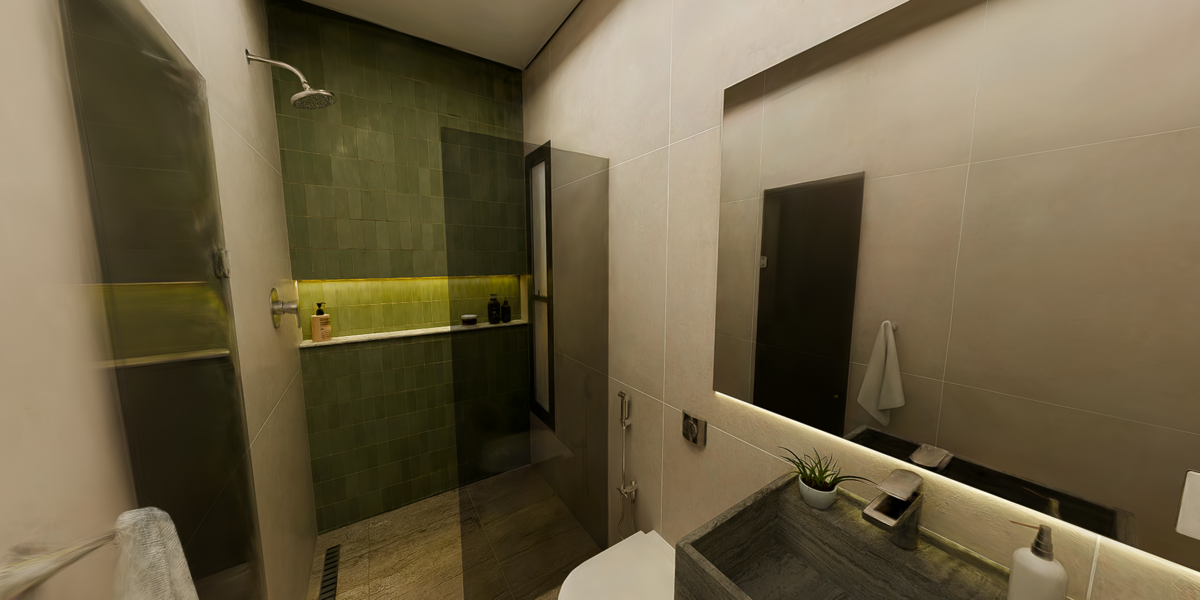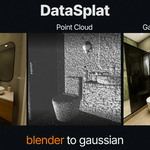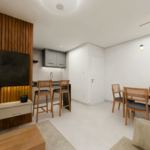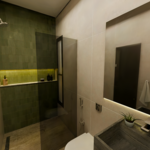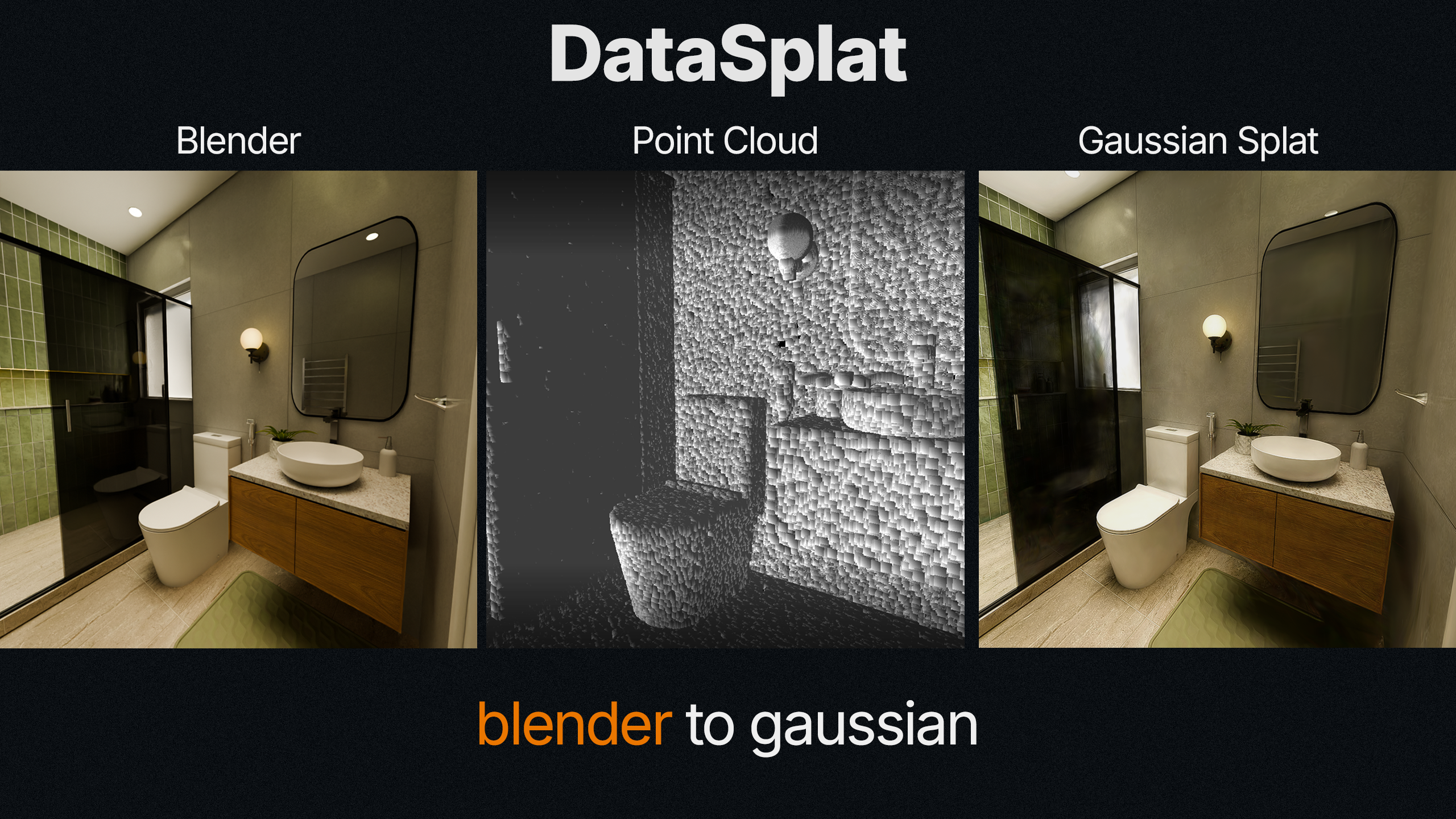
Turn Blender Scenes Into Gaussian Splat Datasets
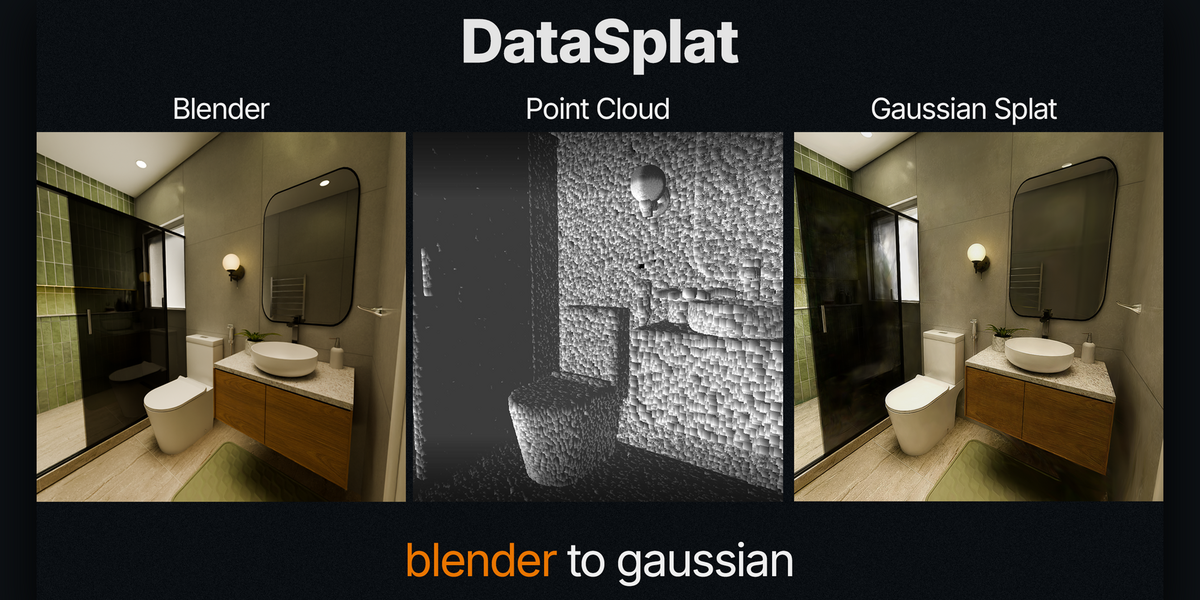
DataSplat generates synthetic COLMAP datasets from Blender using your existing rendered image sequences.
Assign independent point budgets to Blender collections and control where sampled point density is concentrated across the scene.
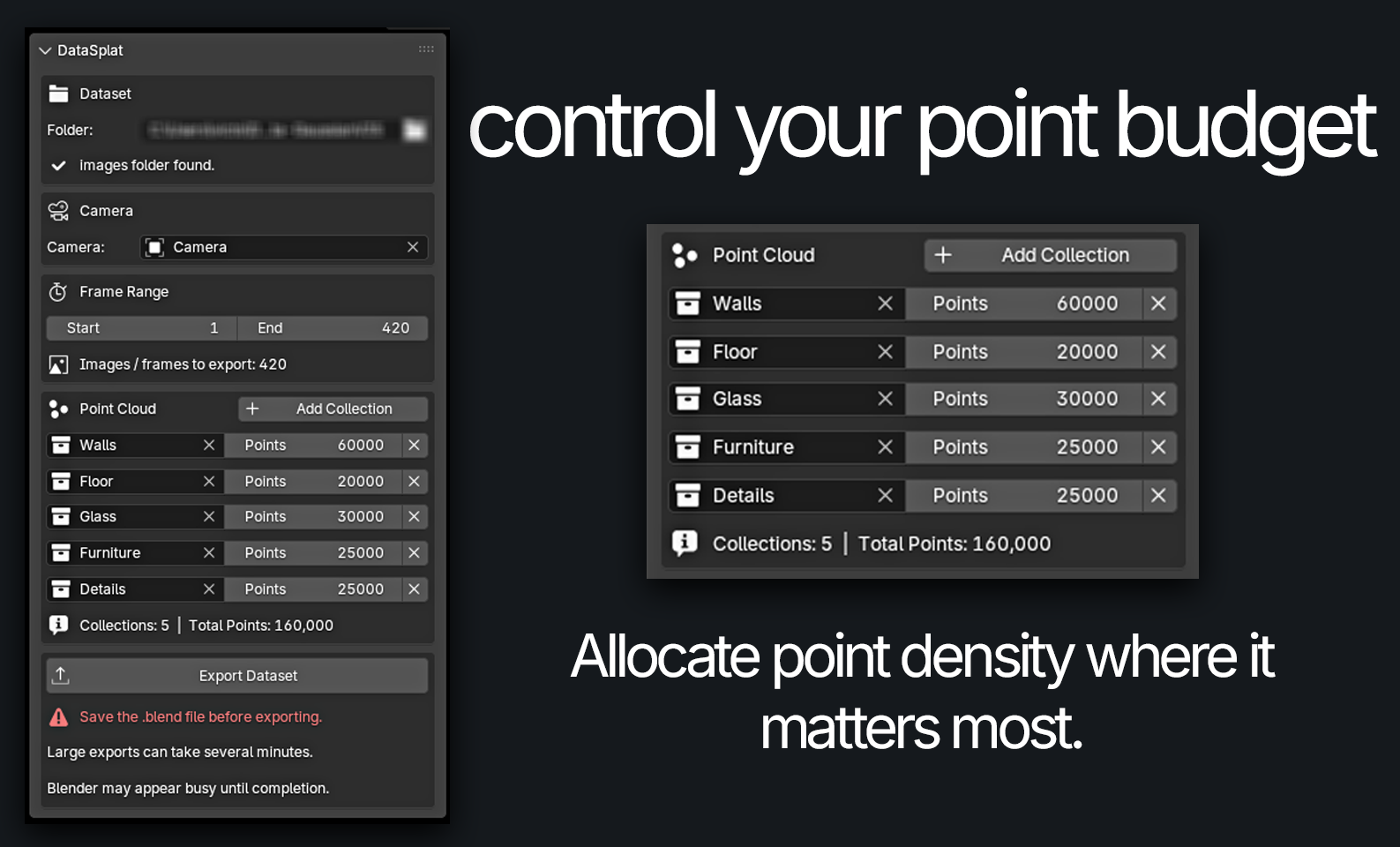
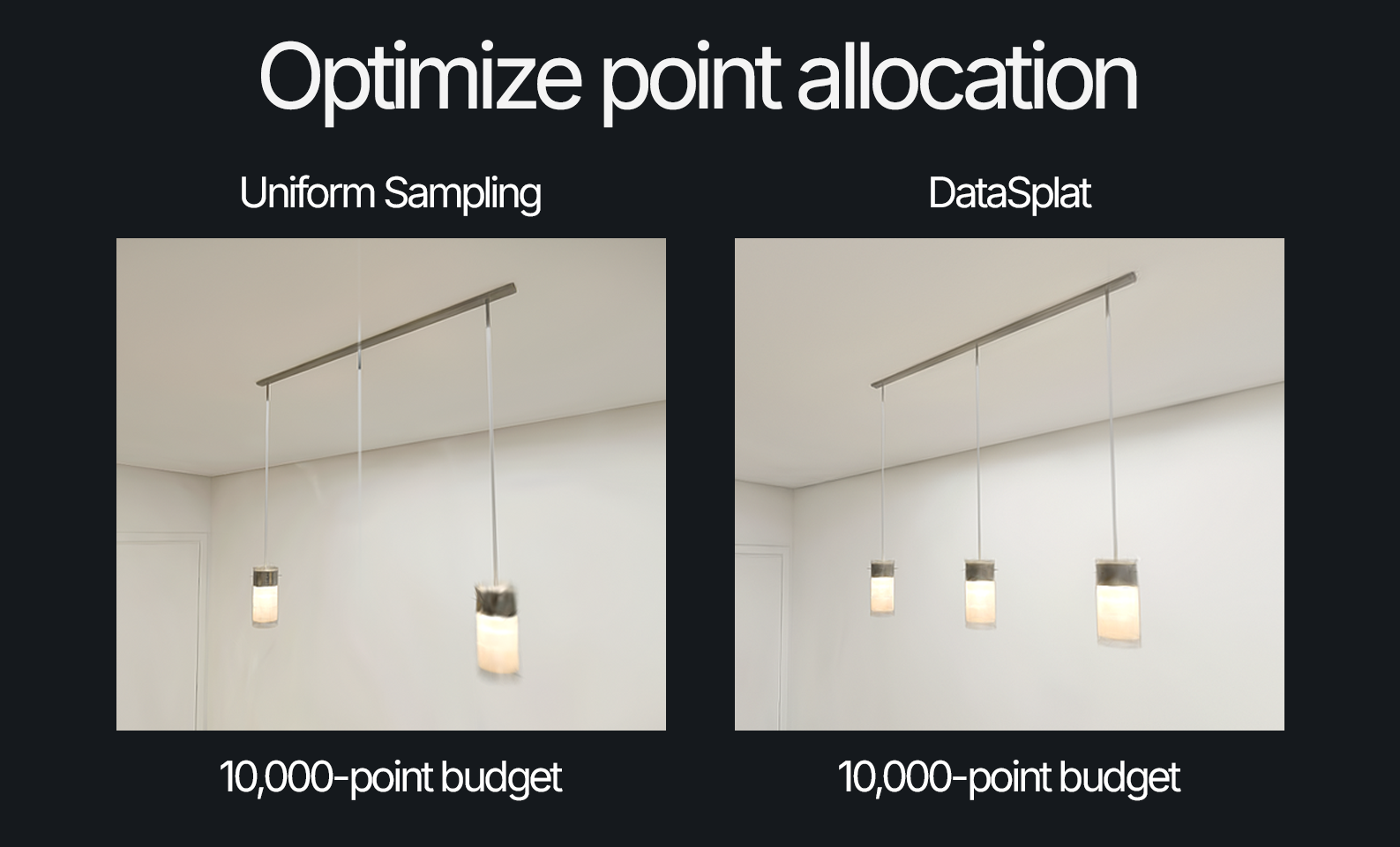
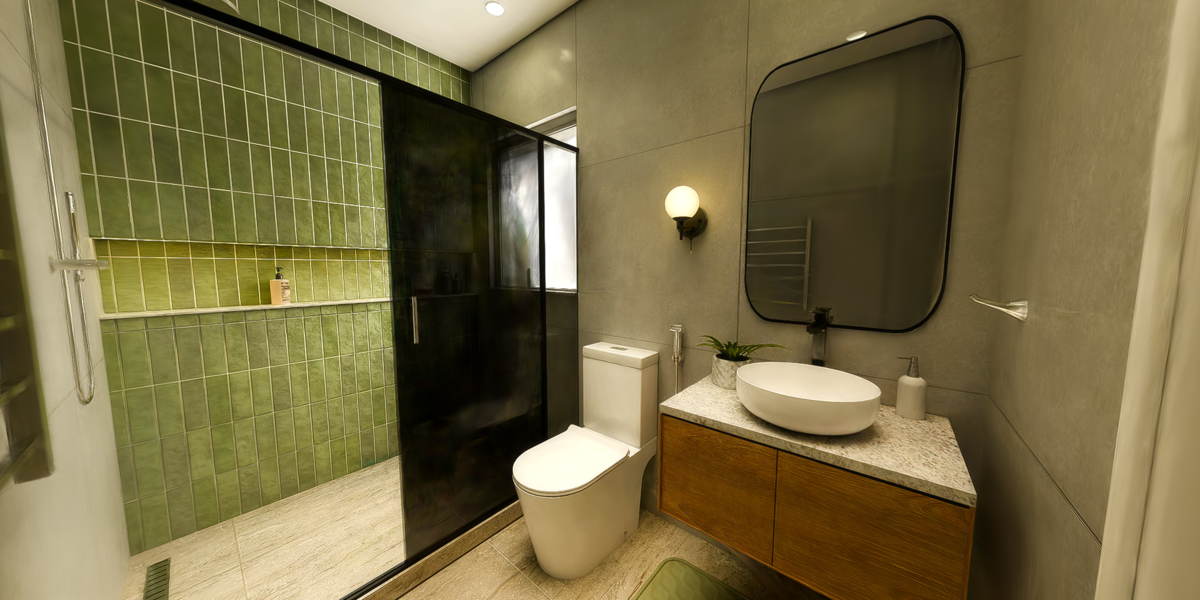
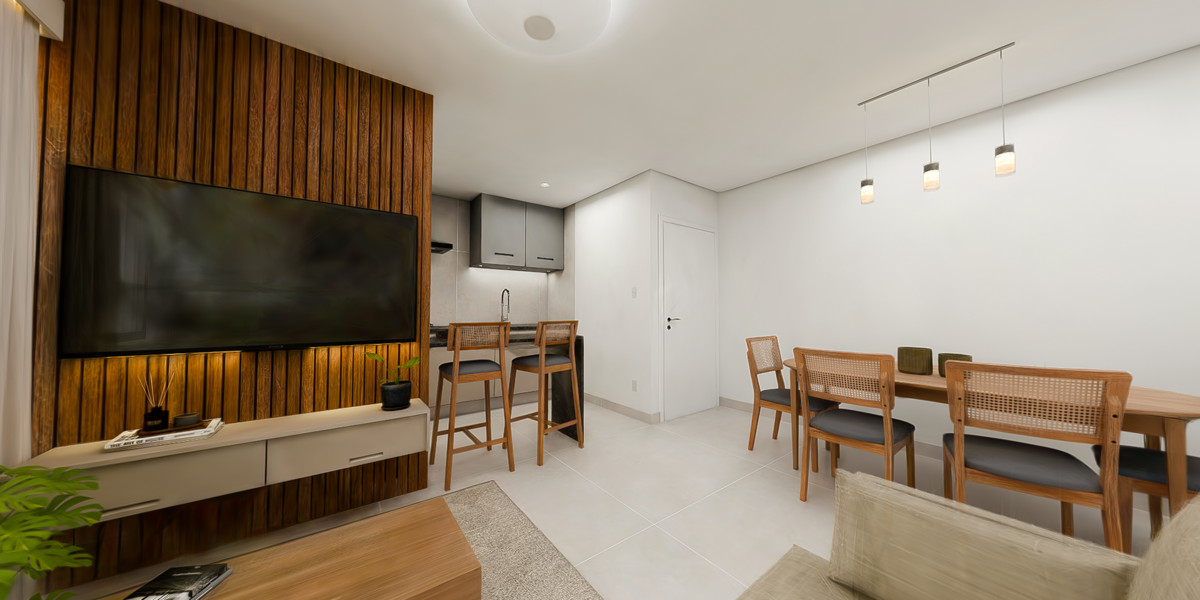
Both examples use the same 10,000-point budget. Uniform sampling spreads points across the entire scene, while DataSplat directs more of the same budget toward collections containing fine geometry, preserving detail without increasing the total point count.
Core Features
Independent point budgets for each Blender collection
Automatic point sampling from selected mesh collections
Multiple collections within a single dataset
Direct COLMAP export with cameras.txt, images.txt and points3D.txt
Built-in dataset validation
Point-cloud generation tested with up to 5 million sampled points
Workflow
-
Animate a camera in Blender
-
Render the image sequence
-
Select the dataset folder containing the rendered images folder
-
Select the animated camera
-
Add the collections that should be sampled
-
Assign a point budget to each collection
-
Export the COLMAP dataset
-
Open the dataset in LichtFeld Studio and start training
DataSplat keeps image rendering and dataset generation as separate steps. This allows the same rendered sequence to be reused with different collection selections and point-budget configurations without rendering the scene again.
Compatibility
Blender 4.5 or newerRecommended training software: LichtFeld Studio
DataSplat is designed for architectural visualization, interiors and other synthetic scenes where point distribution directly affects reconstruction quality.
 DataSplat