Datasplat - Blender To Gaussian
 DataSplat
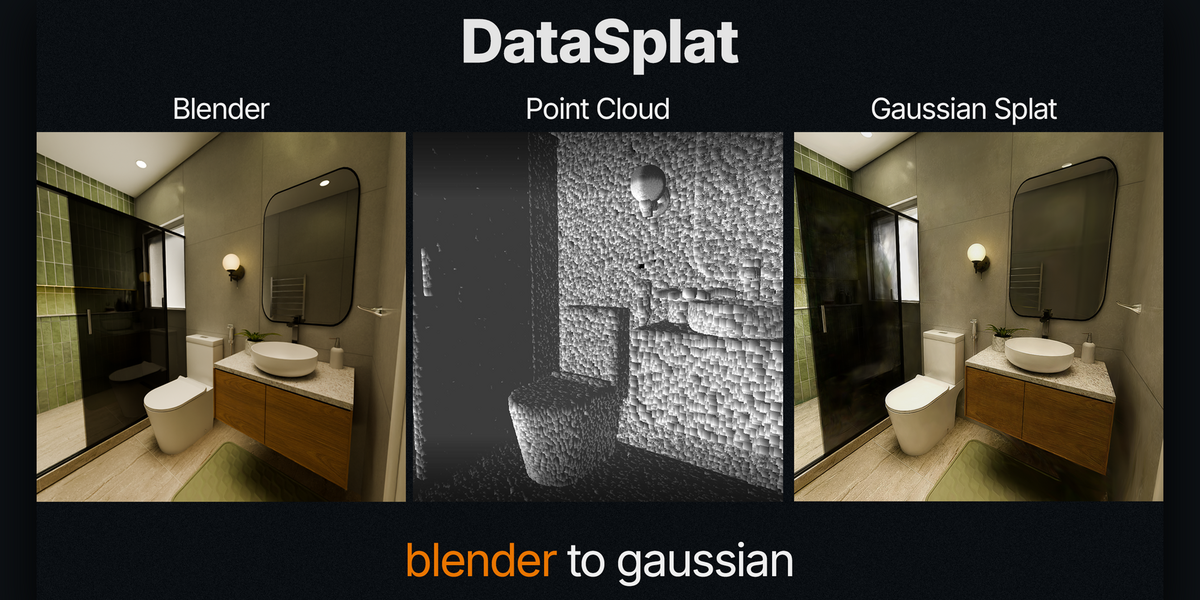
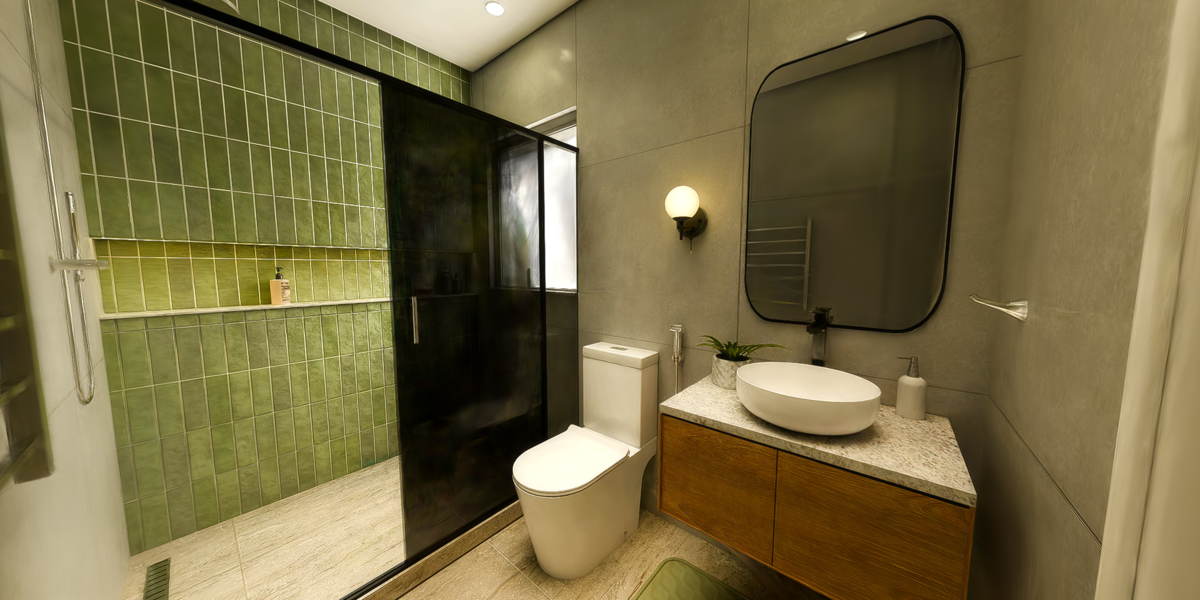
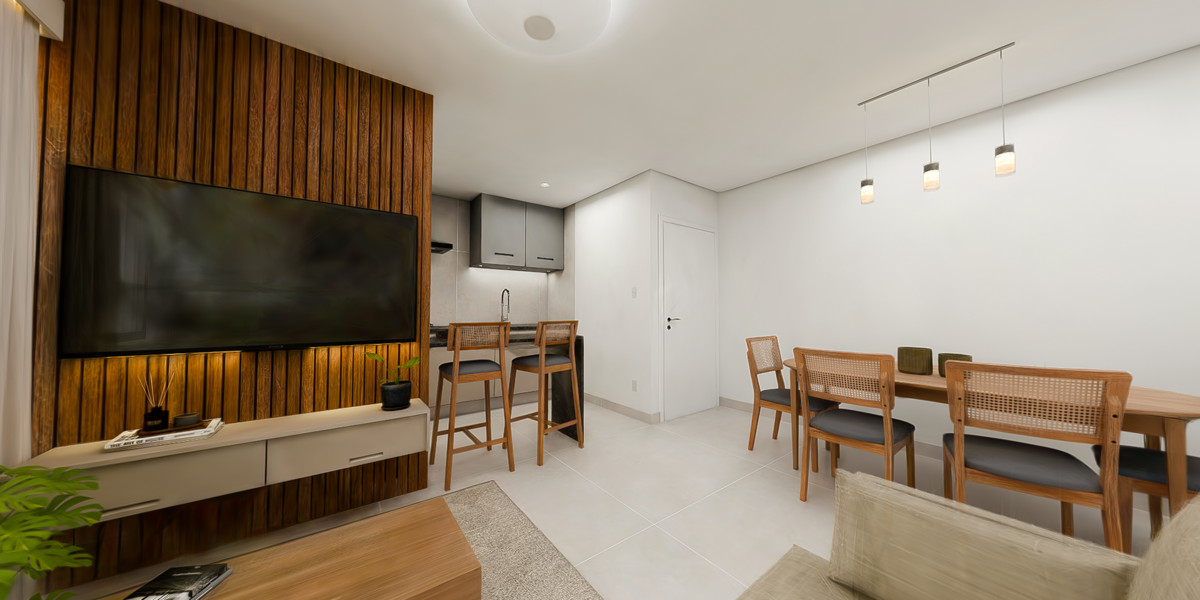
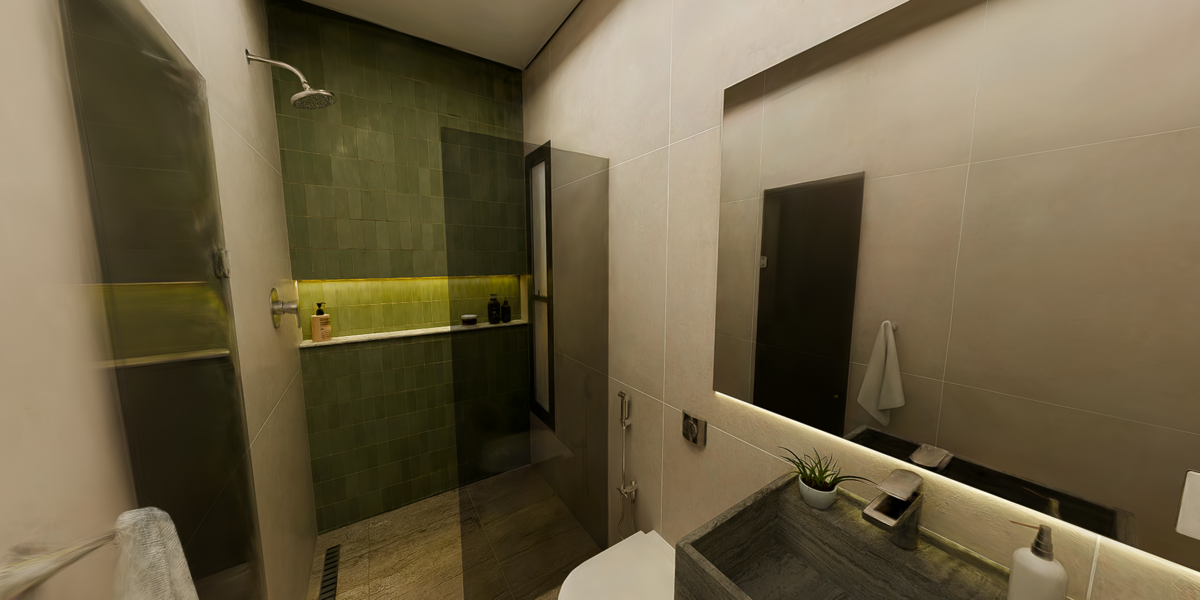
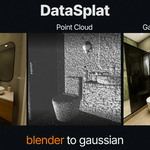
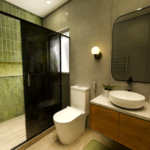
Requirements:
Blender 4.5 or newer
LichtFeld Studio or another application compatible with COLMAP text datasets
Installation:
- Download the DataSplat.zip file.
- In Blender, open Edit → Preferences → Add-ons.
- Click Install from Disk.
- Select the downloaded .zip.
- Enable DataSplat.
- Open the DataSplat panel in the Blender sidebar.
Preparing the Dataset Folder:
Create or select a dataset folder containing a subfolder named exactly: images.
Place the rendered image sequence inside this folder. The rendered frame order must correspond to the animated camera frames in Blender.
Basic Workflow:
- cameras.txt
- images.txt
- points3D.txt
- cameras.txt
- images.txt
- points3D.txt
Notes:
Save the Blender project before exporting.
Avoid renaming or reordering rendered images after export.
Make sure the selected camera contains the complete animation.
Collections should contain the final meshes intended for point sampling.
Training quality still depends on camera coverage, image quality, scene materials, and training settings.
$15
Have questions about this product?
Login to message
| Published | about 2 months ago |
| Blender Version | 4.5 - 5.2 |
| Extension Type | N/A |
| Render Engine Used | Cycles, Eevee, Octane, Vray |
| License | GPL |
