 Bala


Own V1? Get V2 FREE!
All V1(Beast Version) customers receive the V2 upgrade at no cost. Use Coupon dbv2forv1usersto get it for free.
Decal Beast
A one-stop solution to all your decal addon needs. It’s designed to solve all the problems that 3D artists face while adding decals to their scenes, making their workflow faster and more efficient.
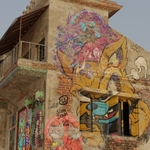
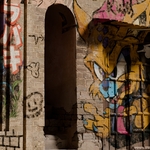
Before & After
Core Features
- ✓ Instantly drag and drop decals onto any mesh, it supports objects that has different materials on it.
- ✓ Drag and drop the same decal onto multiple objects at once.
- ✓ Change the color and roughness of your decals with ease.
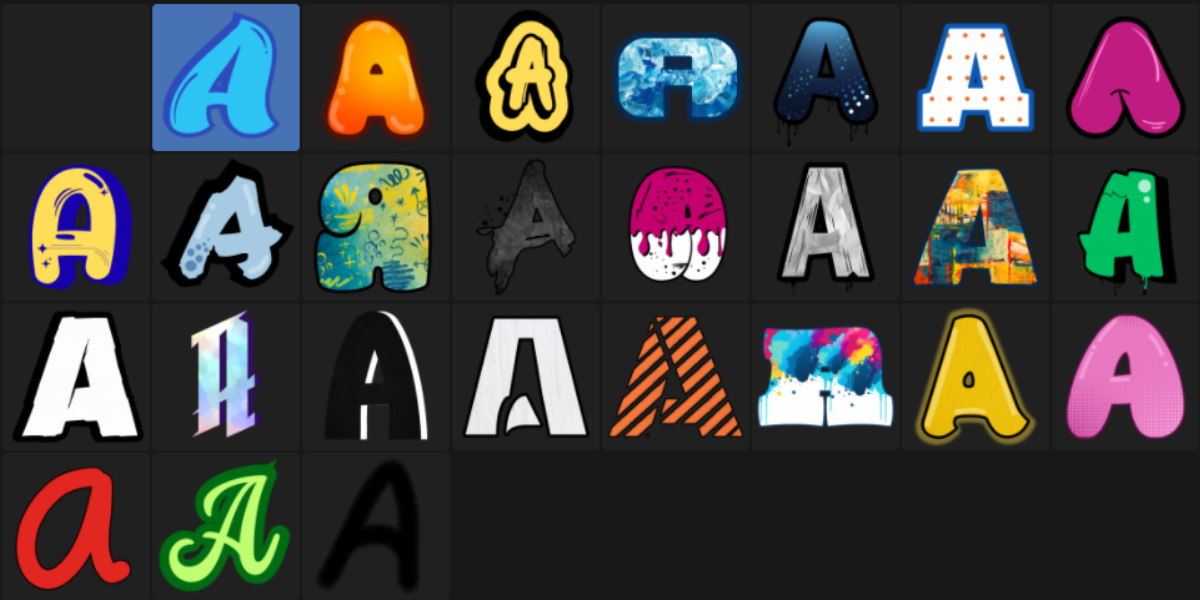
- ✓ Type your own words to create custom graffiti with a variety of unique fonts.
- ✓ Use a layer-based workflow to move decals forward or backward, just like in Photoshop.
- ✓ Slide decals on the surface of any object after placement.
- ✓ Add grunge and aging to your decals to create realistic wear and tear.
- ✓ Animate the aging and grunge effects for stunning timelapse scenes.
- ✓ Bake decals onto your mesh with one click, freeing up GPU memory.
See it in Action
What’s Included
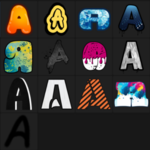
Available Graffiti Fonts
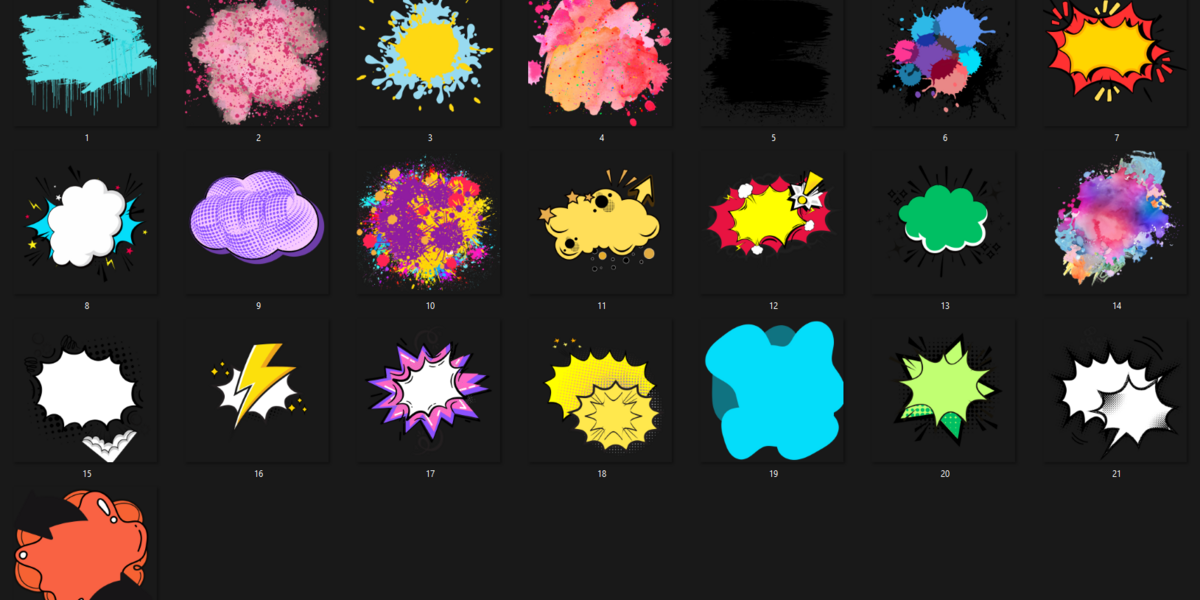
Background Elements
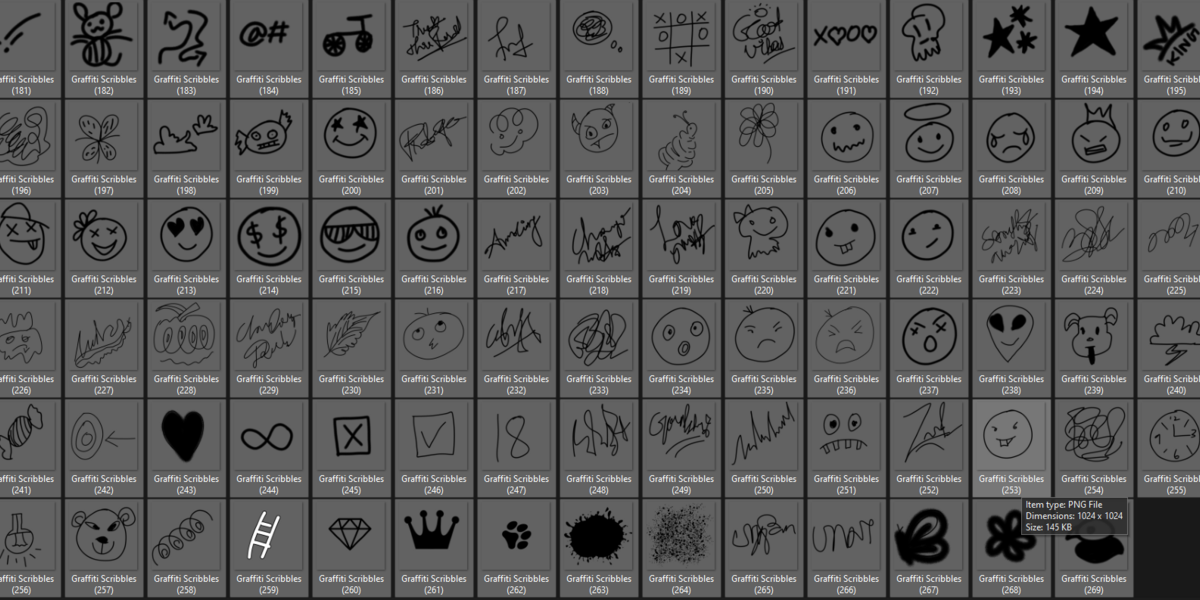
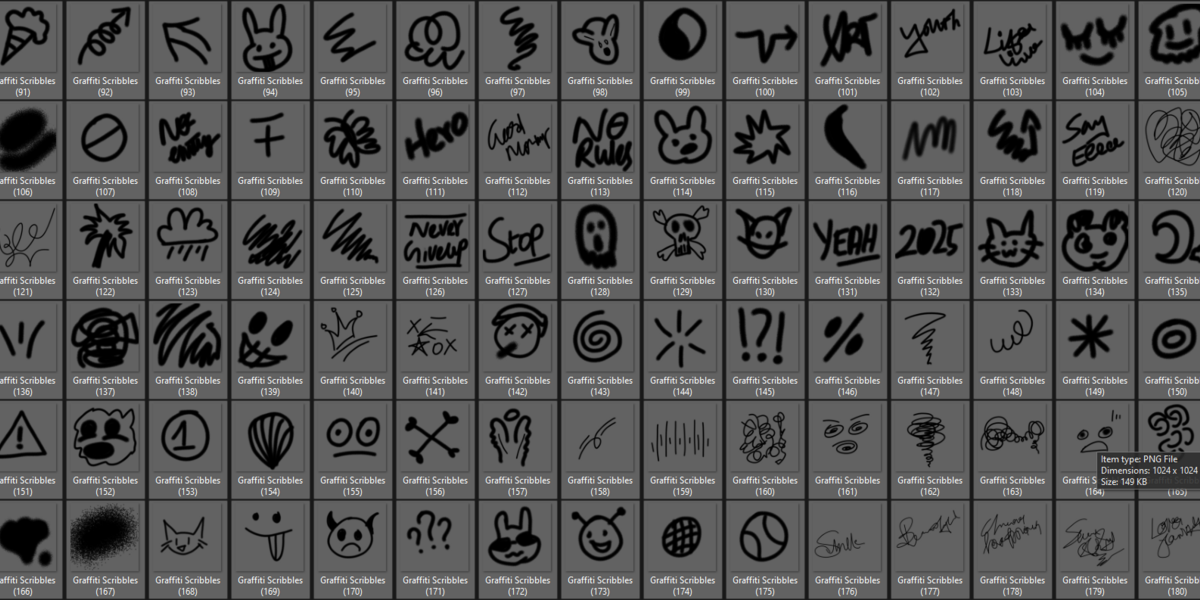
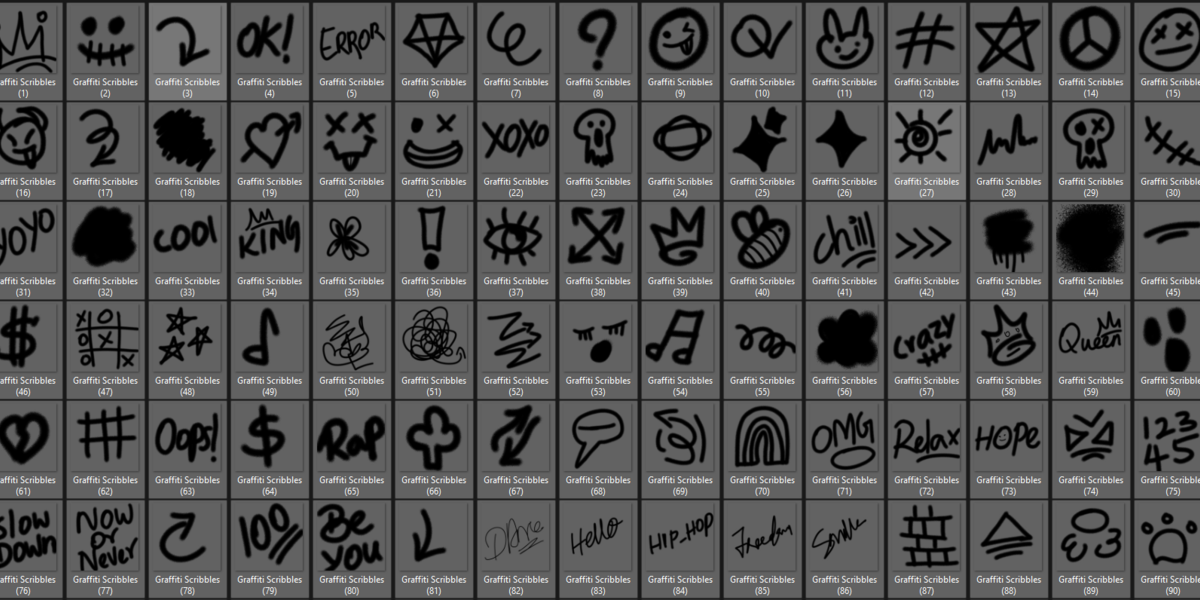
More than 250 Hand Scribbles
Customer Renders
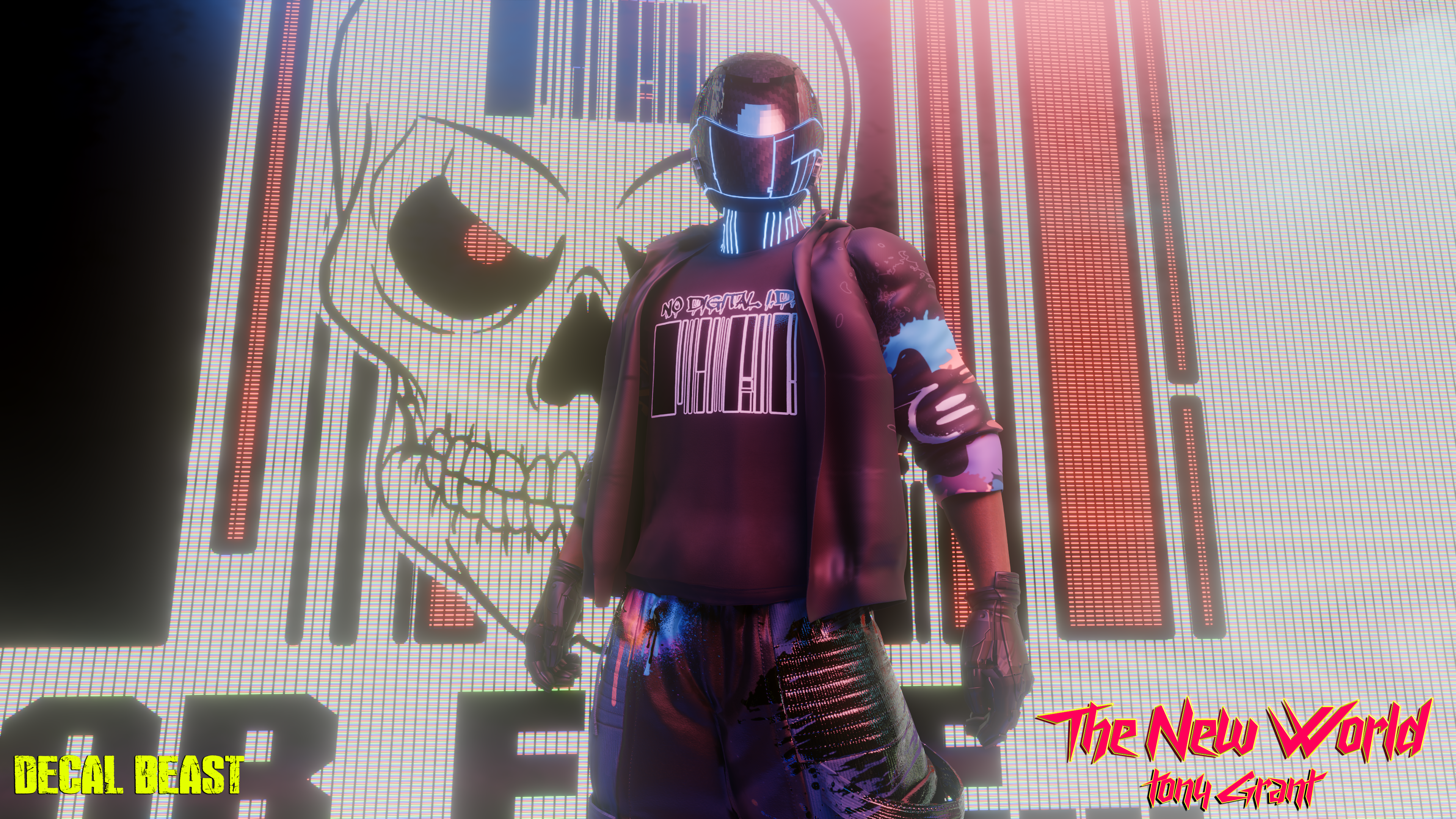
Render by: Tony Grant (ArtStation)
Tutorials & Reviews
Full Tutorial Review by Ryan King Art
Multiline Decal
Single Line Decal
How to Add your own Decals
Creating Decals and Baking Tutorial
How to Use Decal Beast
Installation
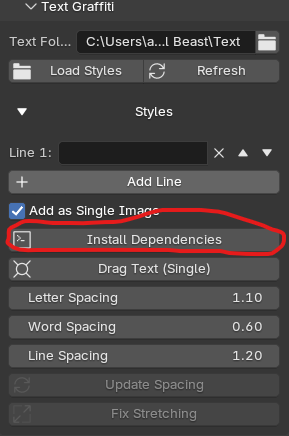
First time when you install the addon,
You will have to install Dependencies,
For the Add as Single Image Option to Work,
It Uses a Python Library,
So it needs to be Installed.
Also from me: Signage
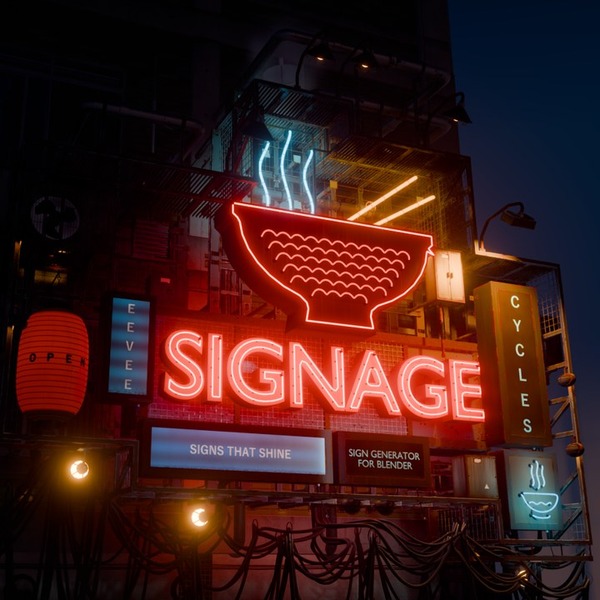
My new sign generator for Blender. Add neon signs, light boxes, shop signs and whole sign clusters in a few clicks, type your own text, and switch them on at night. Works in Cycles and EEVEE.
Get Signage on SuperhiveAffiliates
Feel free to reach out
Collaborators

Updated V1.3 What's New
1) Supports Procedural and Custom Materials
Now it supports procedural materials, and custom materials that come with characters like Daz Studio and Character Creator.
Even if the material is grouped, it can now find it and add the decal inside the group without any issues.
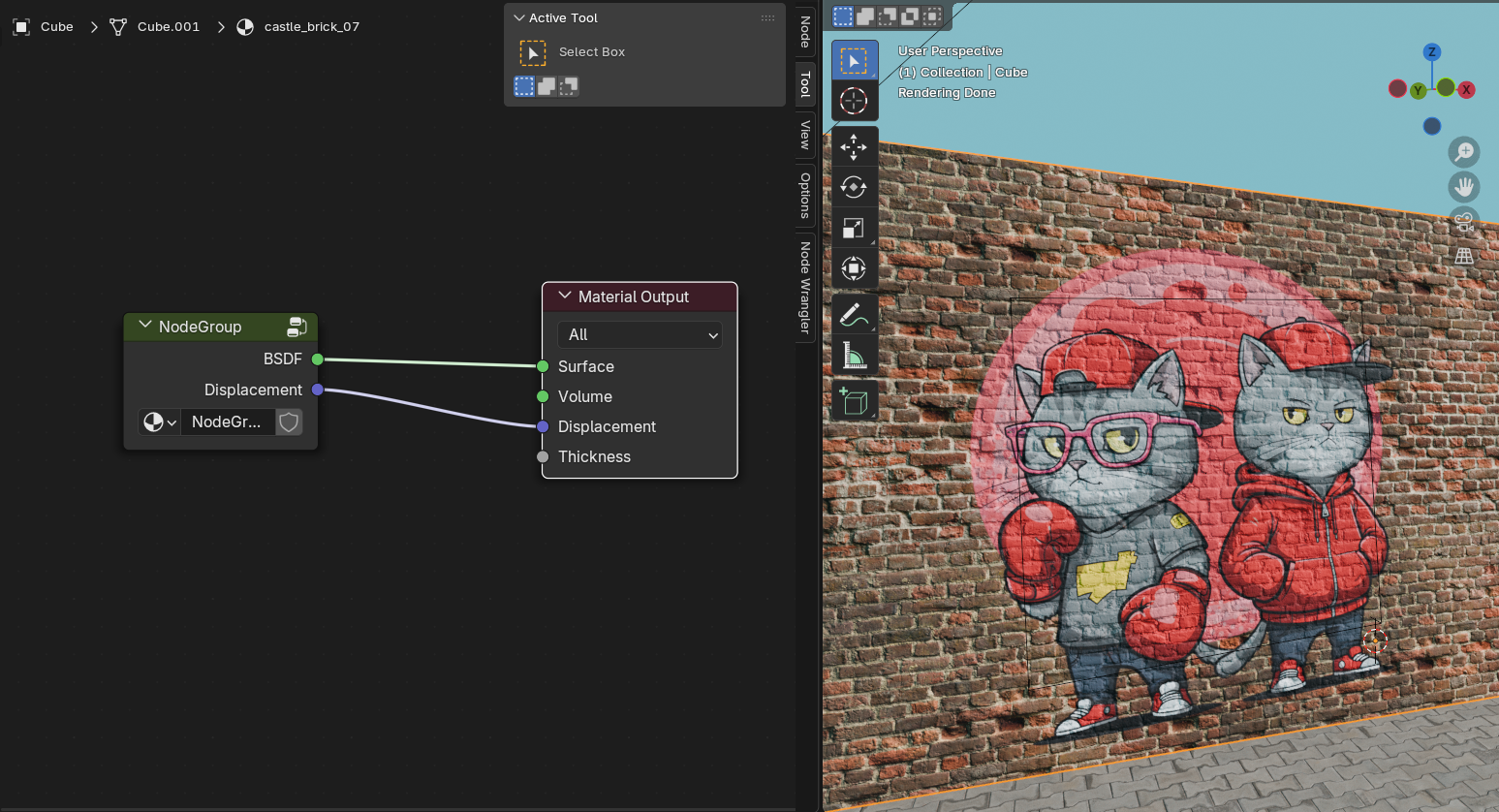
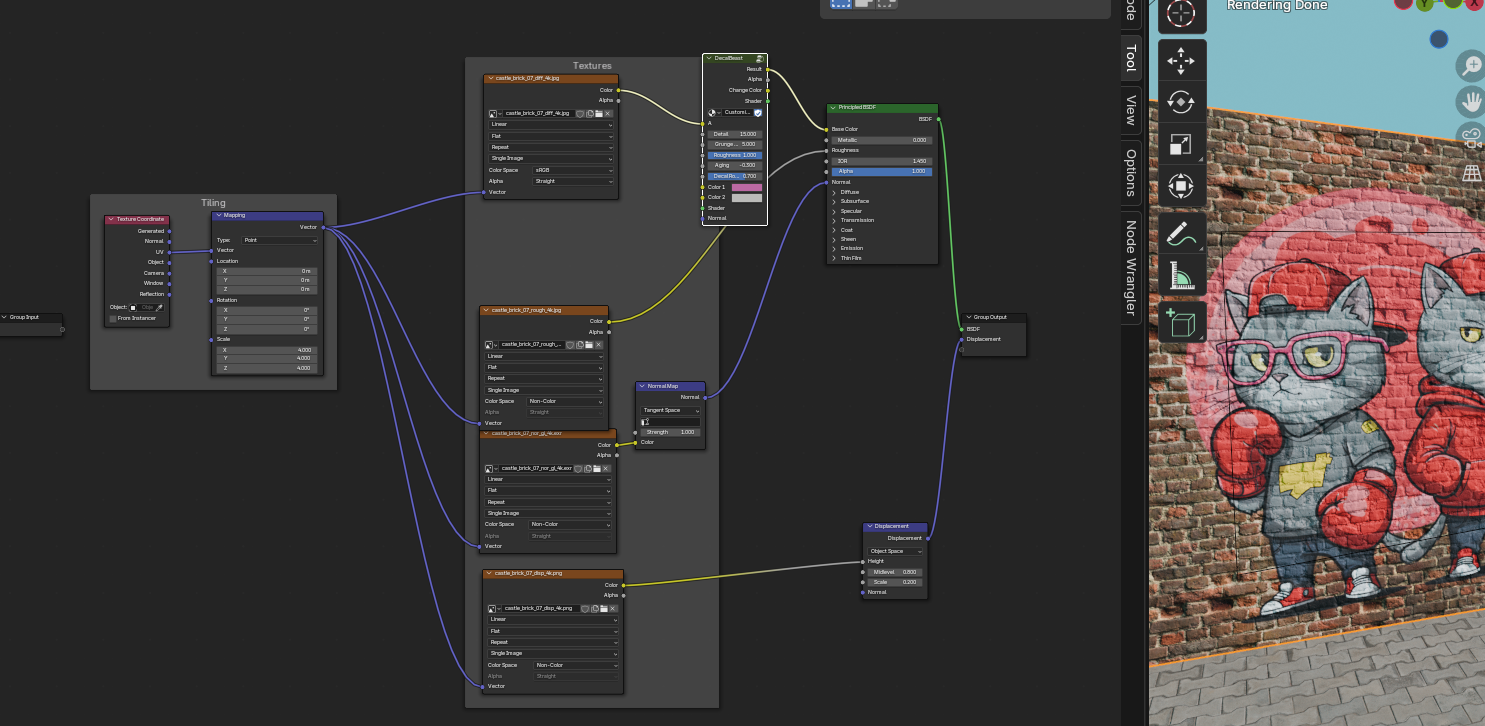
If you are using the material with image textures you can turn the Use Shader Chain and Feed Normal off; for custom character materials turn them on so it adds the decal nodegroup after the BSDF.
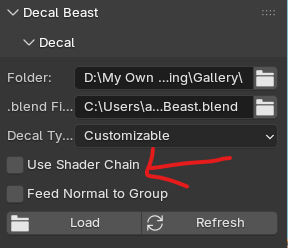
2) Baking Improvements
The baking feature can now bake any object even if the decal is not added — it can work as a standalone baking addon.
Now you can bake Diffuse, Normal and Roughness maps. Choose Multiple Materials to bake every material separately and you will have all the available material as it is, or Single Material to bake everything into one image set (Diffuse/Roughness/Normal) for faster results.
You can only bake one object at a time. Select the object you want to bake and hit Bake.
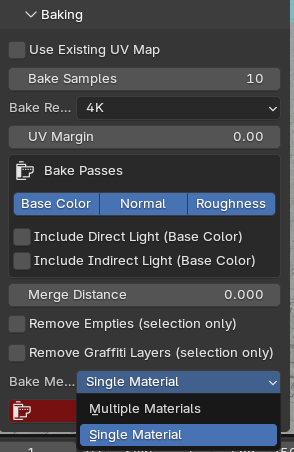
Here is how the baked image looks:
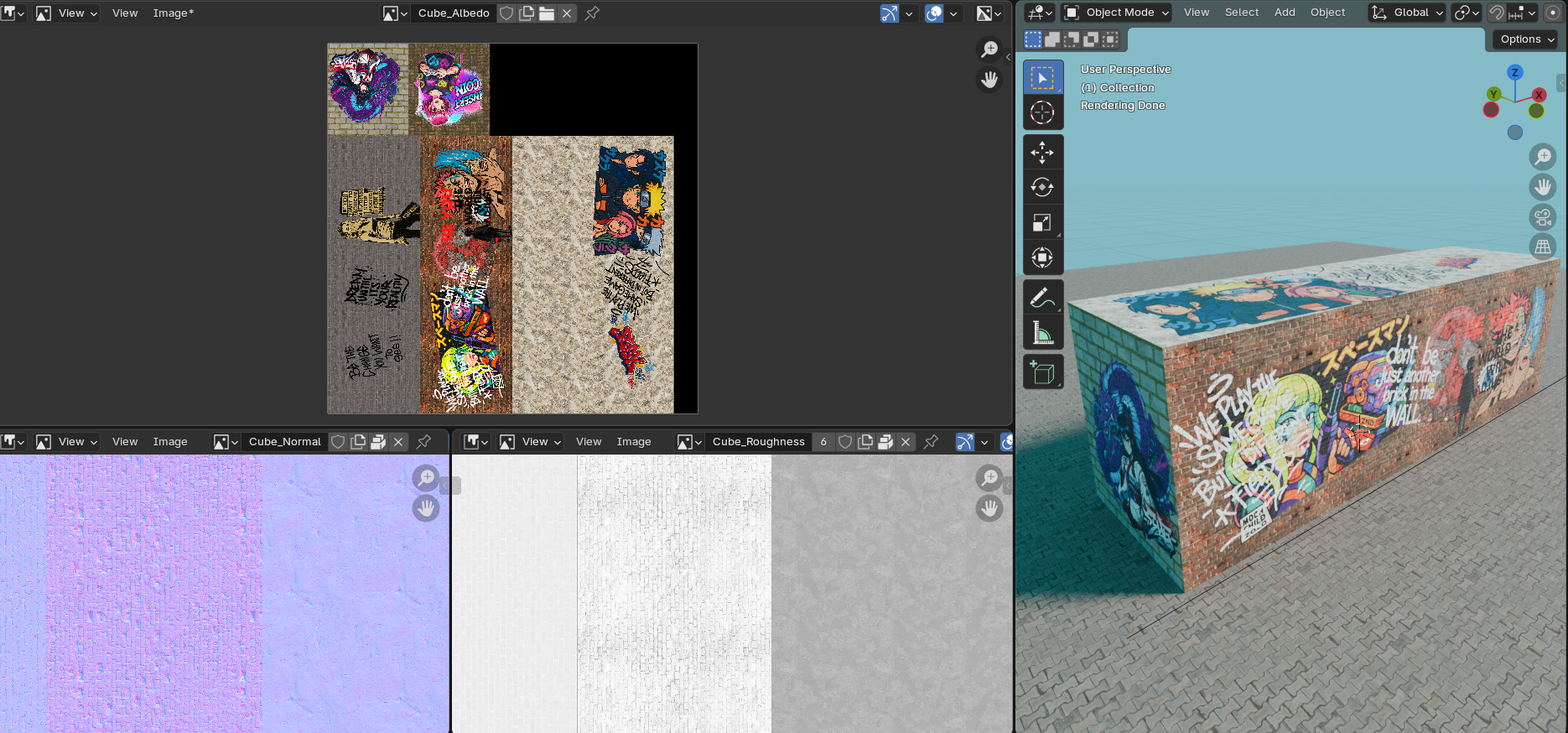
3) Folder selection improvements
The Gallery Folder Selector can now remember the selected folder until you change it. Previously you had to select it every time you opened Blender.
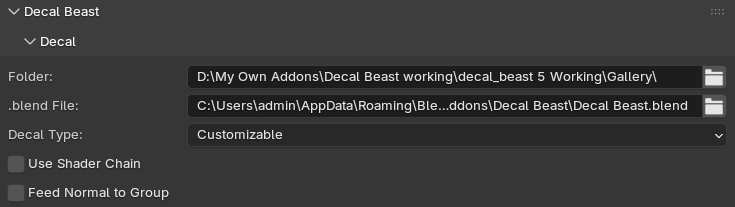
Updated V1.2 What's New
- Now you can add Multiline text
- Word spacing, line Spacing and Letter Spacing is Enhanced
- UI improvements now the animation tab, Baking tab, and Batch styling tab are moved to a Collapsible panel,
- Now the styling option is universal for all the decals, you can select multiple empties and batch style them or select a single empty and style it separately, this approach helped improve the UI without clogging it