Decalify - Turn Any Mesh Into a Decal
 hodgson3d


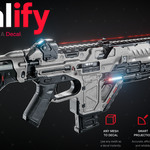
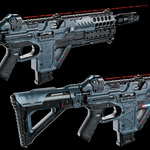

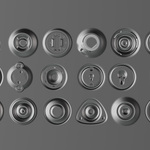
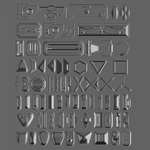
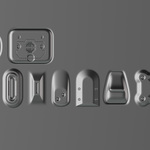
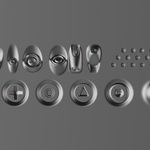
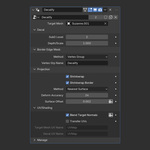
Settings descriptions:
TIPS: If you are using decals on flat surfaces I would highly recommend turning off all the data transfer/projection settings as these can slow your scene down unnecessarily.
Target Mesh: Mesh the decal is projected down onto.
DECAL:
SubD level: Higher values will give better results on curvature.
Depth/Scale: The scale / depth of the decal on the local Z axis. Use values higher than 0 to avoid Z fighting artefacts.
BORDER EDGE MASK:
Method: Method for data transfer, vertex group is manually assigned. Auto detect will automatically find ANY border edge on the decal and use that. If your decal has multiple sets of open edges, this will produce unwanted results.
Vertex Grp Name: Vertex Group used to shrinkwrap/transfer normals on the decals border edge.
PROJECTION:
Shrinkwrap: Projects the decal down onto the surface. Use this for when you need to conform to curvature.
Shrinkrap Border: Projects the border edge of the decal down onto the target mesh surface to remove the gap.
Projection Method: Method used to project the decal. Nearest surface is best for wrapping to curvature. Raycast is best for projecting down in the Z axis.
Deform Accuracy: The higher this value, the smoother the result of the projection. (Imagine a plane/grid with a resolution of the number input in this setting)
Blur Target Normals: Increase this setting if you are using large values for the decals depth/scale and can see artifacts and stretching on the geometry. This often occurs if you are shrinkwrapping to very low poly geometry.
Surface Offset: Lifts the decal off the surface of the target mesh. Use "Shrinkwrap Border" to close the gap if needed.
UV/SHADING:
Normal Type: If you are using flat details use "2d." If you are using decals with depth use "3d."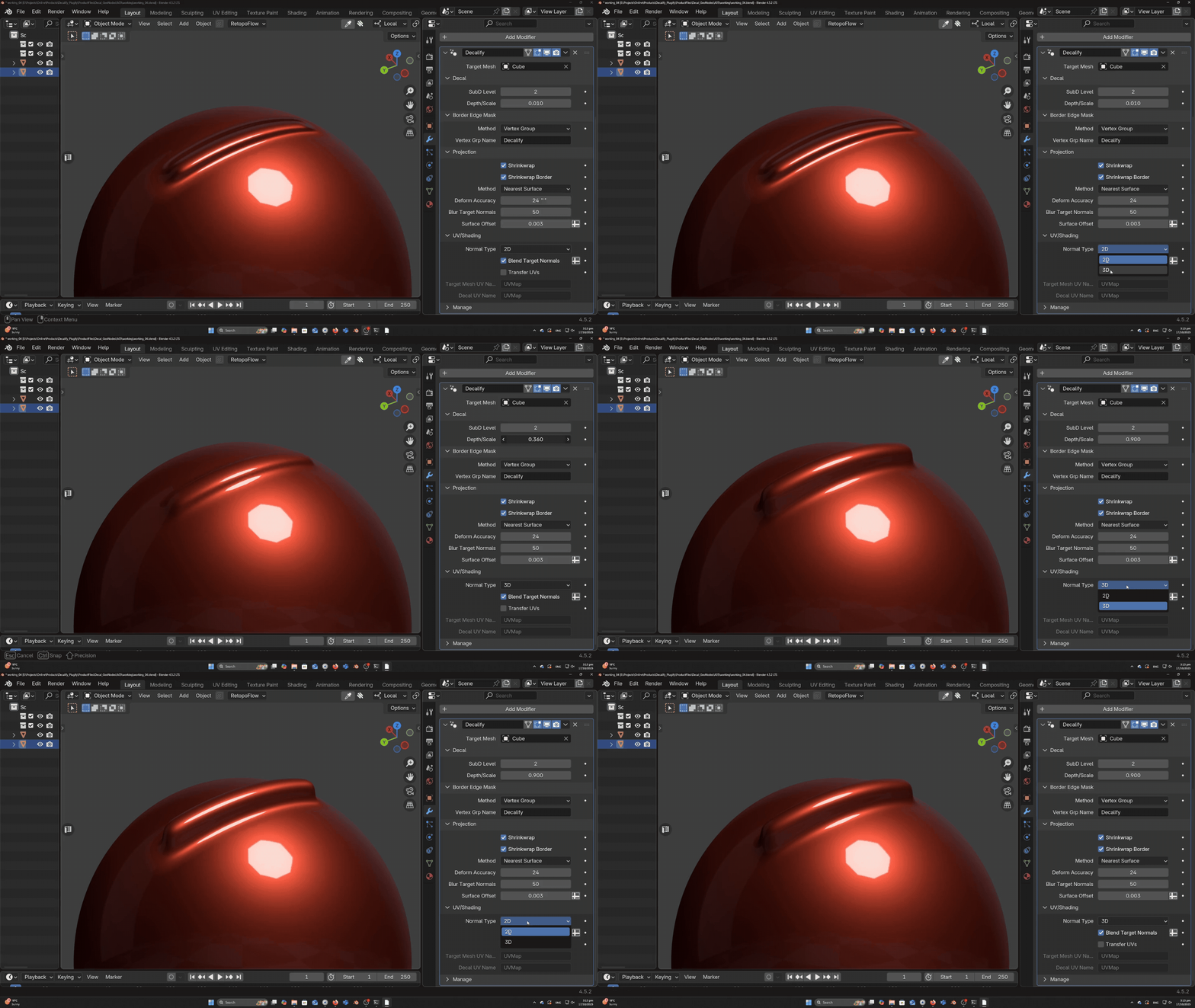
Blend Target Normals: Blends the normals between the boundary edge of the decal and the target mesh.
Transfer UVs: Transfers the UVs from the target mesh onto the decal to help with shading.
Target Mesh UV Name: The name of the UV map on the target mesh.
Decal UV Name: The name of the UV map on the decal.
