Chipp Walters
almost 7 years ago
Thanks for your review. The shortcut is to press CTRL + the INSERT button which will add the selected material to the selected object.
This item has an average rating of 5 from 36 ratings by the community.
Purchase this item to leave a review!
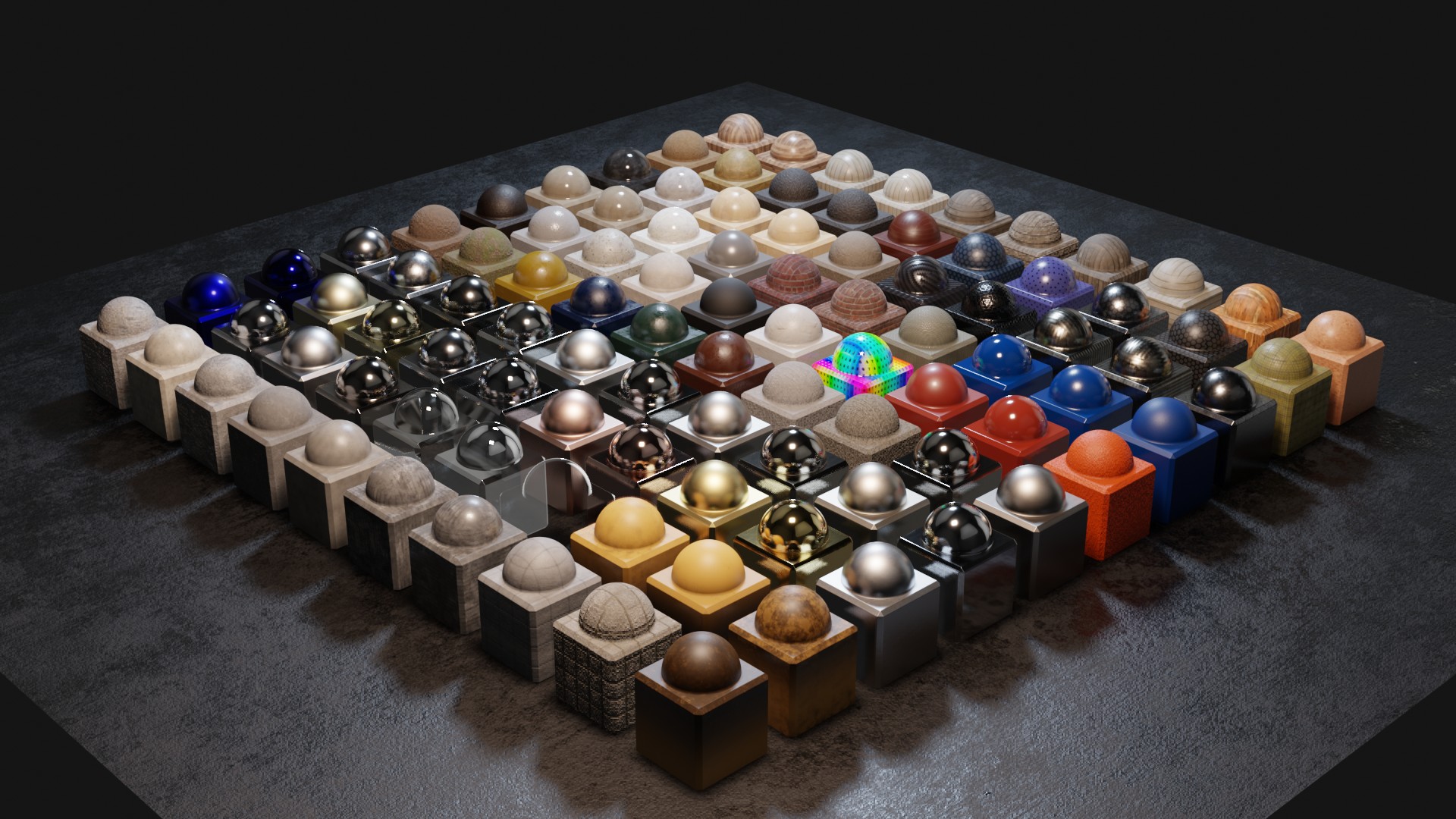
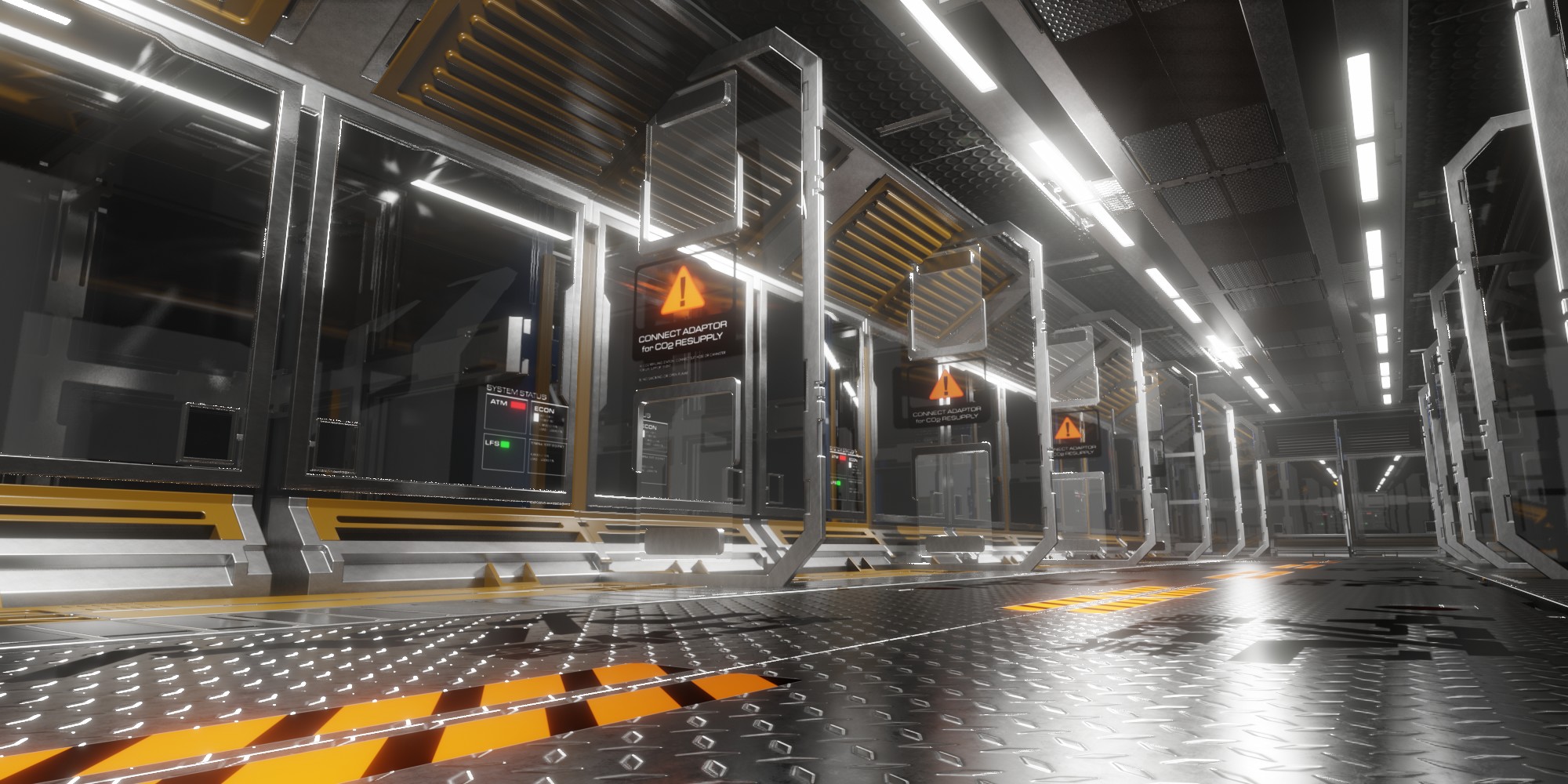
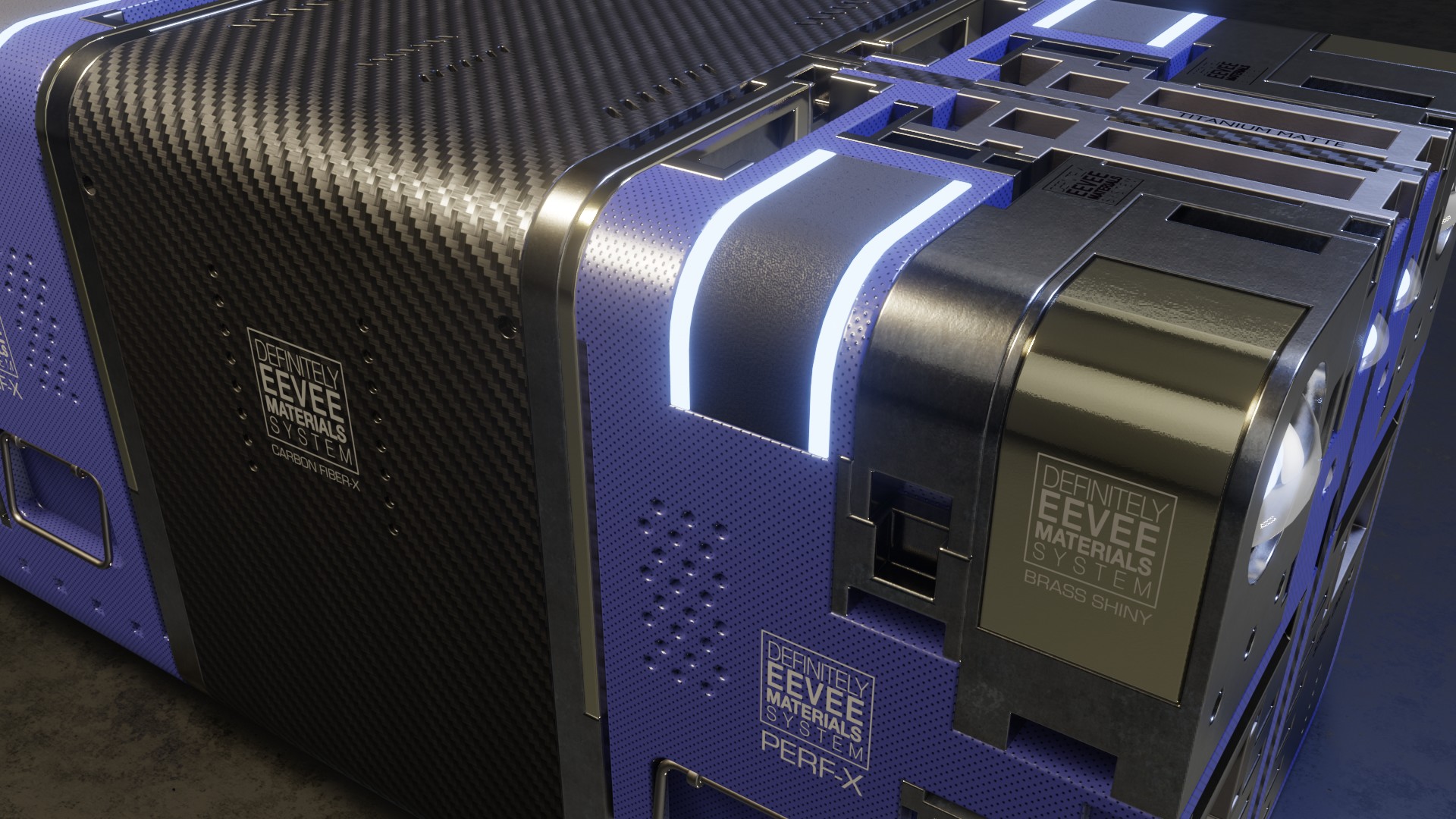
Wow! This is an amazing add-on. I was skeptical and eyed this add-on for a couple of months. I'm beyond impressed and am actually pissed at myself for not picking this up sooner. The materials look amazing, and are a breeze to modify/adjust. There are so many, the possibilities are seemingly endless. This will surely speed up my workflow. Great work, Chipp!
This addon helps to save so so much time! Thank you so much Mr. Chipp.
At first though, using Kitops to have shaders was strange. But no! The result is really great and easy to use. Thanks Chipp!
A great time saver if you are just starting out in Blender as I am.
Absolutely great and clearly made with professionalism and workflow efficiency in mind. Quality textures that are super easy to apply and even if you'd like manipulate to make them exactly how you'd like for your scene and objects. The cutting tools are beyond functional and very easy to apply, shape and position however way one might one. The textures themselves are top notch quality and wit some proper lighting set ups they look incredible! Plus Mr. Walters is a true professional when it comes to this and should be commended for that. I had a couple questions for this and he went a step beyond to fully help me out. Totally worth to buy and use repeatedly.
It is really, really good. Thanks a lot.
Genius. And get kitiops while you:re at it, or else....
This will save me a lot of time and allow me to focus on the modelling. Many thanks for the effort and the great quality ! Is there a shortcut to directly add a dirt layer to a material so we can skip adding a temporary guizmo ? Like a ctrl+alt+click shortcut that would add the node group immediately before the principled color input ? This is just my five cents :) Super cool database regardless!
Chipp Walters
almost 7 years ago
Thanks for your review. The shortcut is to press CTRL + the INSERT button which will add the selected material to the selected object.
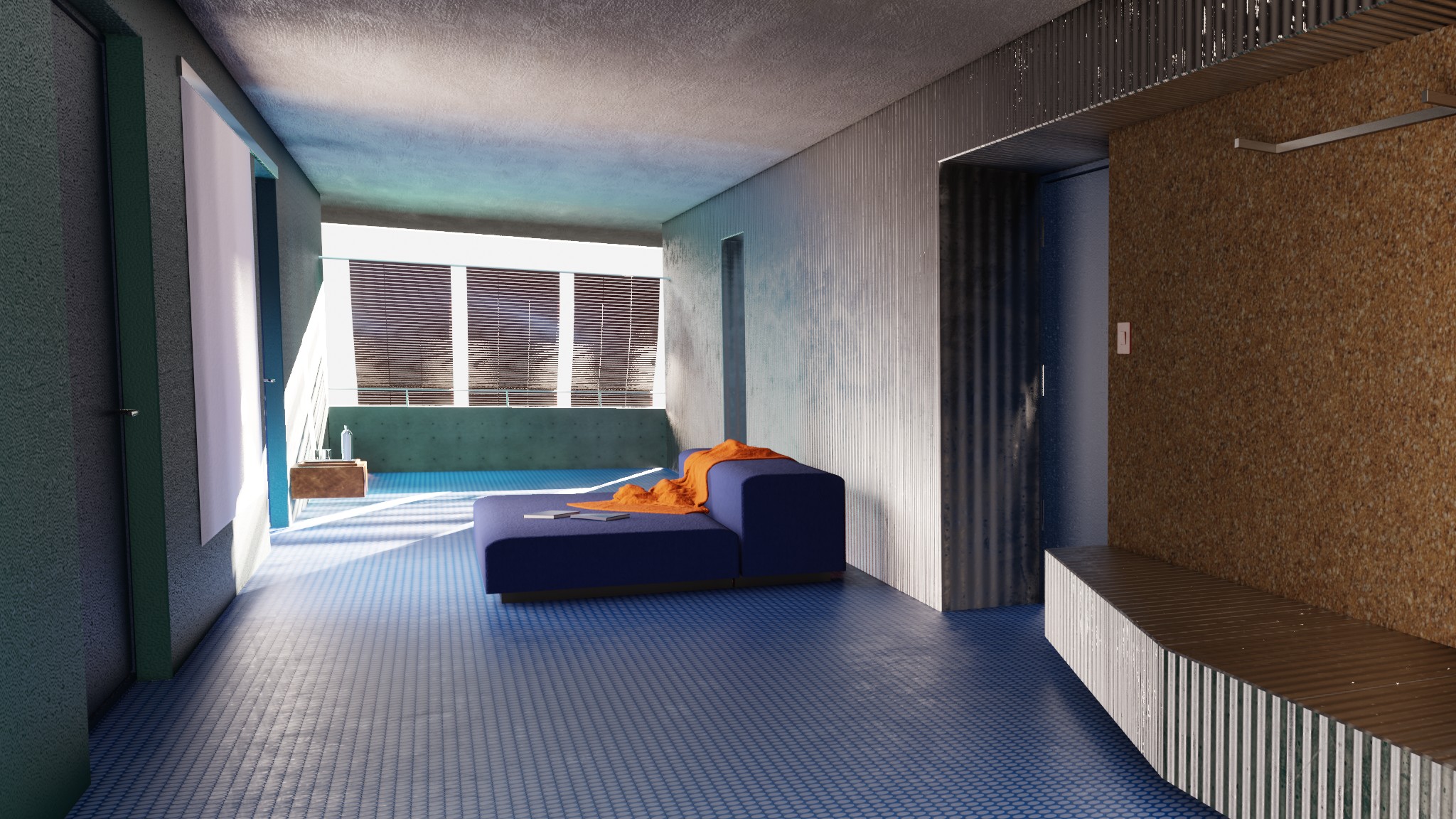
Quickly set up and easily customize. All materials are of very high quality and fit any type of model. Even a beginner like me can use it easily.
Very nice add-on!
this is really great system to use .. very fast and easy .. love it
Included
Includes 12 months of
Extend this product’s Support Period +12 months: 75% of product price
Have questions before purchasing?
Login to message
| Sales | 4200+ |
| Rating |
36 ratings
|
| Dev Fund Contributor | |
| Published | over 7 years ago |
| Blender Version | 4.2 - 5.2 |
| Extension Type | N/A |
| Render Engine Used | Cycles, Eevee |
| License | GPL |
tutorial industrial design materials loveblender brushed metal eevee Cycles triplanar shaders edge wear tutorials Edge Wear Materials