Delta Render Pro
 Delta Works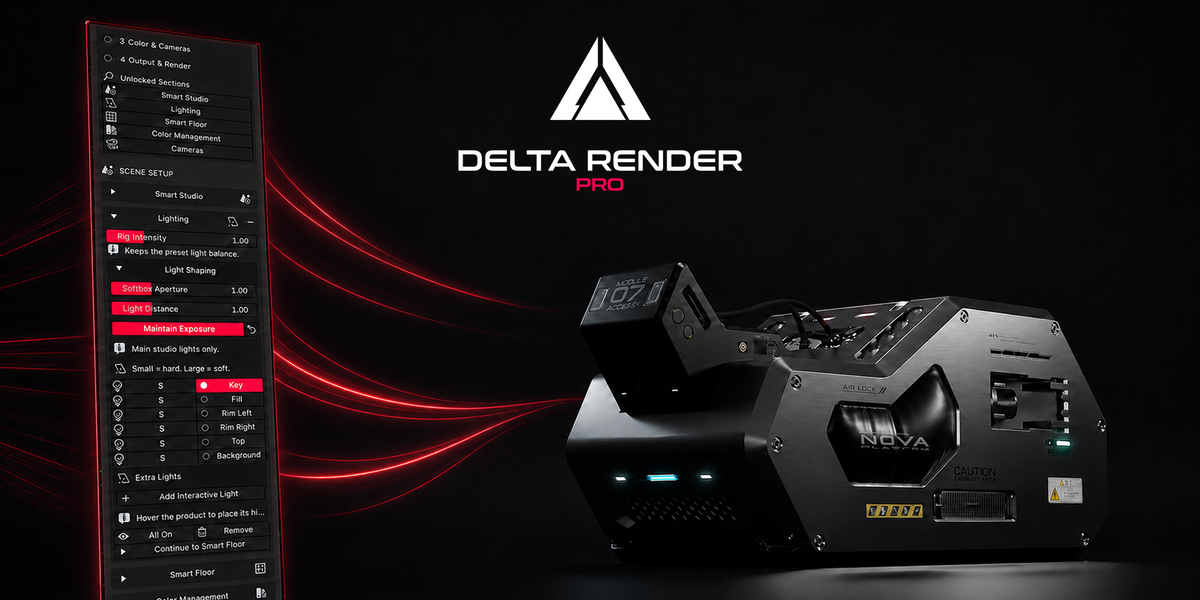
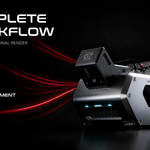
What is Delta Render Pro?
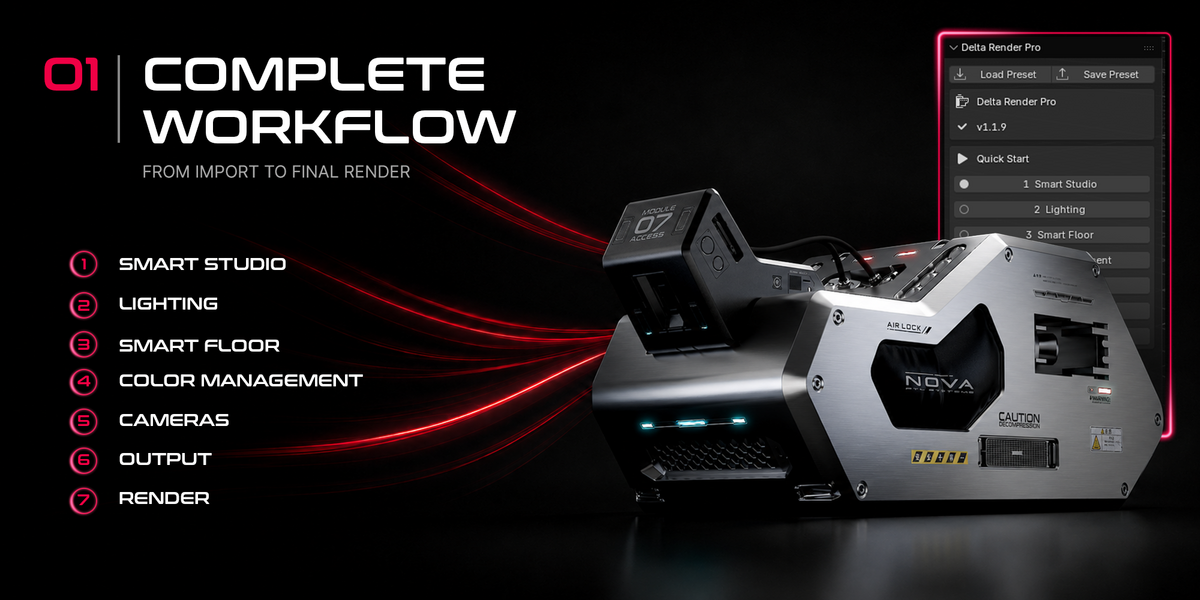
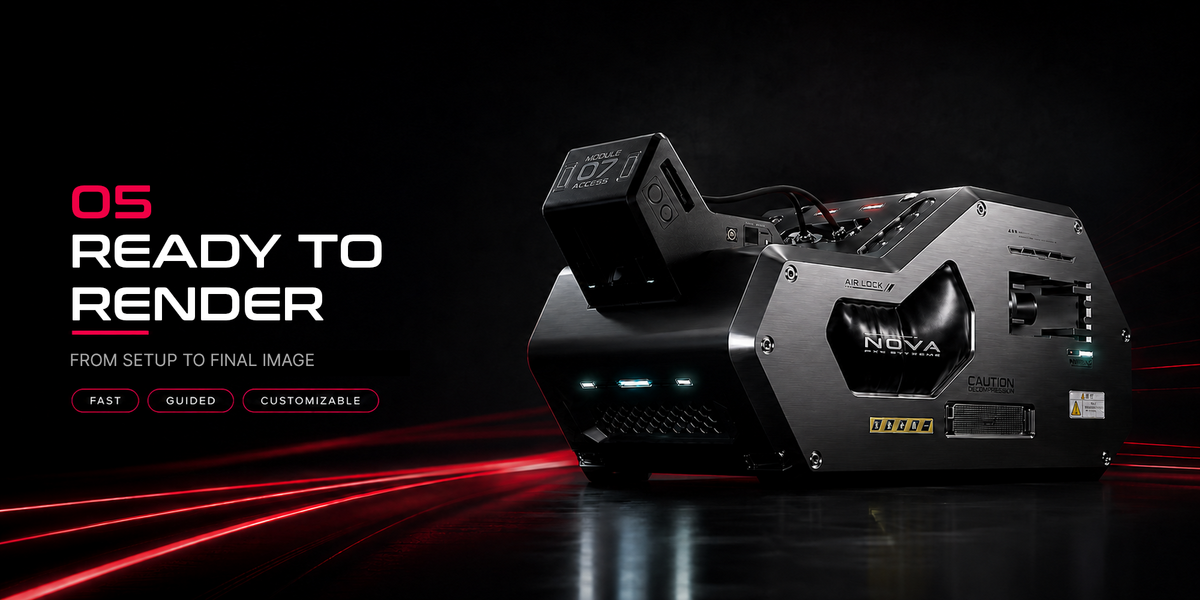
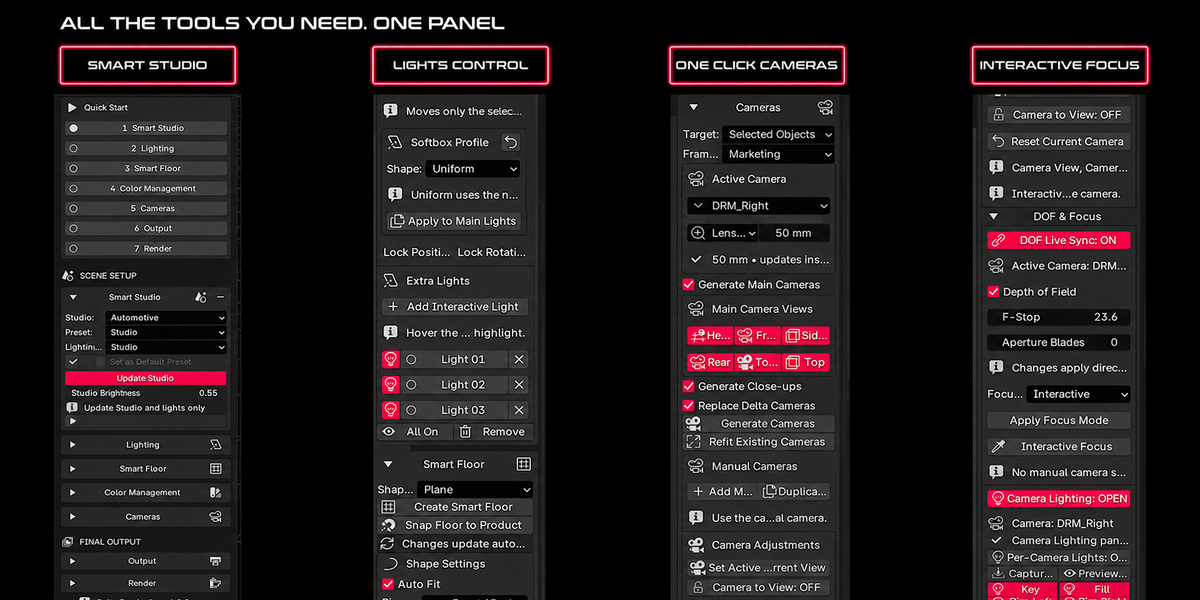
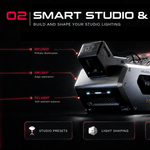
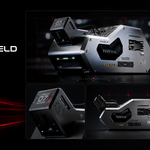
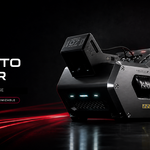
Delta Render Pro is a Blender add-on designed to streamline professional product visualization. It combines studio setup, lighting, Smart Floor materials, cameras, depth of field, color management, output configuration, and rendering tools in one organized workflow.
Which Blender versions are supported?
Delta Render Pro requires Blender 4.5 or newer and is designed for compatibility with Blender 5.x. For the most reliable experience, use a stable official Blender release.
Is Delta Render Pro compatible with Eevee and Cycles?
Yes. The main studio, lighting, Smart Floor, camera, output, and rendering workflow works with both Eevee and Cycles. Cycles is recommended for final production renders, more accurate reflections, denoising, and complete reflection-management support.
Do I need advanced Blender experience?
No. Delta Render Pro provides a guided workflow and Quick Start navigation that helps newer users move from studio setup to final rendering. Basic Blender knowledge is helpful, while experienced artists can use the individual controls to customize each stage in greater detail.
What types of projects can I create with it?
Delta Render Pro is designed for product visualization, industrial design, advertising, e-commerce imagery, portfolio presentations, electronics, jewelry, automotive concepts, and sci-fi products. It can be used with any model that benefits from a controlled studio-rendering workflow.
Can it work with products made from multiple objects?
Yes. Select all objects that belong to the product before creating the studio, Smart Floor, or cameras. Delta Render Pro uses the complete selection to calculate placement, fitting, and camera framing.
Does the add-on modify my product model?
Delta Render Pro is designed to build the visualization setup around your selected product. It creates and manages studio lights, floors, and cameras without intentionally changing the original geometry or materials of the product. Saving a backup of important Blender projects is always recommended.
Can I customize the lighting?
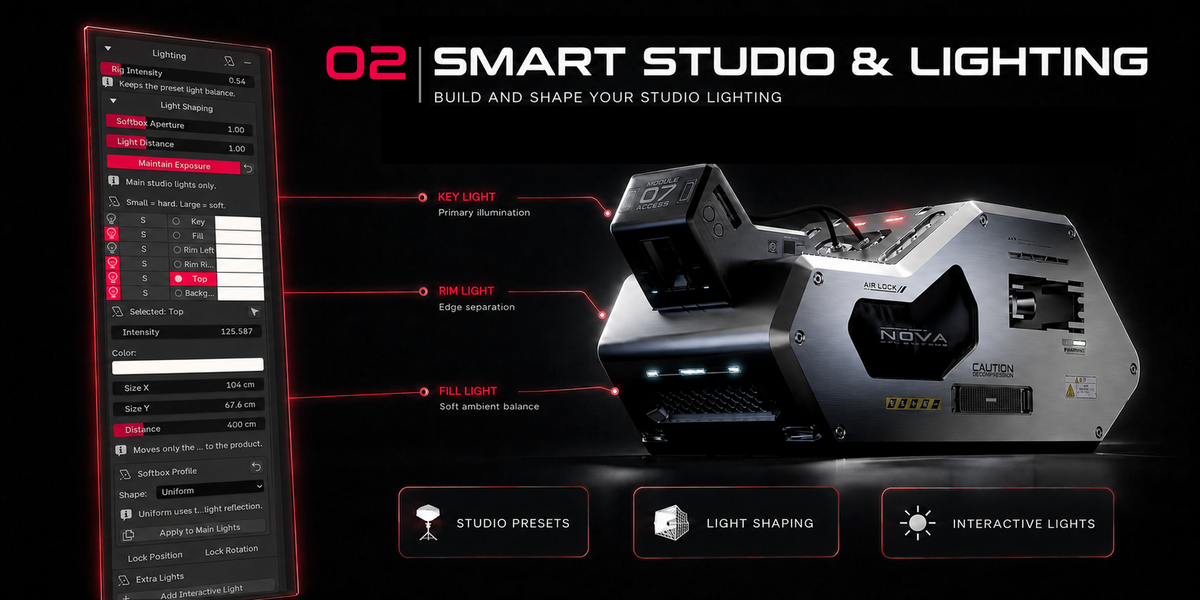
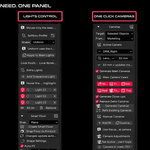
Yes. You can control the complete lighting rig as well as individual Key, Fill, Rim, Top, and Background lights. Available controls include intensity, color, size, distance, position, rotation, softness, and Softbox Profiles. You can also add Interactive Lights for additional highlights and accent reflections.
Can I customize the Smart Floor?
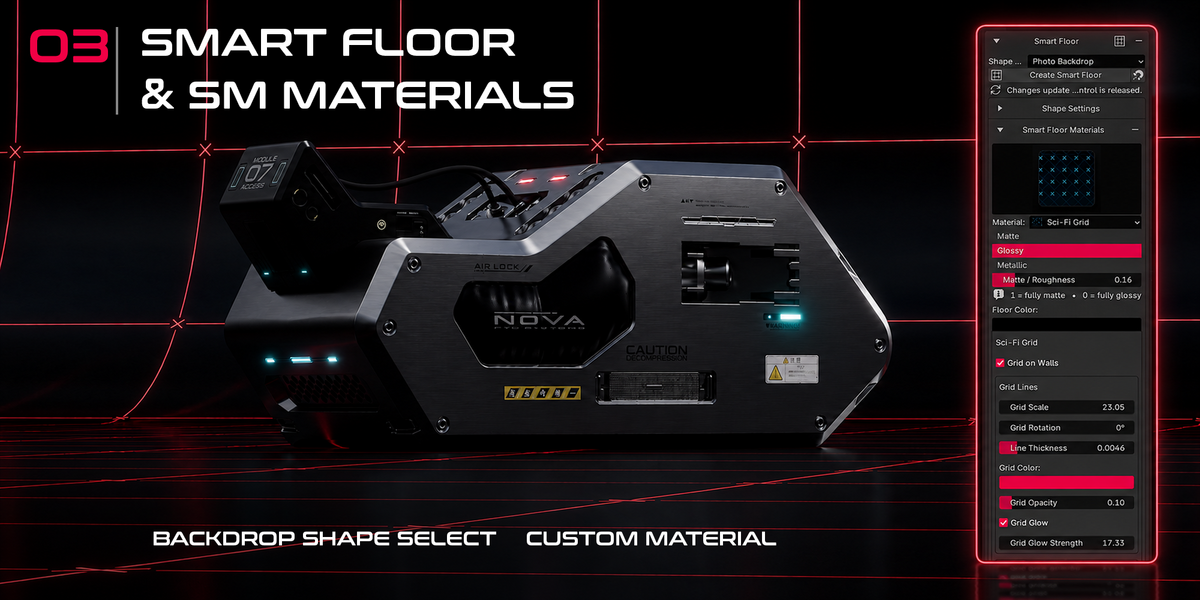
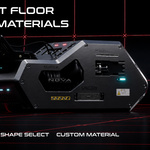
Yes. Smart Floor includes different shapes and material presets with controls for color, roughness, metallic appearance, patterns, gradients, grid scale, rotation, line thickness, opacity, and glow. The available settings depend on the selected material.
Can Delta Render Pro generate cameras automatically?
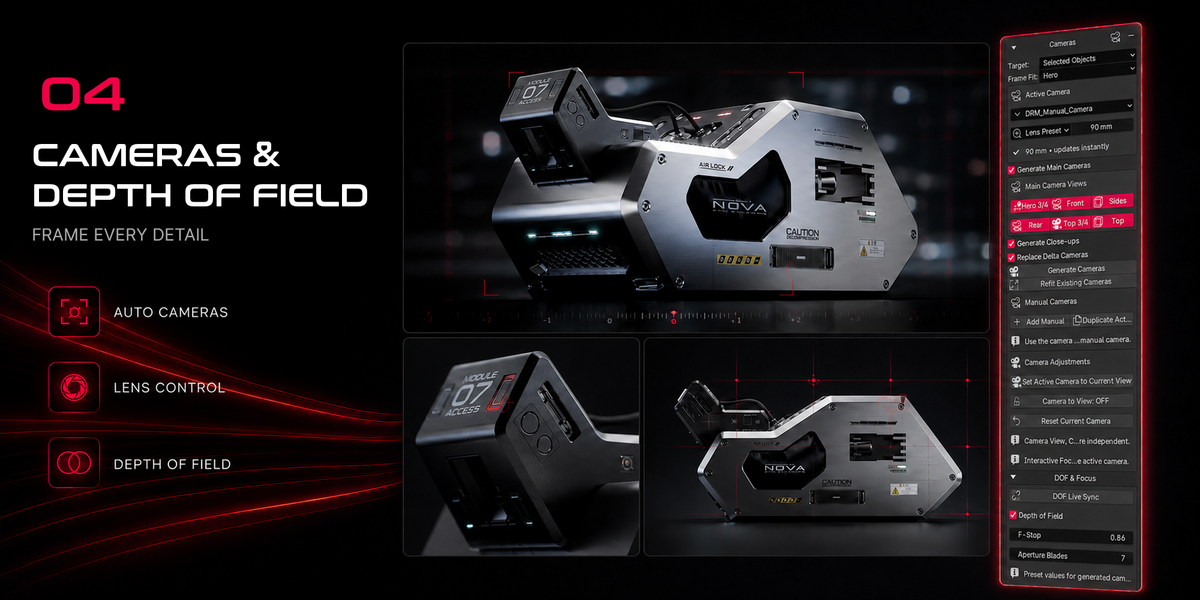
Yes. It can generate professional product views such as Hero 3/4, Front, Sides, Rear, Top 3/4, and Top. It also supports close-up and manual cameras, lens presets, custom focal lengths, camera refitting, and interactive depth-of-field controls.
Can I use the rendered images commercially?
Yes. You may use images and animations created with Delta Render Pro for personal, educational, and commercial projects, including advertising, client work, portfolios, and e-commerce. You are responsible for having the necessary rights to any models, textures, logos, or third-party assets used in your scenes.
How do I install the add-on?
Download the ZIP file and keep it compressed. In Blender, open Edit → Preferences → Add-ons, select Install from Disk, and choose the downloaded ZIP file. Enable Delta Render Pro, return to the 3D Viewport, press N, and open the Delta Render Pro tab in the sidebar.
$39
Have questions about this product?
Login to message
| Published | about 2 months ago |
| Blender Version | 4.5 - 5.2 |
| Extension Type | N/A |
| Render Engine Used | Cycles, Eevee |
| License | GPL |