 HanaYou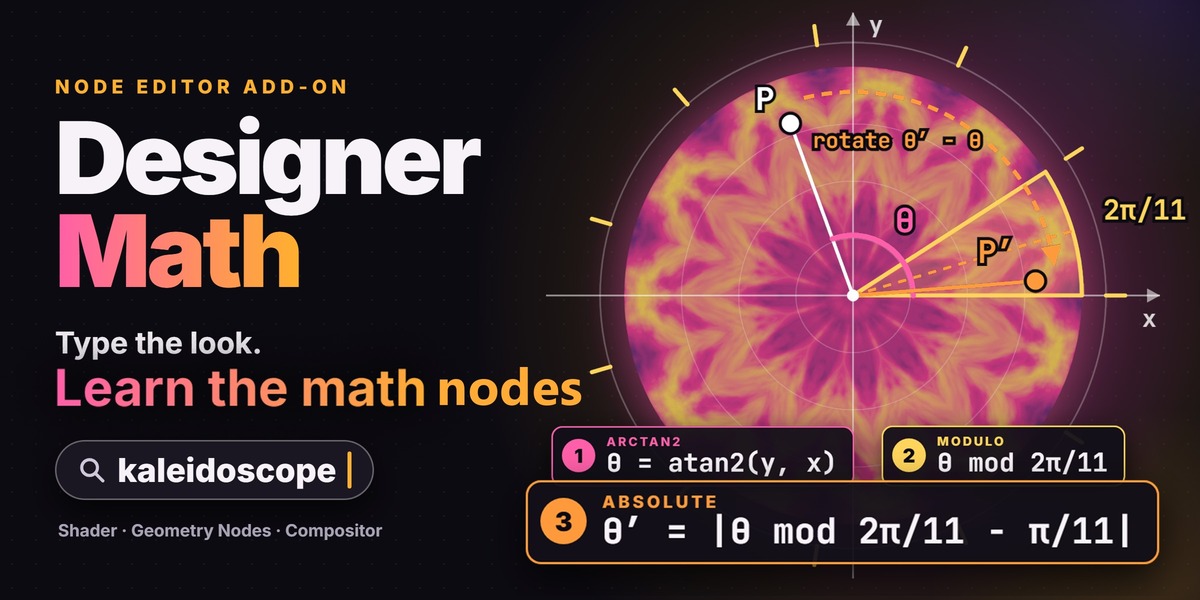
NODE EDITOR ADD-ON
Get the look.
Learn the math behind it.
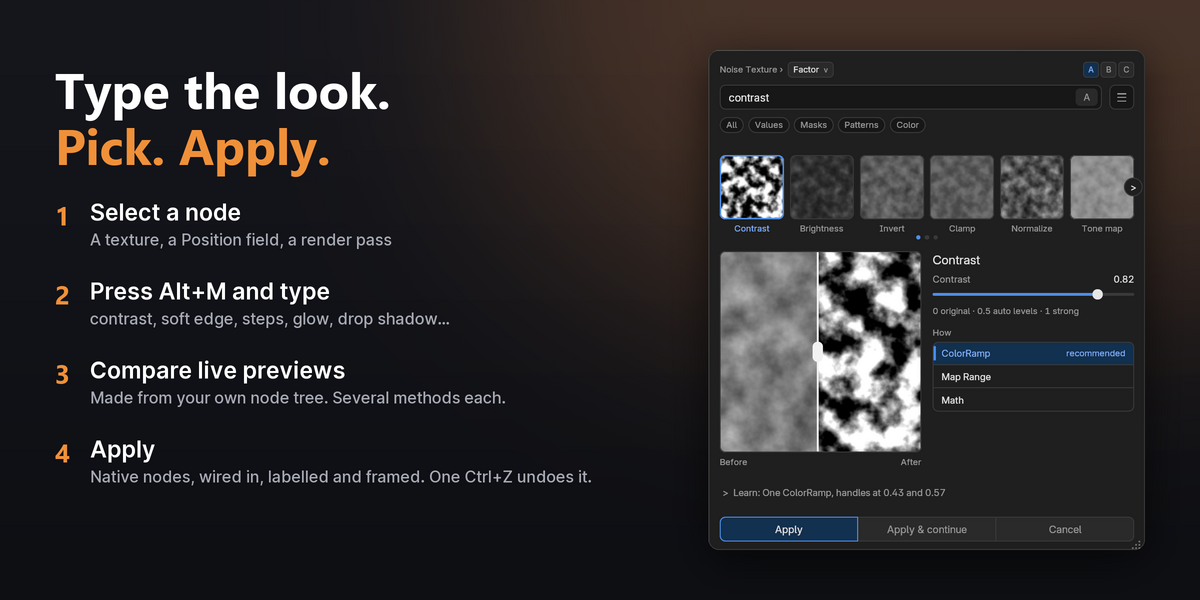
Select a node and type the look you want: kaleidoscope, wood, twist, depth of field … Every option is previewed on your own node tree, so you can try an idea in seconds, stack the next one on top and keep what you love. Press Apply and Designer Math builds it from Blender's own nodes, then shows you how they work. Shader Editor, Geometry Nodes and Compositor, Blender 5.2 and newer.
Alt M → type kaleidoscope → pick → Enter
191
effects
333
node recipes
97
example designs
3
editors
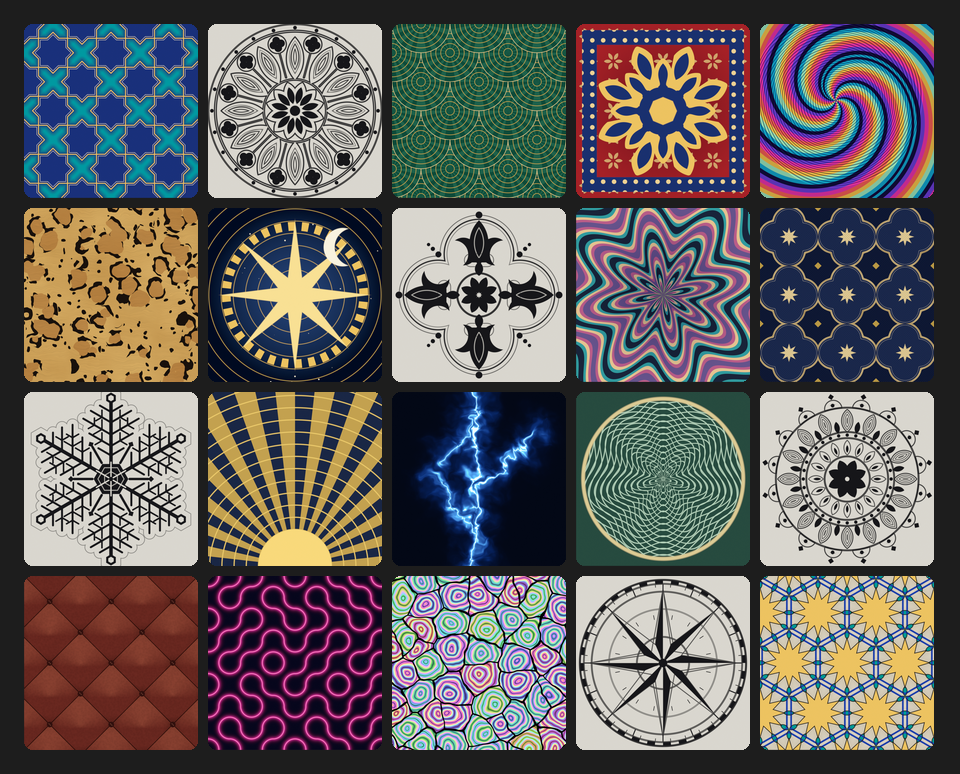
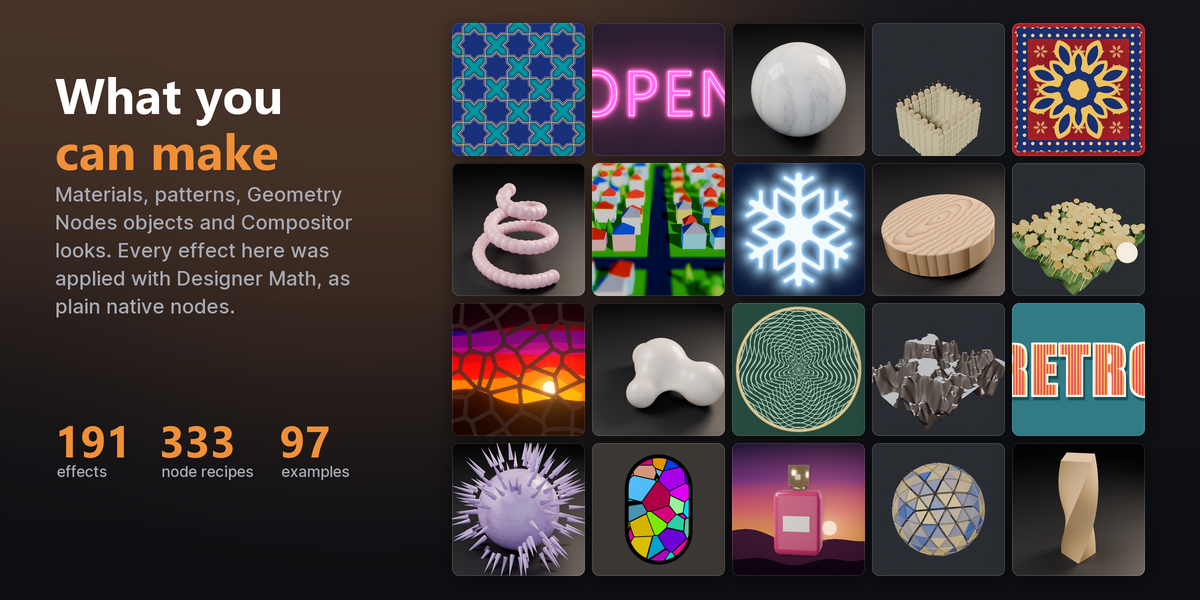
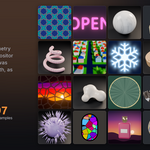
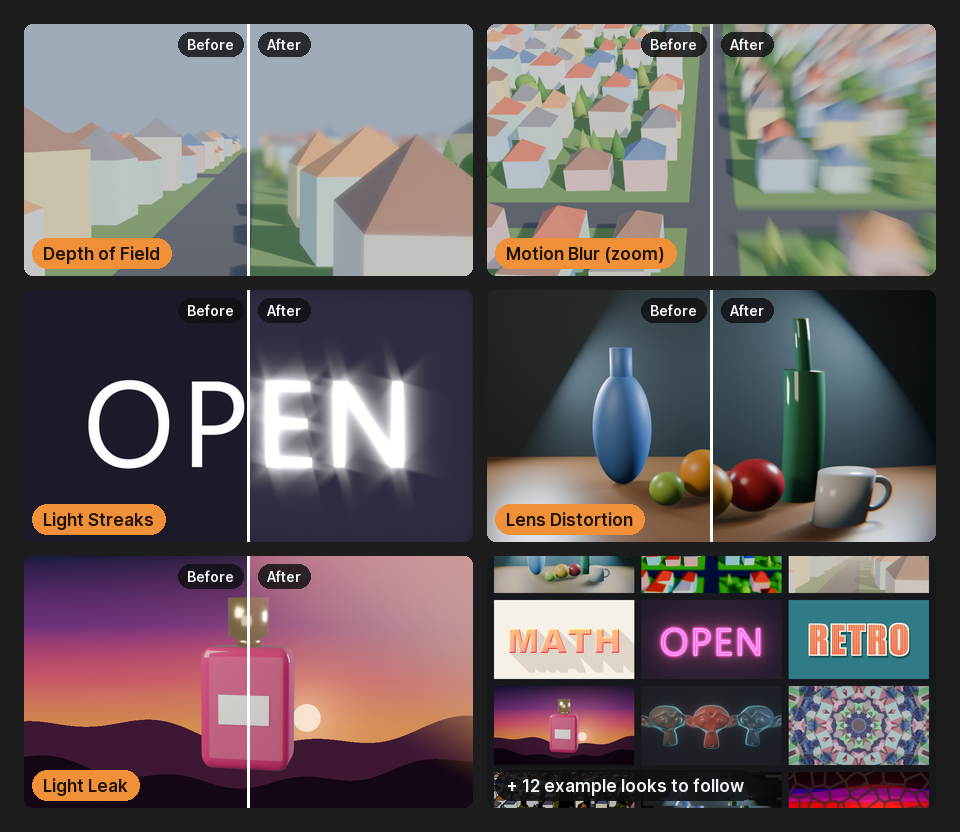
Every effect above was applied with Designer Math, as Blender's own nodes. 97 example designs come in the download, each with a step-by-step guide.
You know the look you want: a bit more contrast, a soft edge, worn paint on the edges, a blurred background, a drop shadow behind the logo. Getting there usually means Map Range values, ColorRamp stops and Math nodes tuned by trial and error. Designer Math turns the look into the nodes, and shows you how they work.
Imagine it, then try it
If you can say it, you can try it
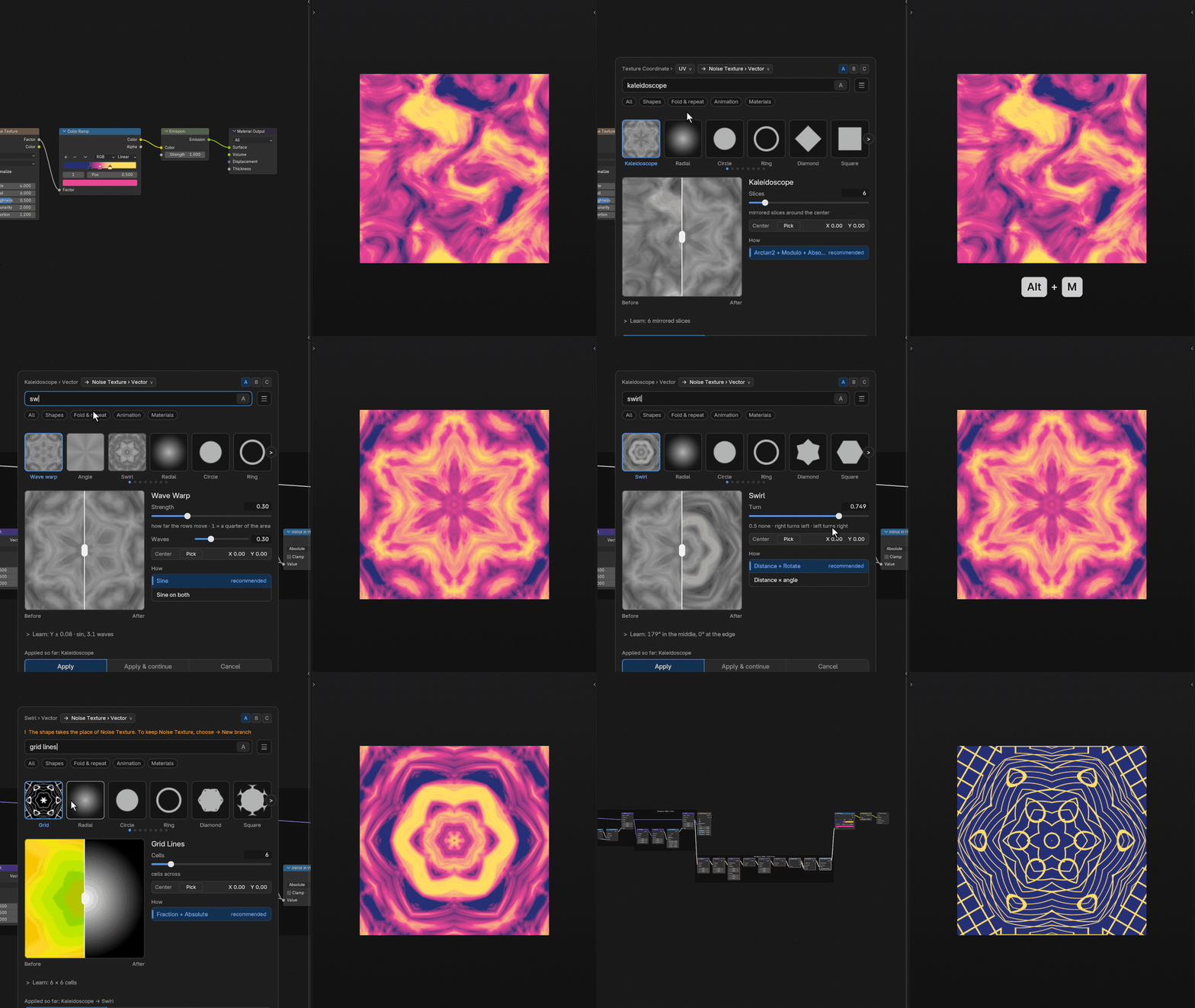
You don't need to know which node does what before you start. Start from the look: type a word, see it on your own scene a moment later, and stack the next idea on top. Turn a grey disc into wood, twist a column, melt four balls into one, or follow a hunch from kaleidoscope to swirl to grid lines and see where it goes. Nothing is final: every step is plain nodes you can change later, and Ctrl+Z takes it back.
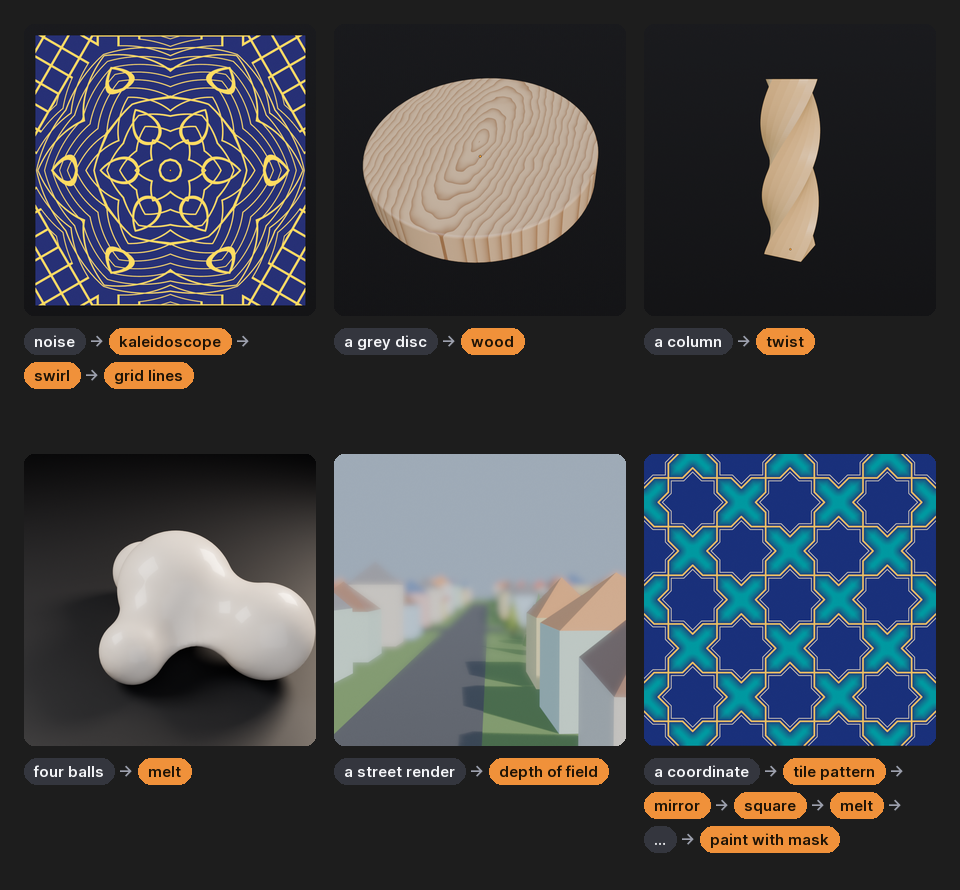
In orange: the words typed into the card. Every picture is the real result.
Made for
Anyone who knows the look but not the nodes
Artists and designers
Type what you want and pick from previews of your own scene. No node math needed to get there.
Learners
See what Map Range, ColorRamp and Math really do, on your tree, with the formula at your settings.
Compositors
Depth of field, lens looks, glows and layer styles, straight from your render passes.
Technical artists
Clean, labelled node recipes in seconds, ready to wire into your own setups.
How it works
Create → Compare → Learn
1
Create
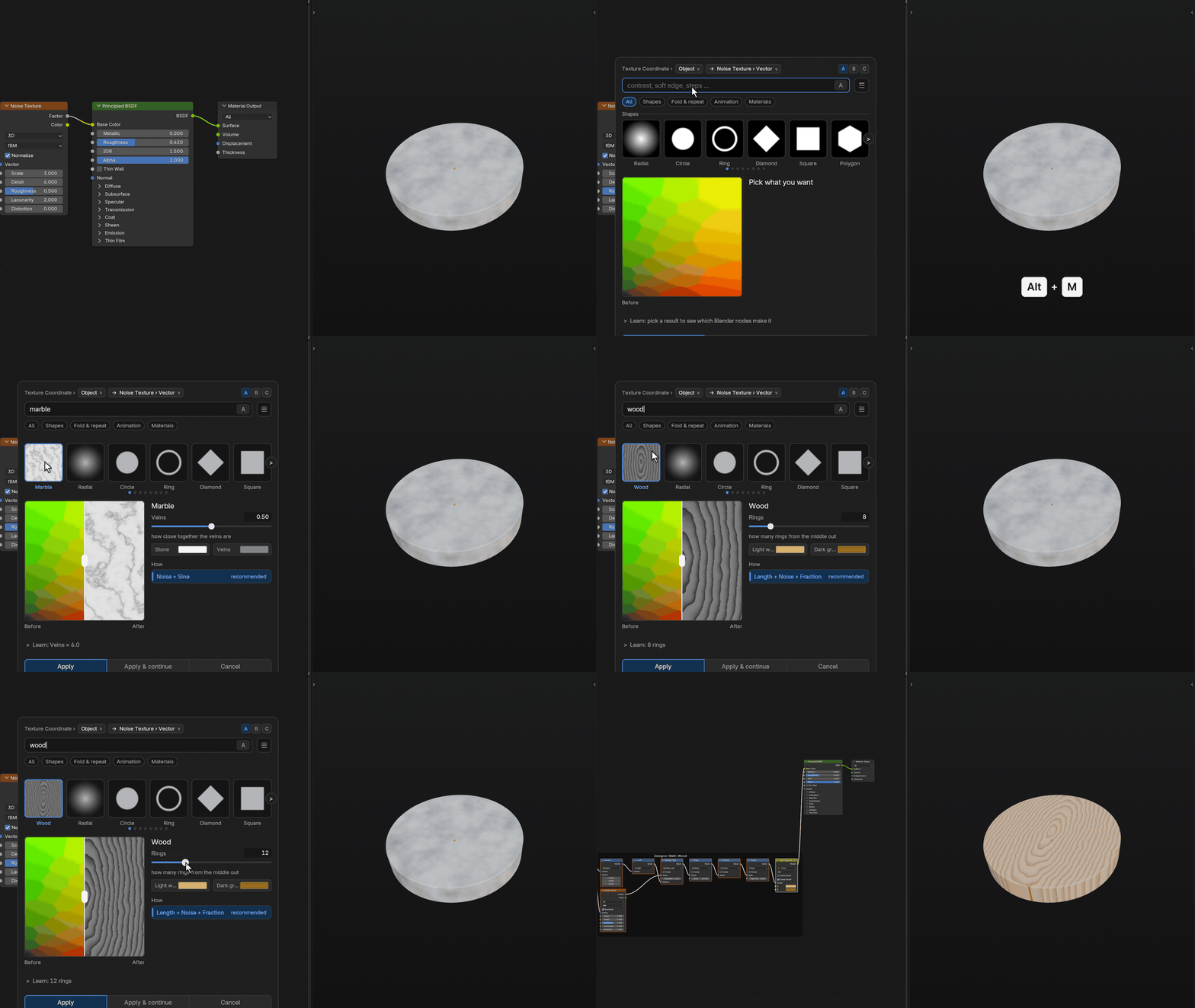
Select a node: a Noise Texture, a Position field, a render pass. Press Alt+M and type contrast, wood, glow, melt…
2
Compare
Hover the tiles to preview each effect on your data. Drag the slider and the before | after line, and pick a method.
3
Learn
See every node of the result in order, with the formula at your settings, at three levels.
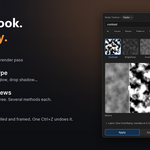
Press Apply and ordinary nodes are inserted, wired in, labelled and framed. One Ctrl+Z undoes it, and Apply & continue stacks the next effect on the result.
New in 1.2
68 new effects: materials, shapes and camera looks
A free update for every buyer. The highlights:
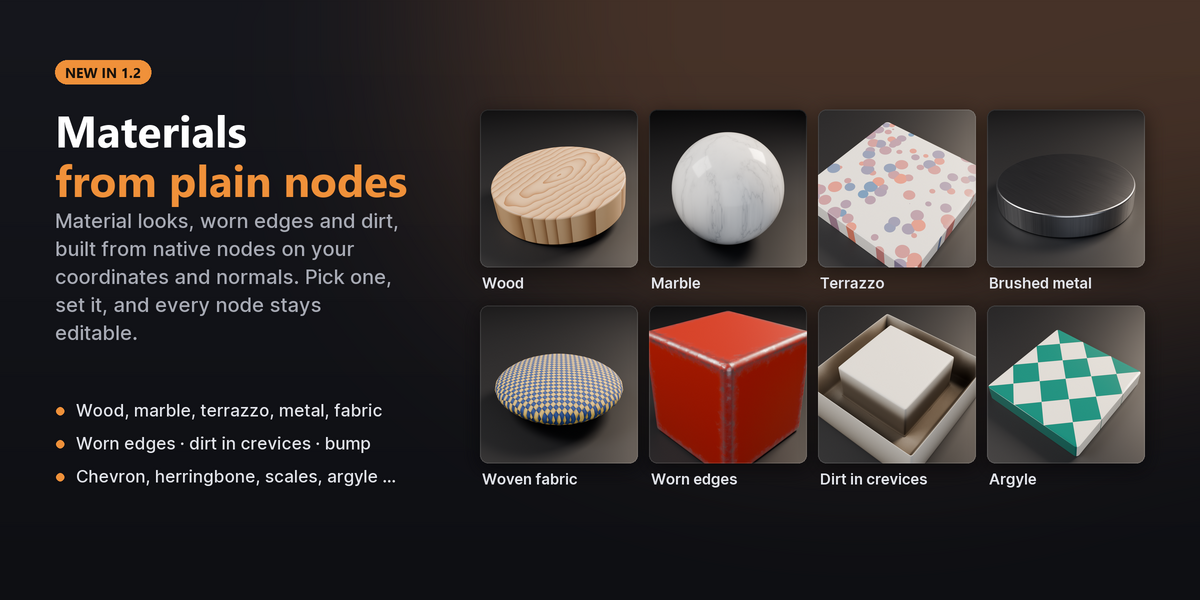
Materials from plain nodes
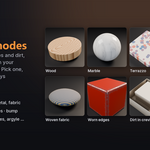
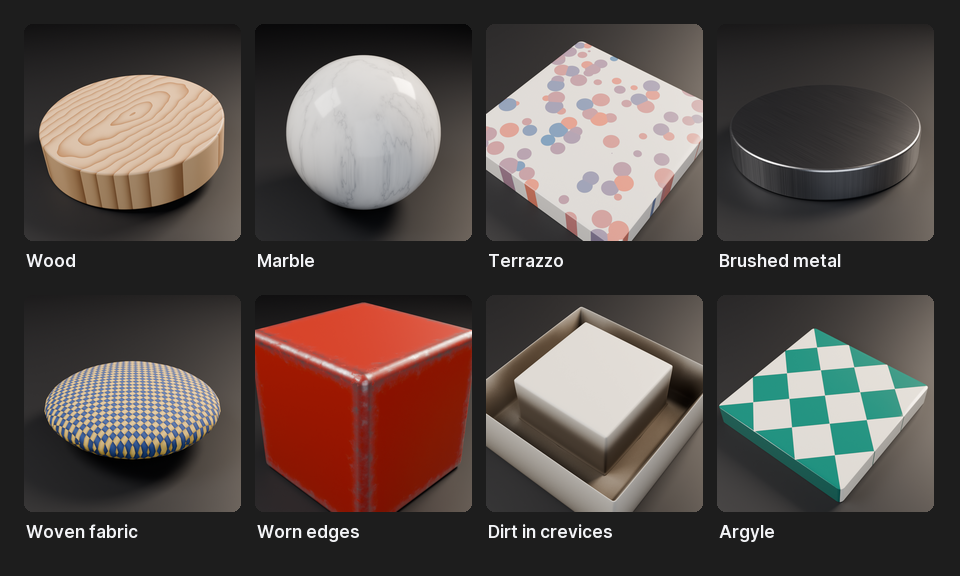
Wood, marble, terrazzo, brushed metal and woven fabric on any coordinate; worn edges and dirt in crevices from the normal; bump, five more patterns and Break Up Repetition for tiled textures.
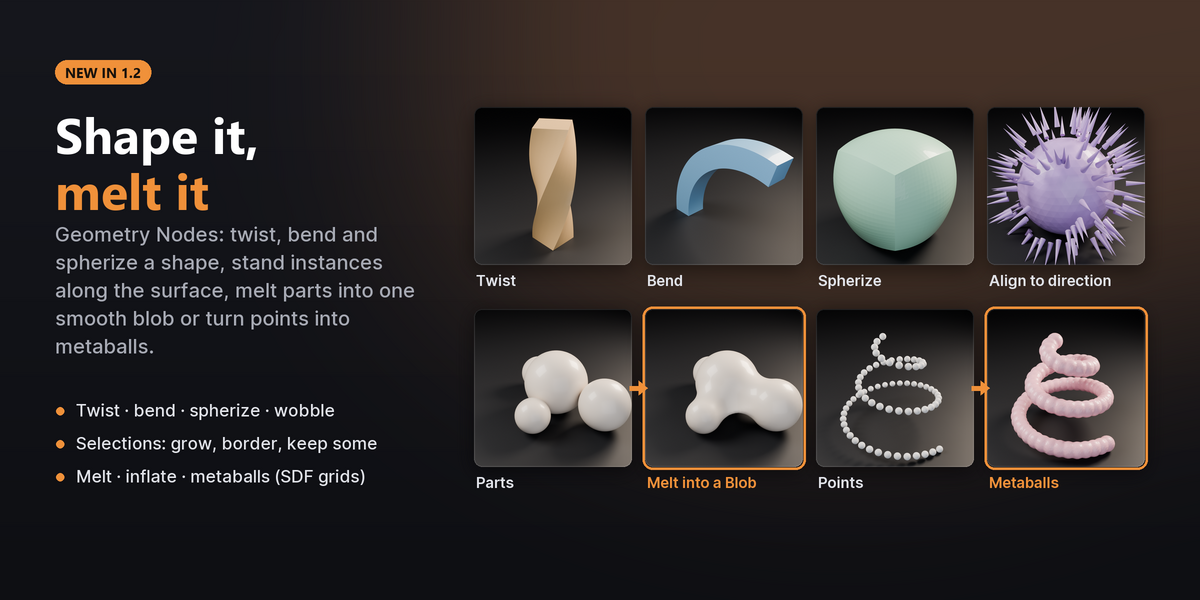
Shape it, melt it (Geometry Nodes)
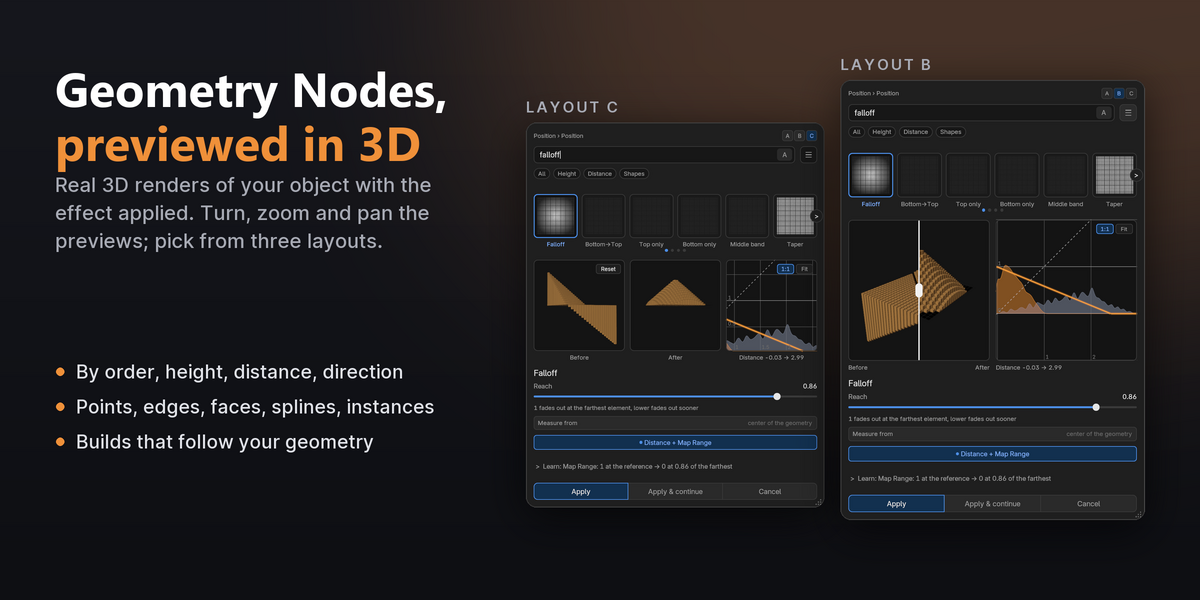
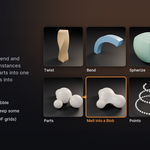
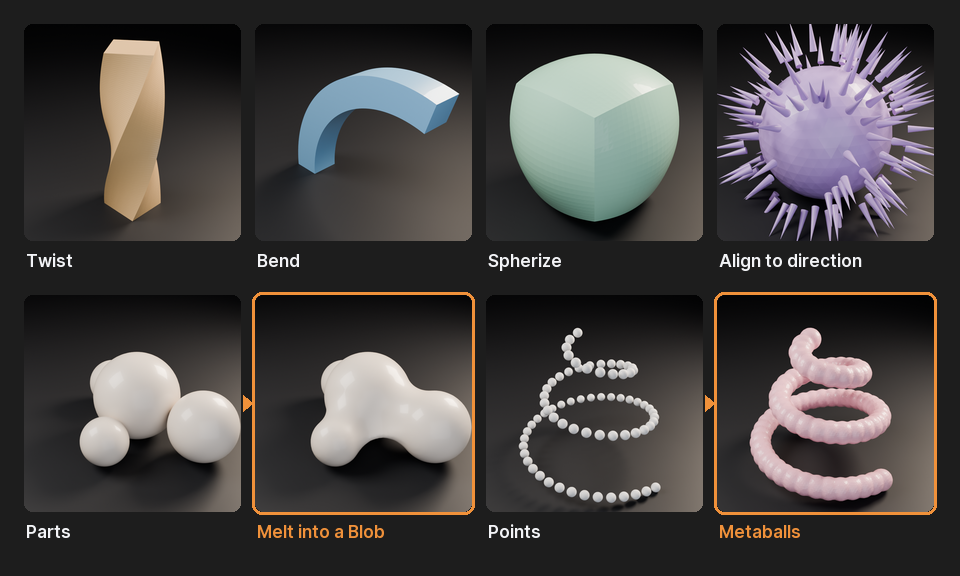
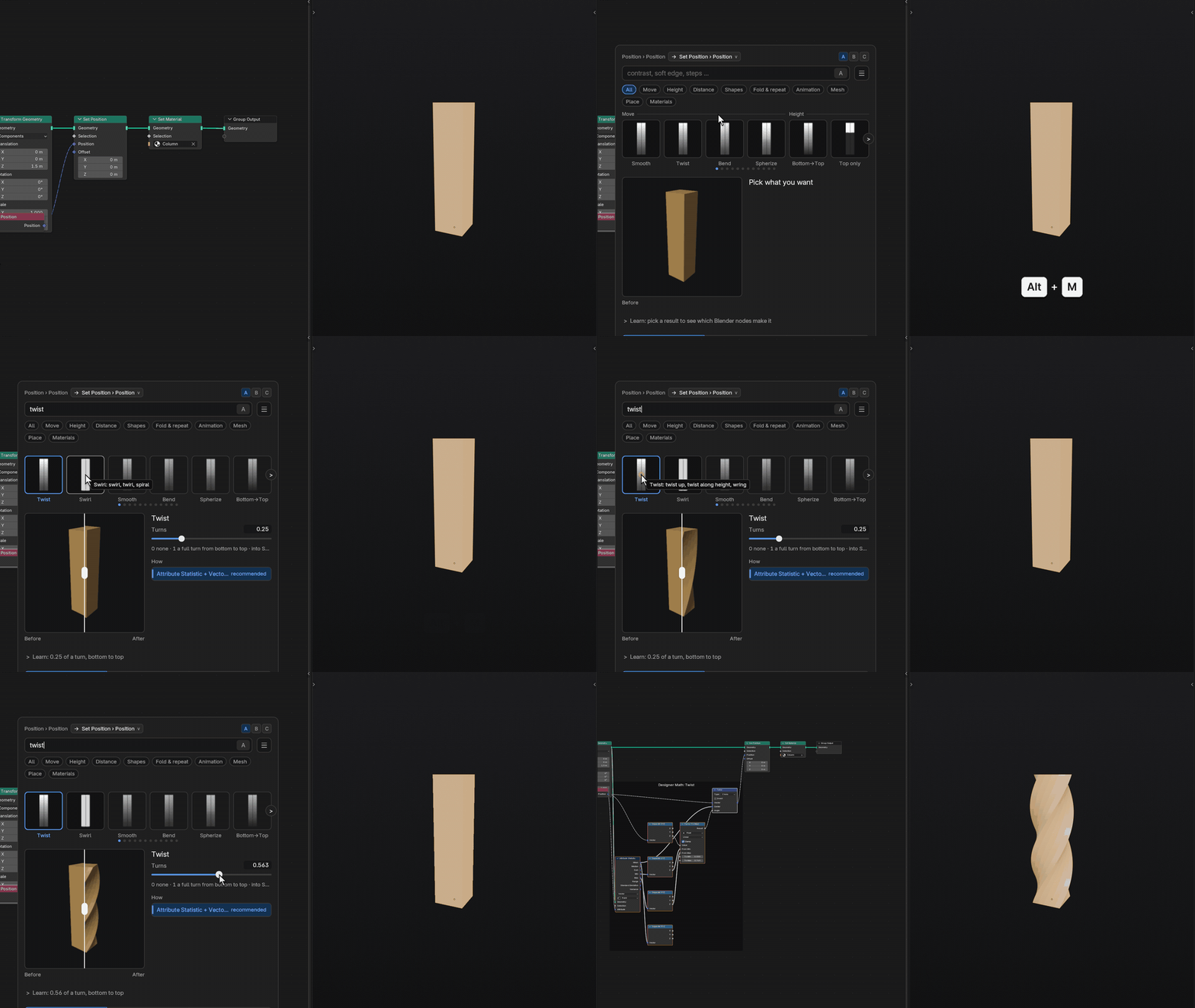
Twist, bend and spherize a shape, stand instances along the surface, and melt parts into one smooth blob or turn points into metaballs with the SDF grids of Blender 5. Selections can be inverted, grown, outlined or thinned out at random.
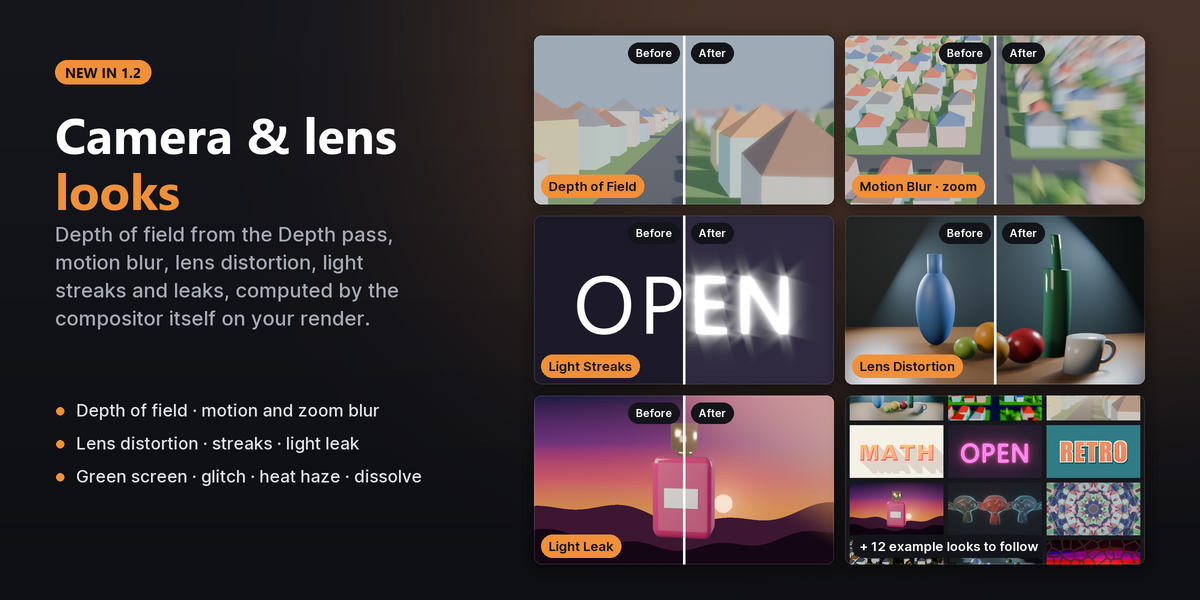
Camera and lens looks (Compositor)
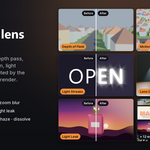
Depth of field from the Depth pass, motion and zoom blur, lens distortion, light streaks and light leaks, plus green screen keying, colour pop, heat haze, dissolves and letterbox bars.
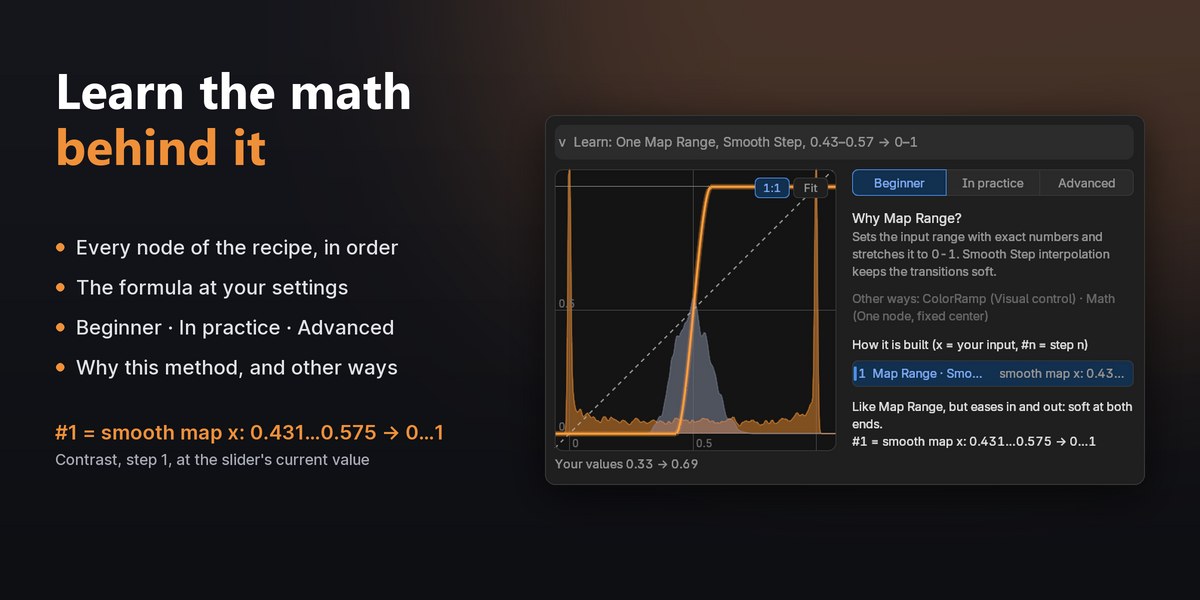
Learn
The math behind every look
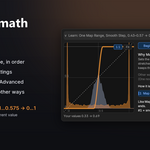
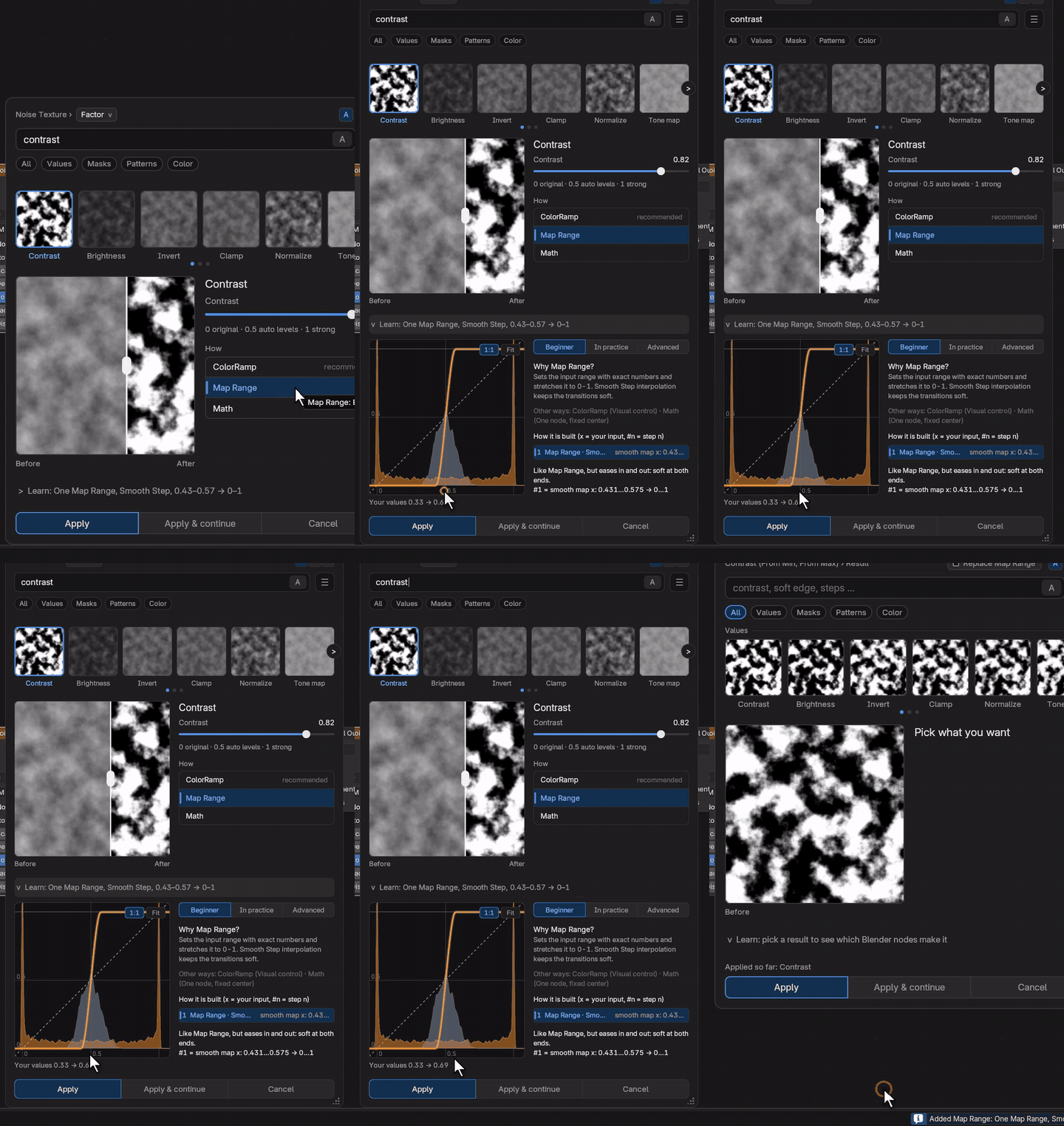
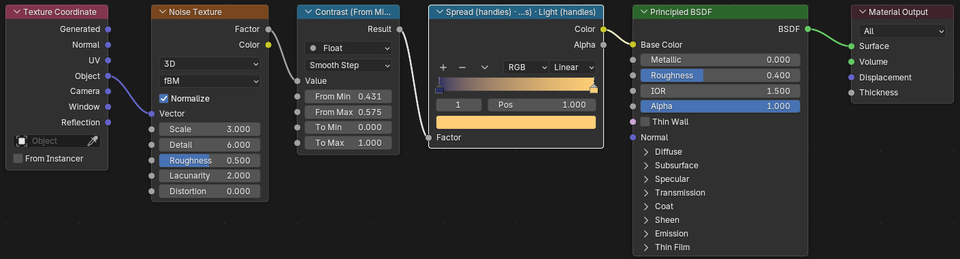
The Learn panel lists the nodes the method builds, in order, with the formula at your current settings:
#1 = smooth map x: 0.431…0.575 → 0…1
Read each node at Beginner, In practice or Advanced level, see why this method was picked, and which other ways give the same result.
Three editors
Only the effects that fit what you selected
Shader Editor
- Contrast, steps, soft edges, masks
- Shapes, patterns and symmetry from any coordinate
- Material looks, wear, dirt, bump
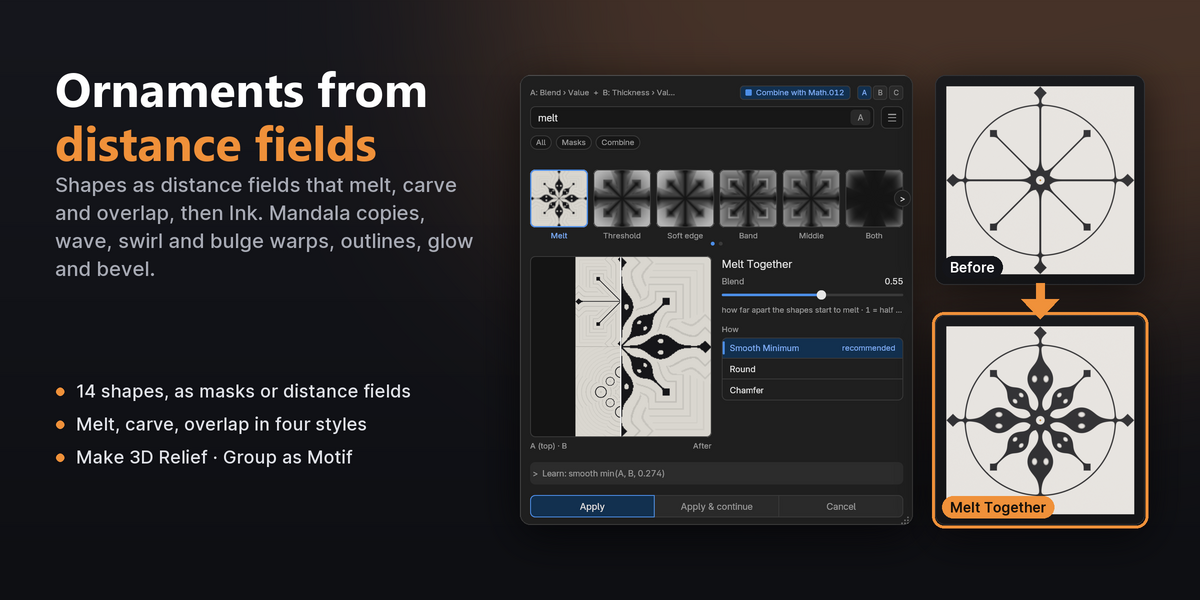
- Ornaments from distance fields
Geometry Nodes
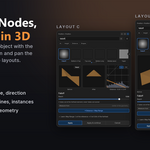
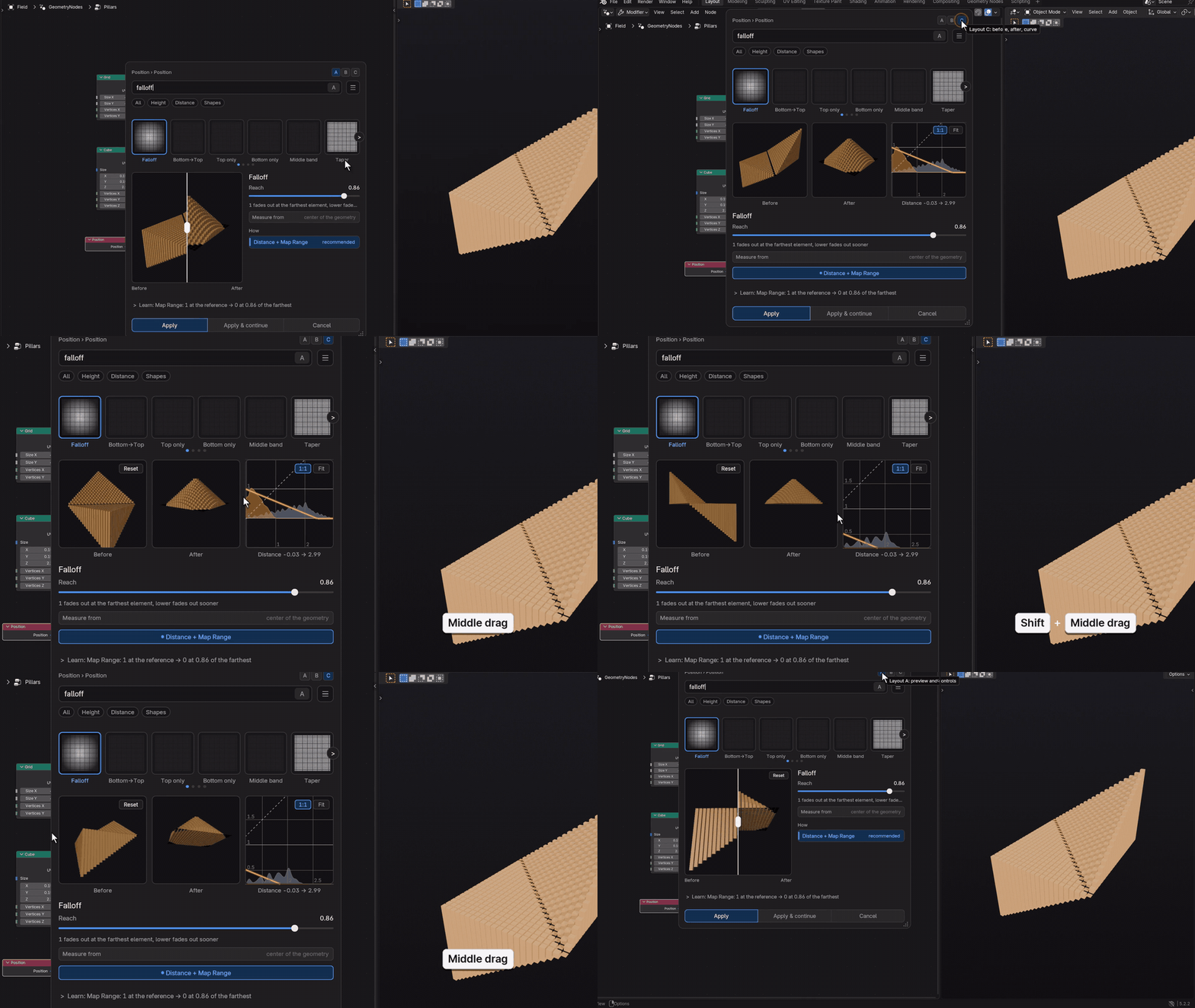
- By order, height, distance, direction
- Push, twist, bend, spherize
- Selections, rotations, instances
- Melt, inflate, metaballs
- Real 3D previews of your object
Compositor
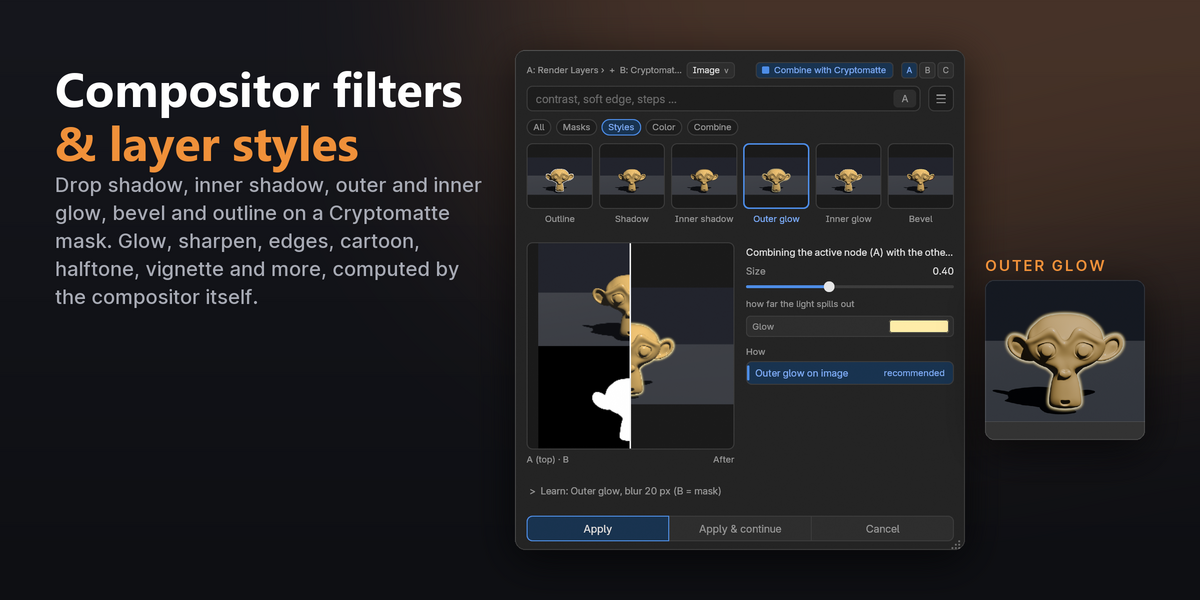
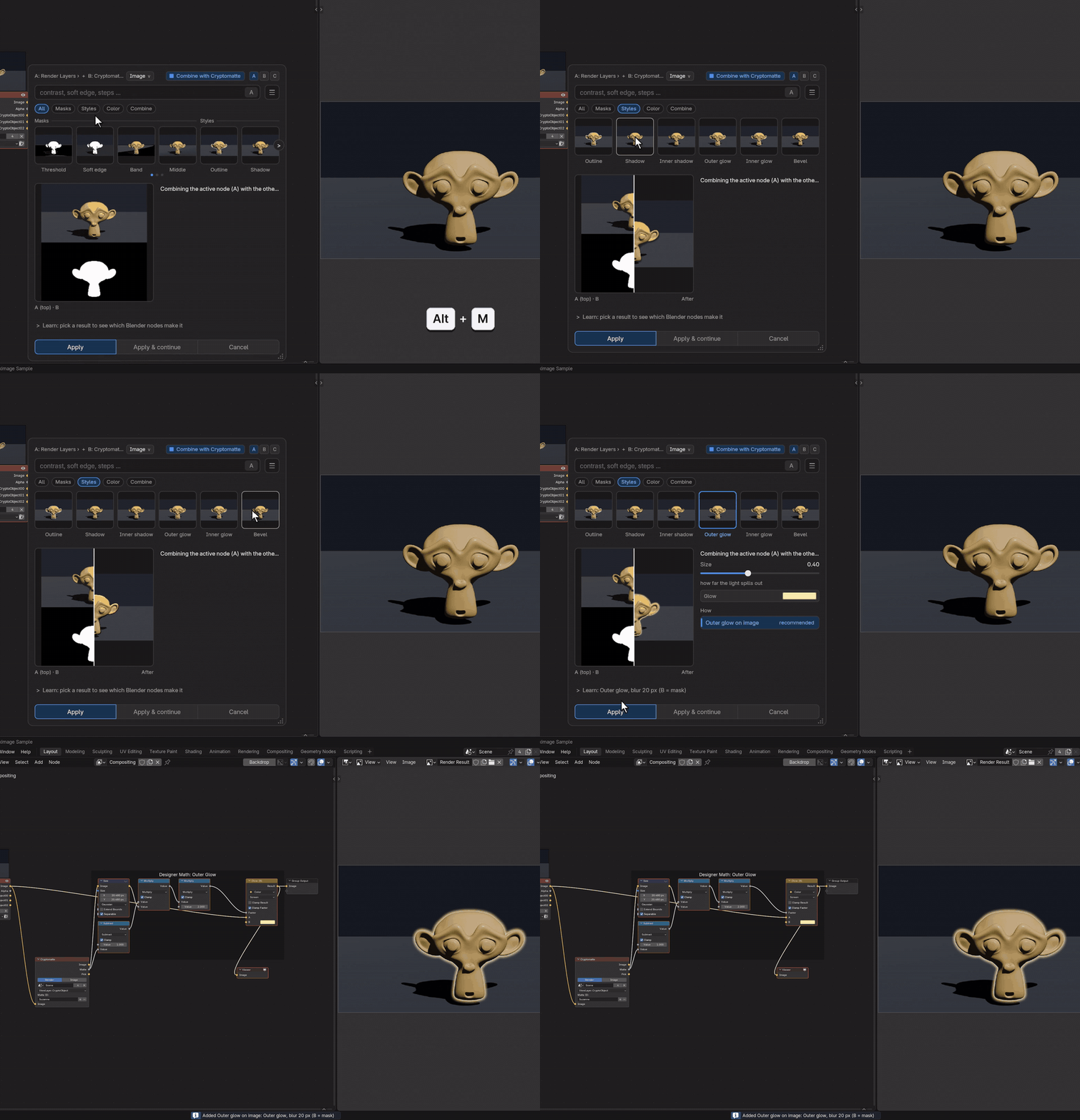
- Layer styles on a Cryptomatte mask
- Glow, cartoon, halftone, film grain
- Depth of field, motion blur, lens looks
- Grading, green screen, glitch
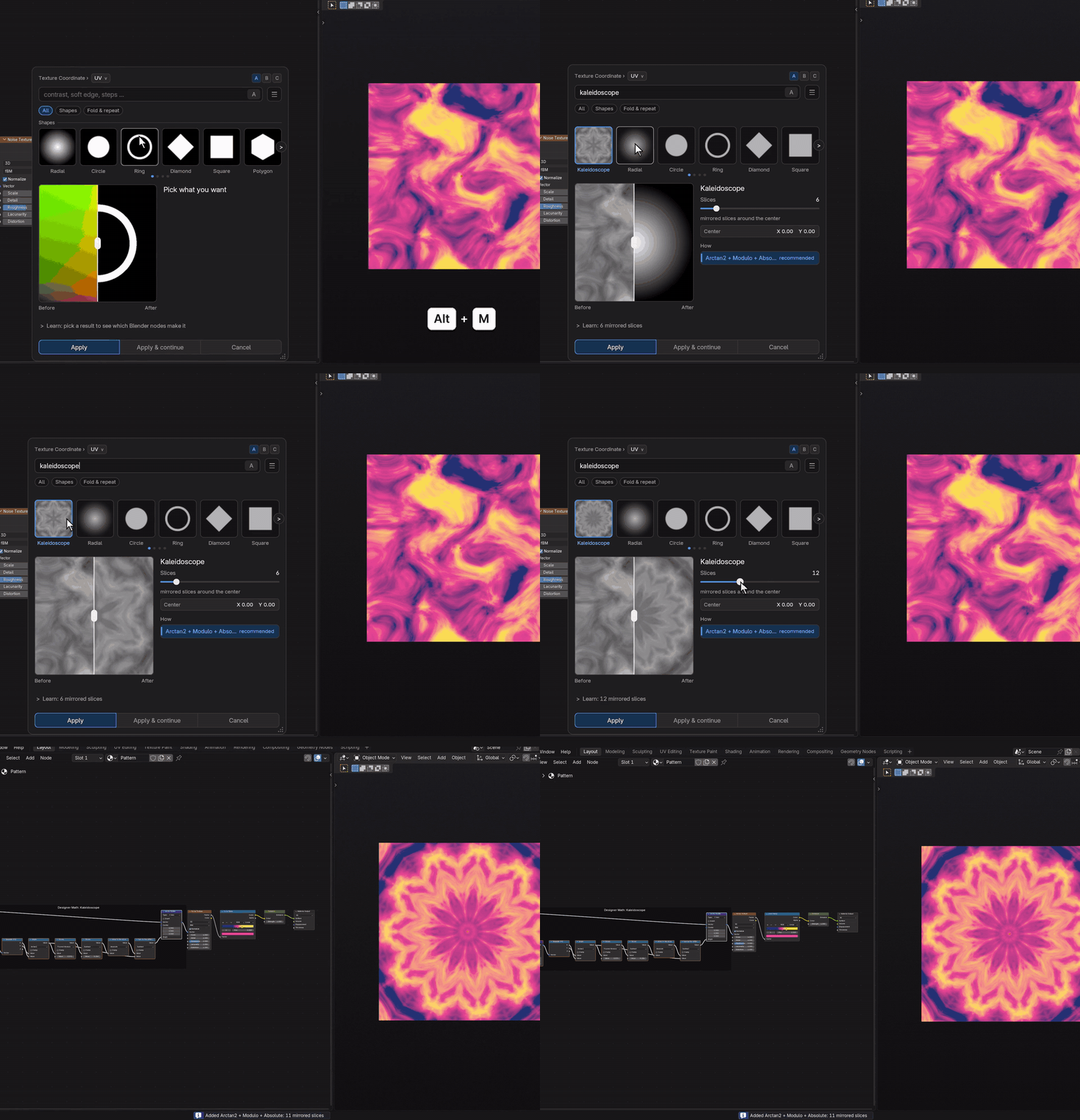
Shapes and symmetry
Patterns from any coordinate
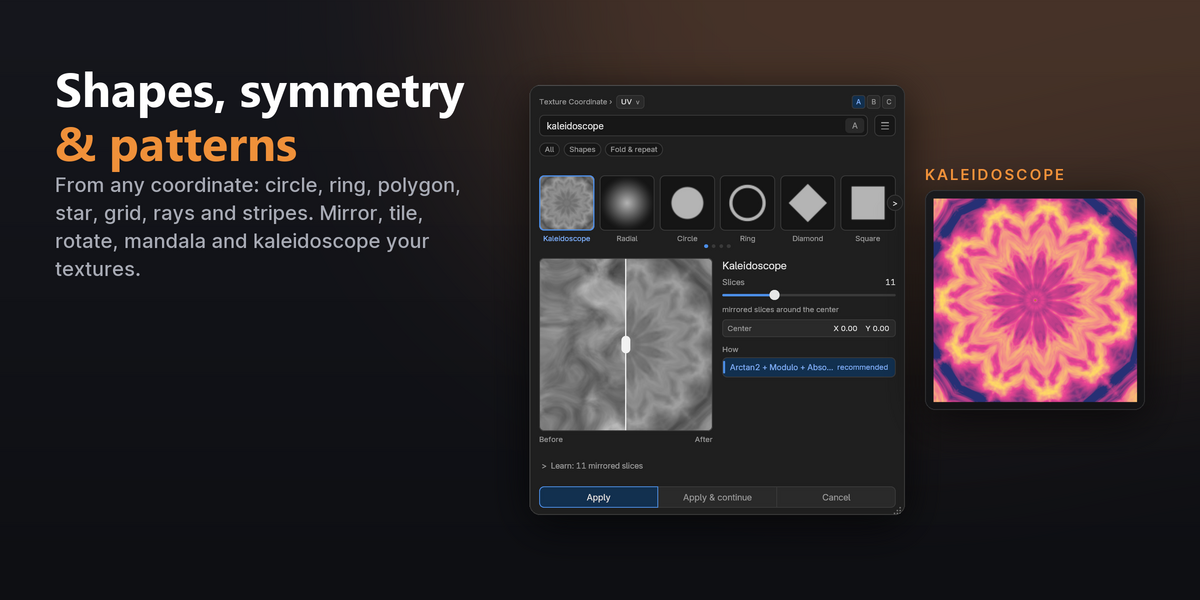
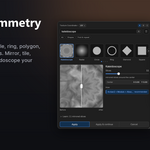
Circle, ring, polygon, star, heart, grid, rays, stripes, chevron, scales and more from a coordinate. Mirror, tile, hex tiles, mandala and kaleidoscope your textures, or bend them with wave, swirl, bulge and noise warps.
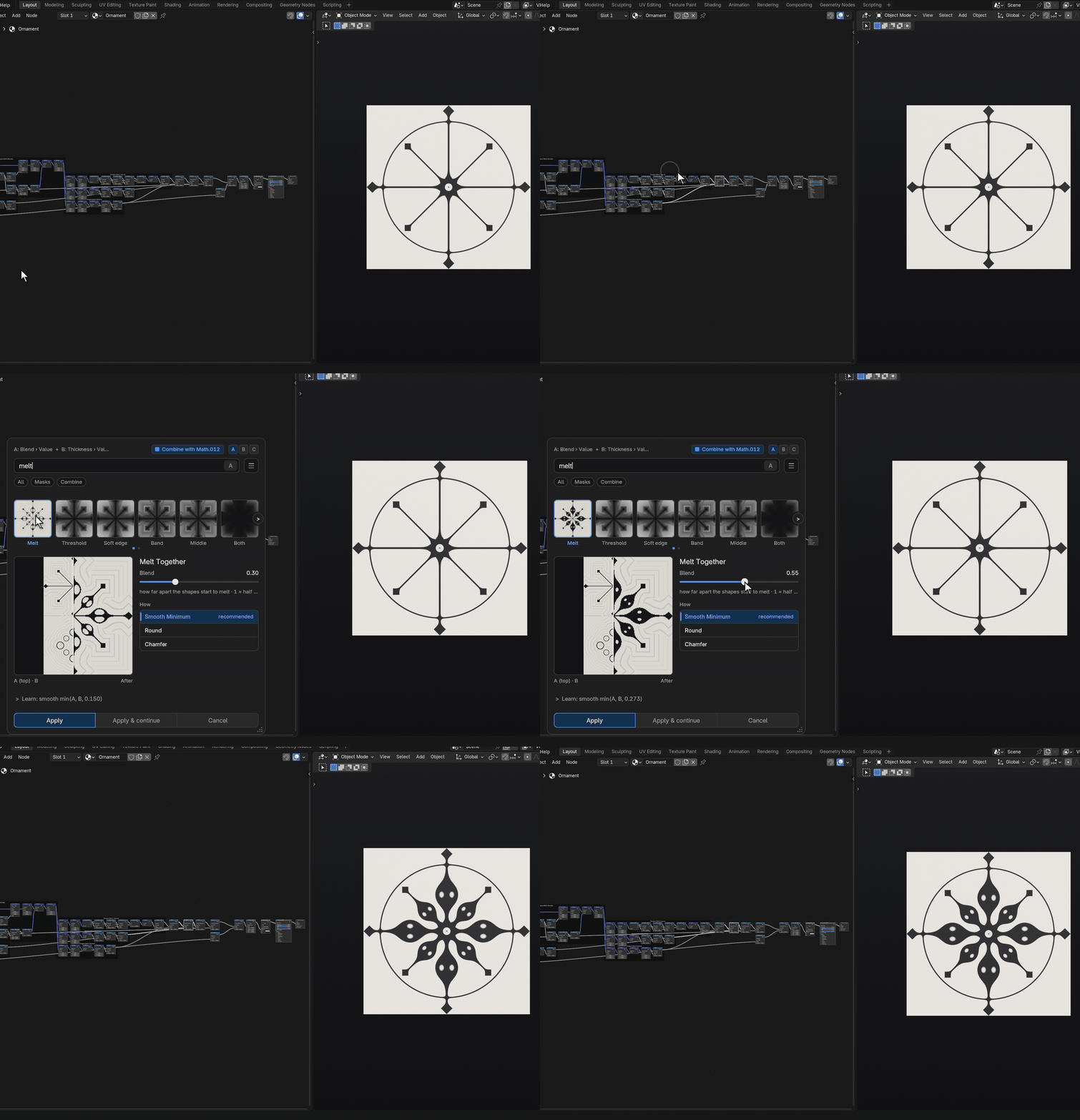
Distance fields
Ornaments that melt together
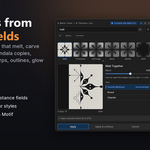
Every shape also comes as a distance field. Melt Together two with a soft fillet, carve one out of the other, then Ink the result into a crisp shape, add outlines or glow, and Make 3D Relief raises it into a medal.
Examples included
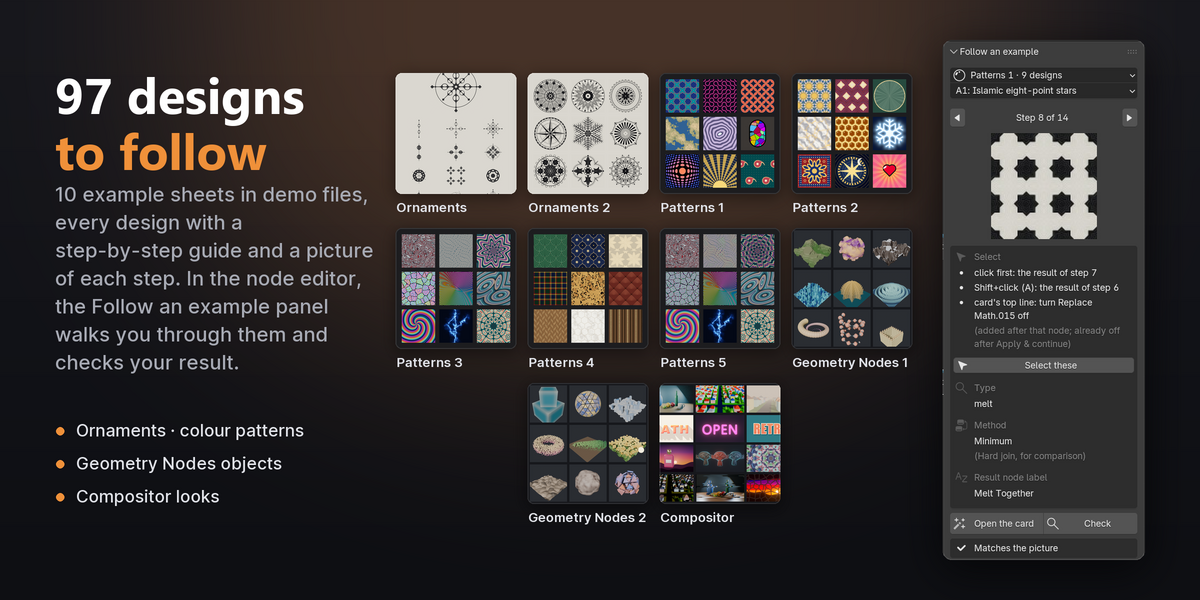
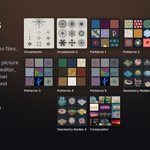
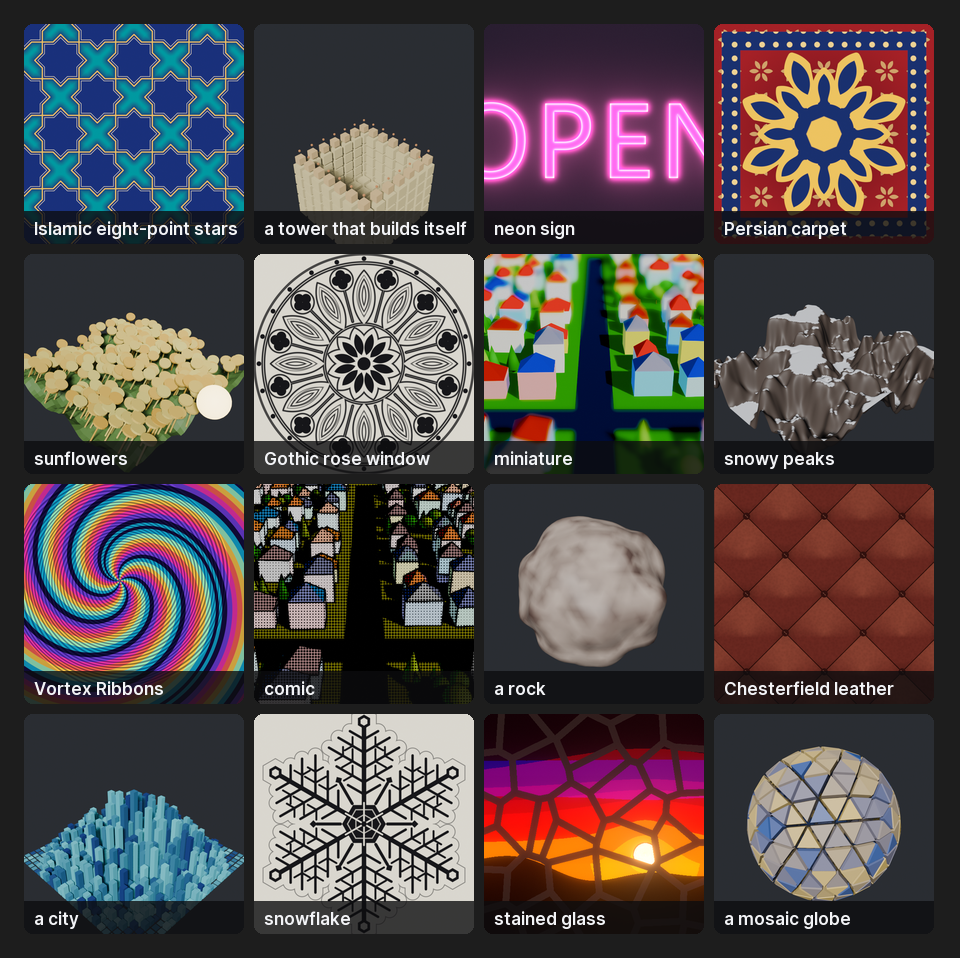
10 sheets, 97 designs to follow, step by step
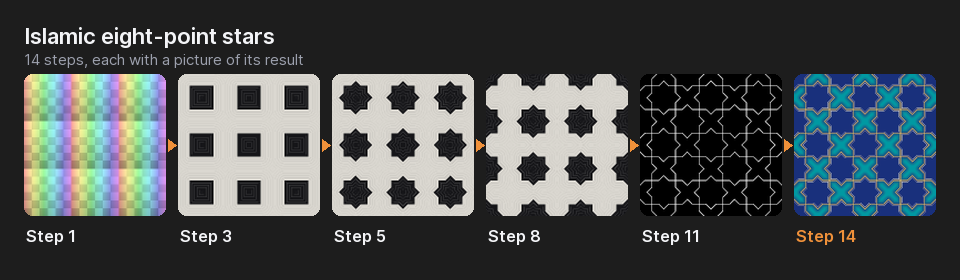
Every example combines card steps and plain nodes and comes in a demo file (English and Korean) with a guide that lists all its steps, 1225 in all: which node to select, what to type, which method and which values, with a picture of the result after each step. Patterns 3 and 5 include companion variations for comparison.
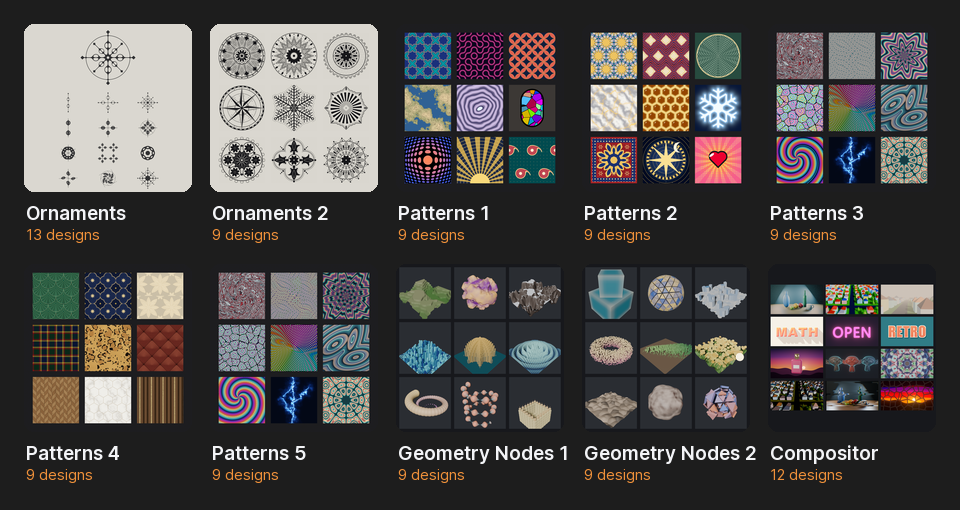
Inside Blender, the Follow an example panel (N › Designer Math) shows each step with its picture, opens the card with the word already typed, and checks your result: against the picture in the Shader Editor and the Compositor, against the values in Geometry Nodes.
Why not a preset pack?
Your nodes, explained
| A preset or node group | Designer Math | |
|---|---|---|
| Starts from | someone else's scene | your own node tree and data |
| Before you commit | a thumbnail | live previews on your data, several methods per look |
| What you get | often a closed node group | plain Blender nodes, labelled and framed, all editable |
| What you learn | how to use the preset | what each node does, with the formula at your settings |
No lock-in
Plain nodes. Previews you can trust.
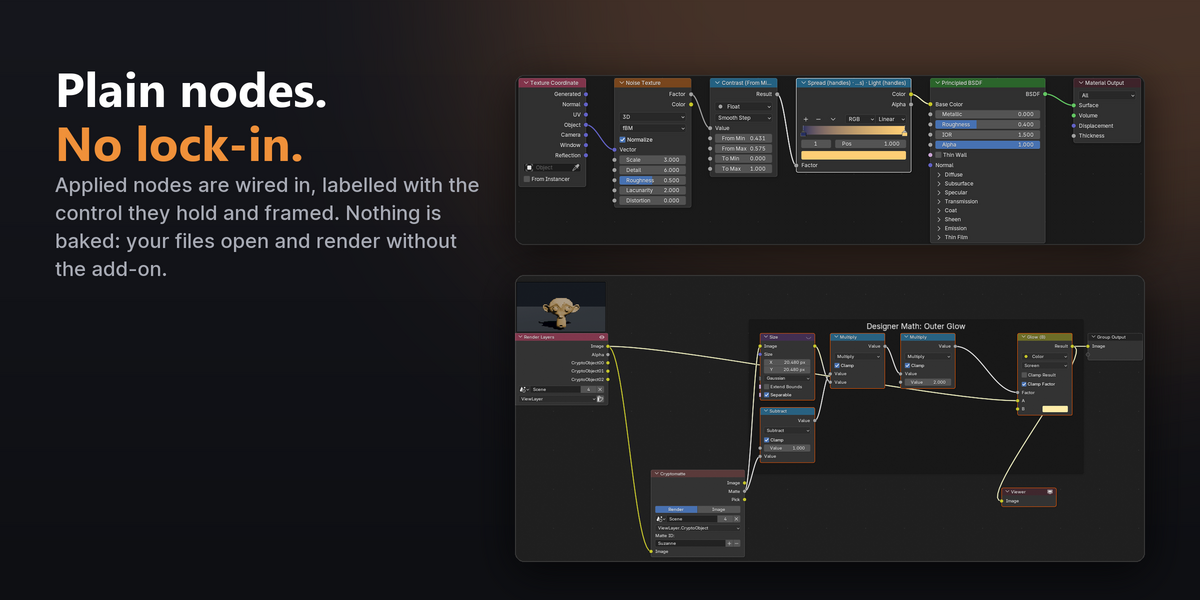
Everything Designer Math makes is ordinary Blender nodes: the node that holds a card control is labelled with it, recipes of three or more nodes are framed, and your files open and render without the add-on. What the preview shows is what Blender computes: every method is tested against the result Blender itself computes, in over a thousand automated cases.
Also included
Compatibility
| Blender | 5.2 and newer (4.x, 5.0 and 5.1 are not supported) |
| Editors | Shader Editor (materials, World, lights), Geometry Nodes, Compositor, and node groups in them |
| Render engines | Cycles and EEVEE |
| Tested | Windows with 5.2.2 LTS. macOS and Linux should work but were not part of release testing. |
| Download | designer_math-1.2.0.zip (the Extension) and a second zip with 23 demo files and offline guides |
Good to know
- In the Compositor, render once (F12) before opening the card; it reads the render that is already there.
- In the Compositor, coordinate effects (mirror, tile, kaleidoscope…) work on a picture (select its Image output), not on Image Coordinates.
- Shader previews are computed on a flat plane from your real tree: values are exact, but textures using Object or Generated coordinates may be laid out differently than on your mesh.
- Worn edges and dirt use Bevel, Ambient Occlusion or Pointiness, which only Cycles renders.
- Halftone dots and hatching are printed on a material's UV, so they are for materials (not World or lights).
- Full instructions and the list of all 191 effects are in the Documentation tab.
Get the look. Learn the math behind it.
191 effects, 97 example designs and every future update, free for every buyer through Superhive. Licensed under GPL-3.0-or-later.