 HanaYou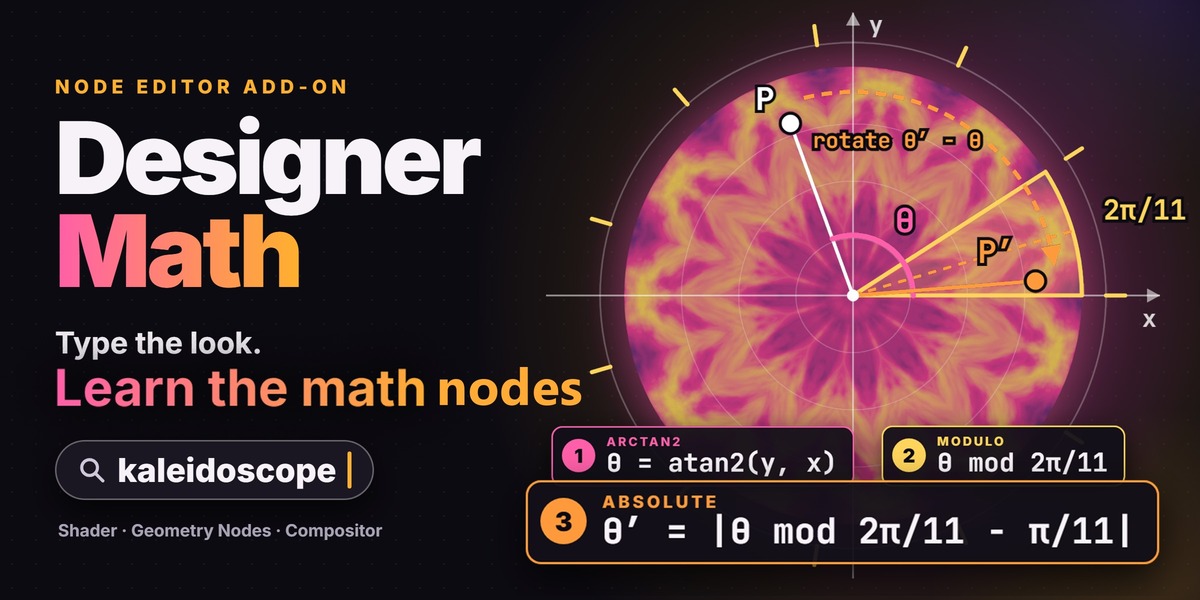


Which file do I install?
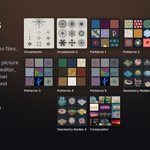
designer_math-1.2.0.zip. Install it with Edit > Preferences > Get Extensions > Install from Disk, without unzipping it. The other download, Designer_Math_1.2.0_Demo_Files_and_Guides.zip, holds the demo files and the offline guides.
Do I need the add-on to open or render my files?
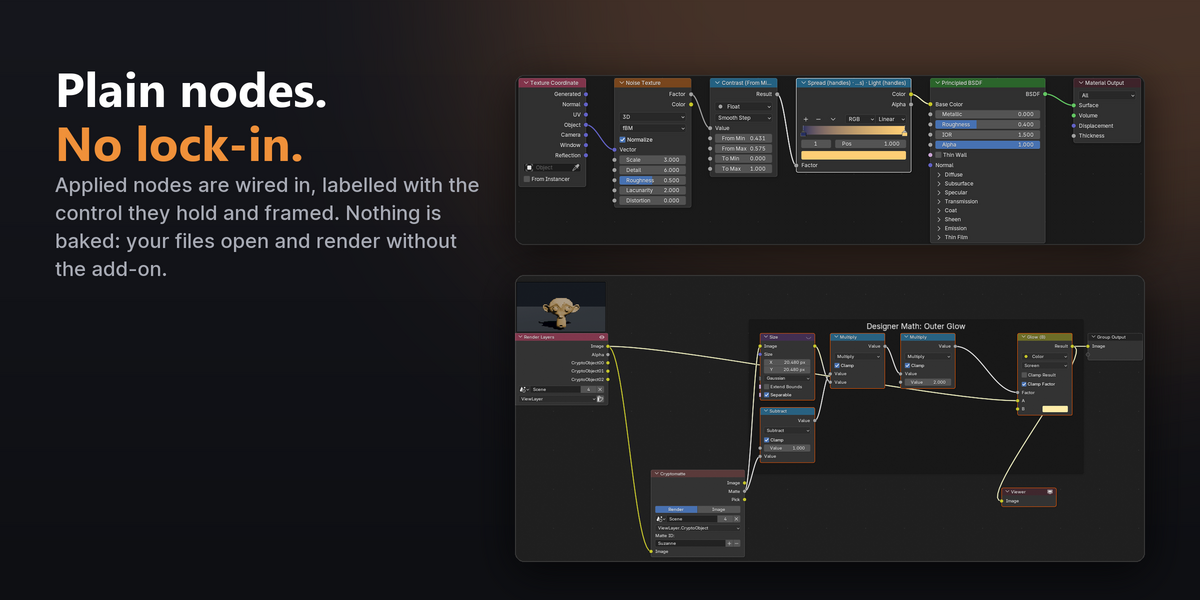
No. It only inserts Blender's own nodes. Uninstall it and your files look and render exactly the same.
Which Blender versions are supported?
Blender 5.2 and newer. The card uses drawing and node APIs from 5.2, so 4.x, 5.0 and 5.1 are not supported. Release testing was done on Windows with Blender 5.2.2 LTS.
Does it work with Cycles and EEVEE?
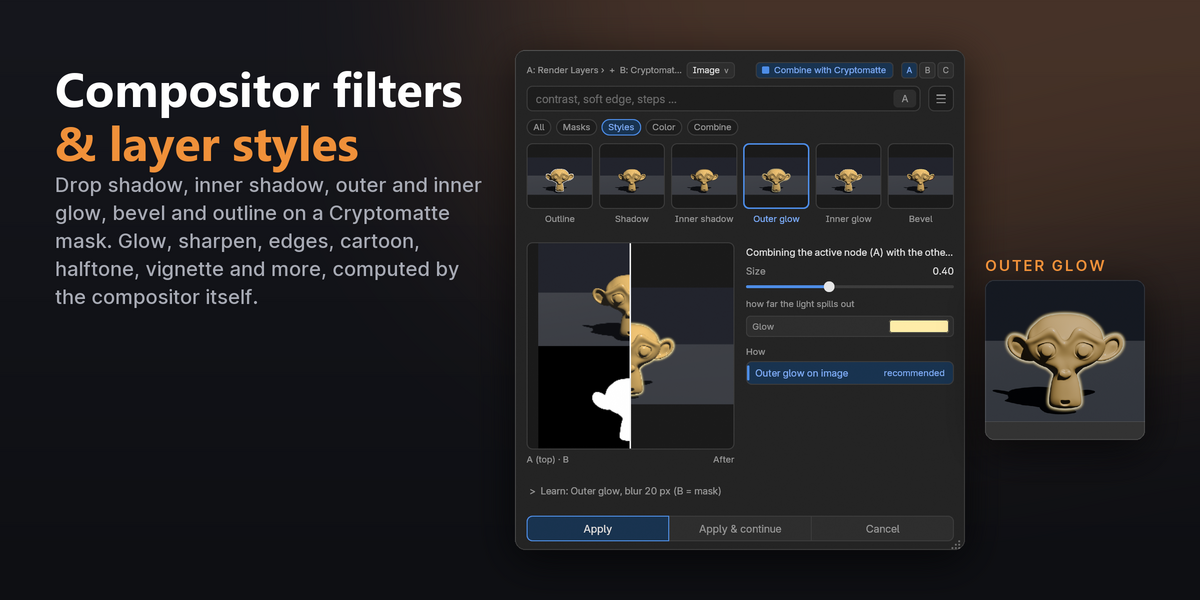
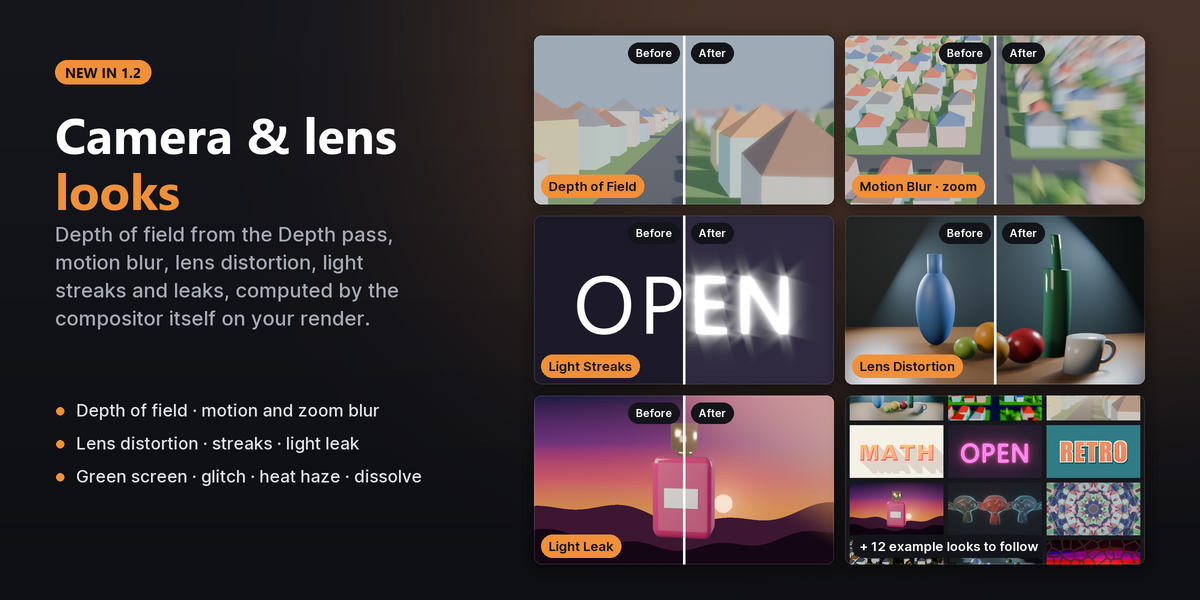
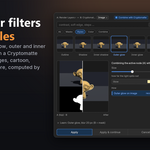
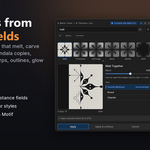
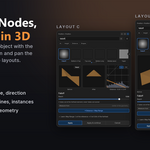
Yes. The nodes are the same in both. Compositor layer styles on one object need a Cryptomatte pass, which both engines render.
Does it change my node tree while I browse?
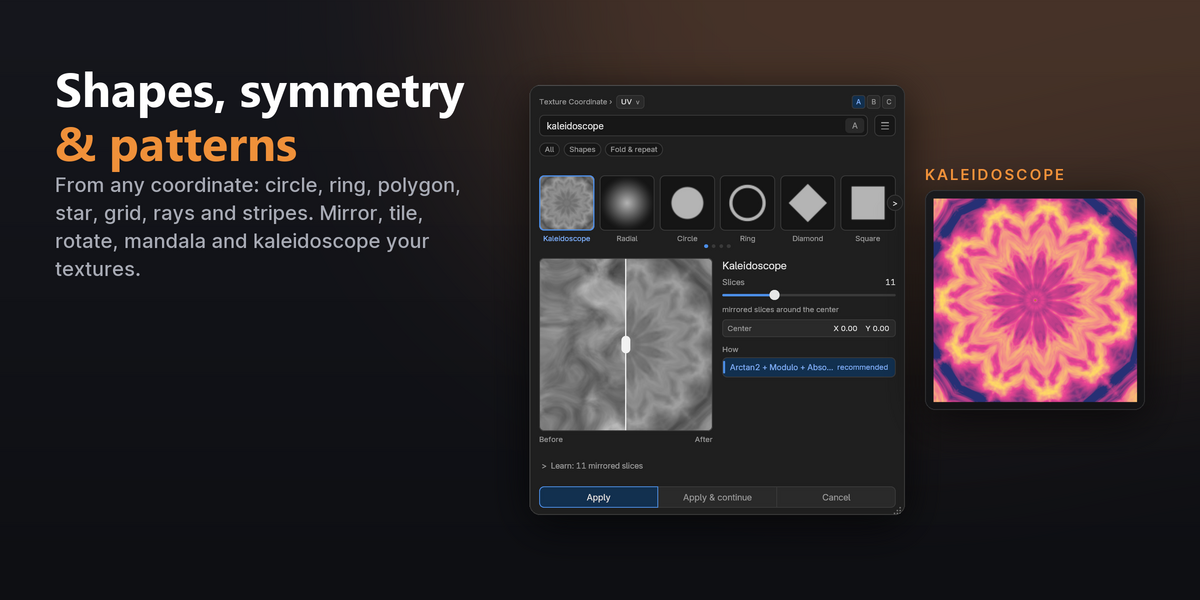
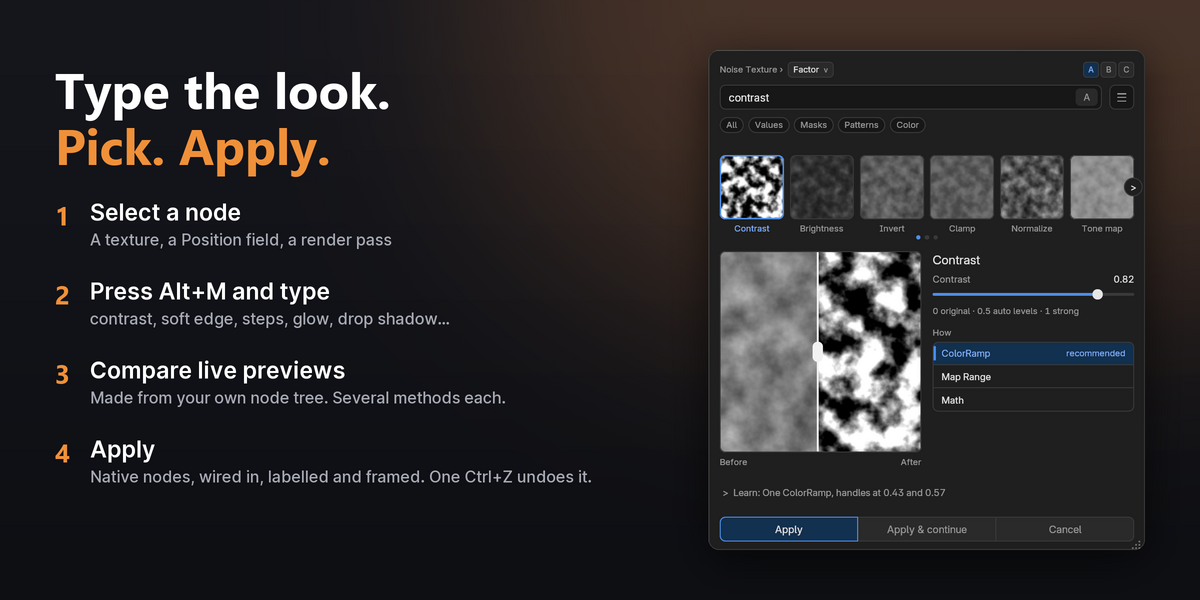
No. Previews are made from temporary copies, and your tree changes only when you press Apply. One Ctrl+Z undoes each Apply.
Can I use it on a ColorRamp or Math node I already have?
Yes. Select it and the card opens on what that node does now, ready to change or replace it.
Is it a preset pack?
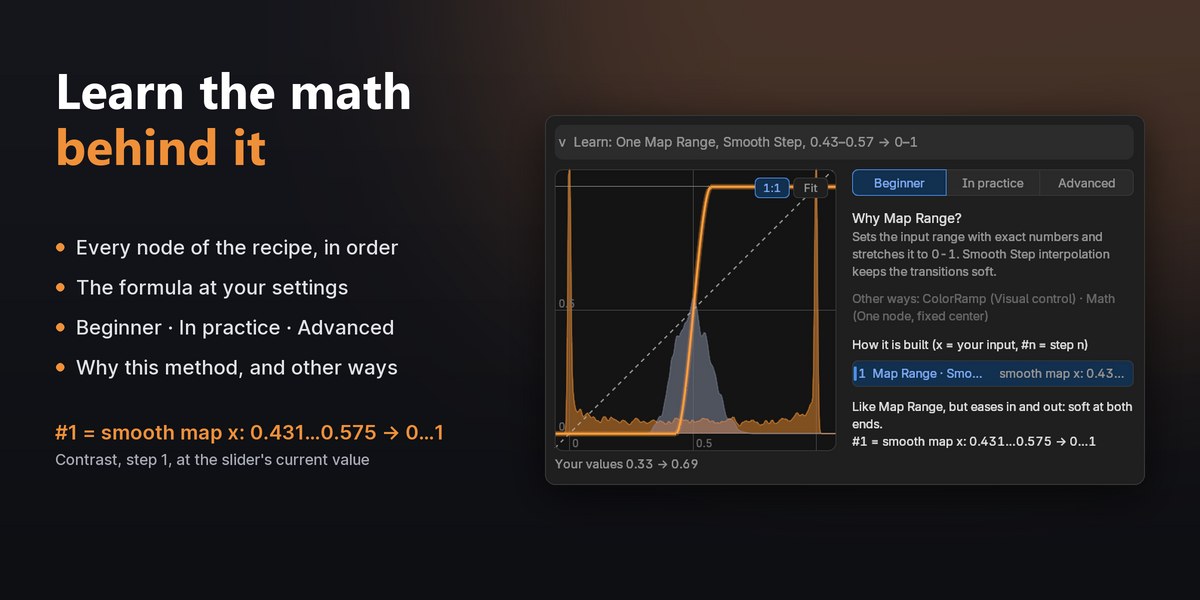
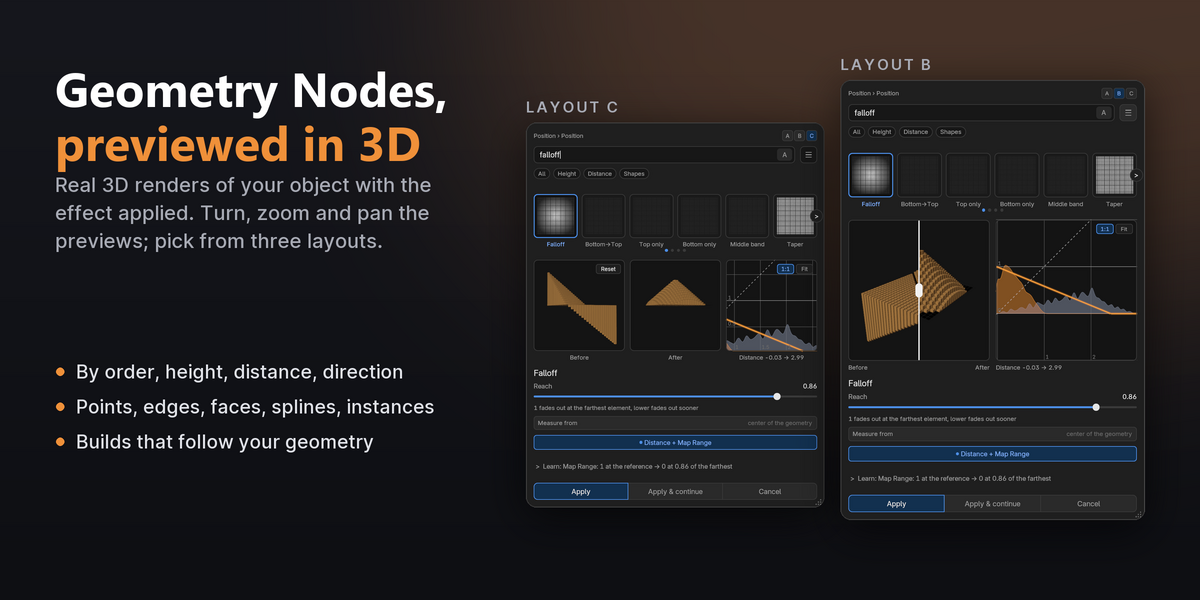
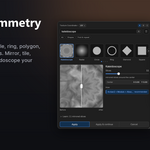
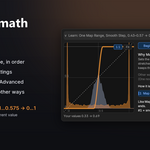
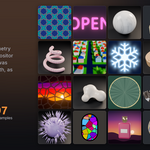
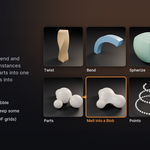
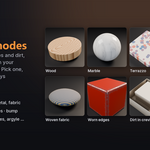
No. Every preview is made from your own node tree, the card offers only the effects that fit what you selected, and the Learn panel explains each node of the result with the formula at your settings.
Does it use the internet?
No. It writes temporary preview renders to your temp folder and deletes them.
$39.99$29.99
Have questions about this product?
Login to message
| Blender Extension Compatible | Yes |
| Published | 3 days ago |
| Blender Version | 5.2 |
| Extension Type | Add-on |
| Render Engine Used | Cycles |
| License | GPL |
Discover more products like this
nodes layer styles Workflow colorramp masks compositor map range procedural shader nodes node math geometry nodes learning