 Jacober Design
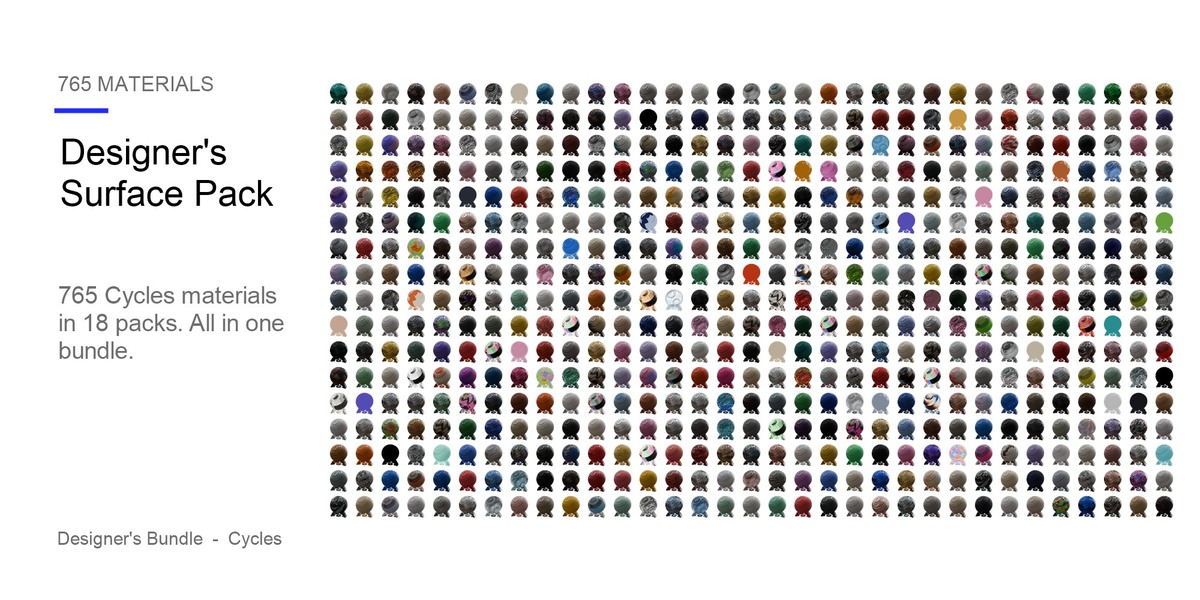
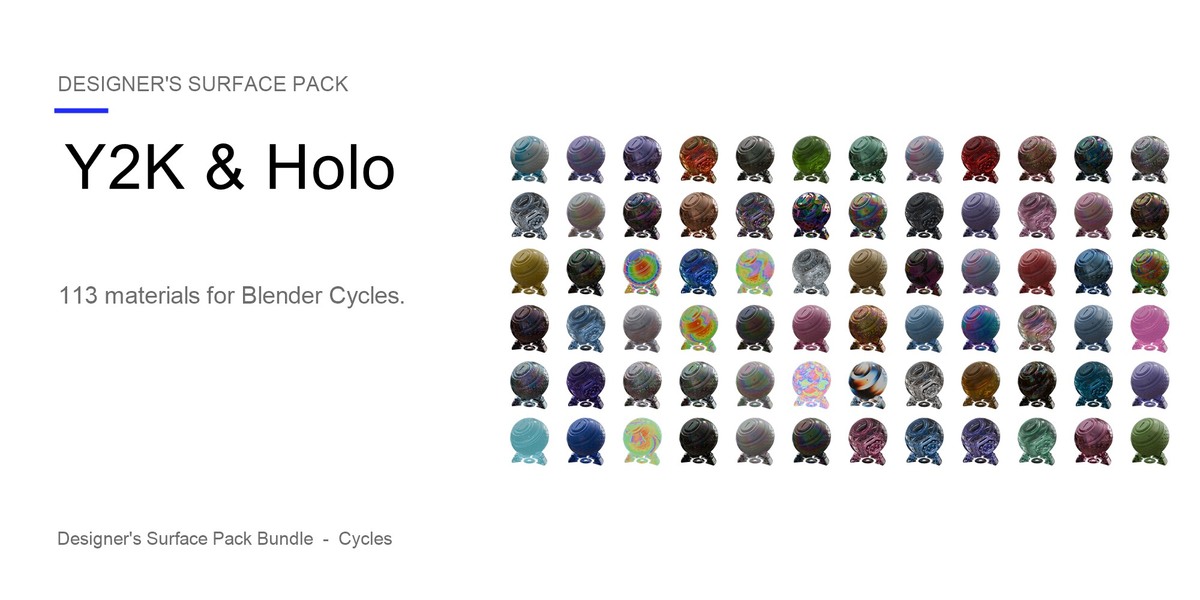
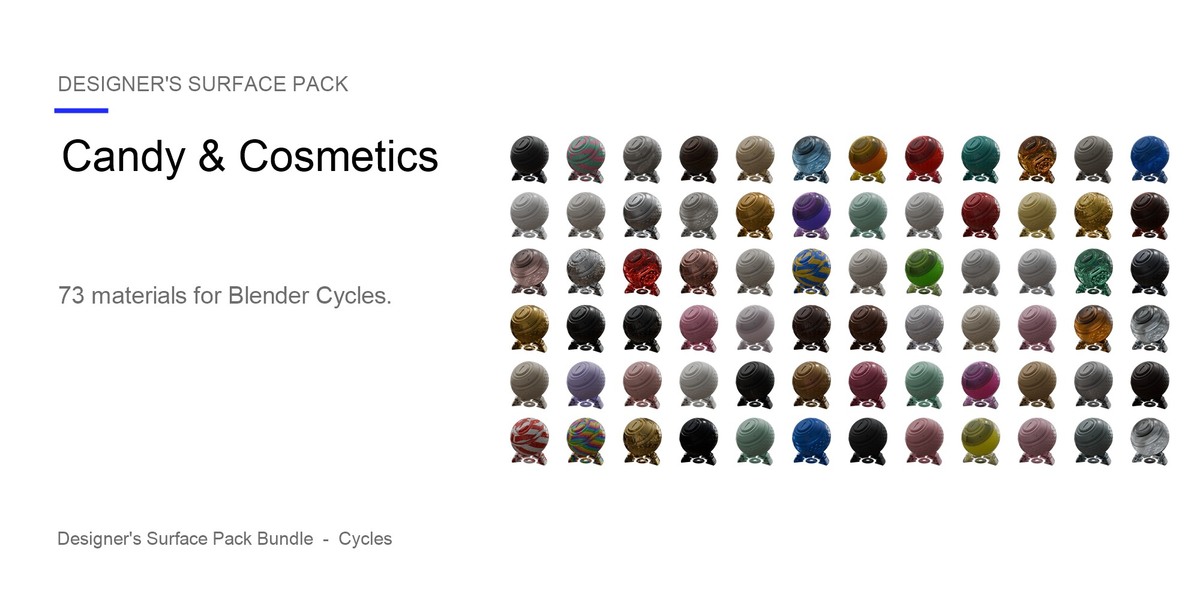
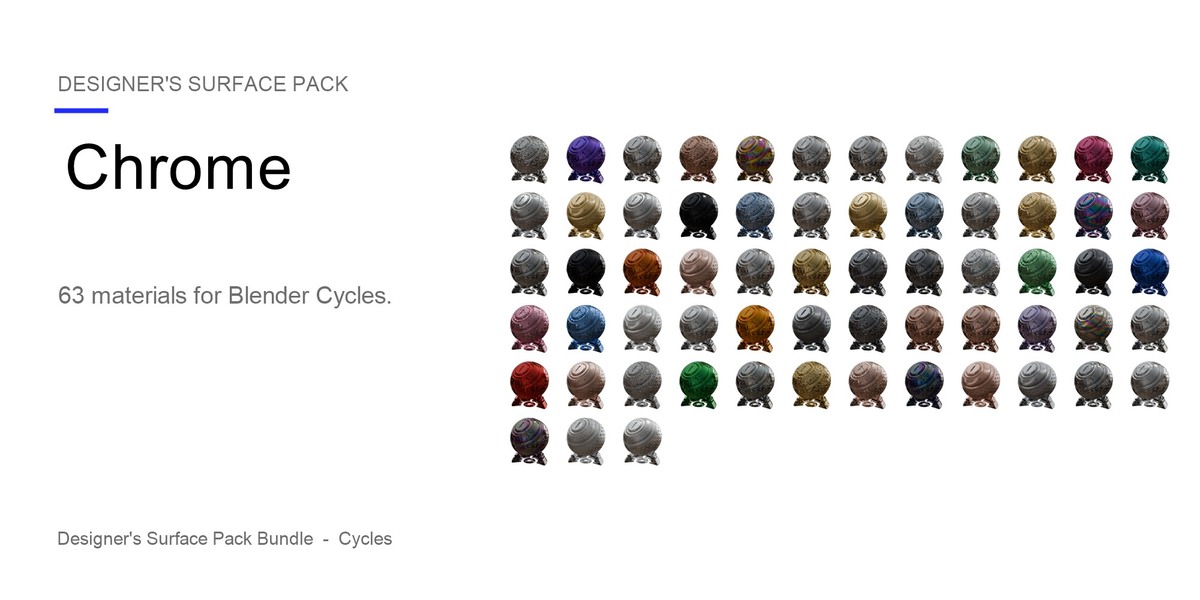
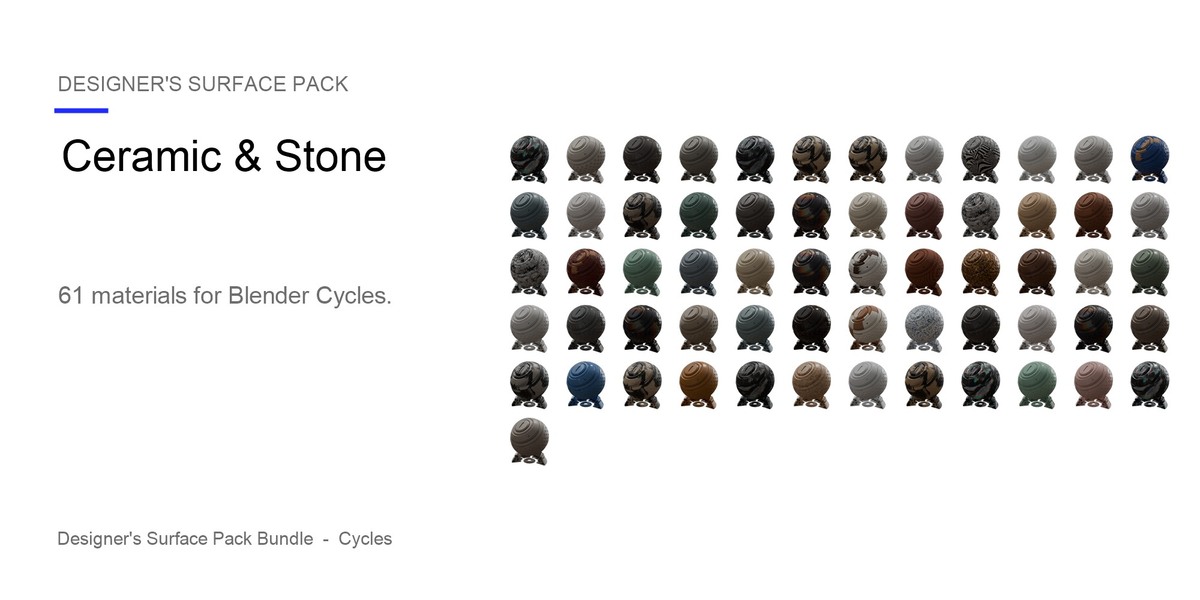
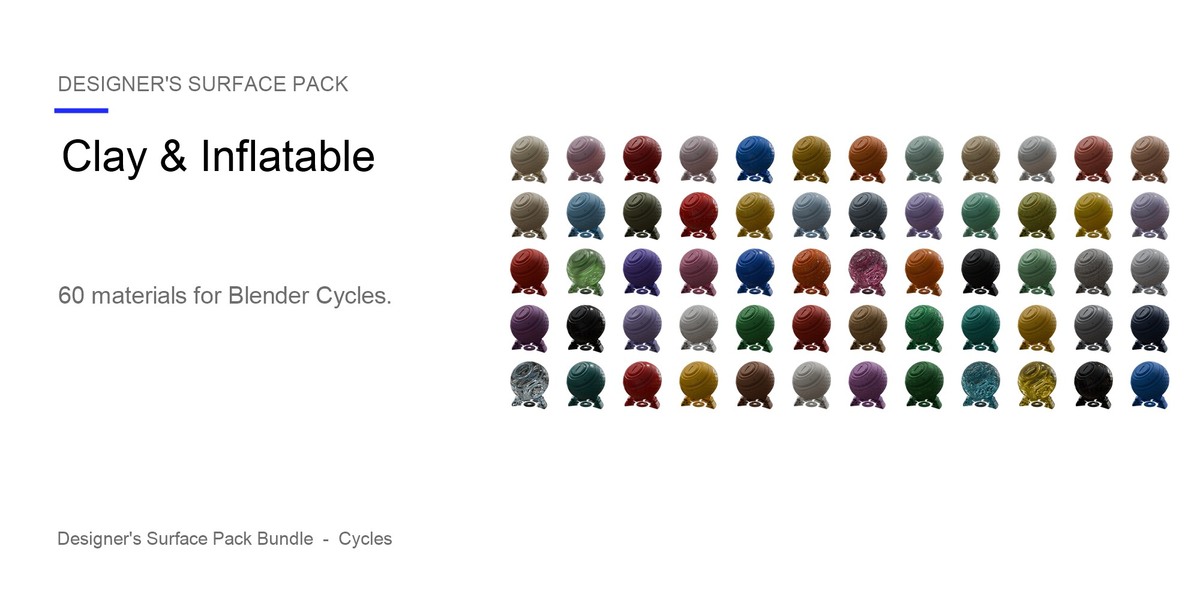
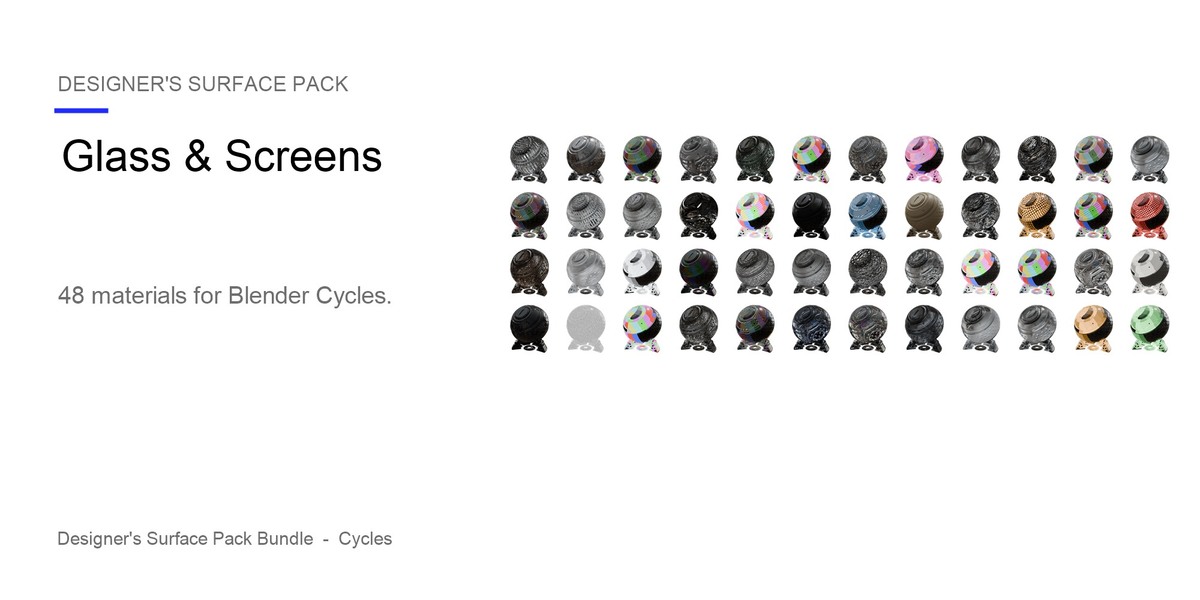
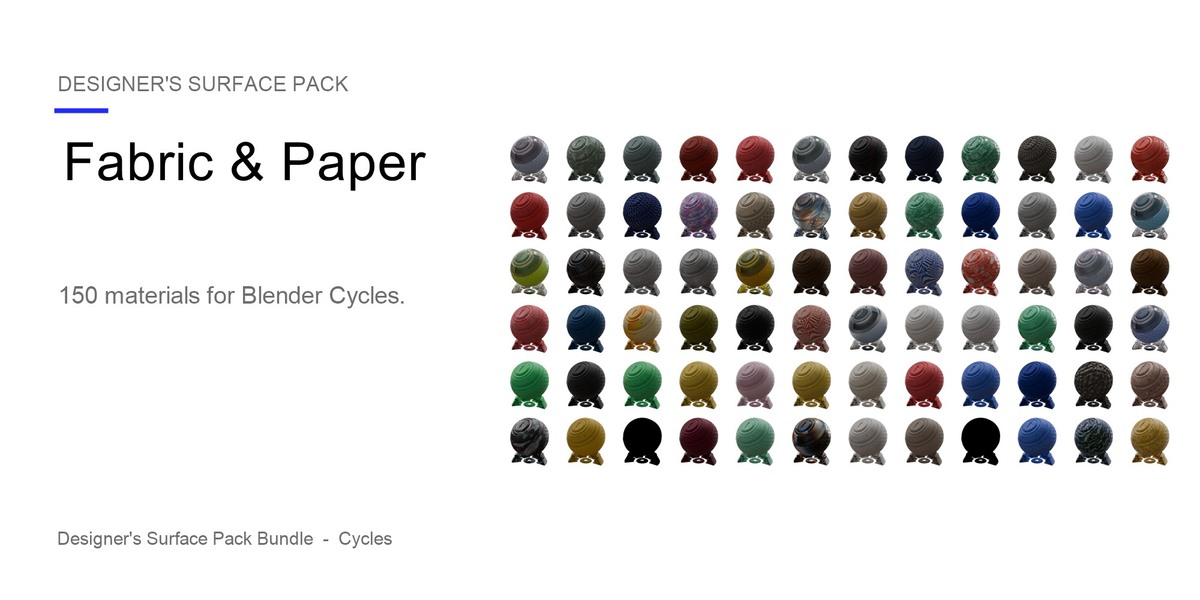
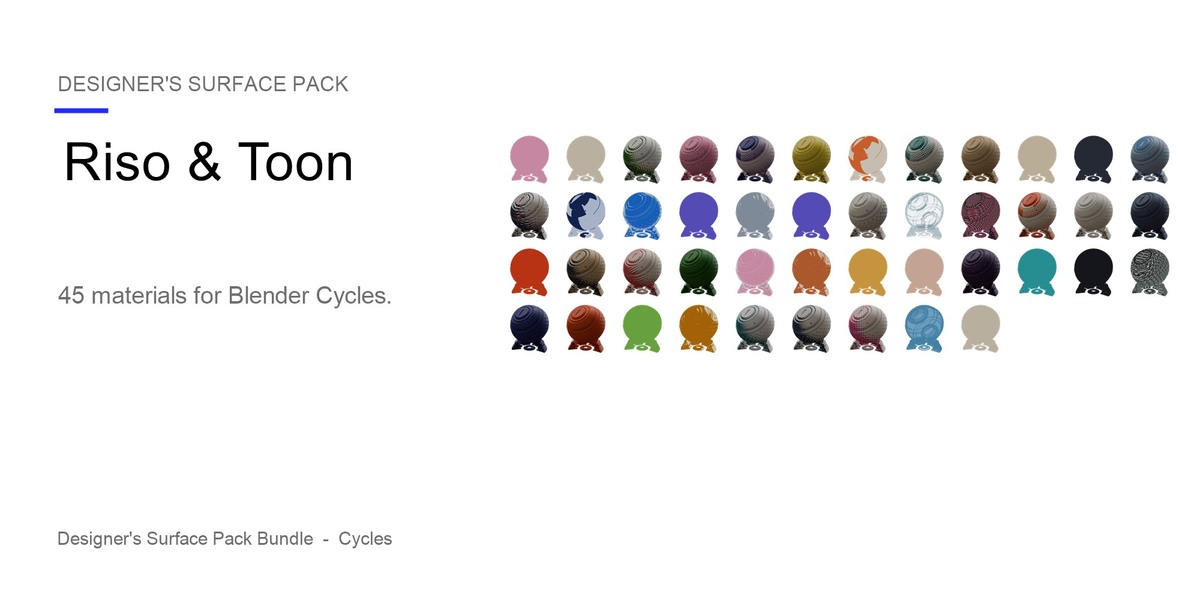
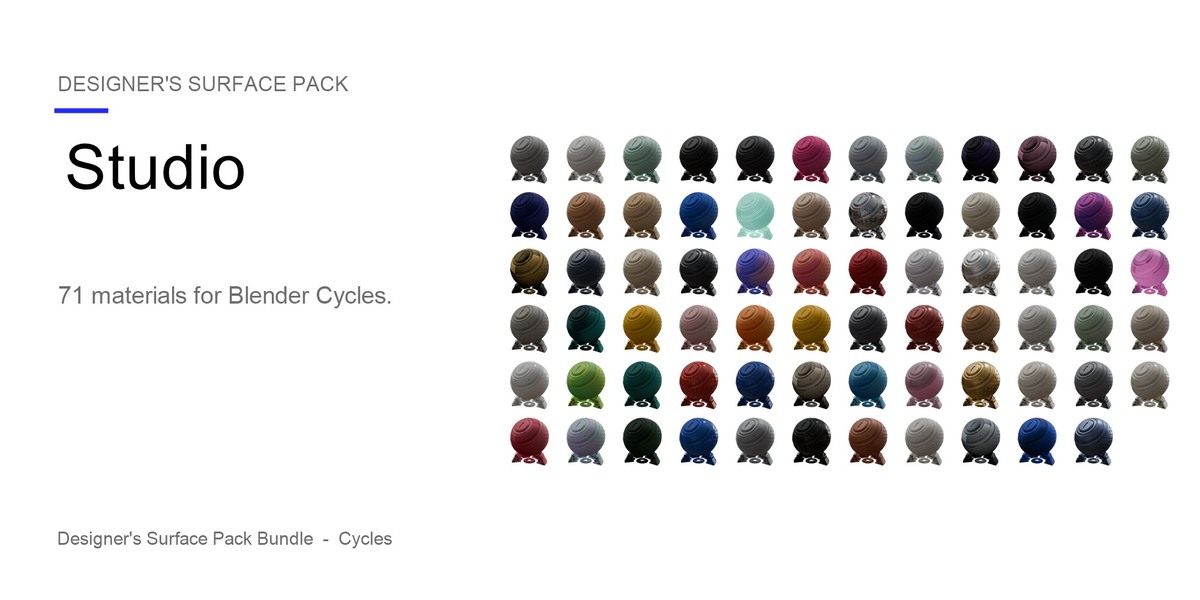
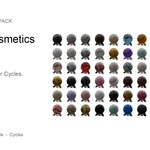
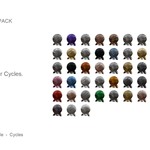
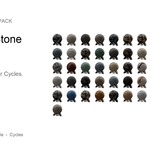
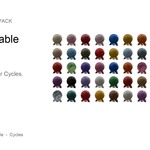
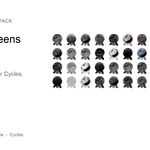
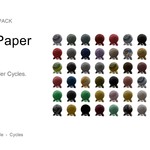
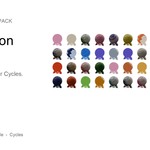
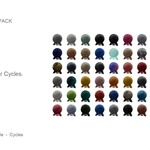
Every material in the bundle, with a preview render, sorted by pack and category.
Click a pack to jump to its materials. Each material uses its own pack's Base Color, Normal, Roughness and Displacement maps.
1. Unzip Bundle Library.zip. Keep the folders together: texture paths are relative.
2. Edit > Preferences > File Paths > Asset Libraries. Press +, then choose the folder that holds Designers_Surface_Pack_Bundle_Library.blend.
3. Set the import method to Append (Reuse Data).
4. Drag a material from the Asset Browser onto any object.
