Designers Surface Pack - 765 Materials for Blender
 Jacober Design
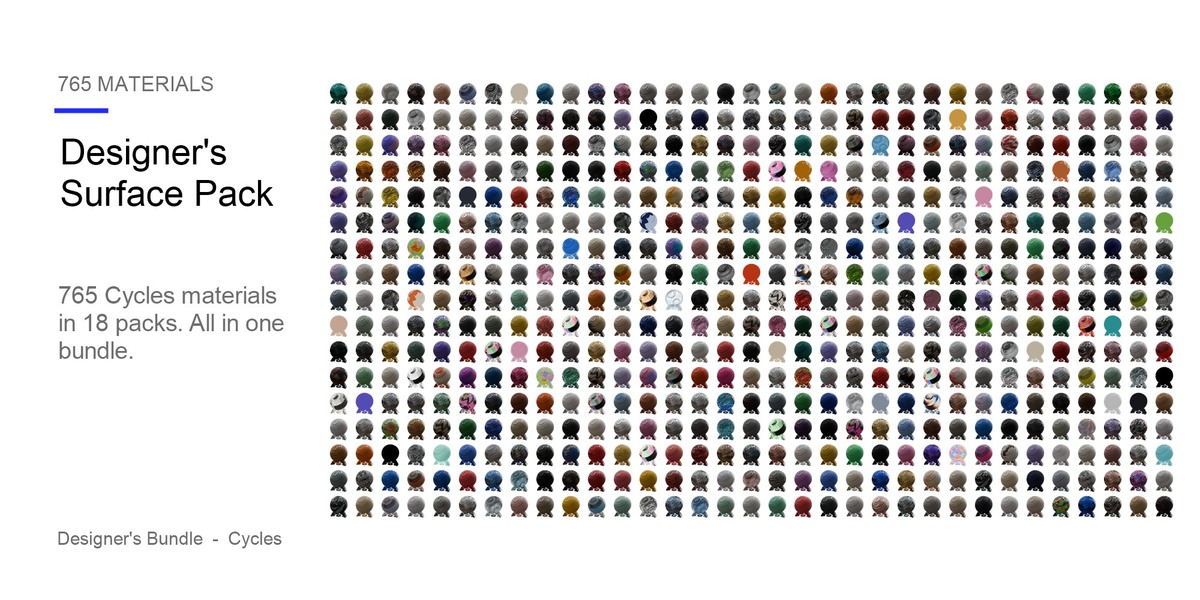
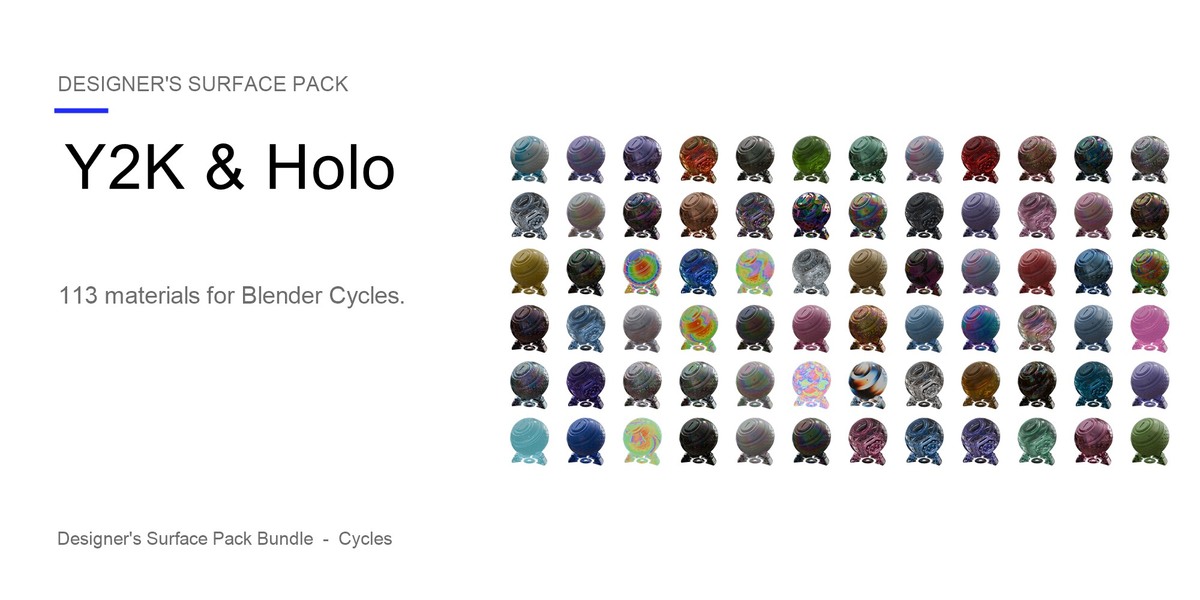
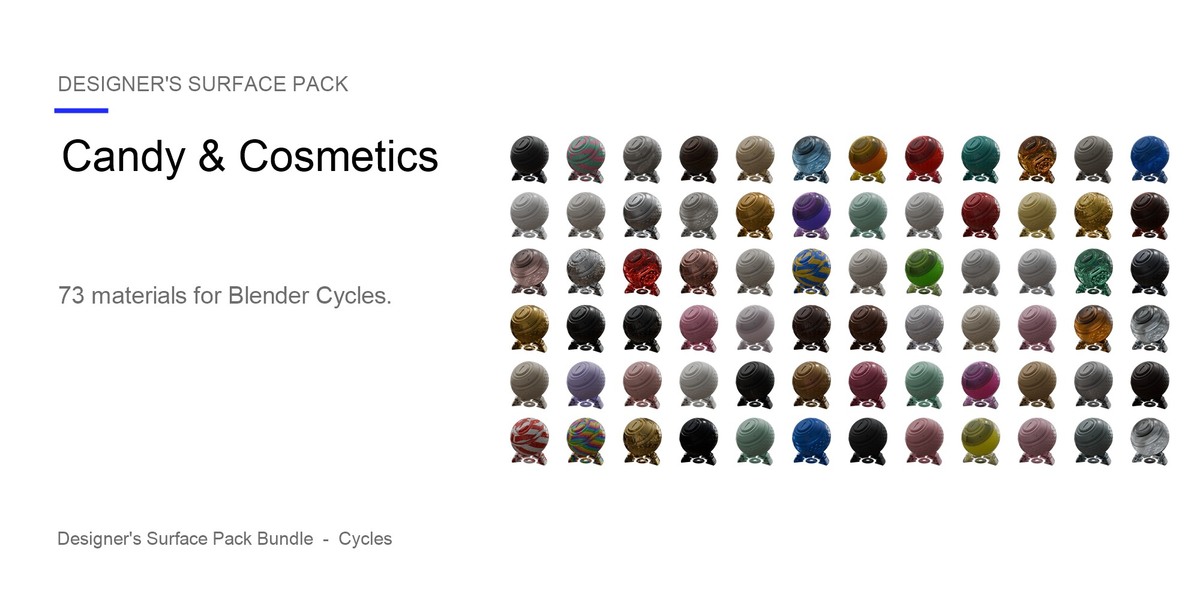
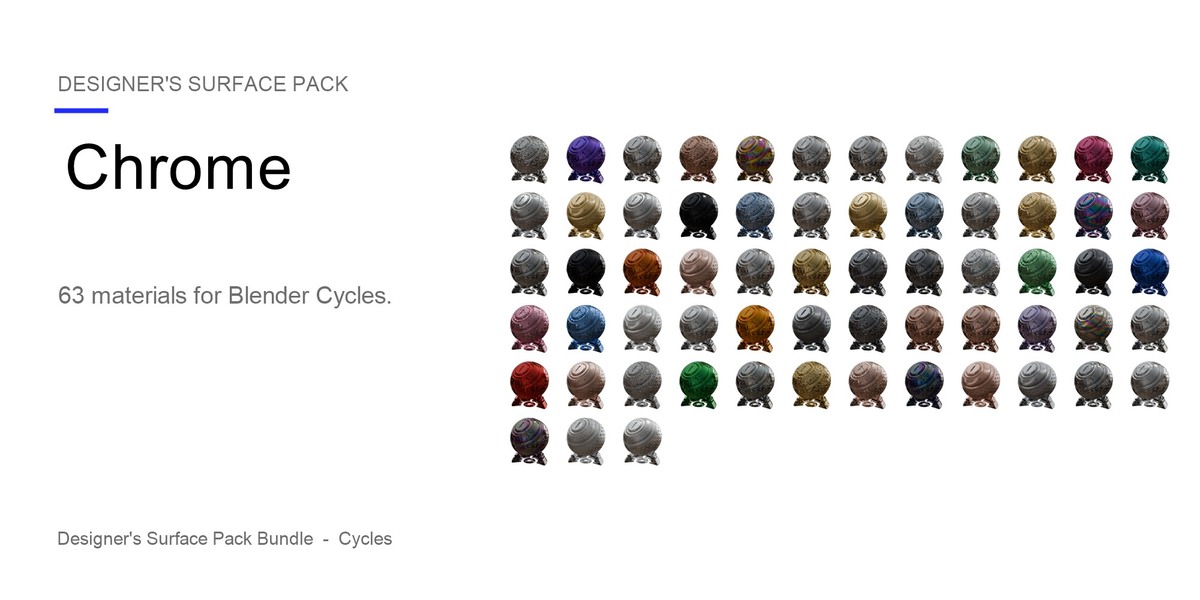
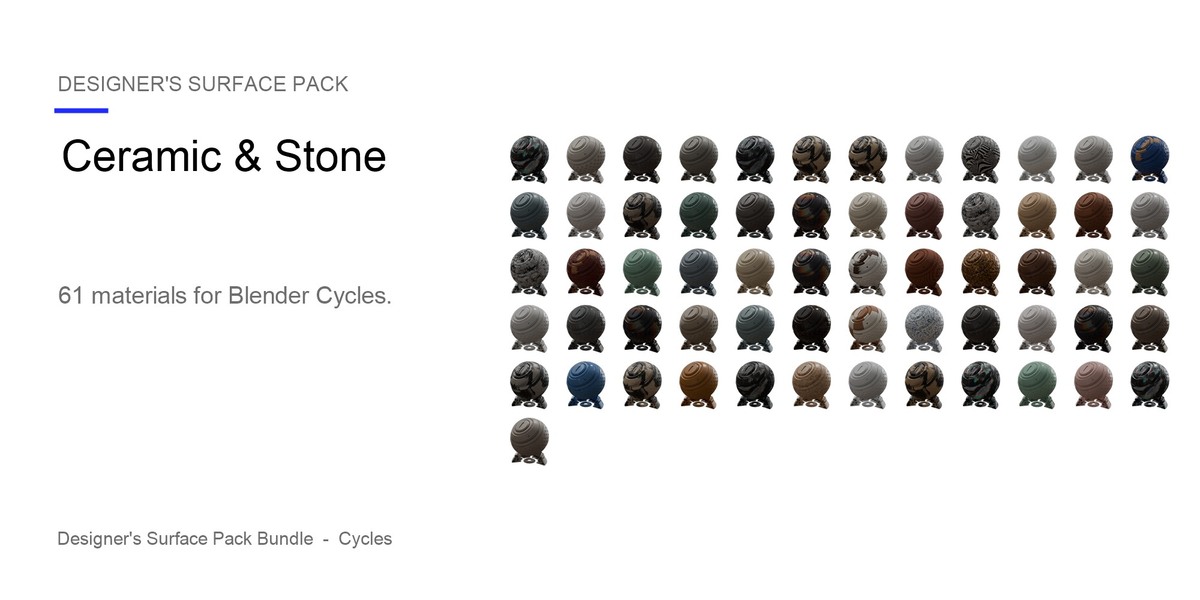
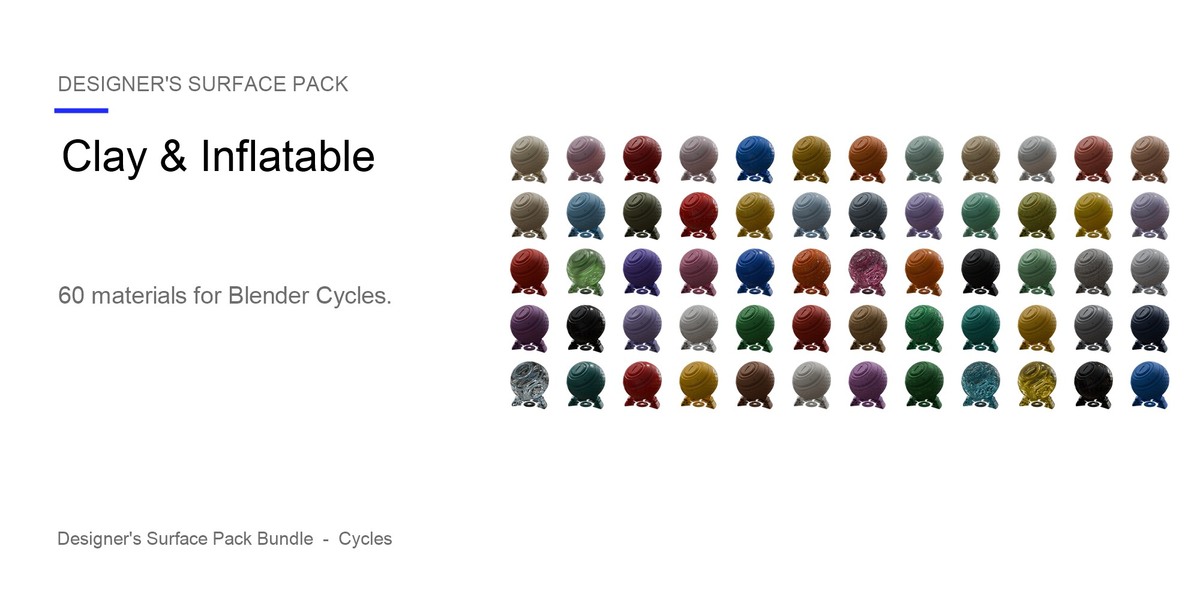
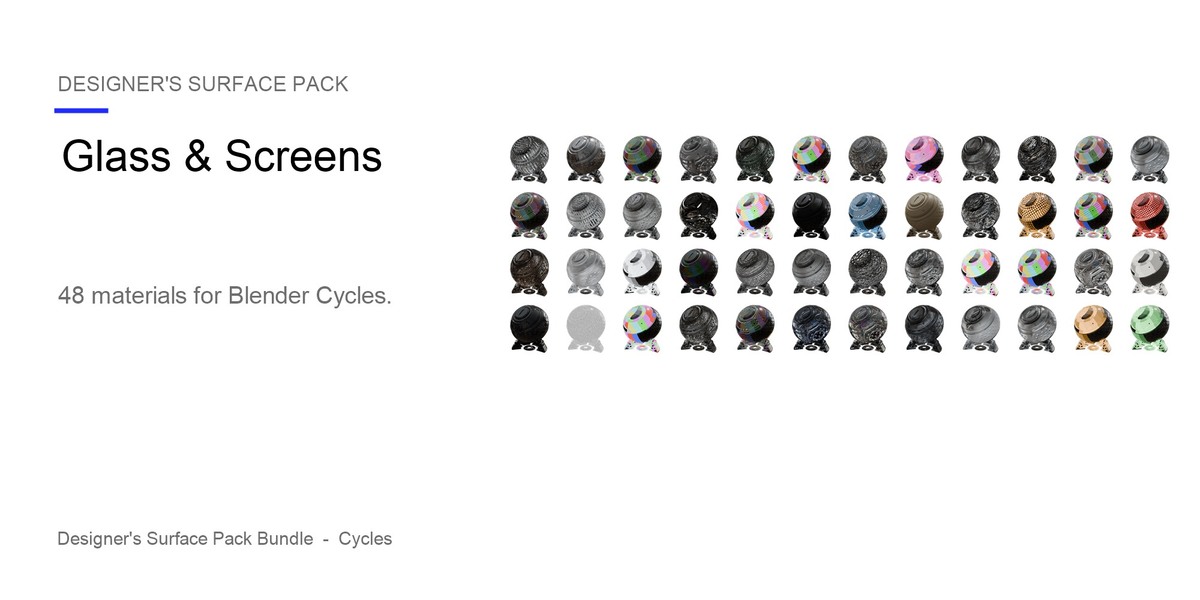
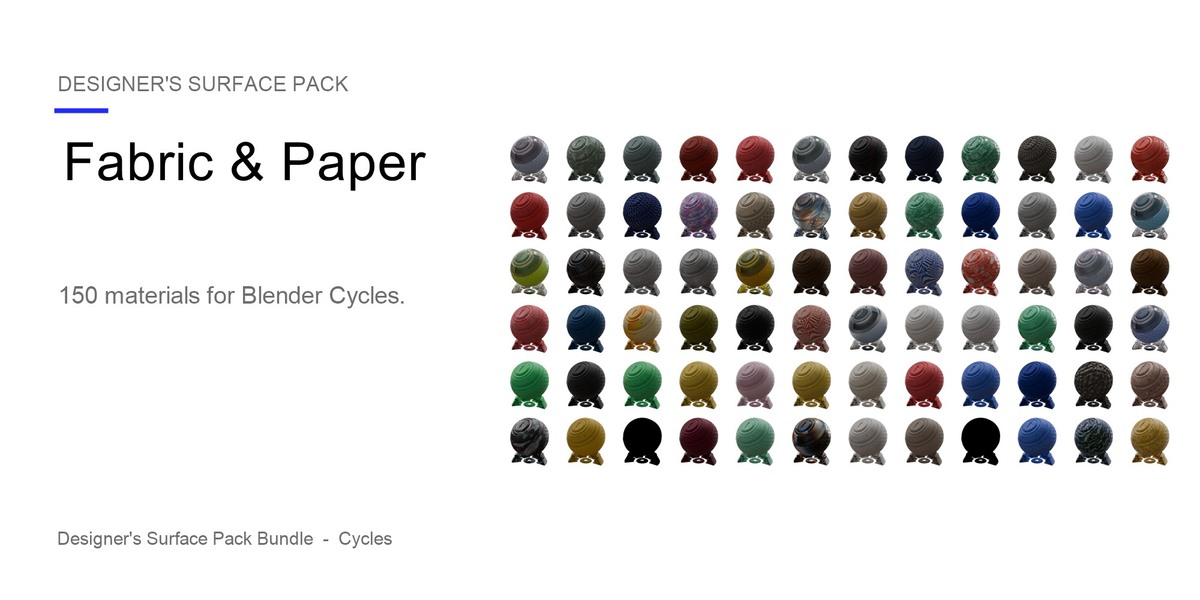
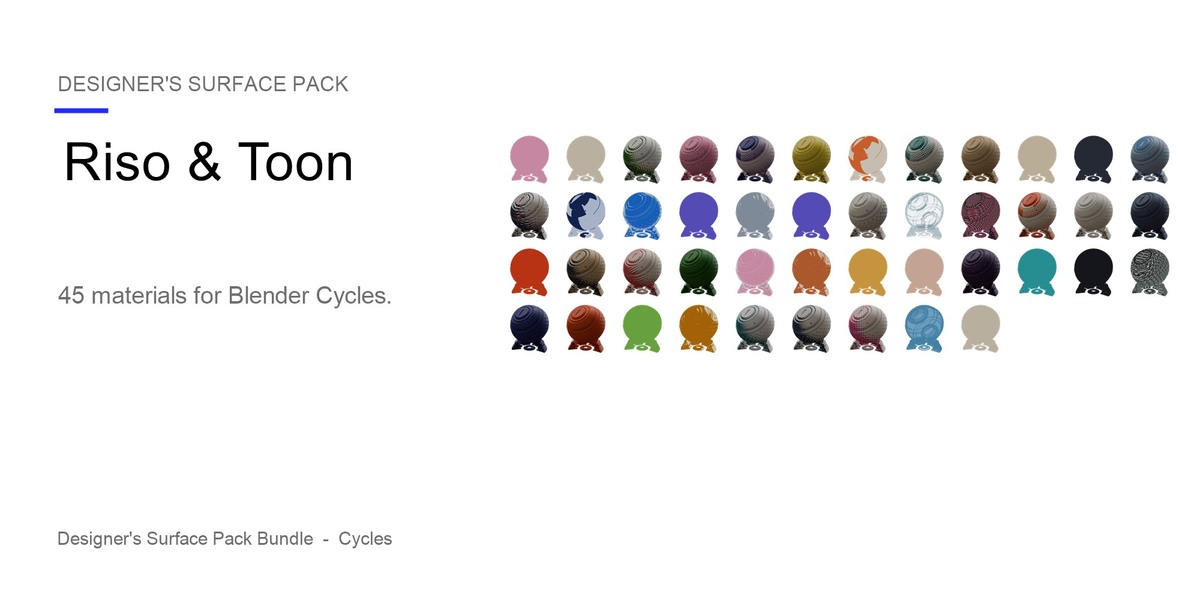
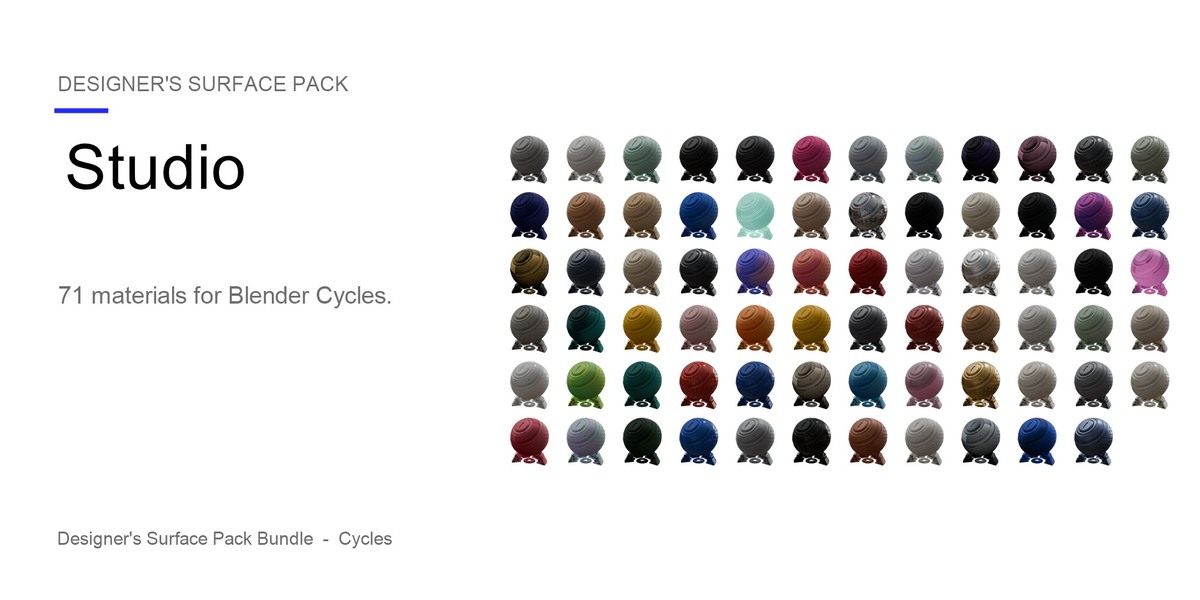
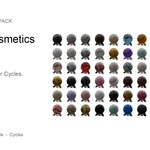
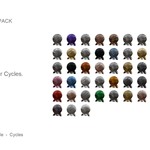
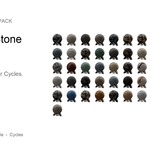
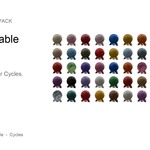
1. Unzip Bundle Library.zip. Keep the folders together: texture paths are relative.
2. Edit > Preferences > File Paths > Asset Libraries. Press +, then choose the folder that holds Designers_Surface_Pack_Bundle_Library.blend.
3. Set the import method to Append (Reuse Data).
4. Drag a material from the Asset Browser onto any object.
Requirements: Blender 5.x. All materials are Cycles materials.
Packs: 18 surface packs, 765 materials in total. Each pack sorts its materials into Asset Browser catalogs by category.
Shared node groups: DSP Mapping, DSP Roughness and DSP Height are identical in every pack, so you can mix materials from different packs.
Textures: each material uses the Base Color, Normal, Roughness and Displacement maps of its own pack. Texture paths are relative, so the folders must stay together.
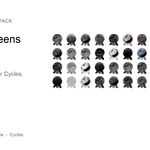
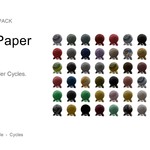
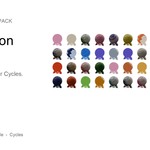
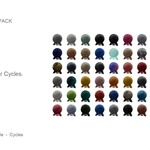
Previews: every material in the Asset Browser has a preview render. Each one is also shown on the product page.
Have questions about this product?
Login to message
| Rating | 1 ratings |
| Dev Fund Contributor | |
| Published | about 18 hours ago |
| Blender Version | |
| Render Engine Used | Cycles |
| License | Creative Commons |

Discover more products like this
chrome material Riso Print Shader Pack asset-browser blender materials blender asset library glass-material procedural materials Cycles Surface Materials blender Ceramic Glaze