 one99addons
🩷 Desk Axolotl
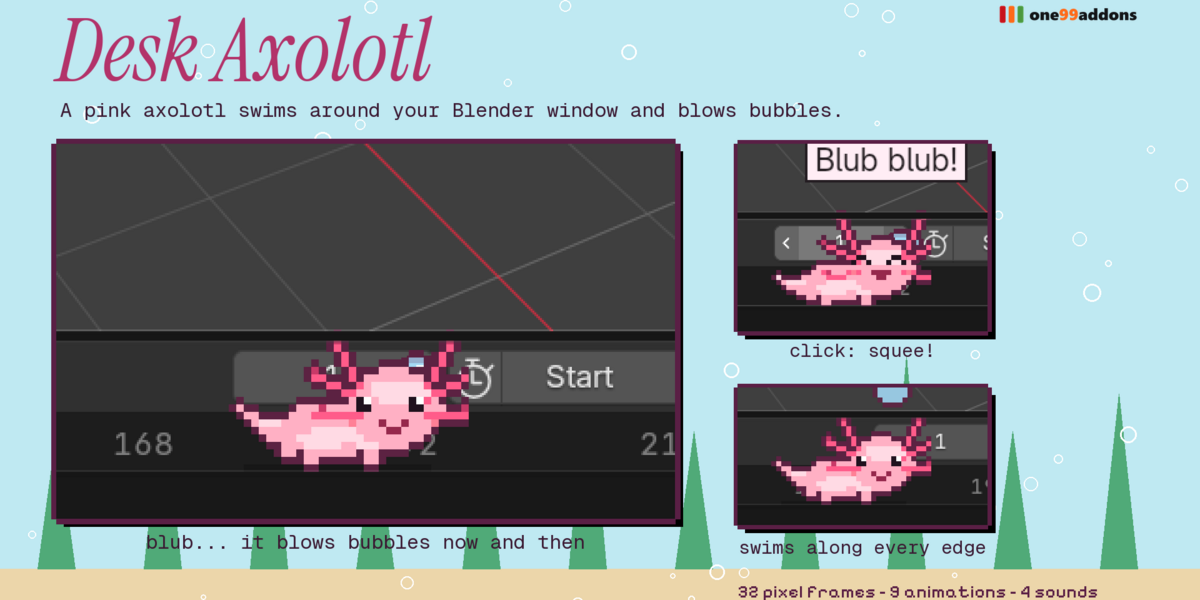
A pink pixel axolotl swims around your Blender window and blows bubbles.
It floats just above the edges with its tail waving and its frilly gills pulsing. Now and then it stops to blow bubbles. Click it for a happy squeak and a burst of bubbles.
The problem
Long Blender sessions, grey interface. A calm little companion makes it feel less like work, as long as it never gets in your way.
What it does
- Swims every edge. It glides along the inside border of your window, gently bobbing above the edge like it is under water.
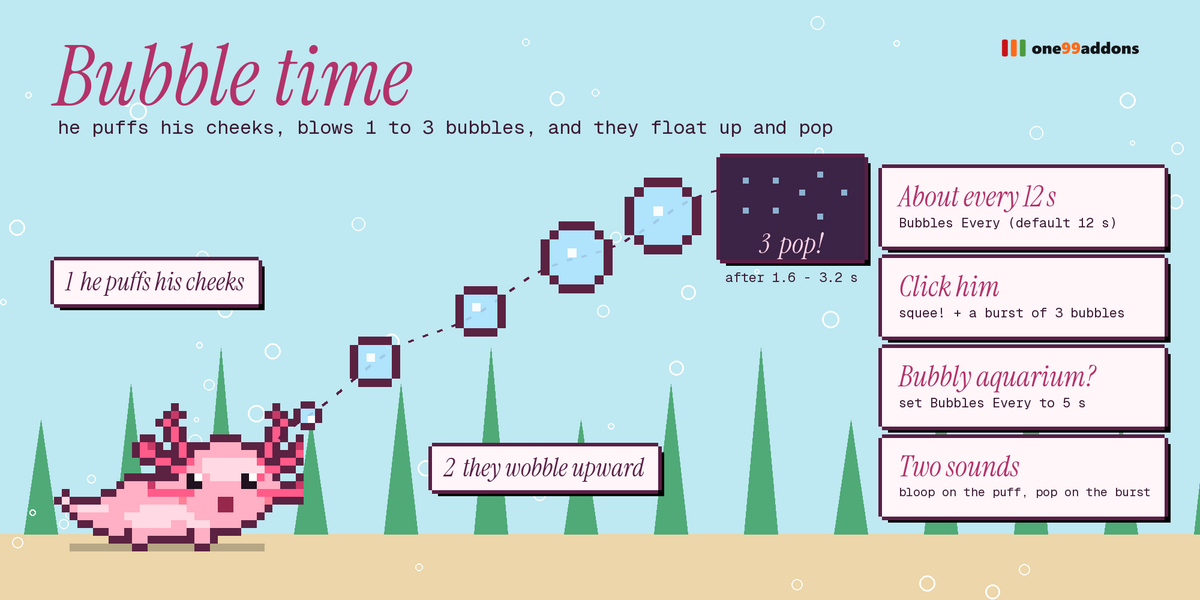
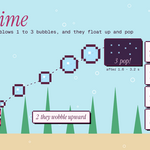
- Bubble time. Every ~12 seconds it stops, puffs its cheeks and blows 1 to 3 bubbles that wobble upward and pop.
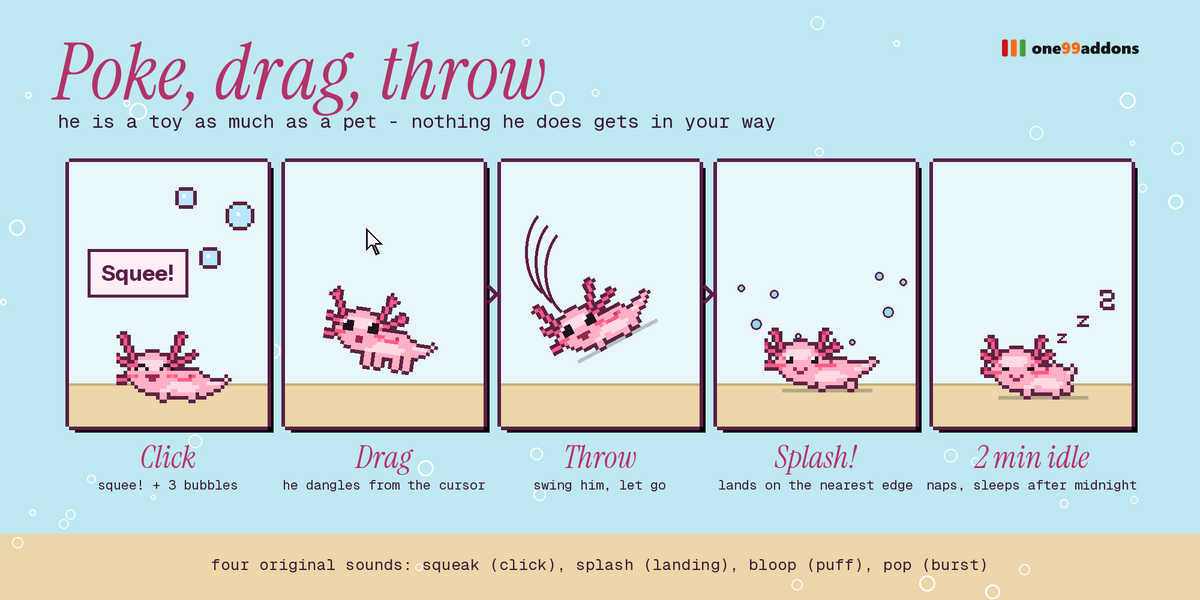
- Click = Squee! A big smile, a happy squeak and a burst of 3 bubbles.
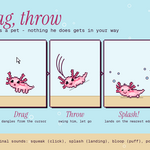
- Drag & throw. Swing it and let go: it lands on the nearest edge with a splash and swims on.
- Naps and bedtime. Naps after 2 minutes alone; sleeps after midnight until you tap it.
Settings
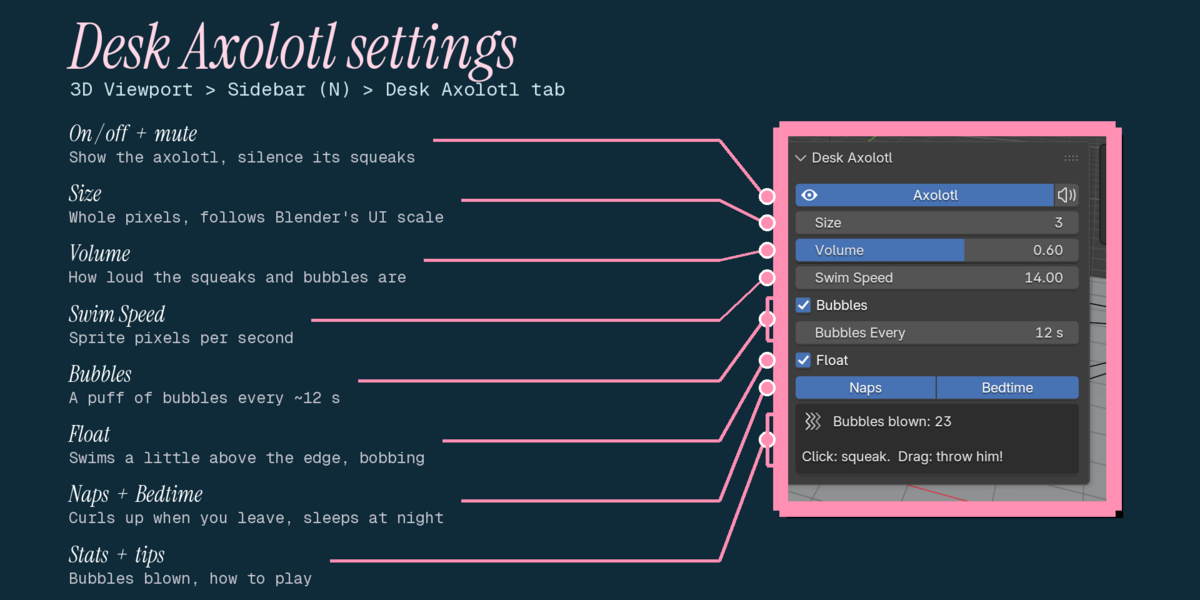
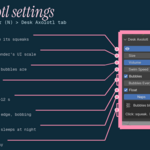
Settings are in 3D Viewport > Sidebar (N) > Desk Axolotl tab, with a quick toggle in the Window menu.
- Axolotl / Mute: show it, silence it.
- Size 1 to 8: whole pixels, multiplied by Blender's UI scale.
- Volume: for squeaks, splashes, puffs and pops.
- Swim Speed: sprite pixels per second (default 14).
- Bubbles / Bubbles Every: on or off, and the average seconds between puffs (default 12).
- Float: swim a little above the edge, bobbing.
- Naps / Bedtime: and a bubble counter for this session.
Good to know
- 32 hand-made pixel frames, 9 animations and 4 original sounds (squeak, splash, bloop, pop).
- Light: about 0.09 ms of Python per update. Playback of a 252,000-triangle animation: 18.2 fps with all our pixel pets on, 18.2 fps off.
- Tested together with Desk Duck, Desk Cat, Desk Frog and Desk Bat: no conflicts.
Tips
- Set Bubbles Every to 5 s for a bubbly aquarium.
- Turn Float off if you prefer it to crawl right on the edge.
Requirements and install
Blender 5.2 or newer (tested on 5.2.2 LTS, Windows). No internet, no external libraries.
- Download desk_axolotl_v1.0.0.zip (do not unzip it).
- In Blender: Edit > Preferences > Add-ons, open the drop-down arrow at the top right, choose Install from Disk... and pick the zip.
- Tick Desk Axolotl. That's it.
Limits
It lives in the first (main) Blender window. When your mouse is right over it, the axolotl gets the click; everywhere else Blender works as usual. Bubbles are decoration: they cannot be clicked.
More pixel pets
Collect the whole family: Desk Cat, Desk Frog, Desk Bat, Pixel Sprout, Save Hamster, Timeline Snail, Undo Ghost, Desk Duck. They all live happily in the same Blender window.
Made by one99addons.