Desk Cat
 one99addons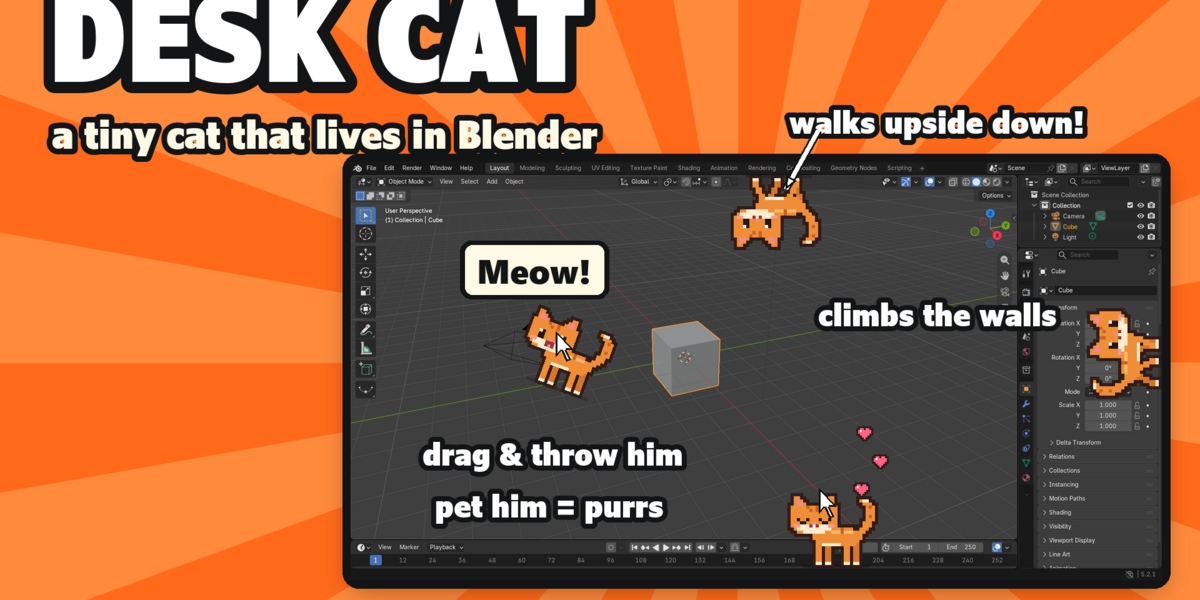




Desk Cat - Documentation
1. INSTALL
- Download desk_cat_v1.0.0.zip. Do not unzip it.
- In Blender: Edit > Preferences > Add-ons, click the drop-down arrow at the top right and choose Install from Disk...
- Pick desk_cat_v1.0.0.zip and tick "Desk Cat" in the list.
- If Auto-Save Preferences is off, click Save Preferences (bottom left).
2. WHERE TO FIND IT
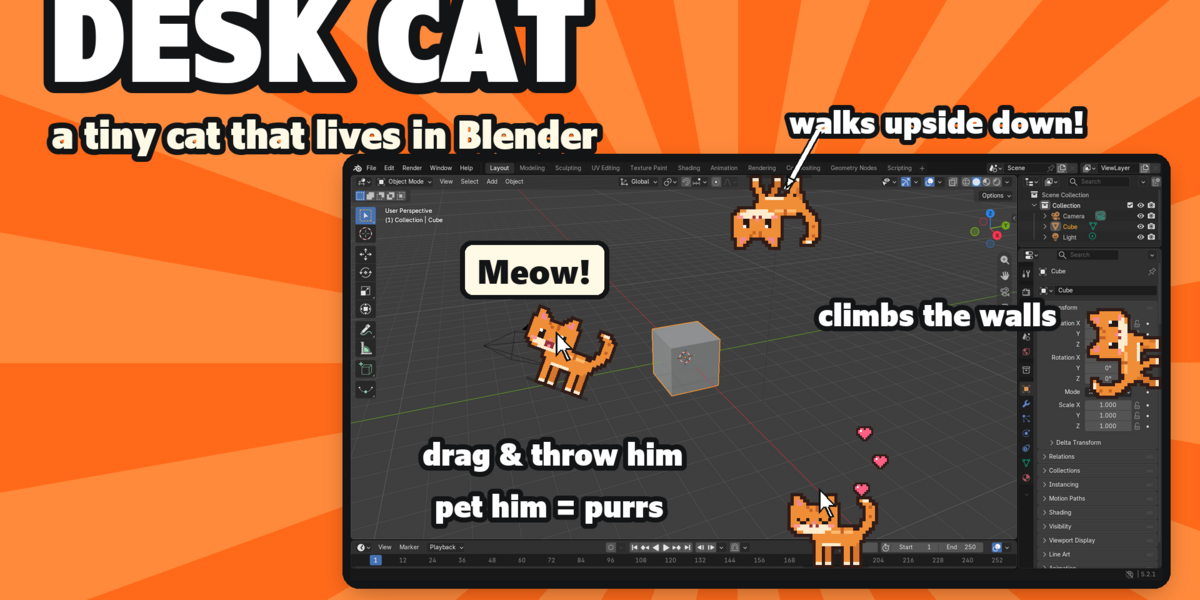
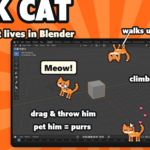
- He walks along the edges of your main Blender window as soon as the add-on is ticked.
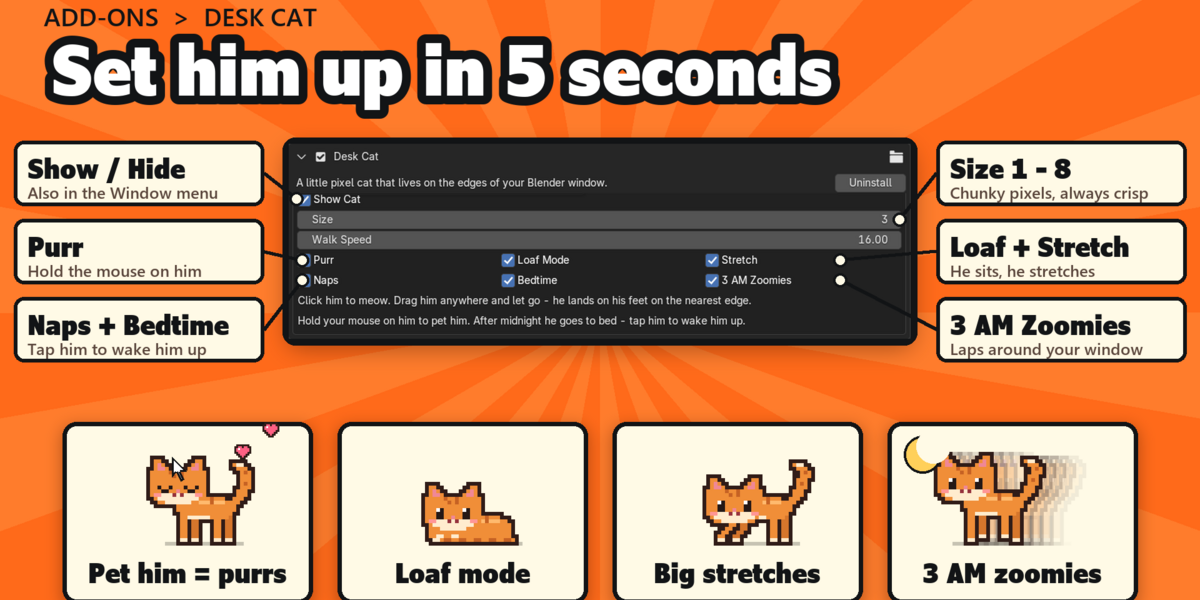
- Settings: Edit > Preferences > Add-ons > Desk Cat (expand it). Quick on/off: Window menu > Desk Cat.
3. HOW TO USE IT
- Click him: he meows (speech bubble).
- Rest your mouse on him: he purrs and hearts float up (Purr setting).
- Drag him anywhere and let go: he falls and lands on his feet on the nearest edge.
- Leave Blender alone for 2 minutes: he naps. Any mouse move wakes him.
- Between midnight and 6 am he sleeps: tap him to wake him (he stays up 3 minutes). At 3 am he does his zoomies once.
4. SETTINGS
- Show Cat: on or off (also Window > Desk Cat).
- Size 1 to 8: chunky whole pixels, always crisp (default 3).
- Walk Speed: 2 to 80 sprite pixels per second (default 16), from a stroll to a sprint.
- Purr: pet him with your mouse for purrs and hearts.
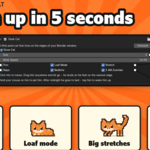
- Loaf Mode: he sits down as a loaf now and then.
- Stretch: big stretch after naps and loafs.
- Naps: dozes off after 2 minutes idle.
- Bedtime: sleeps after midnight, until 6 am.
- 3 AM Zoomies: his nightly laps around the window.
5. TROUBLESHOOTING
- Check Show Cat (Preferences > Add-ons > Desk Cat) or Window > Desk Cat.
- He only lives in the first (main) Blender window, not in extra windows you open.
- Install error? Make sure you picked the .zip itself, not an unzipped folder, and that you are on Blender 5.2 or newer.
6. UPDATING
- Download the new zip from your Superhive library, uninstall the old version in Edit > Preferences > Add-ons, restart Blender, then install the new zip.
7. UNINSTALL
- Edit > Preferences > Add-ons, expand Desk Cat and choose Uninstall. It never writes anything into your .blend files.
SUPPORT
- Have a question, a bug or an idea for a new feature? Message me!
Have questions about this product?
Login to message
| Published | 3 days ago |
| Blender Version | 5.2 |
| Extension Type | N/A |
| Render Engine Used | Blender-Game-Engine, Cycles, Eevee |
| License | Mit |