 one99addons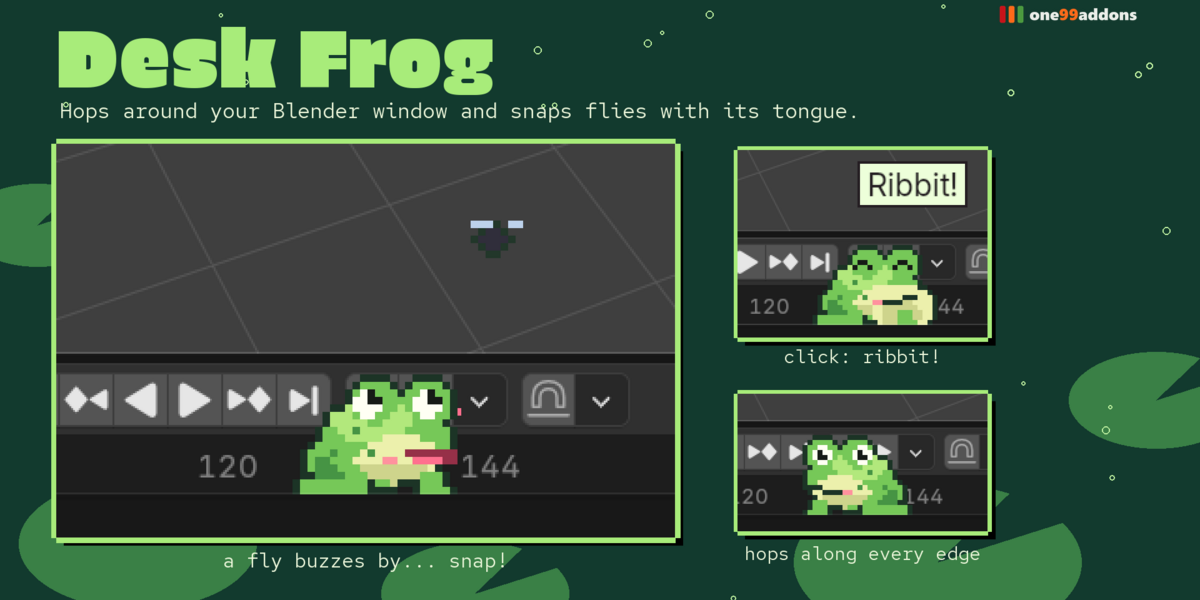
🐸 Desk Frog
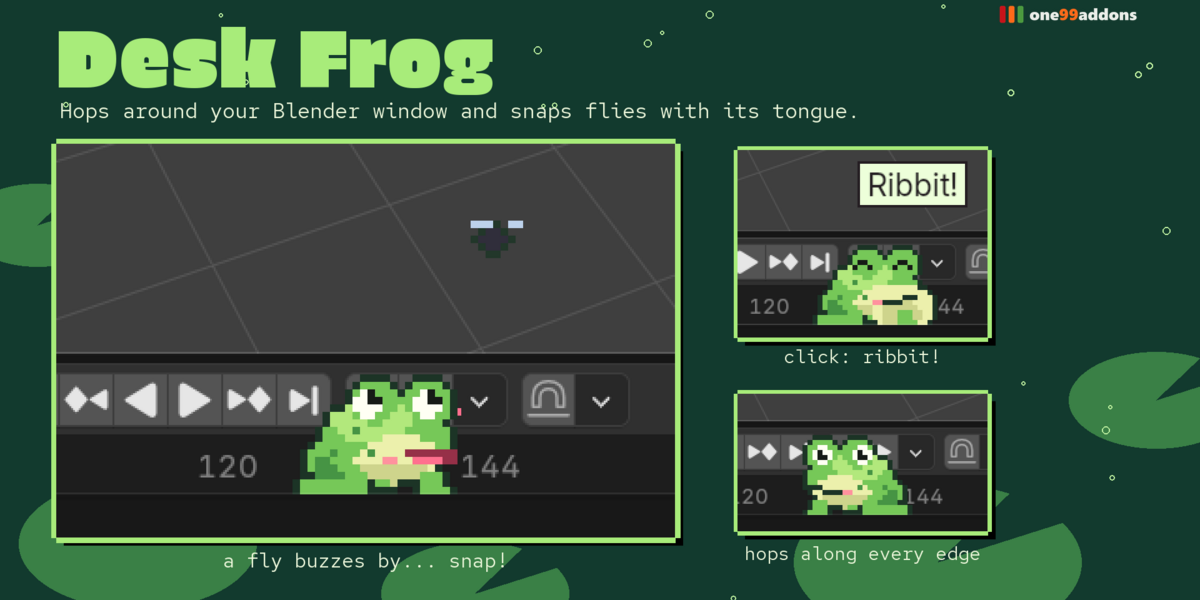
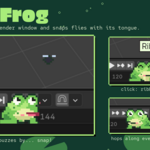
A pixel frog hops around the edges of your Blender window and snaps flies with its tongue.
It hops from spot to spot, puffs its throat while it rests, catches the flies that buzz by with a real tongue flick, croaks when you click it and naps when you leave.
The problem
Blender sessions are long and the interface is all grey. A tiny companion makes the hours friendlier, without getting in the way of your work.
What it does
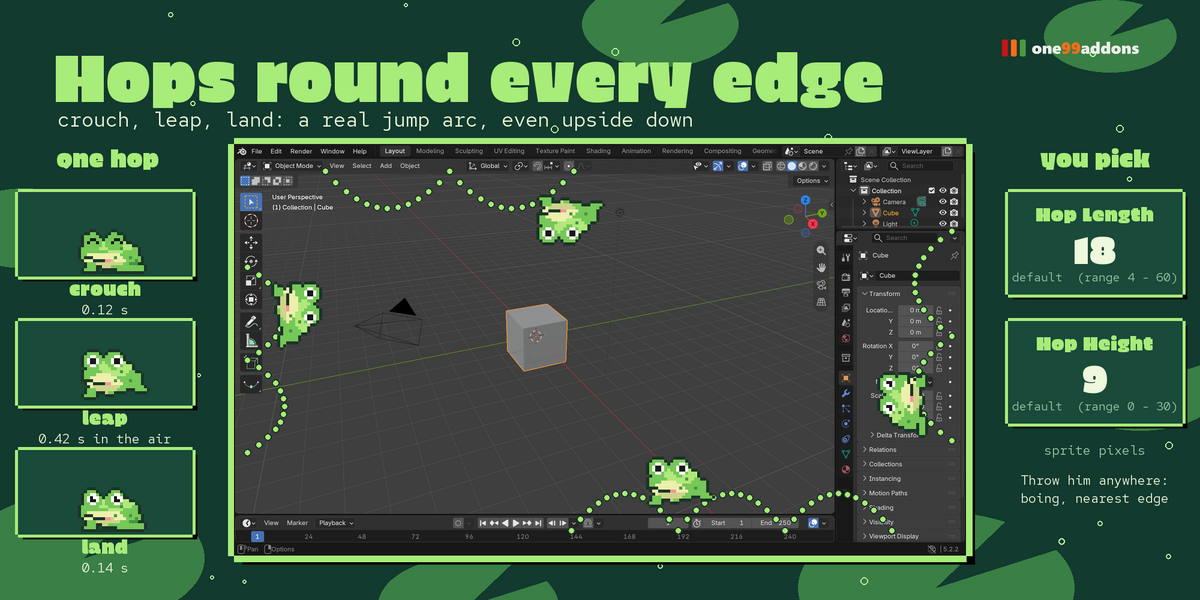
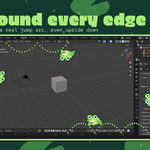
- Hops every edge. Frog-style: crouch, leap, land, pause, with a real jump arc along the whole inside border of your window, even upside down across the top.
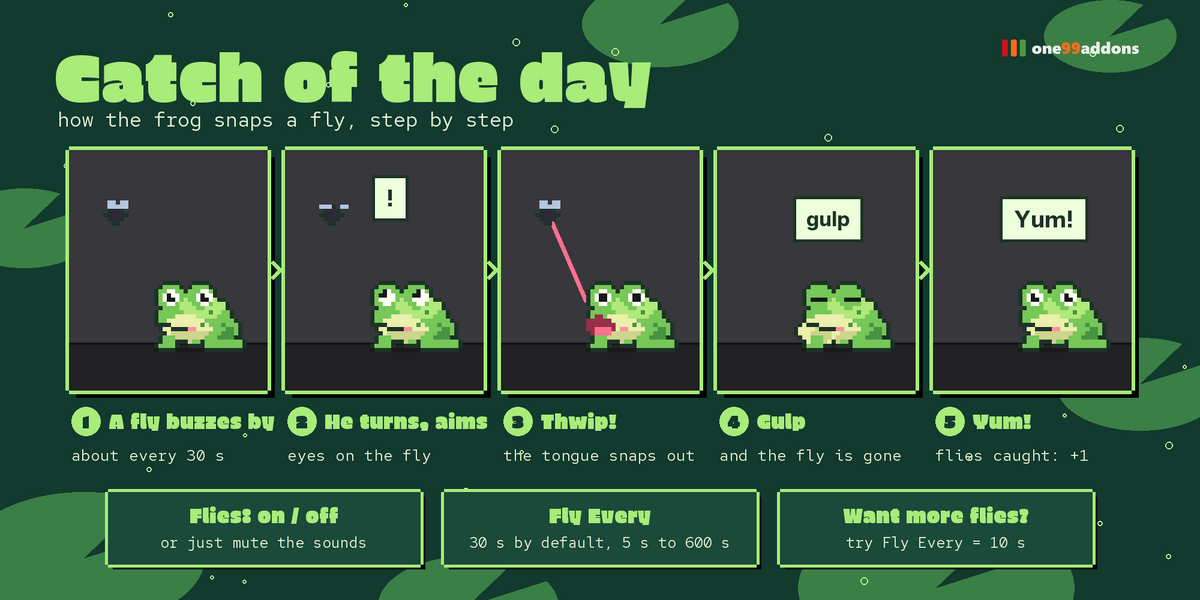
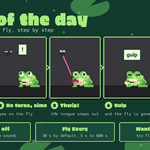
- Catch of the day. About every 30 seconds a fly buzzes by. The frog turns to it, aims and snaps it with its tongue: thwip, gulp, "Yum!".
- Click = Ribbit! Its throat balloons and it croaks.
- Drag & throw. Pick it up anywhere, swing it, let go: it falls and lands on the nearest edge (boing).
- Naps and bedtime. Leave Blender alone for 2 minutes and it naps; after midnight it sleeps until you tap it.
Settings
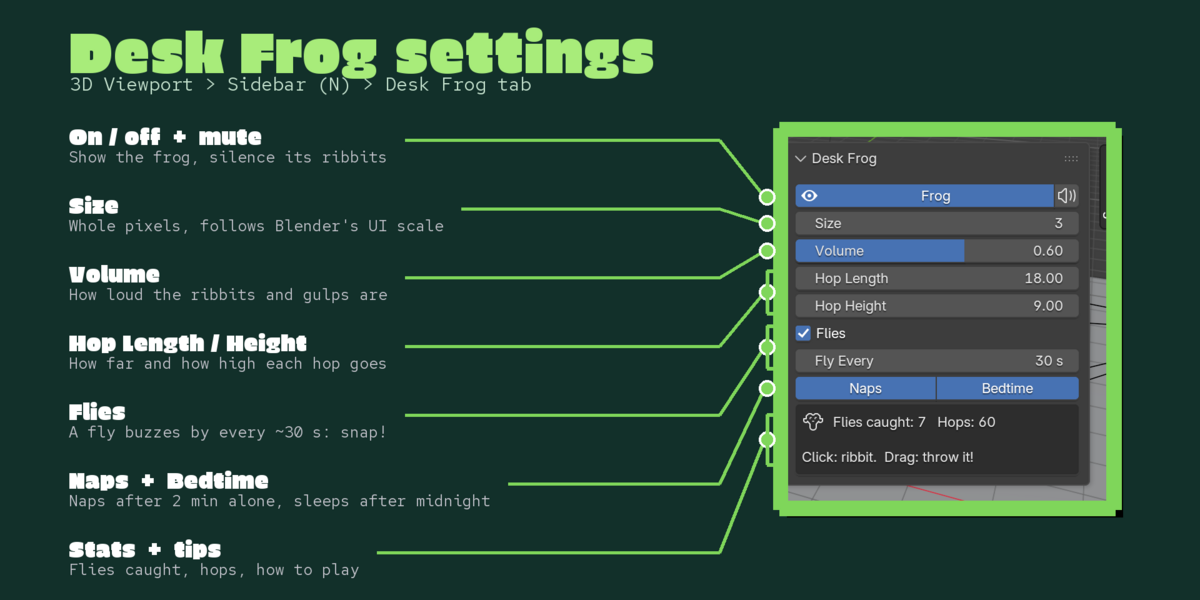
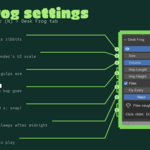
Settings are in 3D Viewport > Sidebar (N) > Desk Frog tab (or Preferences > Add-ons > Desk Frog), with a quick toggle in the Window menu.
- Frog / Mute: show it, silence it.
- Size 1 to 8: whole pixels, multiplied by Blender's UI scale (crisp at 1x and 2x).
- Volume: for ribbits, thwips, gulps and boings.
- Hop Length / Hop Height: how far and how high it jumps.
- Flies / Fly Every: on or off, and the average seconds between flies (default 30).
- Naps / Bedtime: sleeps after 2 minutes idle and after midnight.
- Stats: flies caught and hops this session.
Good to know
- 31 hand-made pixel frames, 11 animations and 4 original sounds.
- Light: about 0.08 ms of Python per update. Playback of a 252,000-triangle animation measured 18.2 fps with all our pixel pets on and 18.2 fps off.
- Lives happily next to Desk Duck, Desk Cat, Desk Axolotl and Desk Bat (tested all together).
Tips
- Want more fly hunting? Set Fly Every to 10 s.
- Throw it to the top edge: it hops upside down.
Requirements and install
Blender 5.2 or newer (tested on 5.2.2 LTS, Windows). No internet, no external libraries.
- Download desk_frog_v1.0.0.zip (do not unzip it).
- In Blender: Edit > Preferences > Add-ons, open the drop-down arrow at the top right, choose Install from Disk... and pick the zip.
- Tick Desk Frog. That's it.
Limits
It lives in the first (main) Blender window. While your mouse is right over the frog, the frog gets the click (that is how you pick it up); everywhere else Blender works as usual. Blender's autosave is paused only during the second you hold it.
More pixel pets
Collect the whole family: Desk Cat, Desk Axolotl, Desk Bat, Pixel Sprout, Save Hamster, Timeline Snail, Undo Ghost, Desk Duck. They all live happily in the same Blender window.
Made by one99addons.