Destro 1.0
 Egret Studios LLC
Which platforms are supported?
Destro 1.0 includes separate packages for Windows x64, Linux x64, macOS Apple Silicon and macOS Intel. Install the package that matches your operating system directly through Blender's Install from Disk option.
Does Destro use Blender's rigid-body system?
No. Destro uses its own Jolt-based physics solver and does not create a Blender rigid-body object for every chunk. Prepared chunks, designated colliders, anchors and the configured ground are handled inside Destro's physics system.
Can I use Live Destroy for final animation and rendering?
Live Destroy is intended for interactive experimentation and does not record your hand movements as animation. For final shots, keyframe the fields or colliders, use Timeline Preview, then Bake the result for reproducible rendering.
Are textures and materials preserved?
Exterior UV layers and material assignments are preserved during preparation. Newly created fracture surfaces can use a separate interior material. Custom normals and arbitrary mesh attributes are not transferred to generated fracture geometry.
Can I create explosions and suction effects?
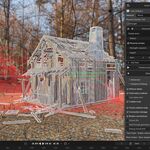
Yes. Destro includes Explode and Suction field types. Explode pushes chunks outward, while Suction pulls them inward. Force, radius, falloff and optional connection-breaking strength can be adjusted independently.
Can fields interact with debris after the structure breaks?
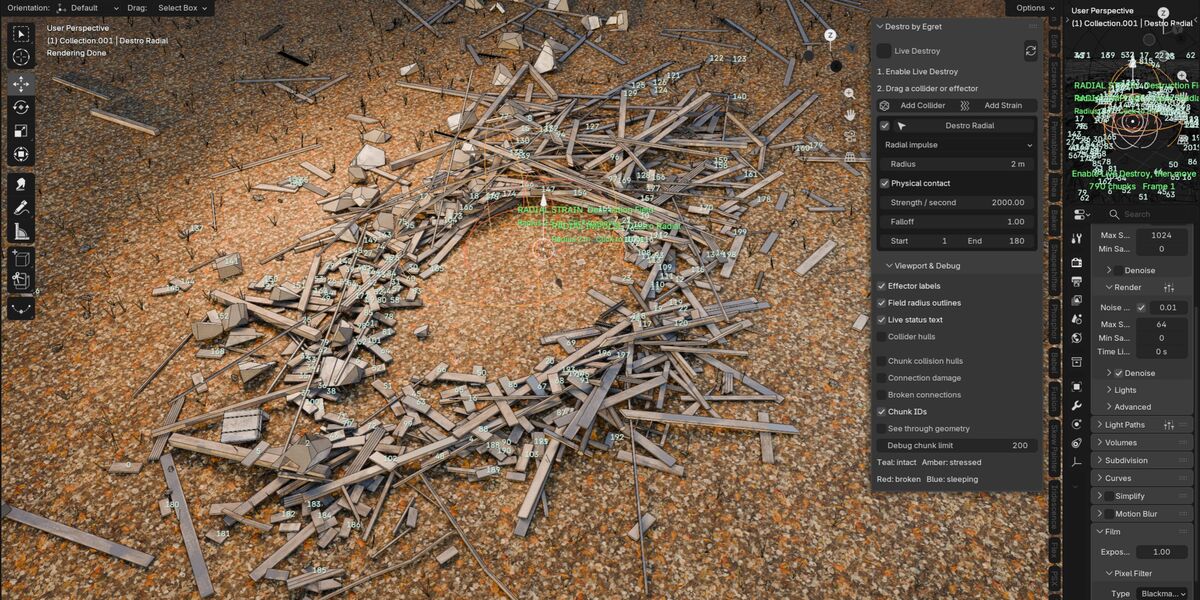
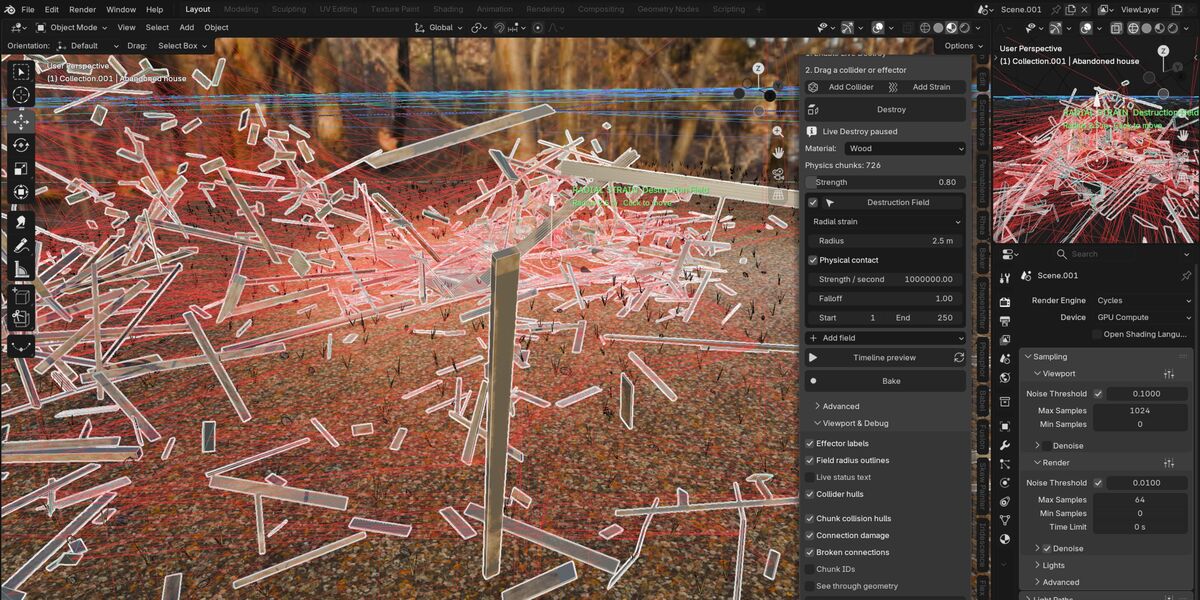
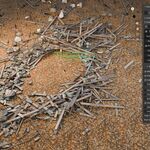
Yes. Supported fields can use Physical Contact, allowing their radius to behave like a moving collider during Live Destroy. This means you can move the field back through loose debris and continue pushing the broken chunks around.
Can colliders physically break structures?
Yes. Objects designated as Kinematic Colliders can be moved into a prepared structure. Their impacts can push connected chunks, damage bonds and eventually break parts of the structure apart.
Can I use my own pre-fractured or modeled pieces?
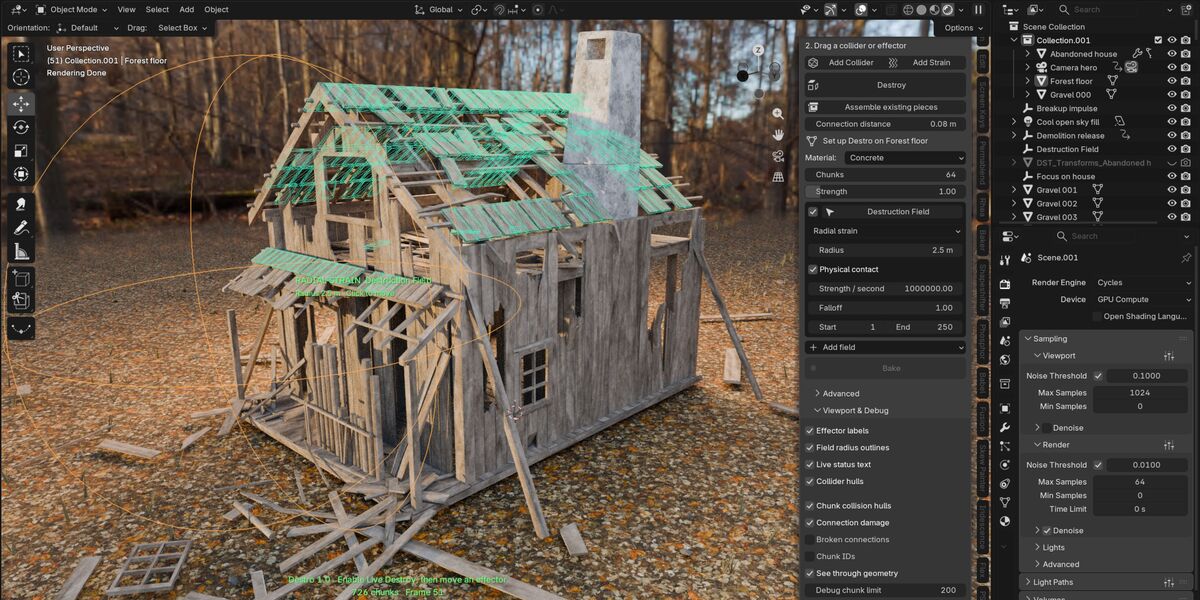
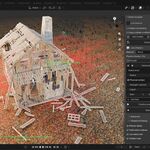
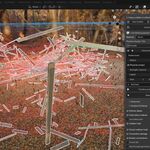
Yes. Use Assemble Existing Pieces to turn disconnected mesh islands into connected physics chunks. This is useful for bricks, planks, blocks and other assets where you want to control the visible pieces yourself.
Can I destroy objects without playing the timeline?
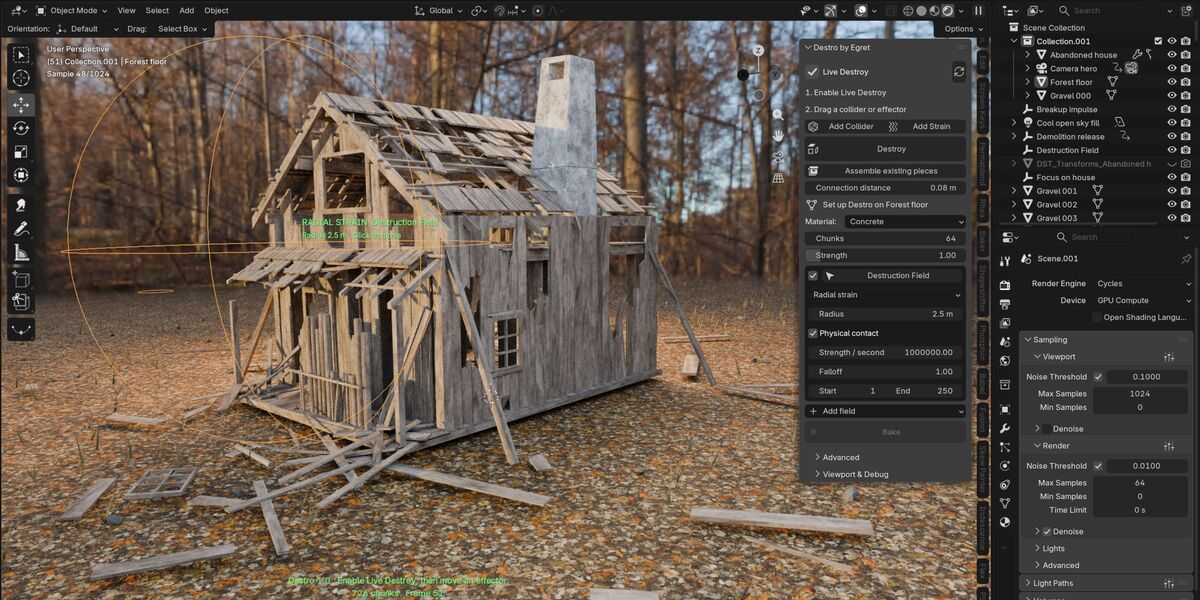
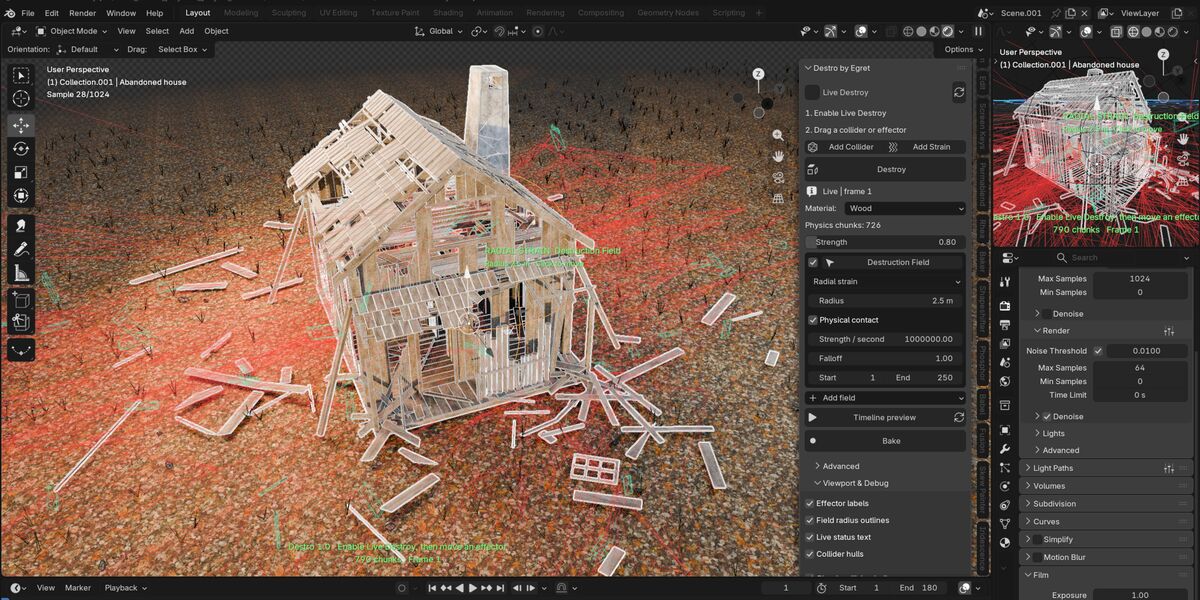
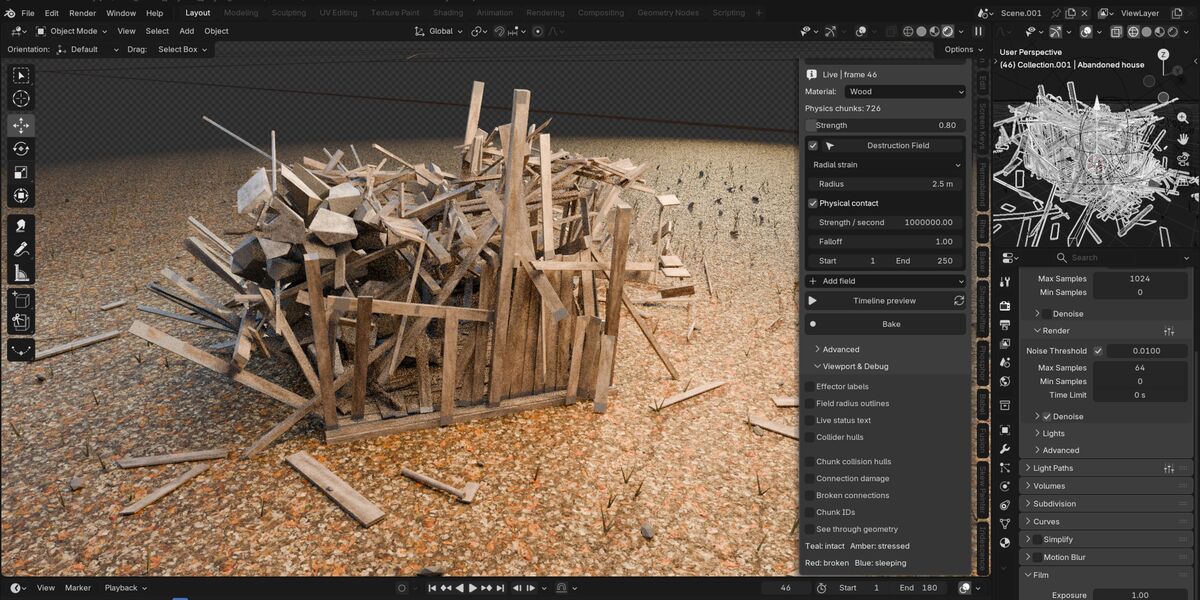
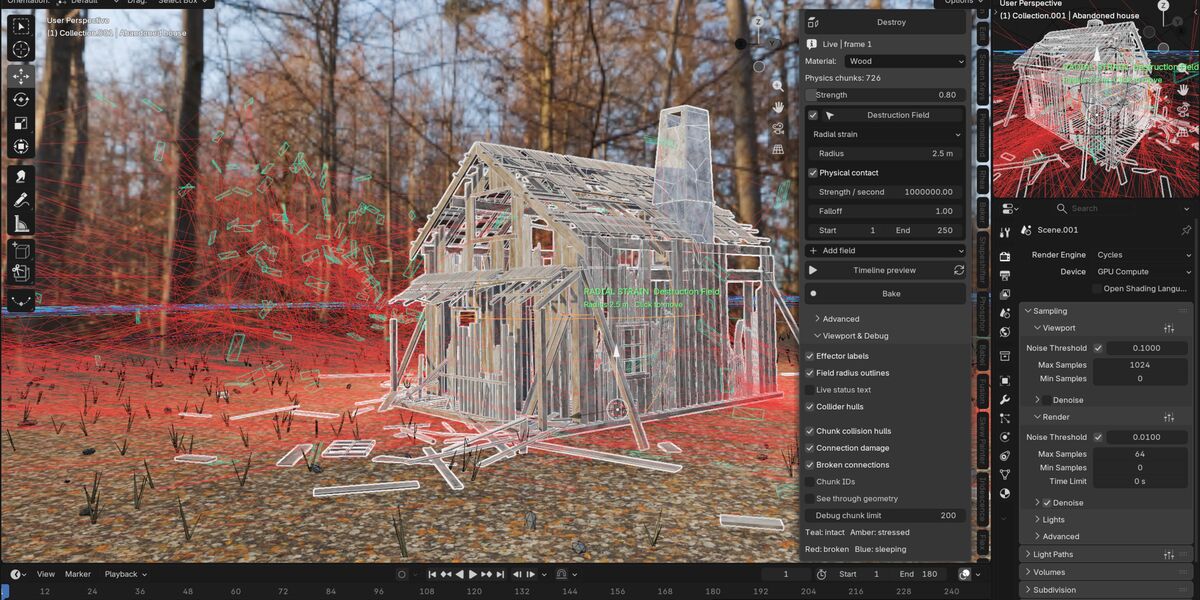
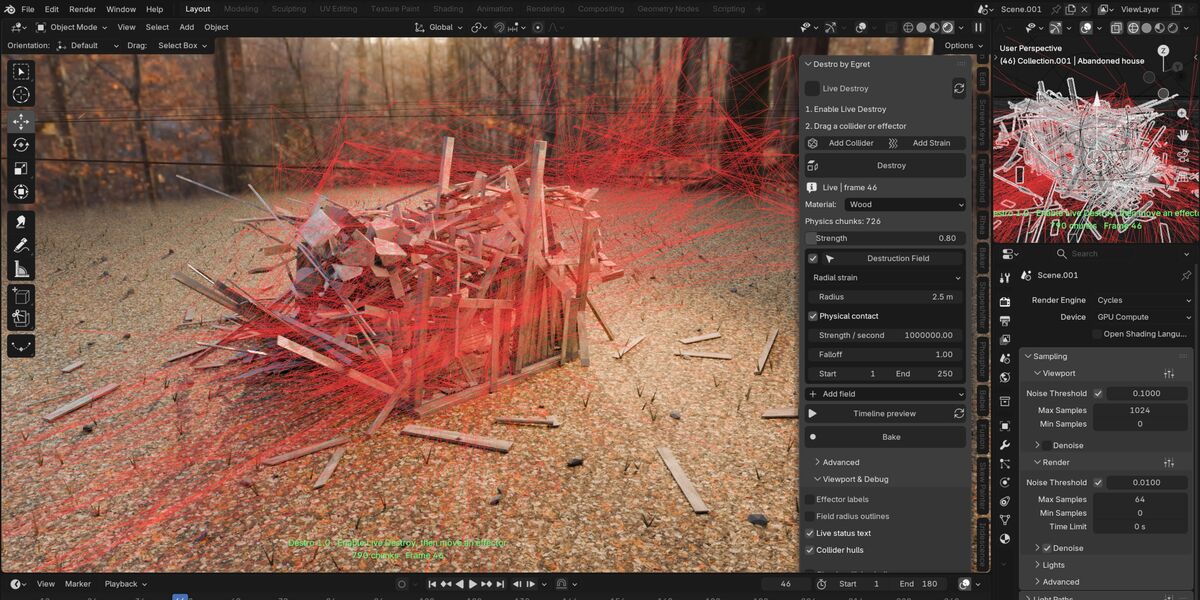
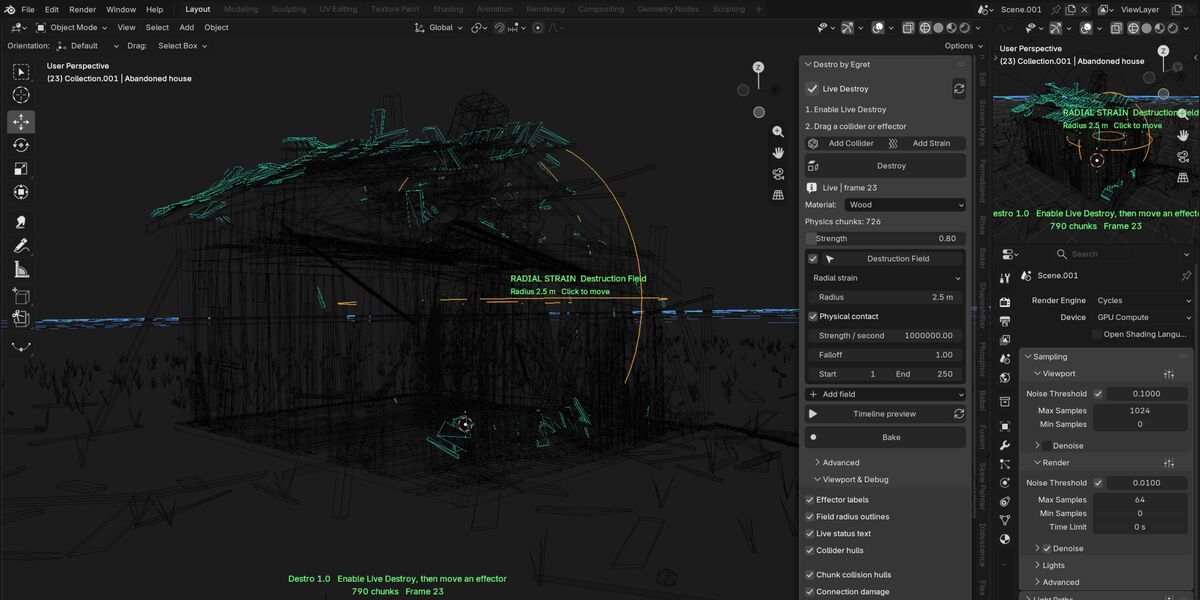
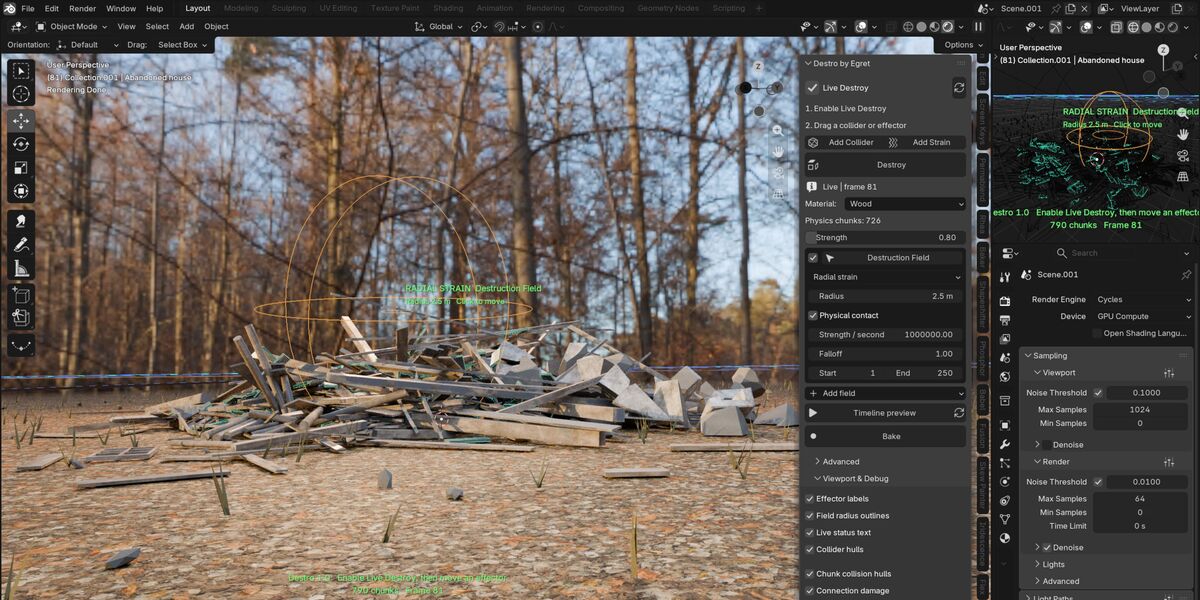
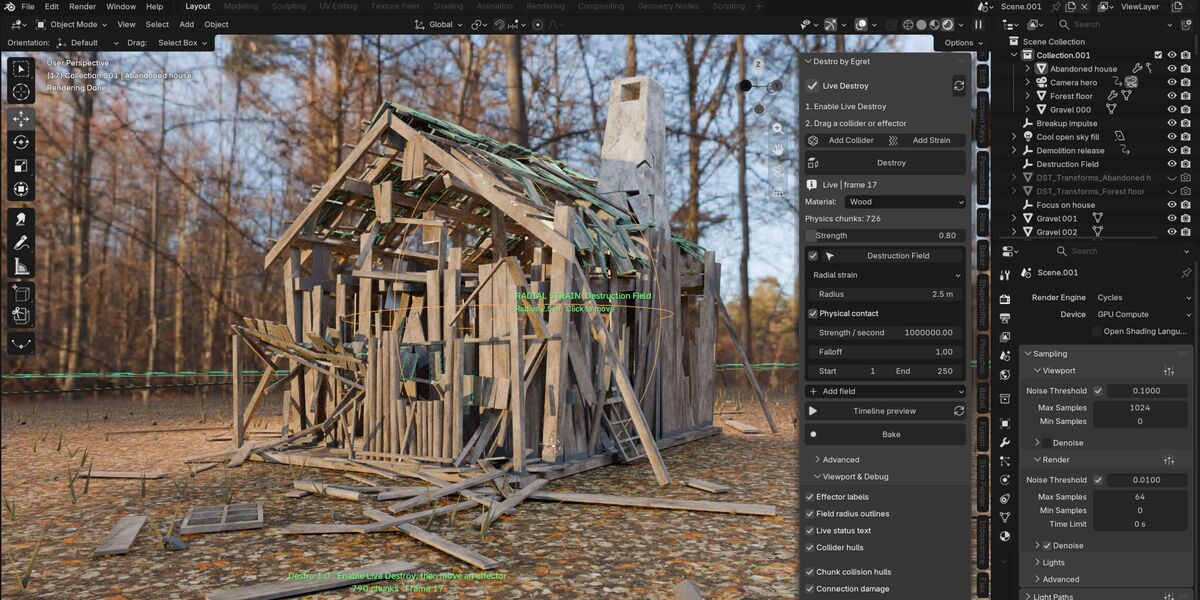
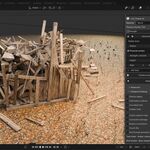
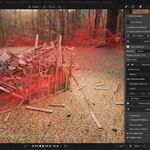
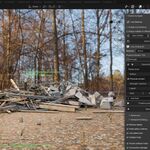
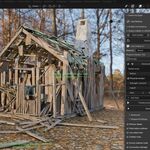
Yes. Live Destroy lets you interact with the destruction directly in the viewport while the Blender timeline remains still. Move a strain field or collider through the structure and watch connections fail, chunks release and debris react in realtime.
What is Destro?
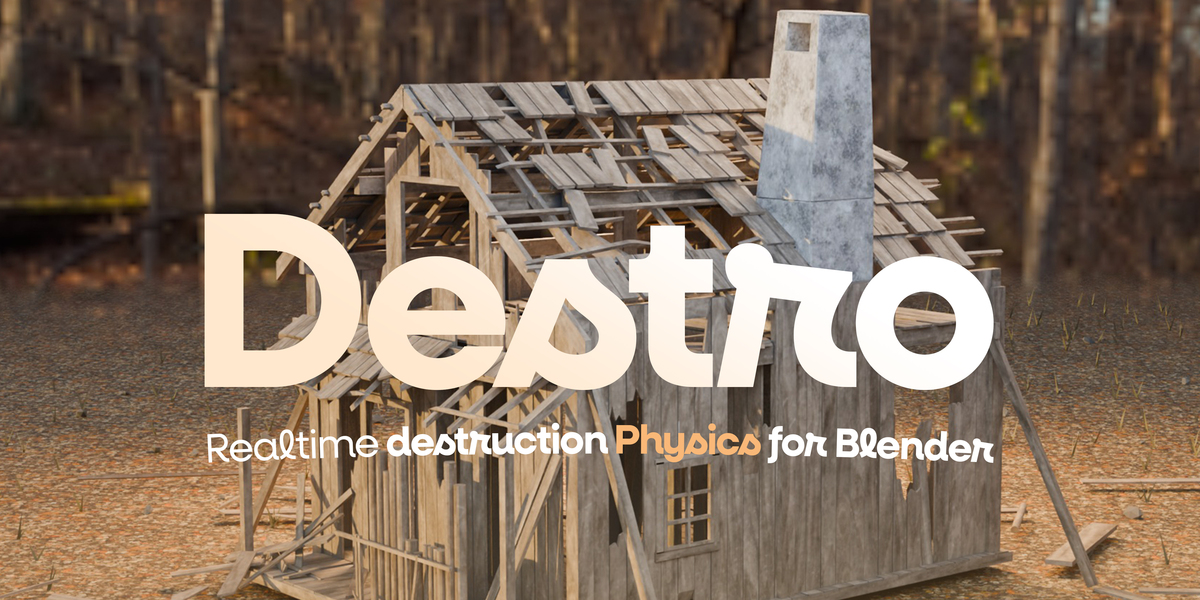
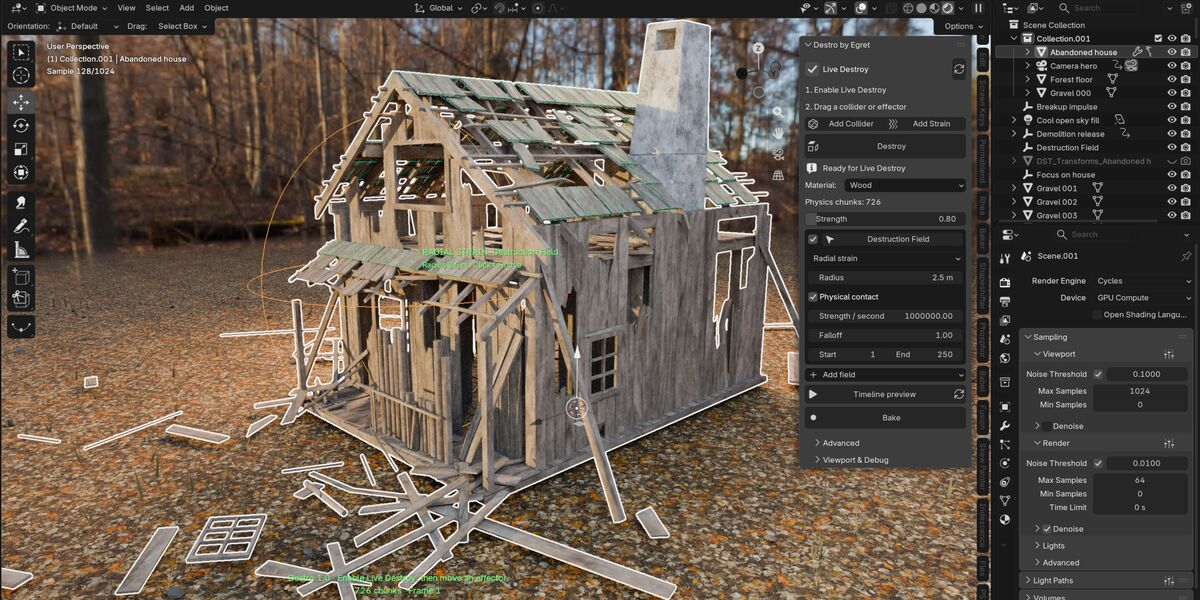
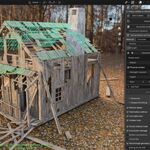
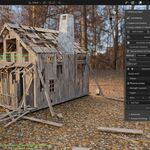
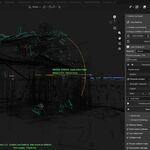
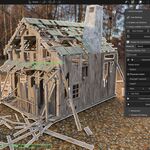
Destro is a realtime destruction physics extension for Blender powered by native C++ Jolt Physics. It prepares connected chunks, simulates collisions and structural failure, and supports interactive destruction, authored-piece assembly, anchors, force fields, colliders, timeline animation and baking.
 Included
Includes 12 months of
- Support from Egret Studios LLC
- Product updates
Extend this product’s Support Period +12 months: 50% of product price
Have questions before purchasing?
Login to message
| Blender Extension Compatible | Yes |
| Published | 13 days ago |
| Blender Version | 4.2 - 5.2 |
| Extension Type | Add-on |
| Render Engine Used | Cycles, Eevee, Octane, Vray |
| License | GPL |

Discover more products like this
Game Engine chaos blender physics realtime-destruction jolt-physics destruction