 topchannel1on1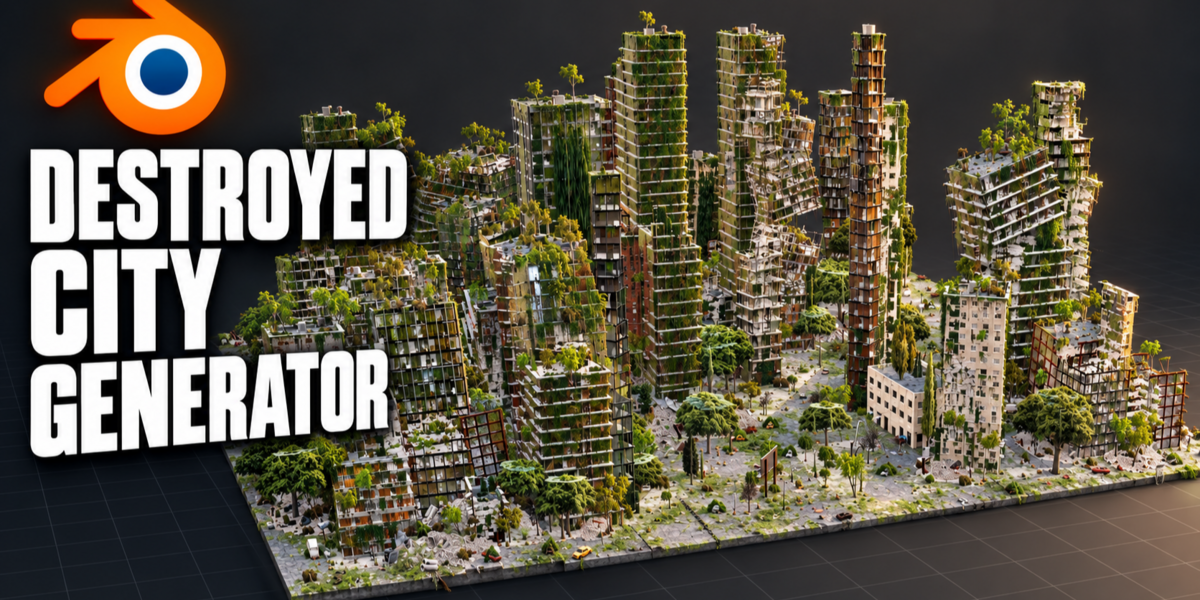
Add-on for Blender 5.0 – 5.2
Destroyed City Generator
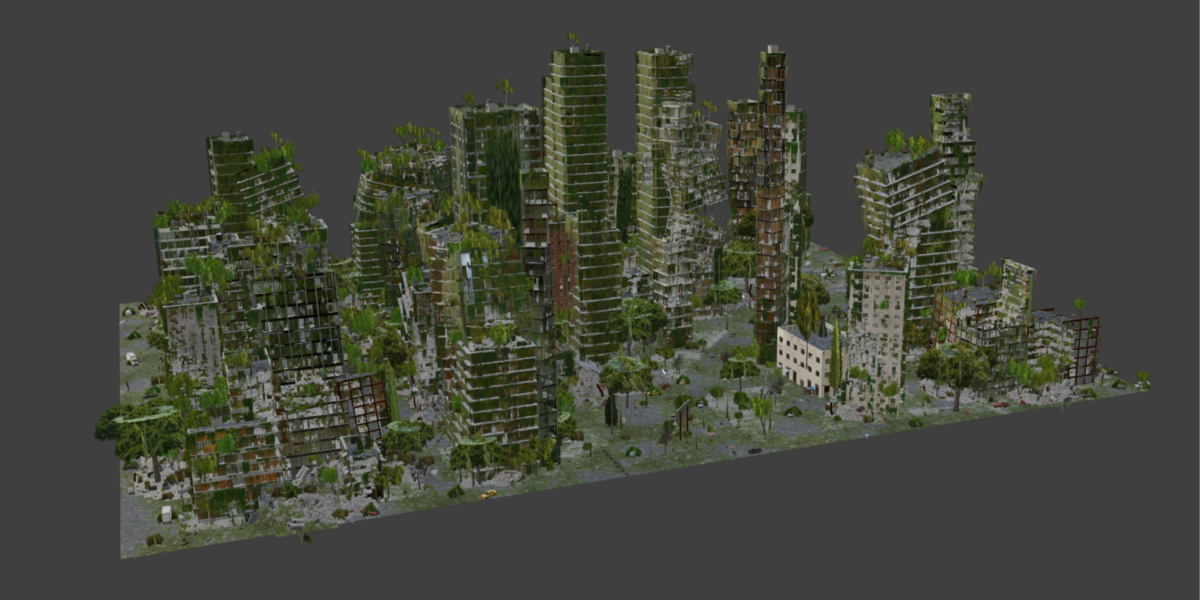
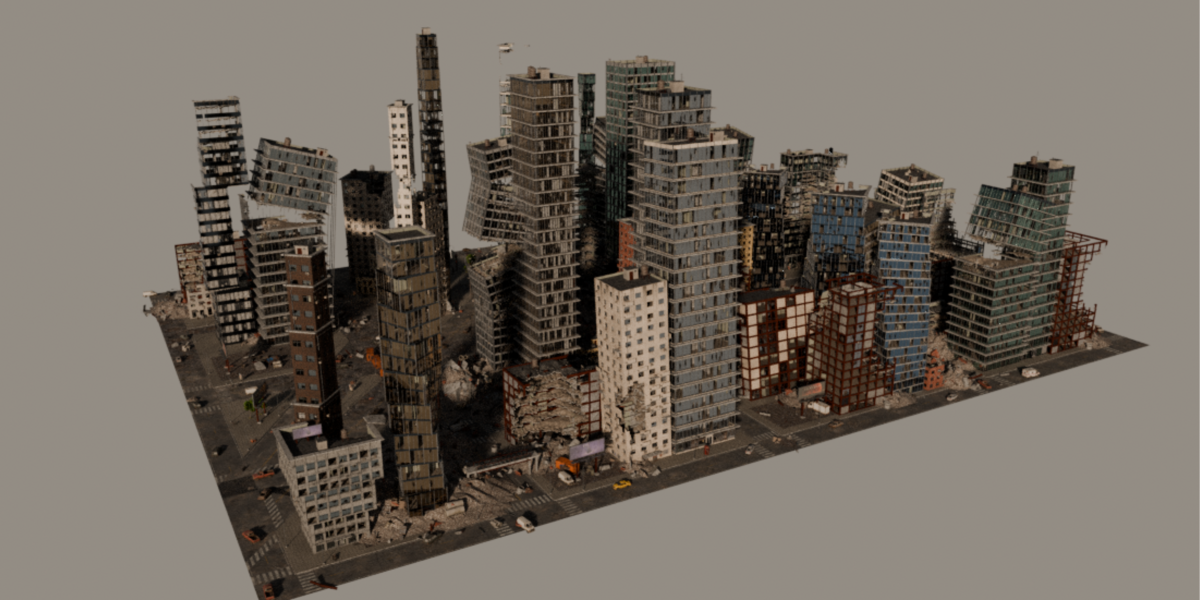
Draw an area and get a whole ruined city: streets, sidewalks, collapsed towers, burnt-out cars, rubble and weeds. Flip it back to the clean city before the disaster, let nature take it over, then press one button for a finished cinematic shot.
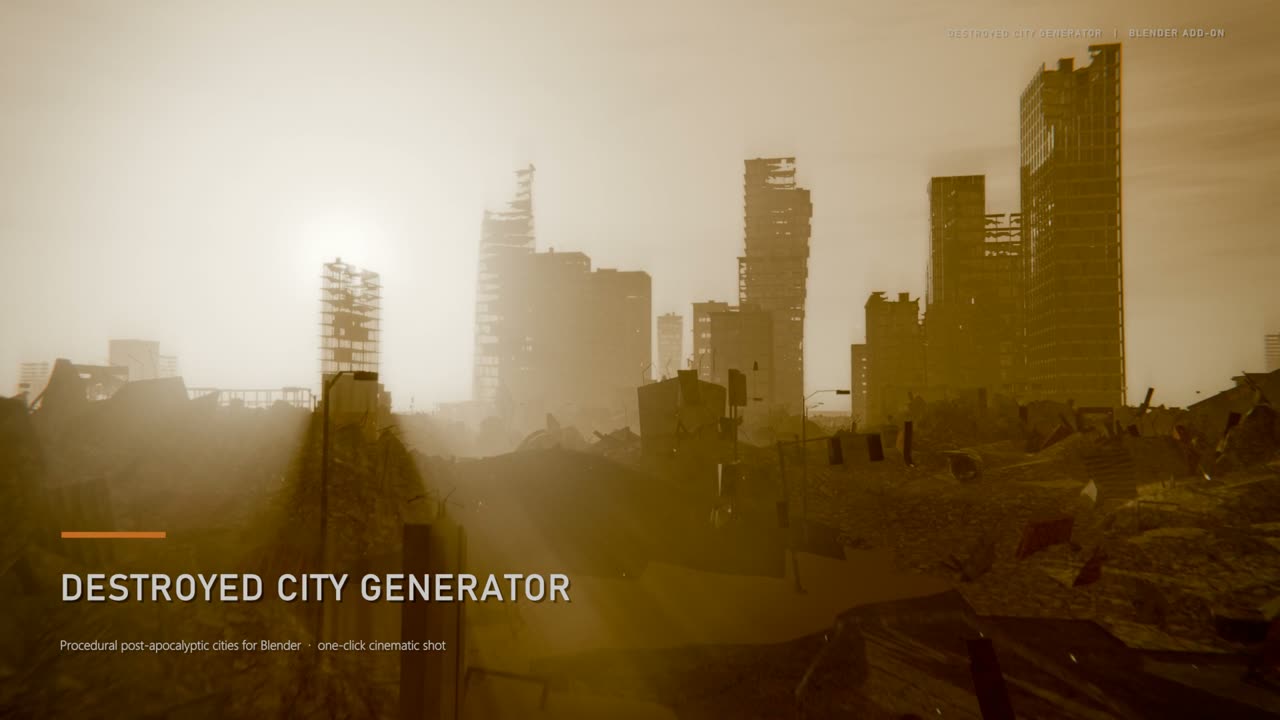
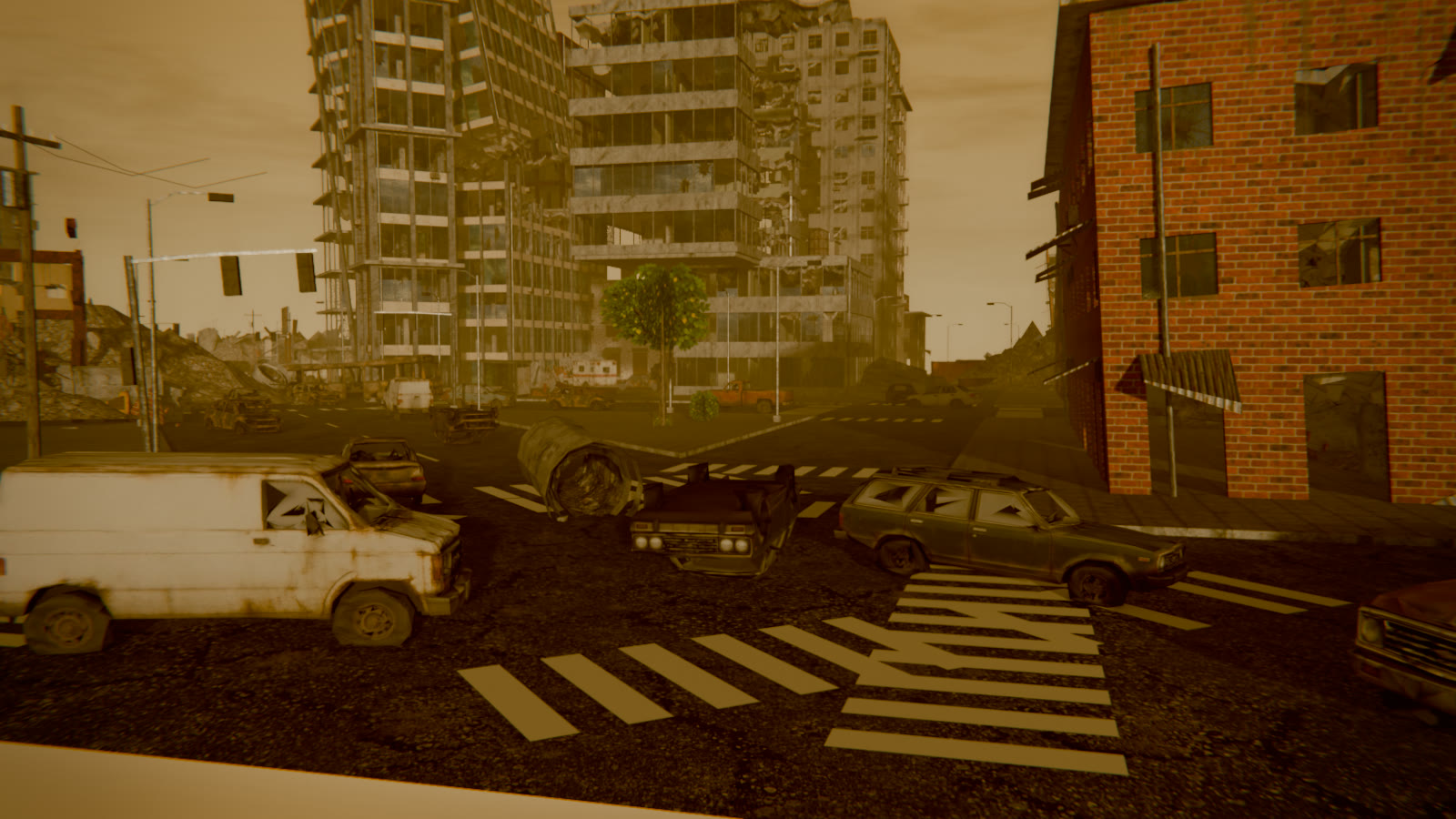
Every city in the video was generated and shot with the add-on, rendered in EEVEE.
How it works
Outline, template, rebuild
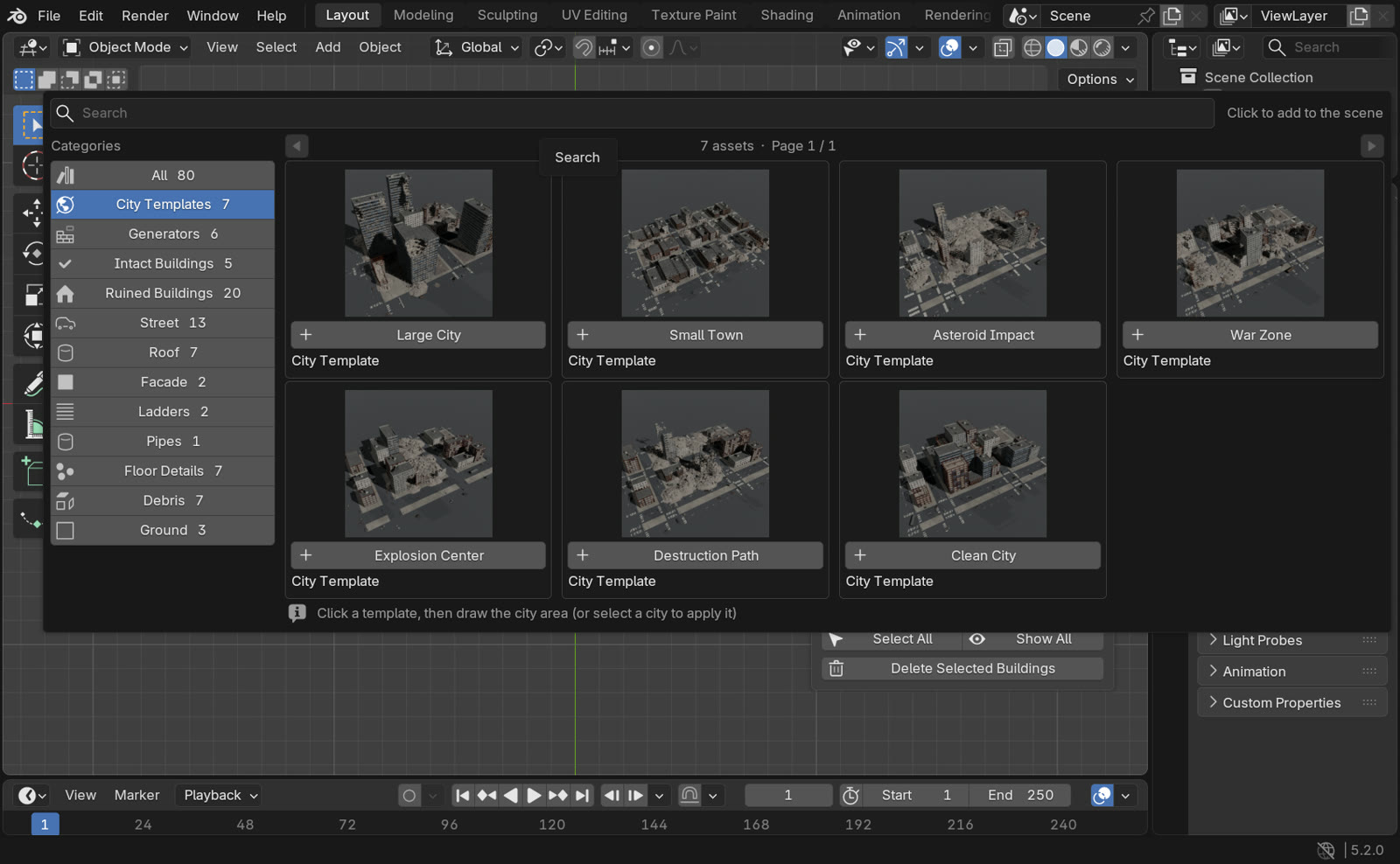
Open the Destroyed City tab in the sidebar and click Draw City Area, or pick a template from the browser. The add-on lays out blocks, avenues and side streets, splits the blocks into lots and fills every lot with a building, a ruin or an empty plot.
- Eight templates: Large City, Small Town, Asteroid Impact, War Zone, Explosion Center, Destruction Path, Overgrown City and Clean City.
- Four tabs, four seeds: Buildings, Destruction, Nature and Textures each have their own seed. Change how badly the city is wrecked and the same buildings stay standing.
- You decide when it rebuilds: each tab has its own Update button. Nature regrows in seconds, and textures change instantly.
- Organised scenes: every city gets its own collection, and the City Manager lets you show, hide, frame or delete any building.
Buildings
Eleven building types, built floor by floor
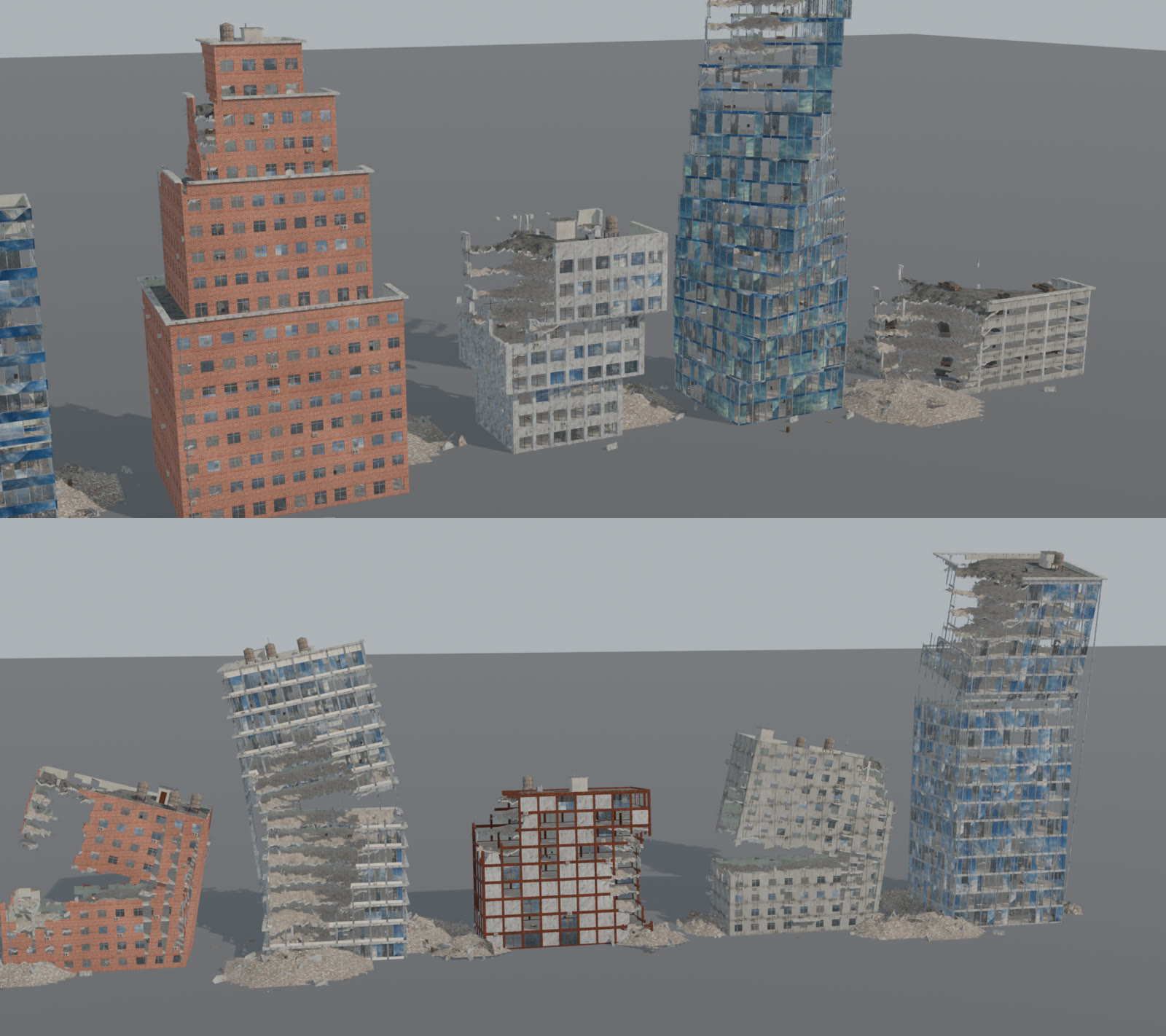
Office and glass towers, residential blocks, rusty panel frames, gutted skeletons, low-rise shops, cantilevered, stepped, brutalist and twisted towers, and parking garages full of cars. Each building is real geometry: columns, slabs, facades, interior walls and rooms, so the damage cuts through actual structure.
- Damage you can move: damage volumes punch holes through the building. Floors sag, rebar sticks out, and glass breaks around them.
- Leaning and snapped: buildings can lean, or kneel on a crushed storey.
- Details: AC units, drainpipes, ladders, roof tanks, water-leak stains, awnings and cornices.
- Twelve wall families: plaster, concrete, prefab panels, four brick colours, tiles, limestone, glass panels and corrugated metal, with anti-tiling.
Destruction
Aim the destruction
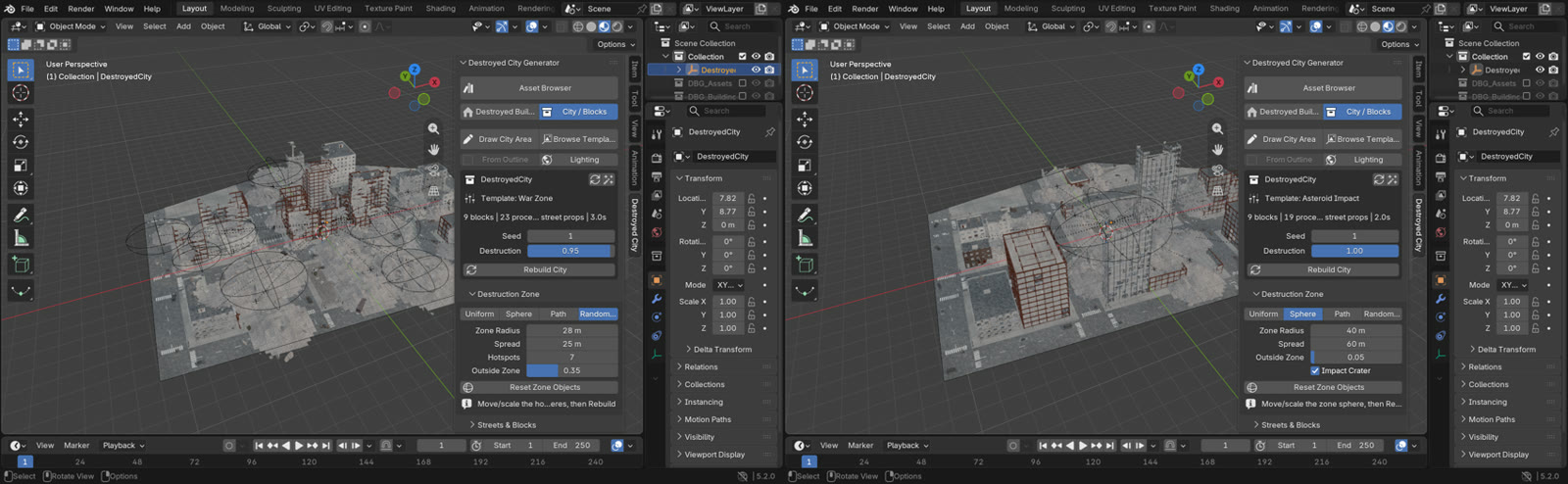
Spread the damage evenly, or focus it with a zone you can move in the viewport. Buildings near a zone collapse, lose their glass and get hit on the side facing the blast. Further out they are only scarred.
- Sphere: one impact, with an optional crater.
- Path: a swath of destruction along a curve you edit.
- Random Points: shelling hotspots scattered across the city.
Clean City
Before and after, one button apart
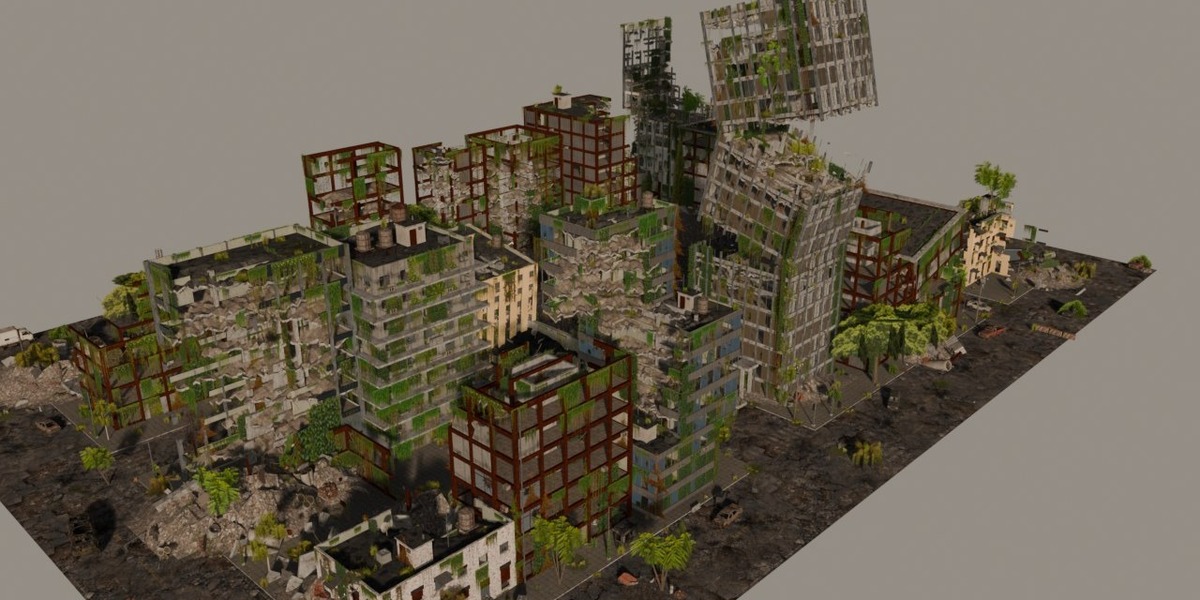
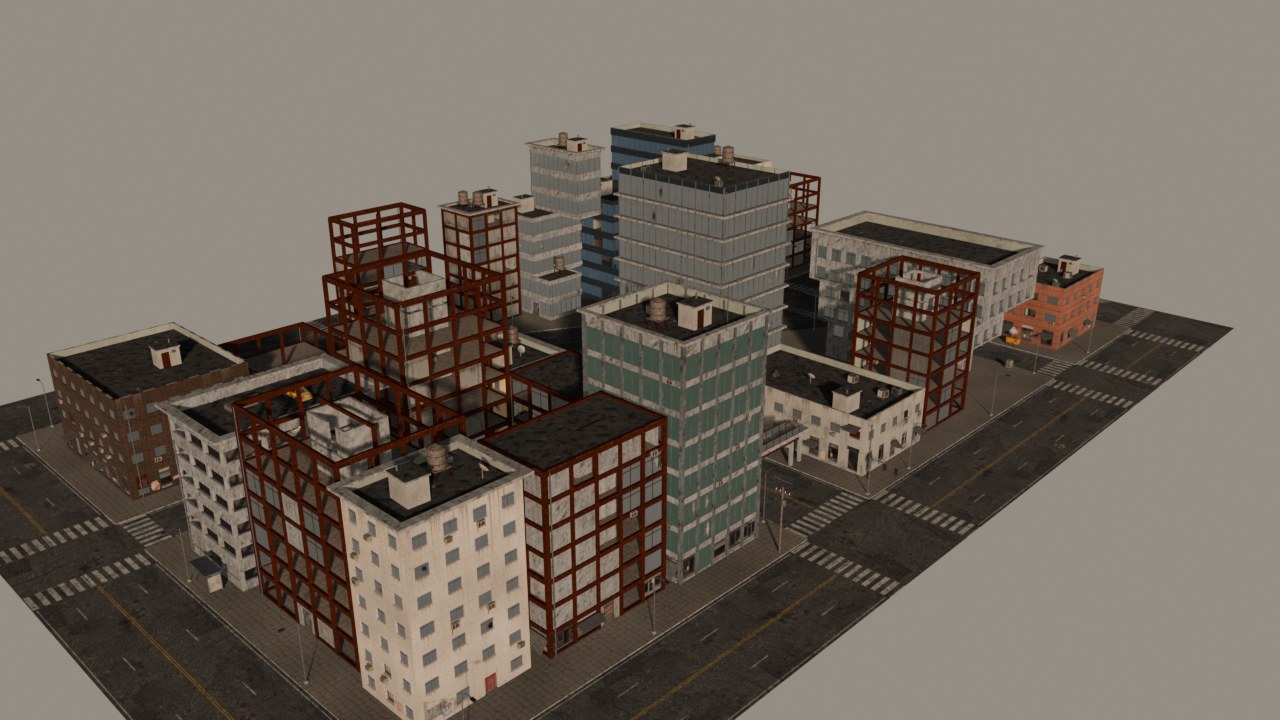
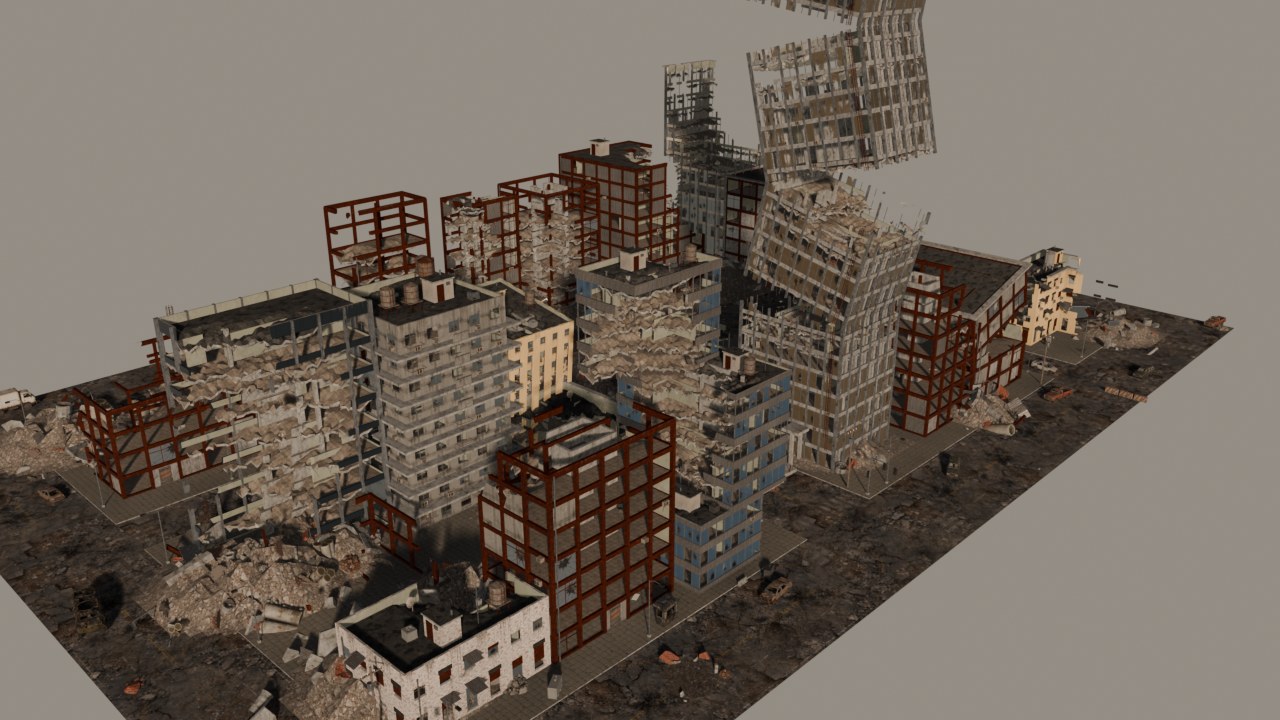
Press Clean City and the same city comes back as it was before the disaster: the same streets, blocks and building heights, every building intact, no wrecks or craters. Press Back to Destroyed and the ruins return exactly as they were. Your destruction settings are kept, so you can flip back and forth for before/after shots and transitions.
Clean
Destroyed
Streets
Streets that look lived in, then abandoned
Roads get markings, cracks and craters. Sidewalks get lamps, traffic lights, utility poles, footbridges and billboards. In war zones there are barricades of sandbags, jersey barriers and containers.
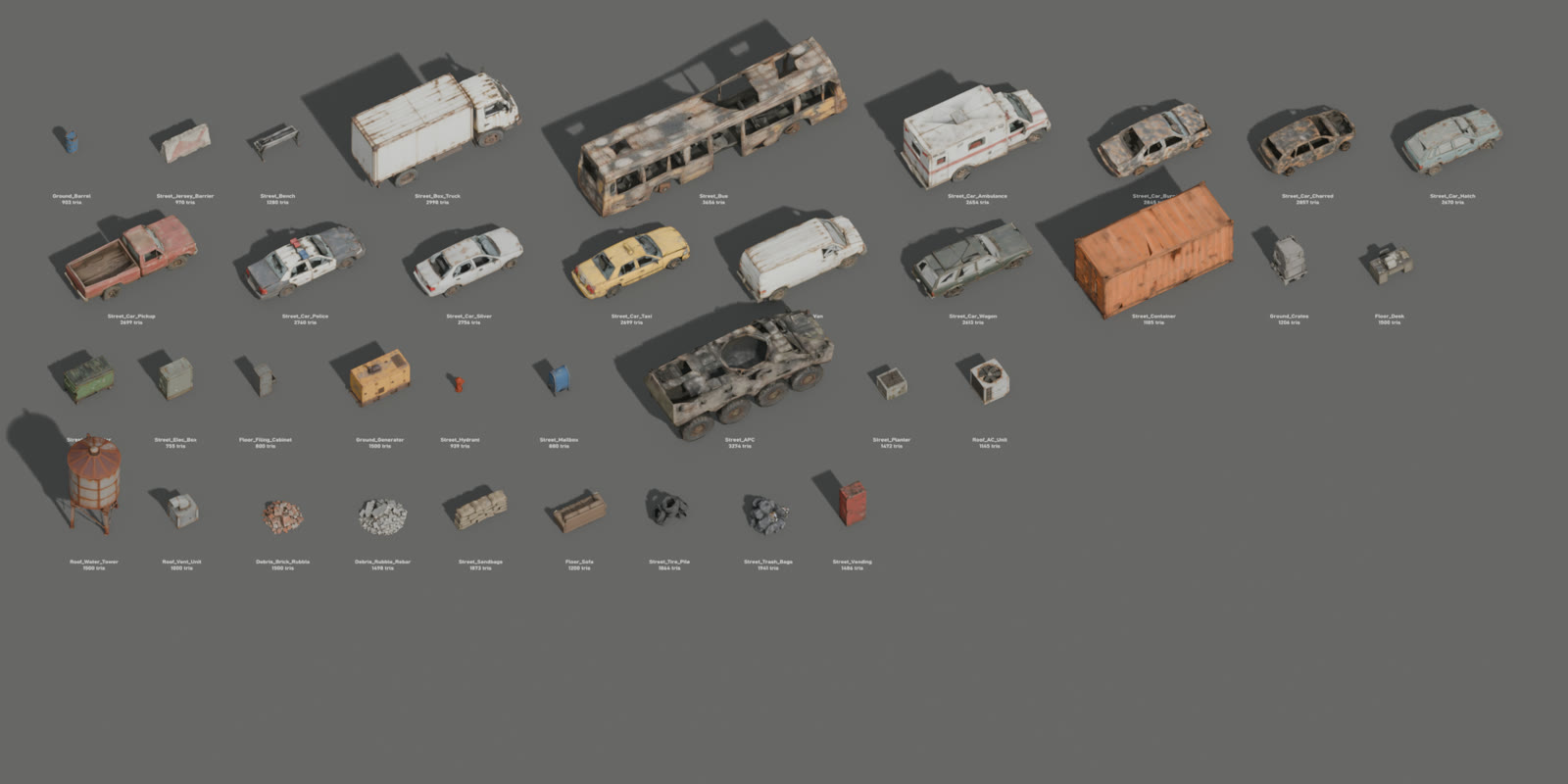
60 textured low-poly assets fill the streets:
- Vehicles: ten car wrecks (burnt, rusted, taxi, police, ambulance and more), plus a bus, a box truck and an armoured carrier.
- Street clutter: dumpsters, barrels, hydrants, mailboxes, benches, vending machines, generators and rubble heaps.
- Size: most are a few thousand triangles (755–7,000), and every copy is an instance, so a full city stays light.
Library
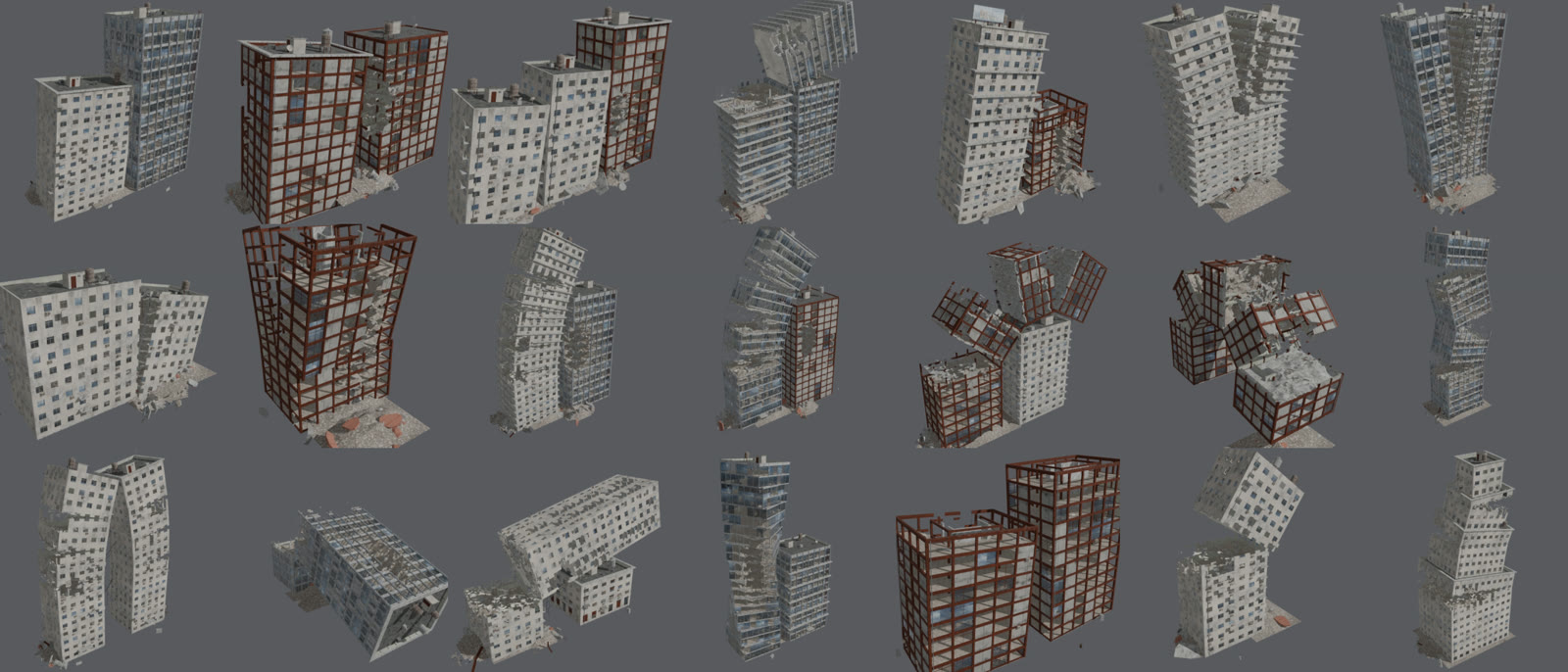
51 hand-arranged ruins
Some collapses are too dramatic to generate, so they come ready-made:
- Leaning: towers leaning on their neighbours, an A-frame pair whose tops meet, a domino row.
- Split and snapped: buildings split down the middle, tops snapped onto rooftops.
- Fallen: a tower curled over the street until its top rests on the road.
The city mixes them in automatically, or you can place them from the thumbnail browser. They are linked, not copied, so your file stays small.
Nature
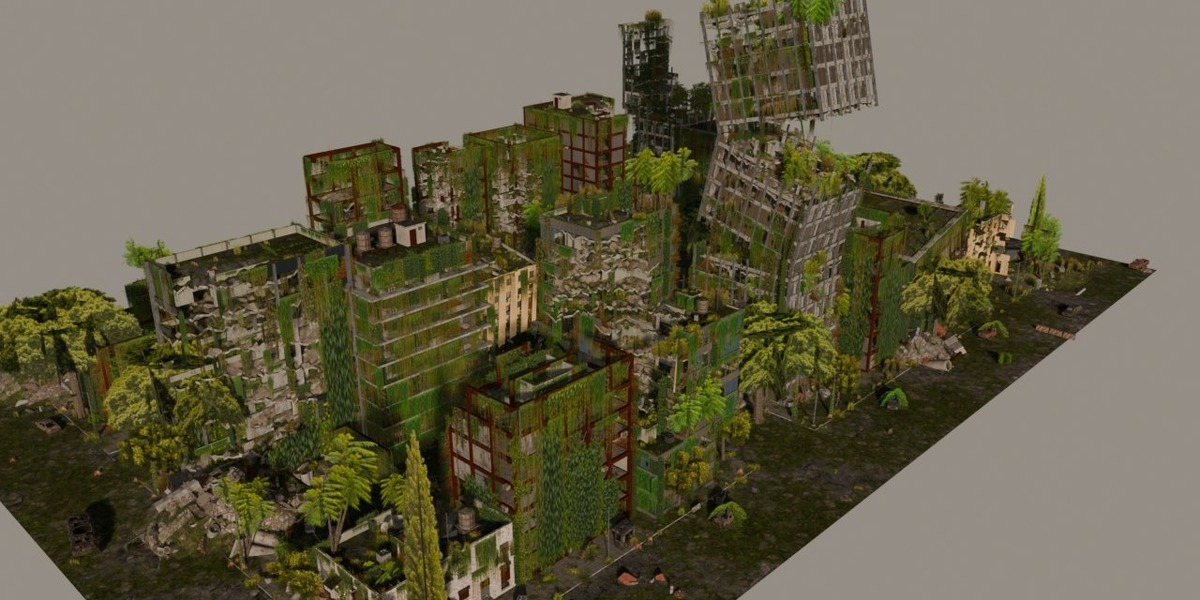
Let nature take it back, from 0 to 100 %
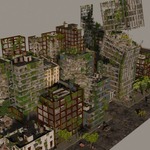
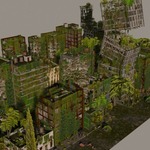
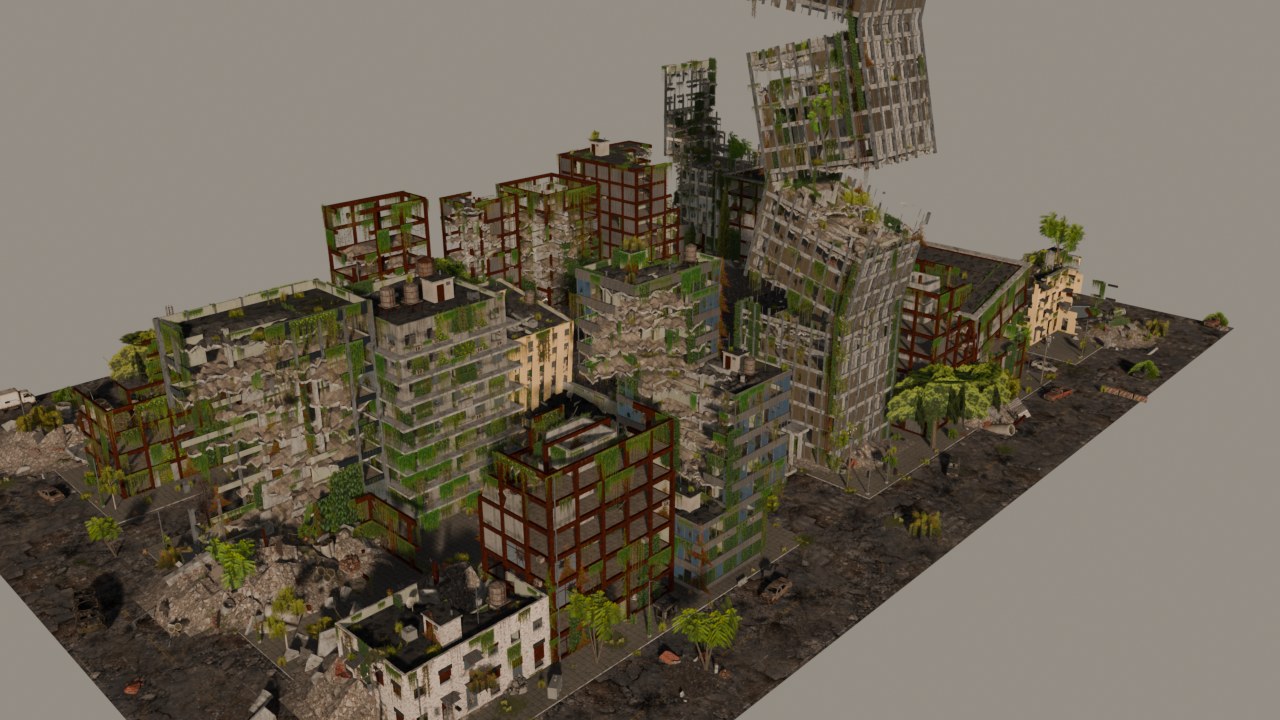
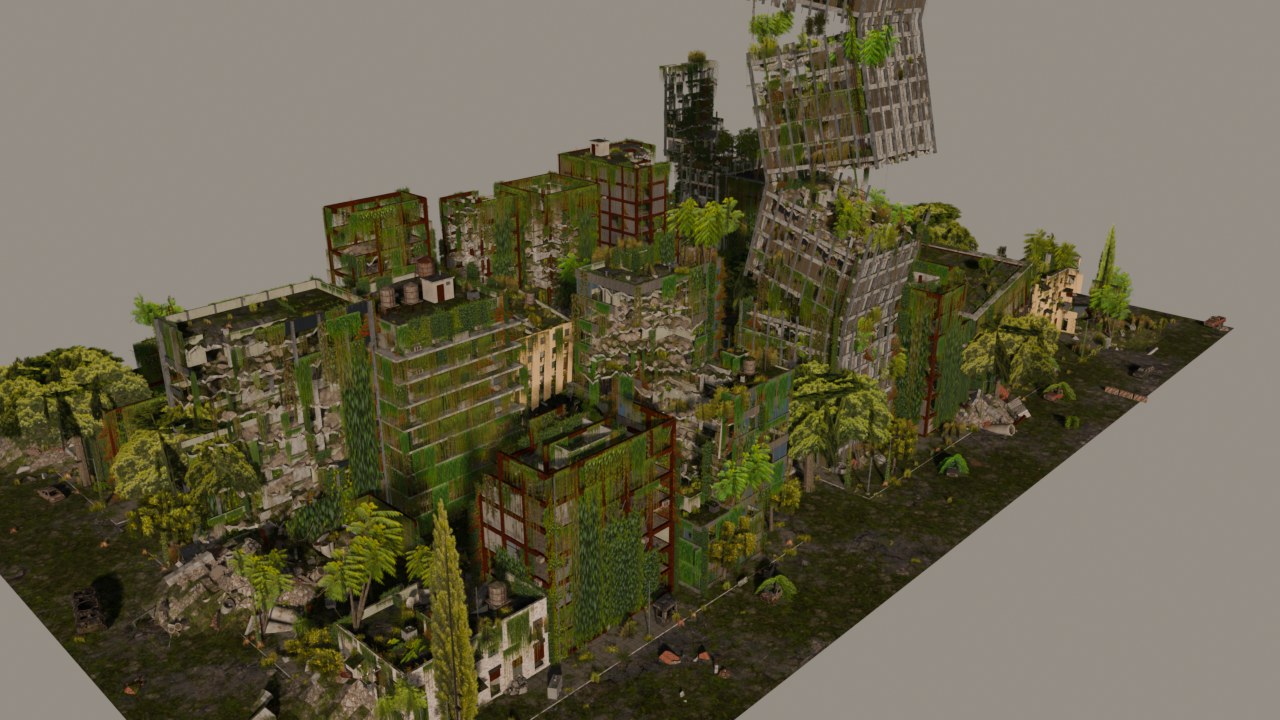
One Coverage slider, and the number means what it says. At 50 % half the building edges are draped with ivy; at 100 % every edge of every building is.
- Every building, every edge: ivy curtains and lianas hang from roofs, parapets, broken floors, ledges and balconies. Ivy climbs the walls from the street up. The pre-made ruins are covered too.
- Real gravity: on leaning and toppled buildings the vegetation hangs straight down off the overhangs.
- Growth that builds up: weeds and saplings first, then thickets, tree-of-heaven and vines up the lamp posts, then tall street trees towering over the low buildings and kudzu swallowing the wrecks. At full coverage, giant 25 m trees and an urban forest in the roads.
- Still light: moss is a shader, and the leaves are cut-out cards. A tall tree is under 200 triangles, and every species is one instanced mesh.
Coverage 50 %
Coverage 100 %
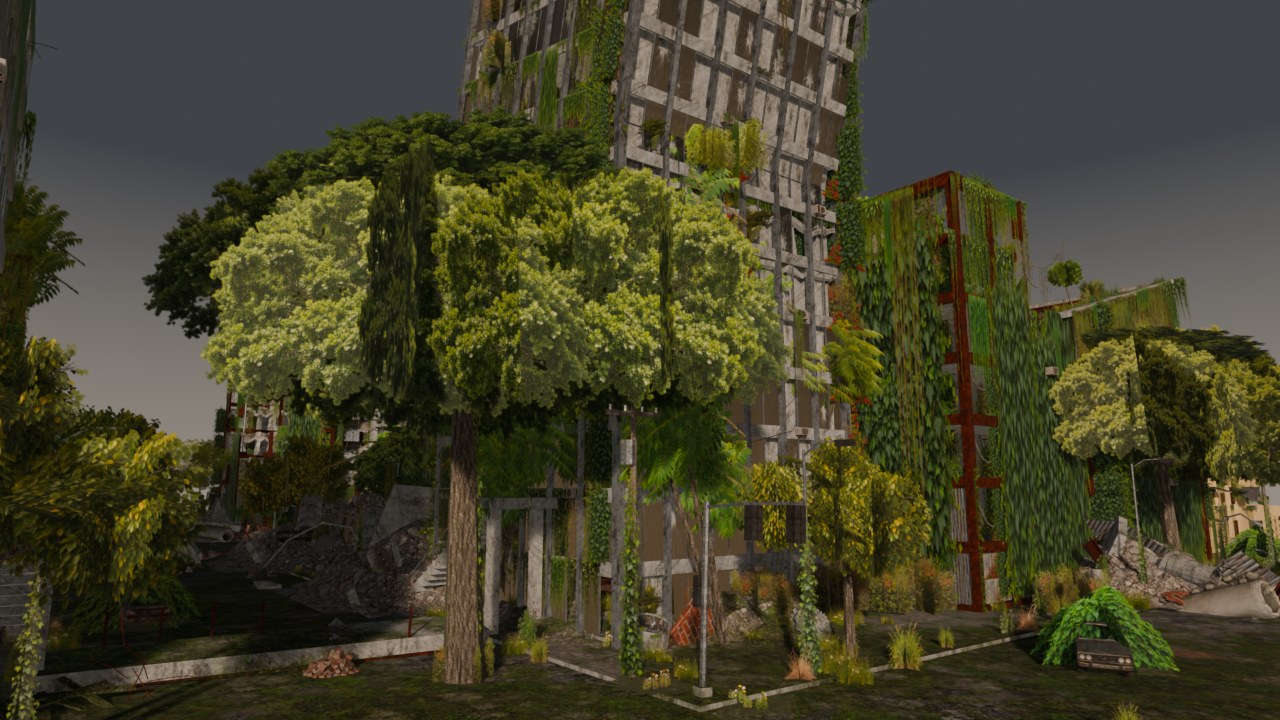
Street level at 100 %: ivy-draped ruins, tall trees, vines up the poles and a car under kudzu.
Cinematic Shot
From city to film still in one click
Select a city and press Make Cinematic Shot. You get:
- a backlit sky;
- broken tower tops and a hazy skyline on the horizon;
- a rubble wasteland around the city;
- drifting dust, smoke and ash;
- a camera move and a full post-processing pass.
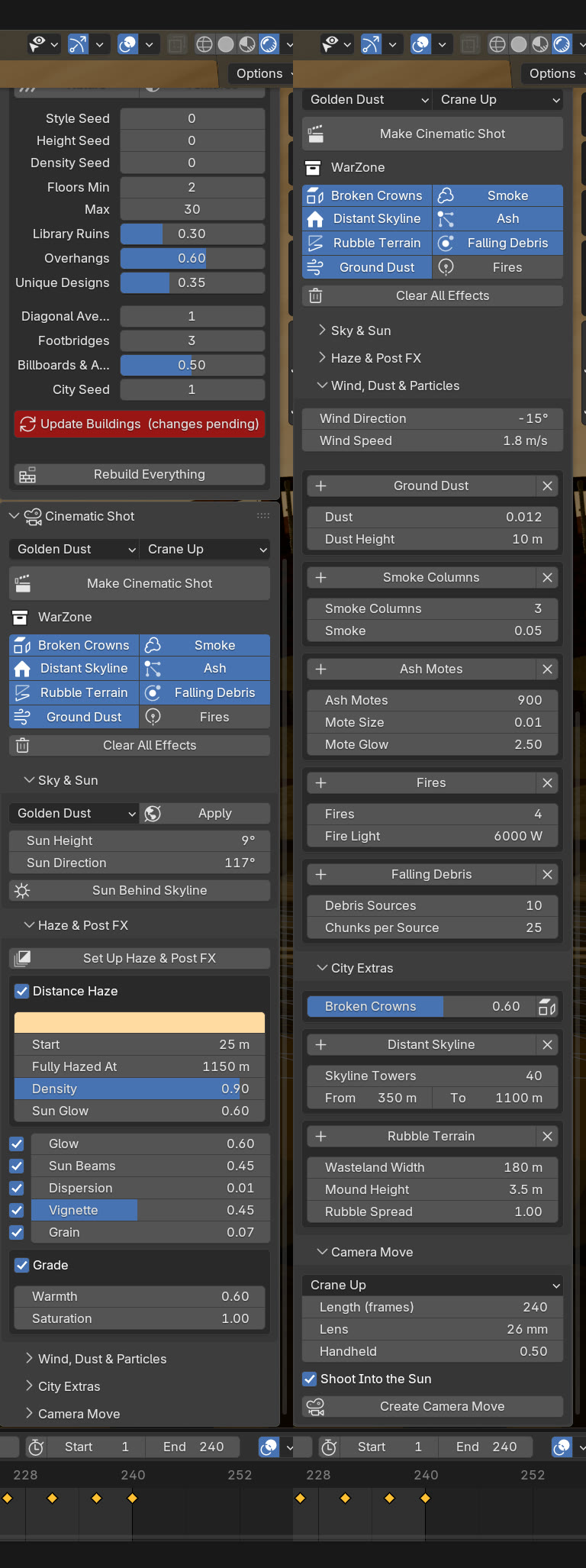
Everything stays editable in the panel:
- Five skies: Golden Dust, Overcast Ash, Toxic Haze, Blood Sunset and Night Fires, each with a matching grade.
- One wind: drives dust banks, smoke columns, floating ash, fire embers and debris falling off the towers.
- Five camera moves: Crane Up, Dolly In, Flyover, Orbit and Street Walk. They keep clear of walls and rubble automatically.
- Post FX: distance haze, glow, sun beams that follow the sun, lens dispersion, vignette and grain, all as live sliders.
- Nothing to bake: every frame renders on its own.
What's included
- The add-on, with the city, building and cinematic tools.
- 51 pre-made ruins and 60 textured vehicles and props, plus 92 lightweight procedural props, trees and plants.
- An Asset Browser with thumbnails for every generator, template, ruin and prop.
- A step-by-step video guide.
Requirements
- Blender 5.0, 5.1 or 5.2. Works in EEVEE and Cycles.
- Install from Preferences → Add-ons → Install from Disk, then open the Destroyed City tab in the 3D Viewport sidebar (N).
Every feature has a chapter in the guide, with videos.
Open the video guide