 Jan Holinka


CAD-style dimensions and technical drawings for Blender
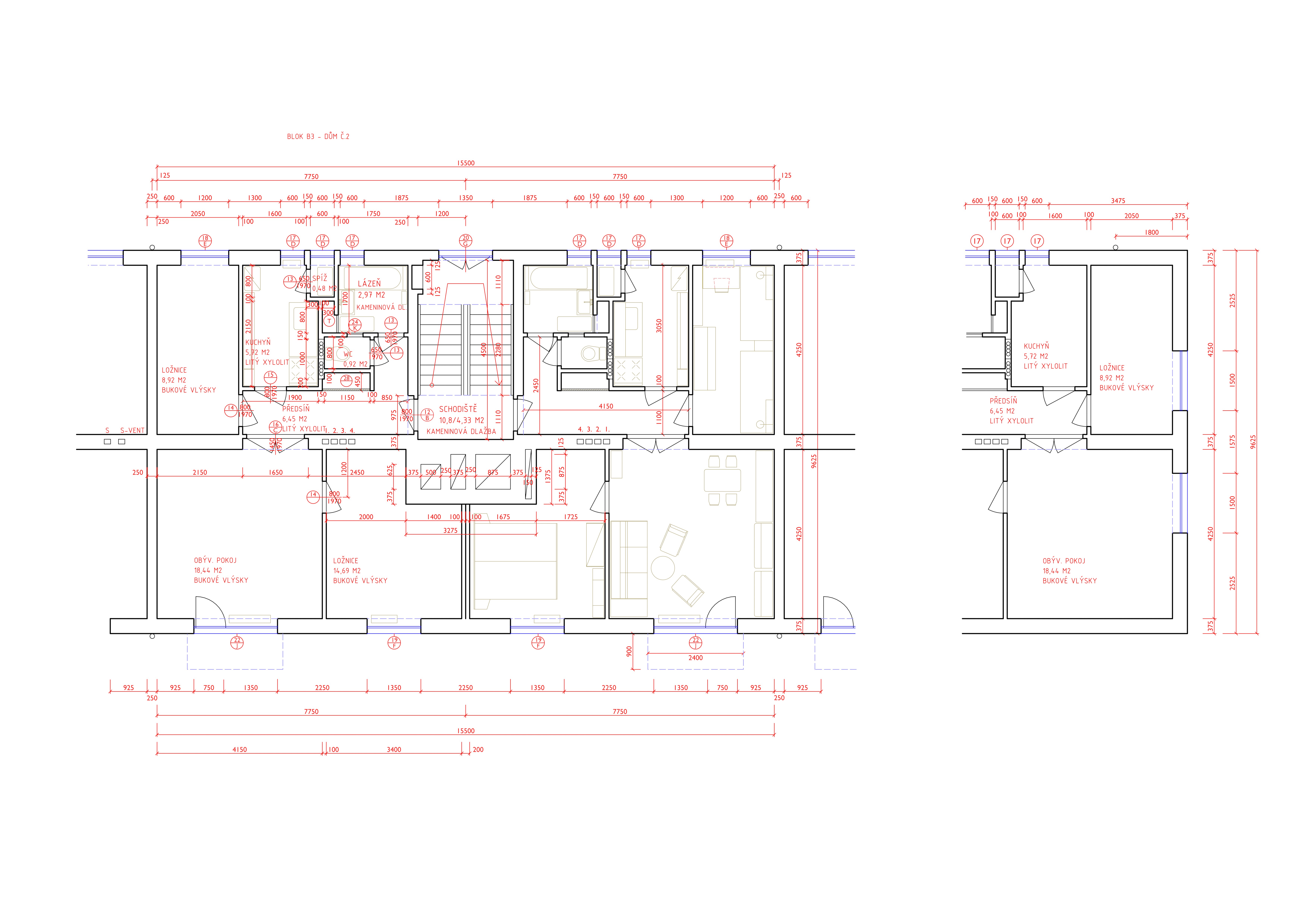
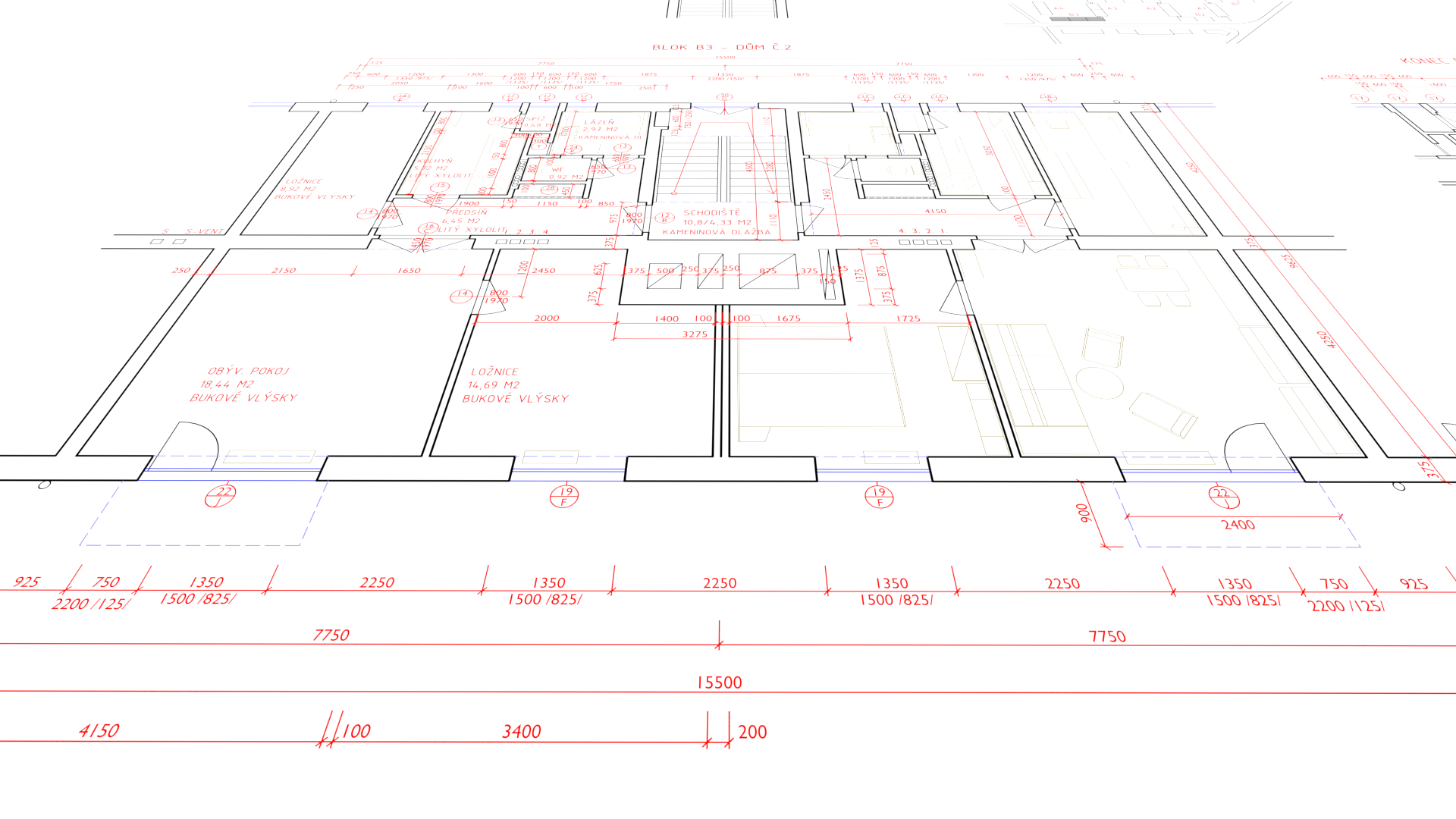
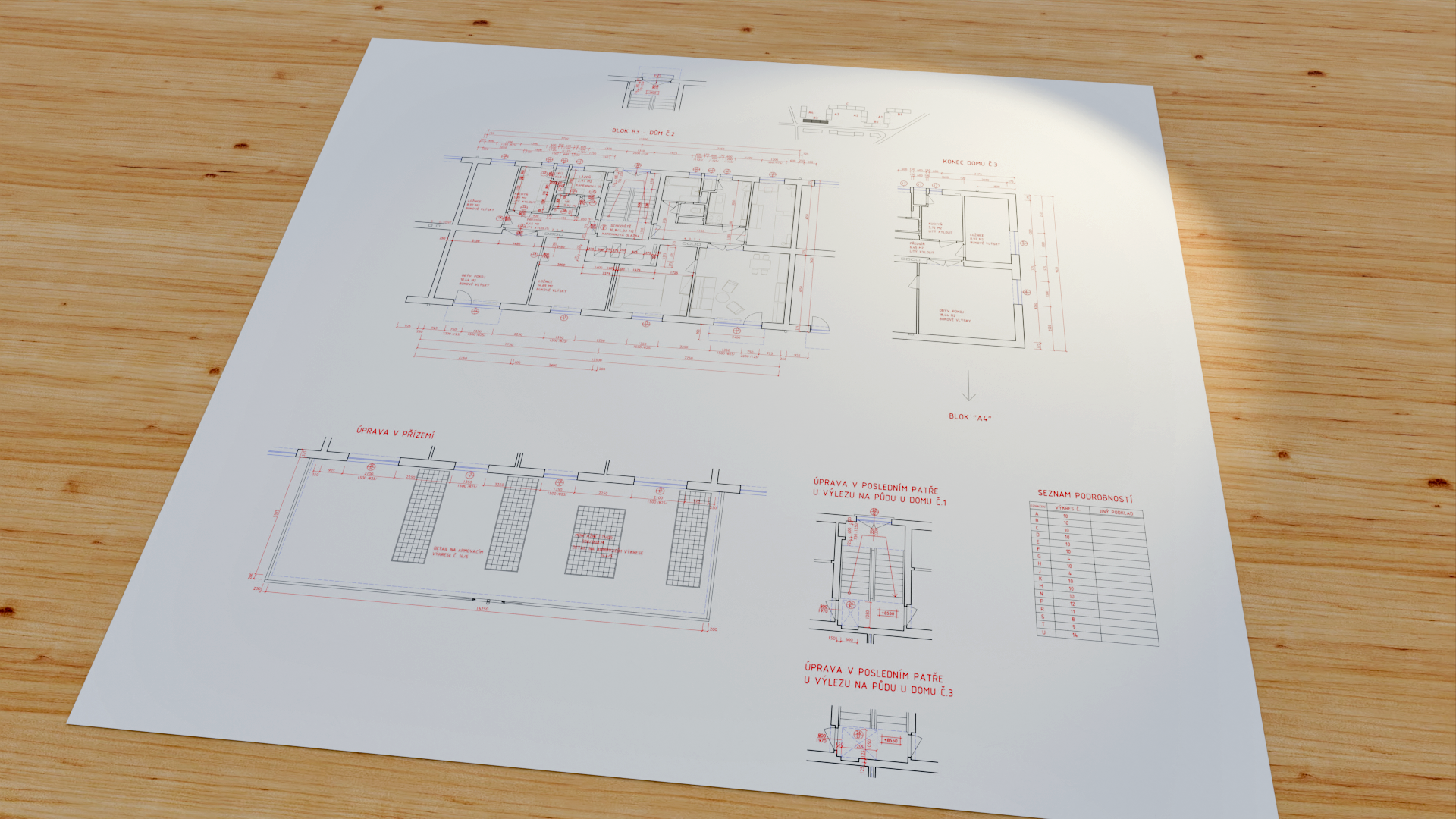
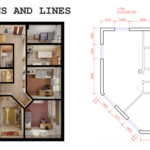
Dimensions and Lines is a Blender add-on for creating technical drawings, dimensions, and blueprint-style layouts directly in the 3D viewport. It brings a CAD-like dimensioning workflow into Blender while keeping everything fully renderable and part of your scene as real geometry.
Current version: 2.0.0
Why use Dimensions and Lines?
- Create length dimensions directly in Blender
- Create angular dimensions from vertices or edges
- Use realtime viewport dimensioning with snapping
- Keep dimensions, lines, and hatches as real scene geometry
- Prepare technical drawings and blueprint-style layouts inside Blender
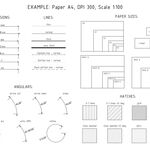
- Set up orthographic camera and render resolution for exact drawing output
- Rebuild dimensions with Remake and Batch remake
Panel location
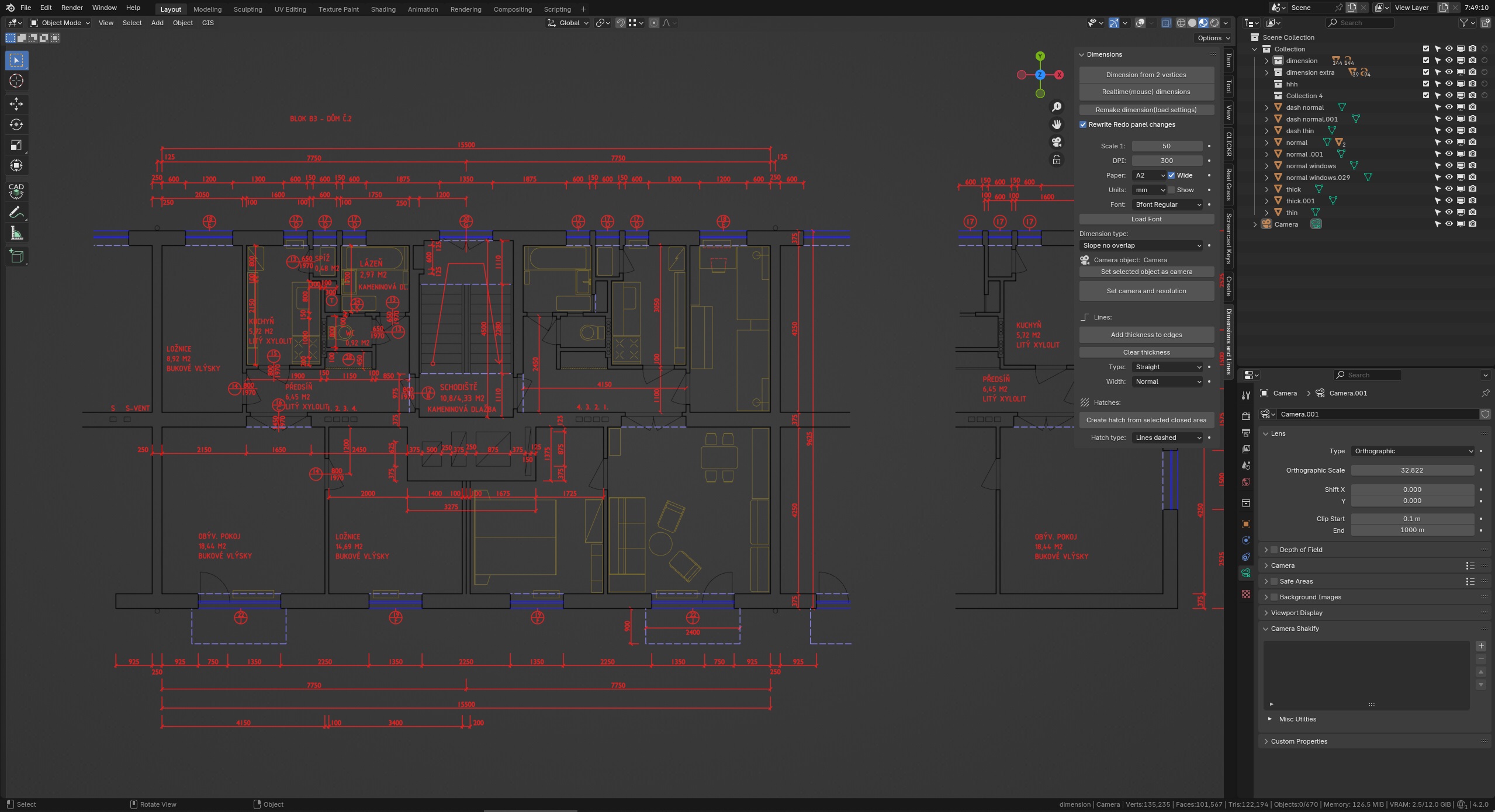
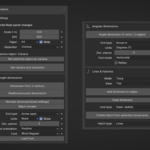
Open the 3D View sidebar with N and choose the DimLin tab.
The tab is organized into four main blocks:
- Settings
- Length dimensions
- Angular dimensions
- Lines & Hatches
Settings
The Settings block contains the main drawing and output options:
- Rewrite Redo panel changes – when enabled, the sidebar overrides the last operator redo values where applicable
-
Scale – drawing scale in
1:format - DPI, Paper, Wide
- Separator – decimal separator for dimension text (Comma or Dot)
- Camera object and Set selected object as camera
- Set camera and resolution – configures the selected camera for orthographic drawing output
The camera setup operator calculates render resolution from sheet size and DPI, and fits the orthographic scale to the selected paper format and drawing scale.
Supported paper presets include ISO and US formats such as A5 to A0, Letter, Legal, Ledger, ARCH A to ARCH E, and ANSI A to ANSI E.
Length dimensions
Operators
- Dimension from 2 vertices – create a linear dimension from exactly two selected vertices in Edit Mode
- Realtime (mouse) dimensions – interactive viewport dimensioning with snapping and offset control
- Remake dimension (load settings) – rebuild a single selected length dimension from its existing mesh and text
- Batch remake – rebuild multiple compatible selected length dimensions at once
Presets
The Length dimensions section includes presets for:
- End type
- Units
- Show
- Dec. places
- Text orientation
- Font
- Load Font
Supported end types:
SlopeSlope no overlapArrow inArrow outArrow open
Dimension text supports metric units as well as ft in and inches.
Realtime shortcuts
With Realtime (mouse) dimensions, you can:
- Click first point, then second point, then drag for offset
- S – switch side
- T – switch text orientation
- X / Y / Z – world axis locks
- M – edge midpoint snapping
- C – continue mode
- Number keys – enter length or offset
- Mouse wheel in offset stage – shift bottom line
The realtime system uses a dedicated snapping pipeline for vertices, edge midpoints, and related targets. Midpoint snapping is disabled by default and can be toggled with M.
Angular dimensions
Angle dimension (3 verts / 2 edges) creates angular dimensions in Edit Mode.
- Three vertices – select exactly three vertices; if the active vertex is one of them, it is used as the apex
- Two edges – select exactly two edges; the add-on derives the apex and angle arms automatically
The sidebar includes presets for:
- End type
- Units – decimal degrees or DMS
- Dec. places
- Text mode – horizontal or along arc
- Reflex
Additional fine control such as radius, arc segments, extension lines, arrow sizes, and text flipping is available in the operator redo panel after running the tool.
Lines & Hatches
The Lines & Hatches block provides tools for technical drawing geometry and fills:
- Width – stroke preset for lines and hatches
- View – Top, Front, or Side drawing plane
- Add thickness to edges – creates visible line thickness from edge-only geometry
- Clear thickness – removes geometry created by the thickness operator
- Line type – straight, dashed, dotted, dash-dotted
- Create hatch from selected closed area – fills a closed selected region with a hatch pattern
- Hatch type – choose lines, grid, dots, and other fill styles
Suggested workflow
- Open the DimLin tab
- In Settings, define scale, paper, DPI, separator, and camera if needed
- In Length dimensions, set your presets and create or rebuild linear dimensions
- In Angular dimensions, set the angle presets and run the angle tool in Edit Mode
- In Lines & Hatches, choose drawing plane, width, line type, and create thickness or hatches
At a glance
- Settings – scale, paper, DPI, decimal separator, camera and render setup
- Length dimensions – linear dimensions, units, typography, remake and batch remake
- Angular dimensions – angle dimensions from 3 vertices or 2 edges
- Lines & Hatches – edge thickness, line styles, and hatch fills
Documentation
-
MANUAL.md– full usage guide -
CHANGELOG.md– release notes
Support and licensing
By purchasing Dimensions and Lines where it is distributed as a paid product, you support continued development of a complex realtime Blender tool, receive direct technical support from the author, and get ongoing improvements and fixes through updates.
This repository is licensed under GPL-3.0-or-later. See license.txt for details. Store-specific purchase terms are defined by the distributor or marketplace.