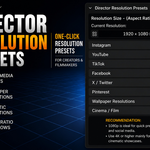
Director Resolution Presets
 Ankith's Artarium


Installation
- Download the ZIP file included with the product.
- Open Blender.
- Go to Edit → Preferences → Add-ons.
- Click Install and select the ZIP file.
- Enable "Director Resolution Presets" from the addon list.
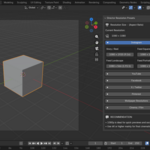
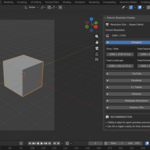
Accessing the Addon
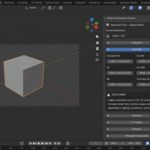
Open the 3D Viewport Sidebar (N key) and go to: Director Resolution Presets
Features
- One-click resolution switching
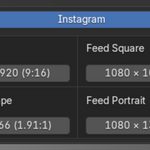
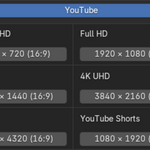
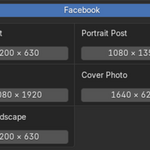
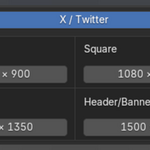
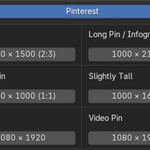
- Social media presets
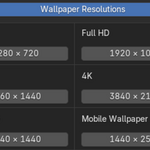
- Wallpaper resolutions
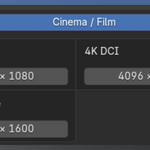
- Cinematic aspect ratios
- Creator-focused workflow organization
Compatibility
Tested in:
- Blender 3.6 LTS
- Blender 5.1
For detailed instructions and usage examples, refer to the included PDF User Guide.
Have questions about this product?
Login to message
| Dev Fund Contributor | |
| Published | 3 months ago |
| Blender Version | 3.6 - 5.2 |
| Extension Type | N/A |
| Render Engine Used | Cycles, Eevee |
| License | GPL |