 codesignprojects


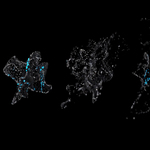
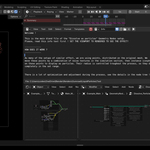
A lightning-fast Geometry Nodes setup that dissolves any 3D object into a swarm of particles.
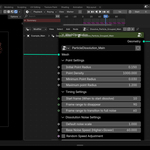
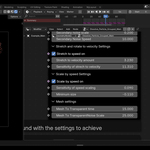
Apply the node group to your mesh, tweak the neatly labeled parameters, and instantly generate a dynamic disintegration effect. Looking to dissolve into a wireframe mesh instead? Check out the Mesh Variant here.
▶ Video Demos: YouTube | Instagram
How it works: The setup drives invisible surface points with a noise simulation, scattering them like wind blowing sand. 3D particles are instanced onto these points, automatically stretching and rotating dynamically based on their velocity. Simultaneously, a synchronized custom shader transitions the original solid mesh into transparency, creating a seamless illusion of the object breaking apart into a flying swarm.
---------------------------------------------------------------------------------------------
Features & Capabilities:
- Fully customizable noise transformation and disappearance timing.
- Dynamic particle stretching and rotation matched to the movement direction.
- Velocity-based scaling (particles shrink as they accelerate/disappear).
- Original mesh vertices seamlessly follow the dissolution shape.
-
The setup exports a synchronized
dissolve_facfloat attribute directly to the shader editor.
What's Included:
- The core Dissolve-to-Particles node setup.
- An additional example file featuring a glowing emission variant.
----------------------------------------------------------------------------------
Developer Note:
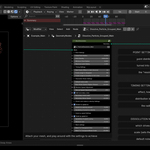
This node tree is designed to be as clean and readable as possible. Everything is built from the ground up to provide a robust core concept, complete with internal labels and explanations.
You are highly encouraged to open the control node and dissect the tree! It is structured not just as a plug-and-play tool, but as a foundation for you to embellish, reverse-engineer, and customize for your own projects.
---------------------------------------------------------------------------------------------
----------------------------------------------------------------------------------------------
Support & Contact:
- Blendermarket Inbox
- [email protected]
Recommended Tools: