Dogs
 Karel Schwarz


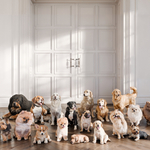
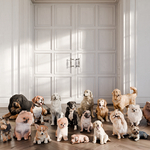
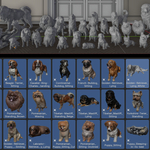
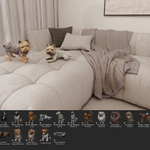
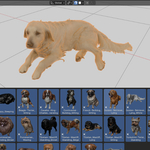
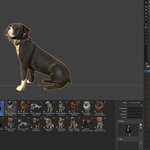
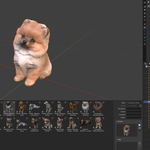
This product is provided as a Blender Asset Library.
To use the assets in Blender's Asset Browser, follow these steps:
- Extract (unzip) the downloaded archive to a location on your computer.
- Open Blender.
- Go to Edit → Preferences → File Paths → Asset Libraries.
- Click the + button to add a new asset library.
- Select the extracted folder containing the asset library.
- Confirm the selection and close the Preferences window.
The library will now appear in the Asset Browser. Simply select the library from the dropdown menu and drag & drop assets directly into your scene.
Have questions about this product?
Login to message
| Dev Fund Contributor | |
| Published | 3 months ago |
| Blender Version | 5.1 - 5.2 |
| Render Engine Used | Cycles |
| Misc Data | Uvs-Unwrapped, Manifold-Mesh, Textured |
| License | Royalty Free |

Discover more products like this
perro dog Yorkshire 3d puppy pomeranian dogs puppy 3d labrador dog