 ZEG
ZEG
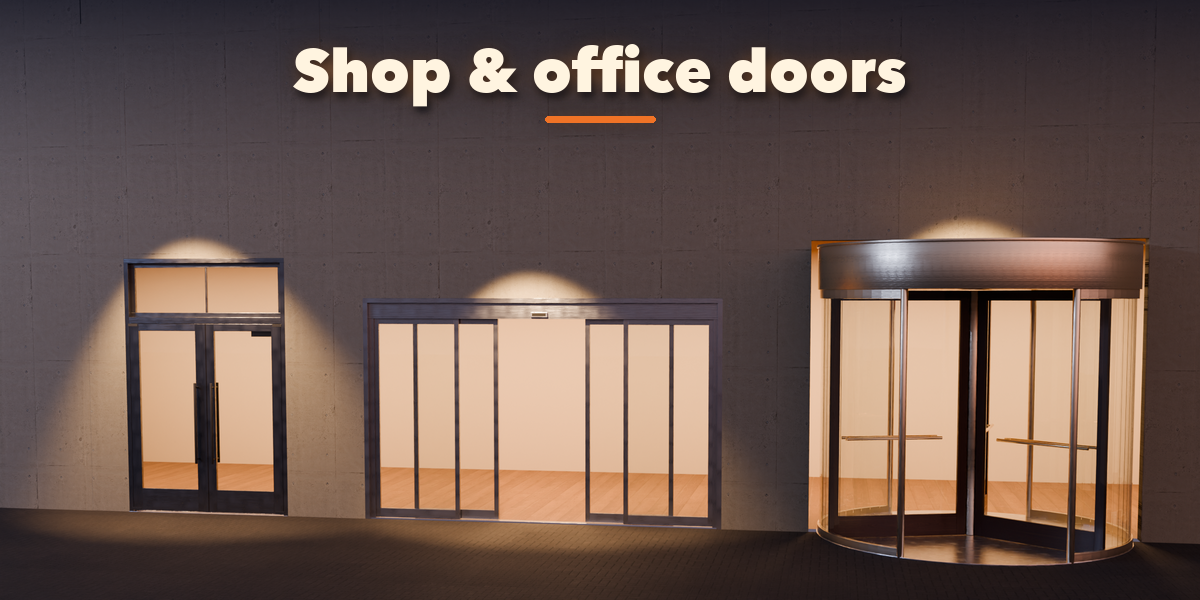
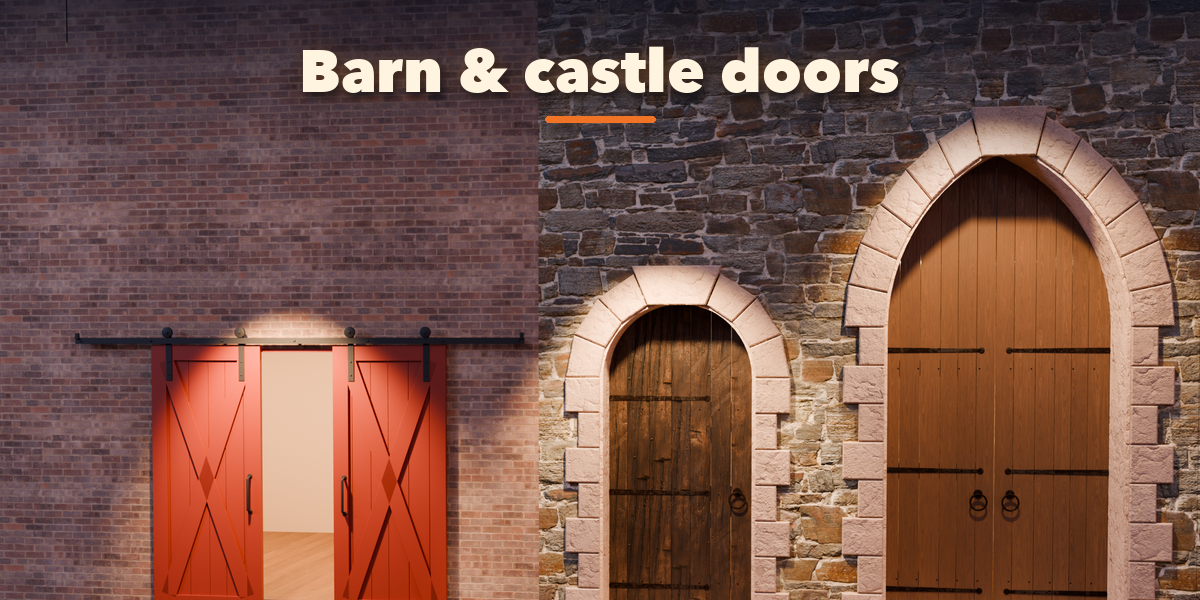
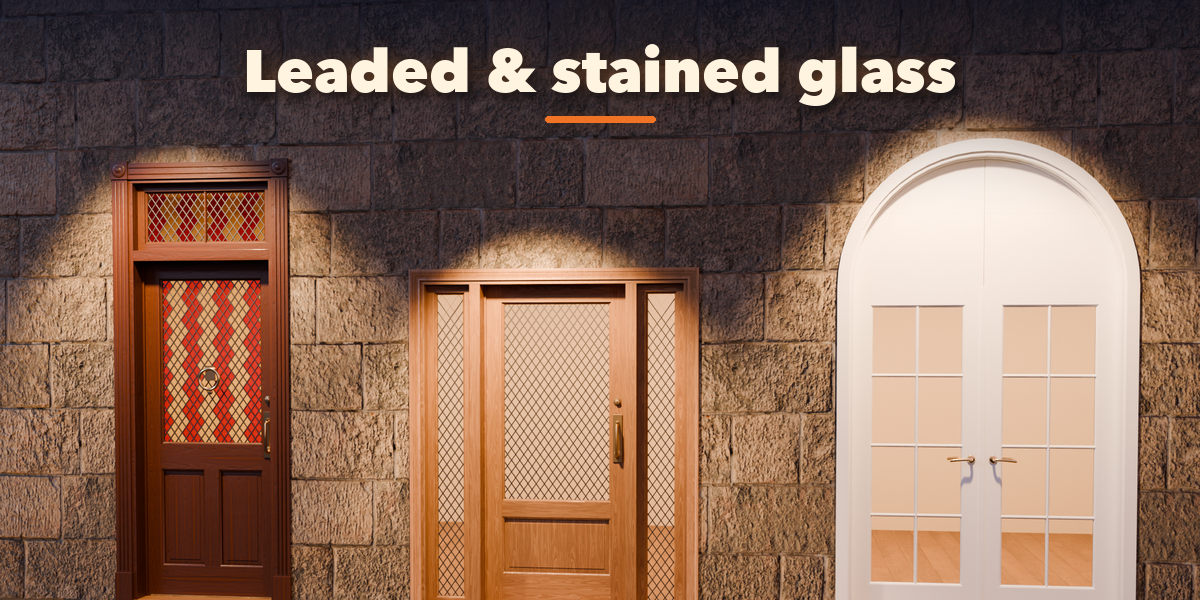
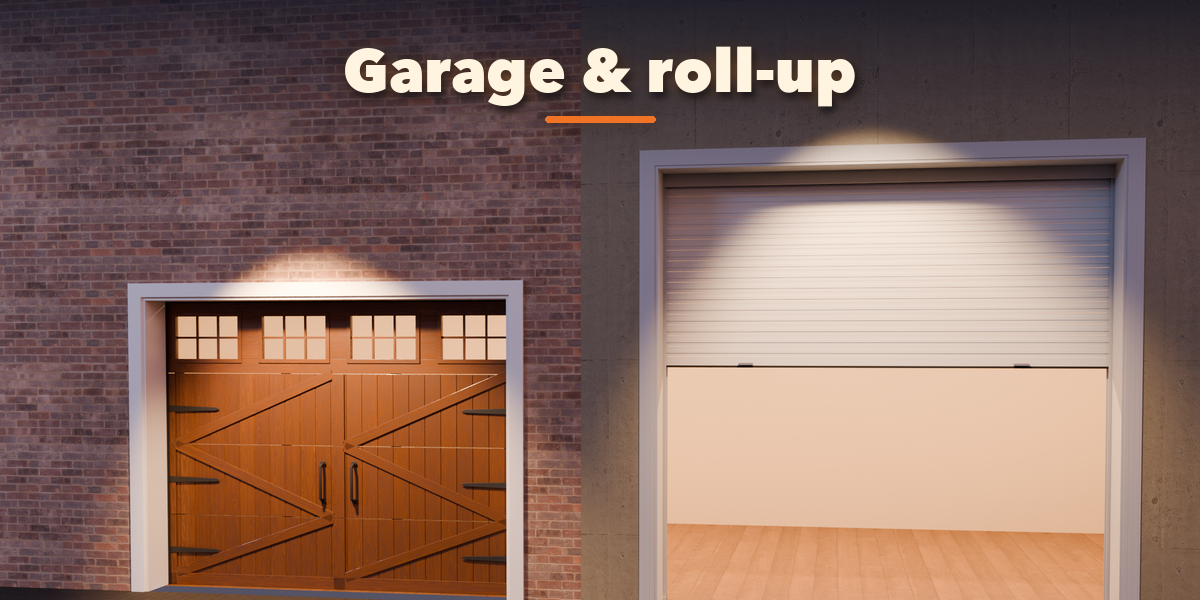
Installation
In Blender open Edit, Preferences, Get Extensions, then use Install from Disk and pick the zip.
Usage
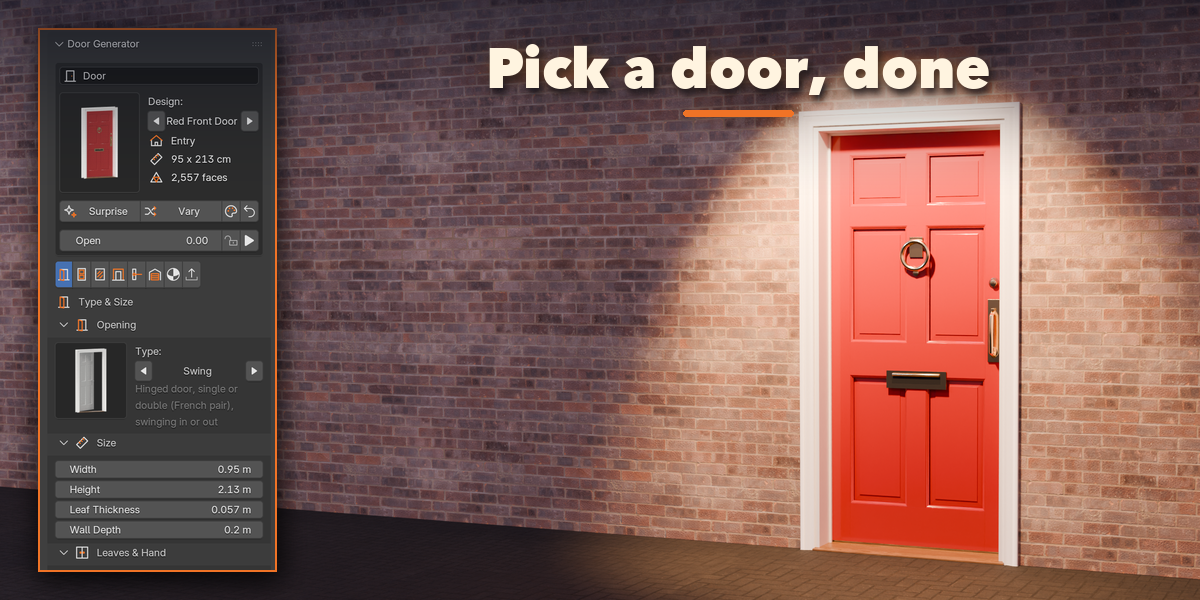
- Open the Door tab in the 3D viewport sidebar (N), or use Add, Mesh, Door.
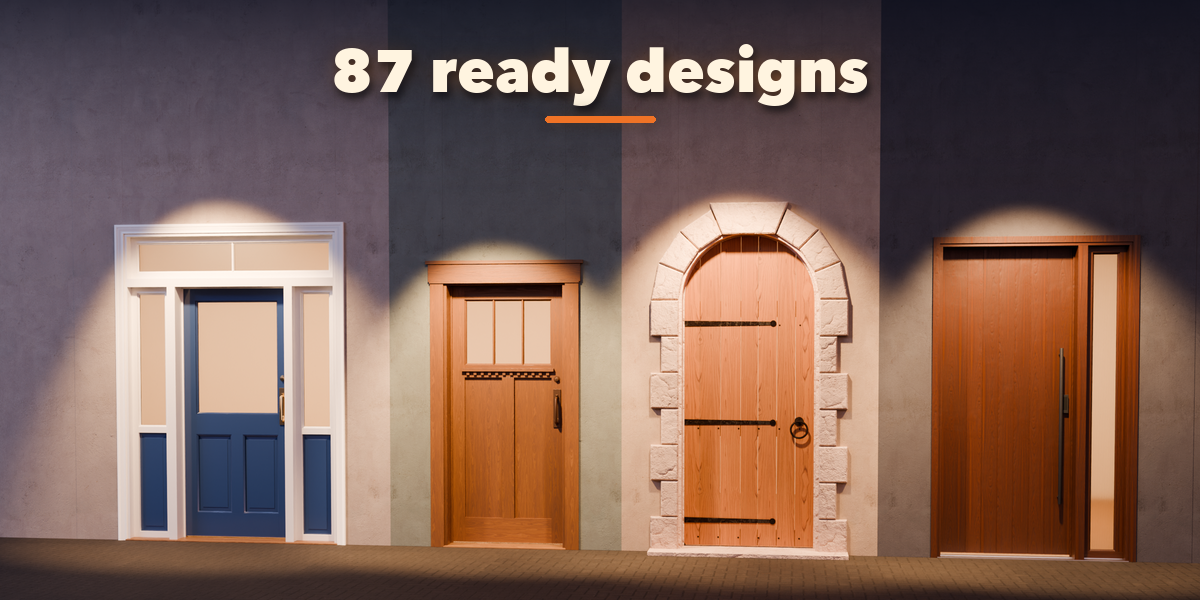
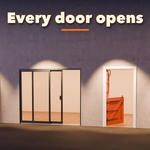
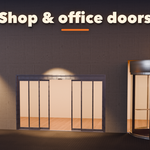
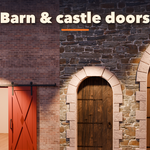
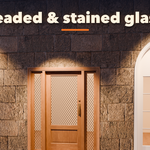
- Click a design picture, then Add Door. It appears at the 3D cursor.
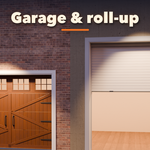
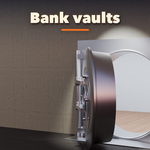
- With the door selected, change it in the tabs: Type & Size, Leaf, Glass, Frame, Hardware, Garage & Vault, Finish and Parts & Export. The door rebuilds live.
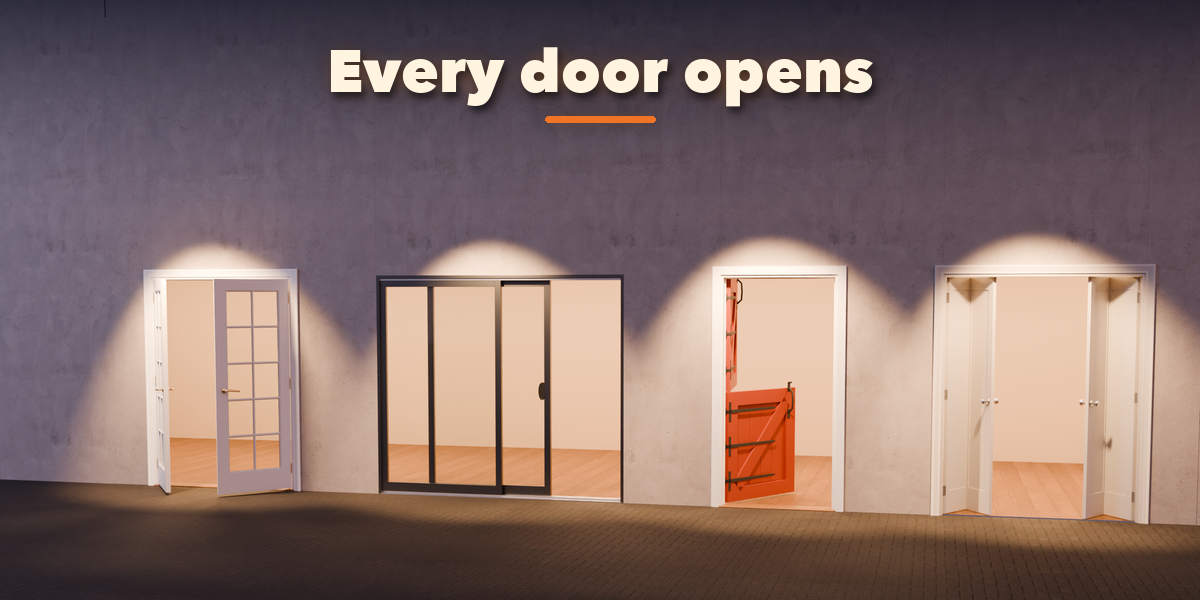
- Drag Open to open and close it, or press Animate for an opening animation.
- Randomize gives new proportions, a new finish or a surprise design; Reset goes back to the picked design.
- Convert to Mesh (Parts & Export tab) keeps the result as plain objects for export.
Have questions about this product?
Login to message
| Blender Extension Compatible | Yes |
| Published | about 20 hours ago |
| Blender Version | 4.2 - 5.2 |
| Extension Type | Add-on |
| Render Engine Used | Cycles, Eevee |
| License | GPL |

Discover more products like this
door Interior barn-door door generator Generator exterior garage door Game asset procedural architecture ArchViz storefront