Dovetail Key
 Milad_Kambari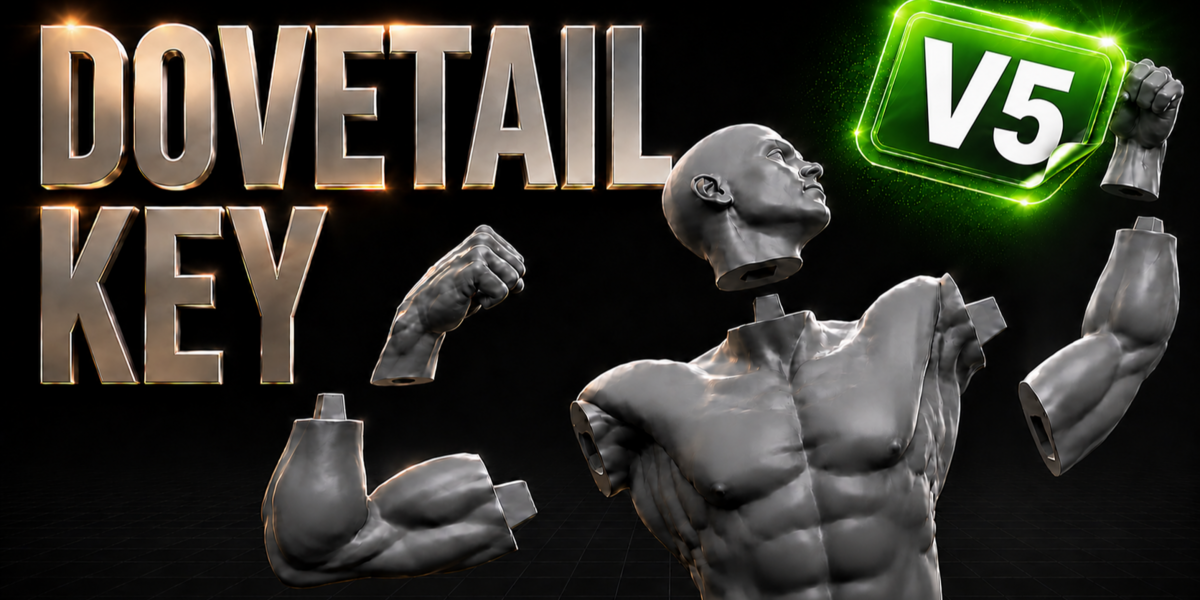


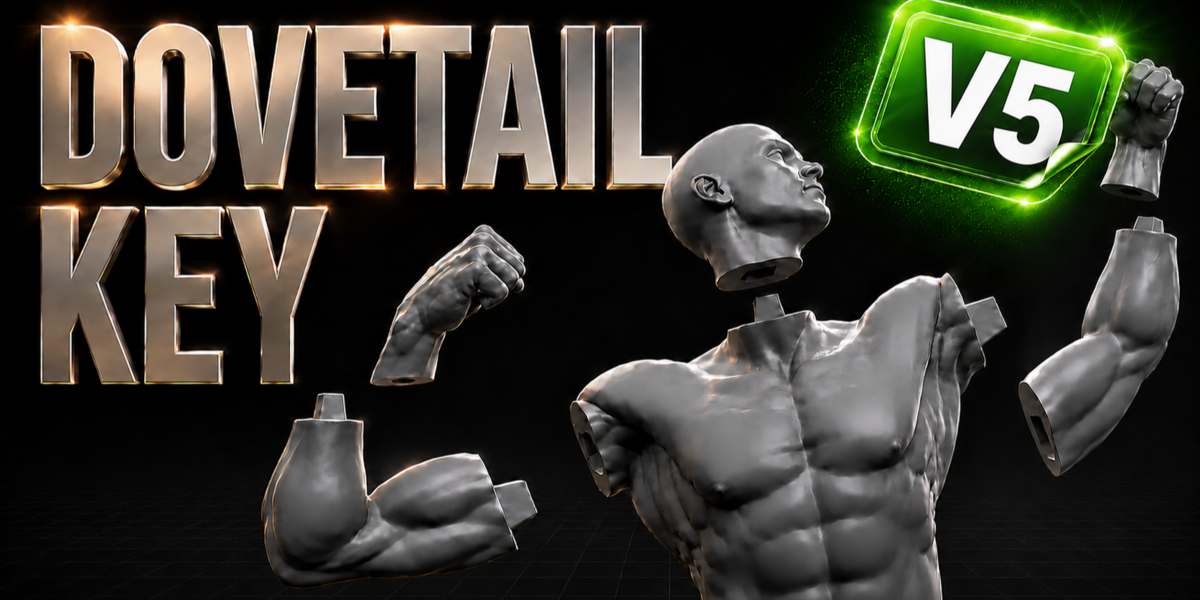
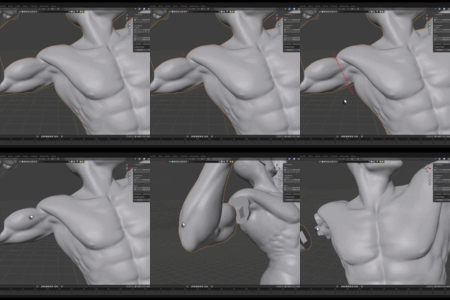
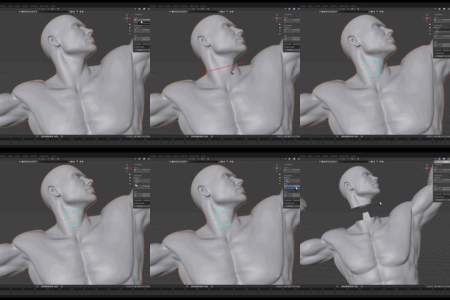
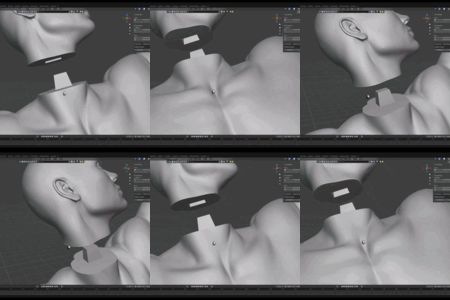
Dovetail Key lets you cut any mesh and rejoin the pieces with strong, self-aligning dovetail joints — purpose-built for splitting models that are too large to 3D print in one piece. It works directly in the viewport, handles dense sculpts without crashing, and produces clean male/female parts that snap together like puzzle pieces.
Requirements
- Blender 4.2 or newer (extension). A legacy single-file version is available for Blender 3.0+.
- Works in Object Mode.
Installation
- Edit → Preferences → Get Extensions → ▼ (top-right) → Install from Disk…
- Select
dovetail_key-1.13.2.zipand enable it. - Open the N-panel in the 3D Viewport and select the Dovetail Key tab.
Workflow
1) Cut
- Select your mesh and click Draw Cut Line.
- Press and drag a straight line across the part you want to cut, then release.
- Only the geometry directly under your stroke is cut — the rest of the model is left untouched. The line must fully cross the part. The result is two separate, capped objects with smooth shading and sharp edges preserved.
2) Dovetail Key
- Select both halves and click Dovetail Key.
- The add-on finds the cut cross-section and builds an interlocking joint: one half receives a tapered peg (male), the other a matching socket (female) with print clearance. The cutters are applied and cleaned up automatically.
- Manual (optional): enable it to set Scale, Height, and Flip by hand, with a live preview before you commit.
- Redo-panel options: Width, Taper (dovetail angle), Height, Depth, Clearance (fit gap), Swap Sides, and Solver (Fast / Manifold / Exact).
- Flip reverses the taper and automatically swaps the male/female sides so the joint stays correct.
Undo
- Undo Last Cut restores the state before the last cut.
- Delete All Cuts reverts the model back to the original. Both are backup-based and non-destructive. (Do not rename the cut pieces, as undo locates them by name.)
Tips
- For dense sculpts, Fast or Manifold solvers are the safest. Use Exact for cleaner results on lighter meshes.
- Increase Clearance if your printed parts fit too tightly; decrease it for a snugger joint.
- Cut at the narrowest, flattest spots for the strongest joints.
Support & updates: Discord https://discord.gg/EC8d7nPsYj
$18
Have questions about this product?
Login to message
| Blender Extension Compatible | Yes |
| Sales | 700+ |
| Rating | 13 ratings |
| Published | 3 months ago |
| Blender Version | 4.2 - 5.2 |
| Extension Type | Add-on |
| License | GPL |
Discover more products like this
addon miniatures interlocking keyed joint cosplay props boolean pipeline modeling mesh joint mesh cut 3d printing 3d print parts male female tool cut fdm tongue and groove peg dovetail dovetail key Print Ready resin blender split slicer