Dovetail Key
 Milad_Kambari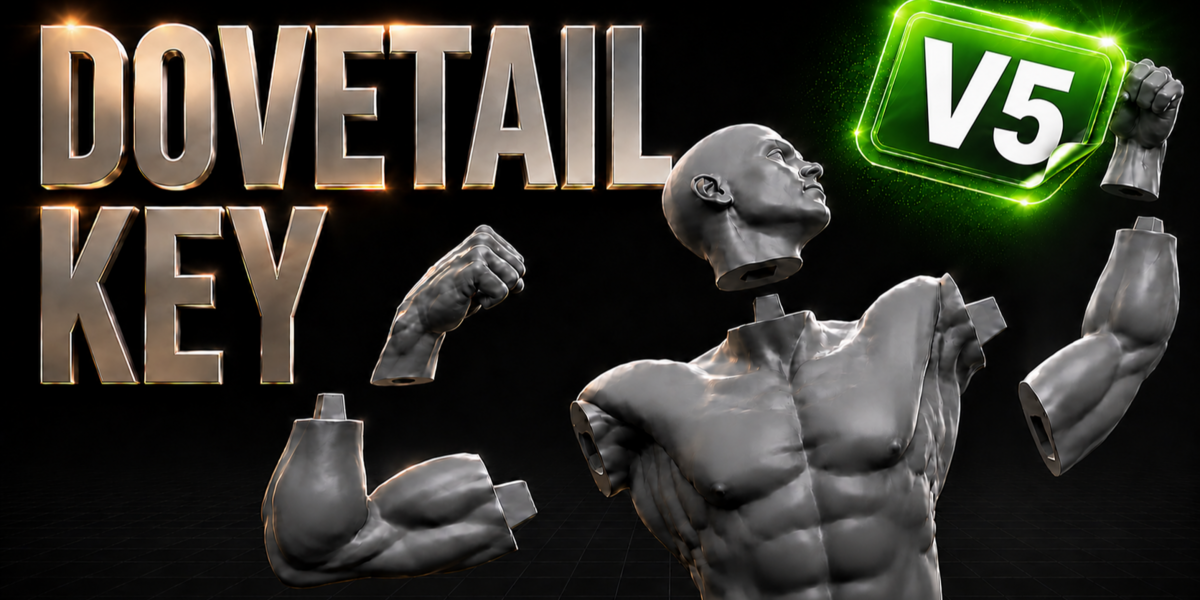


Does it keep smooth shading and sharp edges?
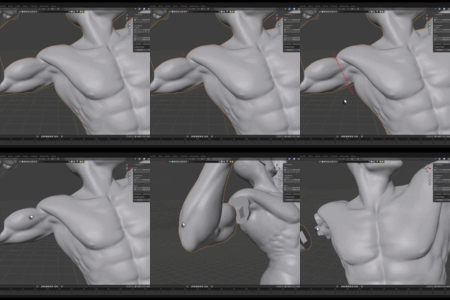
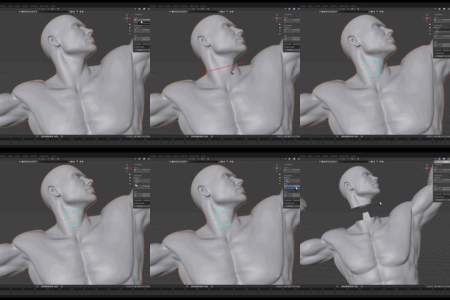
Yes. After cutting, both pieces receive smooth shading with sharp edges automatically preserved (auto-smooth by angle).
Can I undo a cut?
Yes. Undo Last Cut reverts the most recent cut, and Delete All Cuts restores the original model. The workflow is backup-based and non-destructive.
My printed parts are too tight / too loose. How do I fix the fit?
Adjust the Clearance value in the redo panel before confirming the joint. Higher clearance = looser fit, lower = tighter. Re-cut with Undo if needed.
How do the two parts stay together?
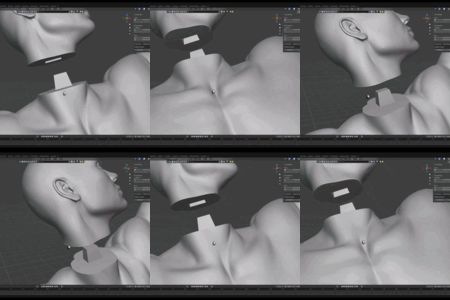
One half gets a tapered dovetail peg (male) and the other a matching socket (female) with a built-in clearance gap, so the parts slot together and self-align — ideal for gluing or friction-fit assembly
Does it cut the whole model along the line?
No. Only the part directly under your drawn stroke is cut. Geometry that happens to lie along the line's extension (other limbs, the torso, etc.) is left completely untouched.
Will it work on high-poly sculpts without crashing?
Yes. The cutting is bmesh-based (not a heavy boolean), so it stays stable on dense, multi-million-poly meshes. For the joint step, the Fast and Manifold solvers are recommended for heavy meshes.
Which Blender versions are supported?
The extension installs on Blender 4.2 and newer. A legacy single-file add-on is available for Blender 3.0+ via Install Legacy Add-on.
$18
Have questions about this product?
Login to message
| Blender Extension Compatible | Yes |
| Sales | 700+ |
| Rating | 13 ratings |
| Published | 3 months ago |
| Blender Version | 4.2 - 5.2 |
| Extension Type | Add-on |
| License | GPL |
Discover more products like this
resin tool peg joint pipeline props interlocking addon mesh cut male female miniatures Print Ready dovetail split slicer 3d printing blender fdm cosplay cut mesh dovetail key tongue and groove parts modeling keyed joint 3d print boolean