 ParametrStudio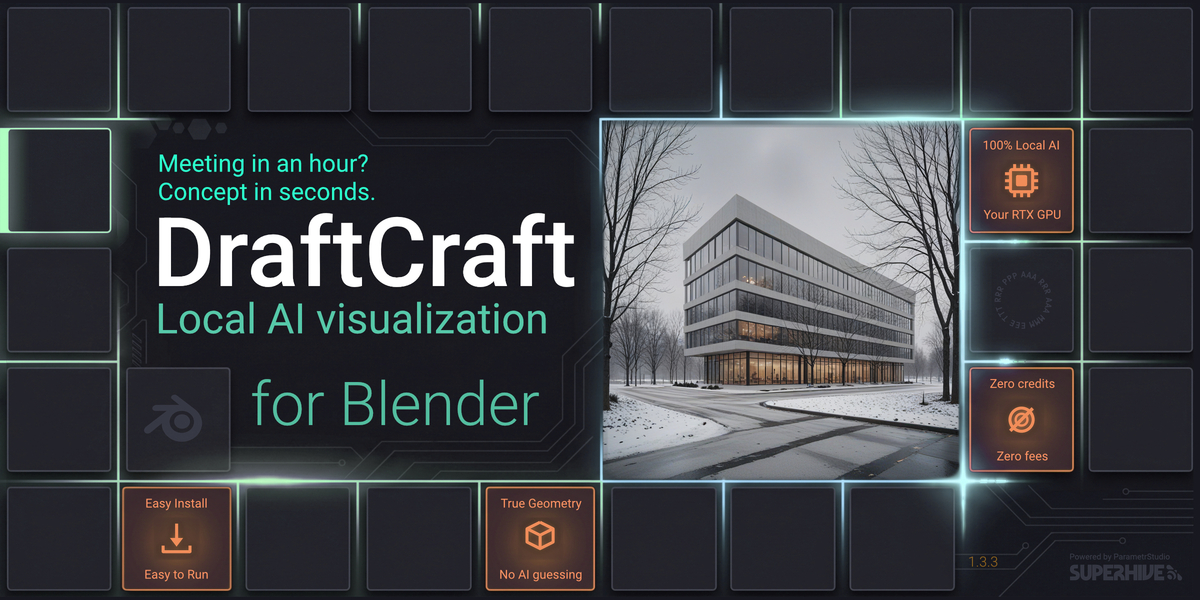



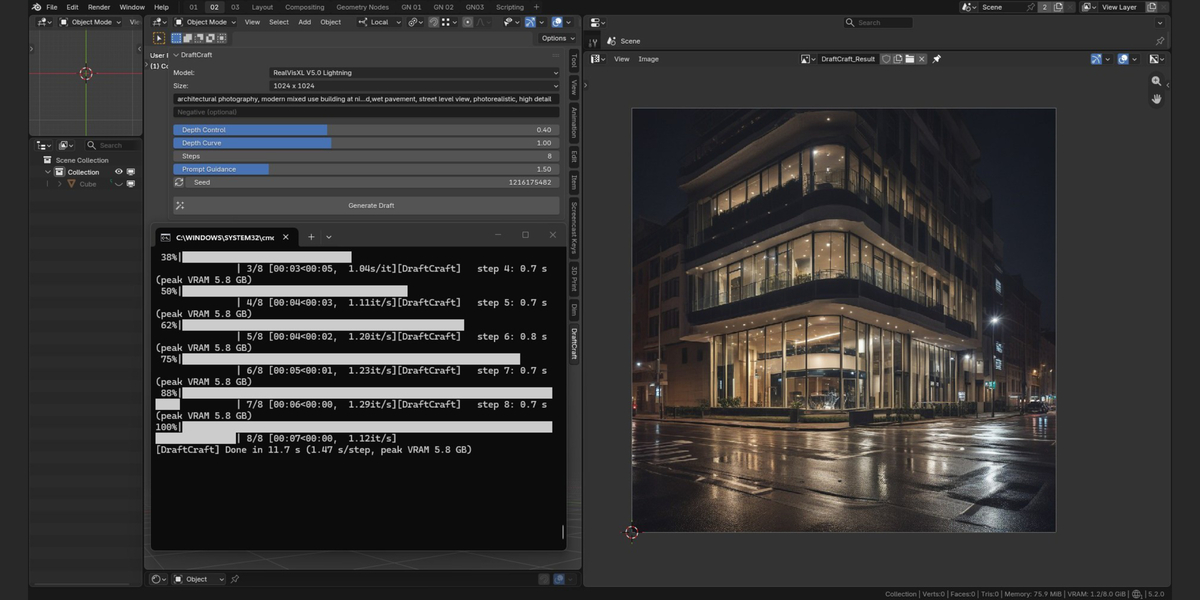
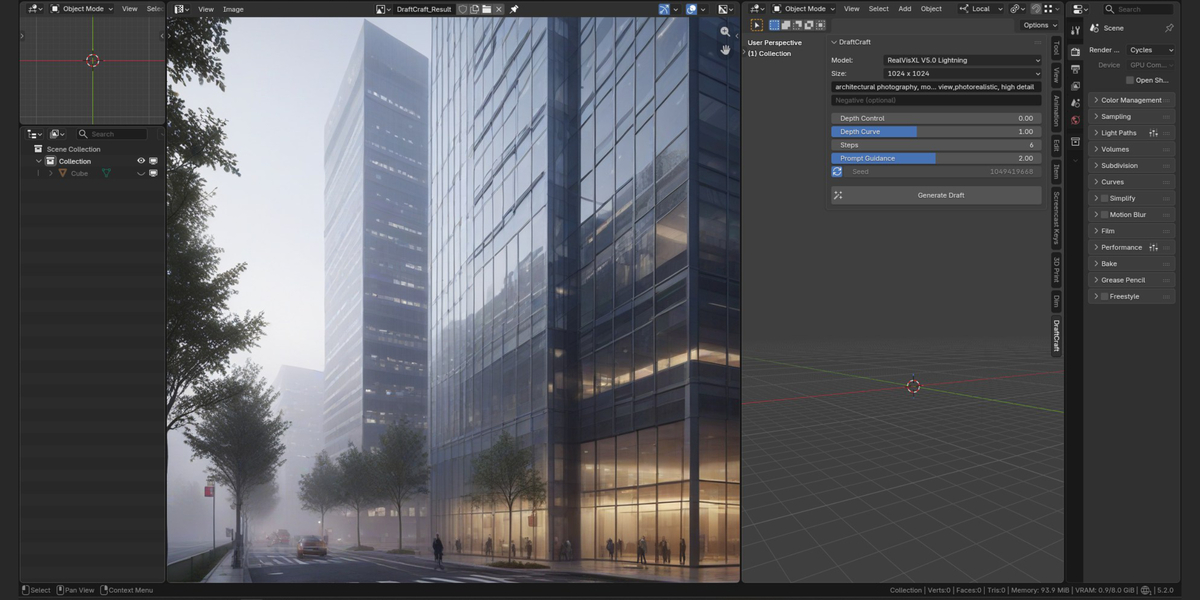
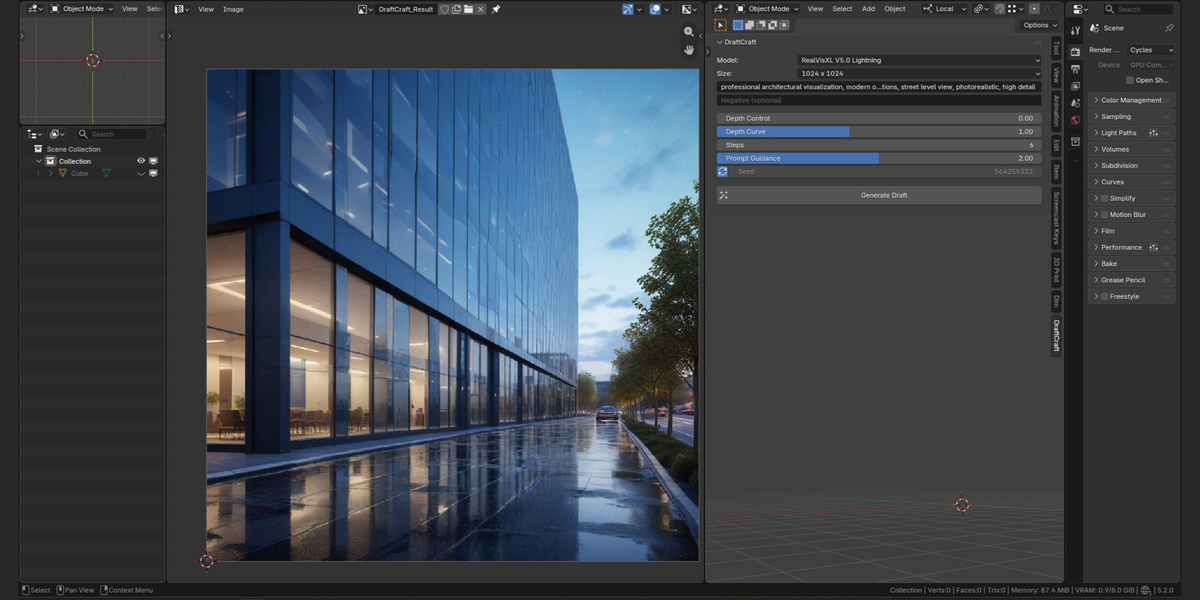
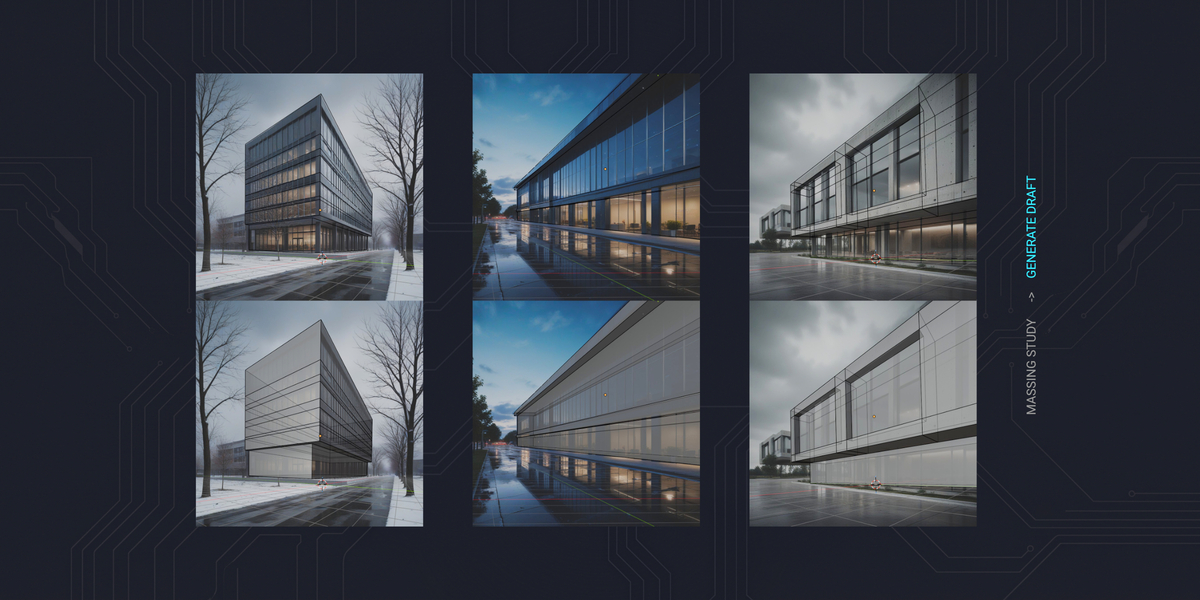
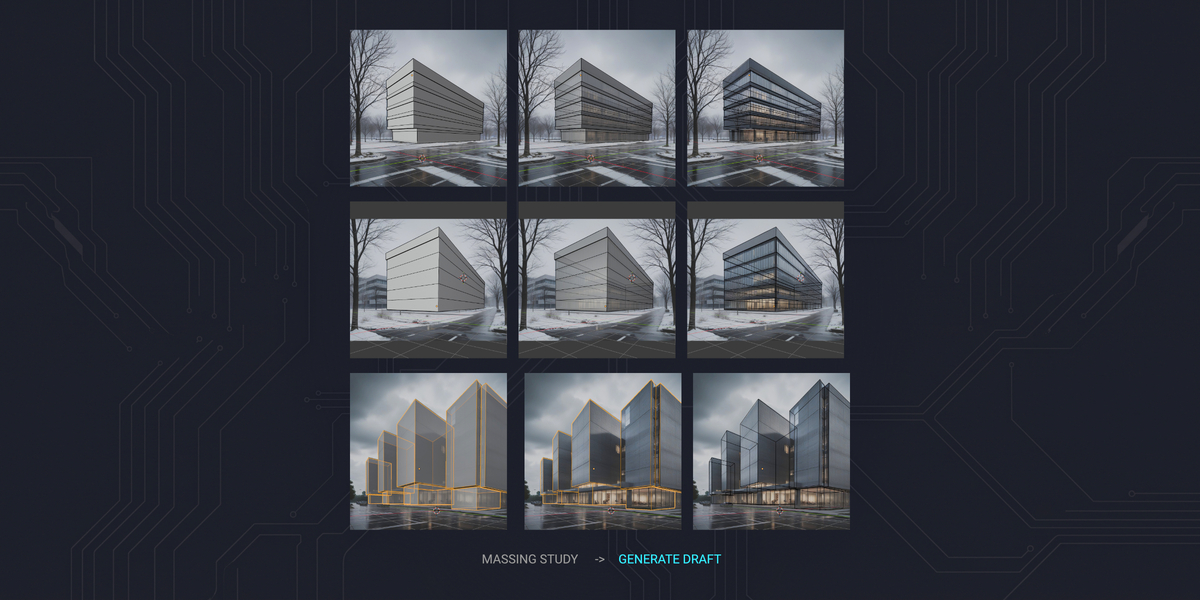
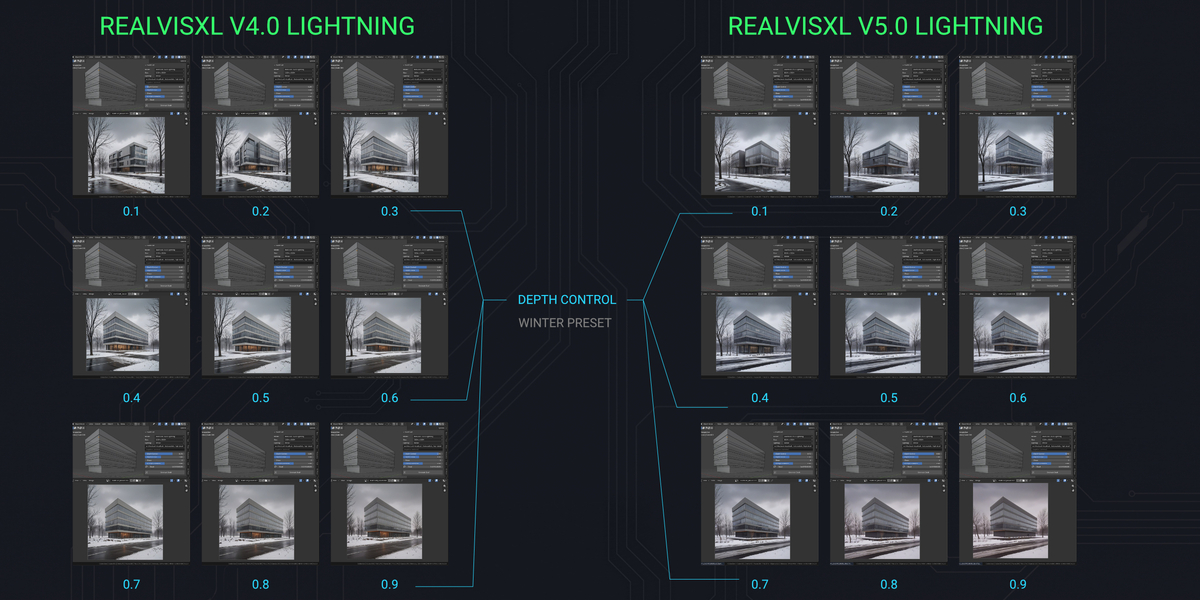
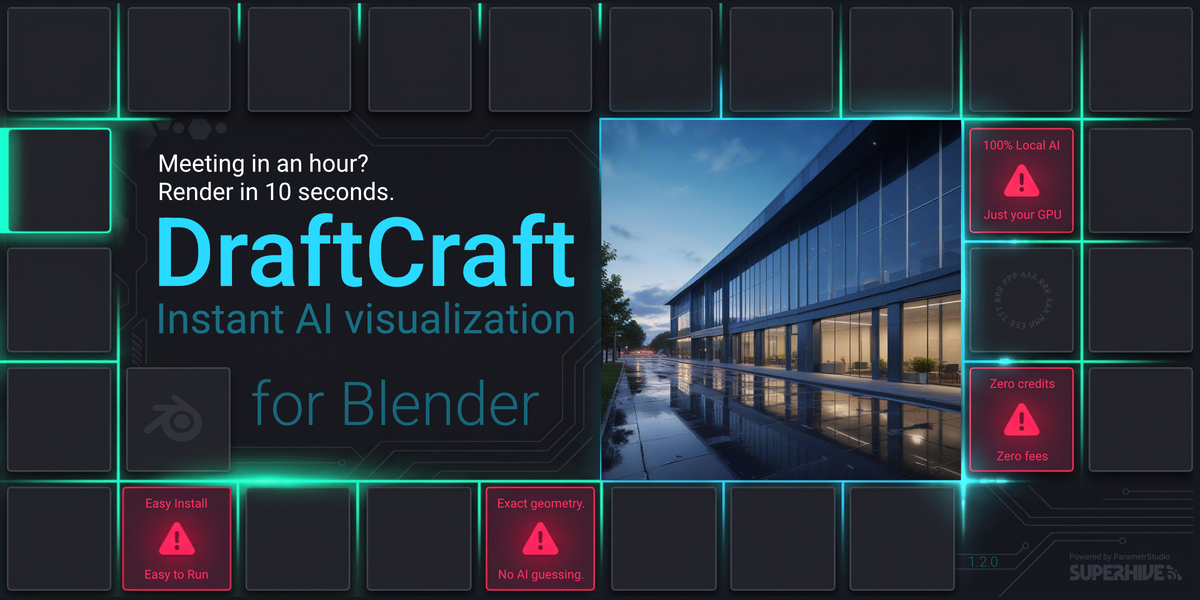
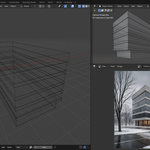
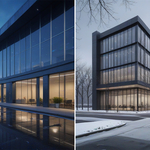
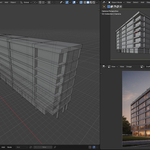
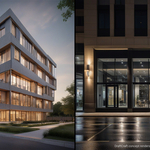
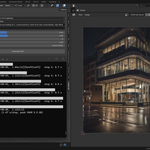
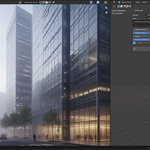
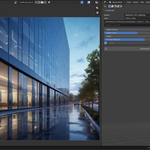
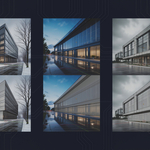
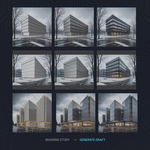
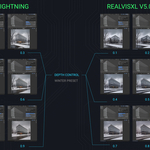
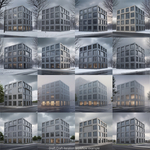
Massing model in, concept visualization out - in seconds, on your own GPU.
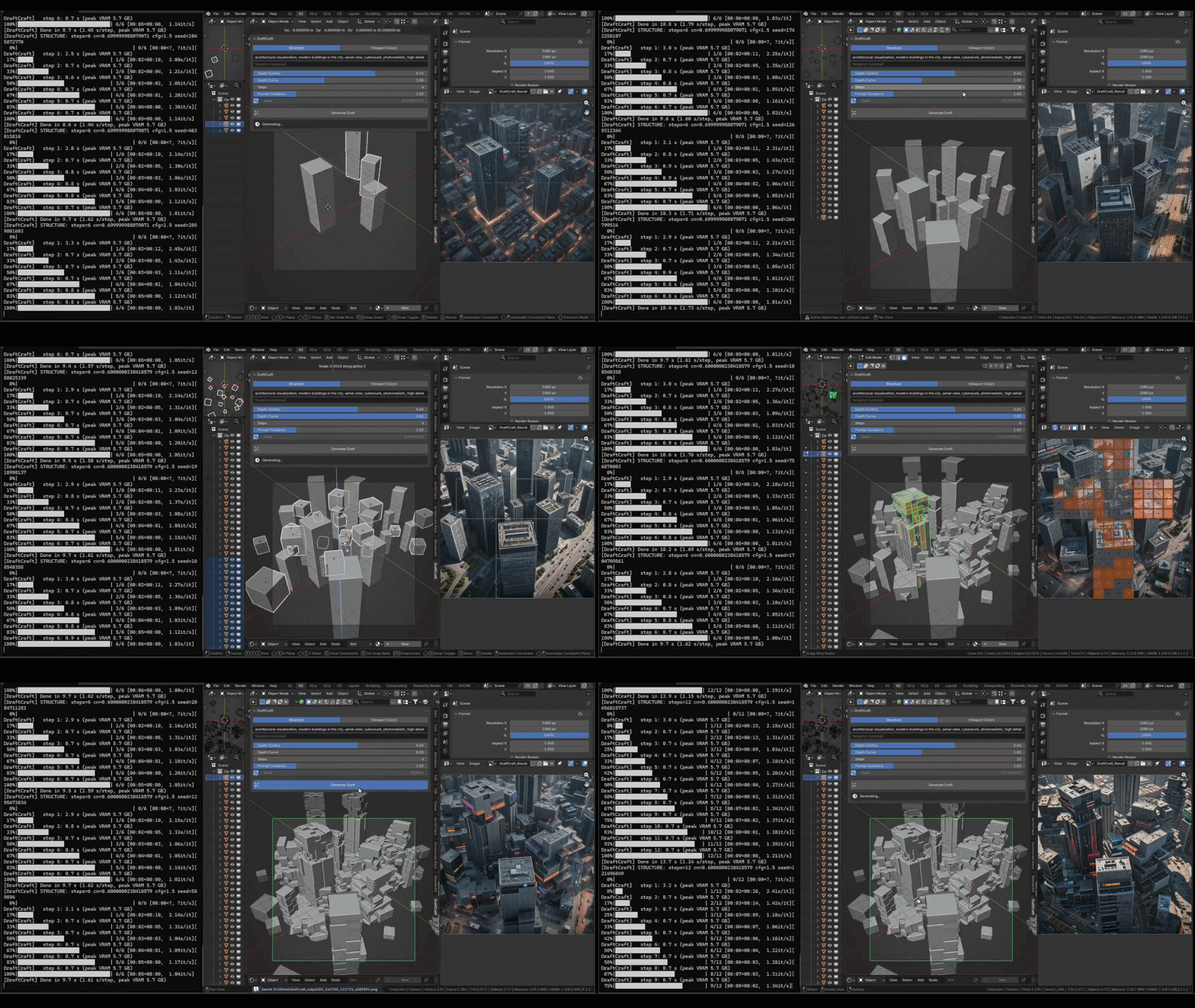
You blocked out the massing. The client meeting is in an hour.
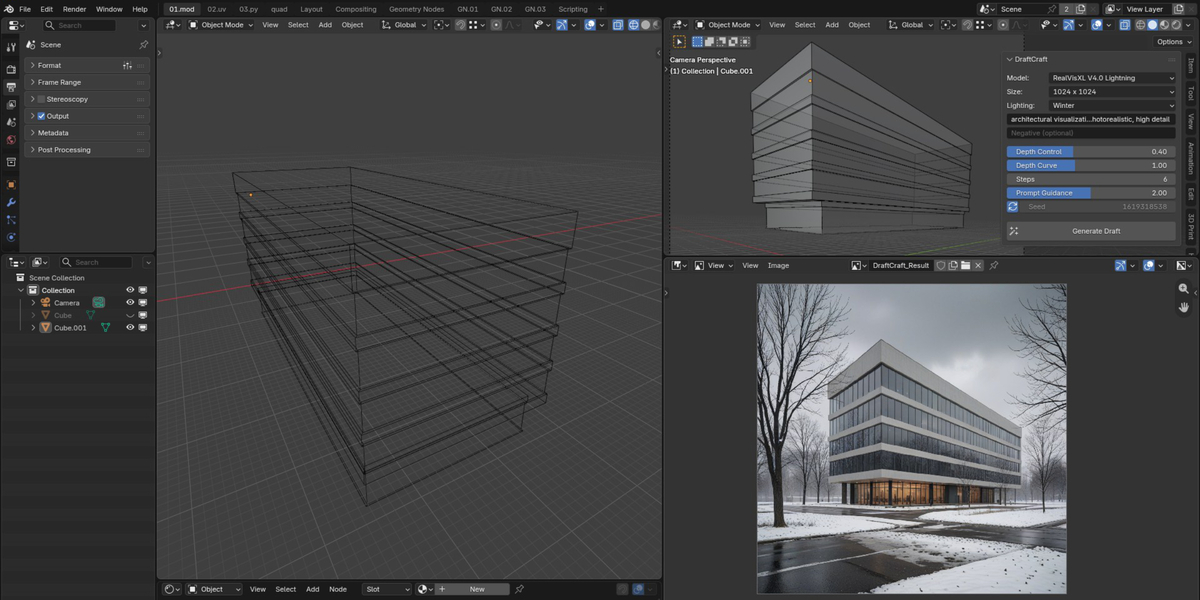
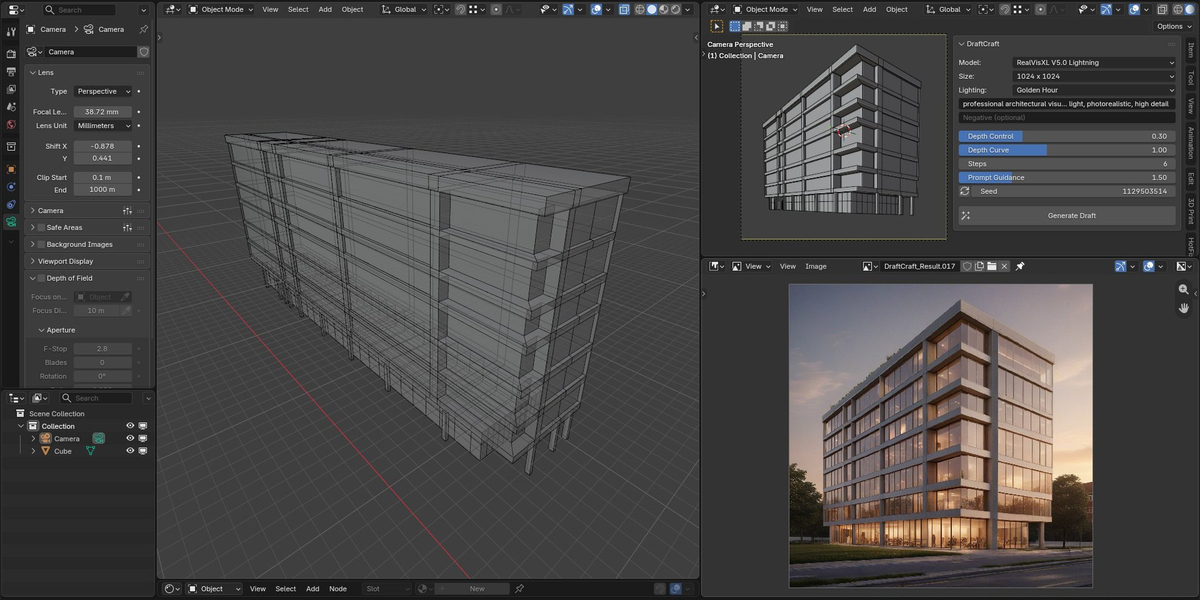
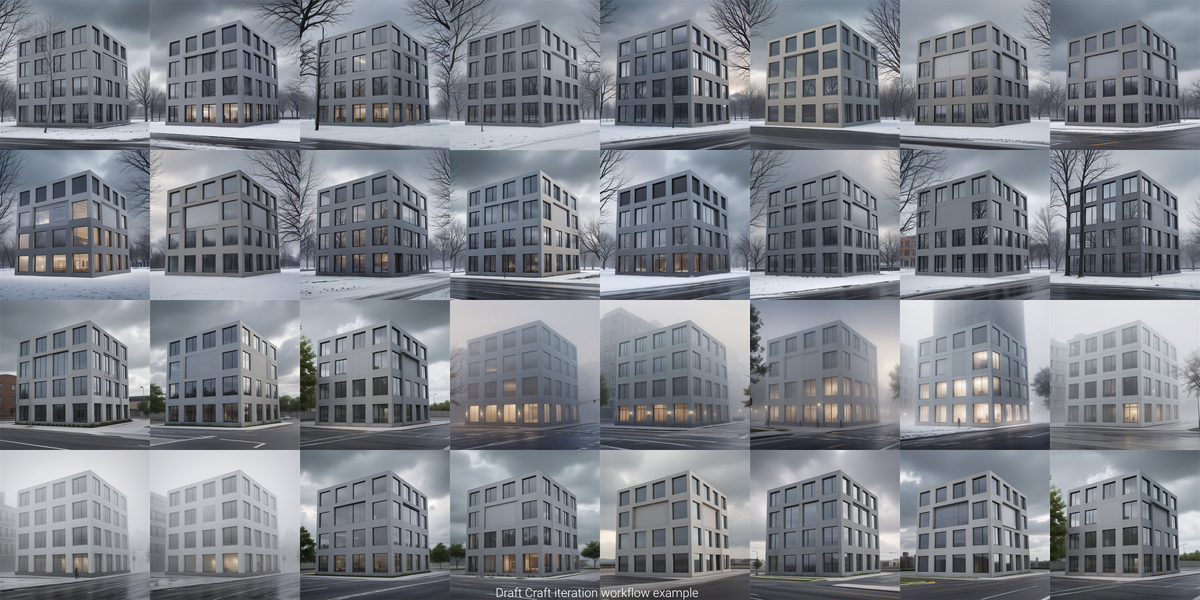
DraftCraft turns your 3D viewport into an AI concept render guided by depth captured from your own geometry (Z-buffer), not estimated from a screenshot. Composition, massing and perspective follow the model you built. AI generated details may differ from the source model.
Generation runs locally on your NVIDIA GPU. Your scenes, prompts and generated images are never uploaded - no credit system, no monthly fee. Setup downloads the engine and the models from the internet once; after that generating needs no connection. Buy once, generate as much as you want.
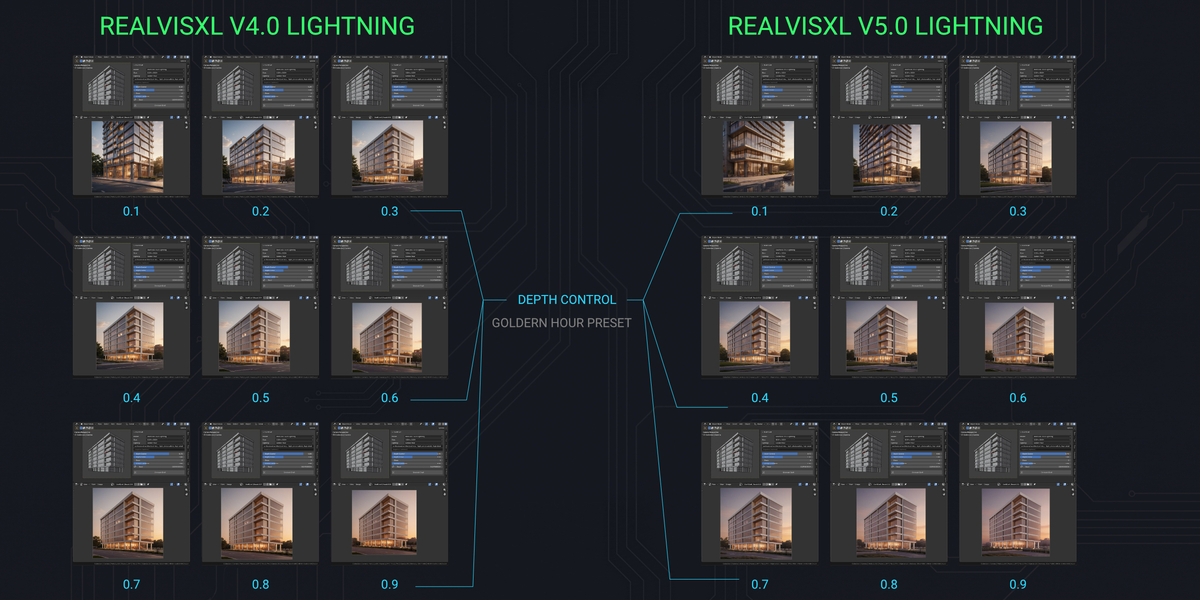
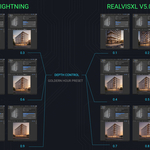
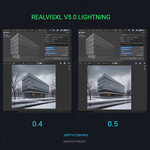
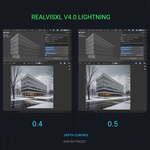
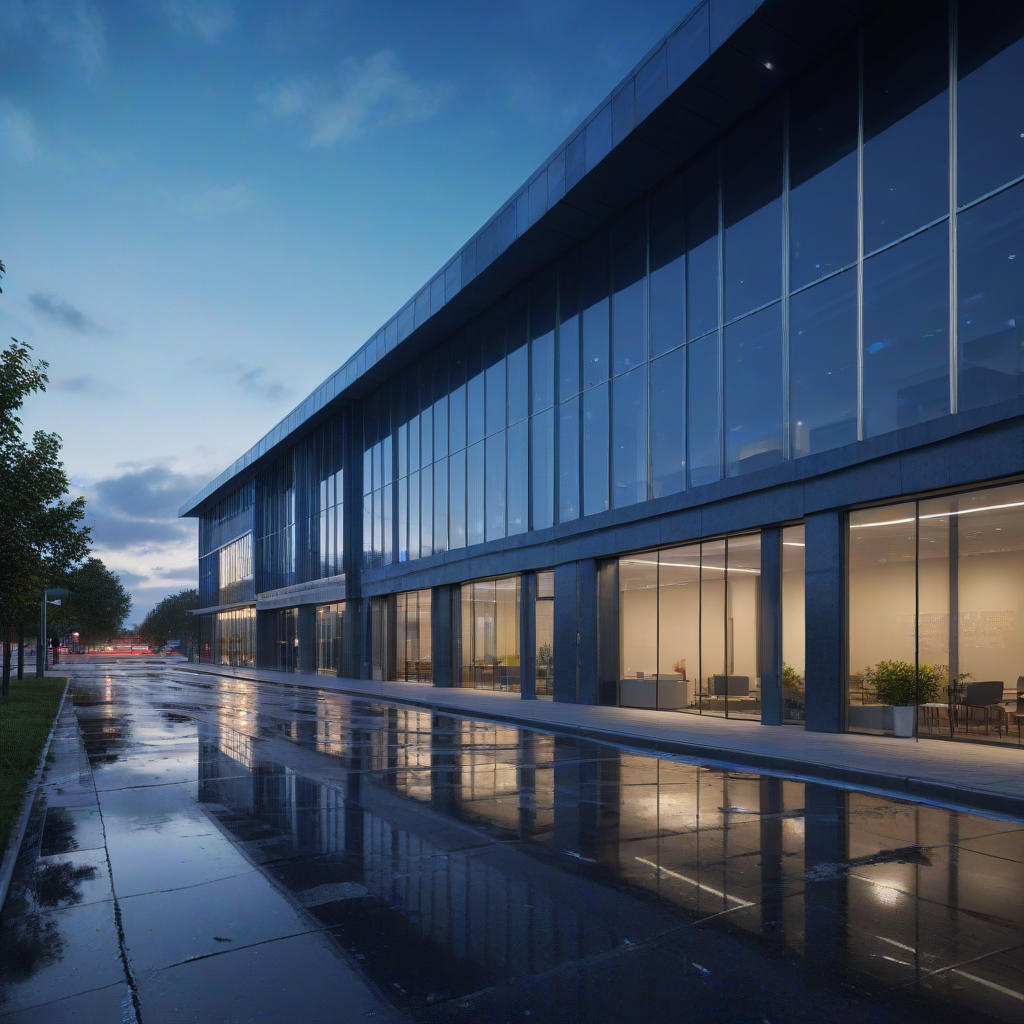
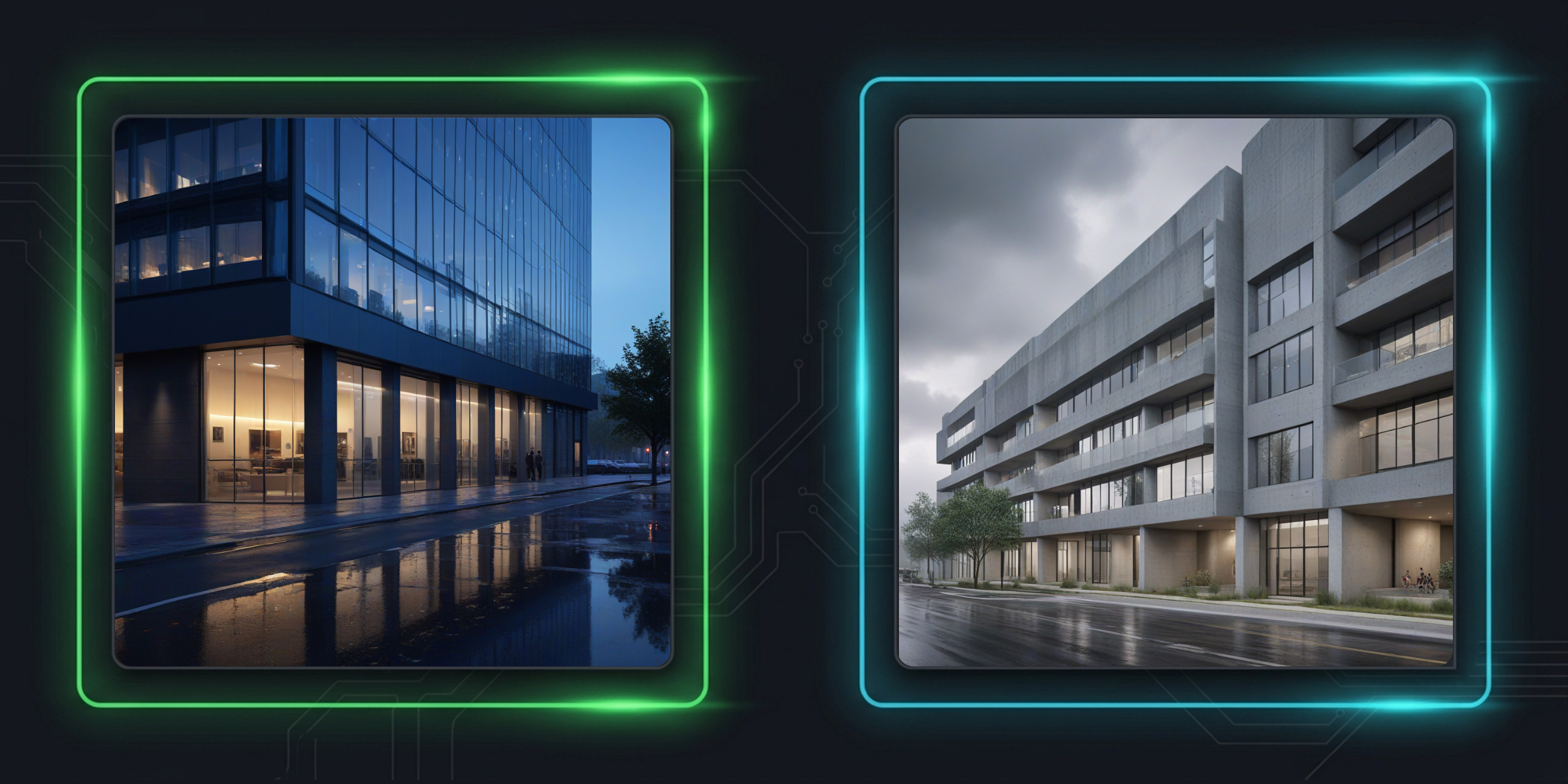
Six ready-made lighting setups, one click each. Picking a preset writes its prompt and sets Prompt Guidance and Depth Control for you, so you get a usable result without writing prompts yourself. Custom leaves everything as it is.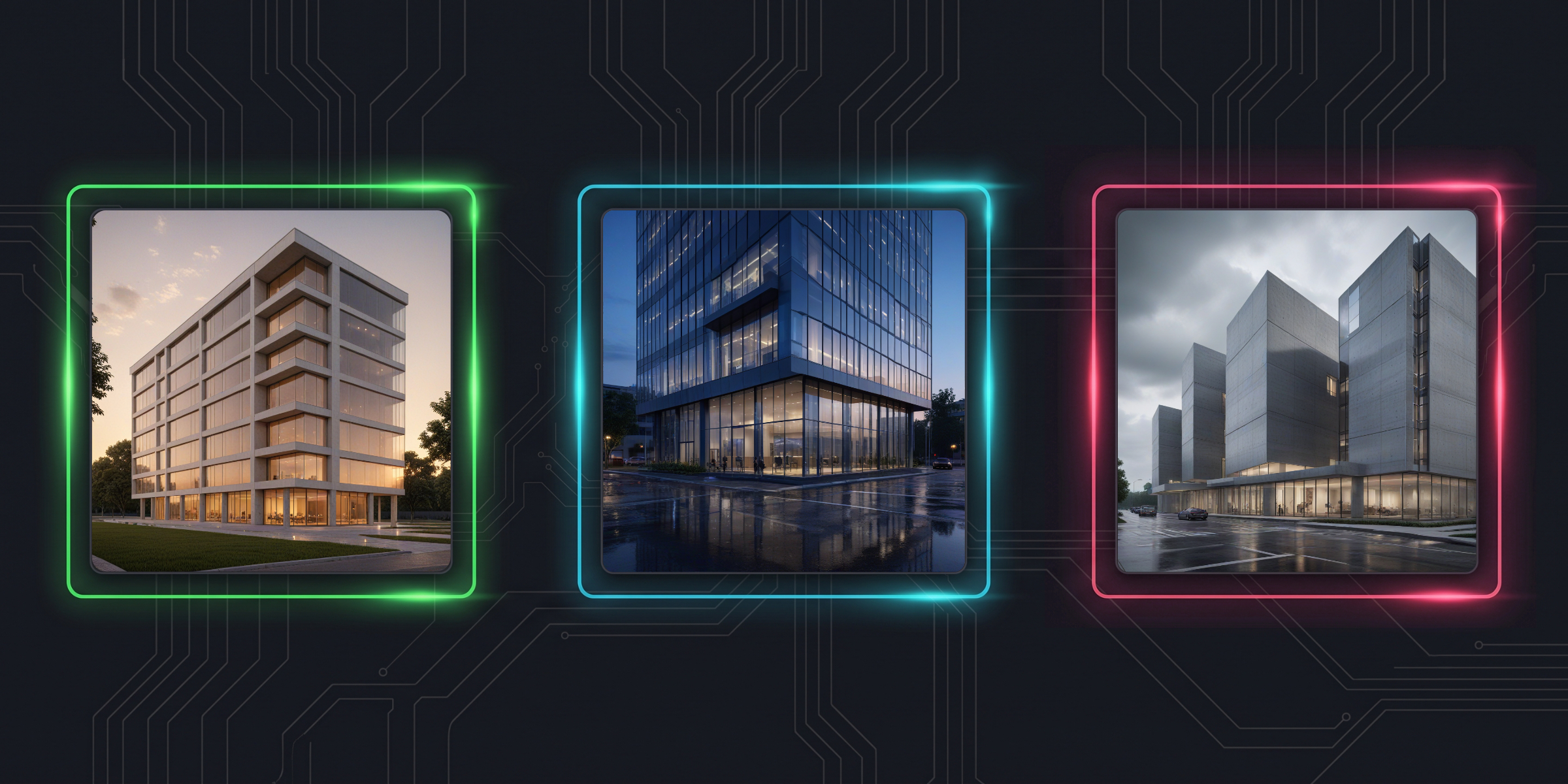
A preset is a starting point, not a lock. Everything it writes stays fully editable, so you can take Blue Hour and keep tuning the prompt from there.
Pick the aspect ratio before you generate. All three presets are about one megapixel, so generation time and VRAM use stay the same. The depth map is rendered directly at the target size, never resampled.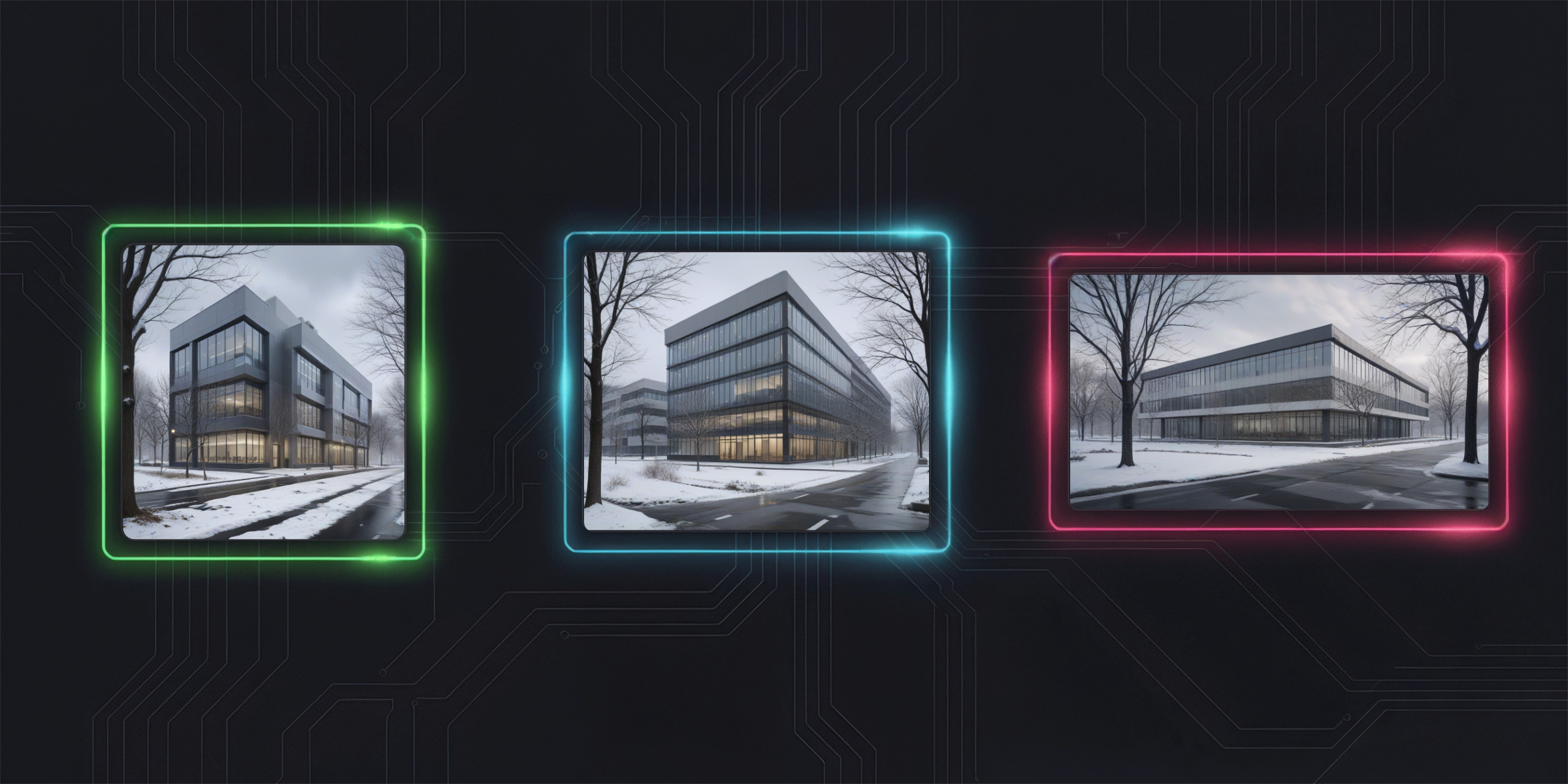
Square. Studies, thumbnails, social.
Landscape. Presentation boards and slides.
Wide. Panoramic massing and street views.
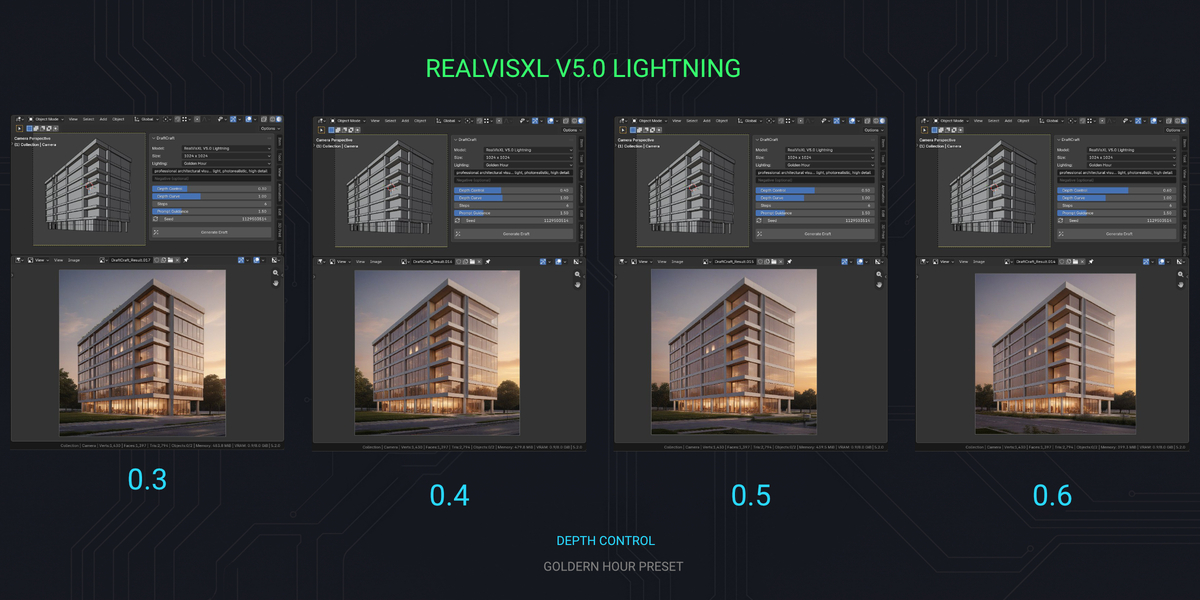
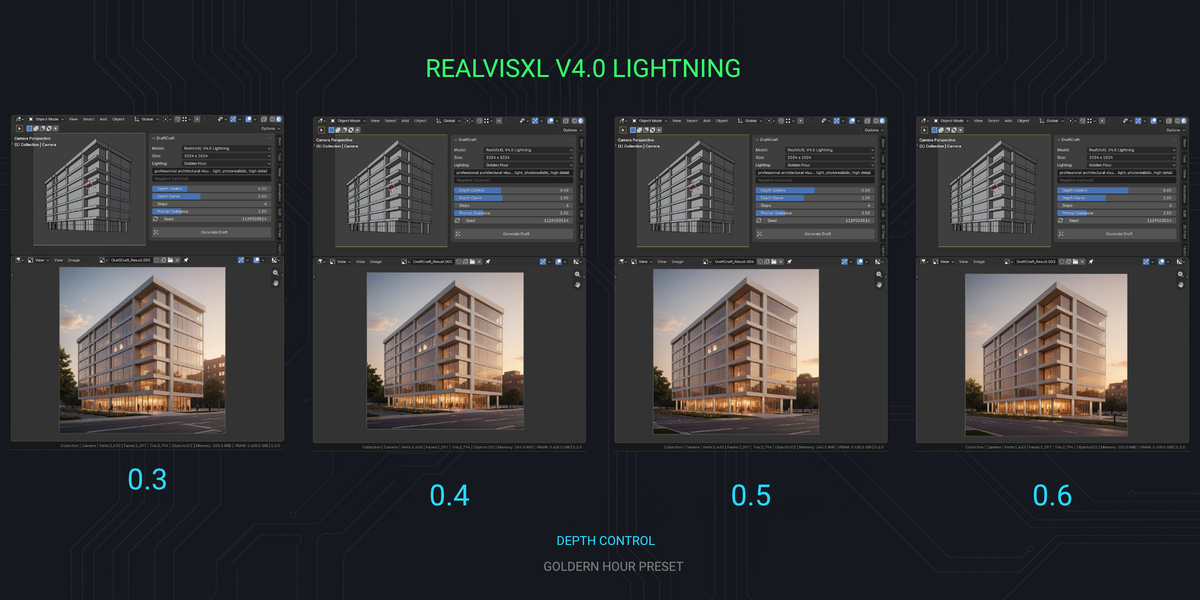
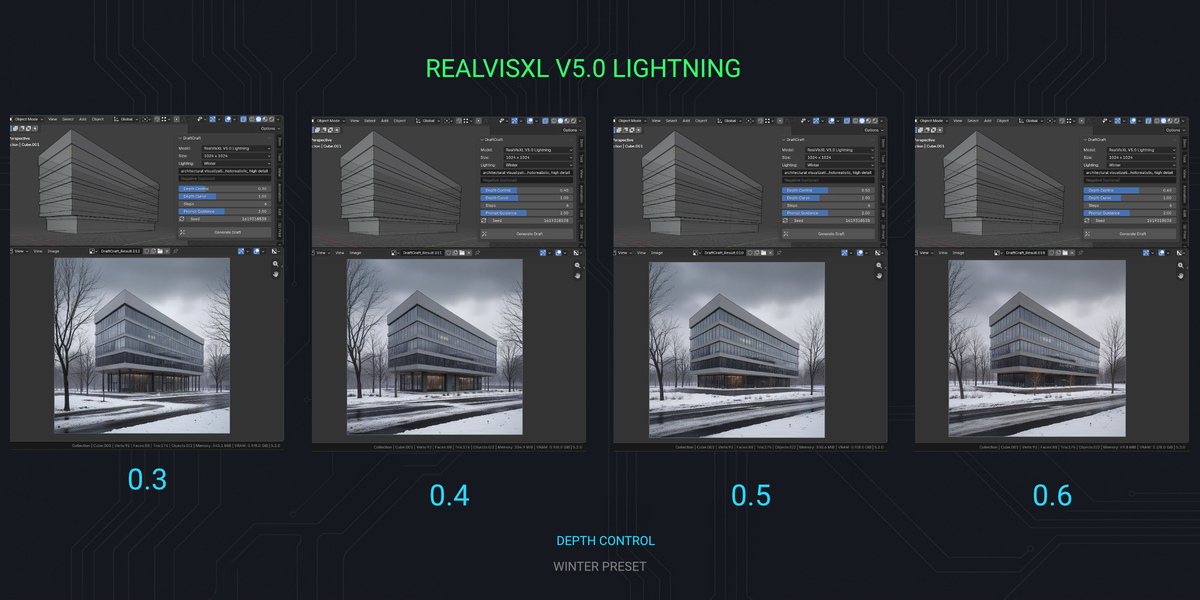
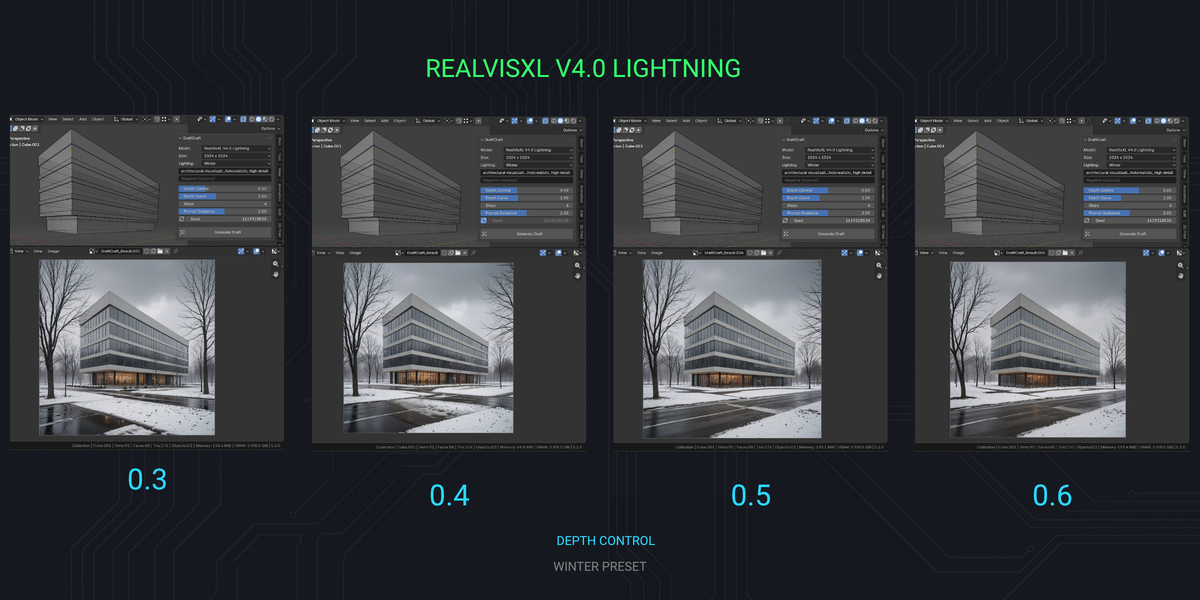
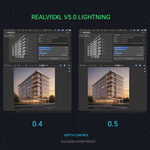
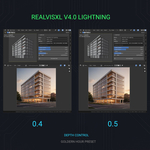
Pick the generative model in the add-on preferences. Both are photorealistic, both are licensed under OpenRAIL++ and both are downloaded straight from Hugging Face. No extra fee, no unlock, nothing to subscribe to.
The default. Already installed if you are updating from an earlier version, so nothing is downloaded again.
A newer revision of the same photorealistic model family. Optional download.
Each model is a separate download of about 7 GB, but the ControlNet and VAE are shared, so the second model is a smaller download than the first. You can keep both installed side by side. Switching is handled by the add-on: the engine restarts itself on the next Generate, so that one image takes longer while the model loads.
> One-time setup downloads the AI engine (~2.5 GB) and models (~8 GB) into a single folder you choose. Any additional model goes into the same folder. Blender's Python is never touched. Uninstall = delete that folder.
> Setup writes a full log into Install Path\logs\, and a setup window that hits an error stays open instead of vanishing.
> Generating runs on 127.0.0.1 only. Your scenes, prompts and generated images are never uploaded, and the engine downloads nothing while generating.
> No account and no API key. DraftCraft sends no telemetry. Setup and model downloads do use the internet, so the download providers see ordinary connection data such as your IP address.
DraftCraft is a concept tool, not a replacement for your final renders. The target is a usable, design-faithful concept image in seconds - for massing studies, client previews, mood exploration and design iteration. For photorealistic finals you will still fire up Cycles.
It is not realtime either. Measured on an RTX 4060 Laptop GPU (8 GB): about 9 seconds per image at 1024 x 1024 with the engine running, about 16 seconds for the first image and about 20 seconds to load the models beforehand. Other cards were not measured, and generation time varies with GPU, settings and model loading.
| OS | Windows 10/11 (64-bit) - Windows only |
| GPU | NVIDIA RTX 30/40 series, 8+ GB VRAM (tested on RTX 40; RTX 20 untested) |
| DISK | ~11 GB free space, plus ~7 GB per additional model. Extra temporary space is needed during installation. |
| BLENDER | 4.2 or newer (tested with Blender 4.2 LTS and 5.2 LTS) |
| INTERNET | one-time engine + model download only |
No AMD/Intel GPU support. No macOS/Linux support. If your hardware does not match, this product will not work for you.
DraftCraft (the add-on code) is licensed under GPL-3.0-or-later. You can use it for personal and commercial work.
The AI models are not part of DraftCraft. They are downloaded from Hugging Face during setup and come with their own licenses:
RealVisXL V4.0 Lightning and RealVisXL V5.0 Lightning: CreativeML Open RAIL++-M
Depth ControlNet (controlnet-depth-sdxl-1.0-small): CreativeML Open RAIL++-M
SDXL VAE fp16 fix: MIT
> You can use the images you generate in client presentations, competitions, portfolios and commercial projects.
> The model licenses do not claim any rights to your images. You are responsible for how you use them.
> The models must not be used for illegal or harmful purposes, such as deceiving or harming people or harassment. The full list of restrictions is in the license.
> Whether AI-generated images are protected by copyright depends on the laws of your country.
Full license texts are included with the add-on (Preferences > Model Licenses) and on the model pages:
https://huggingface.co/SG161222/RealVisXL_V4.0_Lightning
https://huggingface.co/SG161222/RealVisXL_V5.0_Lightning
https://huggingface.co/diffusers/controlnet-depth-sdxl-1.0-small
https://huggingface.co/madebyollin/sdxl-vae-fp16-fix
This summary is for orientation only and is not legal advice.
Current version: 1.3.3 · Blender 4.2 or newer (tested with Blender 4.2 LTS and 5.2 LTS)
Requirements: Windows 10/11 64-bit, NVIDIA RTX 30/40 series with 8 GB VRAM or more
Disk space: ~11 GB for the engine and the default model, plus ~7 GB per additional model, with extra temporary space during installation
Documentation: Available online & as an offline text file
Support: through Superhive messages
A maintenance update focused on safety and reliability. Same models, presets and image quality.
Setup is verified, so every step is done once and model downloads are checked.
Six lighting presets: Golden Hour, Blue Hour, Winter, Overcast, Fog and Night.
Picking one sets the prompt, Prompt Guidance and Depth Control in a single click.
Custom leaves the prompt and the settings untouched.
The default prompt is now neutral, with no lighting condition baked in.
Choose your model: RealVisXL V4.0 Lightning or V5.0 Lightning, at no extra cost.
Each model is a separate ~7 GB download, shared parts are downloaded only once.
Switching models restarts the engine automatically.
A more stable install and engine start, with a clear error within a minute instead of a long wait.
Three output resolutions: 1024 x 1024, 1152 x 896 and 1344 x 768. Speed and VRAM use stay the same.
A clear message instead of a crash when Blender is updated or moved.
Faster viewport capture.
Initial release.
DraftCraft is developed by Parametr Studio with AI assistance.
PARAMETR STUDIO // 2026