Drag2shade
 Flidoh Animations




Does it work with non-PBR setups?
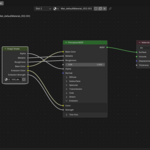
It targets Principled BSDF by default. Other node types can receive the image node but won't be auto-connected.
Will it overwrite an already-connected slot?
No. Occupied slots are skipped automatically.
What texture types does it recognize?
Base Color, Roughness, Metallic, Normal, Bump, AO, Emission, Opacity/Alpha, and Displacement.
How does texture detection work?
It reads the filename for keywords (e.g. _rough, _nrm, _ao) and falls back to image analysis checking pixel variance, color distribution, and transparency to classify the map type.
Which Blender versions are supported?
Blender 5.0+ (extension format).
What is Drag2shade?
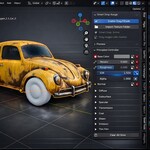
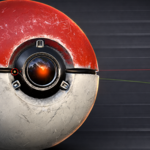
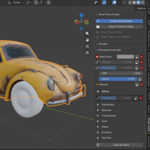
A Blender extension that lets you drag and drop image files directly onto shader nodes or on the mesh, automatically detecting the texture type (Base Color, Roughness, Normal, Alpha, etc.) and wiring them up.
Have questions about this product?
Login to message
| Blender Extension Compatible | Yes |
| Published | 8 months ago |
| Blender Version | 4.1 - 5.0 |
| Extension Type | Add-on |
| Render Engine Used | Blender-Internal, Cycles, Eevee |
| License | GPL |