DrapeFlow — Easy Cloth for Interiors
 VertexModeler Inc.

How do I report a problem?
Use the product support channel with your Blender version, reproduction steps, console error and a small example scene. Remove private artwork before sharing.
Is thickness added automatically?
No. Thickness defaults to zero.
Does the add-on use an online AI service?
No. The add-on works locally. Some bundled artwork and illustrative previews were generated or polished during development; there is no runtime image-generation service.
Can I use an arbitrary mesh as the cloth source?
Geometric reconstruction expects one non-overlapping rectangular UV island covering 0 to 1. The generated source is the recommended starting point.
What does Bake Static Mesh keep?
It freezes the result with its UVs and materials while retaining the source for regeneration. Live geometric reconstruction is unavailable on the baked mesh.
Can I cancel a slow simulation immediately?
Esc is processed between solver frames. An expensive native frame can temporarily delay cancellation.
Why can the cloth intersect or float?
Initial intersections, object scale, collision spacing, tight folds and collider geometry affect contact. Inspect the source placement and clearance; simplify problematic colliders and regenerate.
How can I reduce simulation time?
Start with Quick or Balanced density, use simplified collision objects and avoid unnecessarily long simulations. Increase quality only where visible. Identical physical inputs can reuse the in-memory final result.
How do I finish Pin Edit?
Press Enter or click Apply to confirm; Esc or Cancel restores the previous state. A viewport banner and sidebar message report the outcome.
How are painted pins grouped?
Connected weighted patches form movable regions. Overlapping strokes merge. Erasing a full gap separates regions.
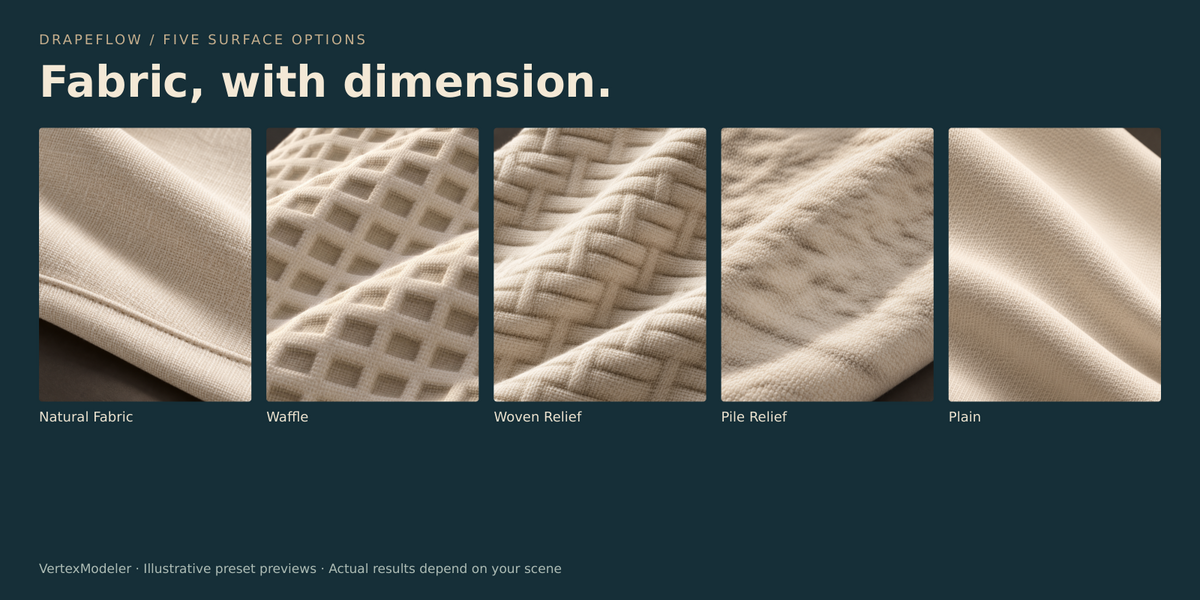
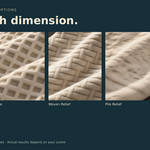
Does Pile Relief make individual fibers?
No. It creates continuous surface relief. Fuzz and hair generation are not included.
What is the difference between Structure and Thread Scale?
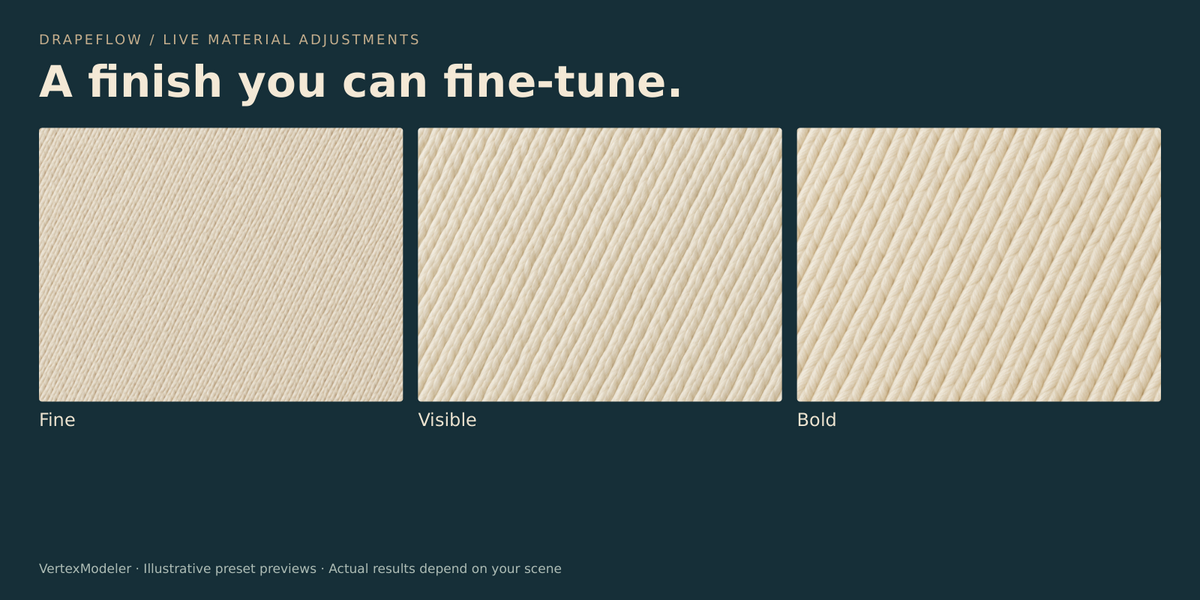
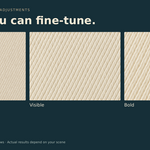
Structure reconstructs geometric relief. Thread Scale controls shader texture detail. Material-only edits do not re-run simulation.
Can I change materials after simulation or baking?
Yes. Pattern, thread scale, normal amount, roughness and sheen update the selected DrapeFlow result. Use Material Preview or Rendered shading to see them.
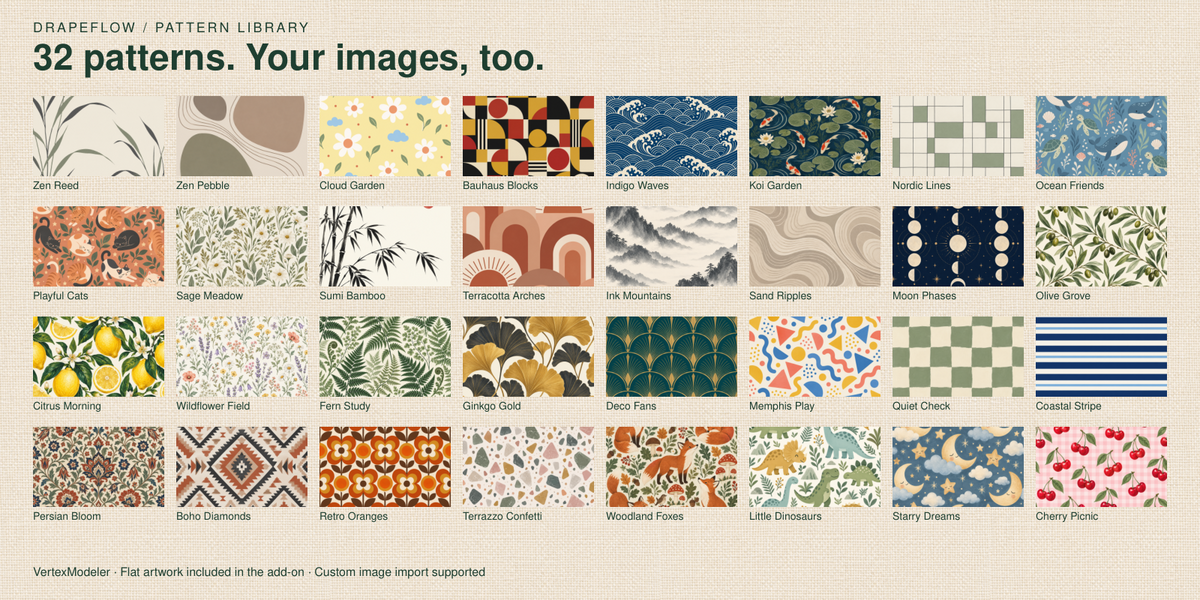
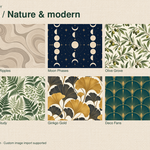
Are the 32 patterns seamless?
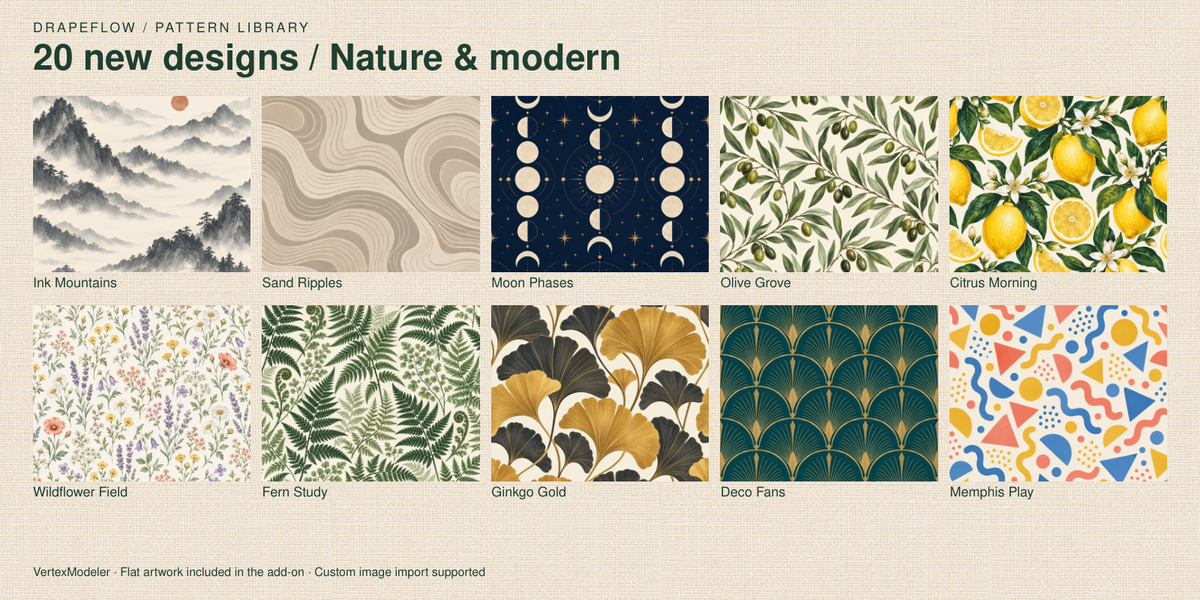
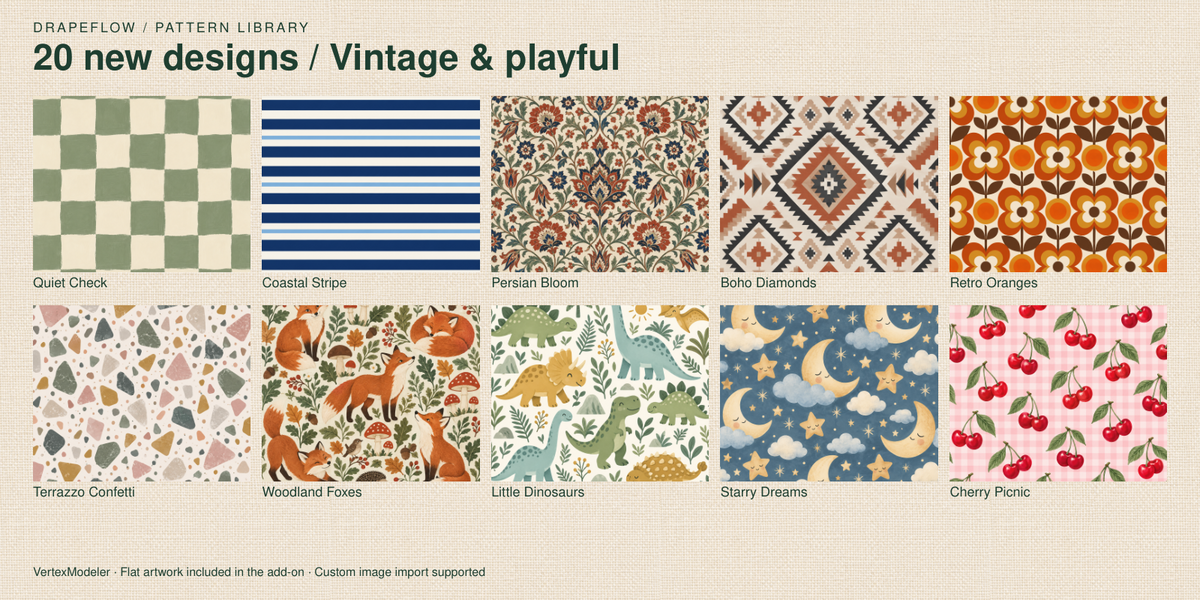
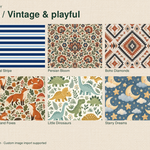
Not necessarily. They are designed to map once across the sheet.
Can I import my own image?
Yes. Choose Custom Image and import a file. A new sheet uses the image aspect ratio. Changing an existing result's image does not resize its geometry.
Can I watch the simulation?
Enable the eye control beside Frames. Displaying progress bypasses the cached final result.
4. Does 150 frames mean 150 seconds of calculation?
No. It is five seconds of simulated time at the solver's 30 FPS. Real computing time depends on mesh density, collisions and your computer.
How do I make my first drape?
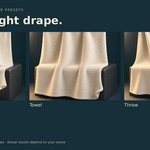
Select collision objects, choose a pattern and structure, click Place Cloth, position the sheet above the objects, then Generate Drape.
Where is the panel?
Open the 3D Viewport sidebar with N and select DrapeFlow. Cloth, Look and Setup organize the workflow.
Which Blender version is this for?
DrapeFlow targets Blender 5.2 LTS. It has been exercised in Blender 5.2.2 background tests; the seller must complete Windows desktop acceptance before release.
 Included
Includes 12 months of
- Support from VertexModeler Inc.
- Product updates
Extend this product’s Support Period +12 months: 50% of product price
Have questions before purchasing?
Login to message
| Blender Extension Compatible | Yes |
| Published | about 2 months ago |
| Blender Version | 5.0 - 5.2 |
| Extension Type | Add-on |
| Render Engine Used | Blender-Internal, Cycles, Eevee, Vray |
| License | GPL |
Discover more products like this
textiles procedural Draping cloth simulation fabric Sofa Throw geometry nodes towel blender environment art Interior Design ArchViz