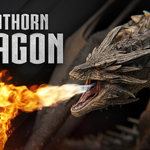
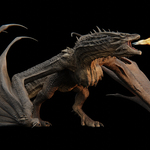
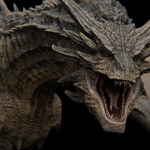
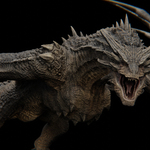
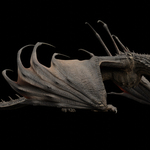
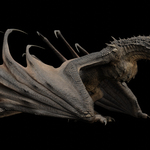
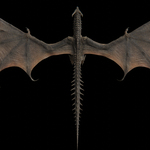
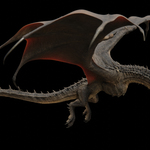
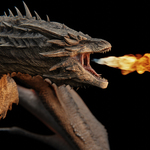
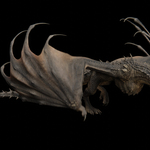
Dreadthorn Dragon | Rigged 3D Model
 HuyKhoi2407


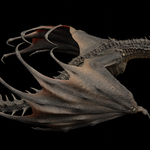
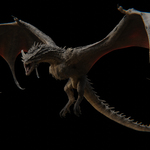
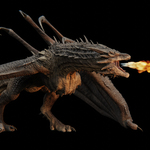
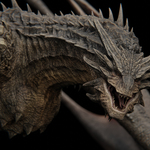
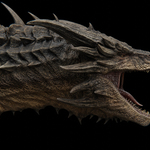
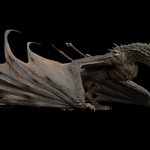
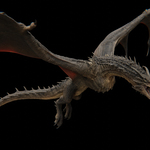
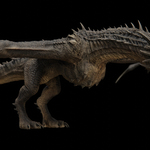
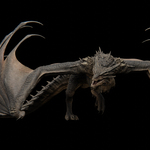
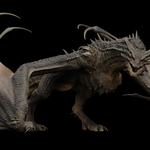
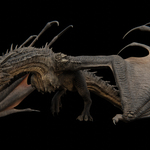
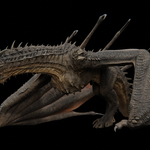
The animation loses its dynamic inertia effect when rendering or exporting.
Before Rendering or Exporting: run “Bake Dynamic” script to bake the animation of the bones affected by the Dynamic effect - Since the Dynamic Inertial effect involves circular dependencies, which can cause issues during rendering.
How to remove the bake data and restore the constraints to its default state.
After Rendering or Exporting: please run the "RemoveBaked" script in the side panel to remove the bake data and restore the constraints to its default state.
How to switch animations
To switch to a different animation, select the dragon's armature, then click the dropdown menu in the Action Editor window and select the animation you want to display.
$69
Have questions about this product?
Login to message
| Sales | 40+ |
| Rating | 3 ratings |
| Dev Fund Contributor | |
| Published | about 1 year ago |
| Blender Version | 4.2 - 5.2 |
| Render Engine Used | Cycles, Eevee |
| Misc Data | Uvs-Unwrapped, Rigged, Animated, Low-High-Resolution, Normal-Mapped, Textured |
| License | Royalty Free |