 ZEG
See all my Blender addons on Superhive >
Build the house
you dream of.
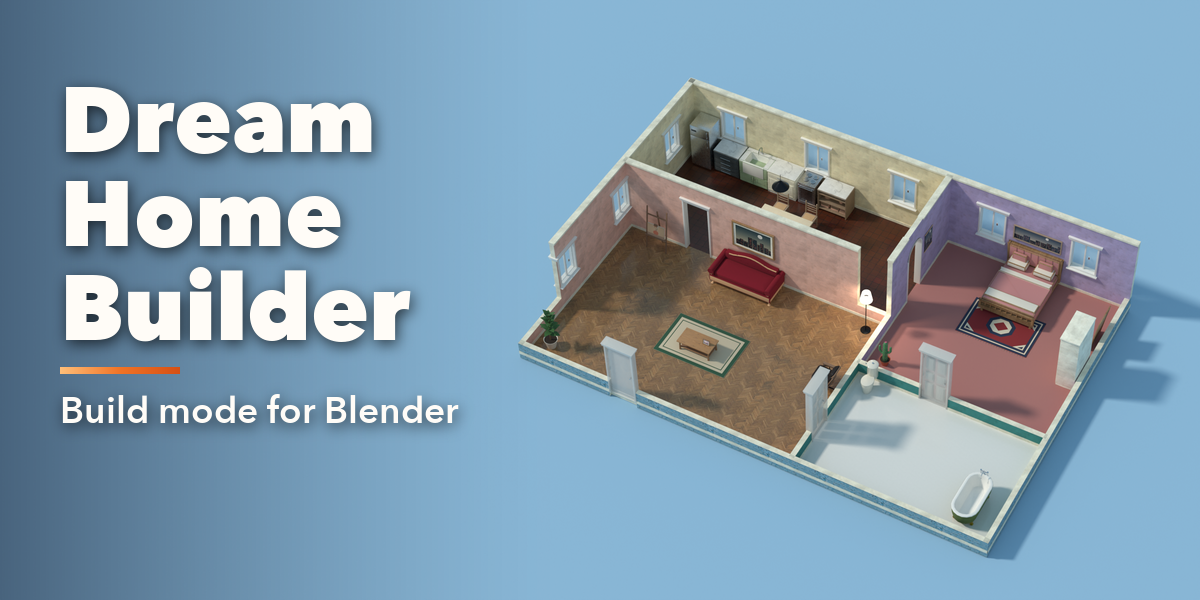
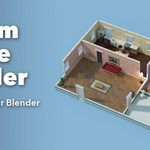
A Sims-style build mode inside Blender. Draw walls and rooms with a drag, add doors and windows, furnish every room, and keep the finished home as plain Blender objects.
DRAW / FURNISH / RENDERA game-style editor,
made for Blender.
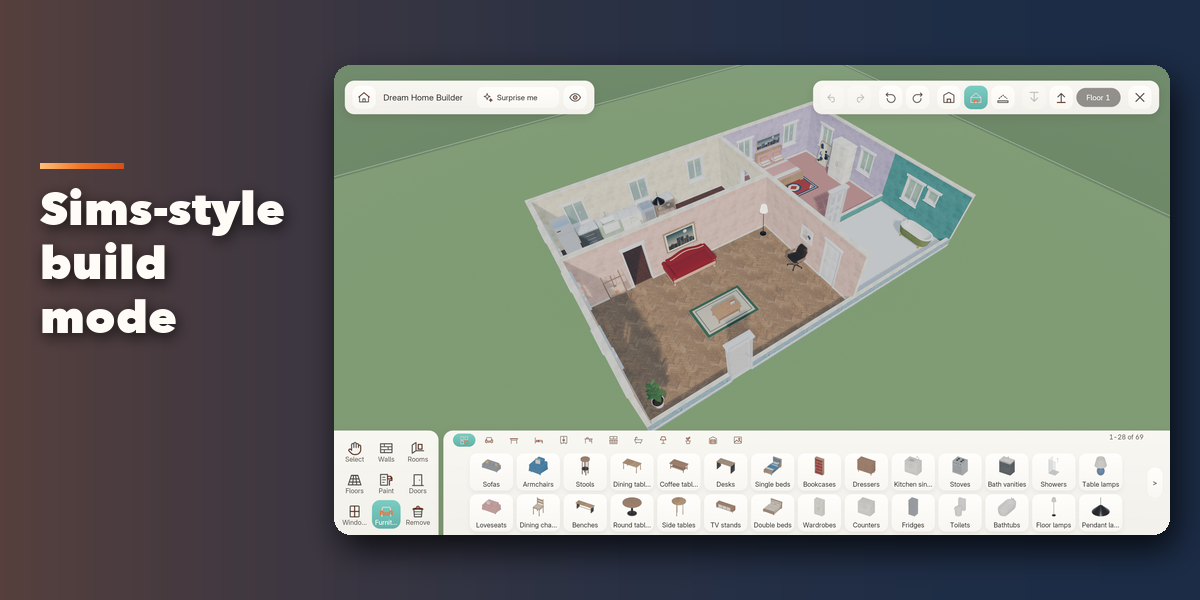
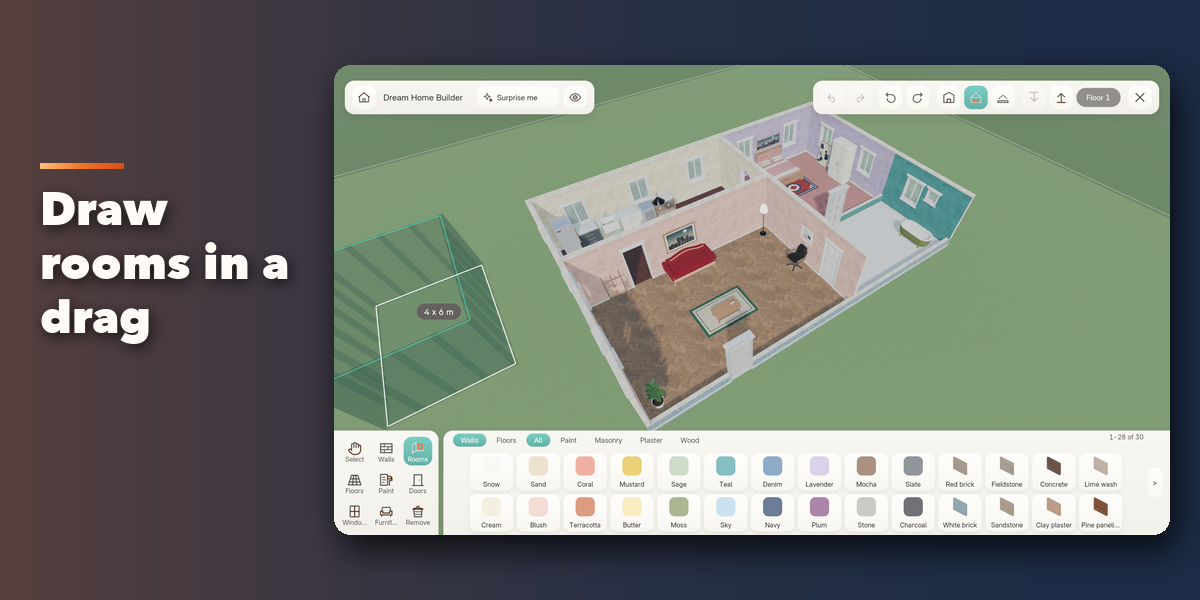
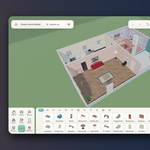
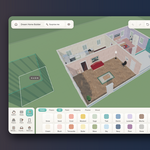
One click opens a full-screen build mode with a toolbar, a shelf of picture tiles and a cutaway camera. Lay floors, raise walls in any of eight directions, paint every wall side and fill the rooms with real, recolorable furniture. Press Esc and your Blender layout returns with the house in your scene, ready for Cycles or EEVEE.
A new home in one click.
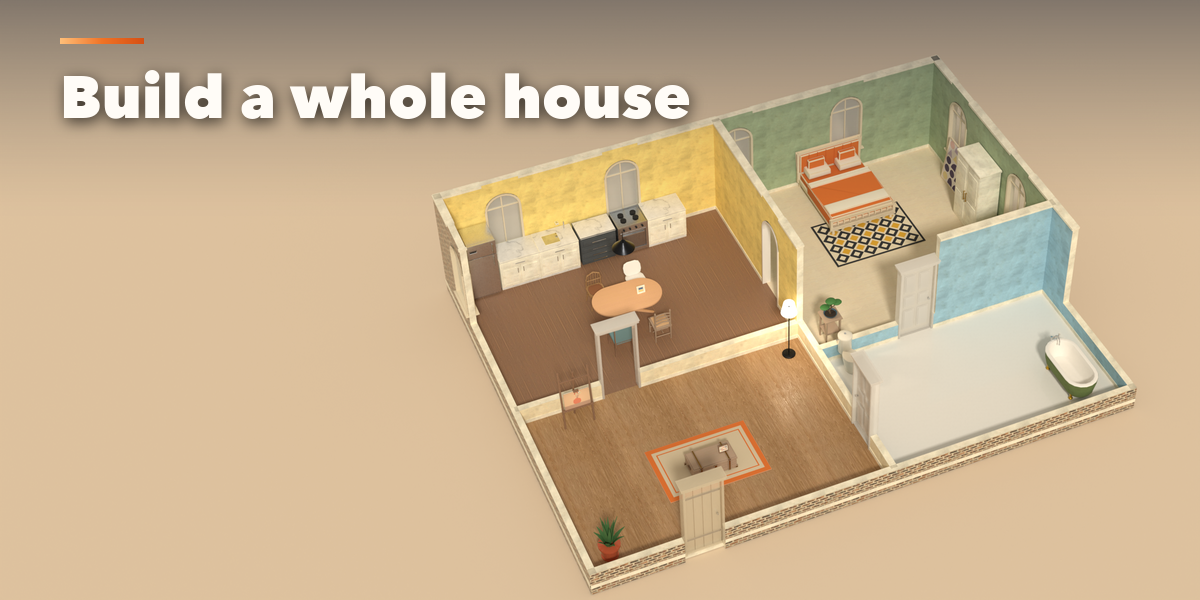
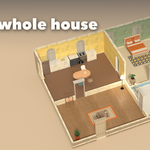
Surprise Me builds a complete furnished home, with living room, kitchen, bedroom and bathroom, and a new plan, palette, doors, windows and furniture every time.
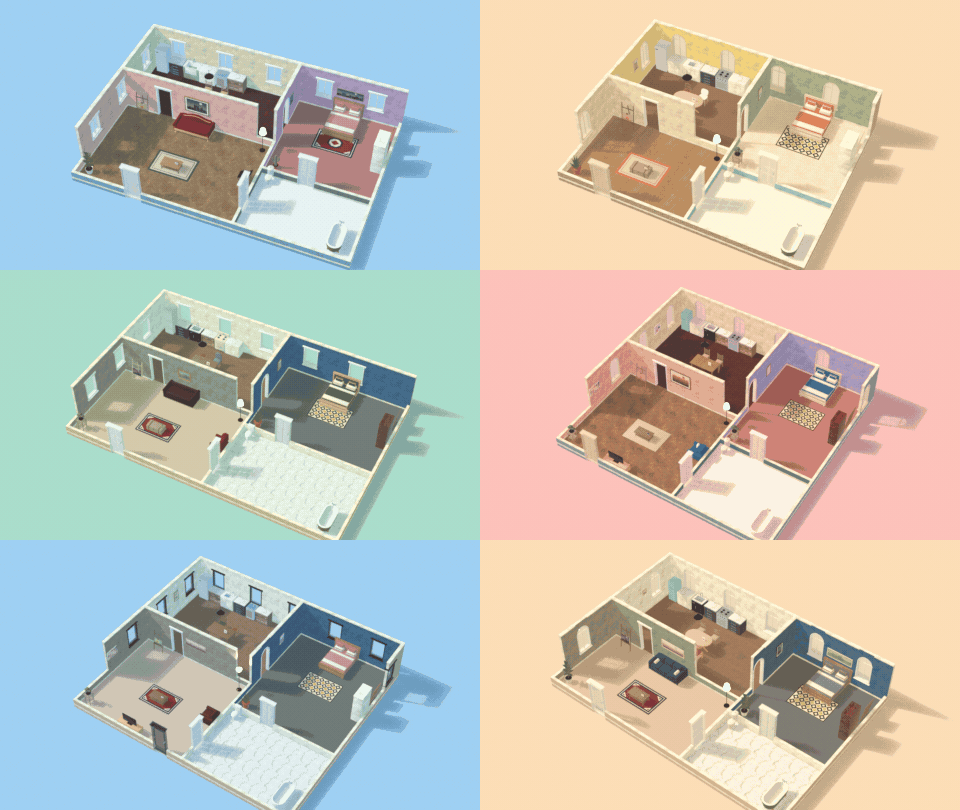
Floors, walls, doors, furniture.
Build a house the way you would in a game: lay the floors, raise the walls, cut in doors and windows, then furnish every room. Undo and redo up to 80 steps.

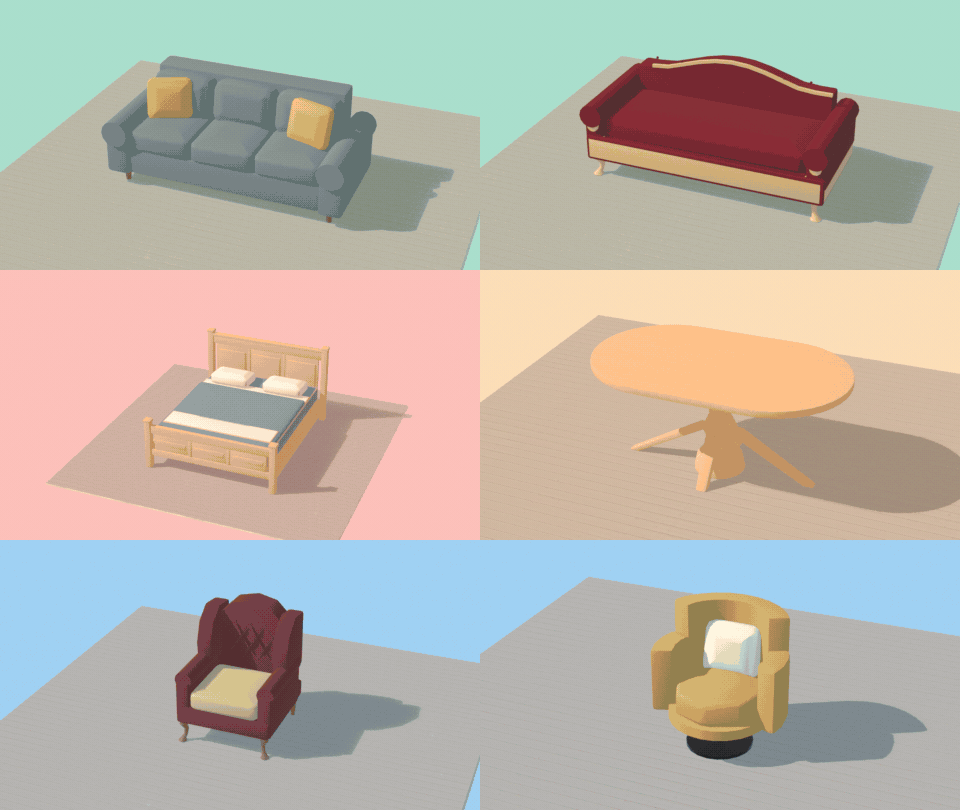
333 pieces to furnish with.
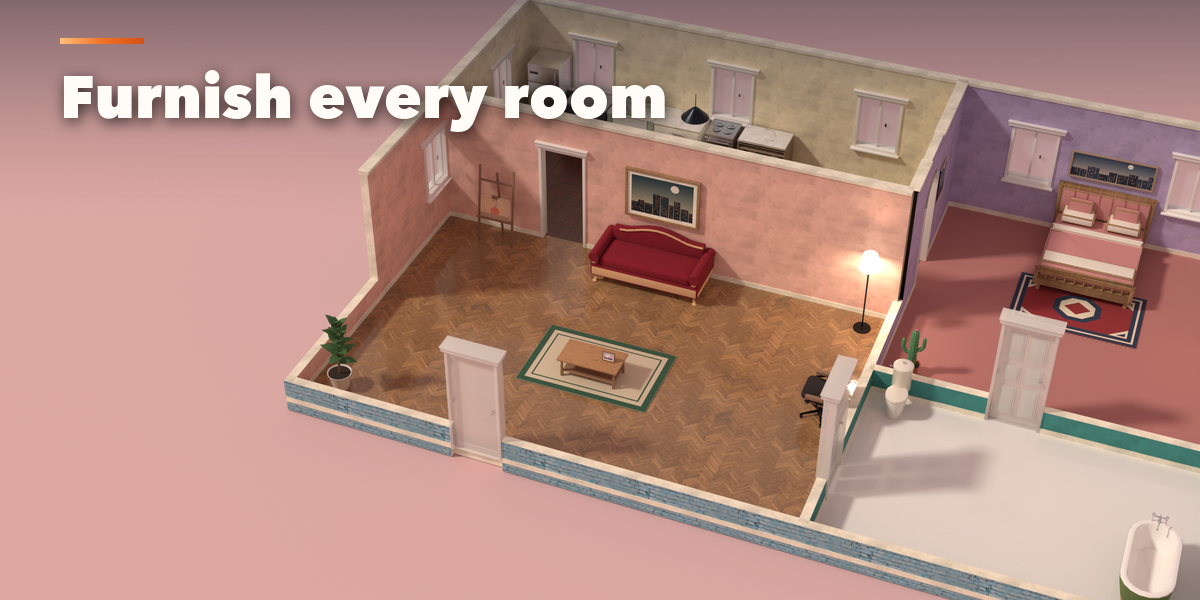
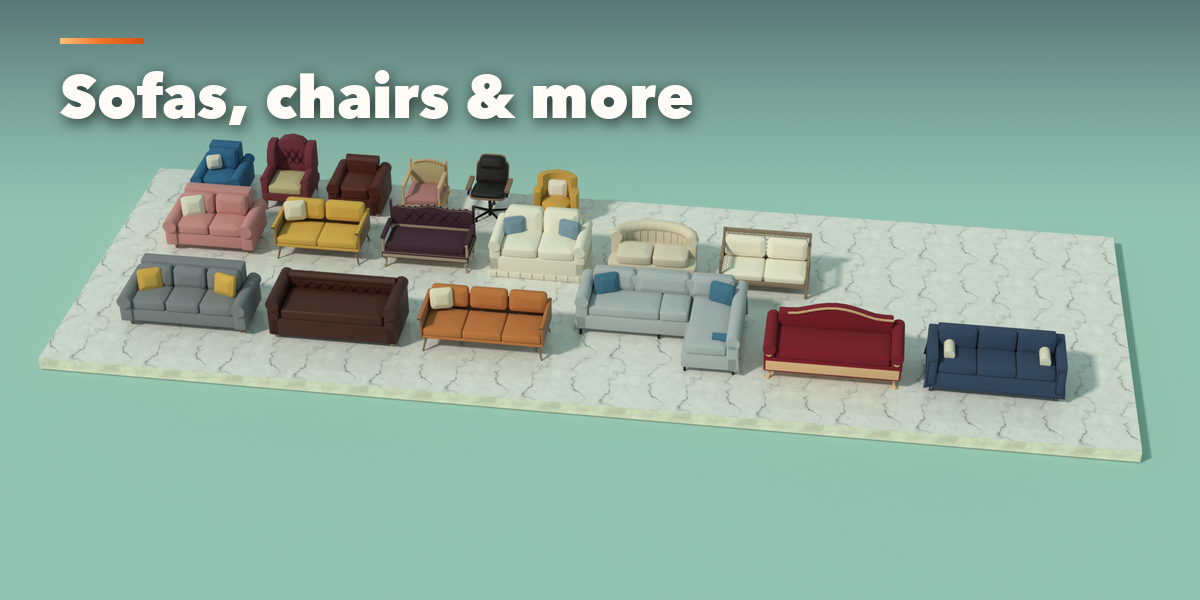
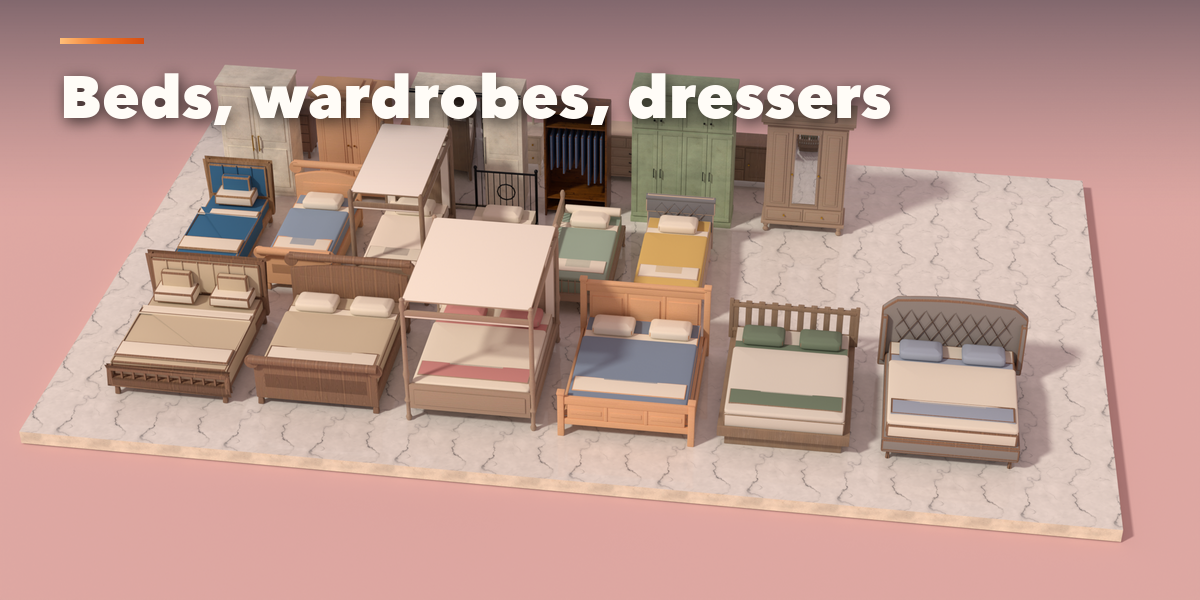
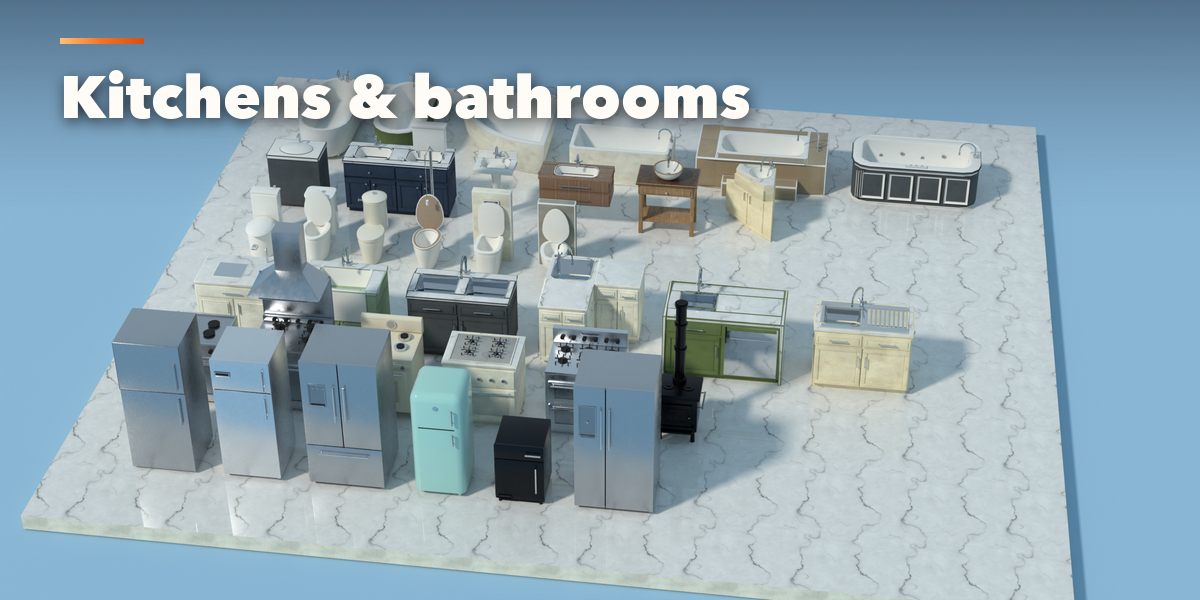
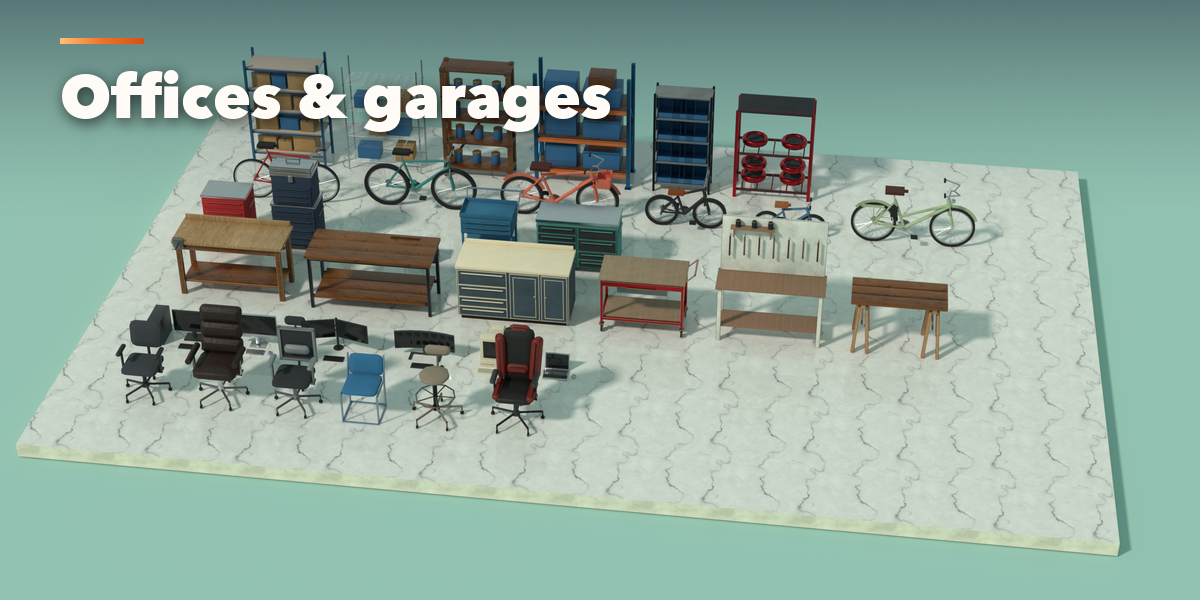
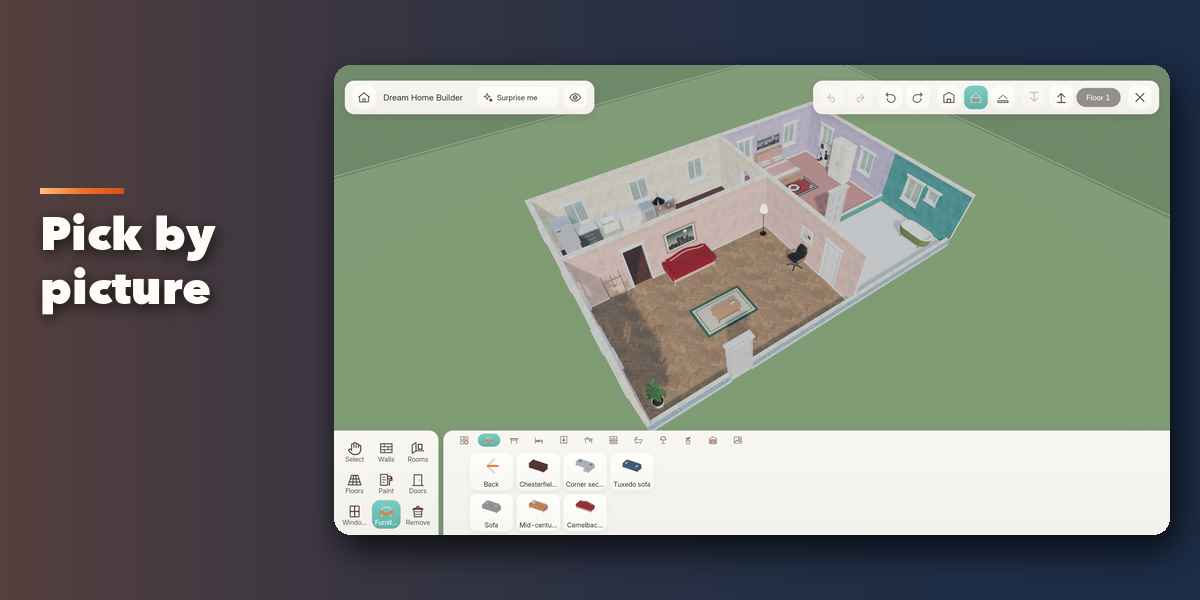
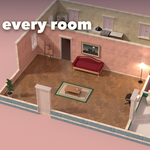
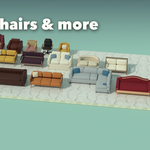
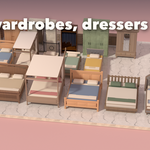
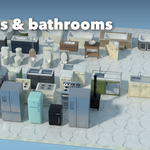
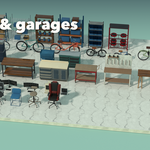
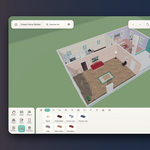
Sofas, beds, tables, armchairs and 65 more furniture types, six designs or more of each, in office, kitchen, bath, lighting, decor and garage categories. Recolor any part.
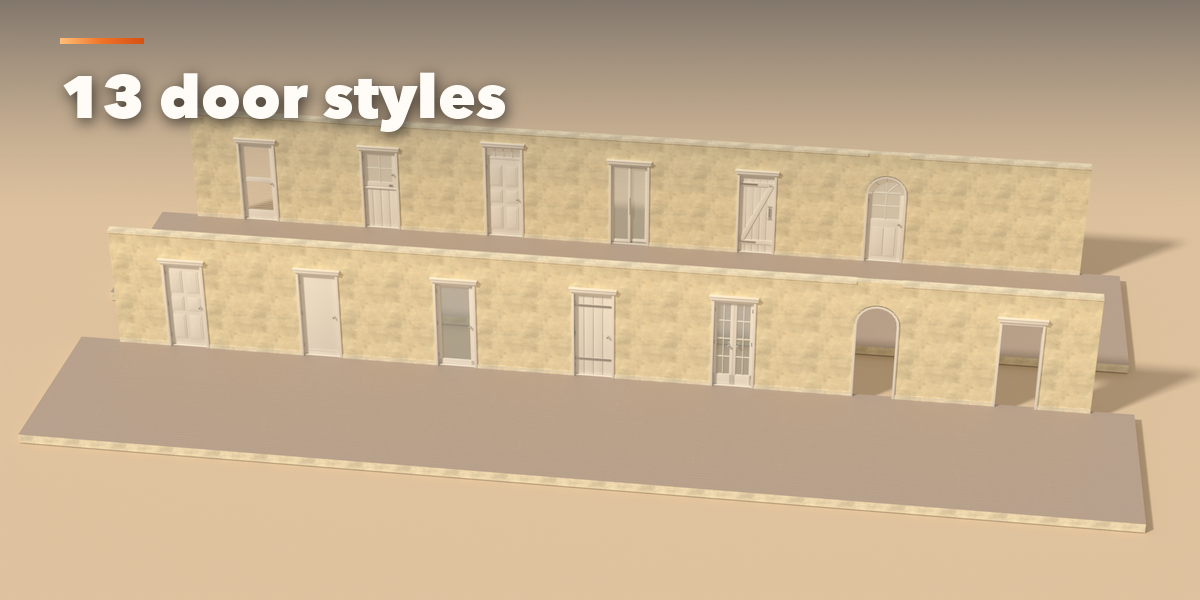
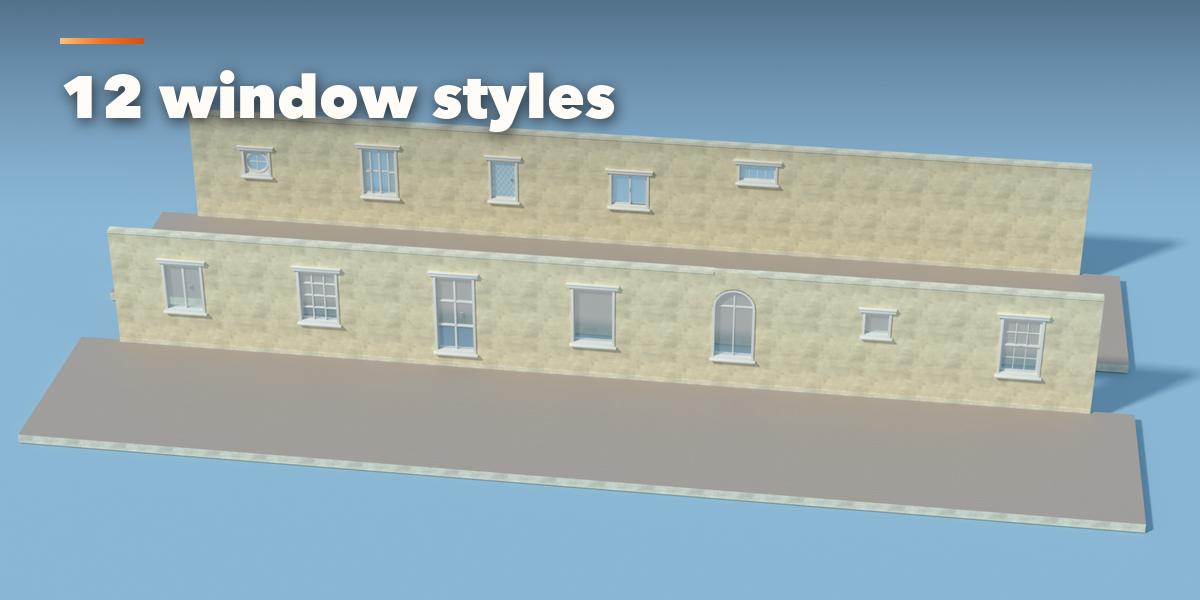
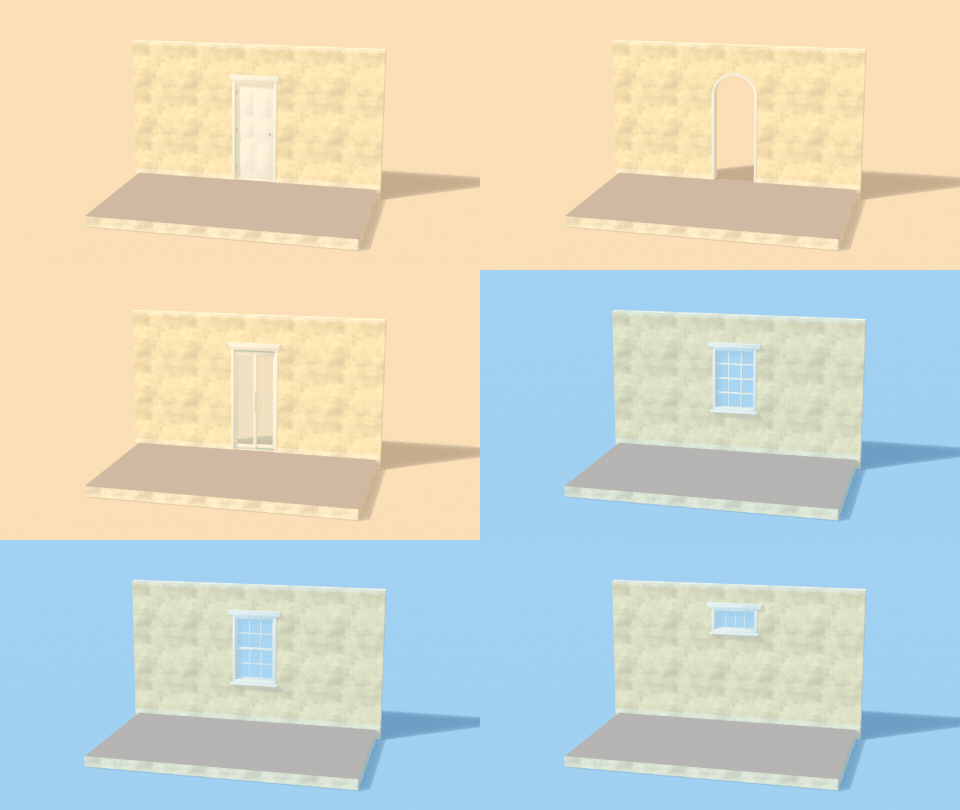
13 doors and 12 windows.
Panel, glass, barn, Dutch and arched doors, sash, round, shuttered and leaded windows. Every one cuts a real opening into the wall.
Made for living in.
Walls that meet cleanly
Eight wall directions with mitred corners and junctions, per-side coverings, baseboards and crown molding.
Real materials and light
PBR scans from Poly Haven, floors in 36 finishes, and lamps with real point lights that glow.
Pictures on the walls
33 painted artworks in framed, canvas, poster, round and photo-frame styles, plus easels.
Yours to keep
Leave build mode and the house stays as ordinary meshes, materials and lights. Edits never change your other objects.
More details
Dream Home Builder turns Blender into a Sims-style build mode. One click opens a full-screen, game-like editor: draw walls and whole rooms with a drag, lay floors, paint every wall side, drop in doors and windows, then furnish and decorate each room from a shelf of picture tiles. Press Esc and you are back in Blender with the finished house sitting in your scene as ordinary, editable objects.
Everything is built for speed and fun. A cutaway camera lowers the walls in front of you so you can always see inside, three levels stack into multi-storey homes, walls run in eight directions with clean mitred corners, and a floating toolbar, buy shelf and recolor panel replace menus with pictures. Surprise Me generates a complete furnished starter home, with living room, kitchen, bedroom and bathroom, in a single click, so you start from something beautiful instead of an empty lot.
The catalogue is large: 333 pieces in 69 furniture types across eleven categories (seating, tables, beds, storage, office, kitchen, bath, lighting, decor, garage and pictures), 13 door styles, 12 window styles, 36 floor finishes and 30 wall finishes, all with photoreal PBR materials from Poly Haven scans. Recolor any part of any piece, hang 33 painted pictures in frames, and light the rooms with lamps that really glow.
Features
- Full-screen build mode with a GPU-drawn game interface, hover animation and sound
- Walls by drag in eight directions, one-drag rooms, tile, rectangle and fill-room floors
- Paint one wall side or a whole room, with per-side wall coverings and trim
- 333 furniture pieces in 69 types, six designs or more per type
- 13 doors and 12 windows with real holes cut in the walls
- Pictures: 33 artworks in 18 frames, canvases, photo frames and easels
- Real point lights on every lamp, plus emissive shades
- Cutaway camera, three levels, smooth orbit, pan and zoom for mouse and touchpad
- Select, move, rotate, duplicate, recolor and remove tools, with 80-step undo and redo
- Surprise Me builds a complete furnished starter home
- Edits never change other homes or copies you made in Blender
- Output is plain Blender meshes, ready for Cycles, EEVEE or export
- Safe exit that restores your Blender layout exactly
Requires Blender 4.2 or newer. Tested on Blender 4.2, 4.5 and 5.2 LTS.
