 ZEG
Installation
In Blender open Edit, Preferences, Get Extensions, then use Install from Disk and pick the dream_home_builder zip.
Usage
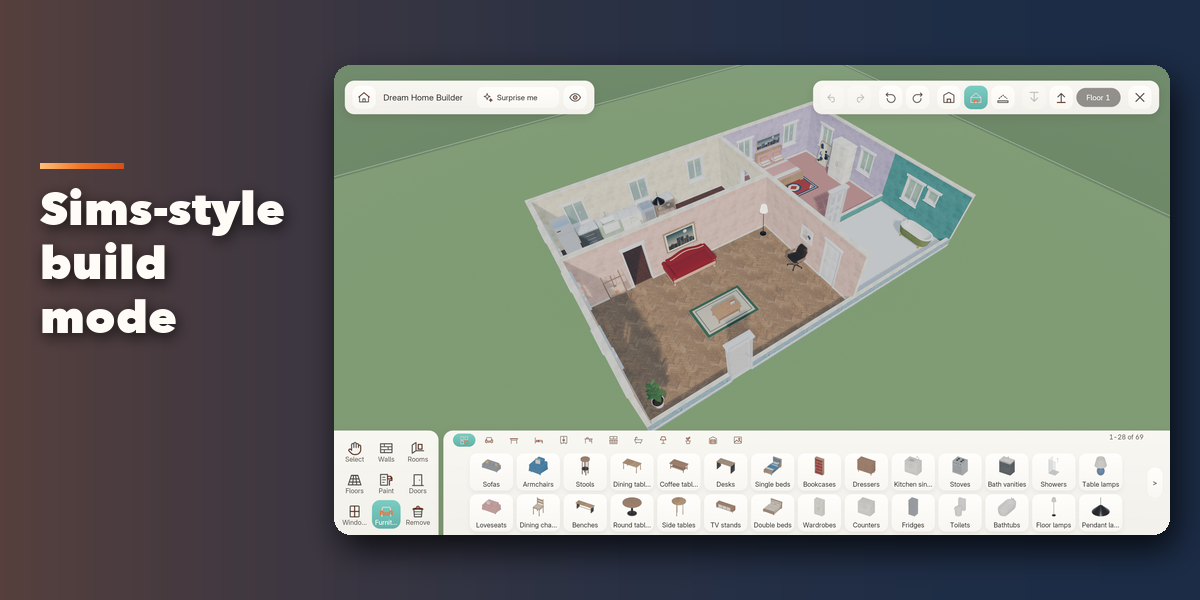
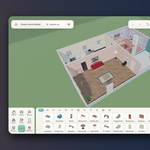
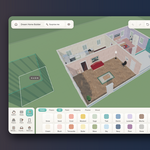
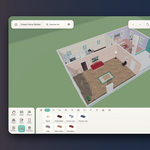
- Open the Dream Home tab in the 3D viewport sidebar (N) and click Enter Build Mode, or use the Add menu entry. The viewport goes full screen and the build interface appears.
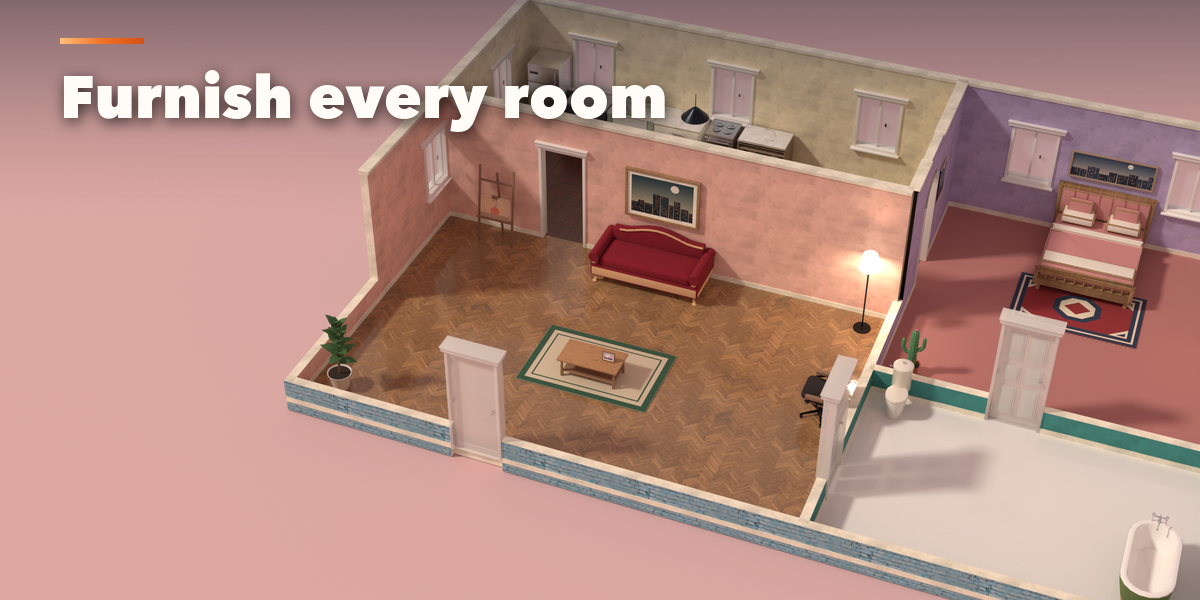
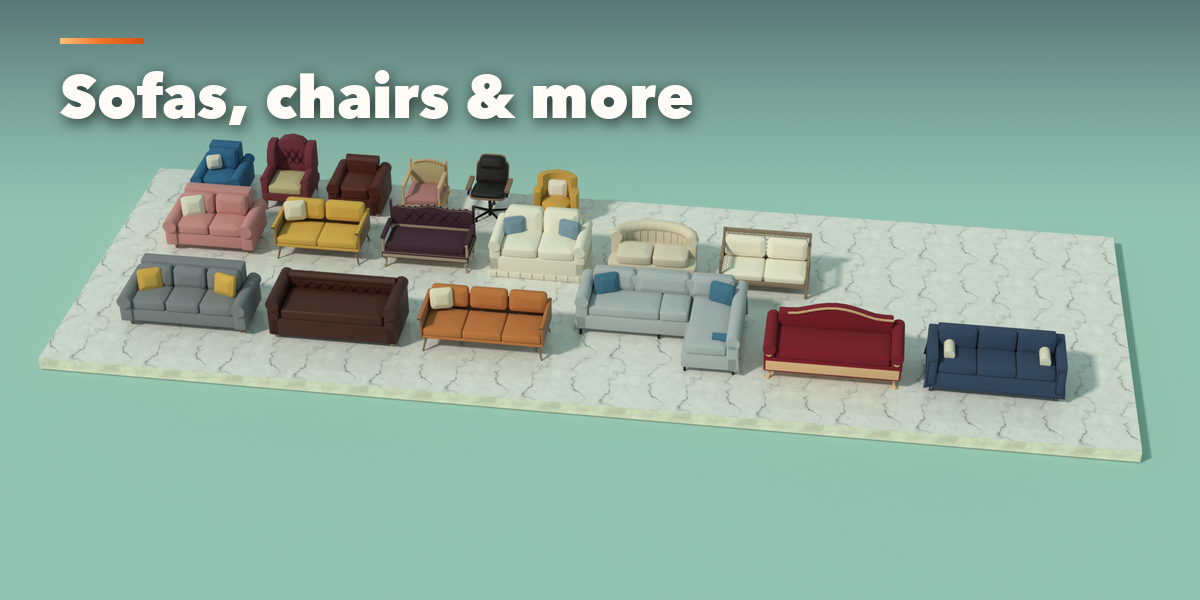
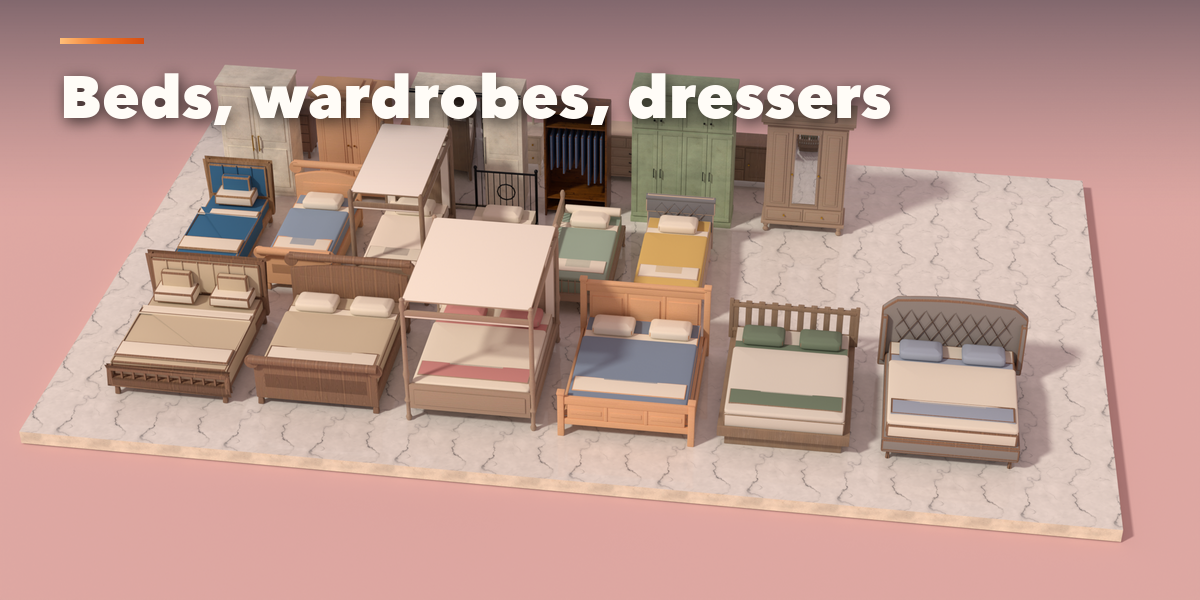
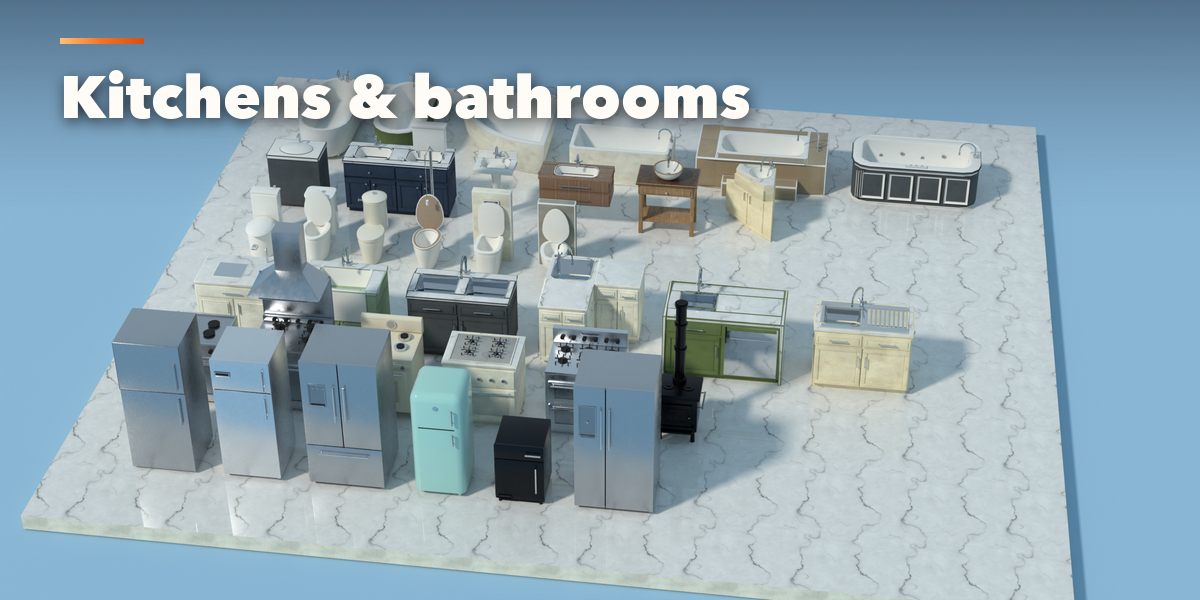
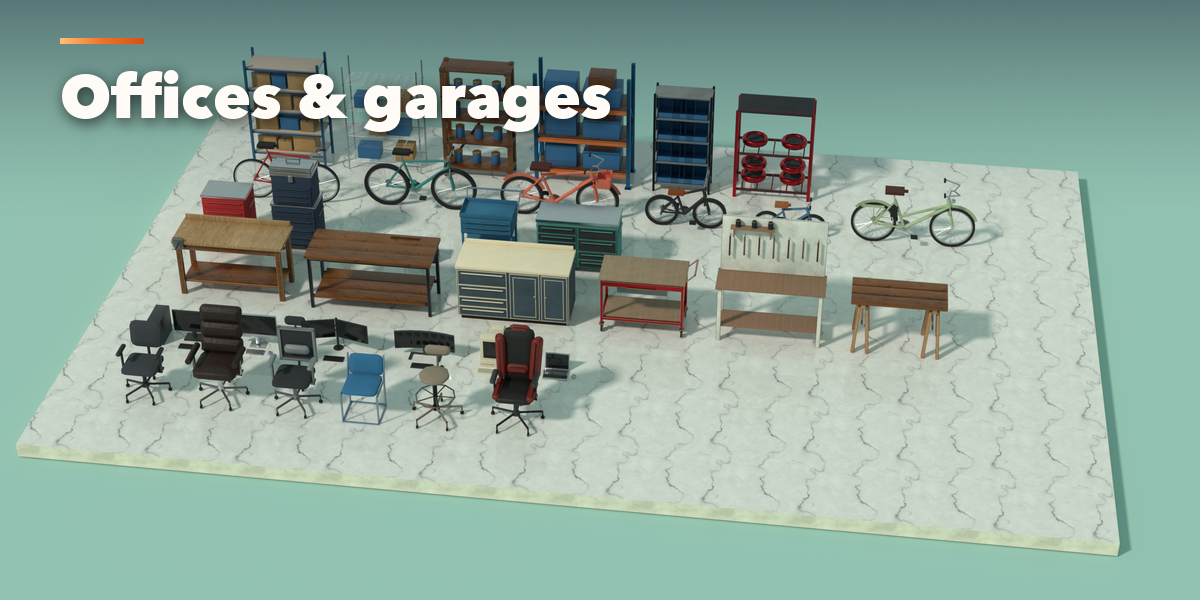
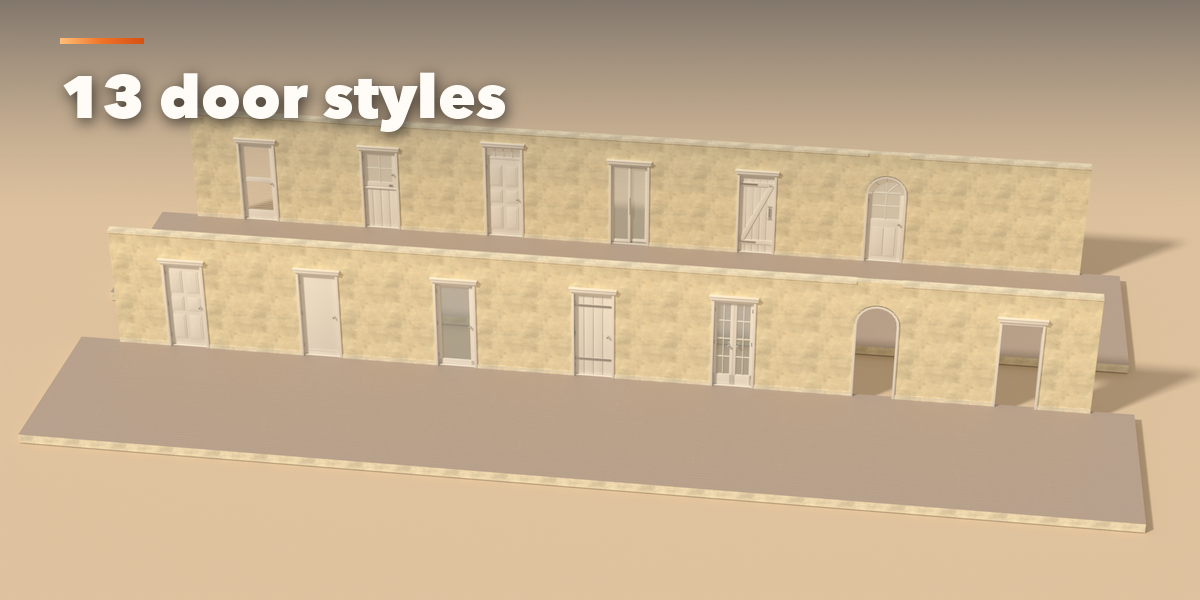
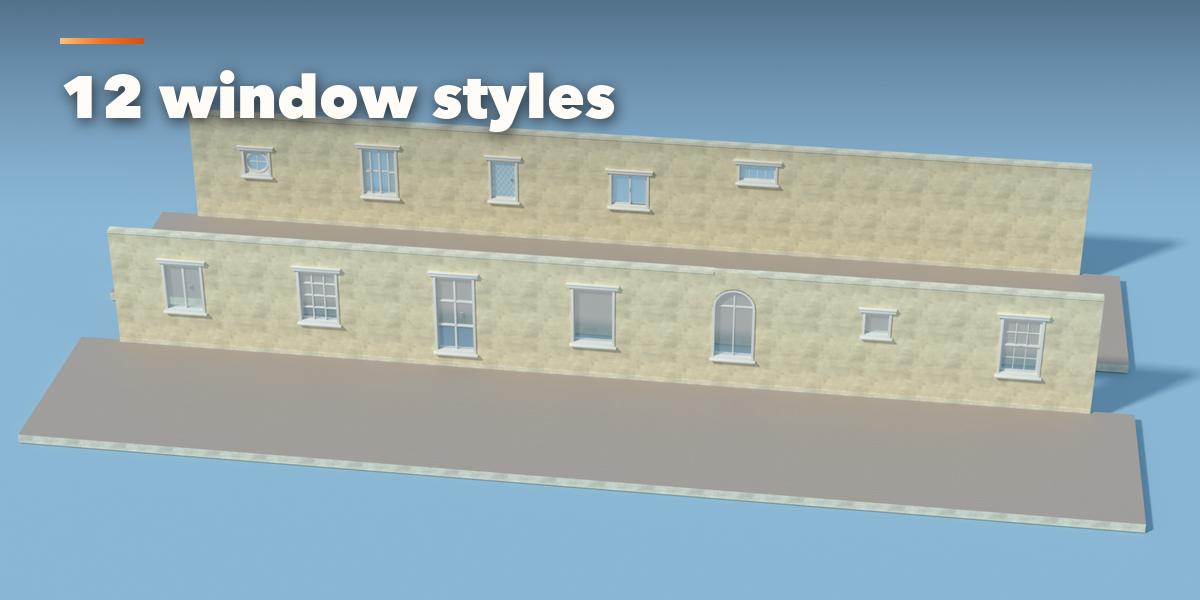
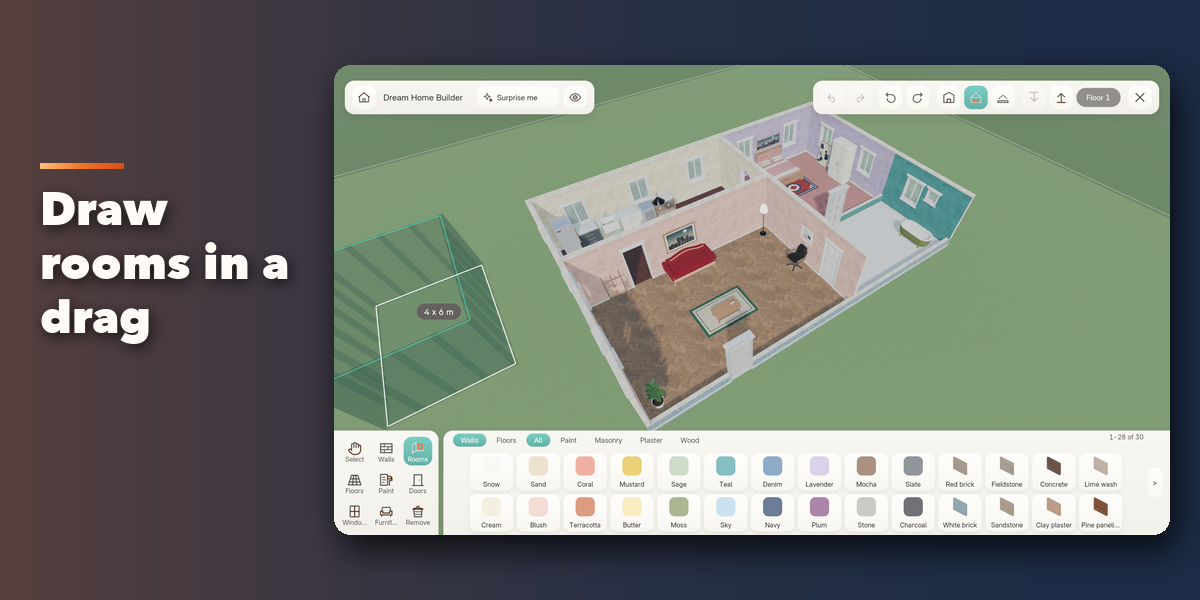
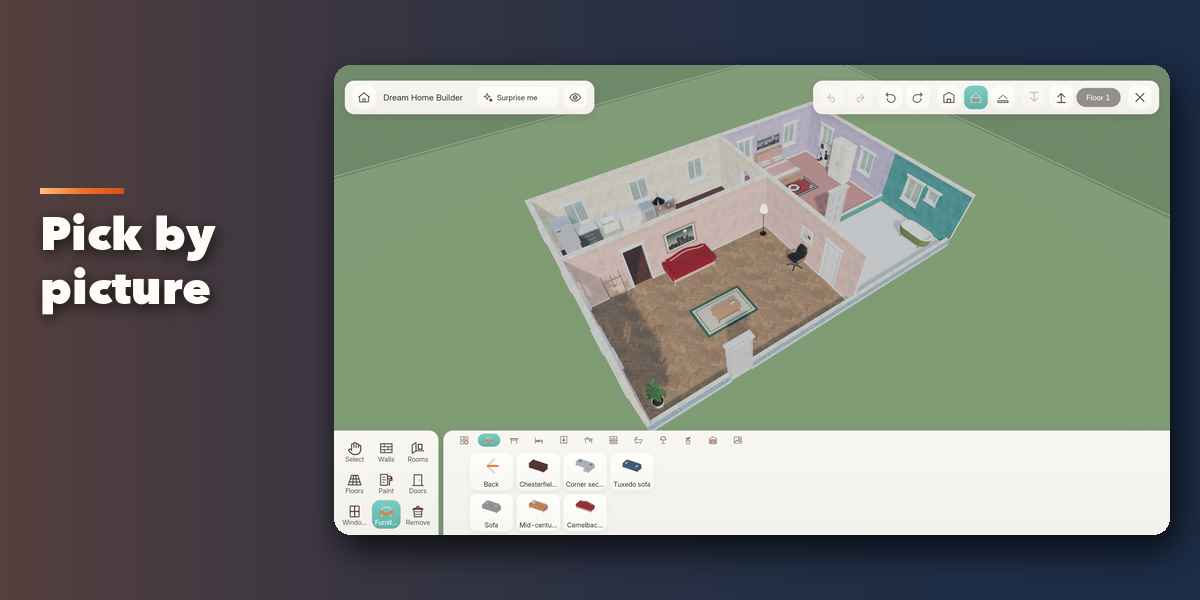
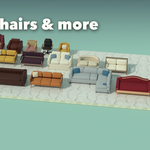
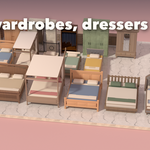
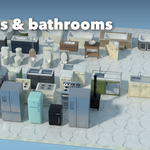
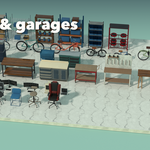
- Pick a tool at the bottom left: Walls, Rooms, Floors, Paint, Doors, Windows or Furniture. Each tool opens a shelf of picture tiles at the bottom. Click a tile, then click or drag in the lot.
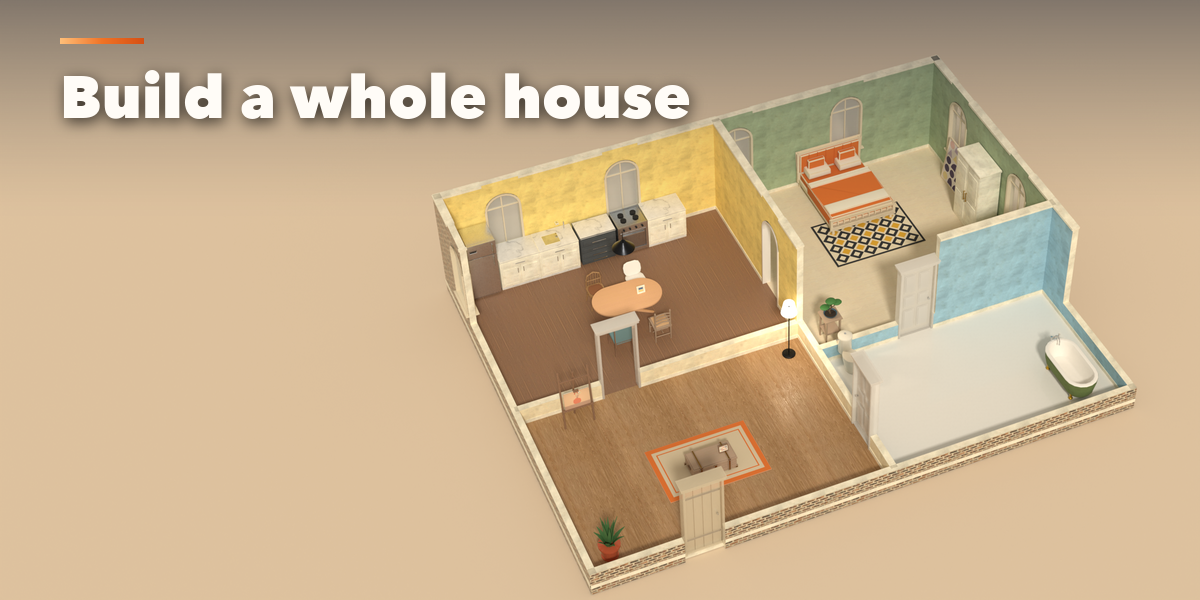
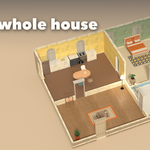
- Surprise Me in the top bar builds a complete furnished home. Select, move, rotate, duplicate or recolor anything you placed, and undo or redo up to 80 steps.
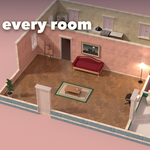
- Orbit with the middle mouse button (or two fingers on a touchpad), pan with Shift, zoom with the wheel. The cutaway button lowers the walls in front of the camera, and the level buttons add and switch storeys.
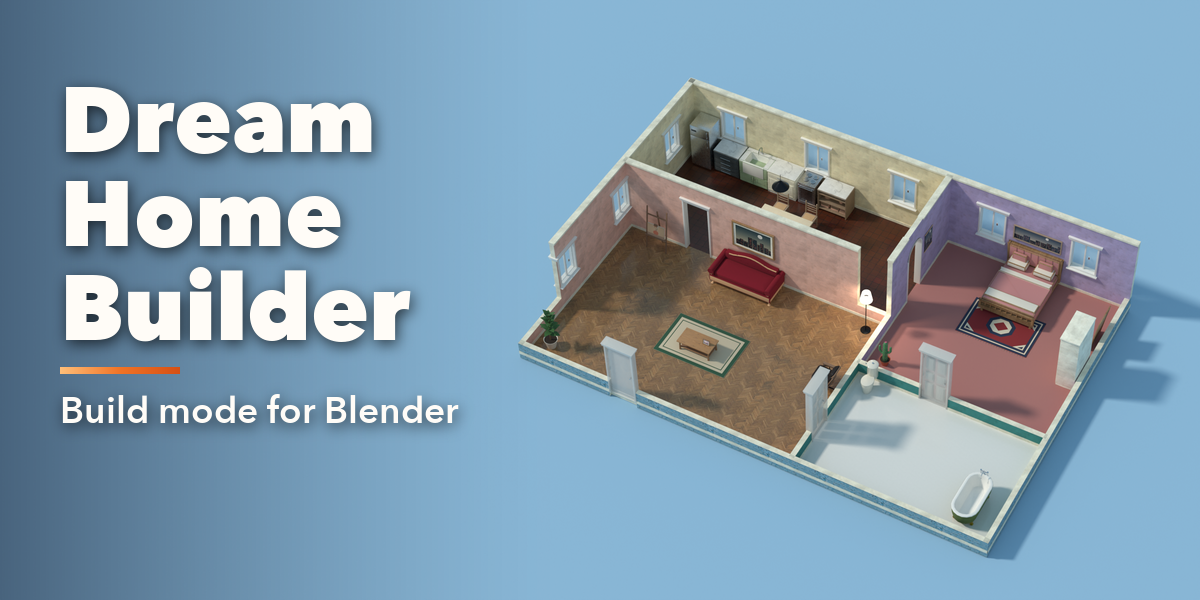
- Press Esc or the X button to leave. Your Blender layout returns and the house stays in the Dream Home collection as normal meshes and objects, ready to render or export.
K turns shadows off for a faster build mode and M switches the sounds off.
Have questions about this product?
Login to message
| Blender Extension Compatible | Yes |
| Published | about 8 hours ago |
| Blender Version | 4.2 - 5.2 |
| Extension Type | Add-on |
| Render Engine Used | Cycles, Eevee |
| License | GPL |

Discover more products like this
home builder Generator House Interior room floor plan Level Design sims build-mode furniture architecture