 alastorv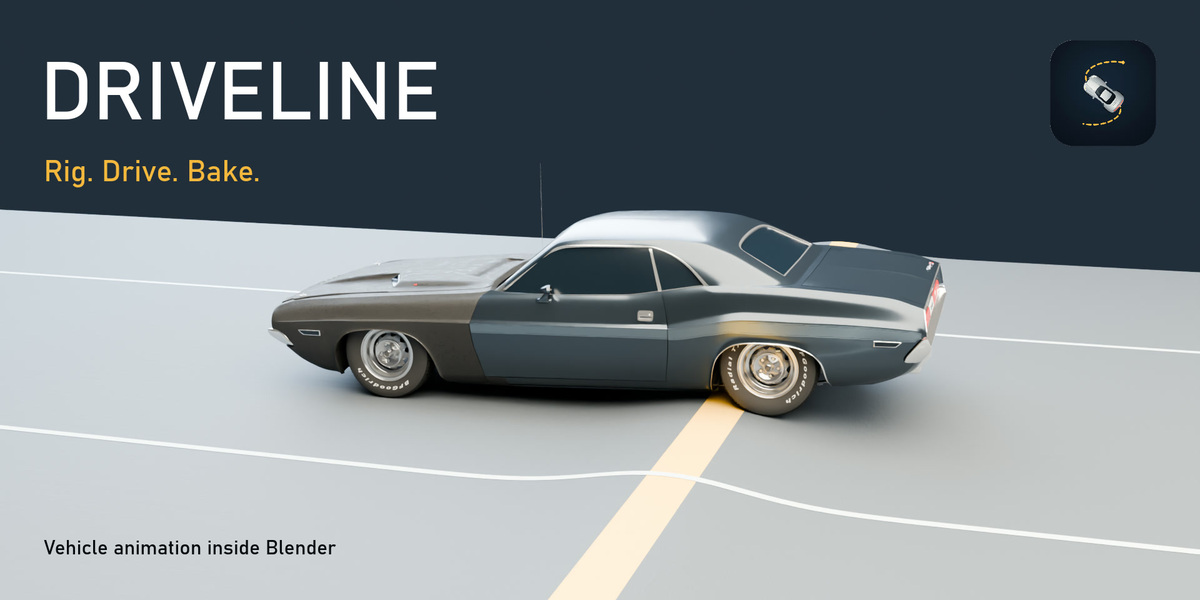
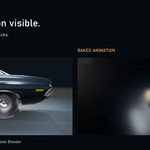
Rig. Drive. Bake.
Turn a vehicle model into a moving shot. Driveline combines vehicle rigging, driving controls and baked animation with tuning for suspension and tire response.
Three steps from model to motion
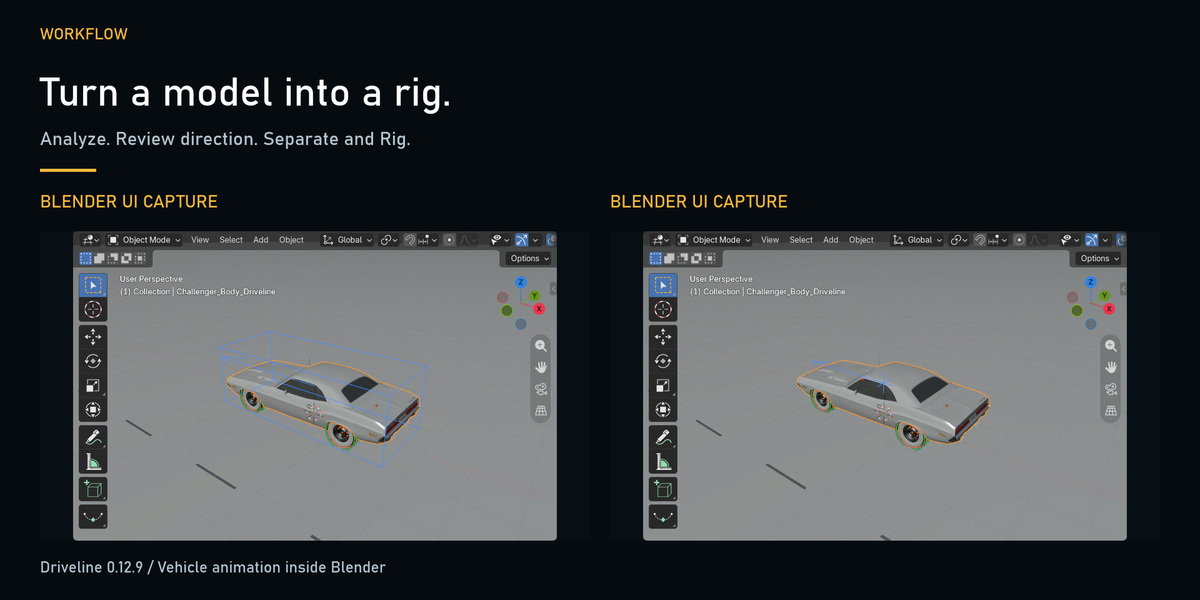
- Rig: Select the vehicle parts, analyze the wheels, review the direction, then Separate and Rig.
- Drive: Key throttle, brake and steering.
- Bake: Write vehicle and wheel animation to Blender’s timeline and frame the result with your camera.
Auto Rig
Analyze the selected vehicle parts, review the wheels and forward direction, then Separate and Rig. The workflow footage shows the actual Blender interface.
Supported vehicle types
Driveline rigs these vehicle types:
- Standard vehicles - any number of wheels and axles, including multi-axle vehicles such as a six-wheel motorhome.
- Trailers and semi-trailers - ball-joint hitch coupling between bodies.
- Articulated-steer vehicles - loader-type machines that bend at a centre hinge.
- Motorcycles and scooters - lean dynamics with counter-steering.
The clip shows the rig step on four different models inside Blender: Analyze Vehicle, confirm the forward direction, then Separate and Rig.
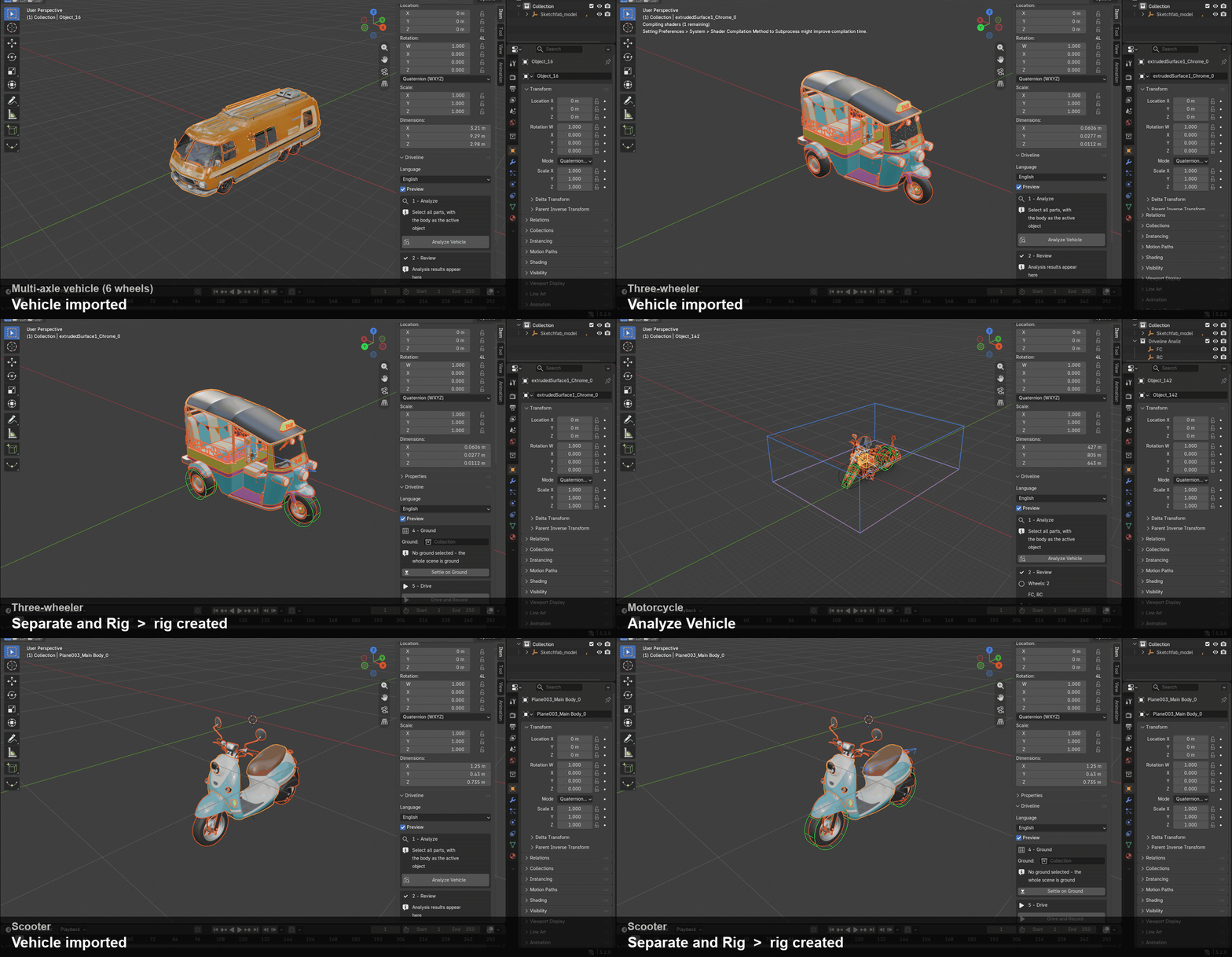
Models shown (Sketchfab, CC BY 4.0, not included in the purchase): GMC Motorhome by Karol Miklas, tuk-tuk by iraida, Harley-Davidson Police by Comrade1280, Vino by minghauLoh.
Drive and Bake
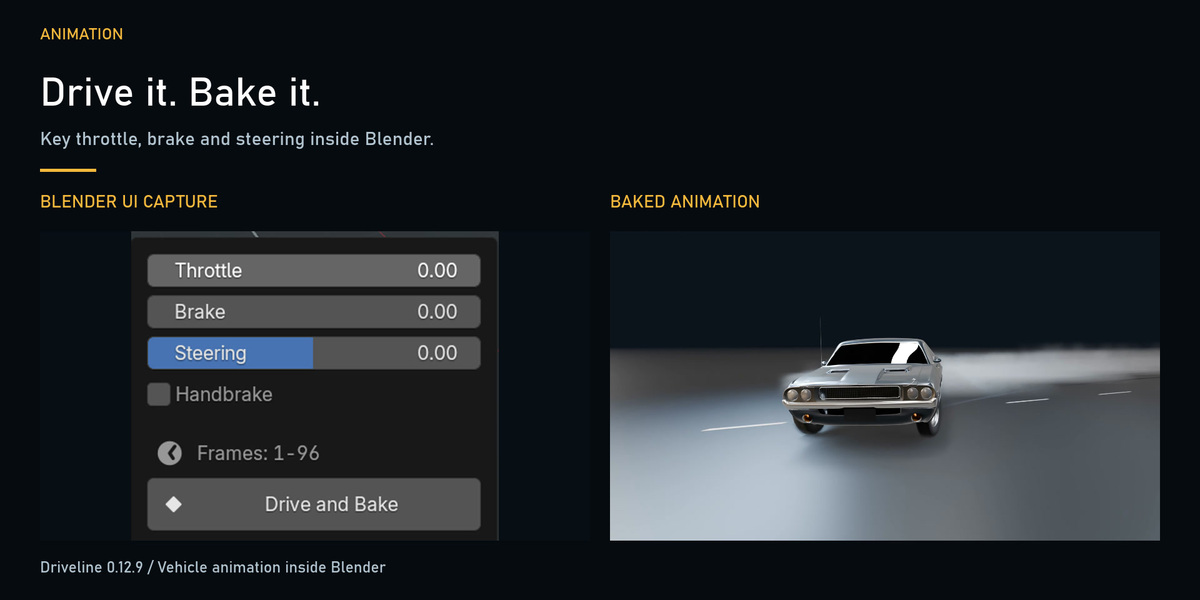
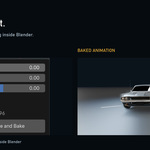
Key throttle, brake and steering for your move. Bake the resulting vehicle and wheel animation to Blender’s timeline.
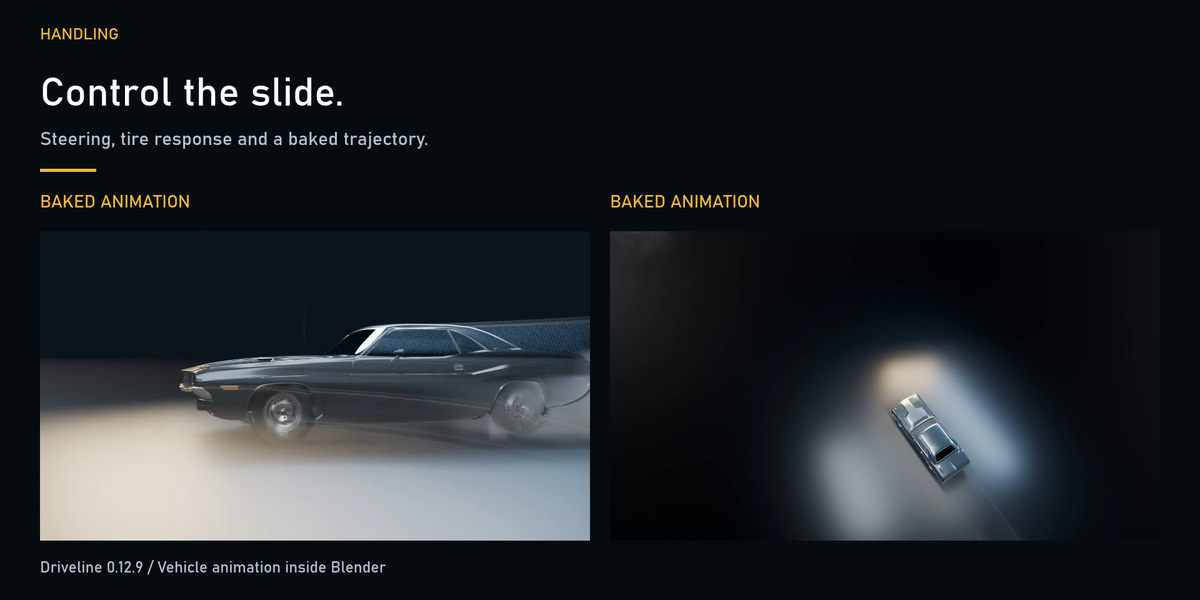
Controlled drift
Shape a slide with steering and tire response, then bring the vehicle into recovery. Close and wide shots show the same baked drive.
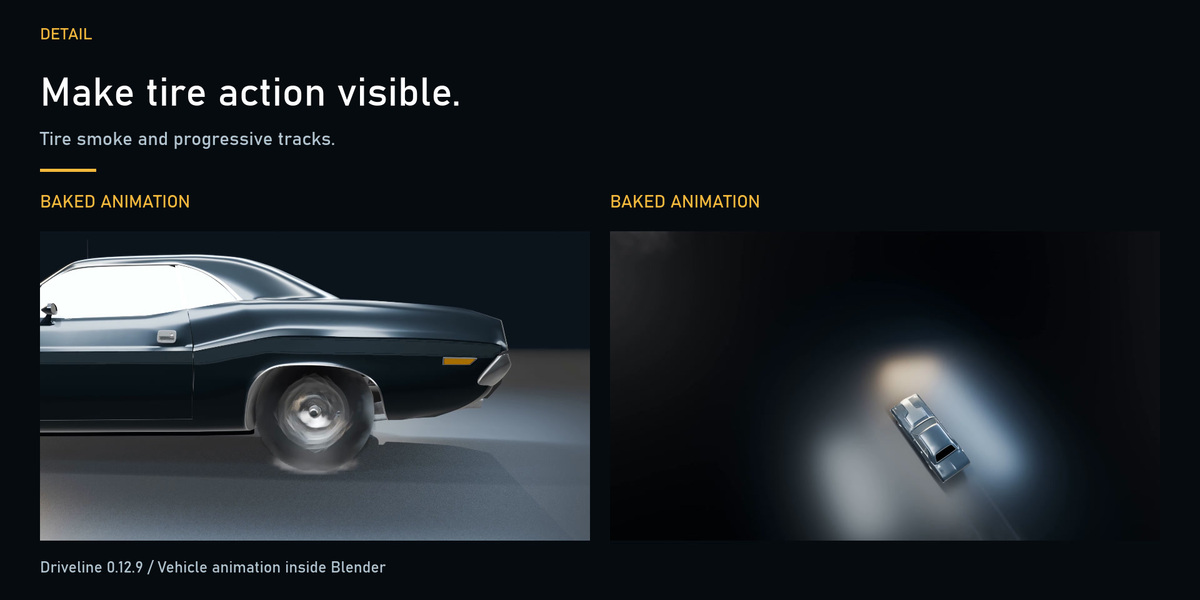
Tire smoke and tracks
Add tire effects to the motion. The example shows smoke and progressive tracks from baked vehicle animation.
Suspension response
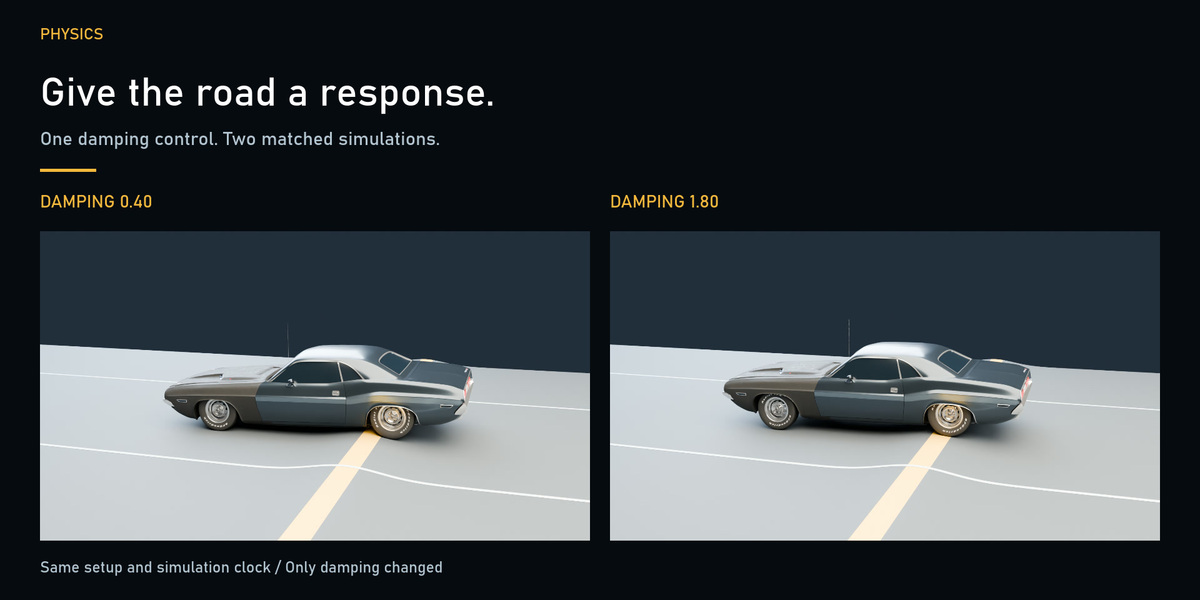
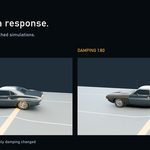
Tune damping and inspect wheel and body response. This example compares 0.40 and 1.80 damping over the same bump road with matched vehicle, springs, controls, starting state and camera.
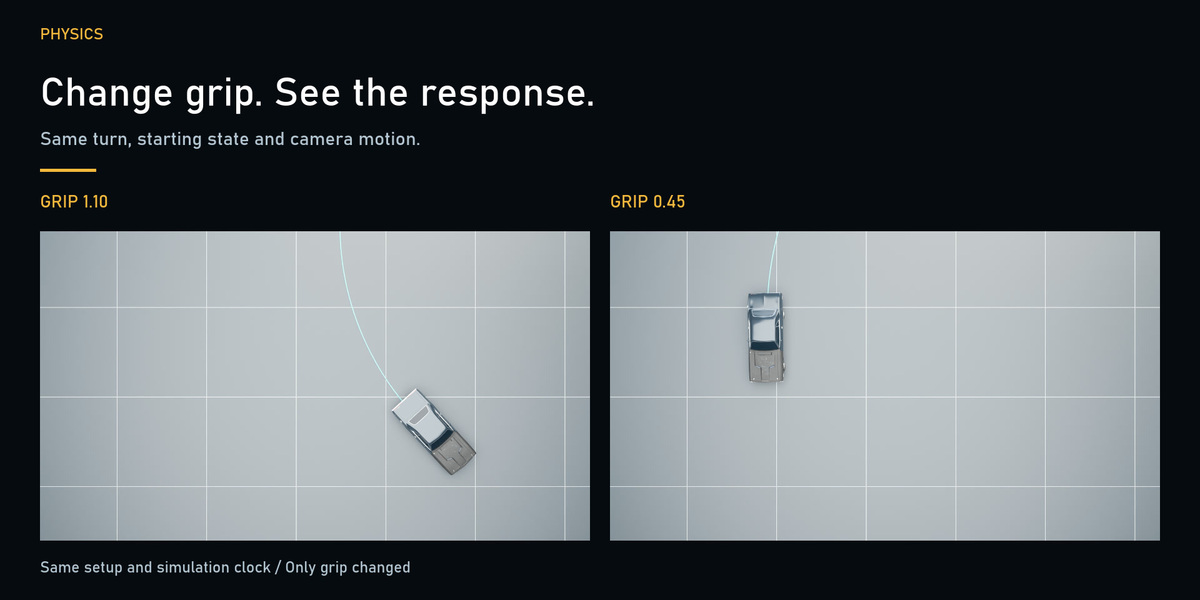
Tire grip
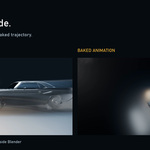
Compare 1.10 and 0.45 grip under matched throttle, steering and starting state. Turquoise lines follow each vehicle’s measured baked path.
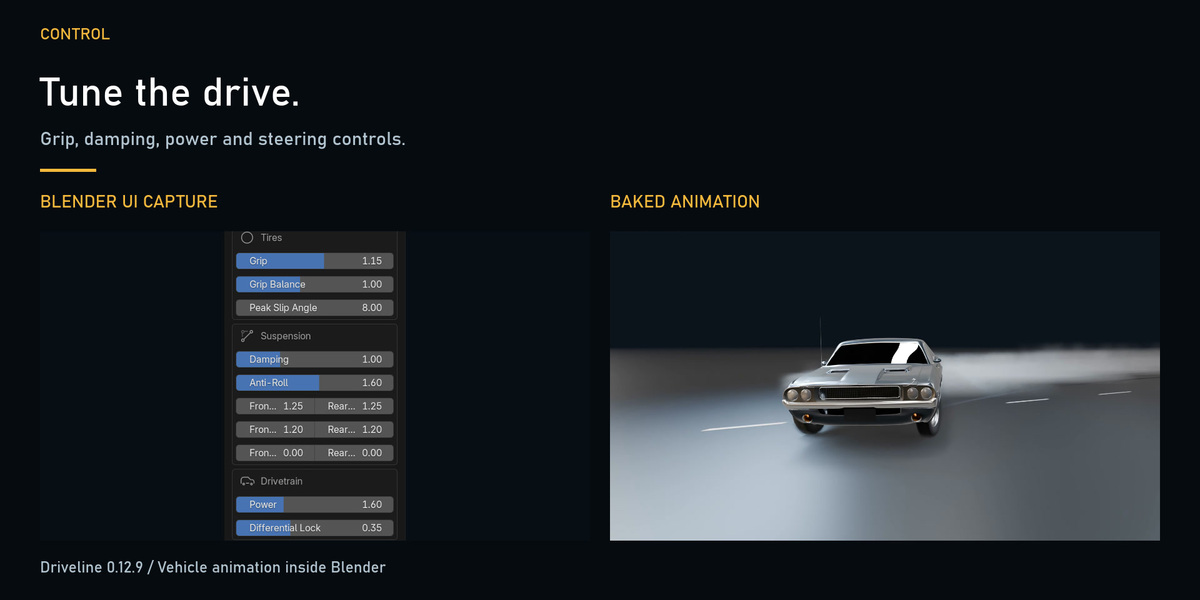
Tune for the shot
Adjust grip, damping, drivetrain power and steering, then inspect and refine the resulting animation.
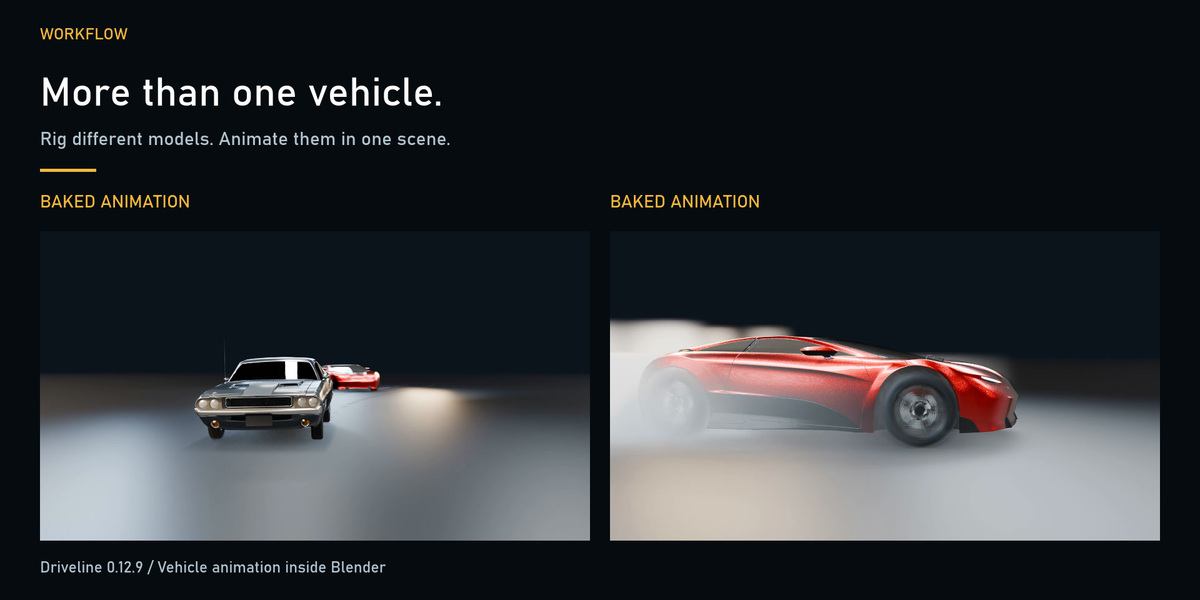
Multiple vehicles
Rig different models and animate multiple cars in one Blender scene. The chase example shows two separately keyed and baked rigs.
About the demo
Demonstrated with Driveline 0.12.9 in Blender 5.2. The new suspension and grip comparisons use native Driveline simulations rendered in Cycles. Existing vehicle beauty footage uses Eevee. Interface captures show real Blender controls.
Requirements and installation
Blender 5.0 or later. The promotional workflow was tested in Blender 5.2. Download driveline-0.12.9.zip, open Edit → Preferences → Get Extensions in Blender, choose Install from Disk, select the ZIP and enable Driveline.
Quick questions
Do I have to animate every wheel manually?
The shown workflow bakes vehicle and wheel movement from driving controls.
Can I key the inputs?
Yes. The examples use keyed throttle, brake and steering followed by Drive and Bake.
Are the example cars and scenes included?
These are demonstration assets. The purchase delivers the Driveline add-on ZIP.
Does the chase demonstrate crashes or deformation?
It demonstrates two moving rigs. No collision or body deformation feature is demonstrated.
License: GPL-3.0-or-later. Use your resulting rendered work commercially.