 alastorv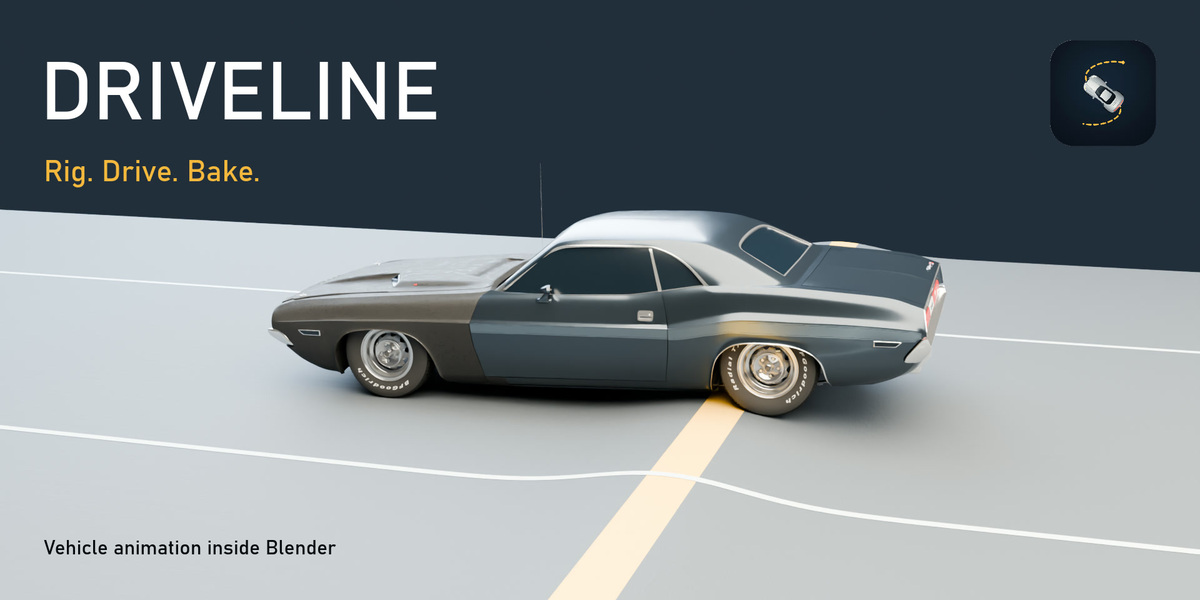
Driveline 0.12.9 — Quick start
Requirements and installation
Use Blender 5.0 or later. The promotional workflow was tested in Blender 5.2. Download driveline-0.12.9.zip. Open Edit → Preferences → Get Extensions → Install from Disk, select the ZIP and enable Driveline. Keep the ZIP intact during installation.
Prepare and rig your vehicle
- Select the vehicle parts and make the body object active.
- Open the Driveline tab in the 3D Viewport sidebar.
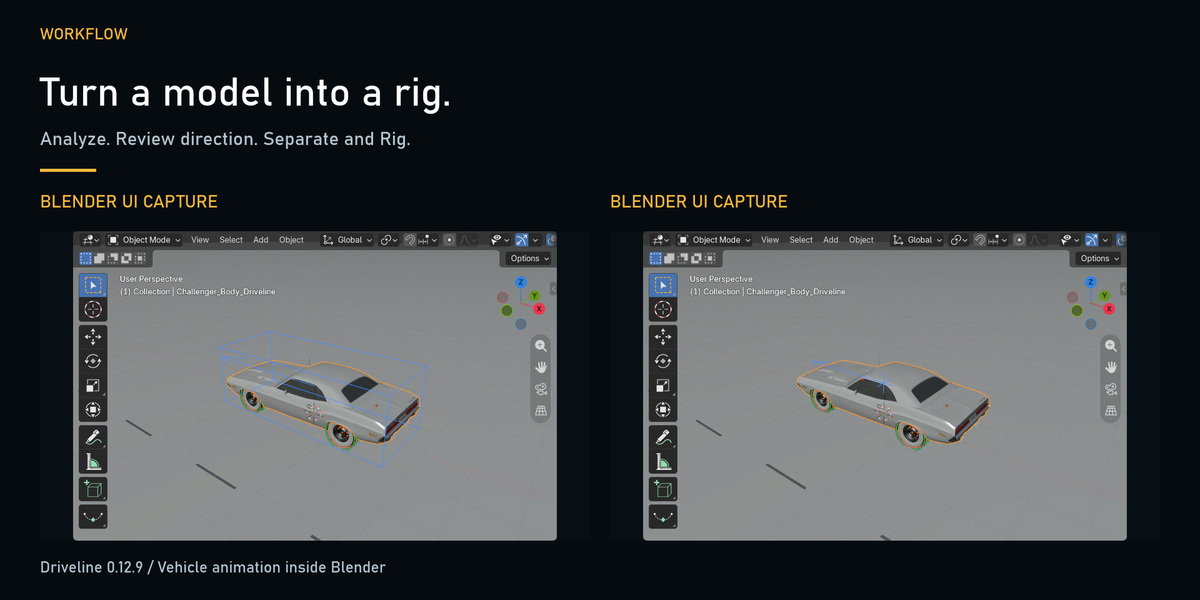
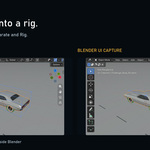
- Analyze the selected vehicle. Review the wheel assignments and forward direction; confirm or flip the direction as needed.
- Use Separate and Rig to build the vehicle rig.
Choose a driving workflow
- Live driving: Drive with WASD or a supported gamepad, use R to open the recording window and Esc to exit.
- Curve driving: Use the route-following workflow to drive along a curve.
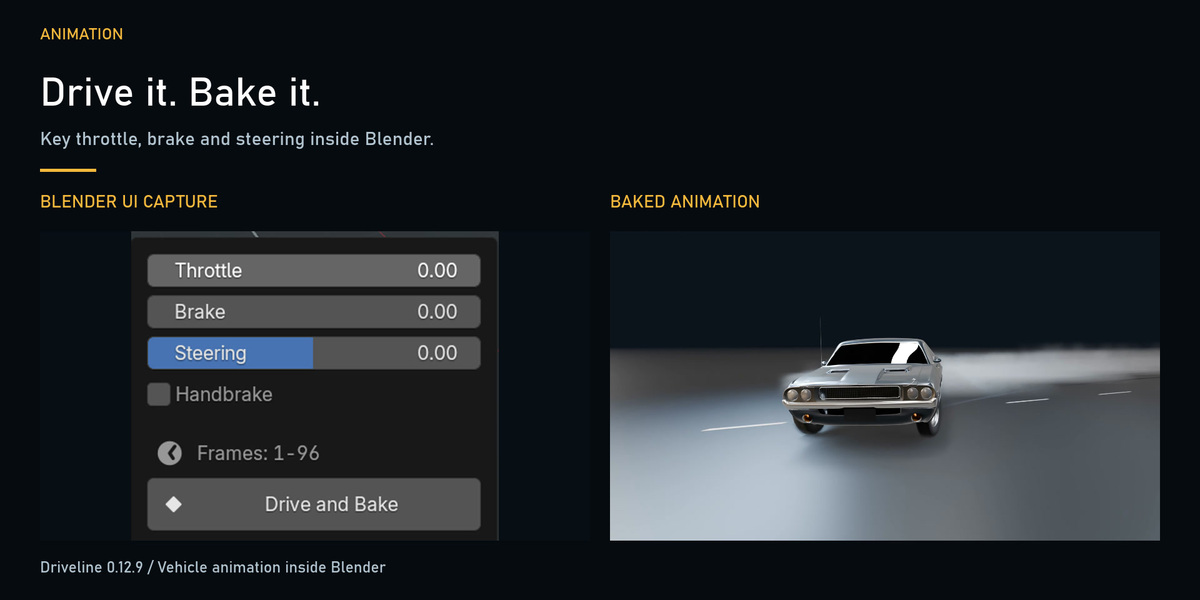
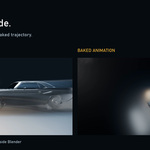
- Keyed inputs: Add keyframes to throttle, brake and steering, then drive and bake the result to the timeline.
Tune, bake and review
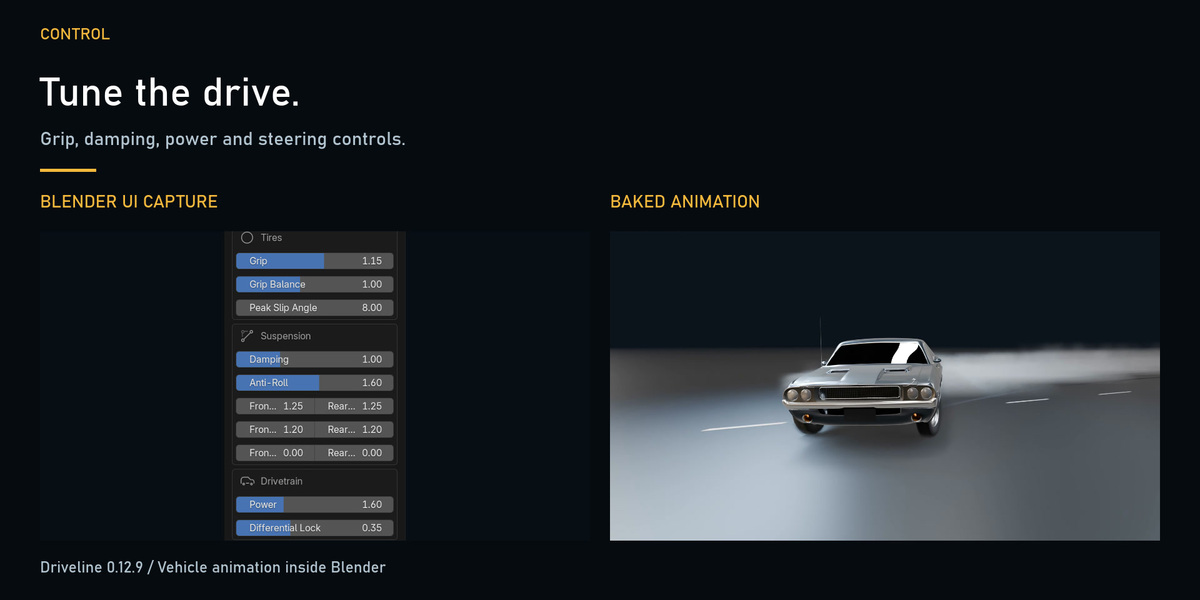
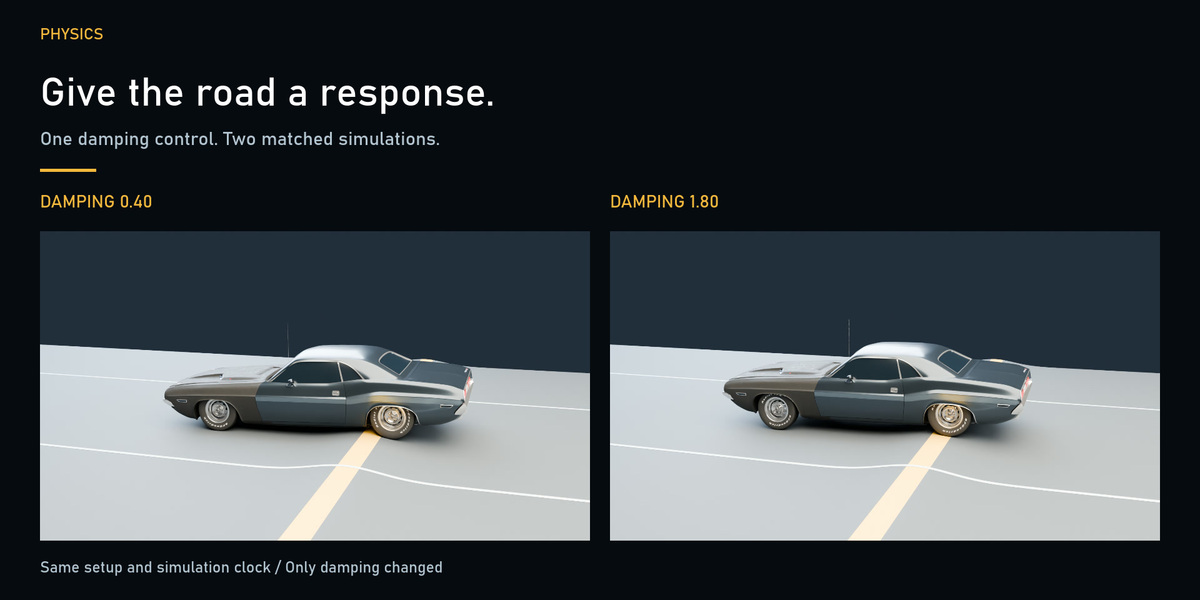
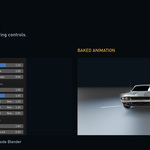
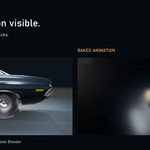
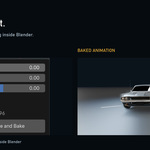
Start with a vehicle preset, then tune suspension damping, grip, drivetrain power and steering for your scene. Change one parameter at a time and keep the same driving inputs when comparing results. Bake the drive, scrub the timeline to inspect body and wheel motion, then set your camera and render.
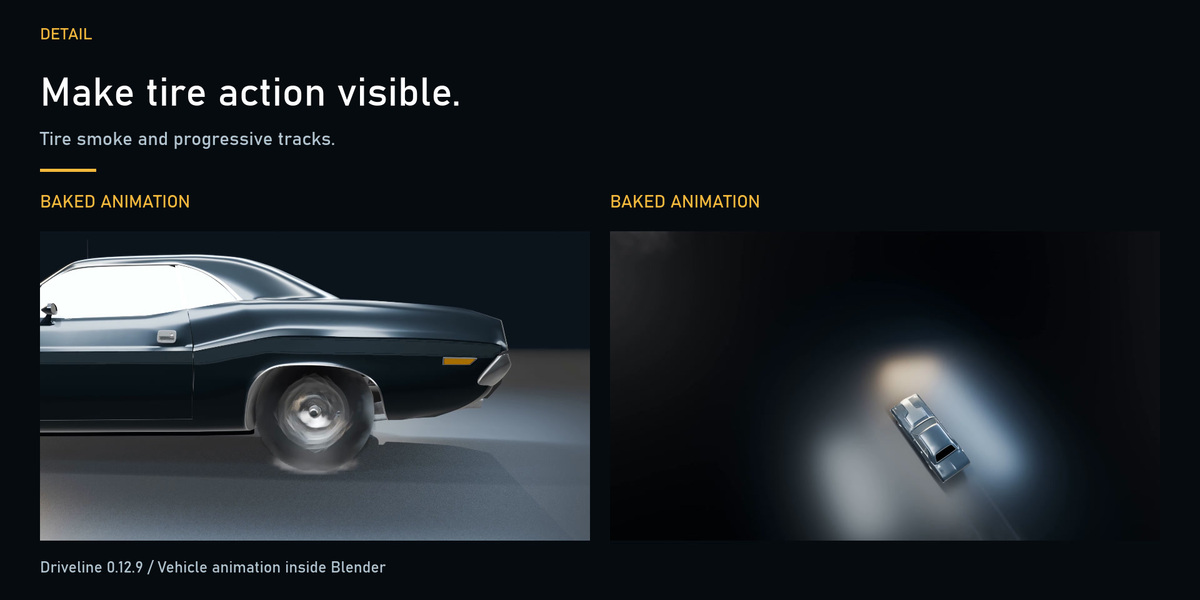
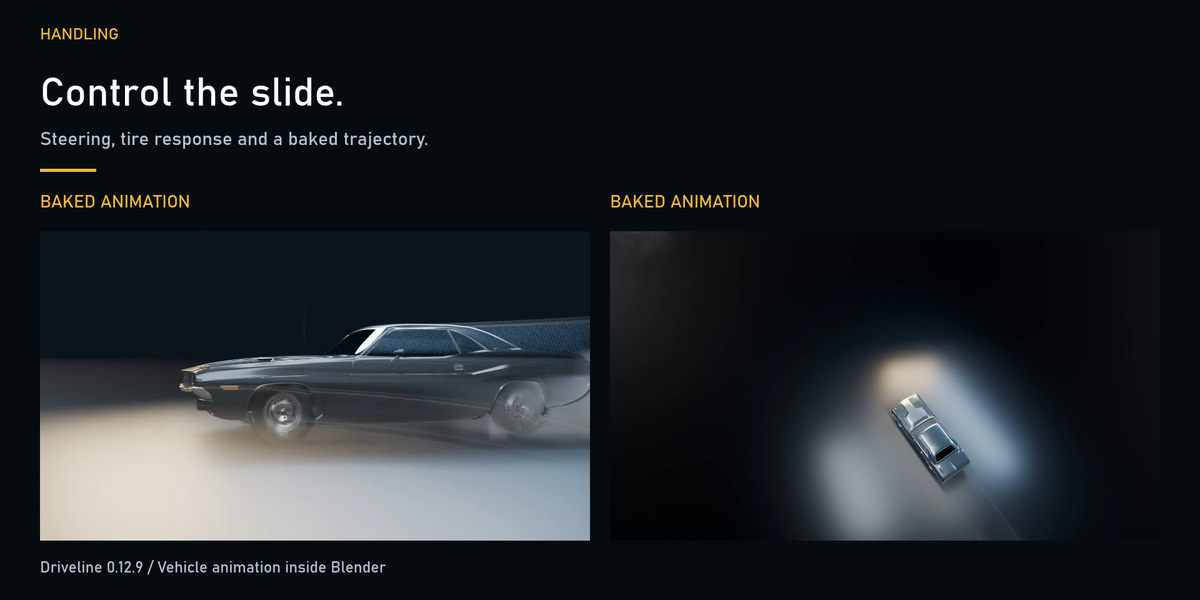
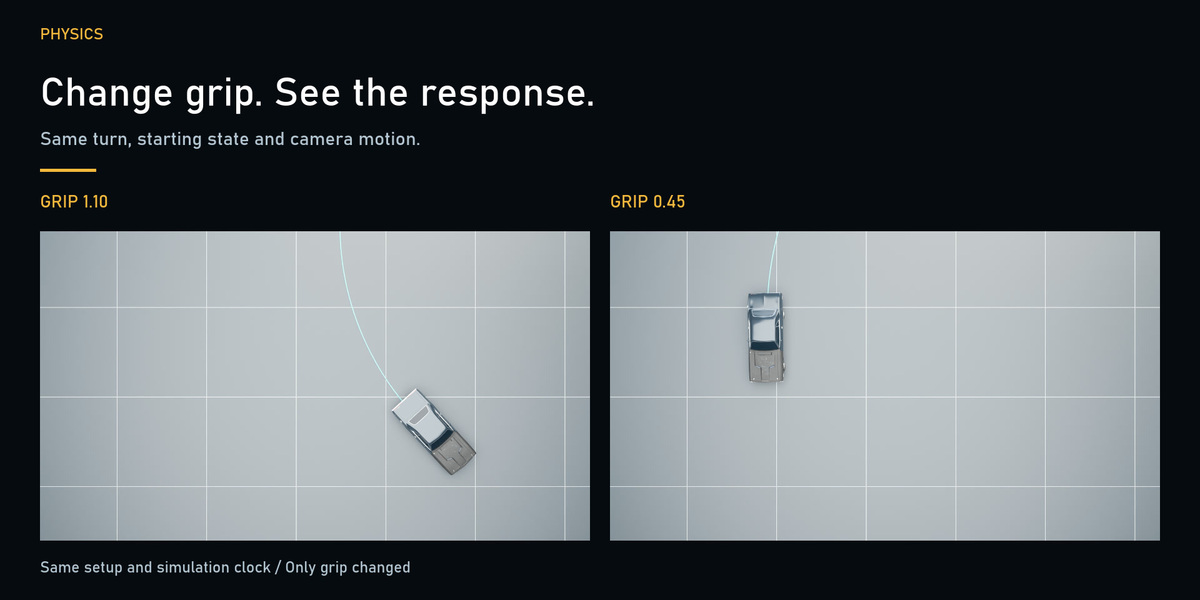
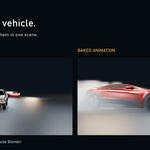
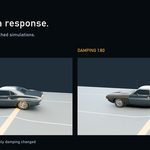
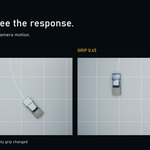
The demonstration compares suspension damping 0.40 versus 1.80 on the same bump road and tire grip 1.10 versus 0.45 with matched inputs. These examples show how settings affect the resulting motion; they do not guarantee a particular response for every vehicle model.
Contents and limits
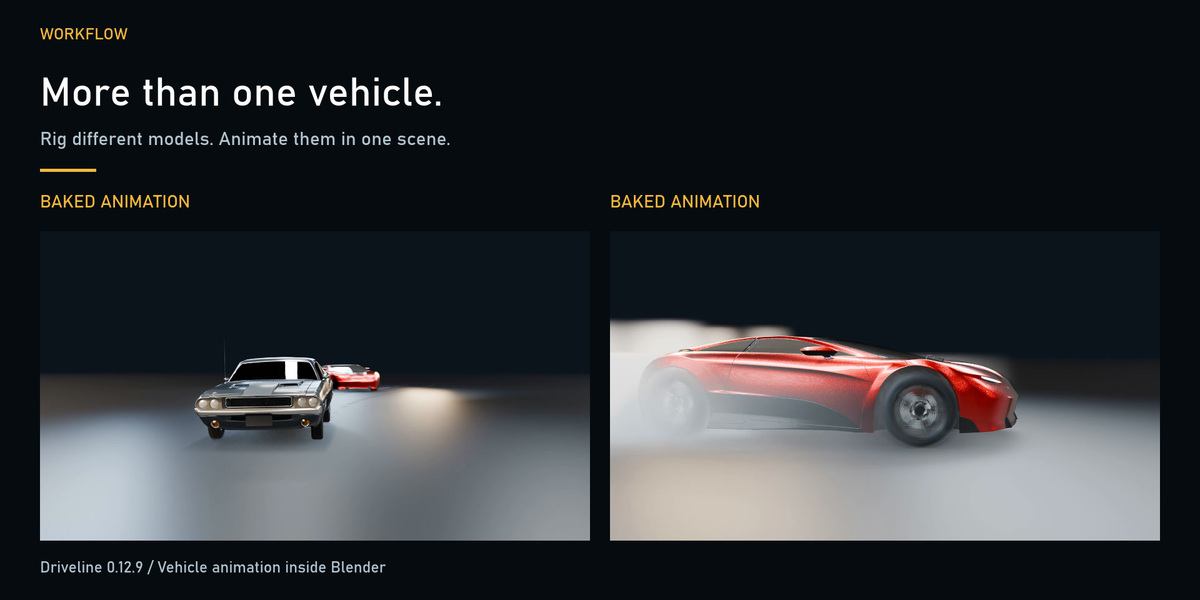
The purchase delivers the Driveline add-on ZIP. Promotional vehicles and scenes are demonstration assets. Body deformation and a damage model are outside the add-on's scope. The source documentation notes limitations with motorcycle balance at low speed and low grip, and small vehicle-wall interpenetration in a two-vehicle test. Linux gamepad support has not been tested on hardware; no macOS gamepad path is provided.
License: GPL-3.0-or-later. Your rendered output may be used commercially.
Have questions about this product?
Login to message
| Blender Extension Compatible | Yes |
| Published | 3 days ago |
| Blender Version | 5.0 - 5.2 |
| Extension Type | Add-on |
| Render Engine Used | Cycles, Eevee |
| License | GPL |
Discover more products like this
vehicle animation suspension automotive tire grip Bake Animation car rig drift driving simulation