Driver Espresso
 OEBS Studios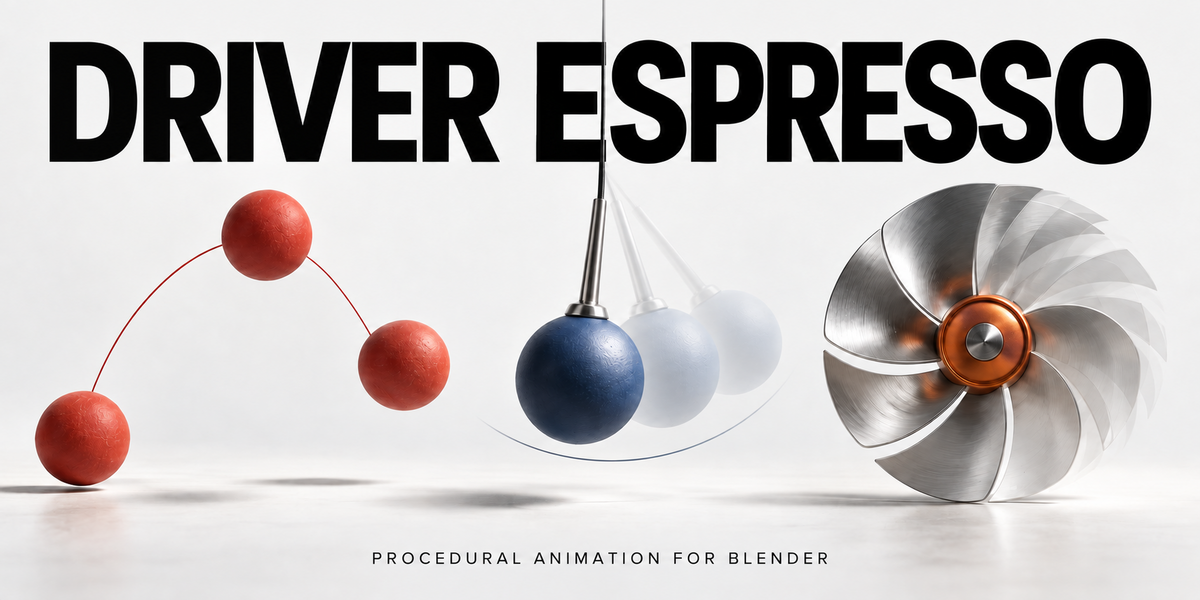

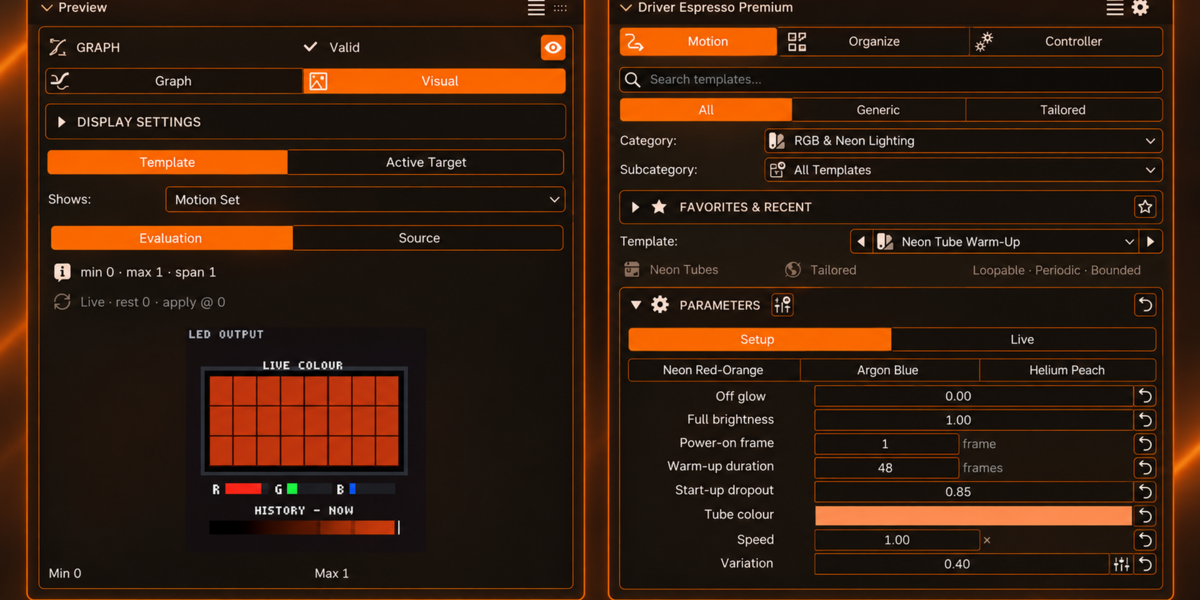
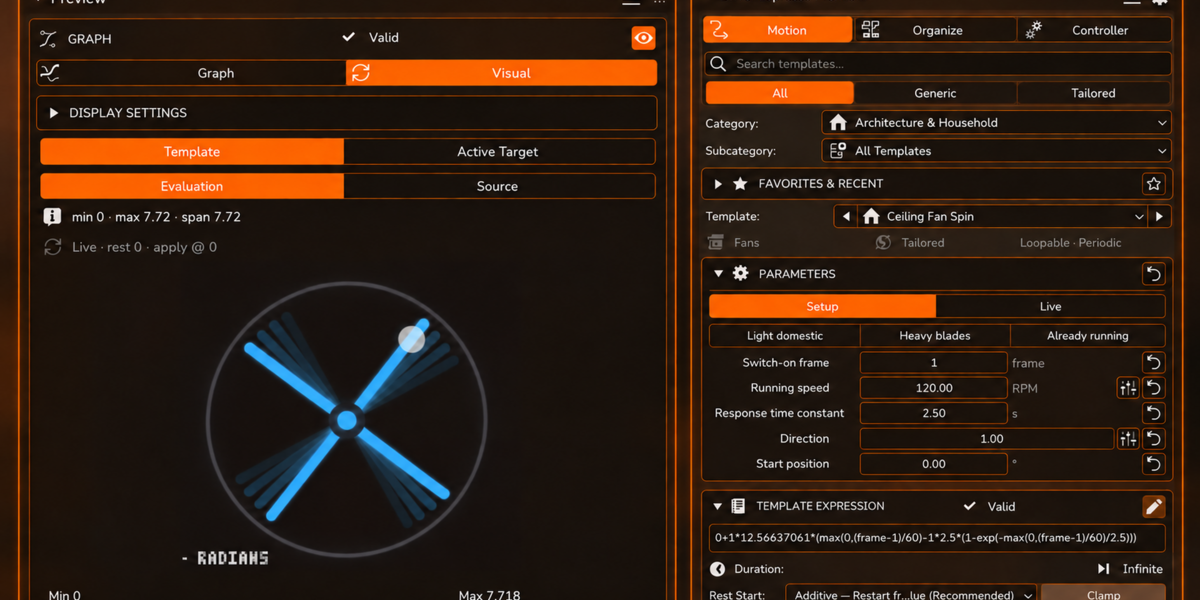
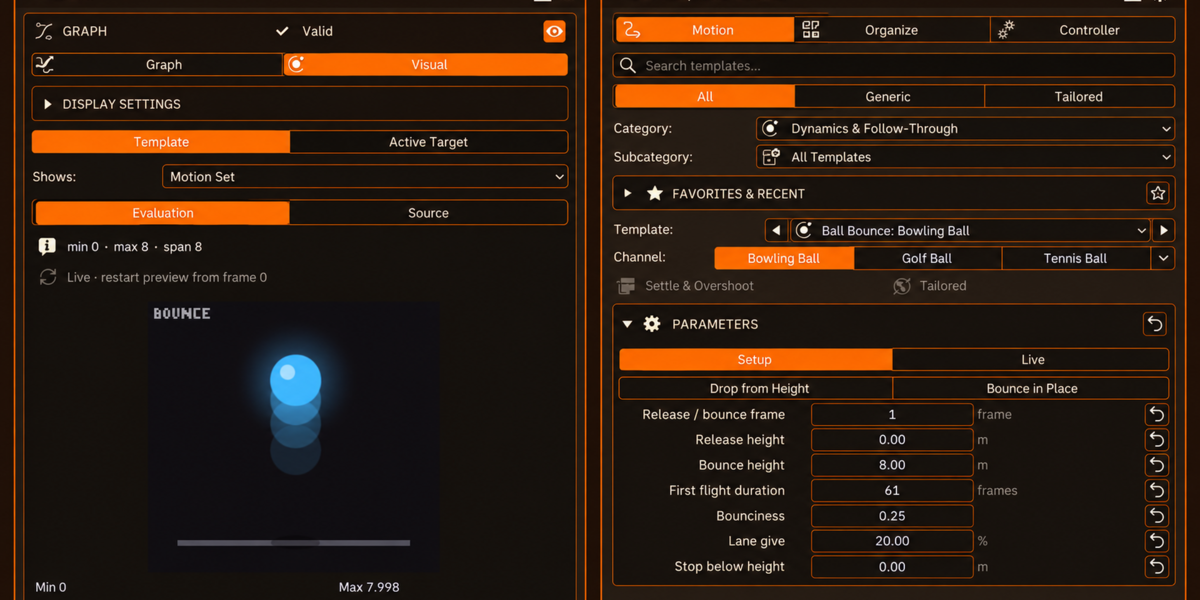
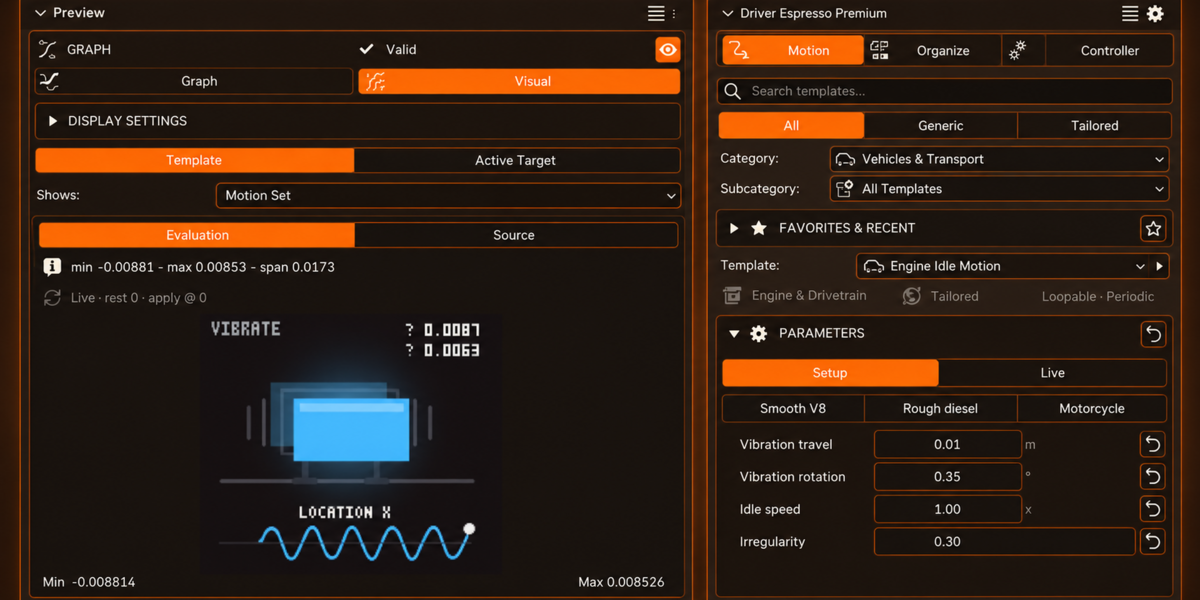
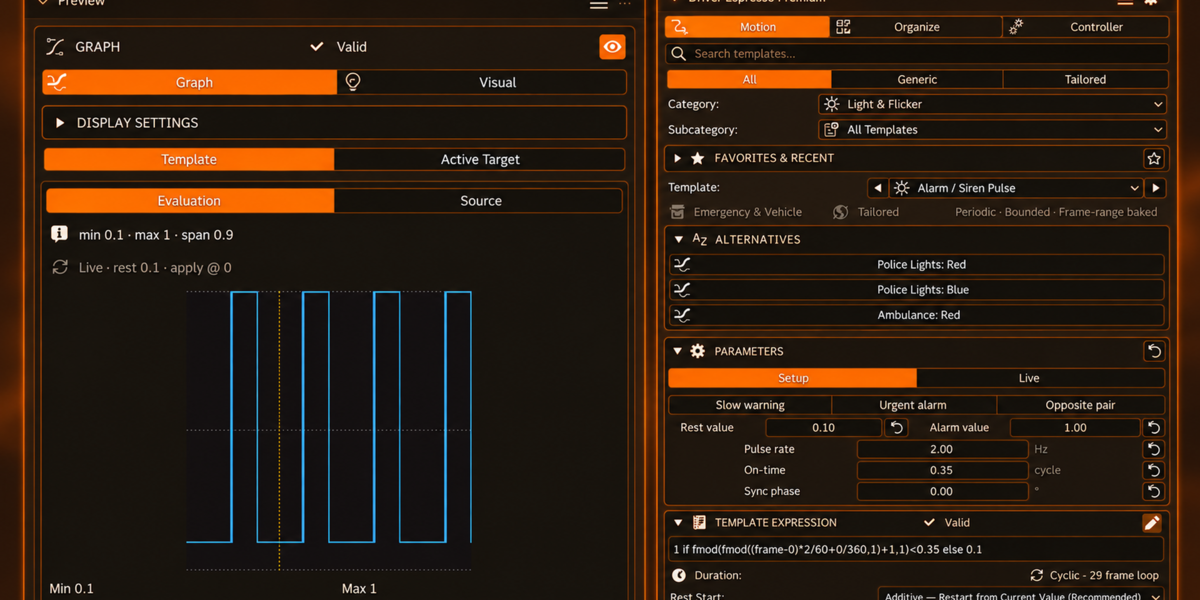
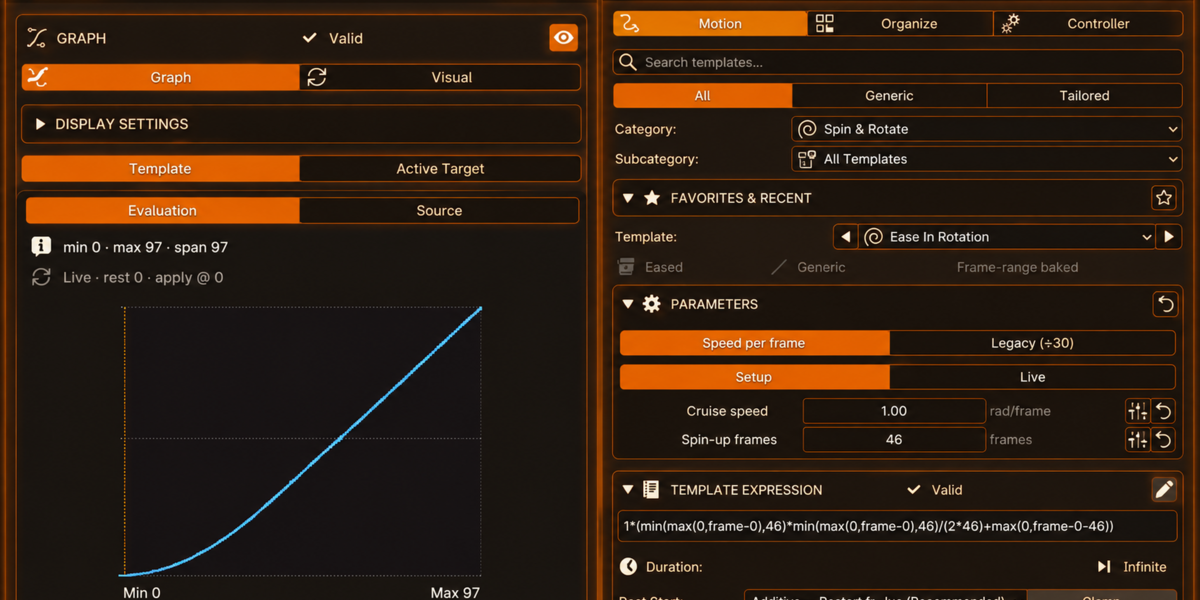
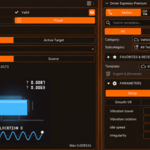
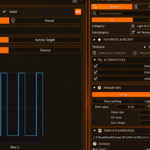
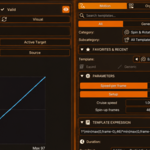
What Driver Espresso does
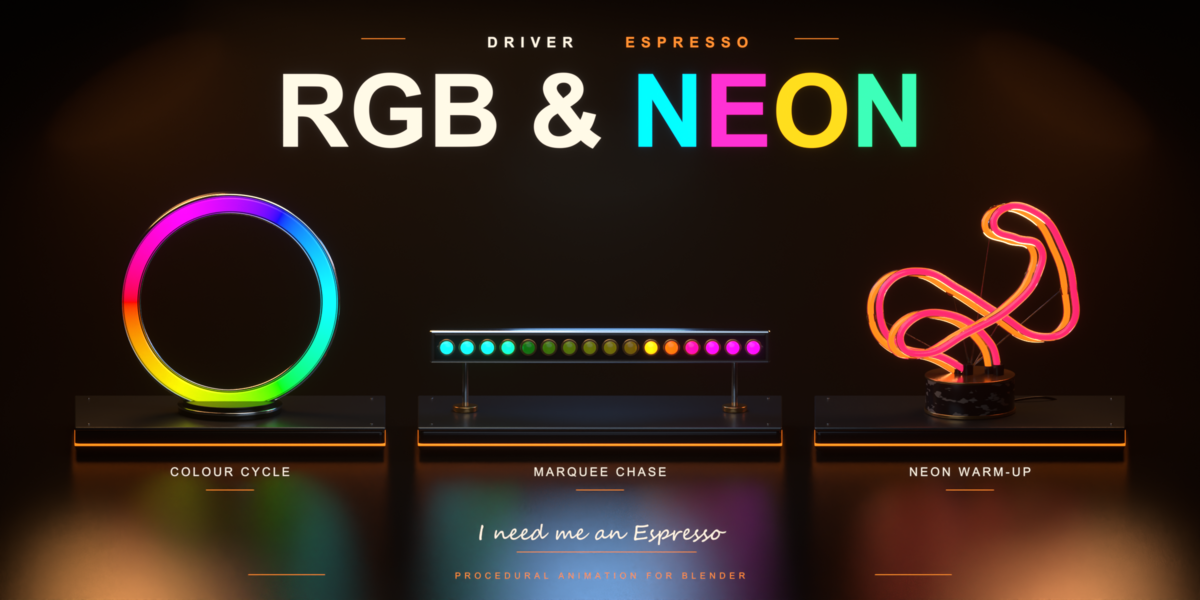




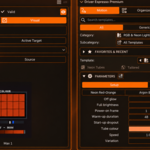
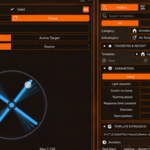
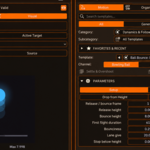
Driver Espresso animates a property over time using Blender's own drivers instead of keyframes. What that property controls is up to you: apply a template to a light's Power and it changes brightness, apply one to Rotation and the object turns. Shader inputs and modifier settings work the same way.
You pick a template, right-click the property you want it on, and apply. There is no driver expression to write.
Requirements
- Blender 4.2.0 or newer
- Windows, macOS or Linux — no external dependencies
Installing
- Save your Blender file before changing add-ons.
- Open Edit → Preferences → Add-ons.
- Disable any older Espresso edition that is already enabled.
- Use Install from Disk and select the supplied ZIP. Do not unzip it first.
- Enable the edition you installed.
- In a 3D View, press N and look for the Espresso panel.
The editions share operator names, so enable only one at a time. Premium is an edition of Driver Espresso, not a second add-on that runs beside it.
Your first animation
- Select a spare object with a sensible origin — that origin is the pivot it will rotate around.
- Find Constant Speed in the template picker. It is in every edition.
- Right-click the object's Z Rotation field and choose Apply Current Template from the Espresso menu.
- Play the timeline. The rotation is driven — no row of keyframes.

To revise it afterwards, switch the panel from Setup to Live, check the object and property shown, then change a parameter. Setup is for applying; Live is for adjusting.
Keeping an object's starting position
If your object already sits at a chosen location or angle, use Rest Start. A template with its own output range can otherwise replace that value when applied. The additive option preserves the resting reference and adds the template's variation on top.
Editions
| Lite | Driver Espresso | Premium | |
|---|---|---|---|
| Templates | 18 | 135 | 230 |
| Categories | 6 | 15 | 22 |
| Graph Preview | Yes | Yes | Yes |
| Visual Preview | — | — | Yes |
| Favorites & Recent | — | Yes | Yes |
| External-input recipes | — | Yes | Yes |
| Minimum Blender version | 4.2.0 | 4.2.0 | 4.2.0 |
Full documentation
Installation, the interface, every template, live controls, rest handling and troubleshooting are covered in full at docs.oebs-studios.com/driverespresso.
Questions before or after buying: [email protected]
 Included
Includes 12 months of
- Support from OEBS Studios
- Product updates
Extend this product’s Support Period +12 months: 25% of product price
Have questions before purchasing?
Login to message

Discover more products like this
looping animation rigging animation tools Procedural Animation motion Light animation driver animation drivers Shader Animation no keyframes flicker animation