 ZEG
ZEG
Installation
In Blender open Edit, Preferences, Get Extensions, then use Install from Disk and pick the drone_generator zip.
Usage
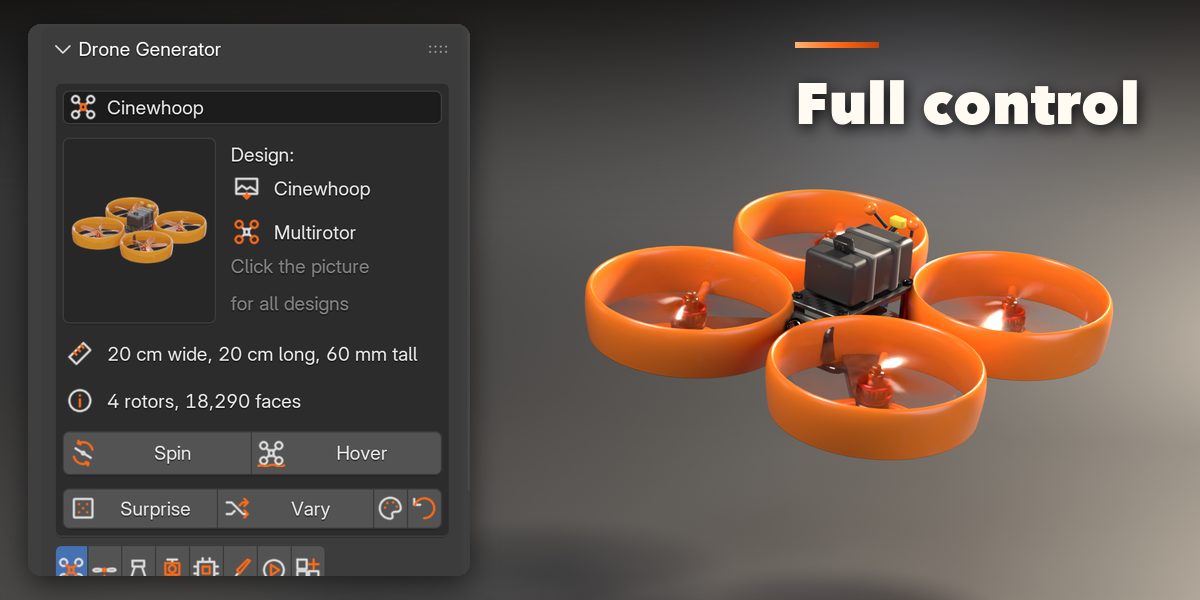
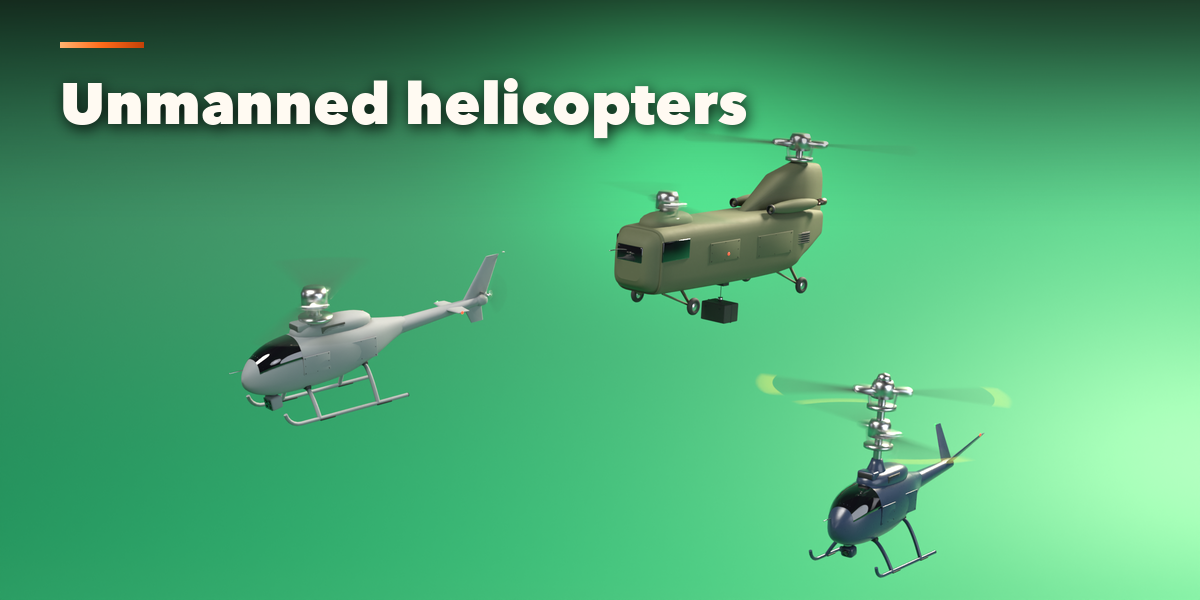
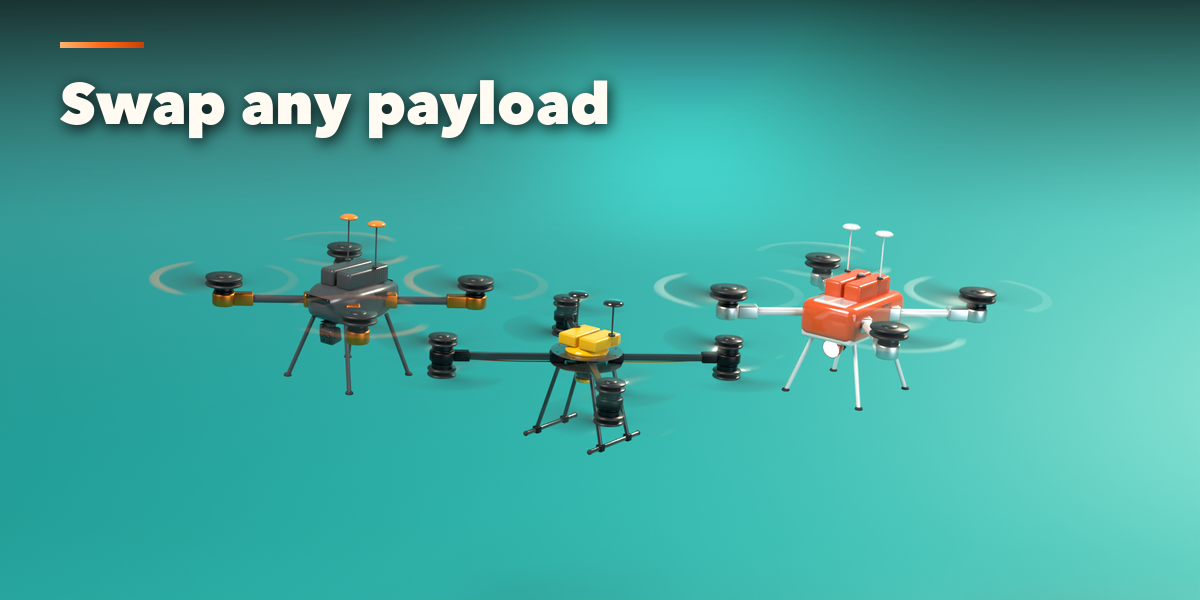
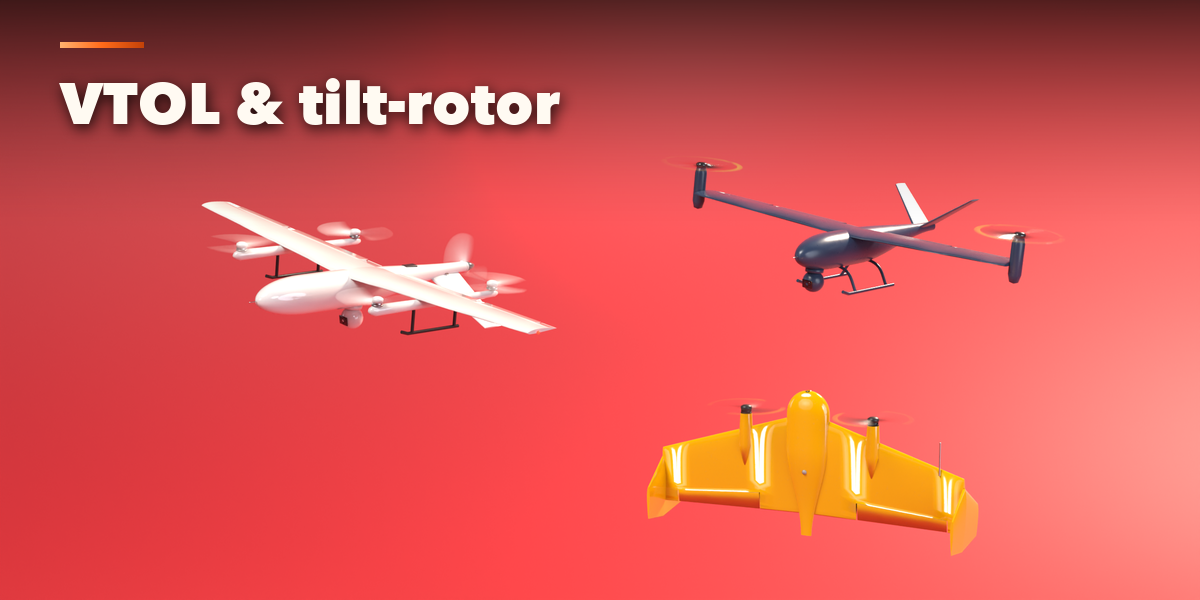
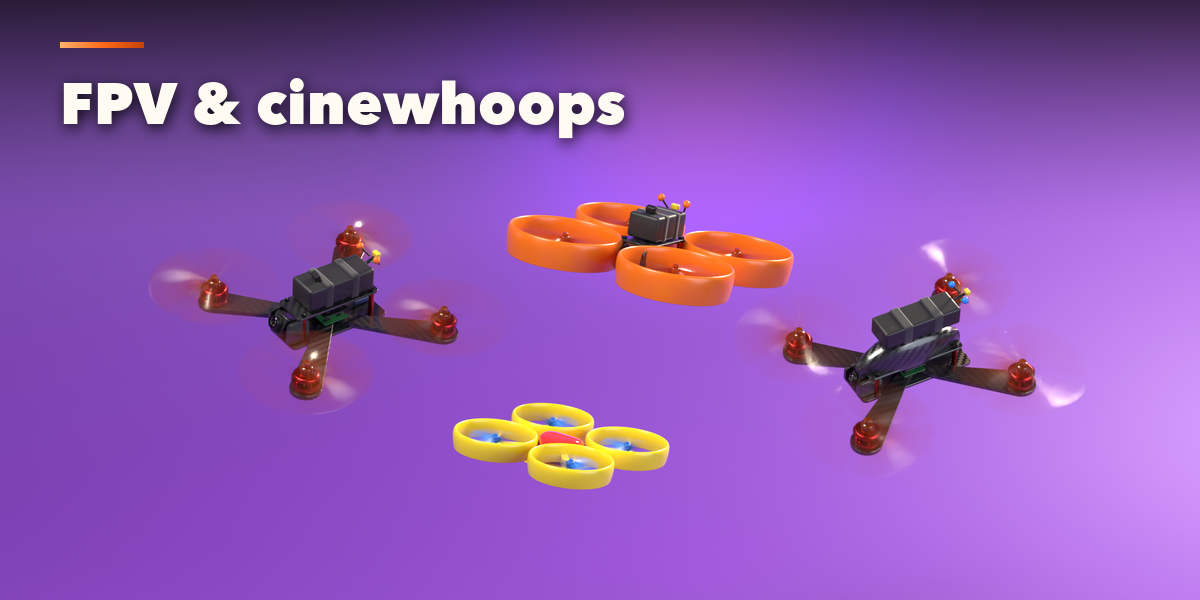
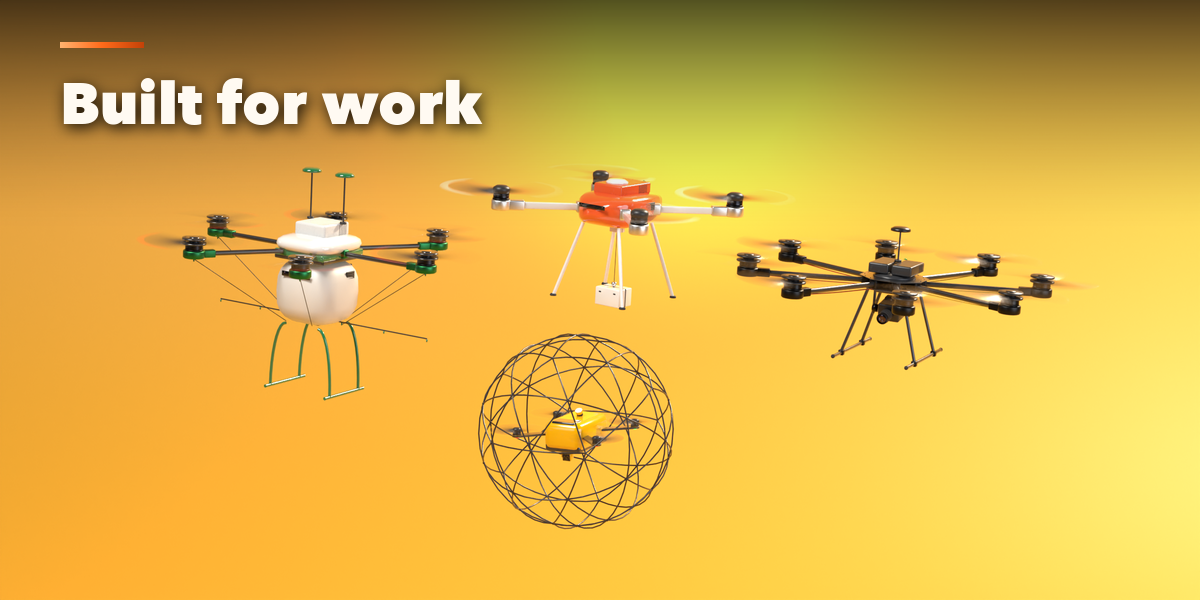
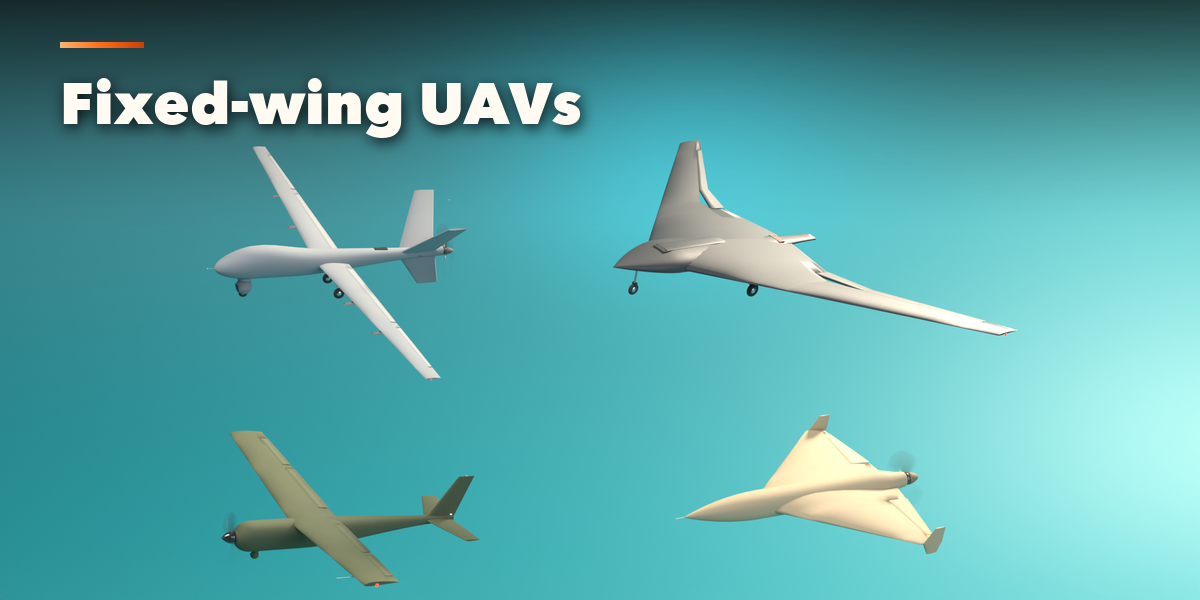
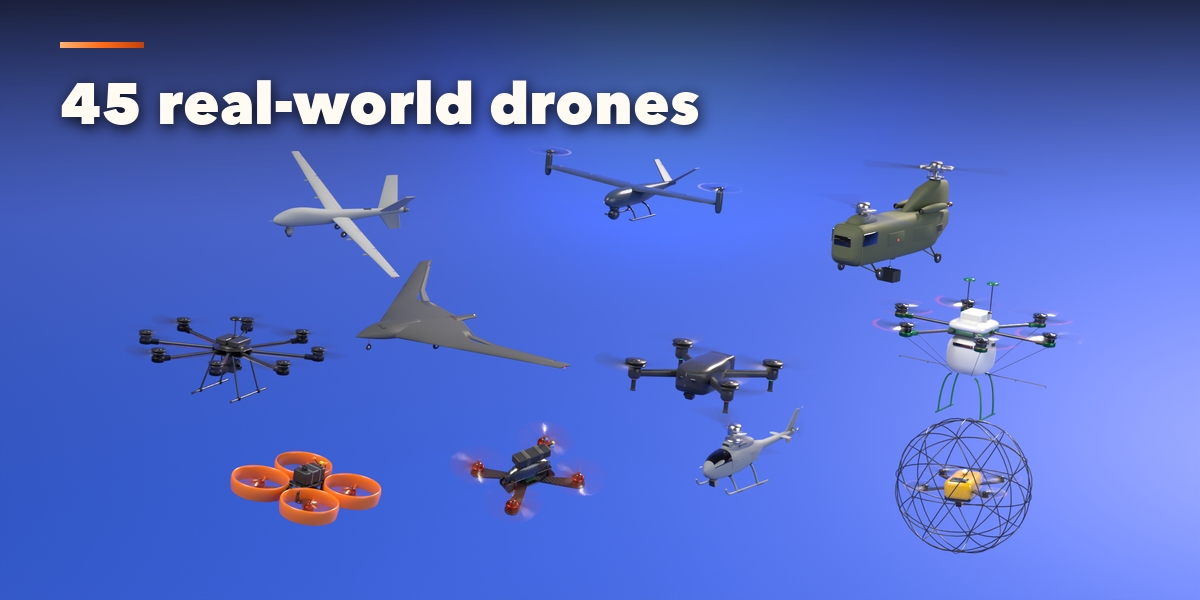
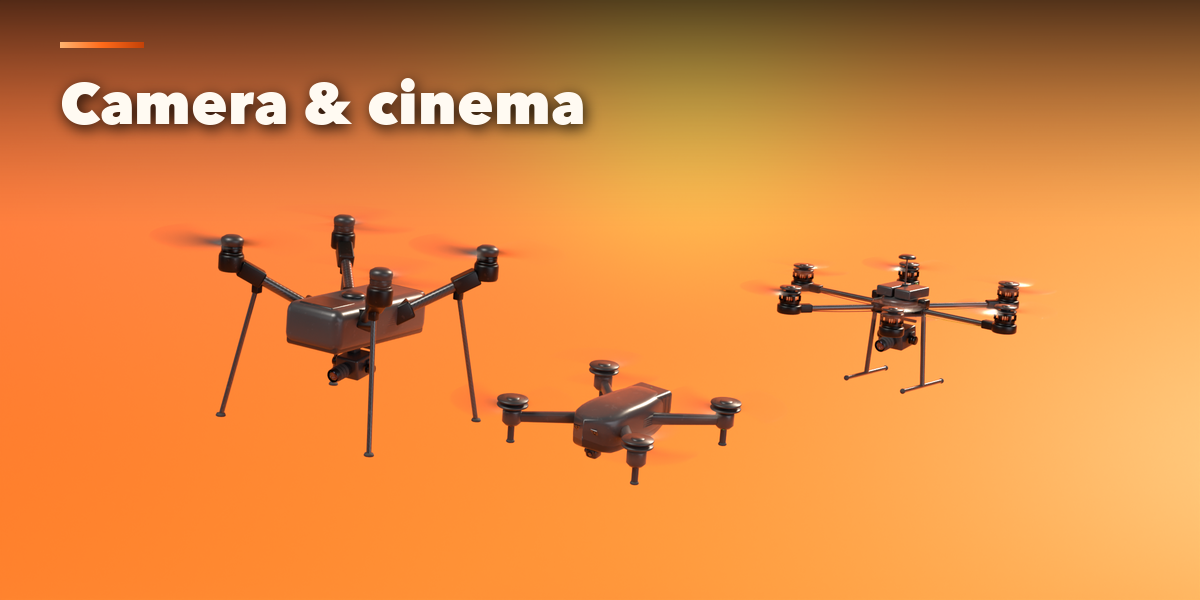
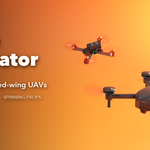
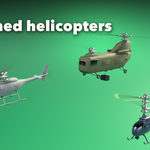
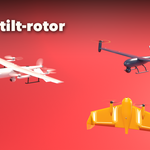
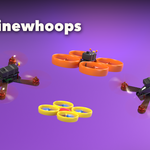
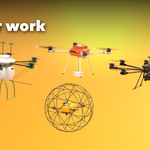
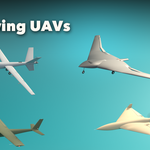
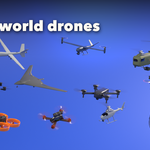
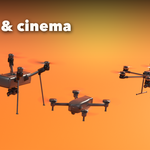
- Open the Drone tab in the 3D viewport sidebar (N). With no drone selected, click the big picture for a gallery of every design, pick a type tile (multirotor, fixed-wing, helicopter) or browse the designs family by family, then press Add. You can also use Shift+A, Drone.
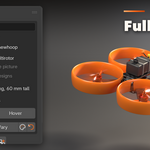
- The card at the top shows the design, its size and rotor count. Spin turns the props, Hover adds a gentle bob; Surprise makes a new random drone, Vary changes the current one a little and the palette button picks a random finish.
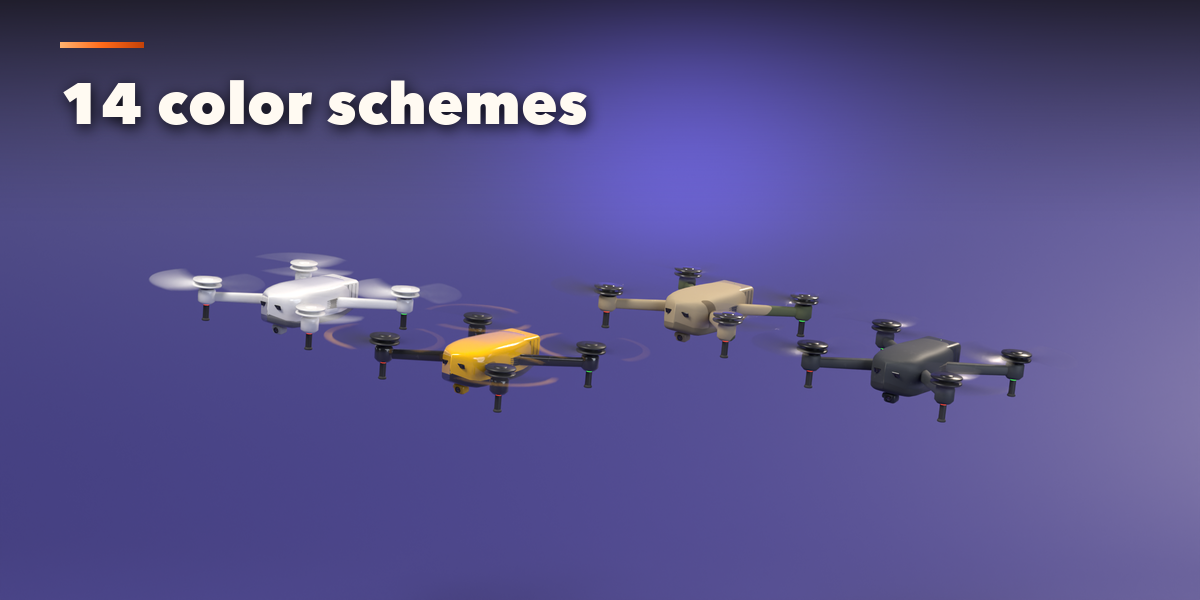
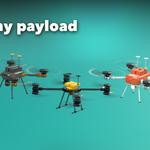
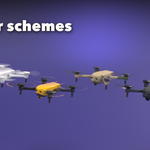
- The icon tabs hold every setting: Airframe (layout, arms, body, fuselage, wings, tail), Propulsion (props, motors, guards, engines, VTOL, rotors), Landing Gear, Payload (gimbals, sensors, sprayers, cargo, turrets, hardpoints), Details (battery, GPS, antennas, sensors, LEDs, wires), Finish (color scheme, surfaces, carbon, camouflage, wear), Motion (spin speed, hover, blinking, folding pose) and Parts & Export (part visibility, detail, scale, Convert to Mesh).
- Convert to Mesh keeps the drone as plain meshes, with the spinning props parented to the body; Delete removes it with all its parts.
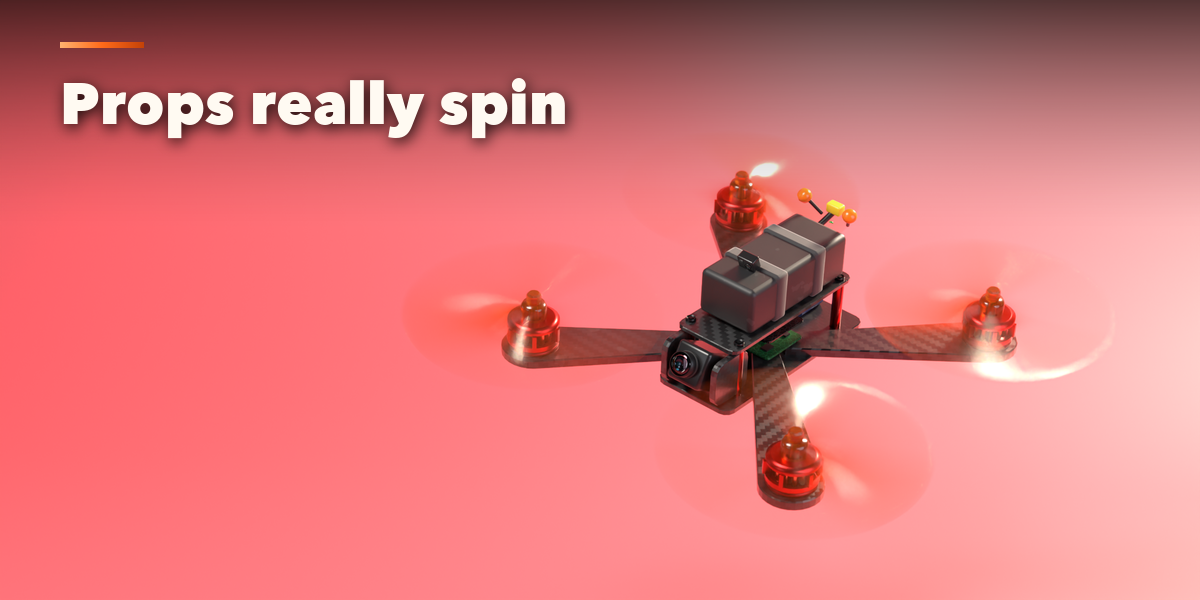
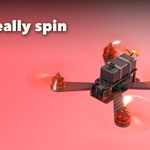
Real sizes are in meters. Turn on Blur Discs for renders without motion blur, or enable motion blur in Cycles to blur the spinning props.
Have questions about this product?
Login to message
| Blender Extension Compatible | Yes |
| Published | about 2 hours ago |
| Blender Version | 4.2 - 5.2 |
| Extension Type | Add-on |
| Render Engine Used | Cycles, Eevee |
| License | GPL |

Discover more products like this
uav VTOL Generator drone quadcopter helicopter Multirotor FPV procedural vehicle military aircraft