 sven dännart
 flojo79
 neill
neill
 Chris Nicholls
 Hessenbruch

Ibrahim Topal
9 days ago
Hi, can you mail/DM with the problem you're having? You can also send me a (simplified) file and I can take a look at it if you want.



This item has an average rating of 5 from 29 ratings by the community.
Purchase this item to leave a review!
Ibrahim Topal
9 days ago
Hi, can you mail/DM with the problem you're having? You can also send me a (simplified) file and I can take a look at it if you want.
Ibrahim Topal
over 4 years ago
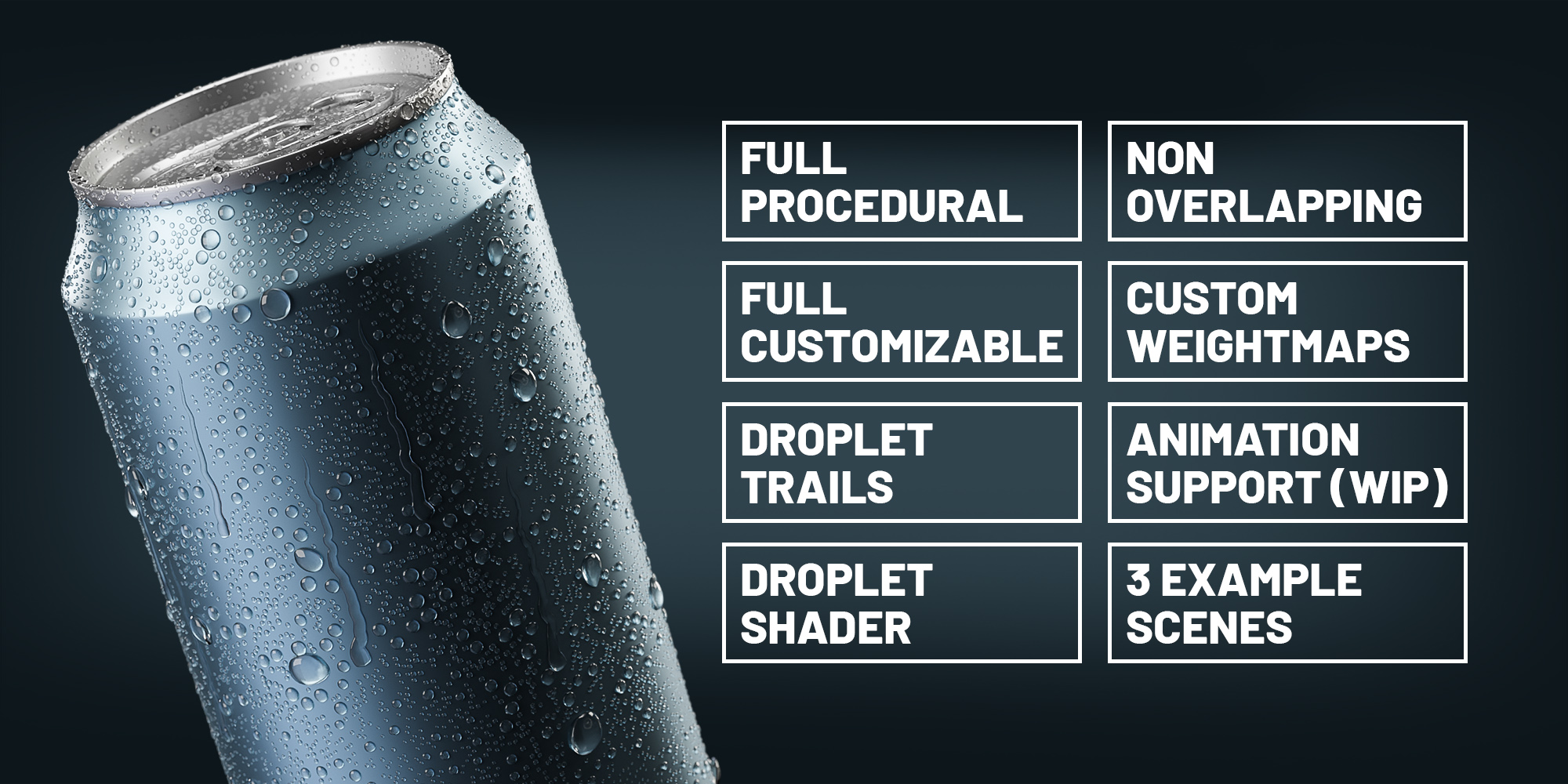
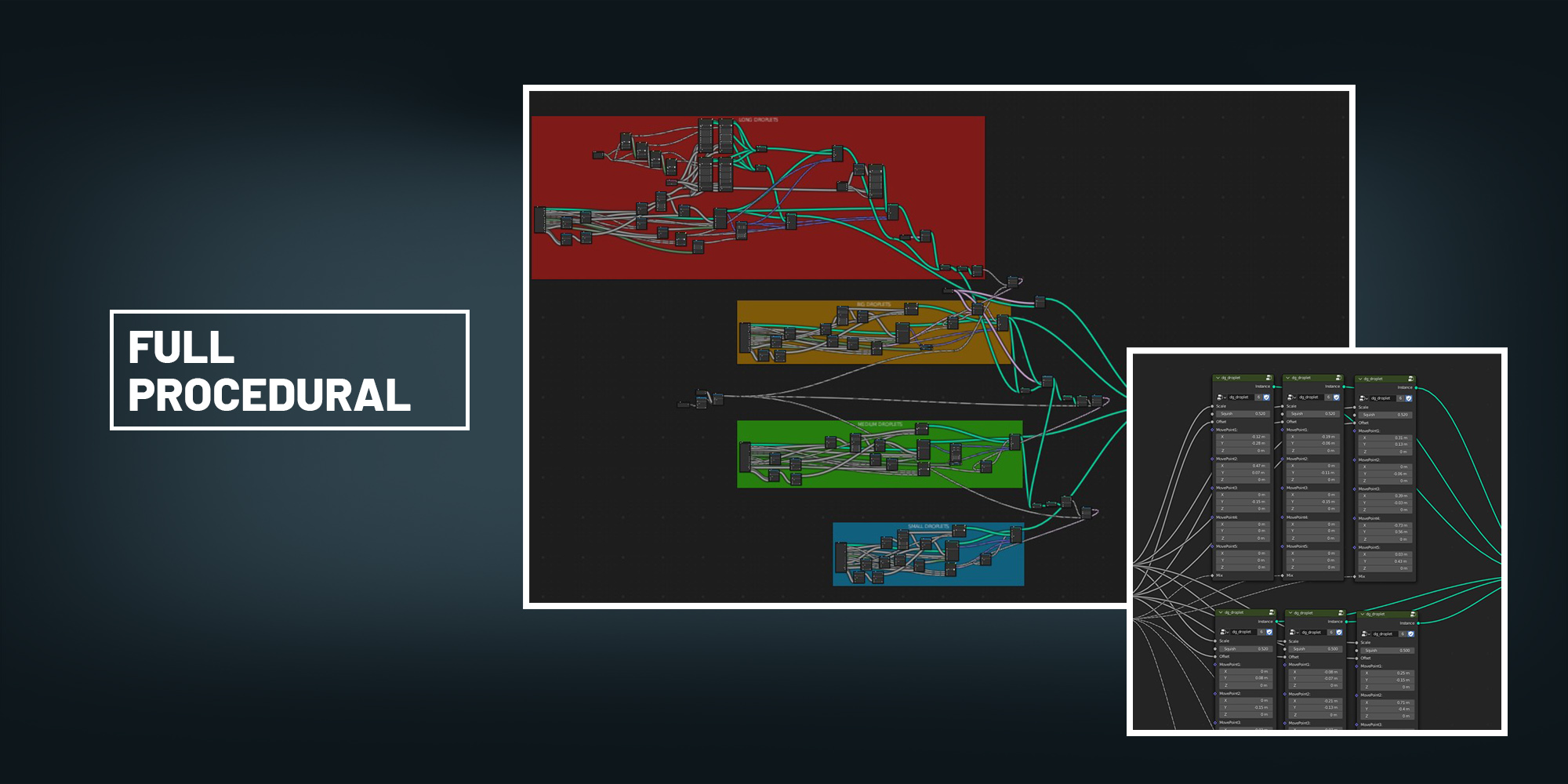
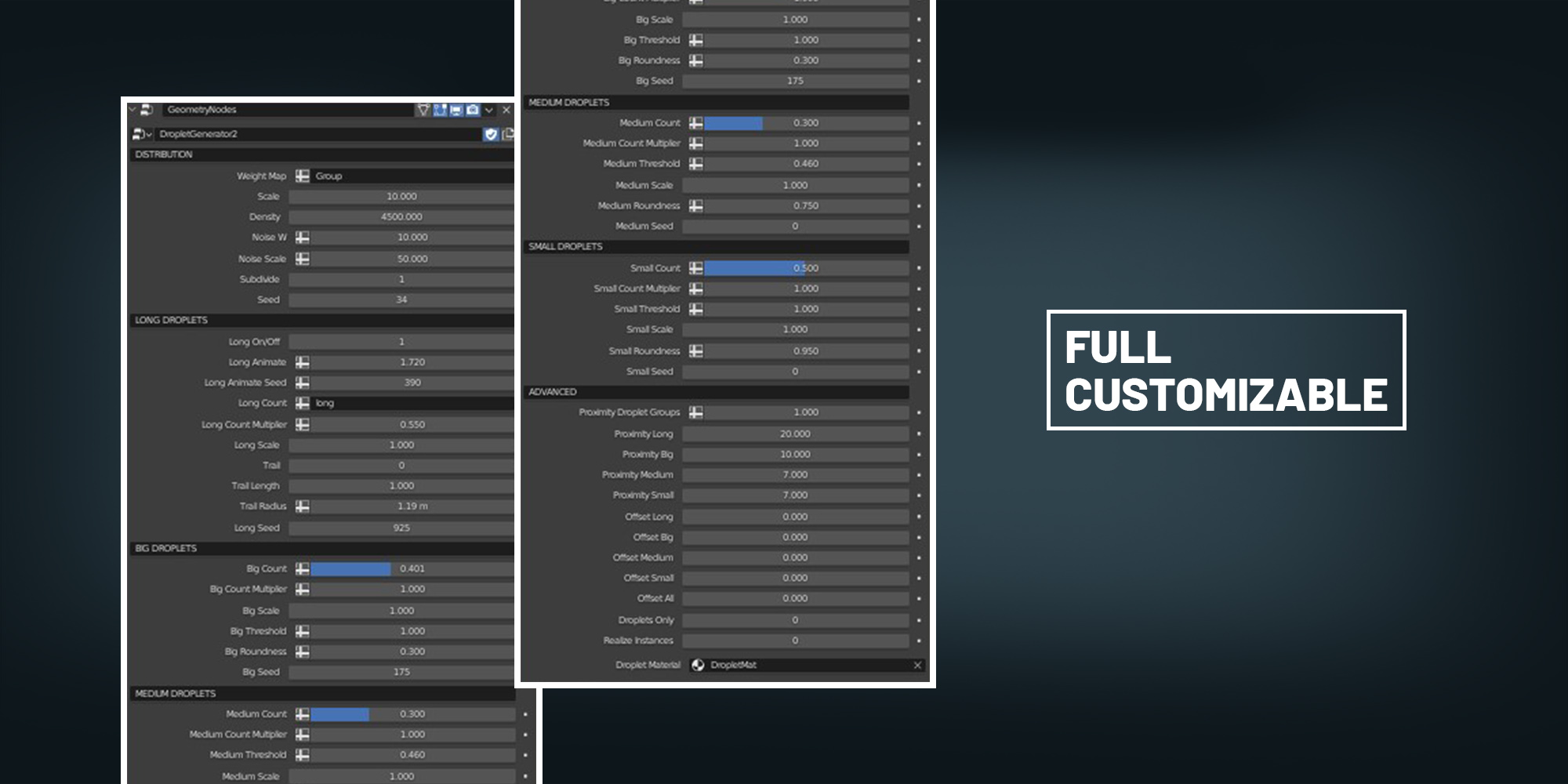
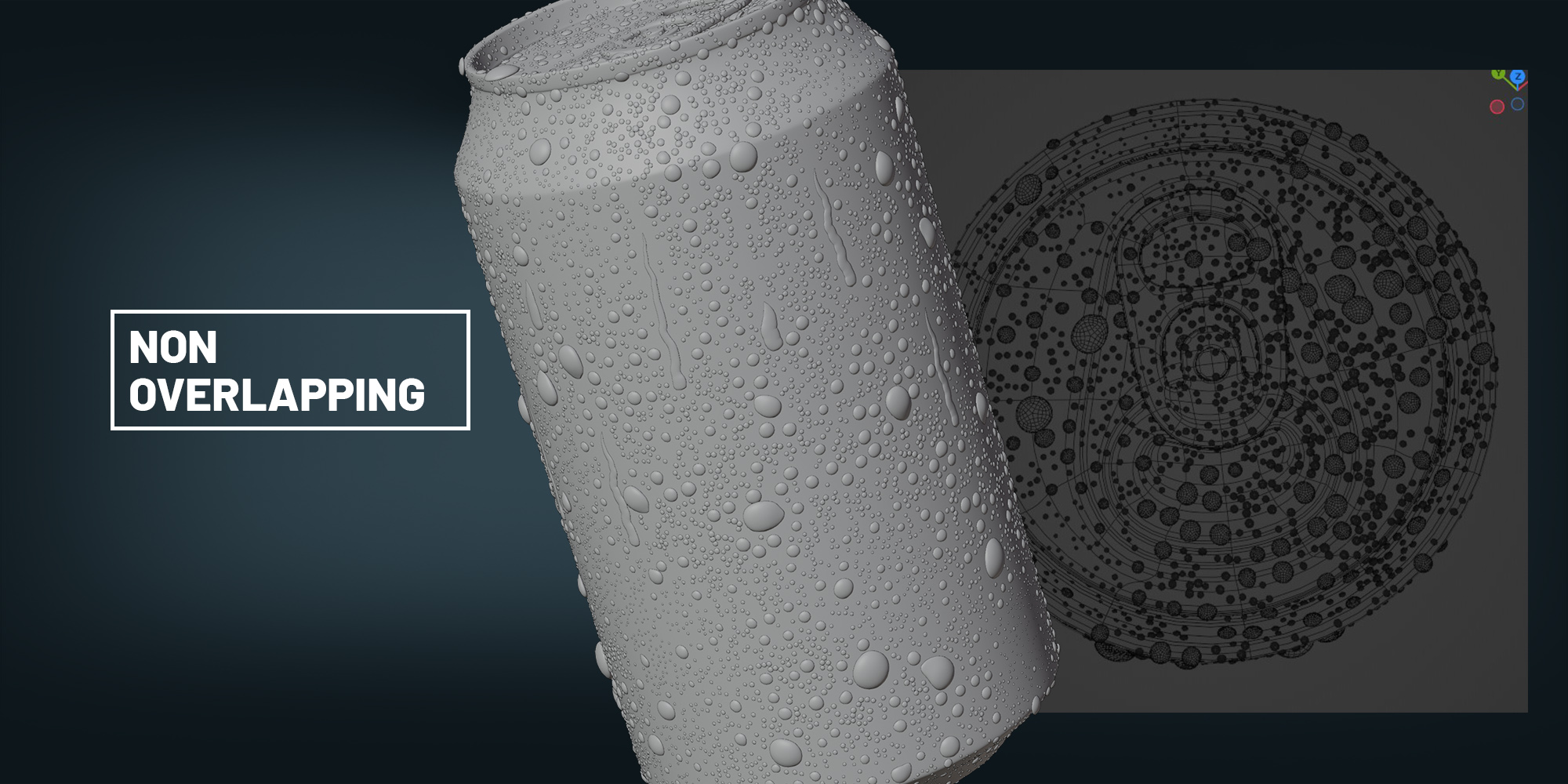
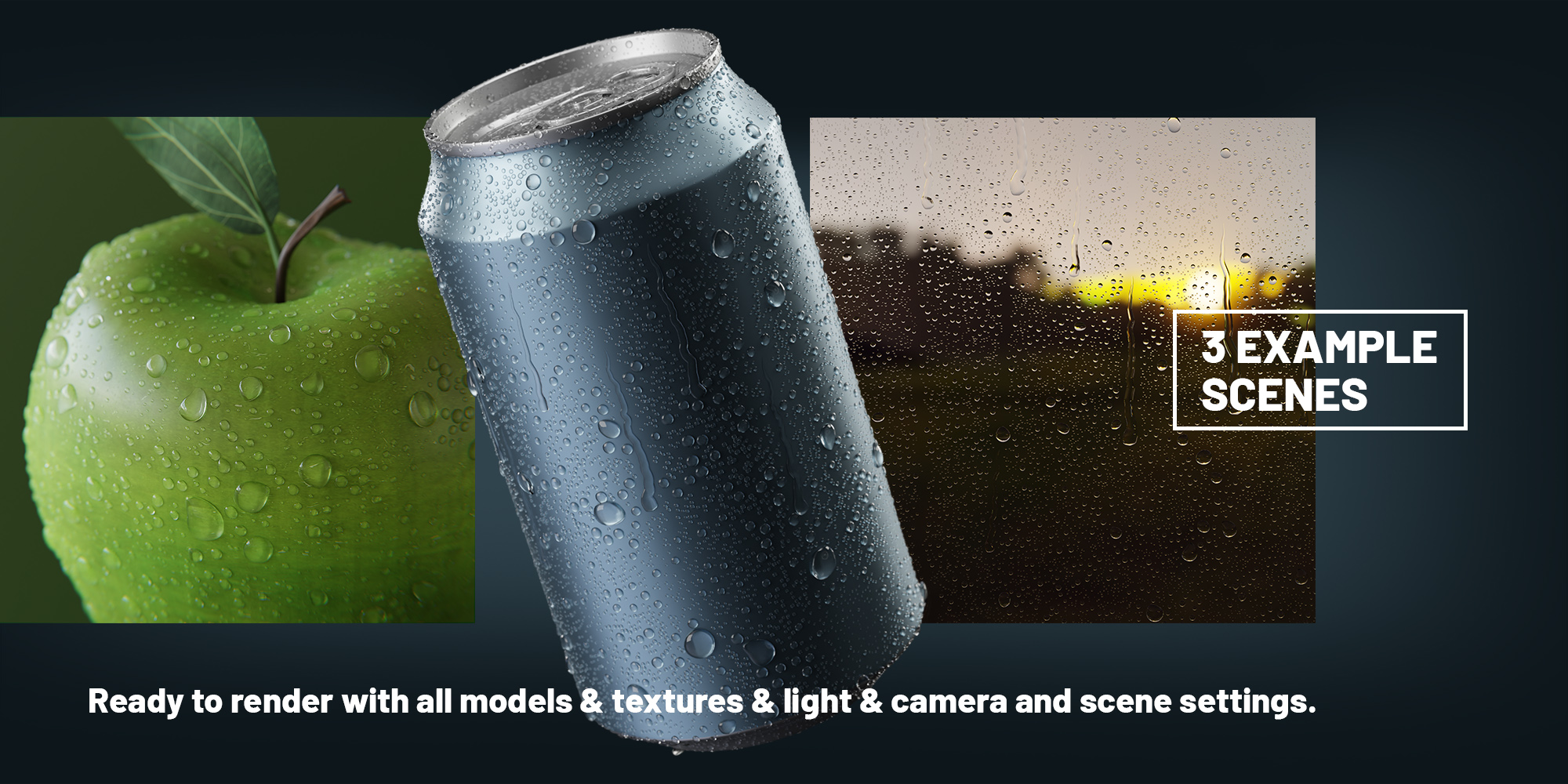
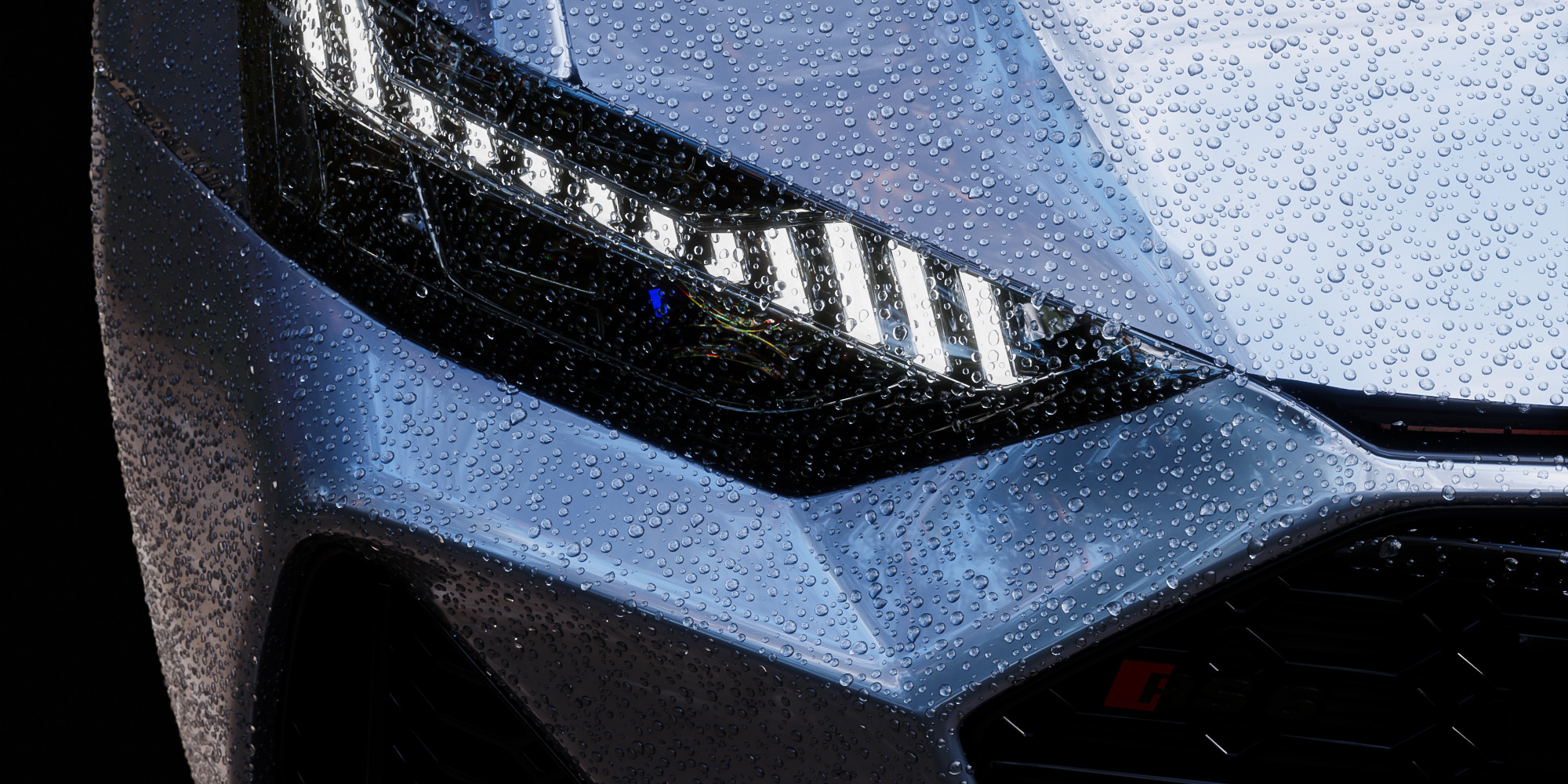
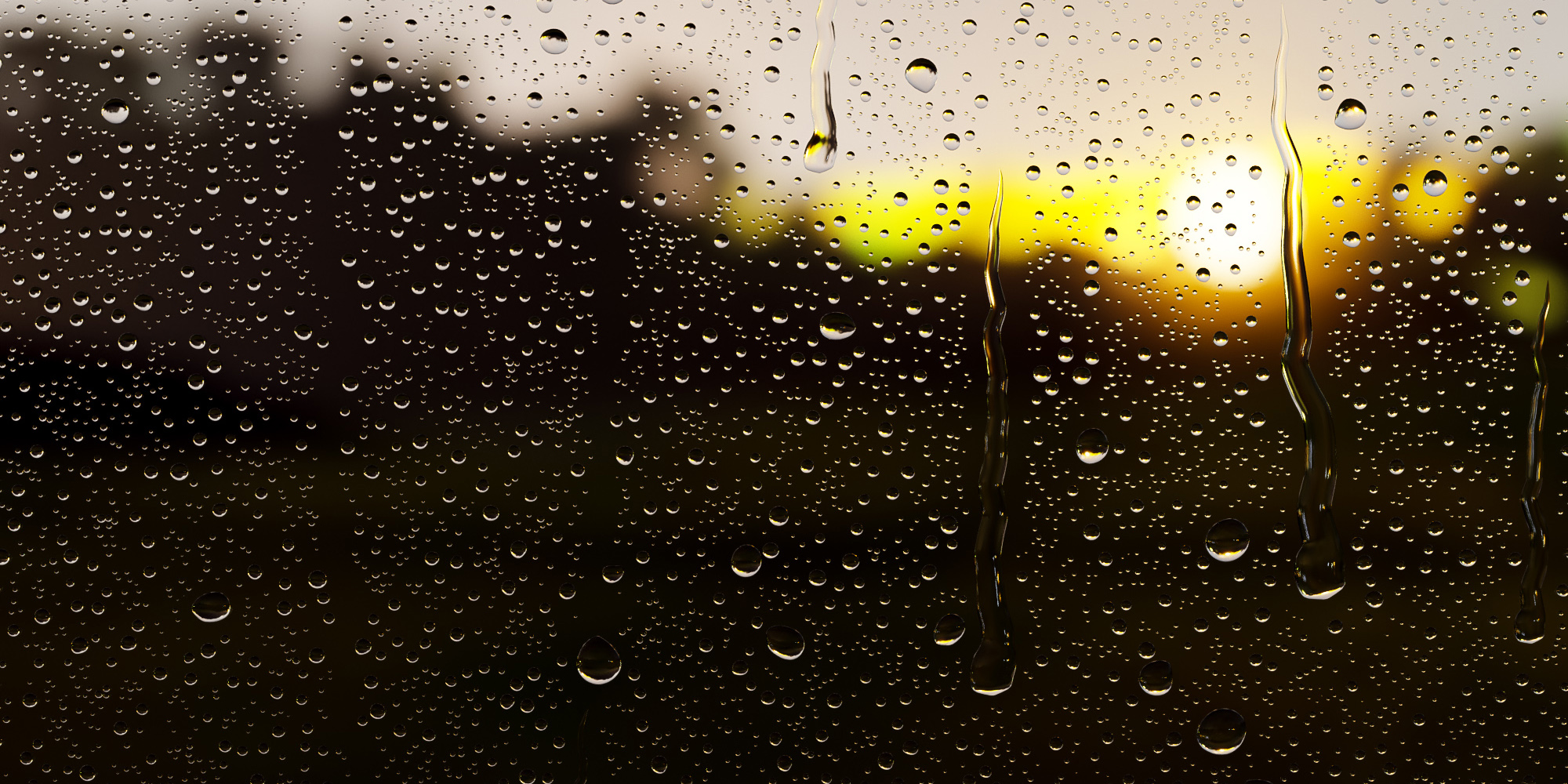
Open your scene, where you want droplets on. Now drag and drop one of the downloaded blend files (example scenes work, too) into your scene and choose append. Look for the folder "Nodetree" and select the dropletgenerator. Now you have everything you need in your scene. Select the object you want droplets on and add a new geometry nodes modifier. From the dropdown menu choose the dropletgenerator. You should now see droplets on your object. Change the settings to your liking. If you are having issues; make sure you are using at least Blender 3.1 and your object does not have inverted normals.
Have questions about this product?
Login to message
| Sales | 6100+ |
| Rating | 29 ratings |
| Dev Fund Contributor | |
| Published | over 4 years ago |
| Blender Version | 5.2 |
| Render Engine Used | Cycles, Eevee |
| License | Royalty Free |
spring24 loveblender droplet summer24 winter24 condensation productviz droplets bfcm24 Generator
 Christoffer Meyer
 Ezar Bagus
 Taras
Taras
 Nikolai