DropTex — Direct Image-to-Material Drop for Blender
 Heaven Studios


GETTING STARTED
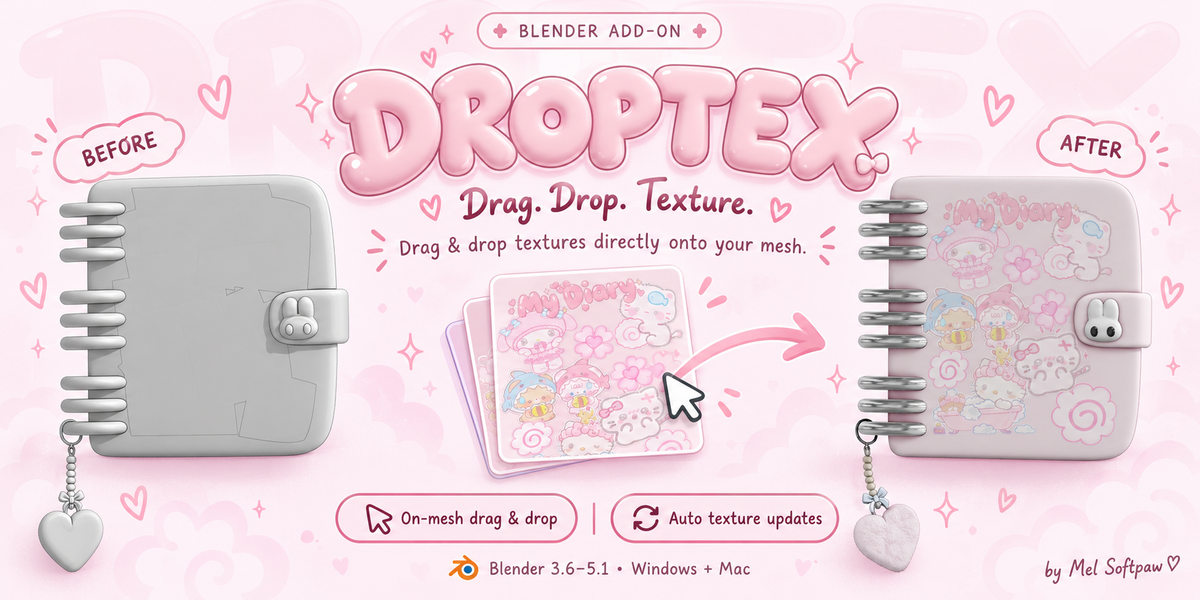
1. Install the Windows or macOS ZIP that matches your computer in Blender Preferences > Add-ons > Install, then enable DropTex.
2. Open a scene with a UV-mapped mesh and an editable material assigned to the face you want to texture.
3. In Object Mode, drag a PNG or JPG from File Explorer (Windows) or Finder (macOS) onto that face in the 3D Viewport.
4. If Blender 4.1 or newer shows a drop-handler chooser, select “DropTex: Apply Image to Mesh.”
HOW DROPTEX APPLIES IMAGES
DropTex targets the existing material assigned to the face under the drop point. It does not make a new material or change face assignments. Other material slots are left alone. Since a material is shared, every face or object using that same material will show the updated texture. The active UV map controls placement.
Clear Base Color, Albedo, Diffuse, and Normal filenames are routed automatically. Unlabeled filenames default to Base Color. A filename containing Metallic or Roughness opens a destination choice because workflows differ. Standard RGBA images can also connect their alpha to the material's Alpha input. Ctrl+Z undoes an image assignment.
UPDATING AN EXPORTED TEXTURE
DropTex can refresh a texture when its external image file changes. Keep Blender open and export the updated image from Substance Painter or another image app over the exact same file path. DropTex reloads it after the file write settles. Saving a Substance project without exporting over the tracked image does not update the texture. If you rename or move the image, drop it again. Manual refresh is available from the right-click DropTex menu.
OPTIONAL ADJUSTMENTS
The image is applied immediately; adjustments are optional. Use F3 > DropTex: Adjust Active Image to change scale, rotation, or offset. The pixel-heart loading indicator can be disabled in DropTex preferences.
REQUIREMENTS AND TESTED CONFIGURATIONS
Use a visible mesh face with an active UV map and an editable assigned material. The Windows package was tested on Blender 3.6.23 x64. The separate macOS package was tested on Blender 3.6.4. Blender 4.1+ may show Blender's native handler chooser. Other OS, Blender-version, and hardware combinations should be tested before being described as verified.
Have questions about this product?
Login to message
| Published | about 2 hours ago |
| Blender Version | 3.6 - 5.1 |
| Extension Type | N/A |
| License | GPL |
Discover more products like this
Substance painter Add-on macos live-texture-update texture blender texture-workflow Blender 5.1 windows Material image texture drag and drop