DropTex — Direct Image-to-Material Drop for Blender
 Heaven Studios
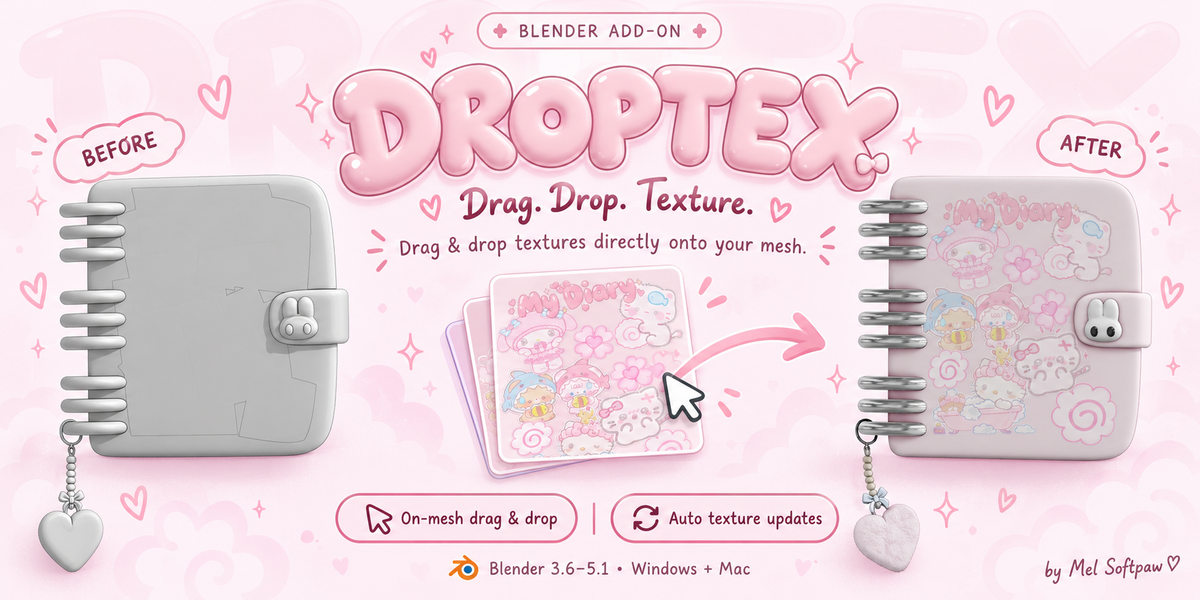

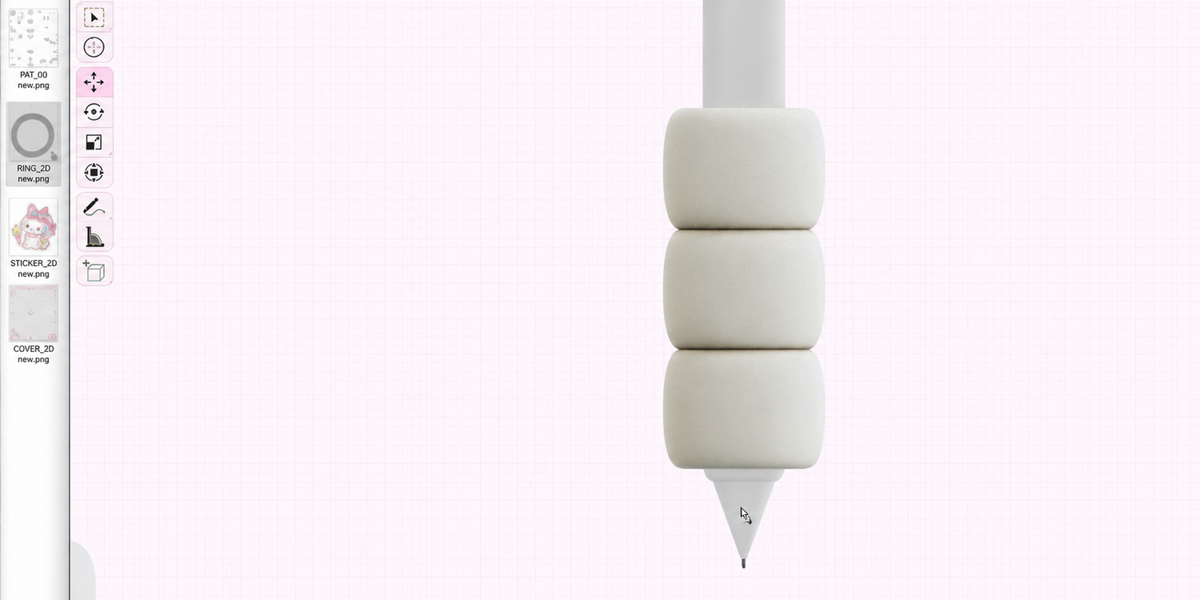
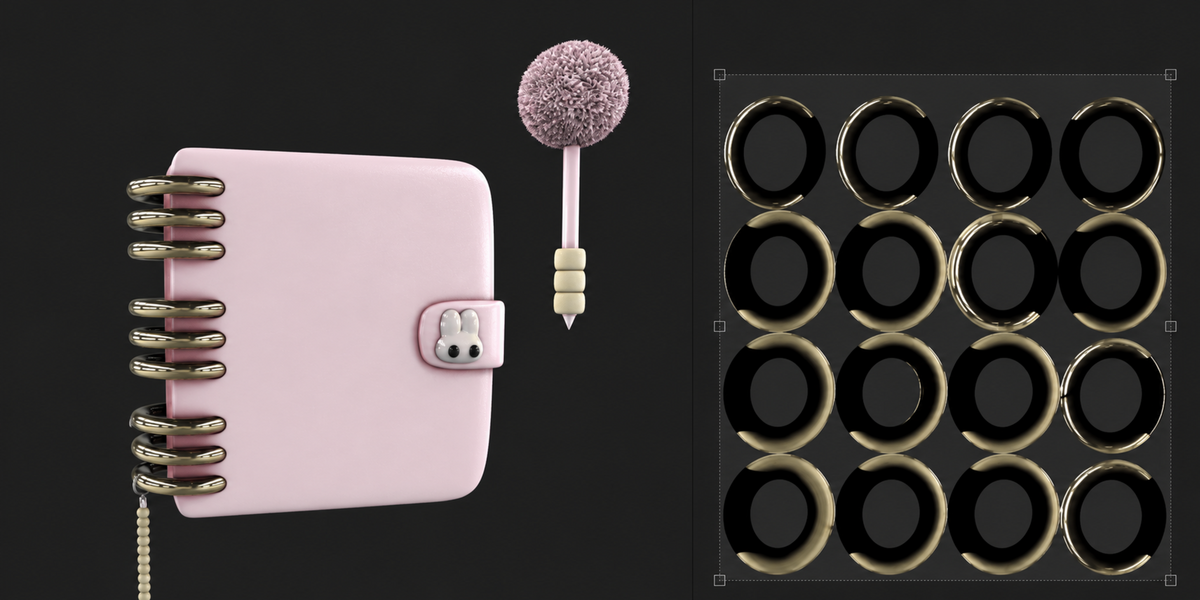


How do I update an image after exporting a new version from Substance Painter?
Keep Blender open and export over the exact same image file DropTex is tracking. Once the file finishes writing, DropTex reloads it automatically. Saving the Substance project by itself does not replace the exported PNG. If you change the filename or folder, drop the new image again.
Will DropTex make a new material or change my other material slots?
No. DropTex applies the image to the existing material assigned to the face under the drop point. It leaves other material slots and face assignments alone. All faces or objects that already share that material will show its updated texture.
Have questions about this product?
Login to message
| Published | about 2 hours ago |
| Blender Version | 3.6 - 5.1 |
| Extension Type | N/A |
| License | GPL |
Discover more products like this
Add-on windows macos Blender 5.1 live-texture-update texture drag and drop Material image texture texture-workflow blender Substance painter