Dup_x
 Bookyakuno

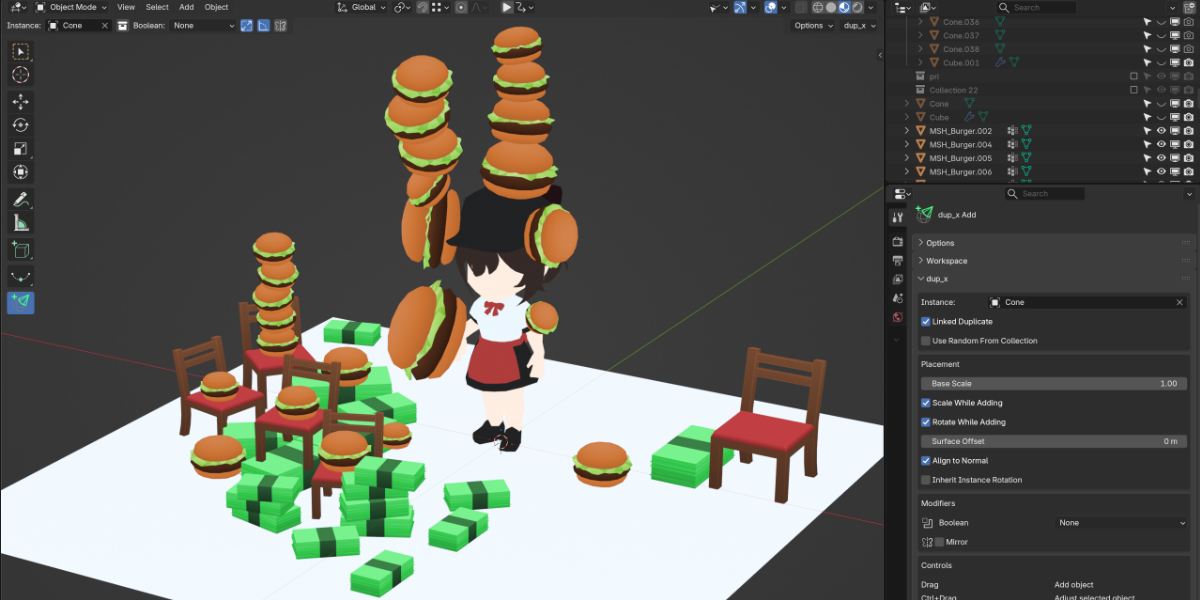
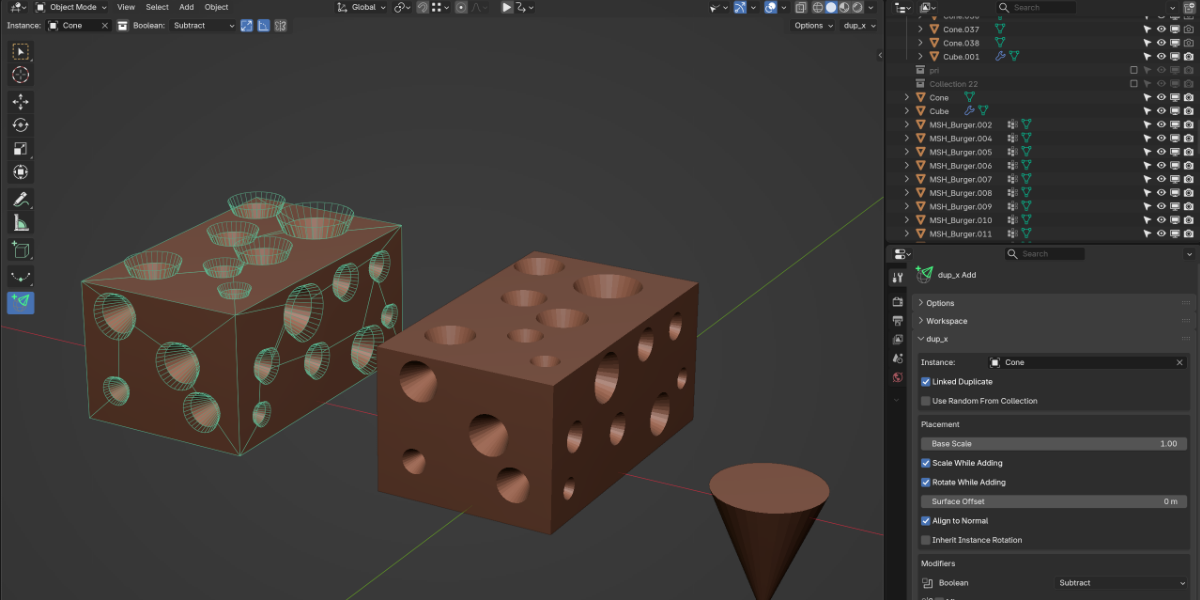
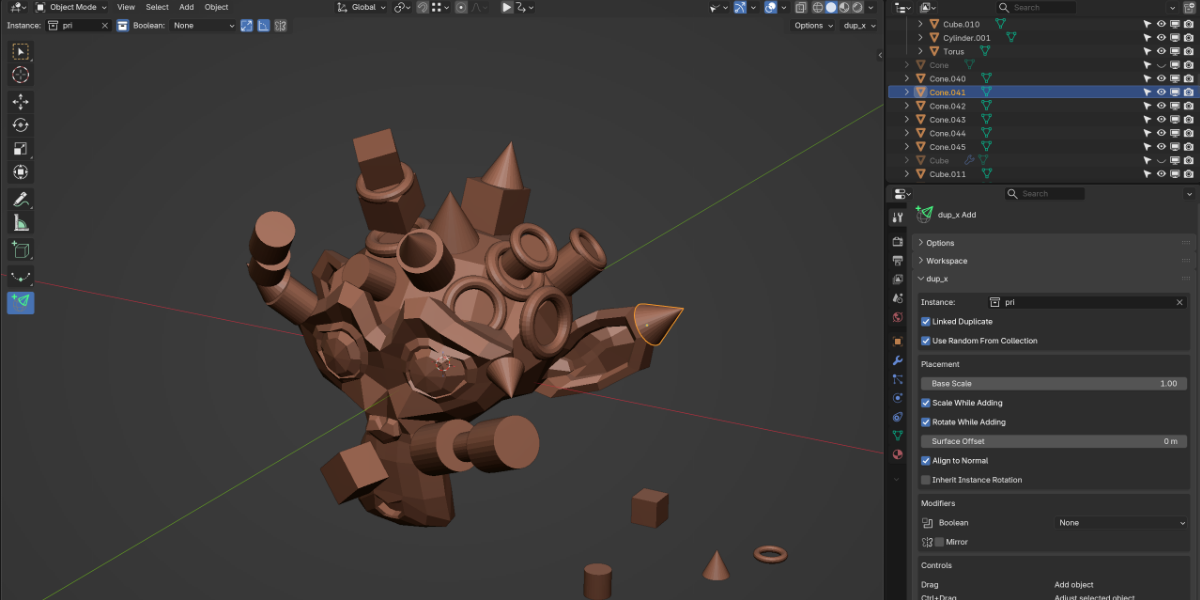


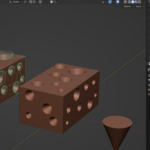
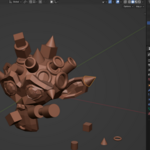
How can I quickly switch the instance object to be placed?
Pressing the 'C' key while a tool is selected activates Eyedropper mode.
Clicking on an object while in Eyedropper mode sets that object as the instance object.
Additionally, by using the "Use Random From Collection" option, you can randomly select from multiple objects within a specific collection.
$5
Have questions about this product?
Login to message
| Published | 14 days ago |
| Blender Version | 5.2 |
| Extension Type | N/A |
| License | GPL |