 VertexModeler Inc.



BLENDER ADD-ON BY VERTEXMODELER
Bring DWG into Blender.
Keep It Editable.
Preserve useful CAD structure, smooth geometry, reliable placement, and editability inside Blender.
| 01 / DIRECT WORKFLOW Direct DWG ImportImport .dwg files through Blender's File menu or drag them into the 3D Viewport. No manual DWG-to-DXF conversion is required. | 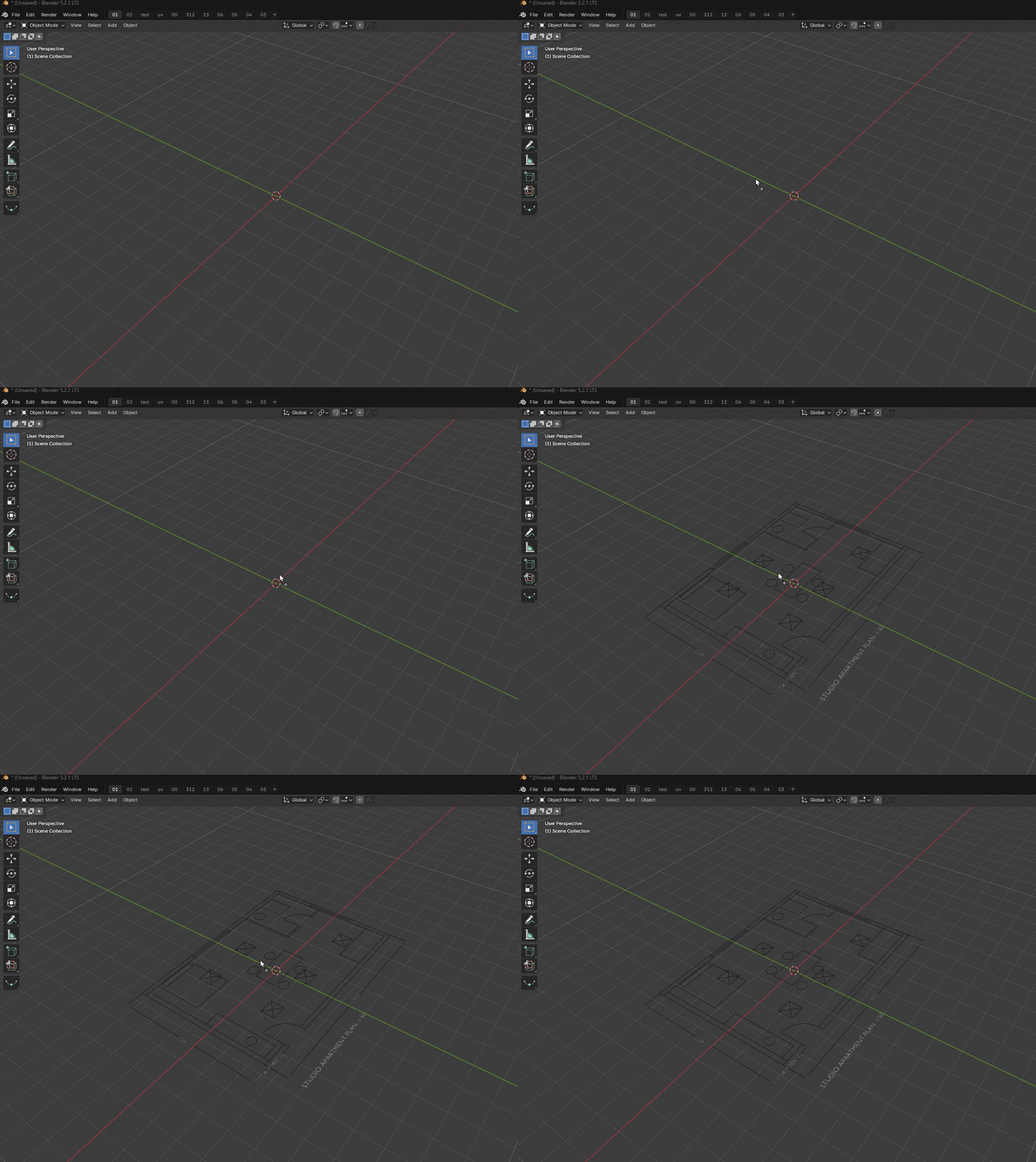 |
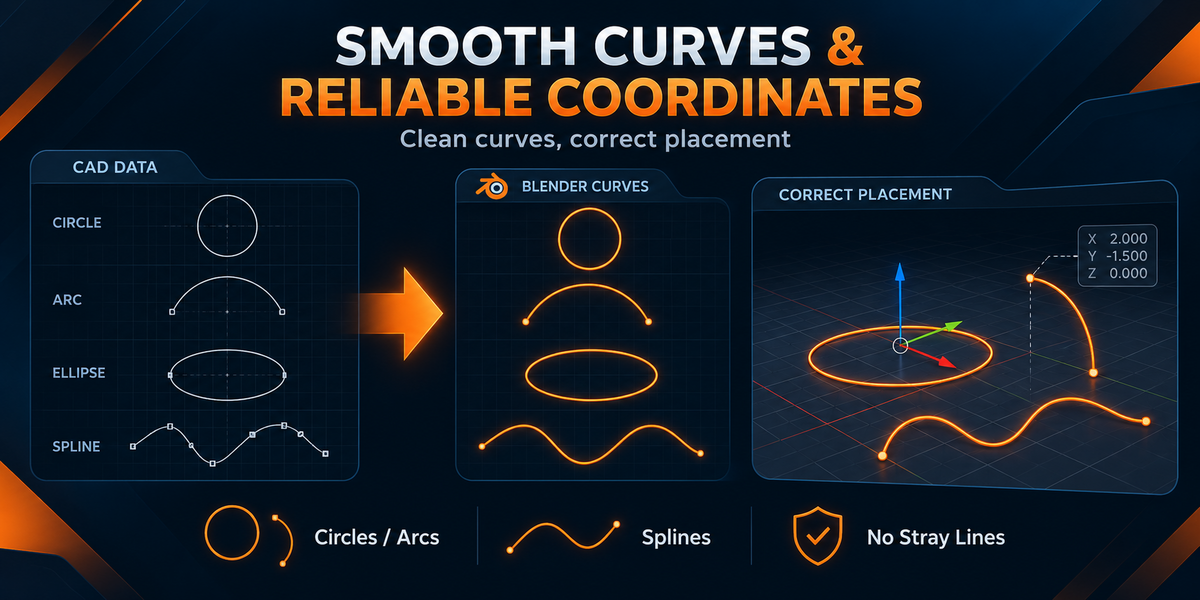
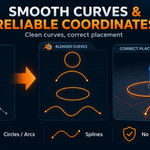
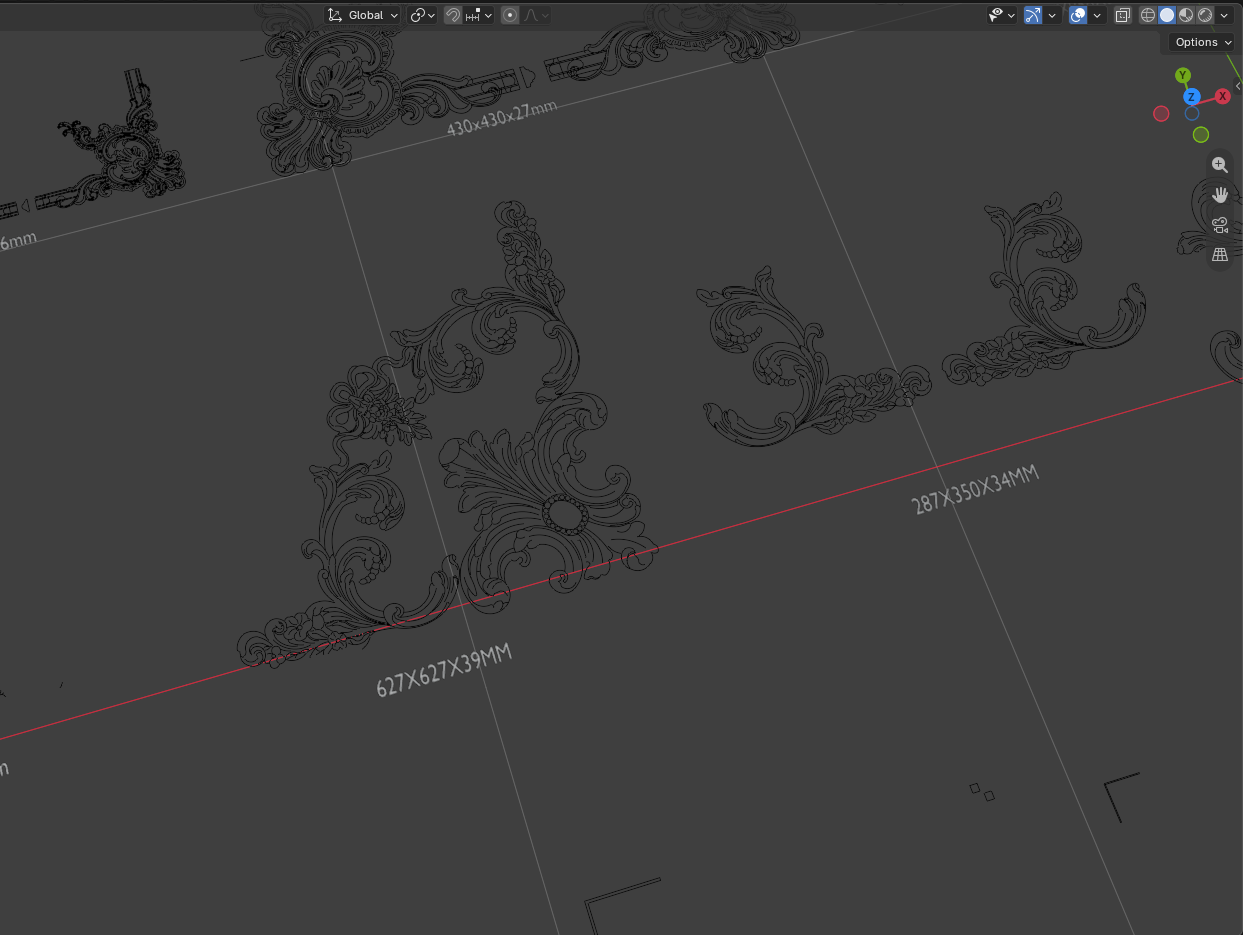 | 02 / GEOMETRY FIDELITY Smooth, Reliable GeometryDedicated handling for circles, arcs, ellipses, splines, mirrored blocks, and transformed geometry preserves smoothness and prevents misplaced lines or geometry stretching toward the world origin. |
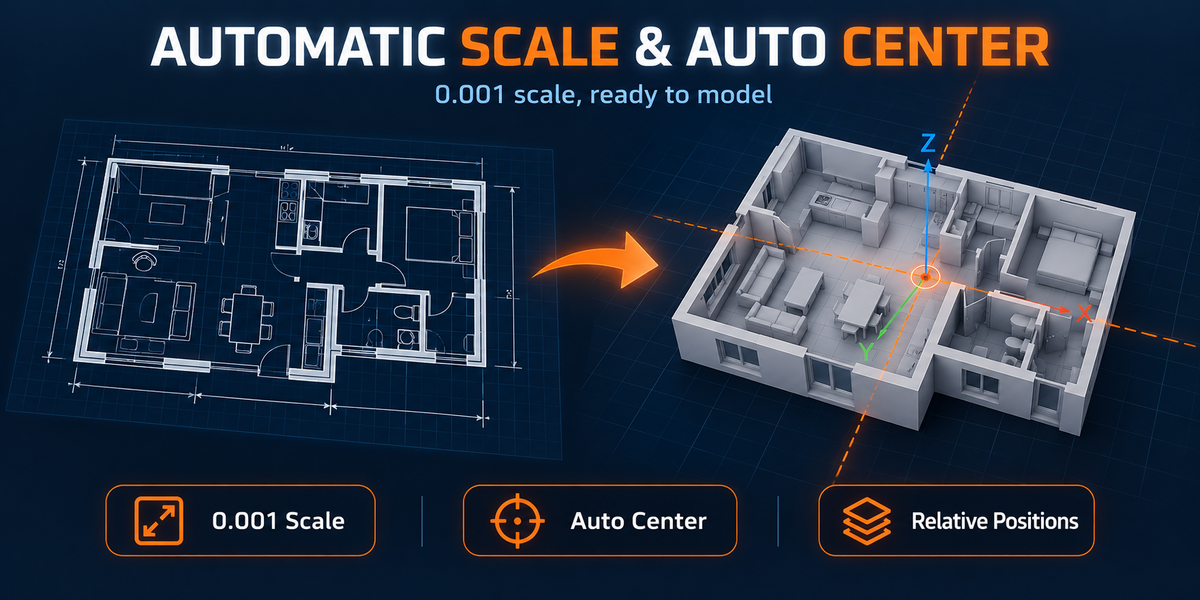
| 03 / READY TO USE Automatic Scale and OriginDrawings use a consistent import scale and are automatically centered around Blender's world origin while preserving the relative position of visible and hidden content. | 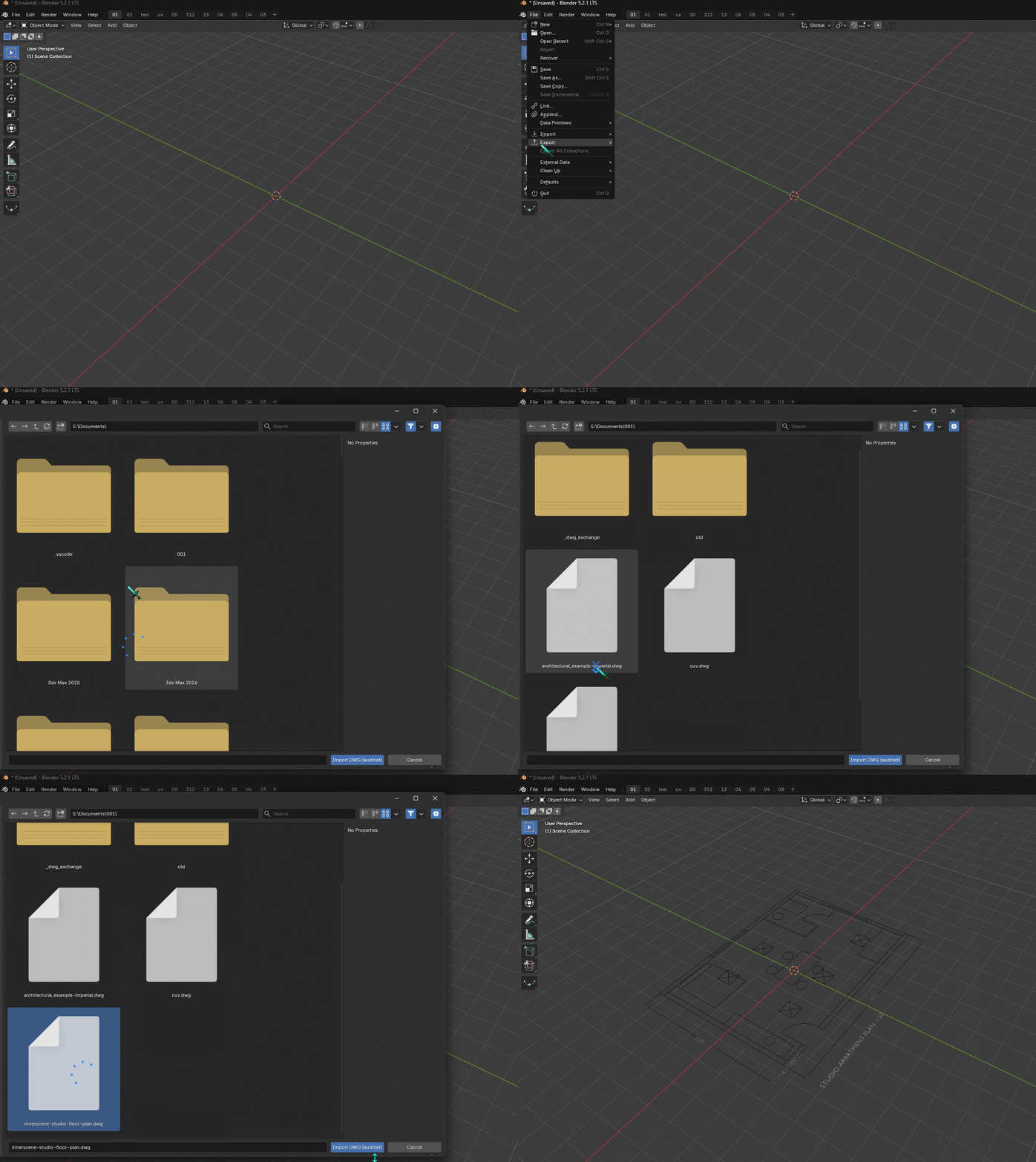 |
04 / EDITABLE STRUCTURE
Preserved CAD Structure and Editability
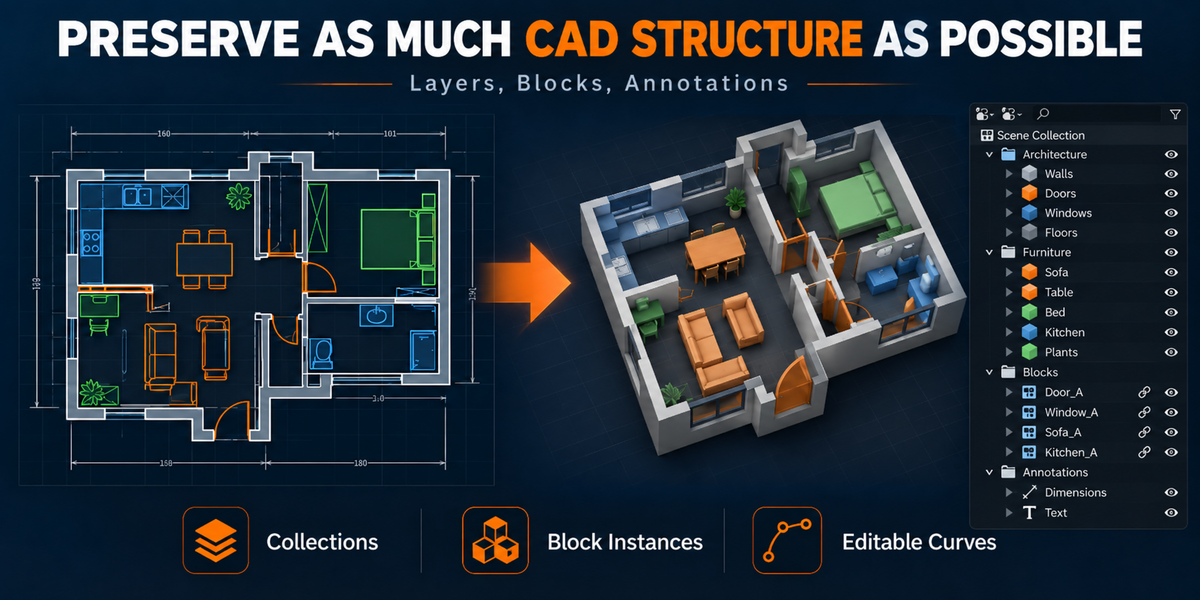
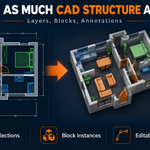
CAD layers, block instances, annotations, source metadata, and connected patterns are organized into practical Blender collections and editable Curve objects instead of one unmanageable object.
05 / SOURCE VISIBILITY
Correct Hidden-Layer Handling
Off, frozen, and individually hidden CAD content remains aligned in a disabled Blender collection without affecting automatic centering.
ONE-TIME SETUP
Install Once. Import Effortlessly.
Install the free ODA File Converter once. DWG Import detects it and handles future conversions automatically in the background.
DWG Import is an independent product and is not affiliated with or endorsed by the Open Design Alliance. We sincerely thank them for providing ODA File Converter free of charge.
DWG IMPORT | CREATED BY VERTEXMODELER
